DWG FastView-CAD Viewer&Editor
Gstarsoft Co., Ltd.- 3.7star114,001 reviews
- 10M+Downloads
- 68 MBAPK size
- EveryoneRated for Everyone
- 5.0+Android
check_circleOriginal APK from Gstarsoft Co., Ltd. · Updated Nov 12, 2026
No threats found
0 / — antivirus engines flagged this file
Original signature
First seen — Gstarsoft Co., Ltd.
Unmodified APK
Same file the developer published — no mods
DWG FastView-CAD Viewer&Editor screenshots
8 images · tap to enlarge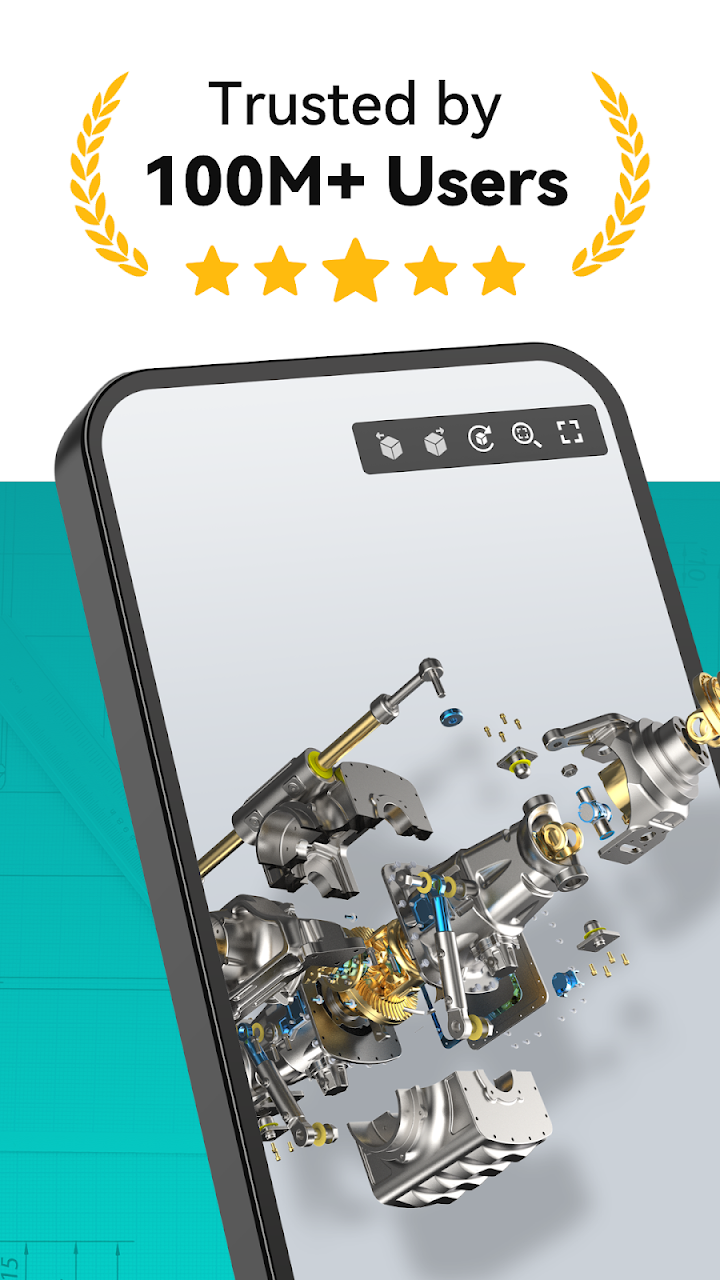
About this app
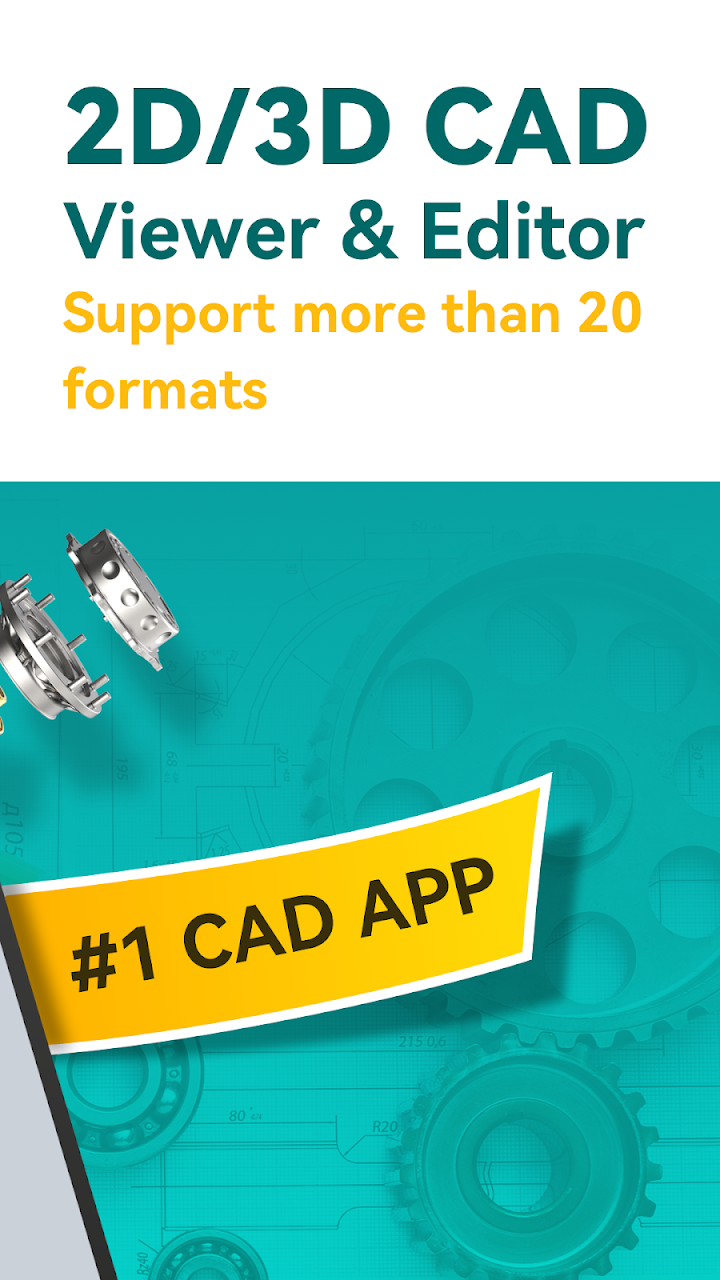
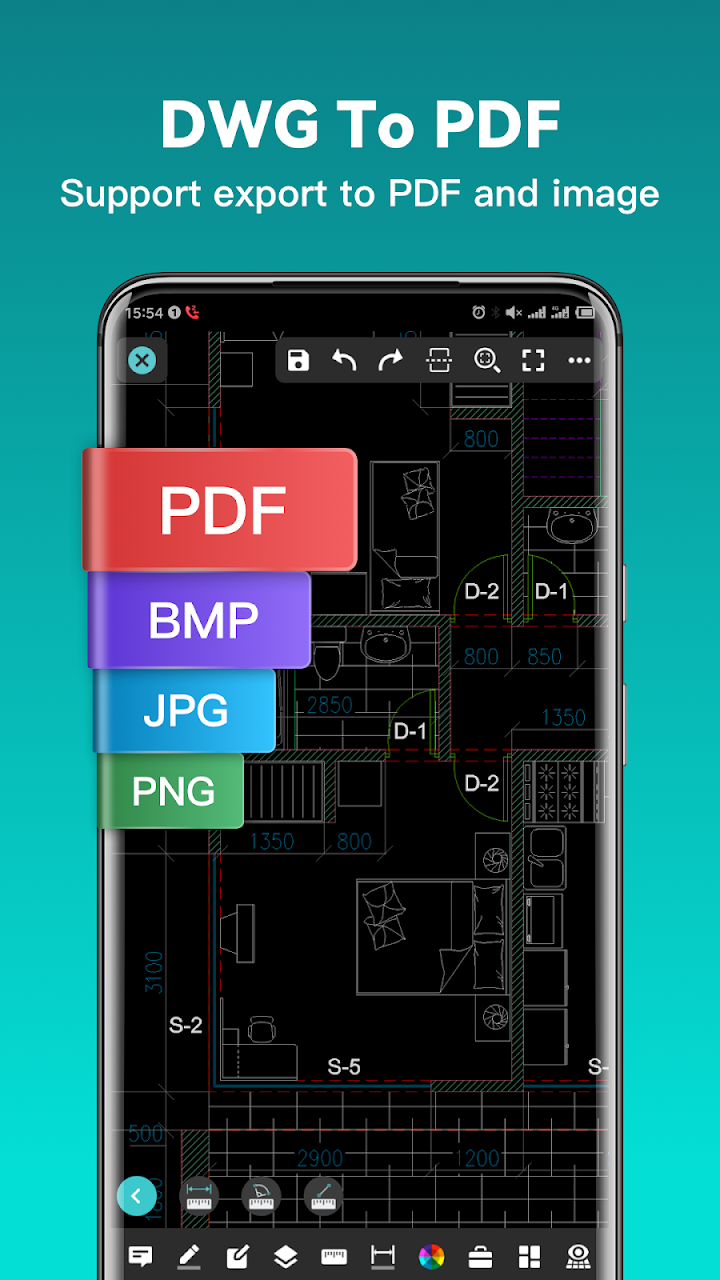
Need to work with CAD drawings on your phone? DWG FastView-CAD Viewer&Editor opens DWG and DXF files, supports editing and measurement, and can export drawings to PDF, BMP, JPG, or PNG. It also handles 3D models and works without registration, but some advanced editing tools sit behind Premium/Super plans.
- DWG and DXF support — Opens AutoCAD DWG and DXF files with no file-size limit and supports viewing, editing, and creating drawings.
- Offline workspace — You can save drawings locally and keep working without internet after installing the app.
- PDF and image export — Convert CAD drawings to PDF, BMP, JPG, or PNG and adjust PDF paper size, orientation, and color.
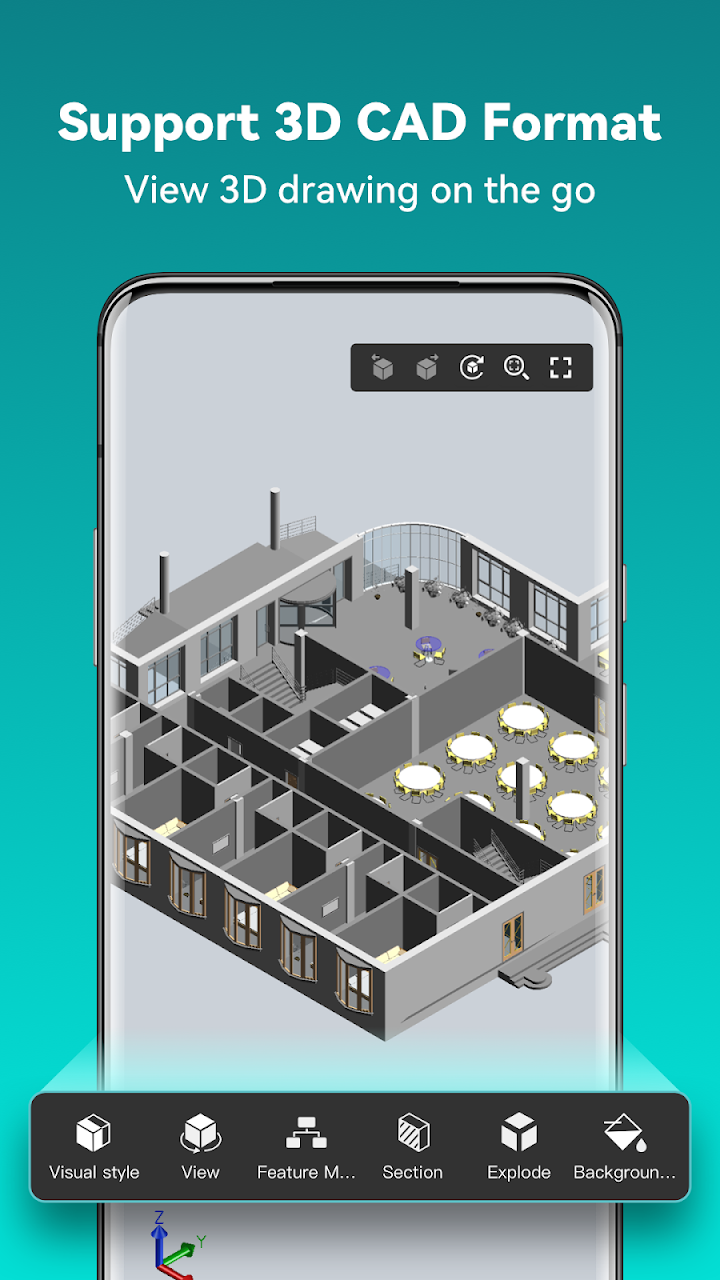
- 3D model viewing — Browse 3D models from formats such as RVT, SolidWorks, Creo, NX, CATIA, and Inventor, with rotation and sectioning tools.
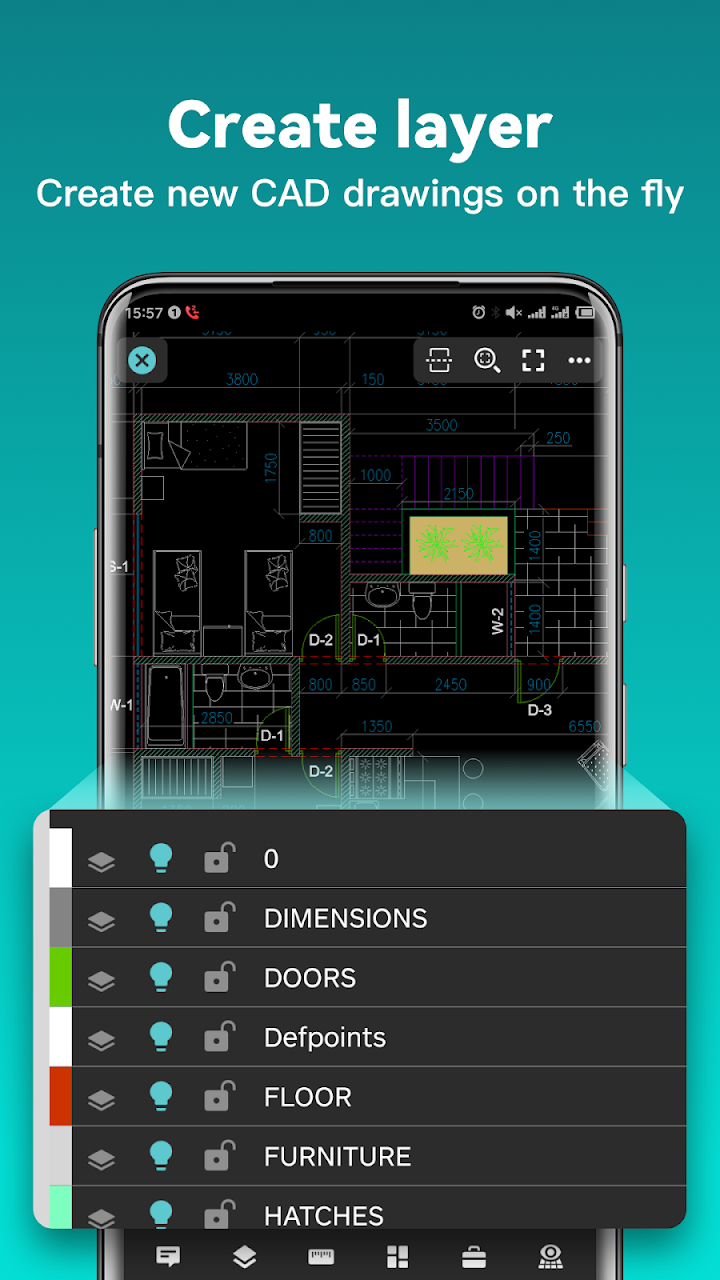
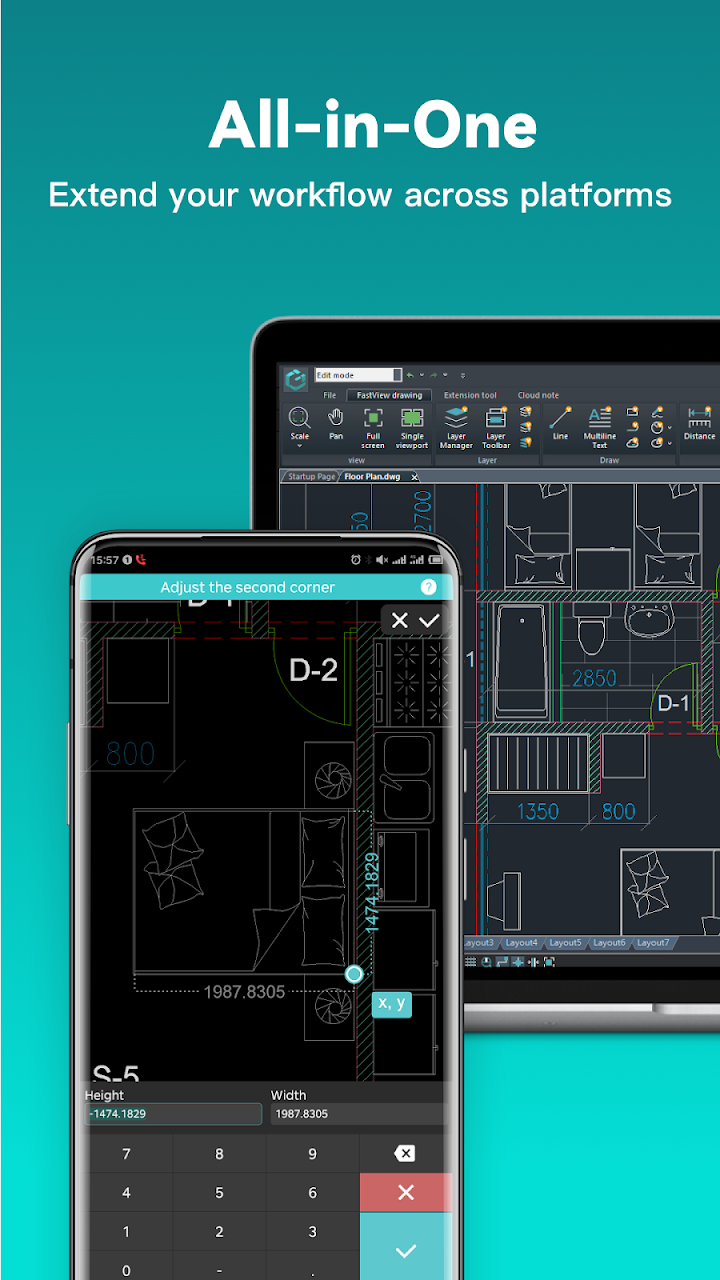
- Mobile CAD tools — Use trim, offset, dimensioning, layers, layout, precise coordinates, and text search on your device.
For drawing reviews on the move
If you need to open a CAD file quickly on Android, this app focuses on DWG and DXF access with viewing, editing, and measurement tools. It also supports no-registration use, so you can start working right after install. The app is an APK at 67.6 MB, requires Android 5.0 or later, and is available in a universal build.
For people who need to edit, not just view
DWG FastView-CAD Viewer&Editor goes beyond simple file viewing. You can move, copy, rotate, scale, change colors, manage layers, work with layouts, and use tools such as trim, offset, dimension, and find text. It also supports precise coordinate input, including absolute, relative, polar, spherical, and cylindrical coordinates.
- Gets: DWG/DXF support, offline saving, PDF and image export.
- Gets: 2D tools, 3D viewing, and cloud/file-source opening.
- Watch for: Ads, in-app purchases, and Premium/Super subscriptions.
- Watch for: Advanced editing features are part of paid upgrades.
For 3D models and file handoff
The app also handles 3D workflows, including formats from BIM, Revit, SolidWorks, NX, CATIA, Inventor, and SolidEdge. You can switch between 2D and 3D visual modes, rotate models, inspect sections, and use different perspectives. For sharing, it can convert drawings to PDF and open files from cloud services such as Dropbox, OneDrive, Google Drive, Box, and WebDAV.
For teams and shared workspaces
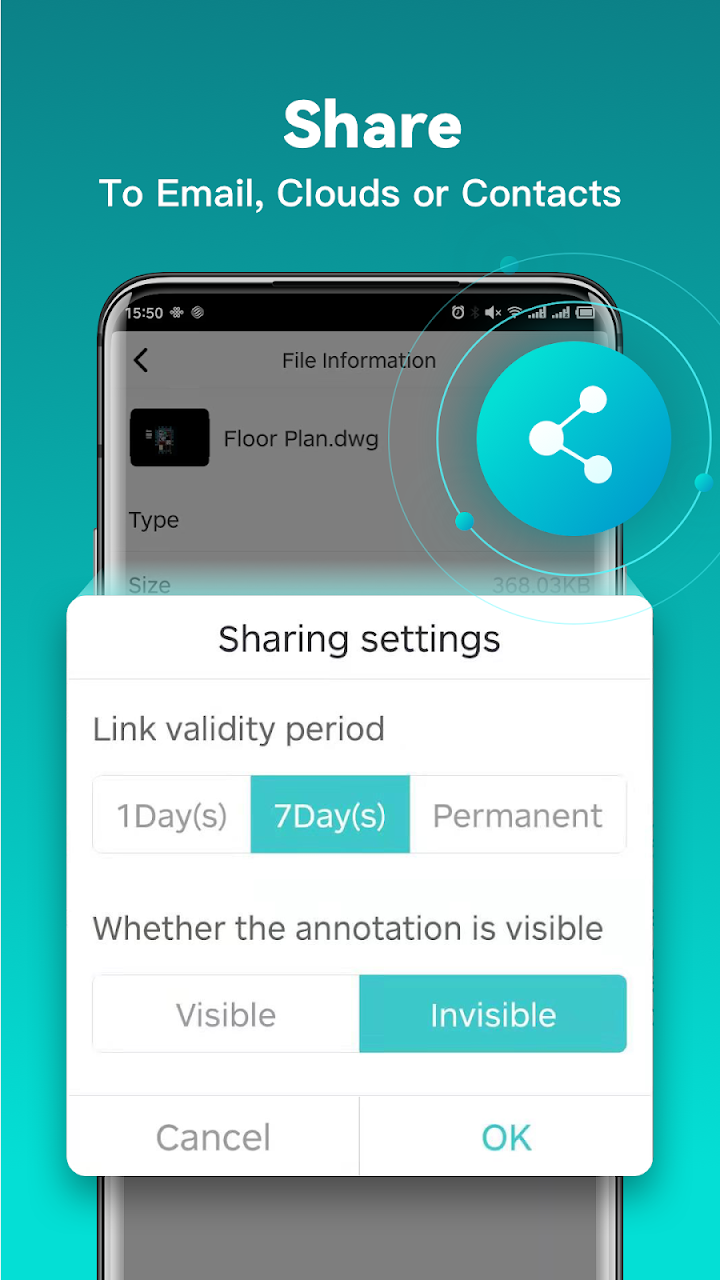
Collaboration is built around file access rather than a dedicated team suite. Drawings can be opened from email, cloud storage, or network disks, and you can share exported files with others. That makes it useful when a drawing needs review across devices, though the app does not describe team roles or live co-editing.
Compatibility is broad for a mobile CAD tool, but the app is not free of trade-offs: it contains ads and offers in-app purchases. If you want a phone-based viewer/editor for DWG, DXF, and selected 3D formats, it covers a lot of ground; if you only need occasional viewing, the editing depth may be more than you need.
APK information
- Version
- 4.9.4
- Package
- com.gstarmc.android
- Category
- Productivity
- Size
- 68 MB
- Min Android
- 5.0
- Architecture
- universal
Older versions
-
DWG FastView-CAD Viewer&Editor 4.9.4Nov 12, 2026Latest downloadAPK
DWG FastView-CAD Viewer&Editor FAQ
Does DWG FastView-CAD Viewer&Editor sync across devices?expand_more
The app can synchronize drawings to the cloud from multiple devices with one click. It also opens files from services like Dropbox, OneDrive, Google Drive, Box, and WebDAV.
Does DWG FastView-CAD Viewer&Editor support teams?expand_more
It supports sharing drawings and working from cloud or network storage, but it does not describe team roles or live collaborative editing.
Is DWG FastView-CAD Viewer&Editor available for older phones?expand_more
Yes. It requires Android 5.0 or later, so it runs on older devices that meet that version.
Does DWG FastView-CAD Viewer&Editor work offline?expand_more
Yes. You can save drawings in the local workspace without internet and keep working offline.
Can DWG FastView-CAD Viewer&Editor convert CAD files to PDF?expand_more
Yes. It can export CAD drawings to PDF and also to BMP, JPG, and PNG, with options to adjust page size, orientation, and color.