- 4.4star1,280 reviews
- 100K+Downloads
- 1 MBAPK size
- EveryoneRated for Everyone
- 8.0+Android
check_circleOriginal APK from DynamicG · Updated Nov 12, 2026
No threats found
0 / — antivirus engines flagged this file
Original signature
First seen — DynamicG
Unmodified APK
Same file the developer published — no mods
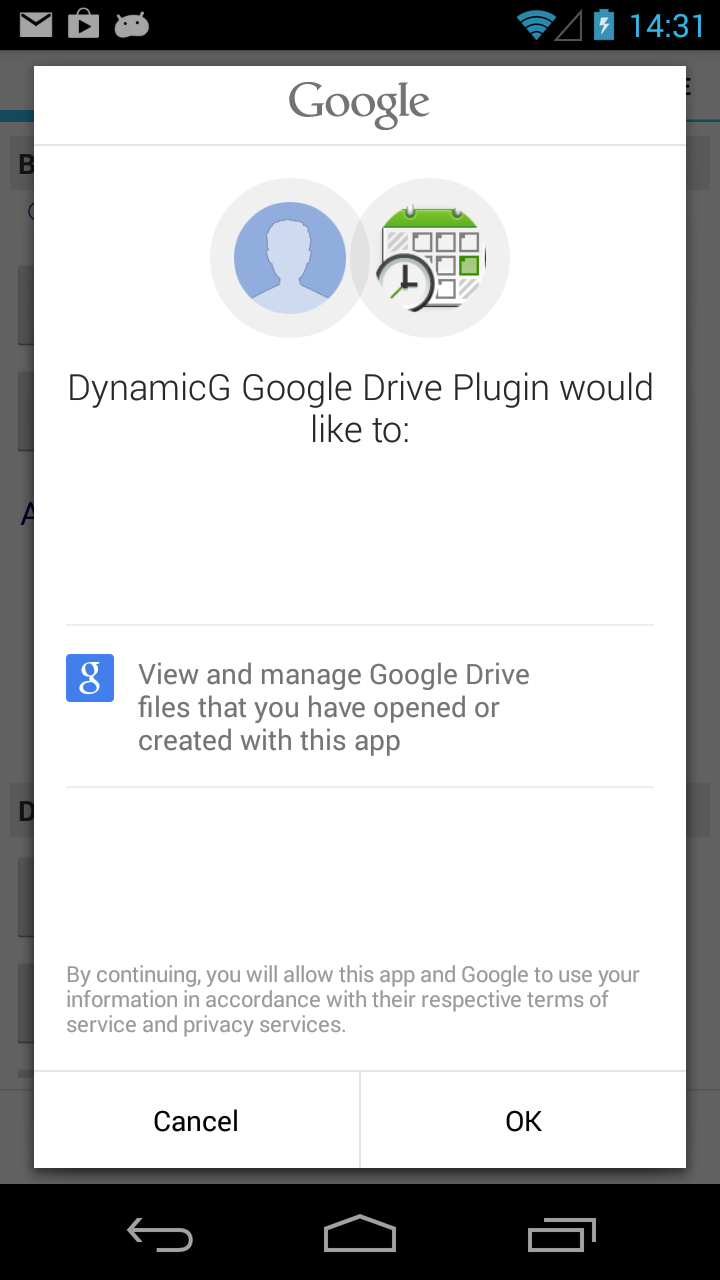
DynamicG Google Drive Plugin screenshots
3 images · tap to enlarge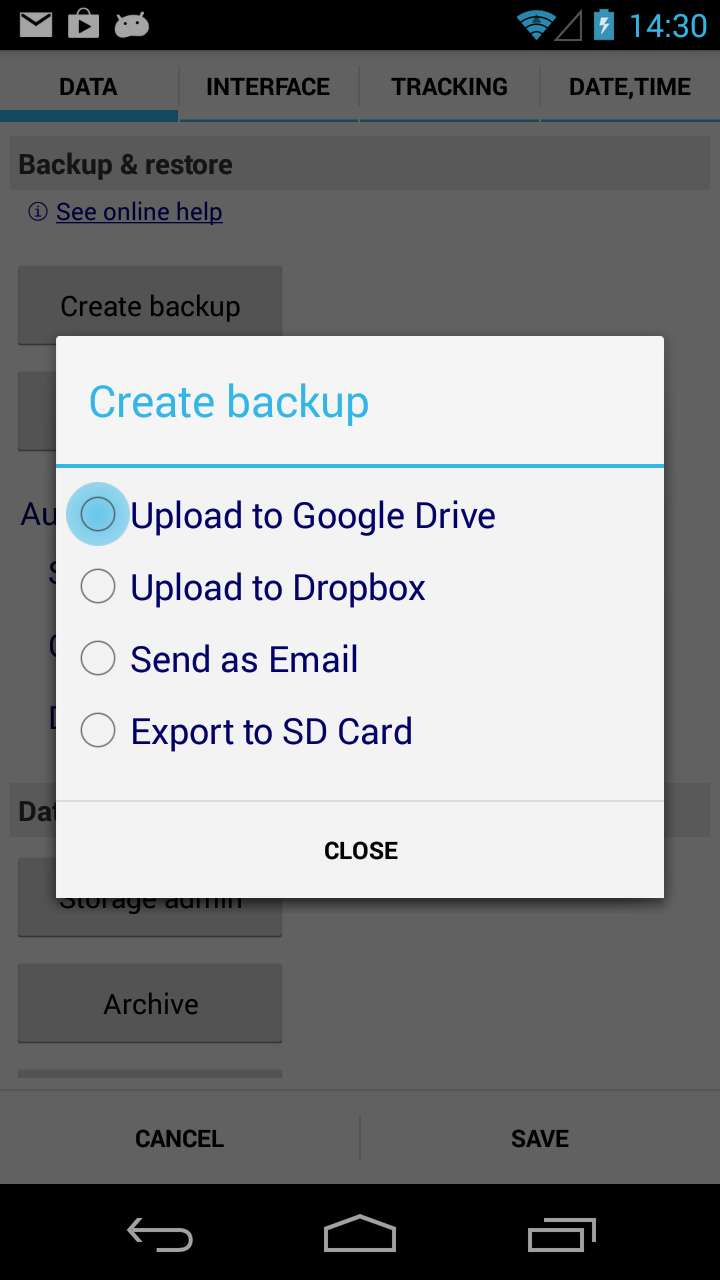
About this app
DynamicG makes DynamicG Google Drive Plugin for Google Drive integration with Time Recording. It is a plugin, not a standalone app, and it connects the main Time Recording app to Google Drive for data backup, recovery, and reports upload. The APK is 1.1 MB, supports universal ABIs, and requires Android 8.0 or later.
- Drive backup support — Connects Time Recording to Google Drive for data backup.
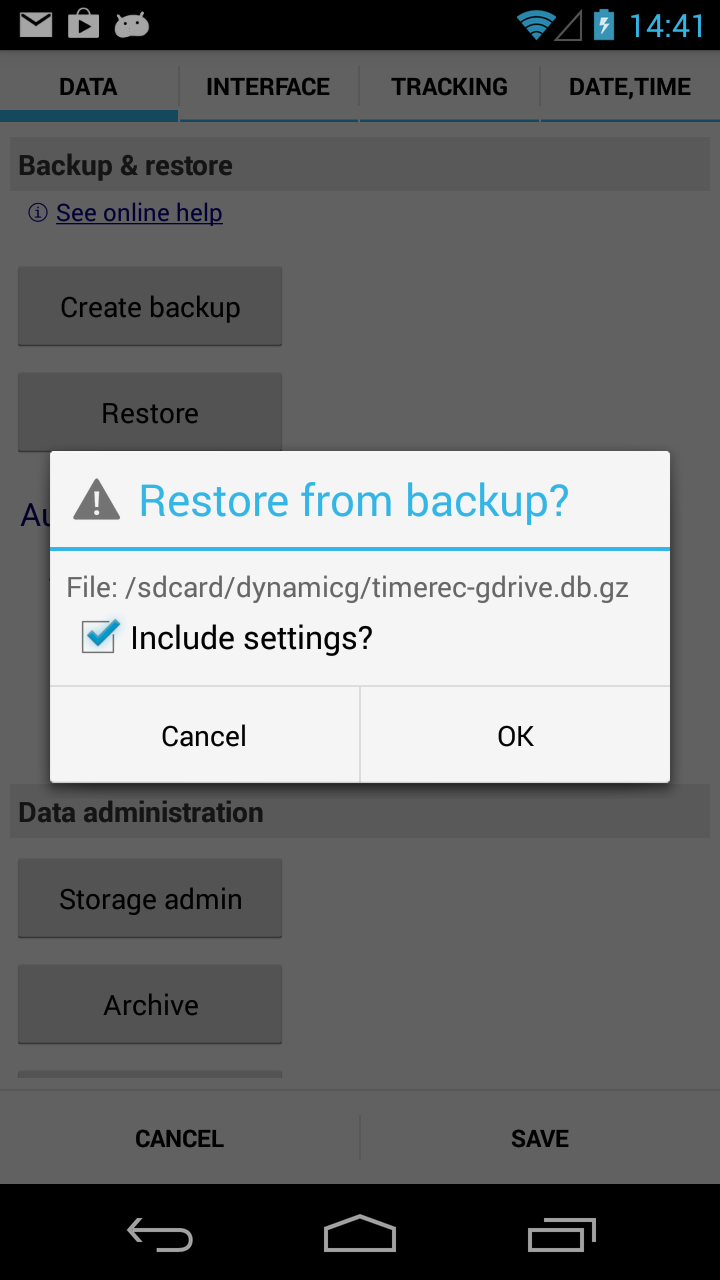
- Recovery workflow — Supports restoring Time Recording data from Google Drive.
- Reports upload — Uploads reports through the Google Drive connection.
- Plugin only — This package does not run on its own and needs the main Time Recording app.
- Small APK — The APK file is 1.1 MB and supports universal Android architectures.
Google Drive integration for Time Recording
DynamicG Google Drive Plugin is a Productivity plugin made for Time Recording. It adds Google Drive support for backup, recovery, and report uploads, so the main app can move data through a cloud account instead of staying only on the device.
Because it is a plugin, it does not open or function as a standalone app. Install it alongside Time Recording when you want Google Drive connected to that workflow.
Backup, restore, and reports
The plugin is built around three tasks: backing up Time Recording data, recovering that data when needed, and uploading reports. That means it fits into the existing recording workflow rather than replacing it.
- Backup: sends Time Recording data to Google Drive.
- Recovery: helps bring saved data back into the app.
- Reports upload: moves reports through Google Drive.
Permissions and data access
No Android permissions are listed for this APK. That means there are no declared device permissions to review on this page. The Google Drive connection is the core access point described here, and it is used for the backup, recovery, and reports features mentioned above.
The app is free, shows no ads, and includes no in-app purchases. Its content rating is Everyone.
APK details and Android support
This APK version is 7.92.x2, in universal format, and the file size is 1.1 MB. It requires Android 8.0 or newer. The app was released on 2012-10-28 and was last updated on 2026-11-09.
There is no standalone offline mode described here; the plugin’s purpose is to work with Google Drive inside Time Recording. If you are using the main app without Drive access, the plugin’s cloud functions are not the part that runs on their own.
What's new
Version 7.92.x2 · Nov 12, 2026
- Updated libraries.
APK information
- Version
- 7.92.x2
- Package
- com.dynamicg.timerec.plugin3
- Category
- Productivity
- Size
- 1 MB
- Min Android
- 8.0
- Architecture
- universal
Older versions
-
DynamicG Google Drive Plugin 7.92.x2Nov 12, 2026Latest downloadAPK
DynamicG Google Drive Plugin FAQ
Can DynamicG Google Drive Plugin be used offline?expand_more
It is a Google Drive integration plugin, so its backup, recovery, and report upload features are tied to Drive. It does not run standalone.
Does DynamicG Google Drive Plugin sync across devices?expand_more
The description says it provides Google Drive integration for backup, recovery, and reports upload. It does not describe device-to-device syncing as a separate feature.
What is the difference between the APK and the Play Store version of DynamicG Google Drive Plugin?expand_more
This APK is the installable package for the plugin. The Play Store listing is the same plugin described here, and it must be used with the main Time Recording app.
Which processors (ABIs) does this DynamicG Google Drive Plugin APK support?expand_more
The APK lists universal ABIs, so it is packaged for universal Android architecture support.
What does DynamicG Google Drive Plugin connect to?expand_more
It connects Time Recording to Google Drive for data backup, recovery, and reports upload.