
- 4.2star12,548 reviews
- 500K+Downloads
- 23 MBAPK size
- EveryoneRated for Everyone
- API 8+Android
check_circleOriginal APK from Boomerang (Baydin Inc.) · Updated Nov 12, 2026

No threats found
0 / — antivirus engines flagged this file
Original signature
First seen — Boomerang (Baydin Inc.)
Unmodified APK
Same file the developer published — no mods
Email Client - Boomerang Mail screenshots
8 images · tap to enlarge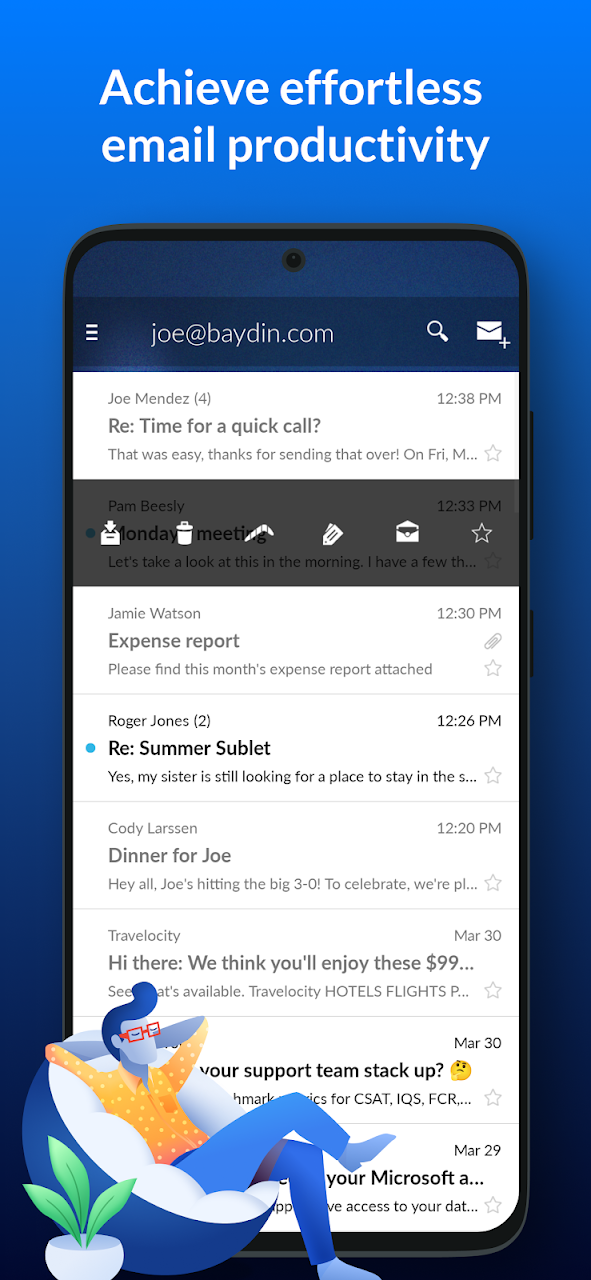
About this app
When you need to send a message later, follow up on replies, and keep your inbox from getting in the way, Boomerang Mail puts those tasks in one Android app. It works with Gmail, Google Workspace, and Outlook accounts, and adds scheduling, snoozing, response tracking, and meeting booking tools to the usual mail flow.
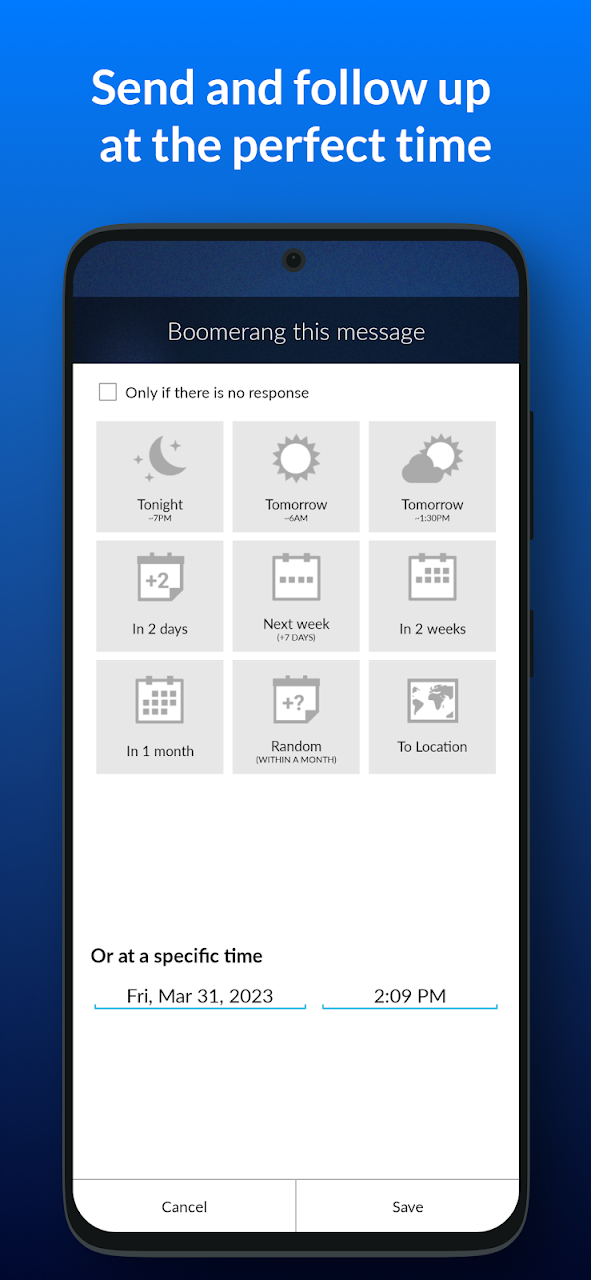
- Send Later — Schedule emails to go out at a specific time instead of sending them immediately.
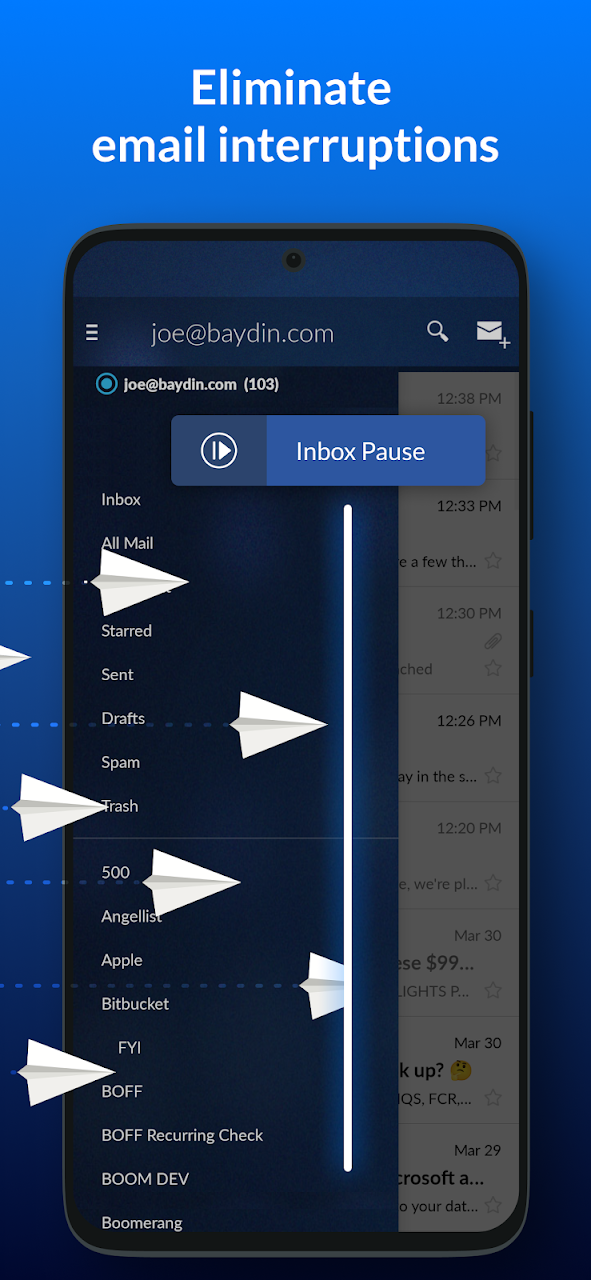
- Inbox Pause — Pause incoming mail so you can work through messages without new ones interrupting you.
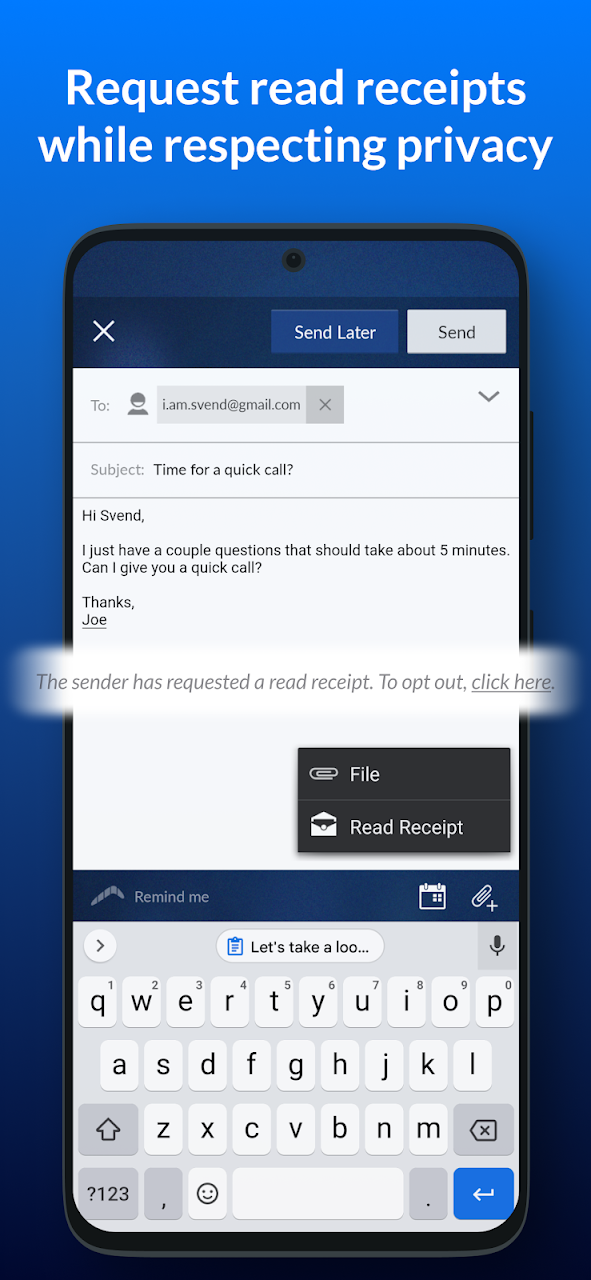
- Response Tracking — Track replies, read receipts, and click tracking on messages you send.
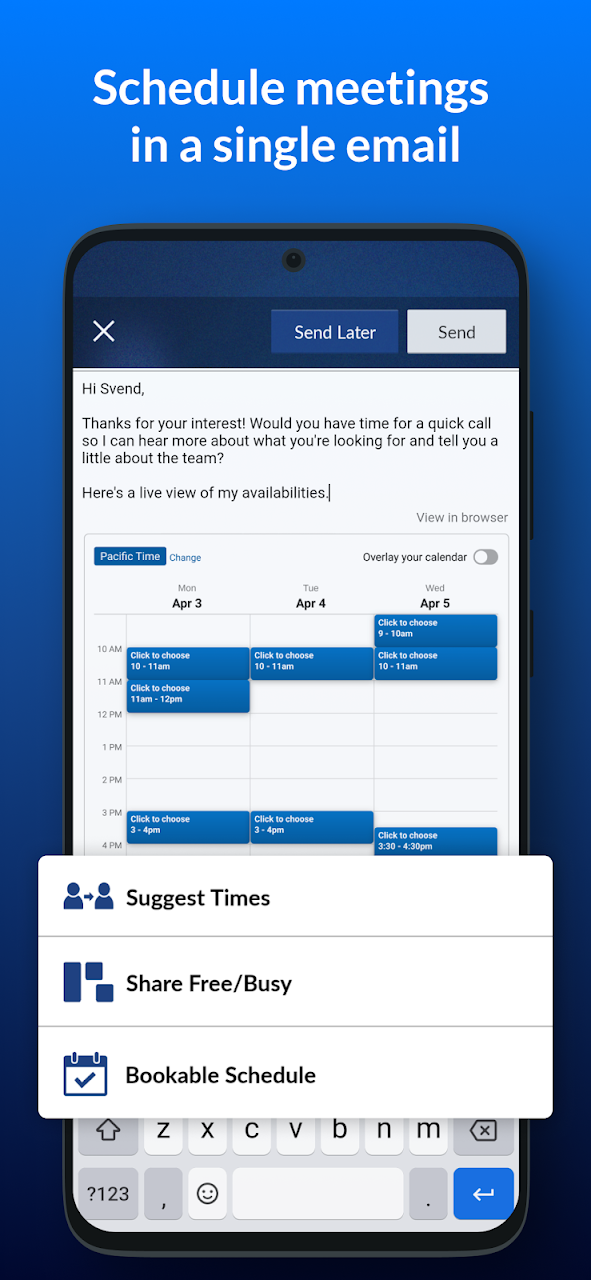
- Meeting Scheduling — Use Suggest Times, Share/Free Busy, Bookable Schedule, or create an event from an email.
- Multi-account Support — Switch between Gmail and Outlook accounts and access all labels and folders in one place.
- Search and Filters — Use advanced search filters across Gmail labels and Outlook folders to find specific messages.
Send mail on your schedule
Boomerang Mail centers the everyday job of getting messages out at the right moment. Instead of sending immediately, you can schedule email for later, set up recurring messages, and use response tracking to see what happens after you press send. That makes it useful for reminders, follow-ups, and repeated outreach without rebuilding the same message each time.
Keep the inbox quieter
The app includes Inbox Pause and snooze tools, so you can set messages aside until you are ready to deal with them. For example, you can pause new mail while you work through a task, then bring messages back when you want them to reappear. It also supports read receipts, click tracking, and priority notifications.
Move from email to meeting
Boomerang also includes meeting scheduling tools built into the mail workflow. You can suggest times, share free/busy availability, create a bookable schedule, or turn an email into an event. If you coordinate with people across Gmail or Outlook, that is a direct way to move from an email thread to a calendar plan.
Accounts, search, and setup
The app works with Gmail, Google Workspace, and Microsoft Outlook accounts, and it supports multi-account switching, all labels, and advanced search with filters across Gmail labels and Outlook folders. It also offers gestures, widgets, signatures, attachments, drafts, and contact auto-complete. Install details: APK format, 22.7 MB, minimum Android API 8.
- Gets: scheduling, snooze, inbox pause, meeting tools, search filters
- Gets: Gmail, Google Workspace, and Outlook support
- Watch for: no offline support listed yet
- Watch for: no permissions are shown in the listing
It is free, with no ads and no in-app purchases listed.
APK information
- Version
- 0.11.1
- Package
- com.baydin.boomerang
- Category
- Productivity
- Size
- 23 MB
- Min Android
- API 8
- Architecture
- universal
Older versions
-
Email Client - Boomerang Mail 0.11.1Nov 12, 2026Latest downloadAPK
Email Client - Boomerang Mail FAQ
Does Email Client - Boomerang Mail support teams?expand_more
It supports multi-account use and works with Gmail, Google Workspace, and Outlook accounts. The listing does not describe team-specific features.
Does Email Client - Boomerang Mail sync across devices?expand_more
The app works with Gmail, Google Workspace, and Outlook accounts, but the listing does not spell out device sync behavior.
What permissions does Email Client - Boomerang Mail ask for?expand_more
No permissions are listed with the app details.
Does Email Client - Boomerang Mail work offline?expand_more
Offline support is listed as coming soon, so it is not included yet.
Can I schedule emails to send later?expand_more
Yes. Scheduling messages to send later is one of the core features, along with recurring emails and response tracking.