
Evernote - Note Organizer
Evernote by Bending Spoons- 3.5star1,846,533 reviews
- 100M+Downloads
- 32 MBAPK size
- EveryoneRated for Everyone
- 6.0+Android
check_circleOriginal APK from Evernote by Bending Spoons · Updated Nov 12, 2026

No threats found
0 / — antivirus engines flagged this file
Original signature
First seen — Evernote by Bending Spoons
Unmodified APK
Same file the developer published — no mods
Evernote - Note Organizer screenshots
8 images · tap to enlarge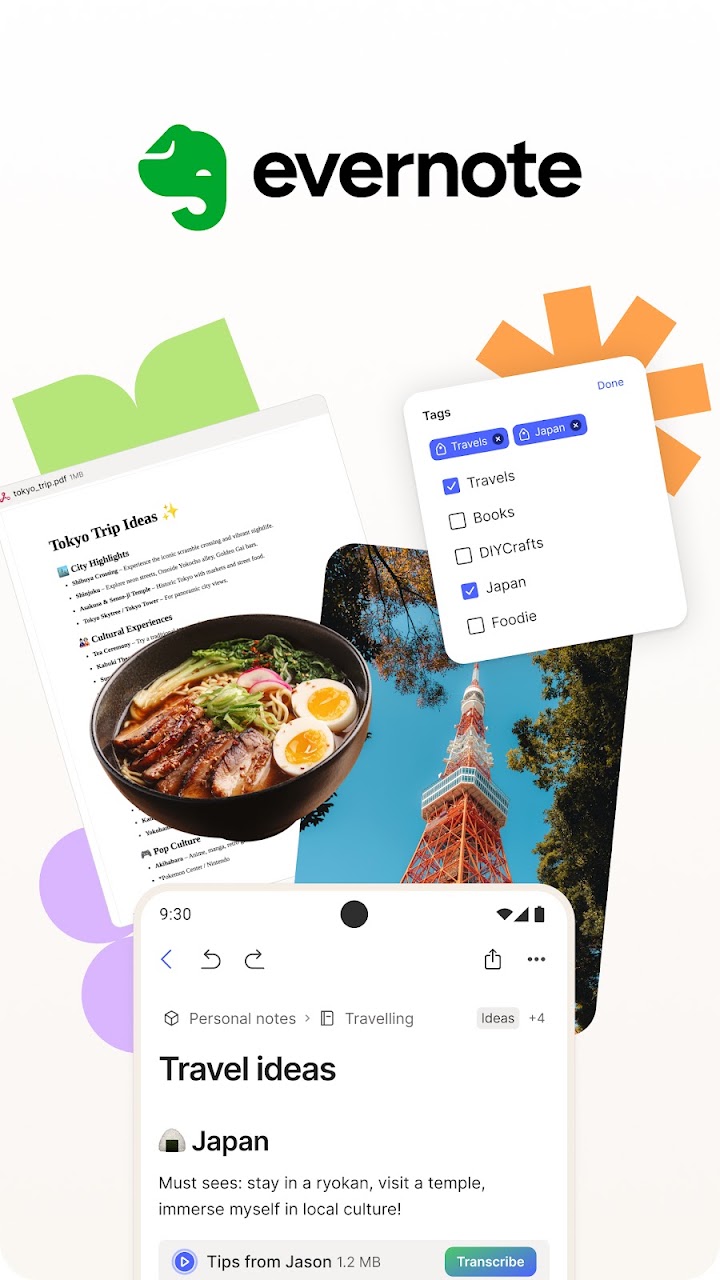

About this app
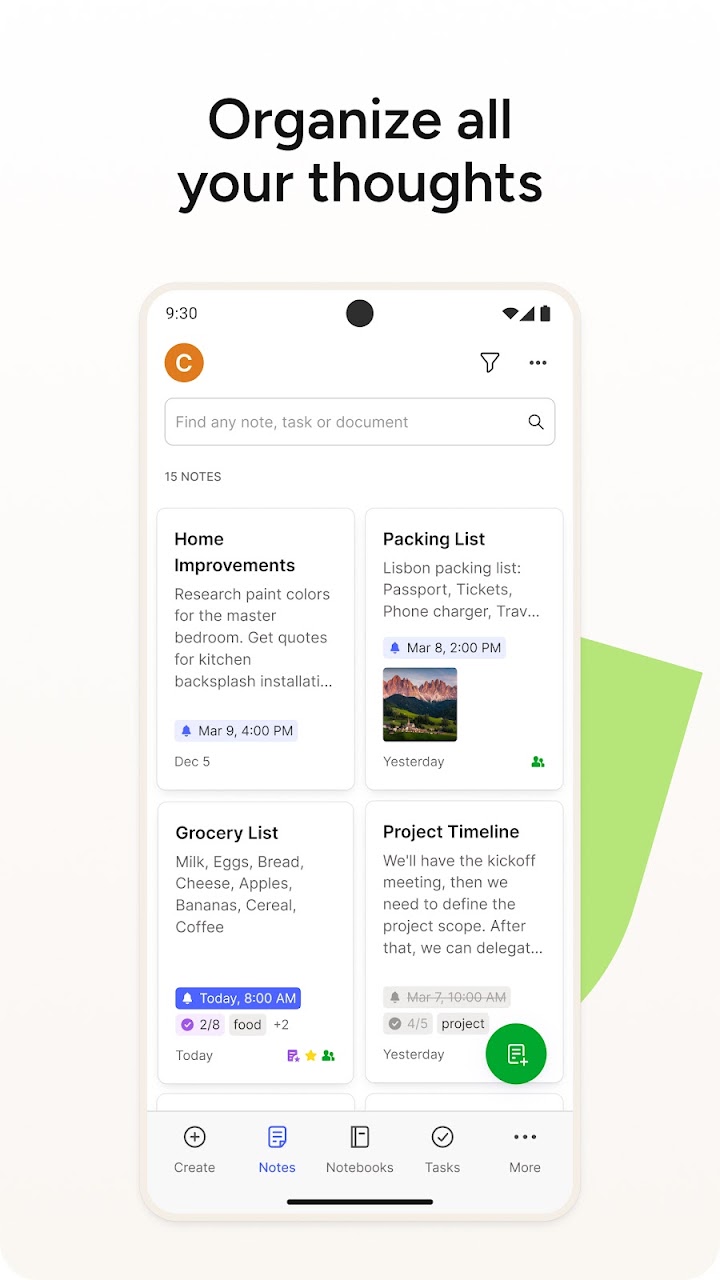
With 100M+ installs, Evernote - Note Organizer is built for people who want notes, tasks, and schedules in one place. The current release offers the same core setup: searchable notes, Tasks with due dates and reminders, Google Calendar linking, and a Home dashboard that surfaces what matters most.
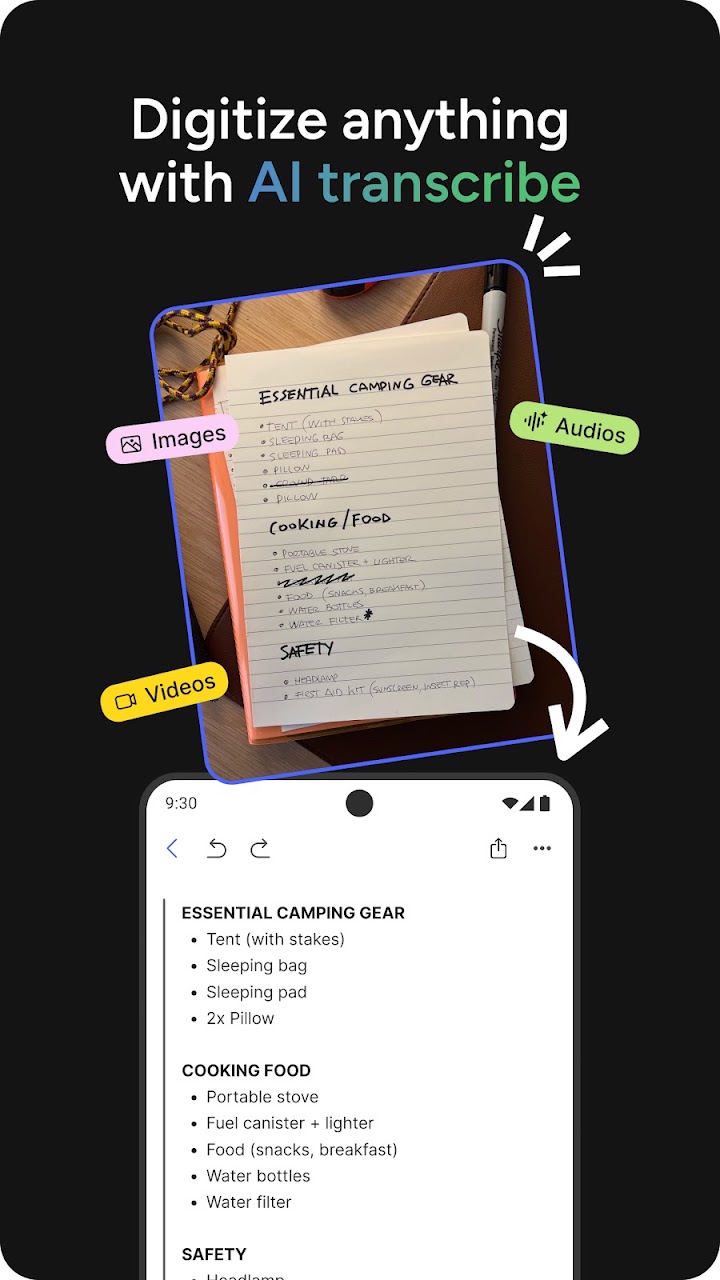
- Capture many formats — Create notes with text, docs, PDFs, sketches, photos, audio, and web clippings.
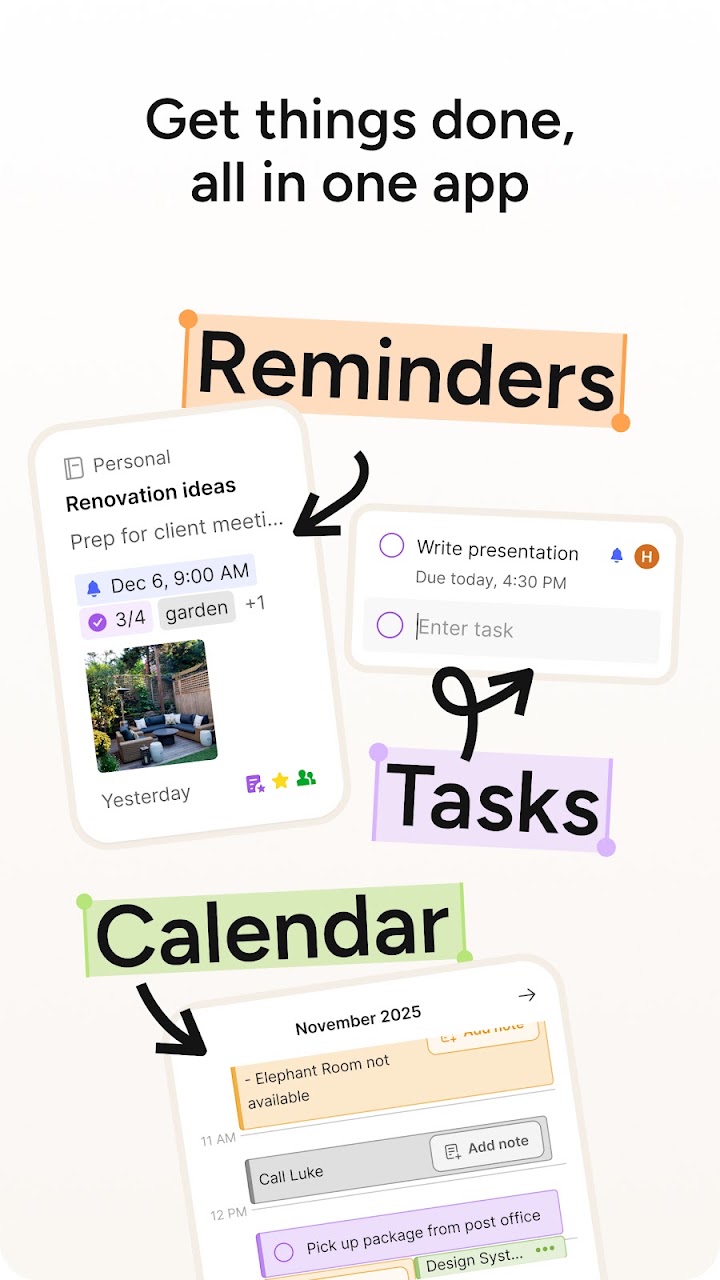
- Tasks and reminders — Turn to-dos into Tasks with due dates and reminders so deadlines stay visible.
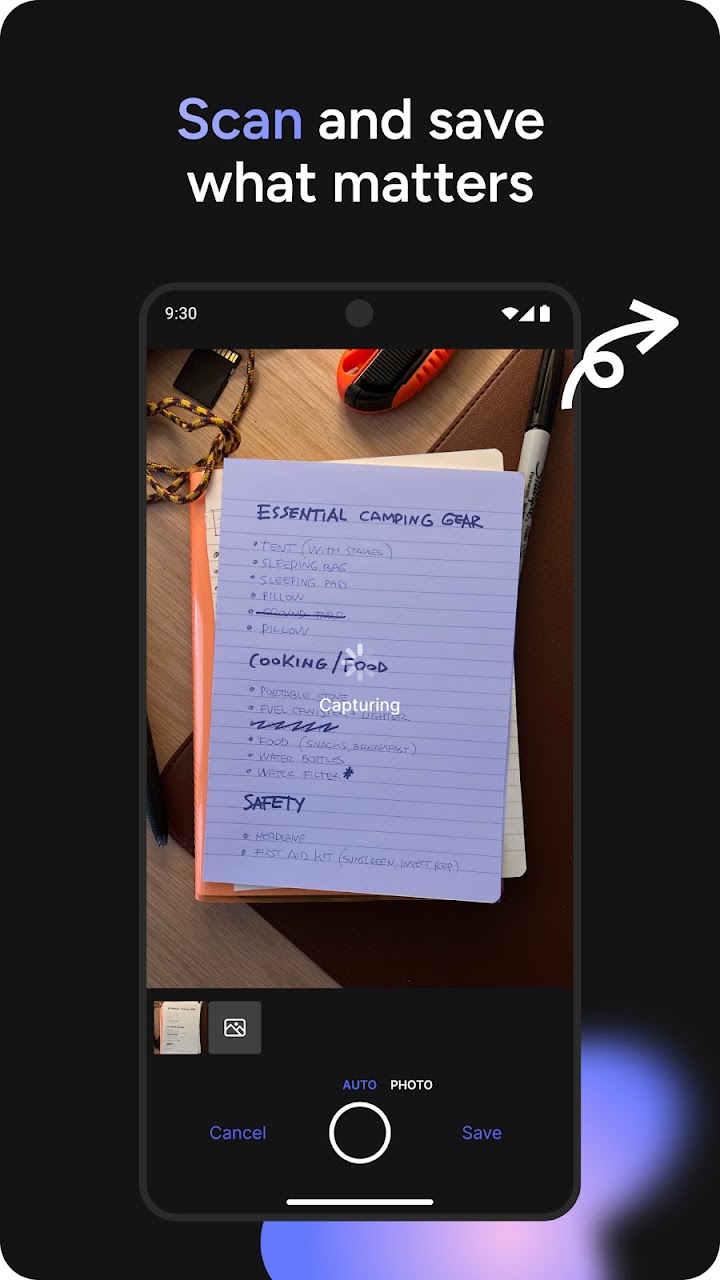
- Scan paper items — Use the camera to scan receipts, business cards, whiteboards, and handwritten notes.
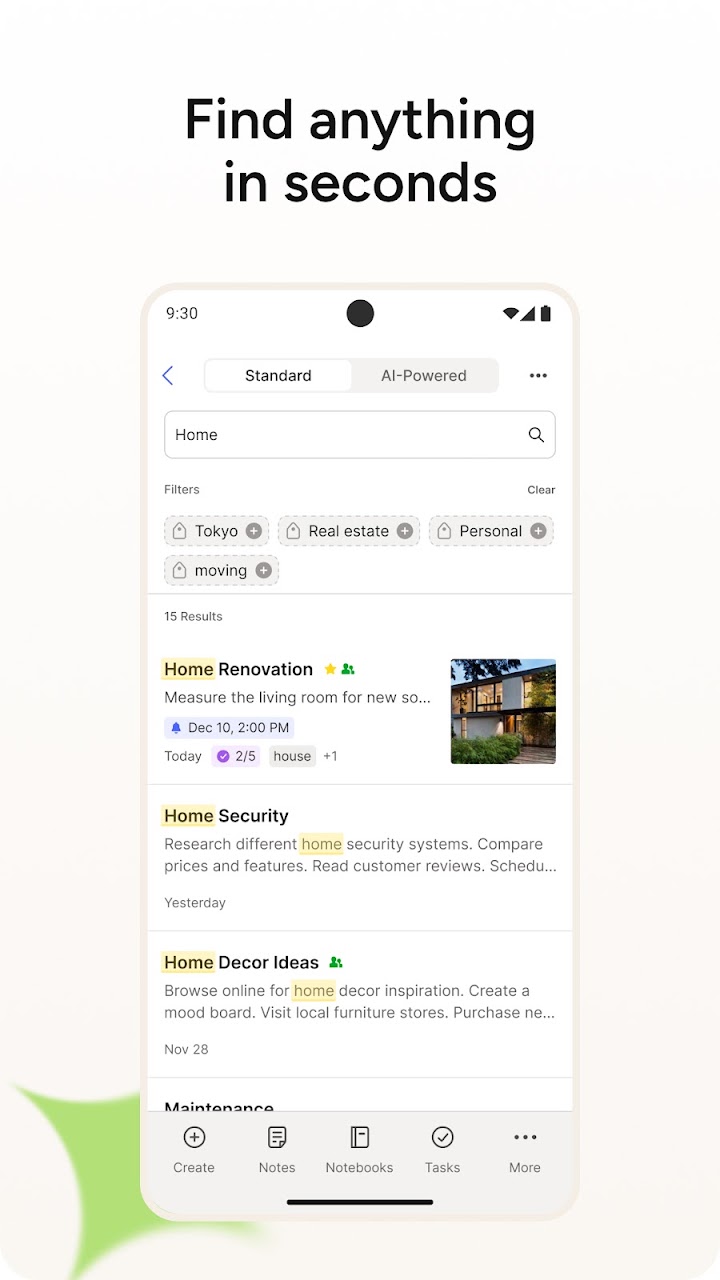
- Search everything fast — Find notes quickly, including text inside images and handwritten notes.
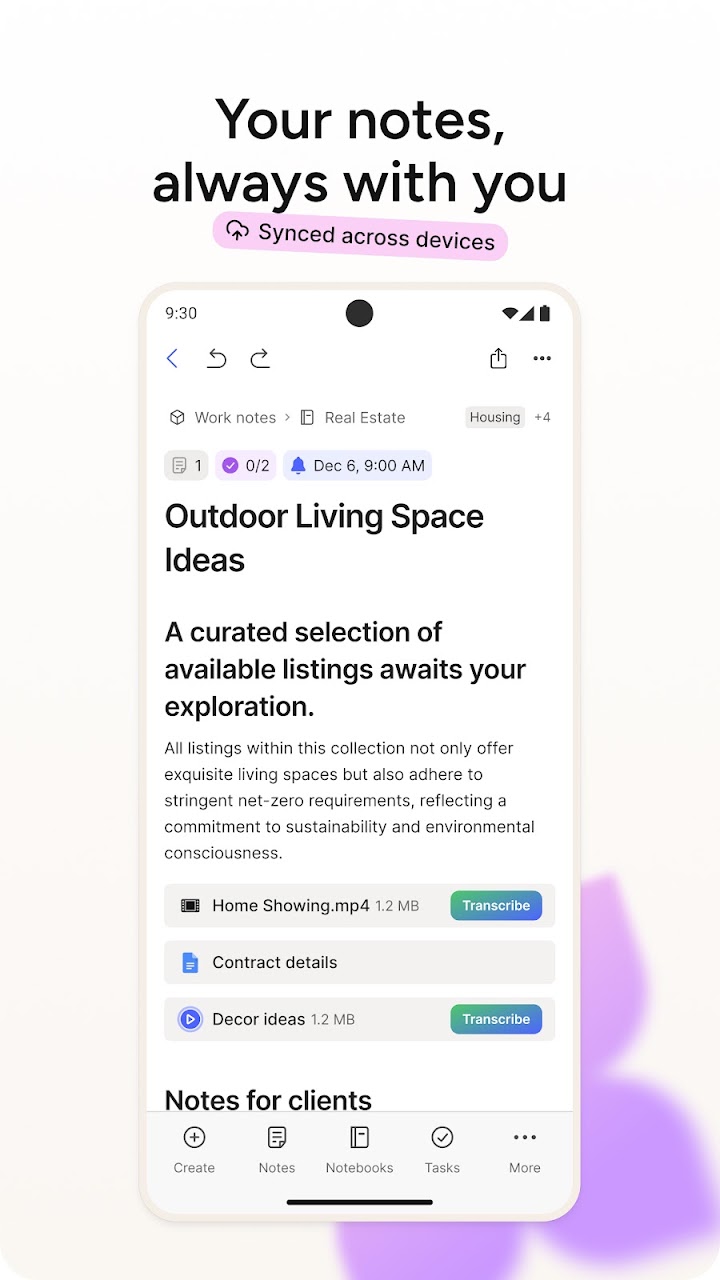
- Sync across devices — Your notes and notebooks stay synced on Chromebook, phone, and tablet.
- Team sharing — Share notebooks and Spaces to keep meeting notes and projects in one place.
Current release and setup
Evernote - Note Organizer is on version 8.13.3, with no change log notes listed for this release. It installs as a 32.5 MB APK, runs on Android 6.0 and up, and uses the universal build. There are no added permissions shown here, so the usual setup focus is signing in and getting your notes into place.
Capture notes, tasks, and files
The app’s main job is to pull everyday inputs into one searchable workspace. You can write notes, build to-do lists, clip web pages, and add files like PDFs or photos. If you are moving fast between meetings, classes, or errands, this is the part that saves time: one note can hold the pieces that would otherwise be scattered across apps.
Scanning is built in too. A quick camera capture can turn paper receipts, business cards, whiteboards, or handwritten notes into something you can keep and search later.
Keep a day organized
For planning, Tasks adds due dates and reminders to your list. Google Calendar integration brings your schedule alongside your notes, while the Home dashboard surfaces the most relevant items first. That makes the app useful at the start of the day, when you are checking deadlines, and again later when you need to find a detail quickly.
- Receipts and bills: separate notebooks help keep them grouped.
- Search: it can find text inside images and handwritten notes.
- Offline work: notes and notebooks sync automatically once your devices are connected again.
Across devices and with other people
Evernote is set up for use on the move. You can start on one device and continue on another without manually moving files. That matters when you switch between phone, tablet, and Chromebook during the day. It also supports collaboration through shared notebooks and shared Spaces, which is useful for meeting notes, projects, and team updates.
In everyday use, the app fits a simple rhythm: capture an idea, sort it into a notebook, add a reminder if needed, and return to it later from another device.
APK information
- Version
- 8.13.3
- Package
- com.evernote
- Category
- Productivity
- Size
- 32 MB
- Min Android
- 6.0
- Architecture
- universal
Older versions
-
Evernote - Note Organizer 8.13.3Nov 12, 2026Latest downloadAPK
Evernote - Note Organizer FAQ
Can Evernote - Note Organizer be used offline?expand_more
It syncs automatically across devices, so you can start on one device and continue on another. The app description does not spell out offline behavior.
Does Evernote - Note Organizer sync across devices?expand_more
Yes. It syncs your notes and notebooks across Chromebook, phone, and tablet so you can keep working on different devices.
How big is the Evernote - Note Organizer download?expand_more
The APK size is 32.5 MB.
Does Evernote - Note Organizer have in-app purchases?expand_more
Yes, it includes in-app purchases.
Can I share notes with a team in Evernote - Note Organizer?expand_more
Yes. You can share notebooks with your team and use shared Spaces to bring people, projects, and ideas together.