- 4.6star4,389,411 reviews
- 1B+Downloads
- 30 MBAPK size
- TeenRated for Teen
- 8.0+Android
check_circleOriginal APK from Xiaomi Inc. · Updated Nov 11, 2026
No threats found
0 / — antivirus engines flagged this file
Original signature
First seen — Xiaomi Inc.
Unmodified APK
Same file the developer published — no mods
File Manager screenshots
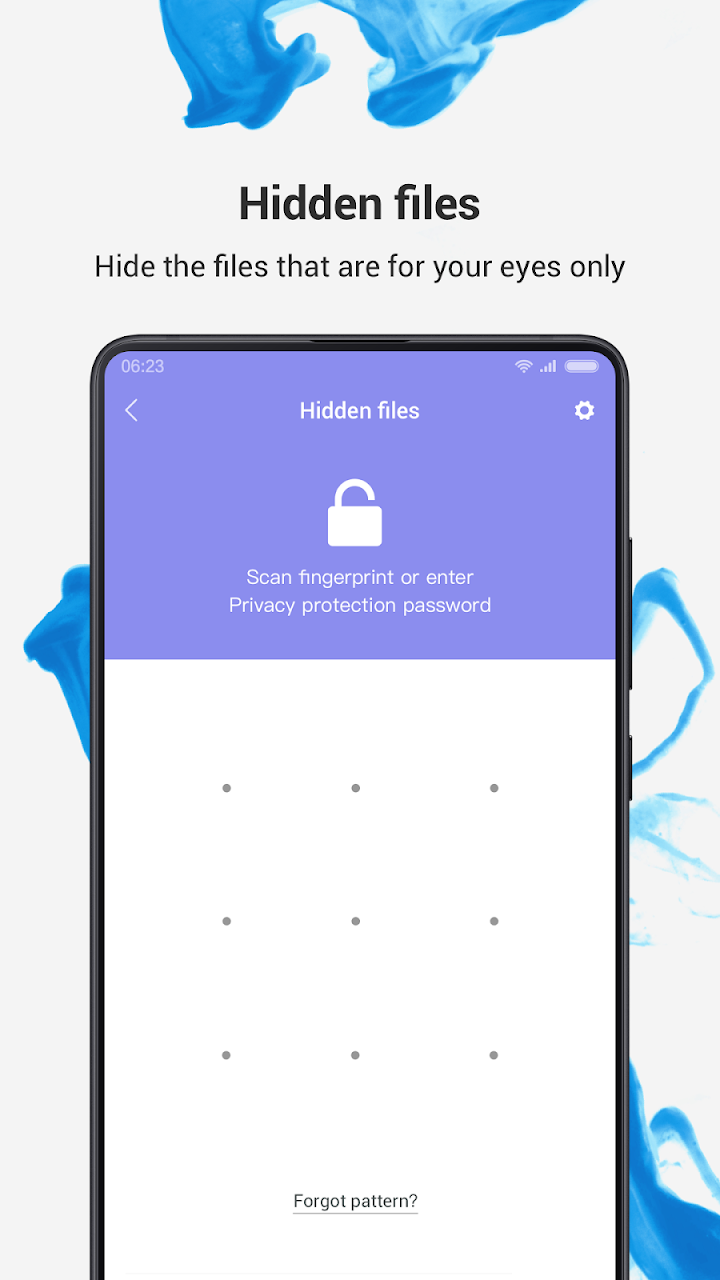
7 images · tap to enlarge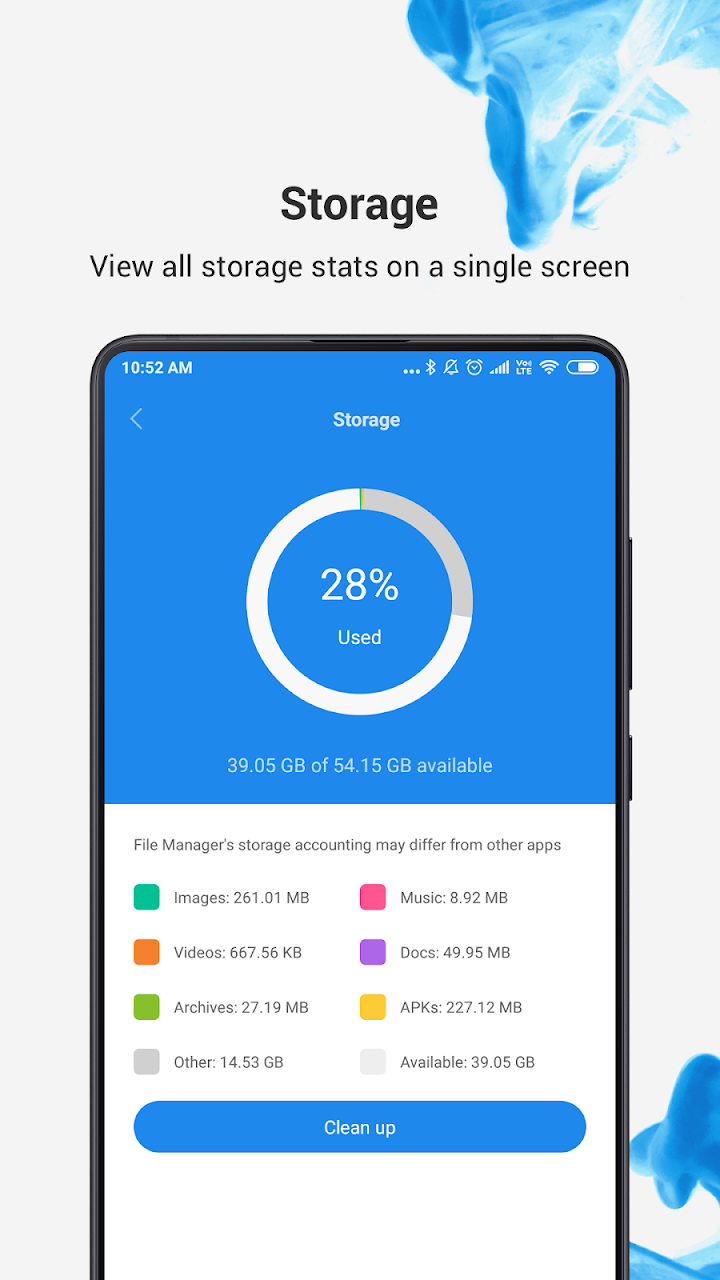
About this app
Need a simple way to handle files on your phone? File Manager from Xiaomi Inc. focuses on everyday tasks like finding recent items, browsing by category, cleaning junk, and sharing files nearby without internet. It adds ZIP/RAR compression, multi-file actions, and support for common formats, while showing ads and requiring Android 8.0 or later.
- Recent files — Open files you used lately without digging through folders.
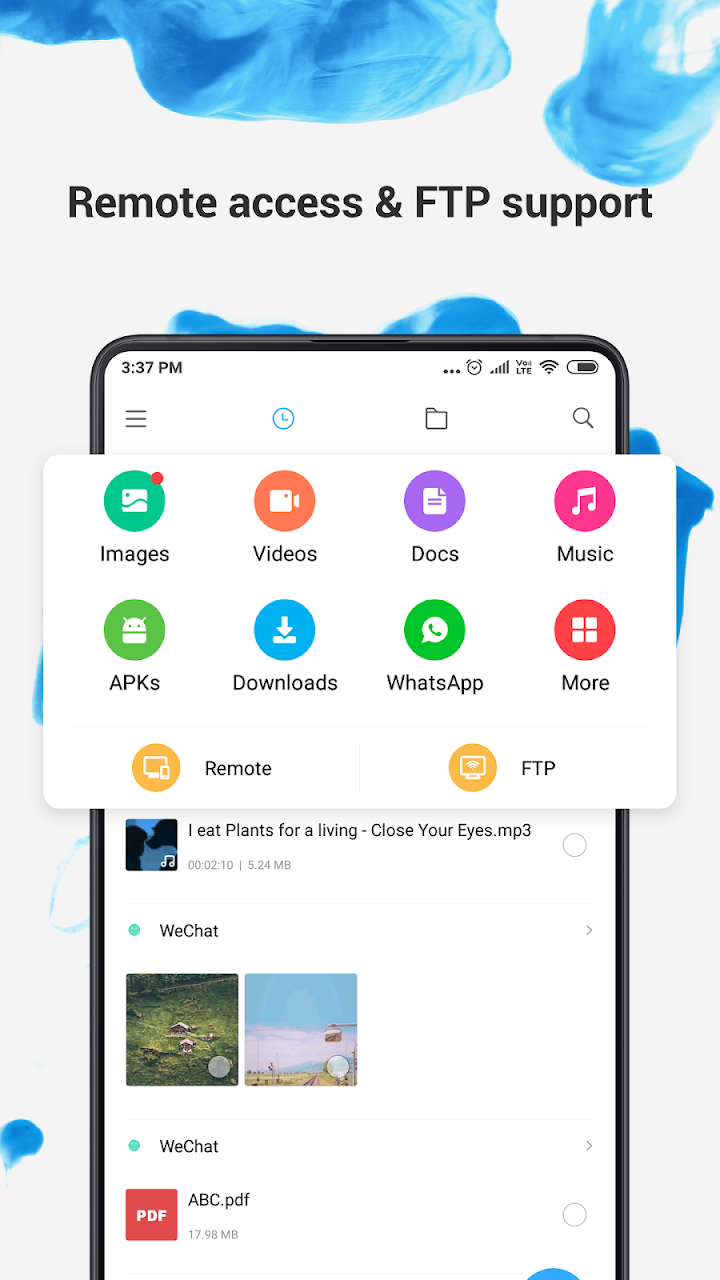
- Category browsing — Jump into music, videos, images, documents, APKs, and archives by type.
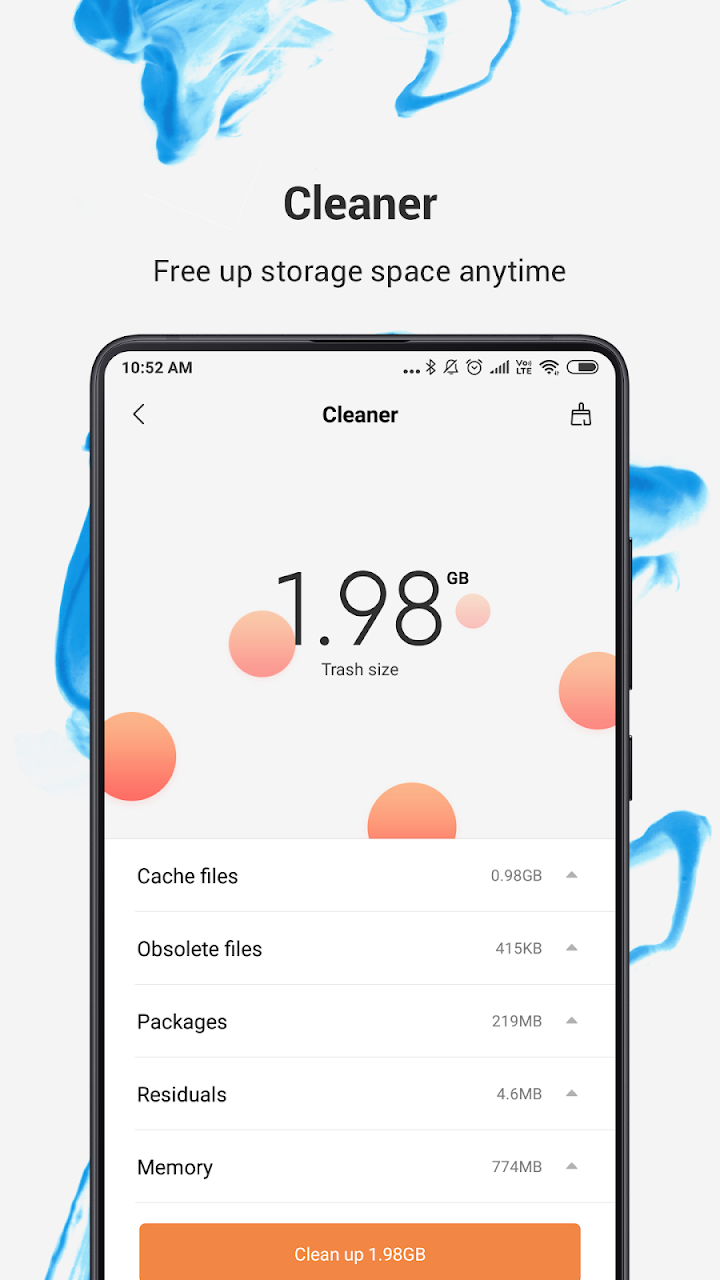
- Storage cleanup — Check storage stats and remove cache and junk files.
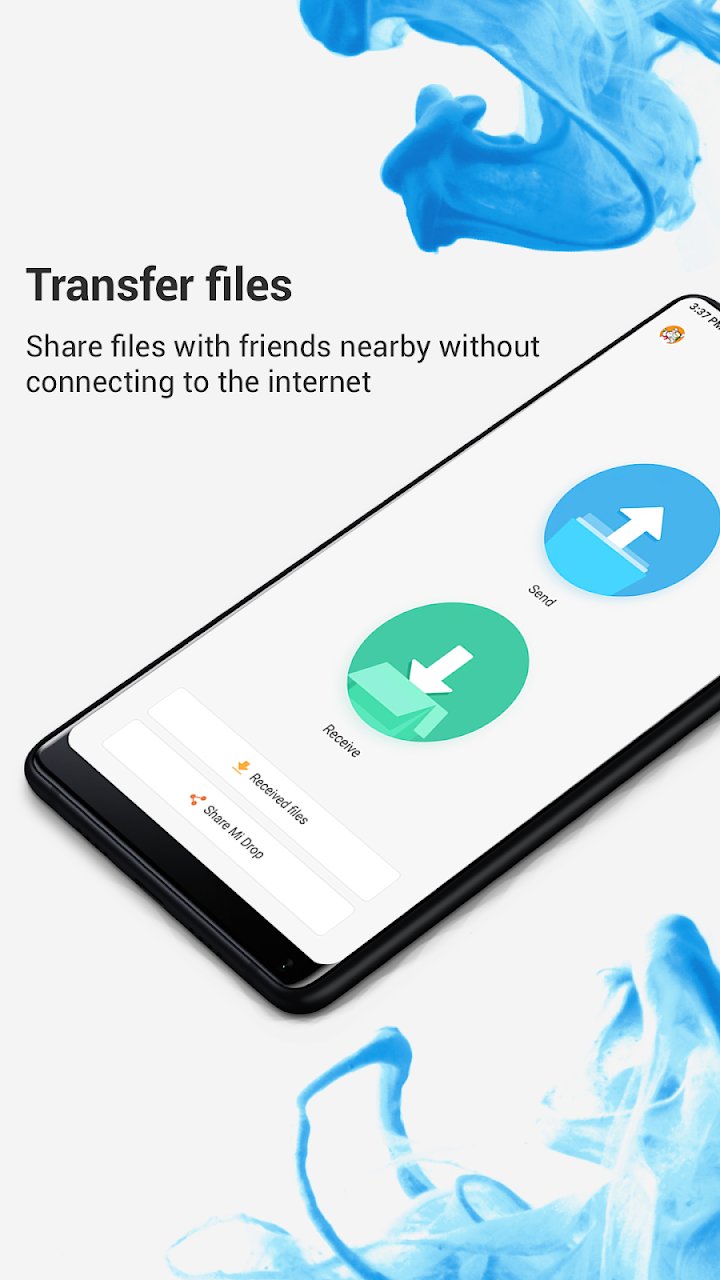
- Offline sharing — Send files to nearby people through Mi Drop without using the internet.
- Archive tools — Compress and decompress ZIP/RAR files, then copy, rename, or delete in batches.
Find and manage files quickly
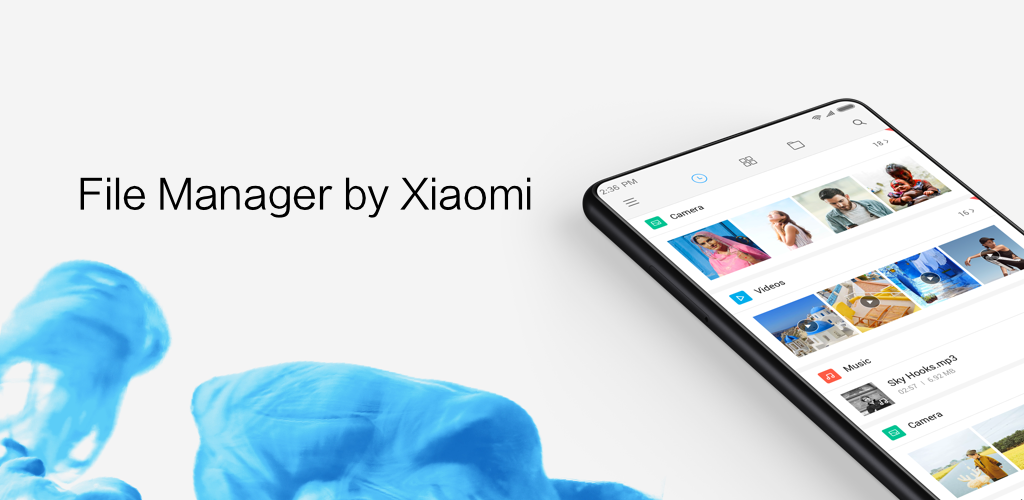
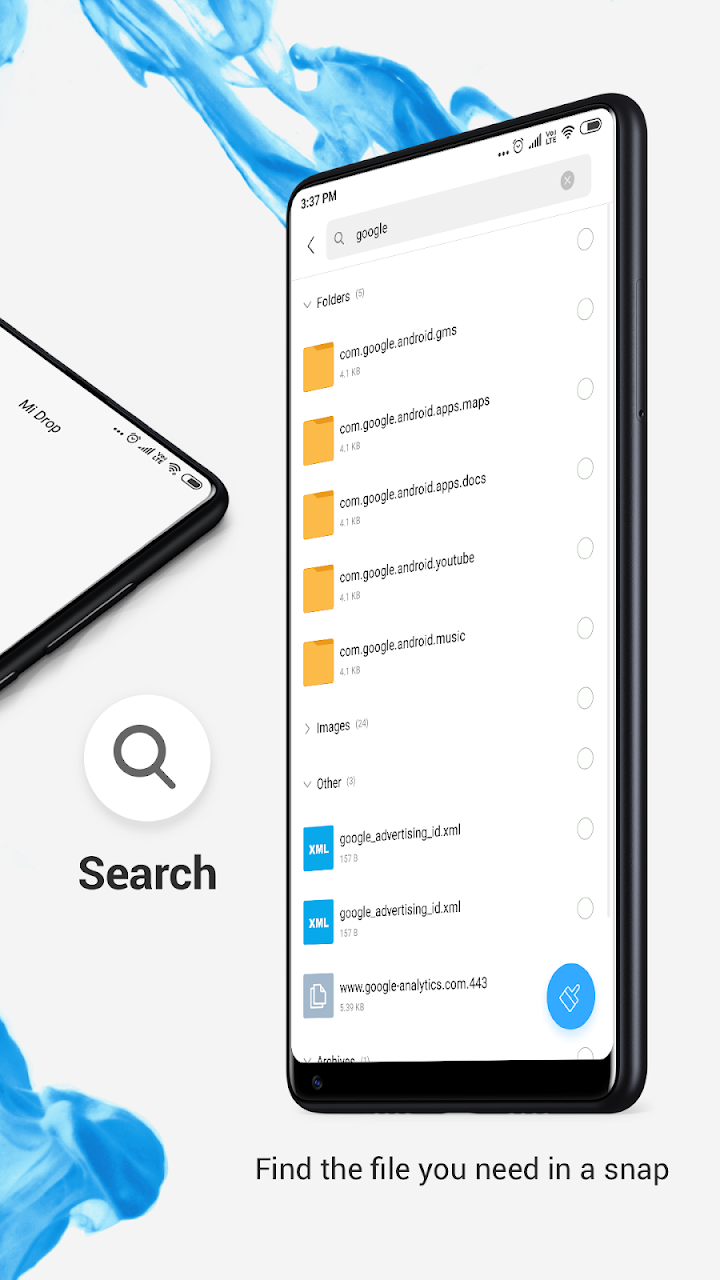
File Manager is built for the routine jobs people do on a phone: opening a download, renaming a document, deleting a few screenshots, or moving an APK into the right folder. Its global search helps when you know part of a file name, and the Recent view saves time by showing files you worked with lately.
The app also handles multiple file formats, including music, videos, images, documents, APKs, and zip files. That makes it more direct for file work than apps in the similar-app list that focus on system features such as web content, accessibility, speech, or device services.
Storage, cleaner, and file compression
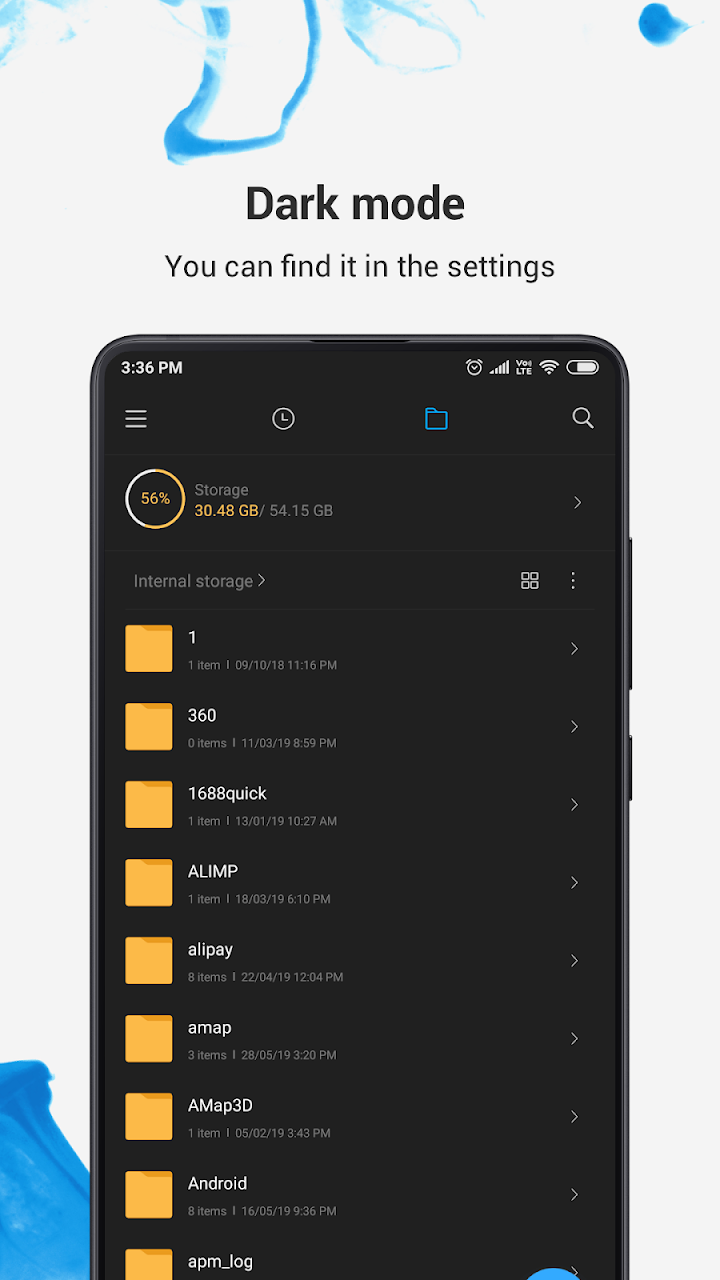
For a normal cleanup pass, the Storage screen shows storage stats and folder management in one place. The Cleaner section is aimed at freeing space by removing cache and junk files. If you work with archives, the app supports ZIP and RAR compression and decompression, plus copy-paste and multi-select for the same action across several files.
The app is free, contains ads, and does not list in-app purchases. It is available as a 29.6 MB APK for Android 8.0 and up, so installation is straightforward if your device meets that version floor.
Offline sharing and daily trade-offs
Mi Drop lets you share files with nearby people without connecting to the internet, which is useful when you want to move photos or documents quickly. The interface is described as crisp and clear, and the app is updated regularly; the latest update fixed known bugs and boosted overall performance.
- Stronger than system utilities: It centers on file tasks instead of services like web rendering or accessibility.
- Useful for cleanup: The cleaner and storage view put space management in one place.
- Ads are present: Expect ad-supported use while browsing and managing files.
- No root needed: Nothing in the app listing points to root access requirements.
What's new
Version V1-240037 · Nov 11, 2026
- Thank you for using File Manager. Here's what we've done in the new version:
- 1. Fixed some known bugs.
- 2. Boosted overall performance.
File Manager in the news
APK information
- Version
- V1-240037
- Package
- com.mi.android.globalFileexplorer
- Category
- Tools
- Size
- 30 MB
- Min Android
- 8.0
- Architecture
- universal
Older versions
-
File Manager V1-240037Nov 11, 2026Latest downloadAPK
File Manager FAQ
Does File Manager drain the battery?expand_more
The listing does not mention battery use. It does note a recent update that fixed bugs and boosted overall performance.
Does File Manager need root?expand_more
No root requirement is listed. It is presented as a regular file management tool for Android 8.0 and up.
Does File Manager have in-app purchases?expand_more
No. The app is free and does not list in-app purchases.
What permissions does File Manager ask for?expand_more
No permissions are listed in the app details provided.
Can File Manager share files without internet?expand_more
Yes. Mi Drop supports sharing files with nearby people without connecting to the internet.