
- 4.6star2,448,830 reviews
- 1B+Downloads
- 28 MBAPK size
- EveryoneRated for Everyone
- 7.0+Android
check_circleOriginal APK from Xiaomi Inc. · Updated Nov 12, 2026

No threats found
0 / — antivirus engines flagged this file
Original signature
First seen — Xiaomi Inc.
Unmodified APK
Same file the developer published — no mods
ShareMe: File sharing screenshots
7 images · tap to enlarge
About this app
When you need to send a video or a batch of photos to another phone, ShareMe: File sharing opens to a simple transfer screen instead of a complicated setup. It moves files over wireless sharing, works without the internet, and keeps common items grouped so they are easier to pick and send.
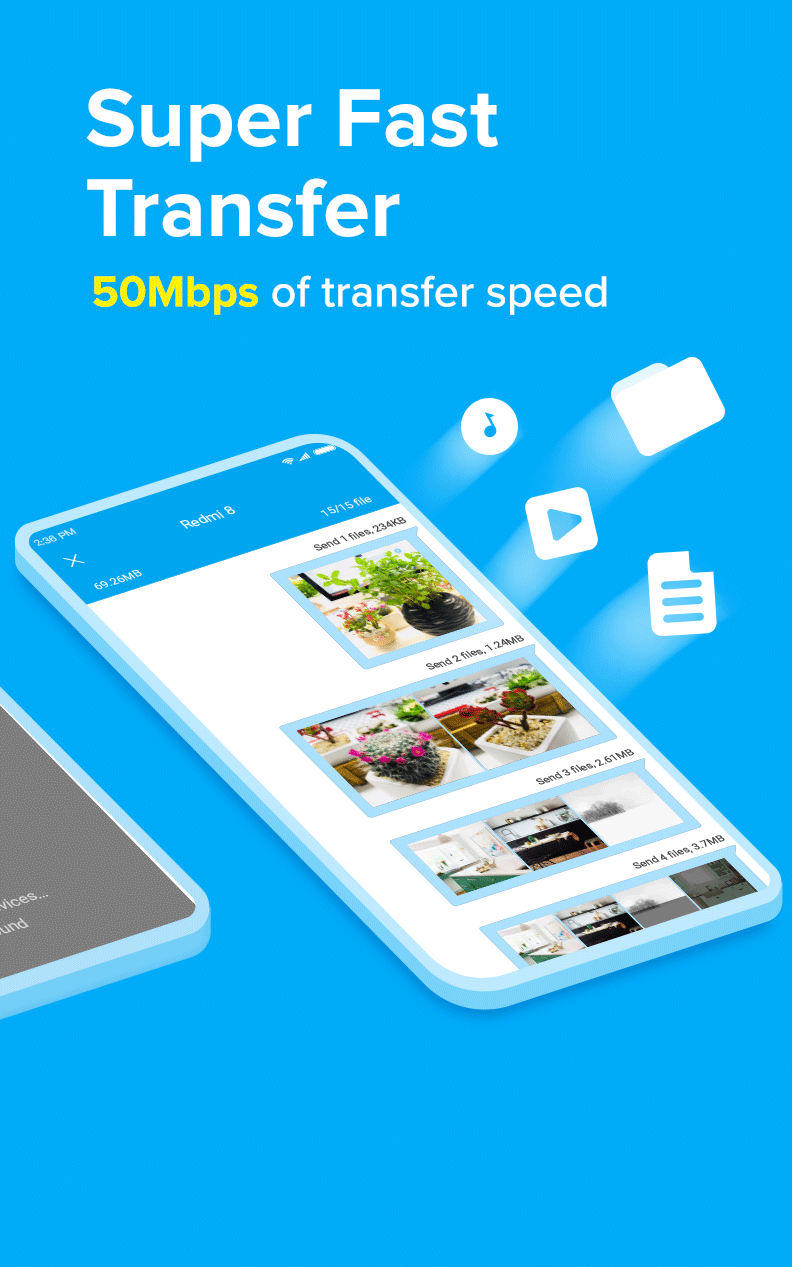
- Send files fast — Share photos, videos, music, apps, documents, and other files between devices.
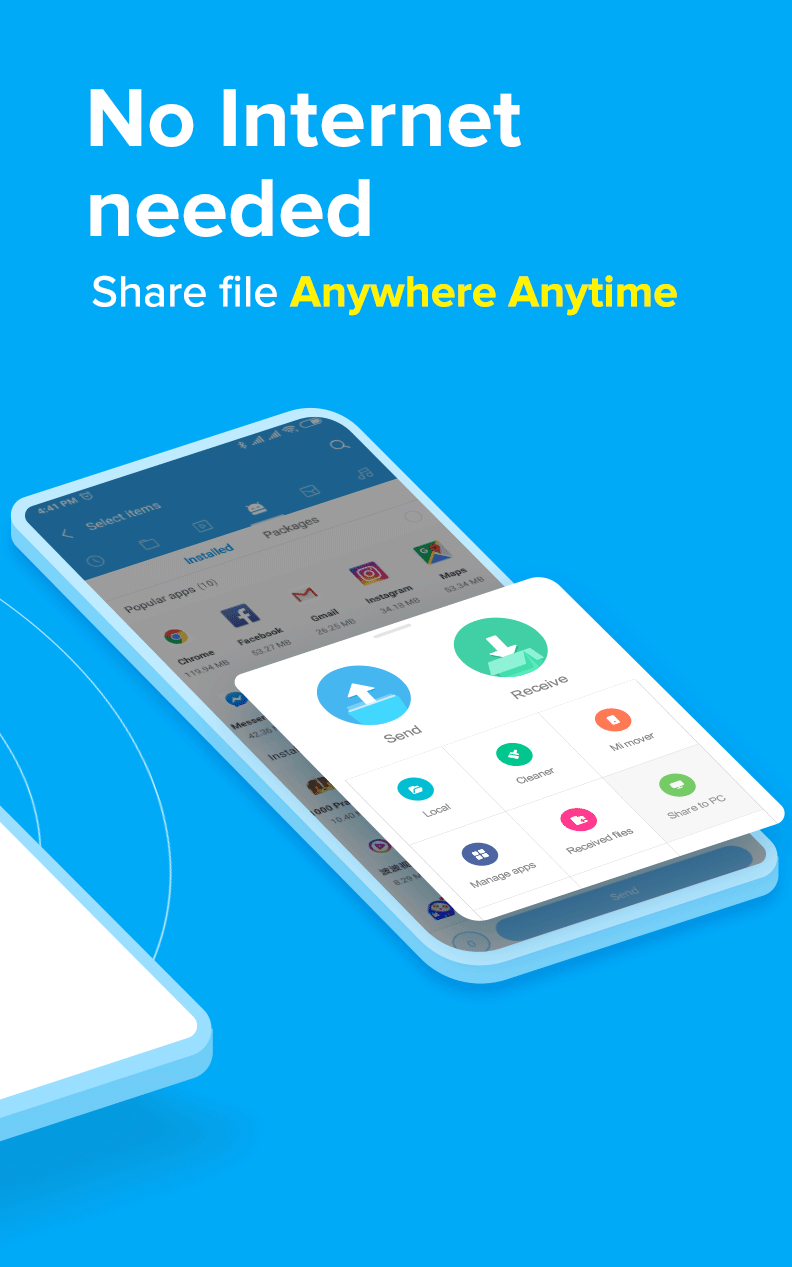
- Works offline — Transfer files without connecting to a network.
- Resume transfers — If a transfer stops, you can continue it with a tap instead of starting again.
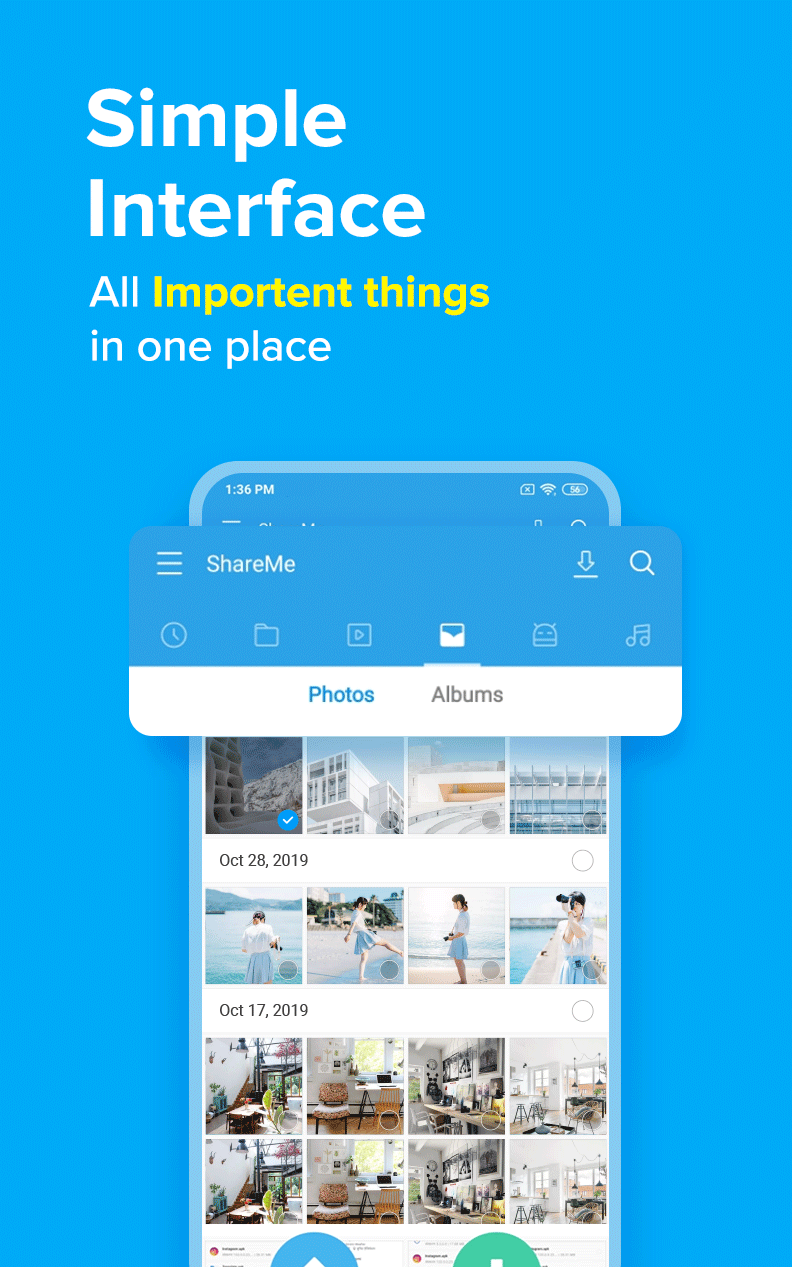
- Easy file categories — Files are sorted into groups like music, apps, and images for quicker browsing.
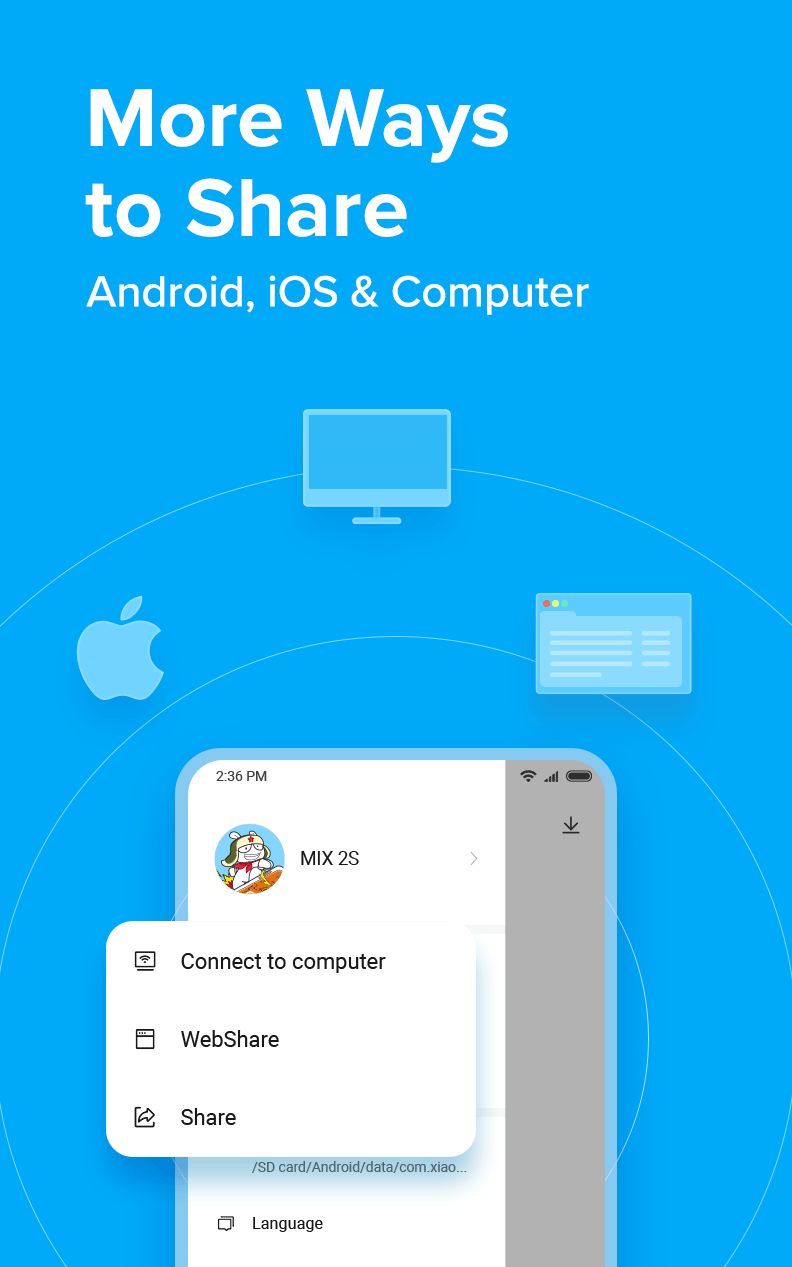
- Android and iOS — The app supports fast transfers to Android and iOS devices.
Sending a file from your phone
ShareMe: File sharing is the kind of app you open when someone nearby needs a photo, a video, or an app file right away. It is built for wireless sharing, so you do not have to rely on a network connection to move items between devices. The app is free, does not contain ads, and does not include in-app purchases.
It is available as an APK, with a 28.1 MB file size, and it works on Android 7.0 and up. That makes it a straightforward option for people who want a simple transfer tool on a fairly wide range of Android phones.
Offline transfers and resumed sends
One of the main differences here is that ShareMe is focused on direct file transfer, not general Android system tasks. Compared with apps like Android System WebView or Android System Intelligence, it is much more specific: you open it to move files, not to support the device in the background. If a transfer gets interrupted, you can resume it with a tap instead of starting over.
This is useful in everyday moments, like moving a large video after a call drops or sending several files while you are switching between rooms. The app also supports large files, so it is not limited to small items only.
Finding photos, music, and apps quickly
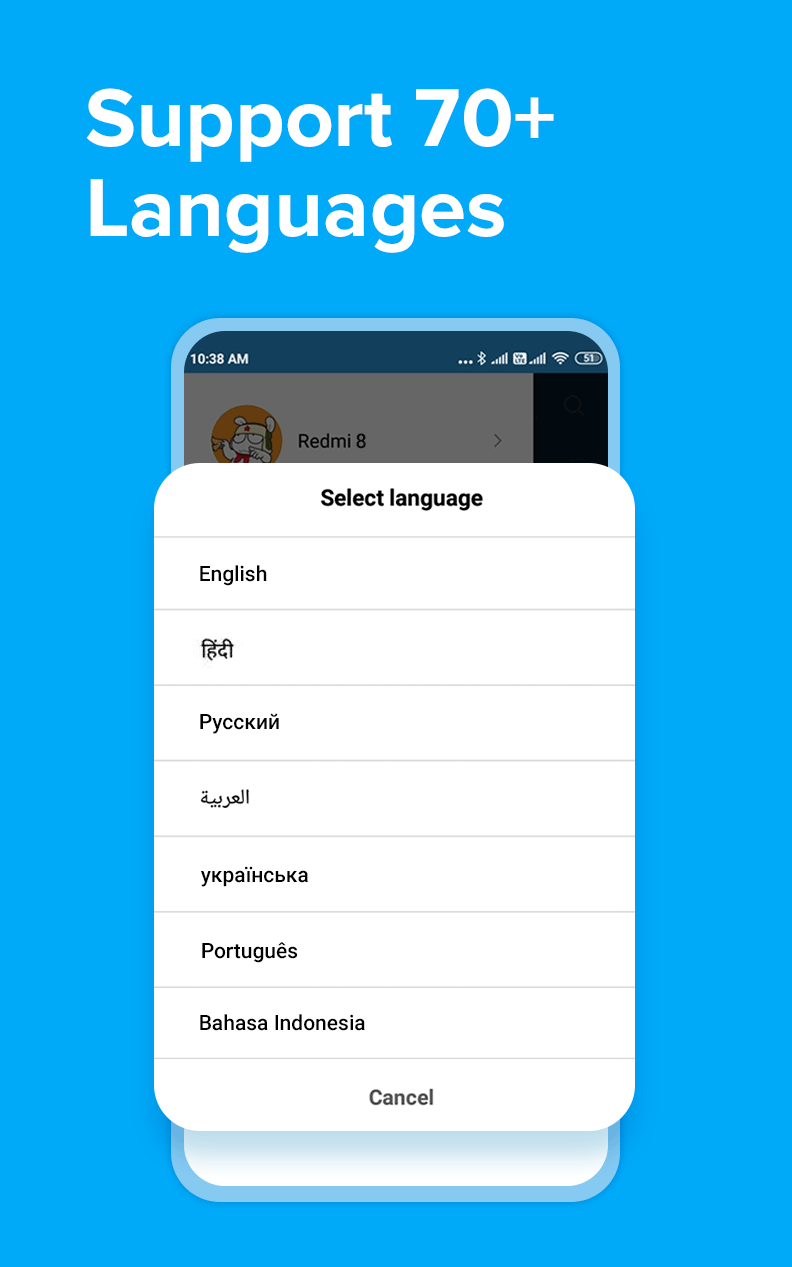
The interface groups files into categories such as music, apps, and images, which helps when you do not want to scroll through everything on your phone. That can feel easier than using a general system tool, especially if you only want to share one type of file. ShareMe also supports multiple languages, including English, Español, Chinese, Português, Russian, Ukrainian, and Vietnamese.
- Privacy and security: The app highlights privacy and security in its description.
- No ads: You will not see ads while using it.
- No account details listed: The app description does not mention signing in.
How it compares with other Android tools
Compared with the other apps in the similar-app list, ShareMe is the one aimed directly at file sharing. Speech Recognition & Synthesis handles spoken output, Android Accessibility Suite helps with device access, Google Play Services for AR supports augmented reality, and Android System Intelligence and Android System WebView serve system functions. ShareMe is different because it is designed for moving files between devices, including support for Android and iOS transfers.
If your main need is sending media, documents, or apps without using mobile data, this app fits that job closely. If you need system features instead, one of the other tools may be the better match.
What's new
Version 3.48.06 · Nov 12, 2026
- Bug fix.
APK information
- Version
- 3.48.06
- Package
- com.xiaomi.midrop
- Category
- Tools
- Size
- 28 MB
- Min Android
- 7.0
- Architecture
- universal
Older versions
-
ShareMe: File sharing 3.48.06Nov 12, 2026Latest downloadAPK
ShareMe: File sharing FAQ
Why does ShareMe: File sharing need these permissions?expand_more
No permissions are listed for this app, so there are no permission details to explain from the listing.
Does ShareMe: File sharing drain the battery?expand_more
Battery impact is not listed. The app details only say it supports wireless file sharing and offline transfers.
Does ShareMe: File sharing show ads?expand_more
No. The app listing says it does not contain ads.
Is ShareMe: File sharing free to use?expand_more
Yes. It is listed as free.
Can ShareMe send files to iPhone or iPad?expand_more
The play summary says it supports fast transfers to Android and iOS devices.