- 4.7star1,715,863 reviews
- 100M+Downloads
- 12 MBAPK size
- EveryoneRated for Everyone
- 5.0+Android
check_circleOriginal APK from File Manager Plus · Updated Nov 12, 2026
No threats found
0 / — antivirus engines flagged this file
Original signature
First seen — File Manager Plus
Unmodified APK
Same file the developer published — no mods
File Manager screenshots
8 images · tap to enlarge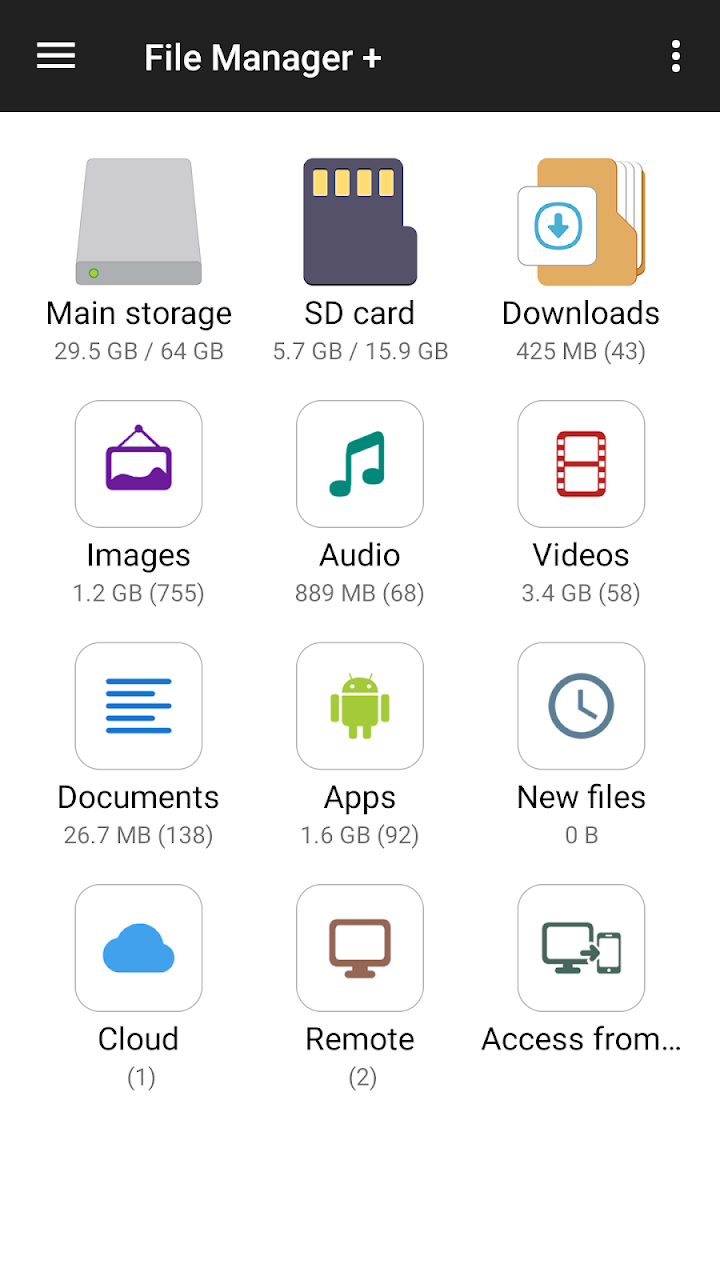


About this app
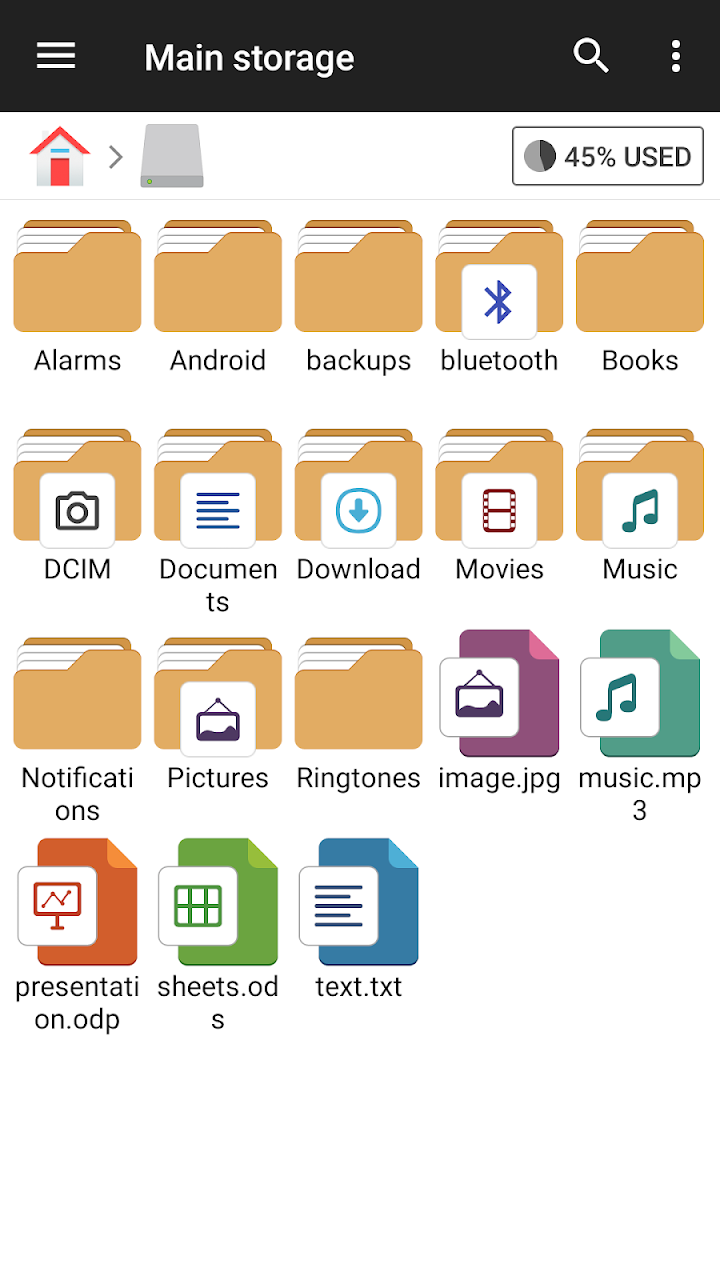
With 100M+ installs and a 4.7 rating, File Manager is a free Android file explorer for people who want one place to handle local storage, cloud accounts, and shared drives. It sorts files by type, shows storage use at a glance, and includes tools for copying, renaming, compressing, and more.
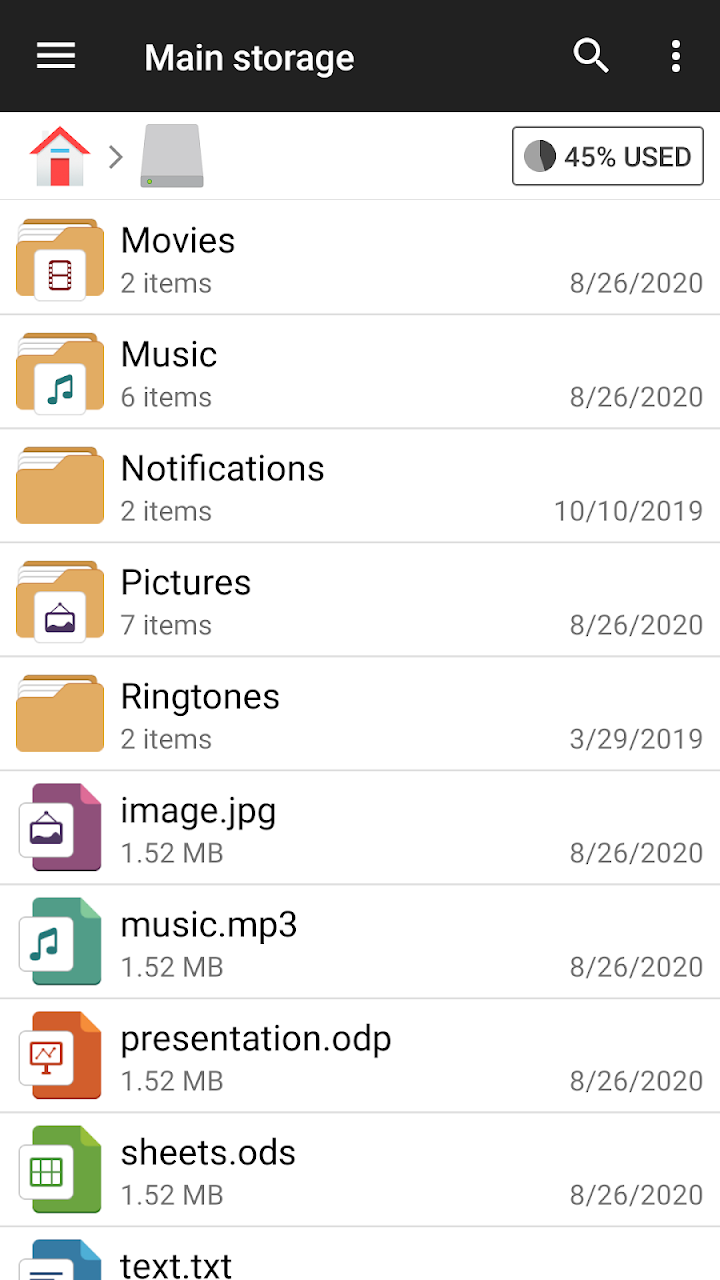
- Local file control — Browse internal storage, SD card, and USB OTG, then open, move, copy, rename, or delete files and folders.
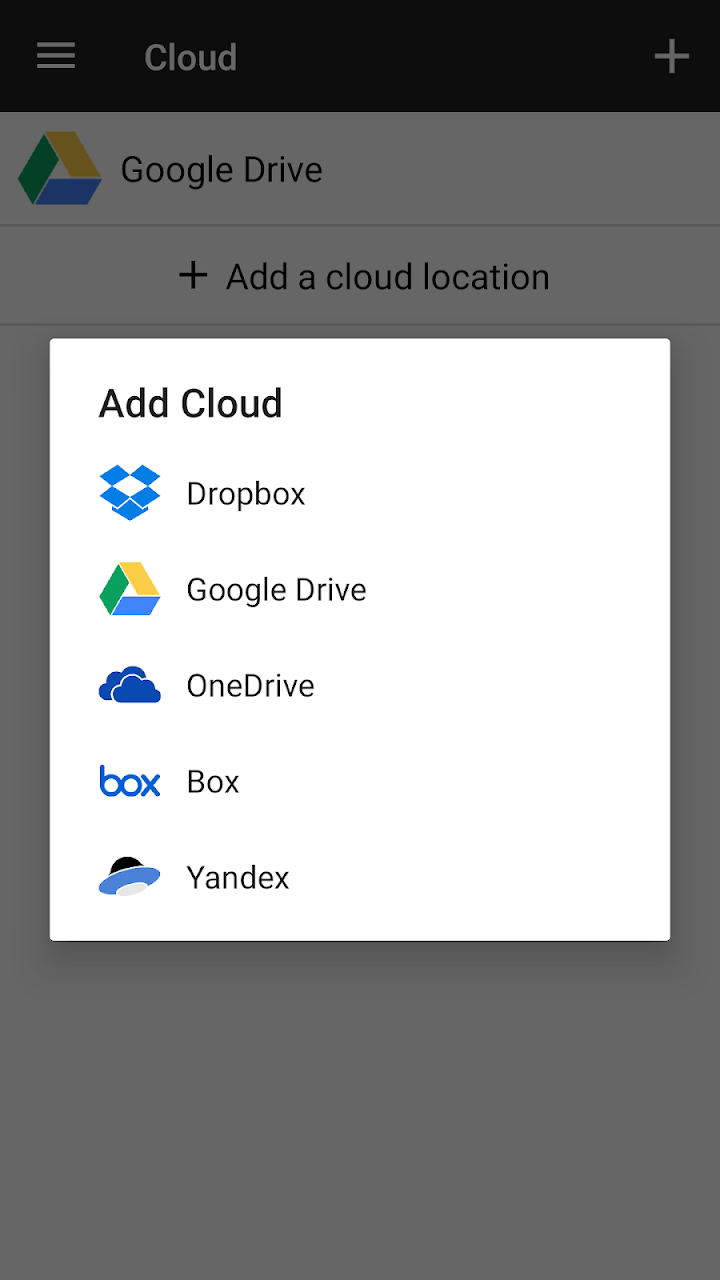
- Cloud and NAS access — Connect to Google Drive, OneDrive, Dropbox, Box, Yandex, FTP, and NAS storage from inside the app.
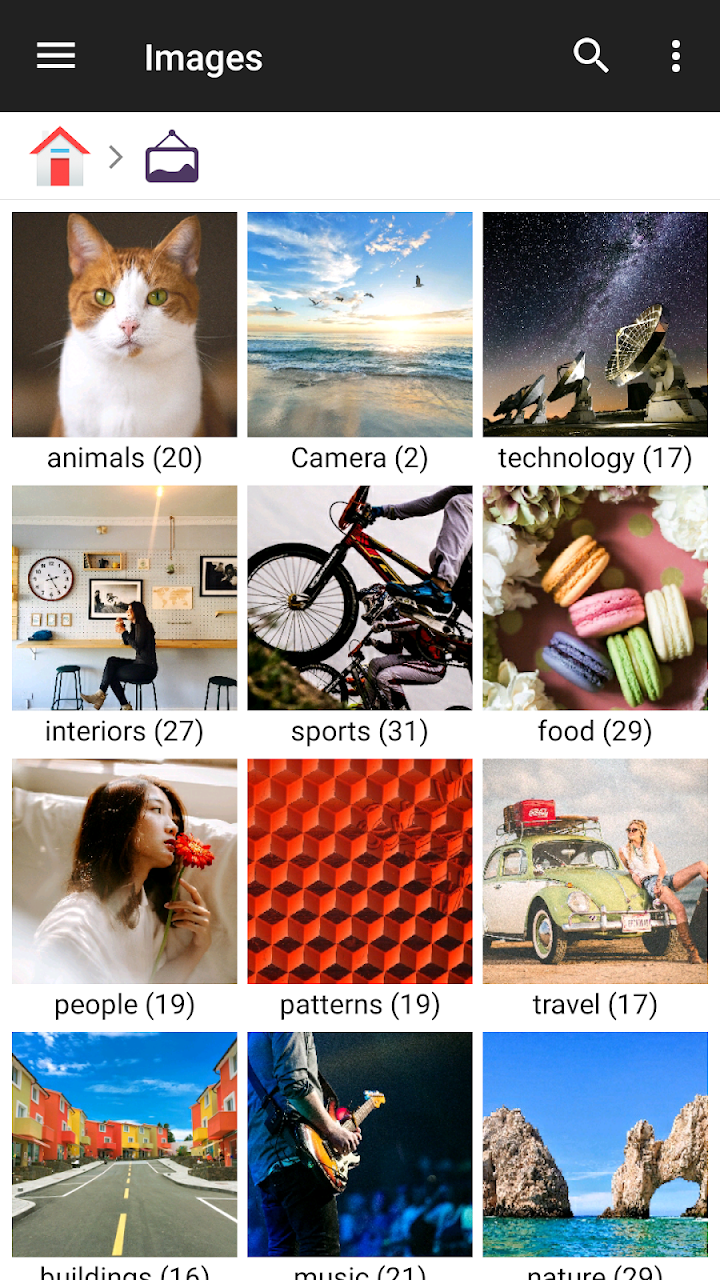
- Sorted file views — Jump to downloads, images, audio, videos, documents, or new files without digging through folders.
- App management — See the apps installed on your device and manage them from the same place as your files.
- Built-in tools — Use the image viewer, music player, text editor, and archive tools without switching apps.
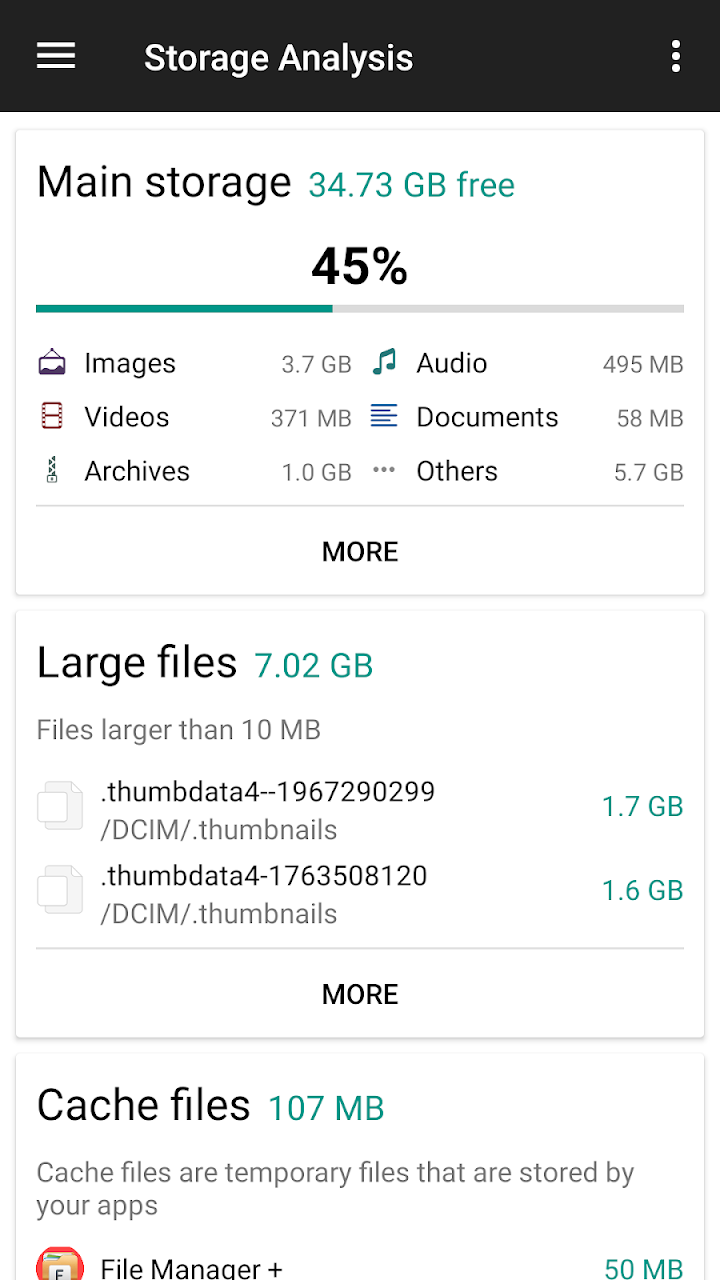
- Storage analysis — Check what takes up space and find large files or apps that may need cleanup.
For people sorting phone storage
If your downloads, photos, and documents end up scattered across your device, File Manager gives you one place to browse them. It shows internal storage, SD card, and USB OTG, and it groups files by type so you can reach images, audio, videos, documents, and new files quickly.
This helps when you want to clean up a crowded phone, move a file to another folder, or find something without scrolling through every directory.
For cloud accounts and shared drives
File Manager also connects to cloud and remote storage, including Google Drive, OneDrive, Dropbox, Box, Yandex, NAS, and FTP servers. That makes it useful if you keep work files online, use a home network storage device, or need to reach shared files from the same app you use on your phone.
It can also access your Android storage from a PC through FTP, which may suit people who prefer working from a computer instead of copying files by cable.
For quick viewing and file tools
The app includes built-in tools for archives, media, and text files. You can compress zip files, decompress zip, gz, xz, and tar archives, and open files with the internal image viewer, music player, or text editor when you do not want to switch apps.
- You get: file search, copy and paste, cut, delete, rename, bookmark, organize, and transfer.
- You get: app listings, storage analysis, and support for media and APK files.
- Watch for: ads and in-app purchases.
- Watch for: no listed permissions in the app details.
Compatibility and install notes
File Manager is free, with ads and in-app purchases. It uses the APK format, is 12.2 MB, and needs Android 5.0 or later. It works on phones, tablets, and Android TV, so it fits a range of devices without needing a technical setup.
APK information
- Version
- ᴅᴇɴɪs ʜᴀᴘᴘʏ
- Package
- com.alphainventor.filemanager
- Category
- Productivity
- Size
- 12 MB
- Min Android
- 5.0
- Architecture
- universal
Older versions
-
File Manager ᴅᴇɴɪs ʜᴀᴘᴘʏNov 12, 2026Latest downloadAPK
File Manager FAQ
Can File Manager be used offline?expand_more
Yes. It manages files on your device, so local storage features can be used without a cloud connection.
Does File Manager sync across devices?expand_more
The app connects to cloud and remote storage, but the listing does not describe automatic sync across devices.
Is File Manager free to use?expand_more
Yes. File Manager is free, and it also includes ads and in-app purchases.
What permissions does File Manager ask for?expand_more
No permissions are listed in the app details provided.
Can File Manager open compressed files?expand_more
Yes. It can compress zip files and decompress zip, gz, xz, and tar archives.