- 3.9star132,748 reviews
- 10M+Downloads
- 4 MBAPK size
- EveryoneRated for Everyone
- API 10+Android
check_circleOriginal APK from Marcin Lewandowski · Updated Nov 10, 2026
No threats found
0 / — antivirus engines flagged this file
Original signature
First seen — Marcin Lewandowski
Unmodified APK
Same file the developer published — no mods
Floor Plan Creator screenshots
8 images · tap to enlarge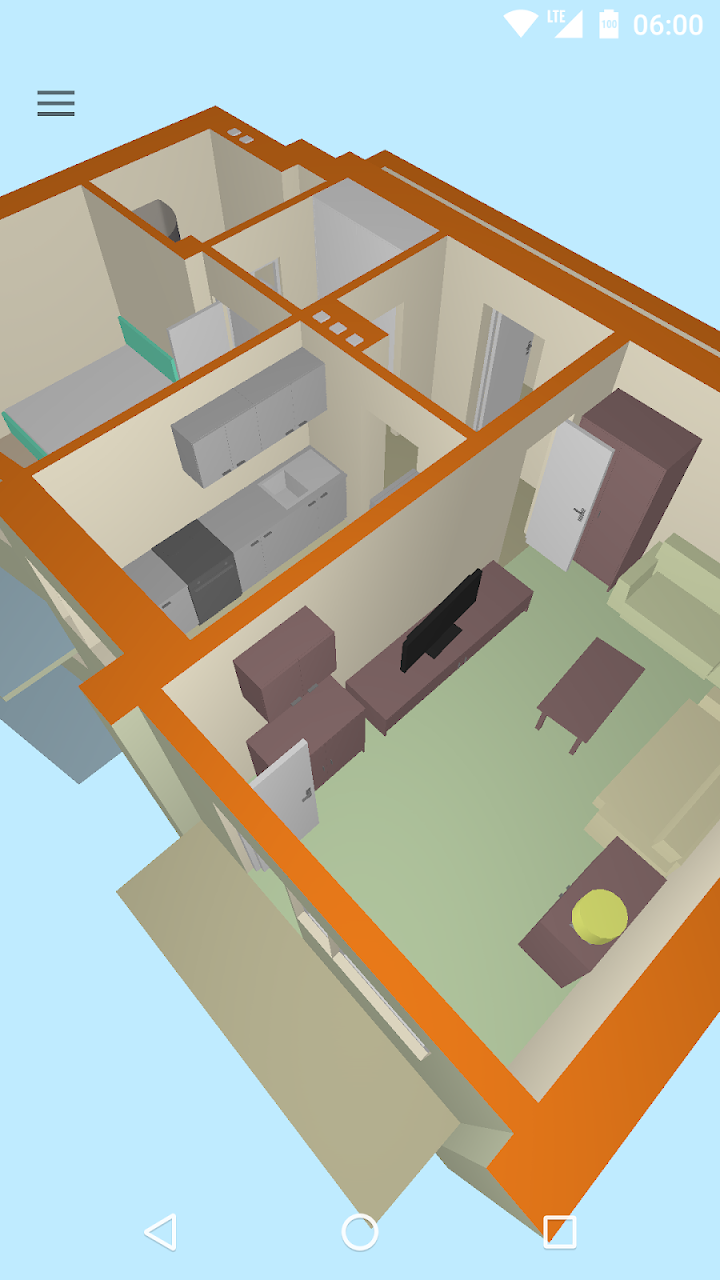
About this app
Need a floor plan app that handles measurements too? Floor Plan Creator is an Android app for drawing, editing, and sharing detailed plans. It supports movable rooms, multiple floors, 3D viewing, and measurement tools, with paid options for cloud sync and exporting to common file formats.
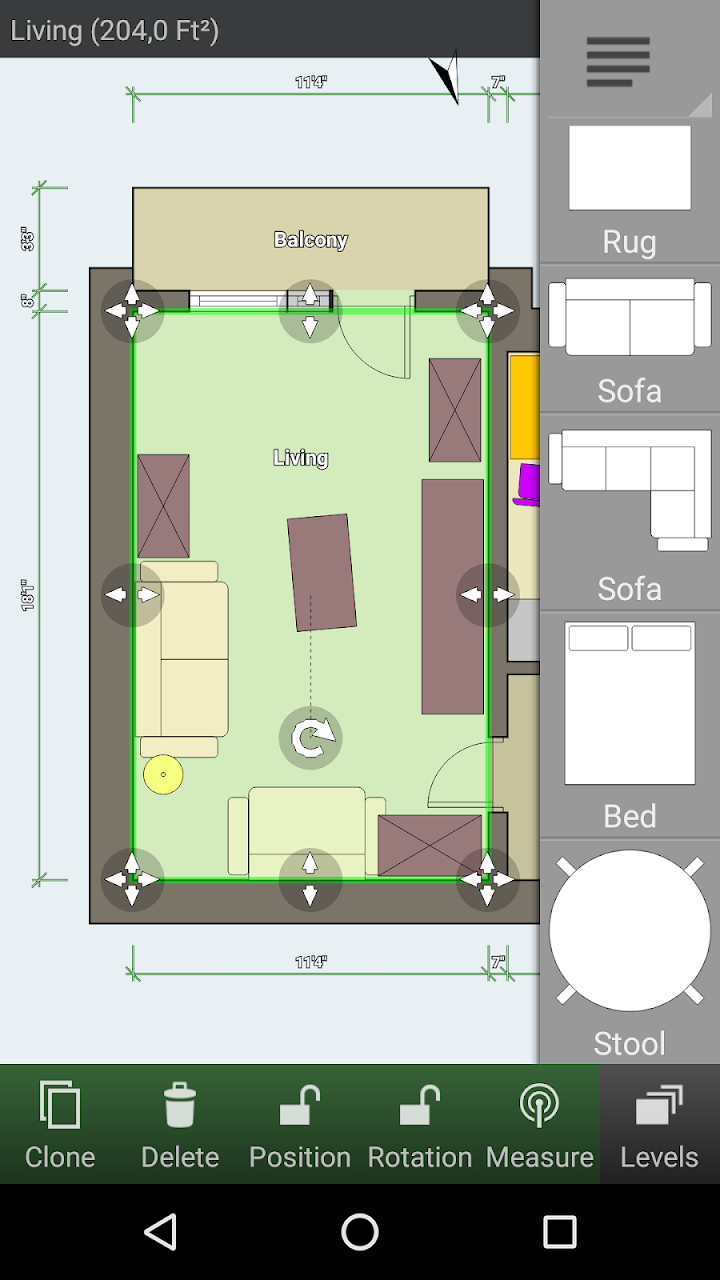
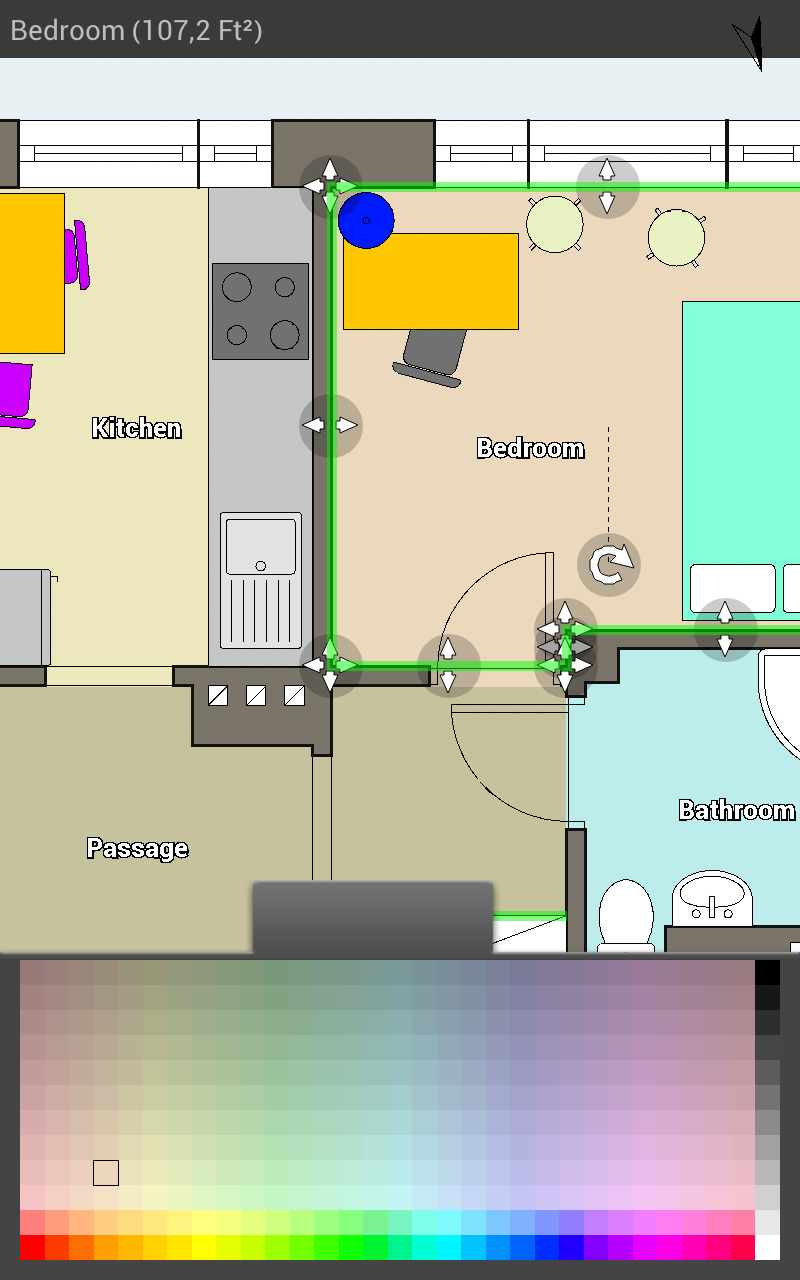
- Movable Rooms — Rooms stay editable, so you can change wall lengths and room shapes after you start a plan.
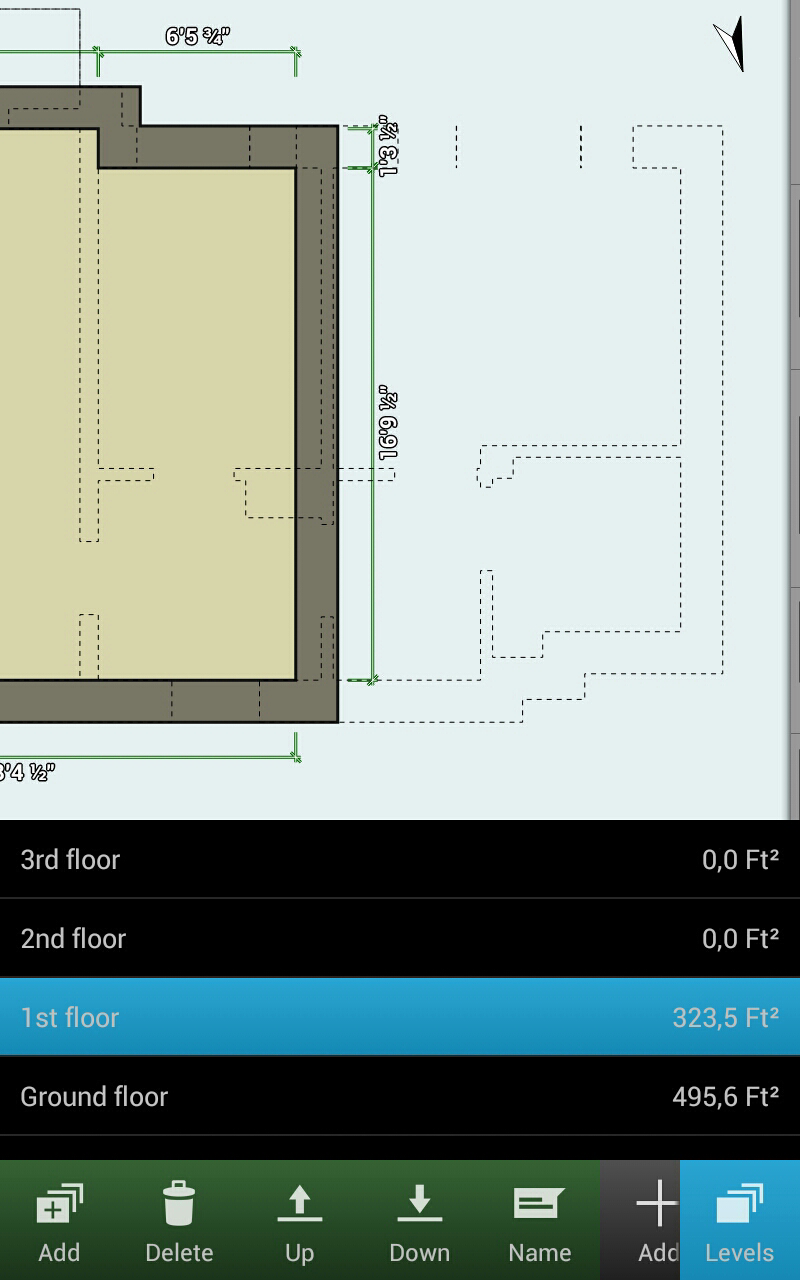
- Multiple Floors — Build plans with more than one level and use straight walls to define rooms of different shapes.
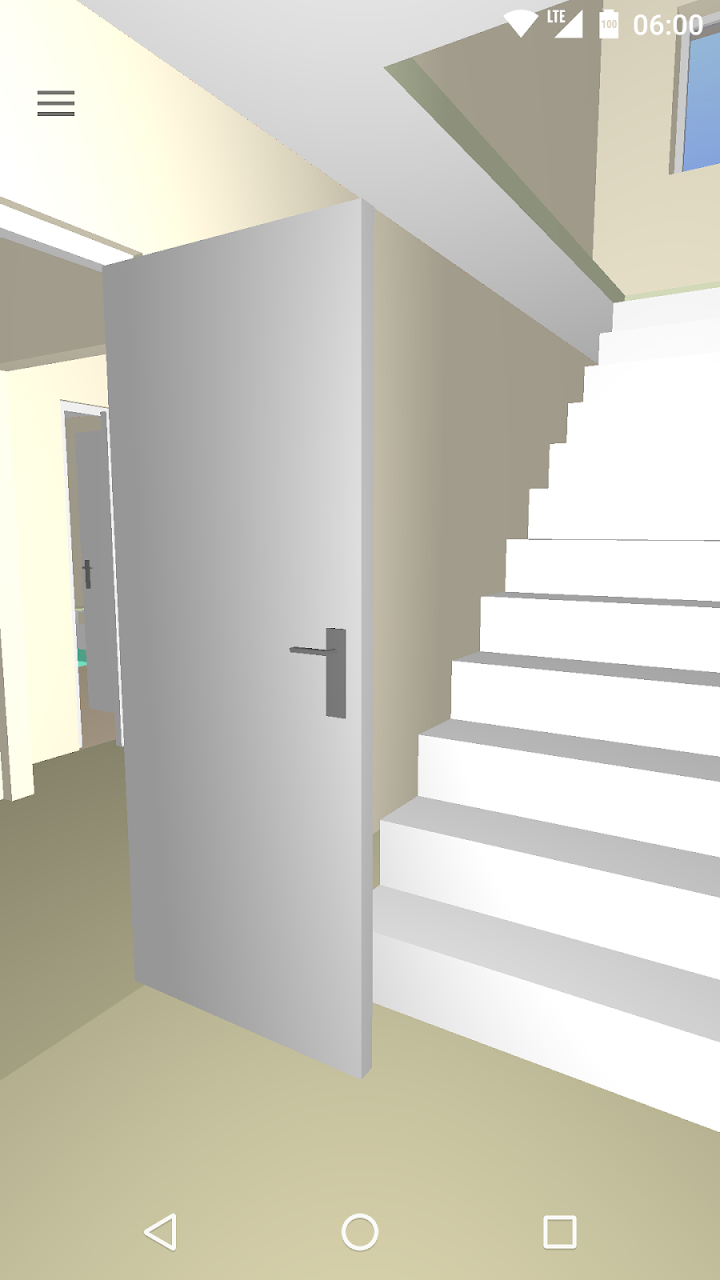
- 3D Tour Mode — Switch to 3D to inspect the layout from another angle before you save or share it.
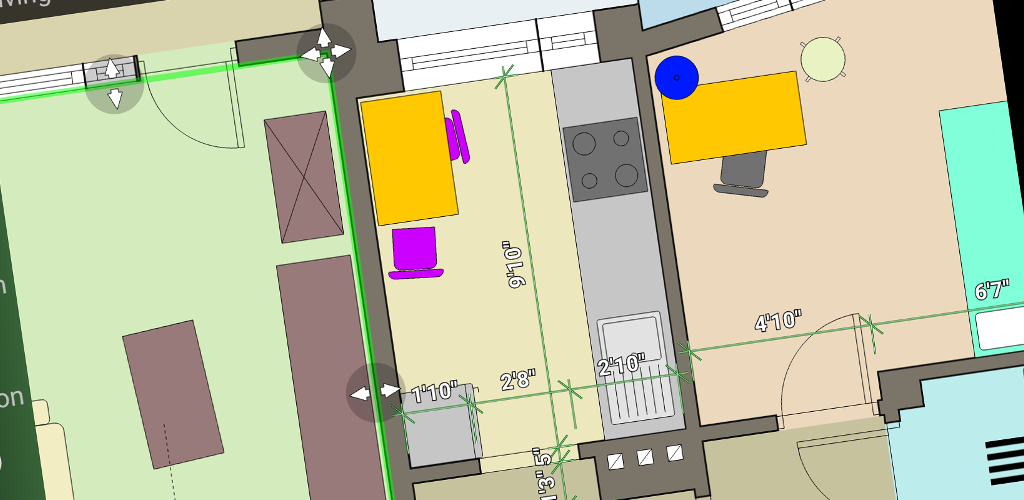
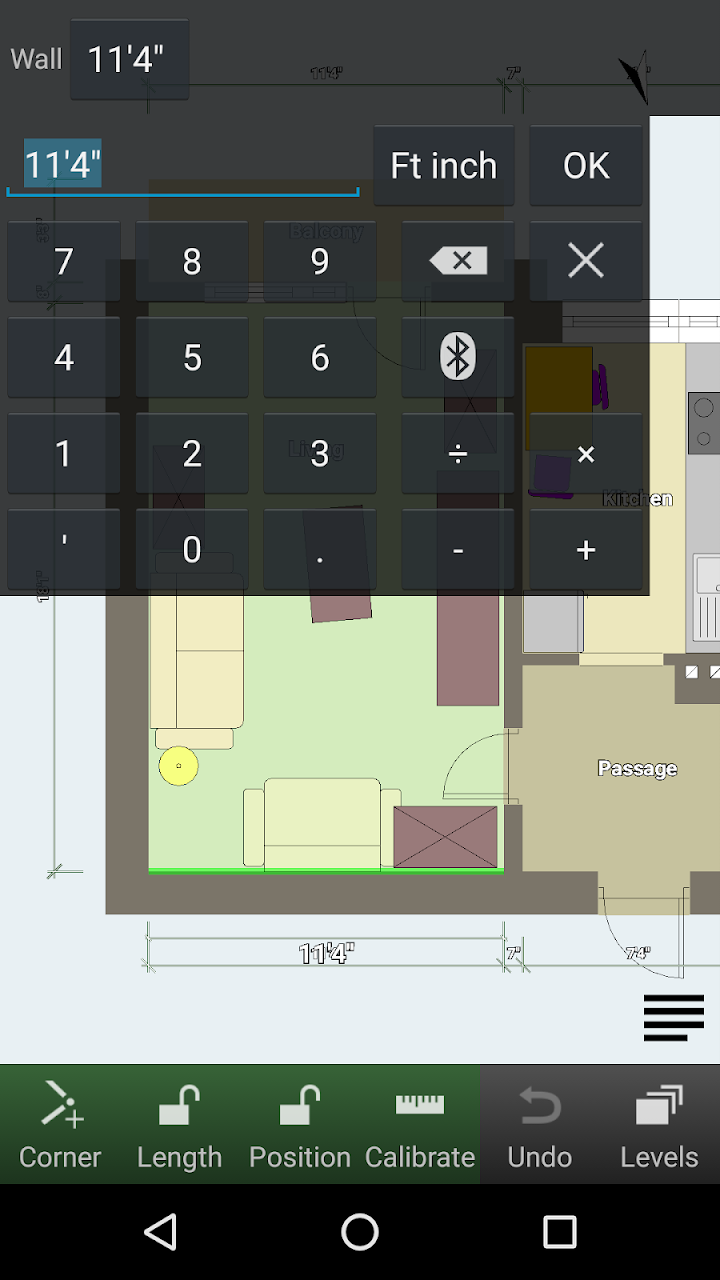
- Measurement Tools — Interactive dimension lines and wall locking help you adjust doors, windows, and distances with typed values.
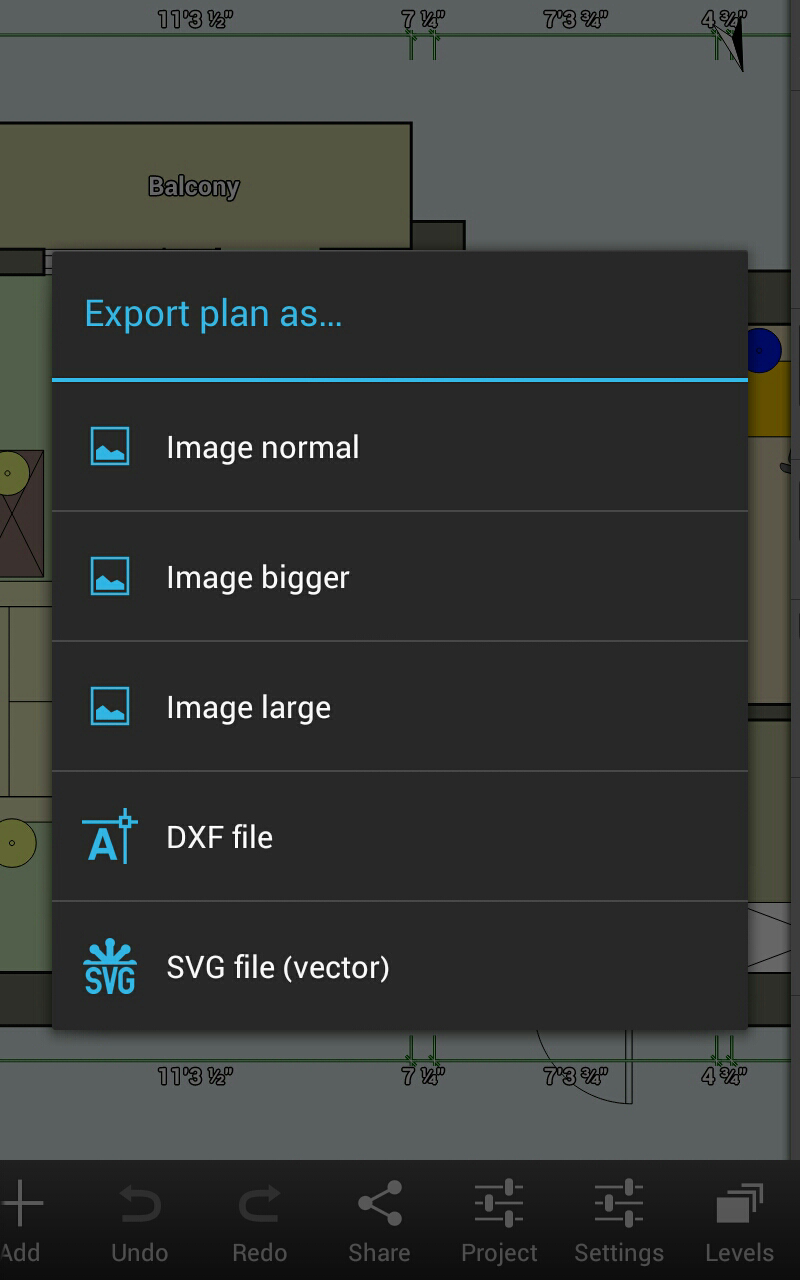
- Export Options — Paid export support includes image, PDF, DXF, SVG, CSV, and print-to-scale output.
- Low Storage Size — The APK is 3.5 MB and comes in a universal build for Android API 10 and up.
Editable rooms and wall lengths
Floor Plan Creator is built around plans that stay editable. You can move rooms, change wall lengths, and adjust interior dimensions after the layout is already in place. That makes it practical for renovation work, where a sketch often needs revision as measurements change.
For example, if a bedroom wall needs to be shortened, you can type in a new value instead of redrawing the room from scratch. The app also supports locking wall lengths and positions, which helps when you want to avoid accidental changes while refining a plan.
Multiple floors and measured layouts
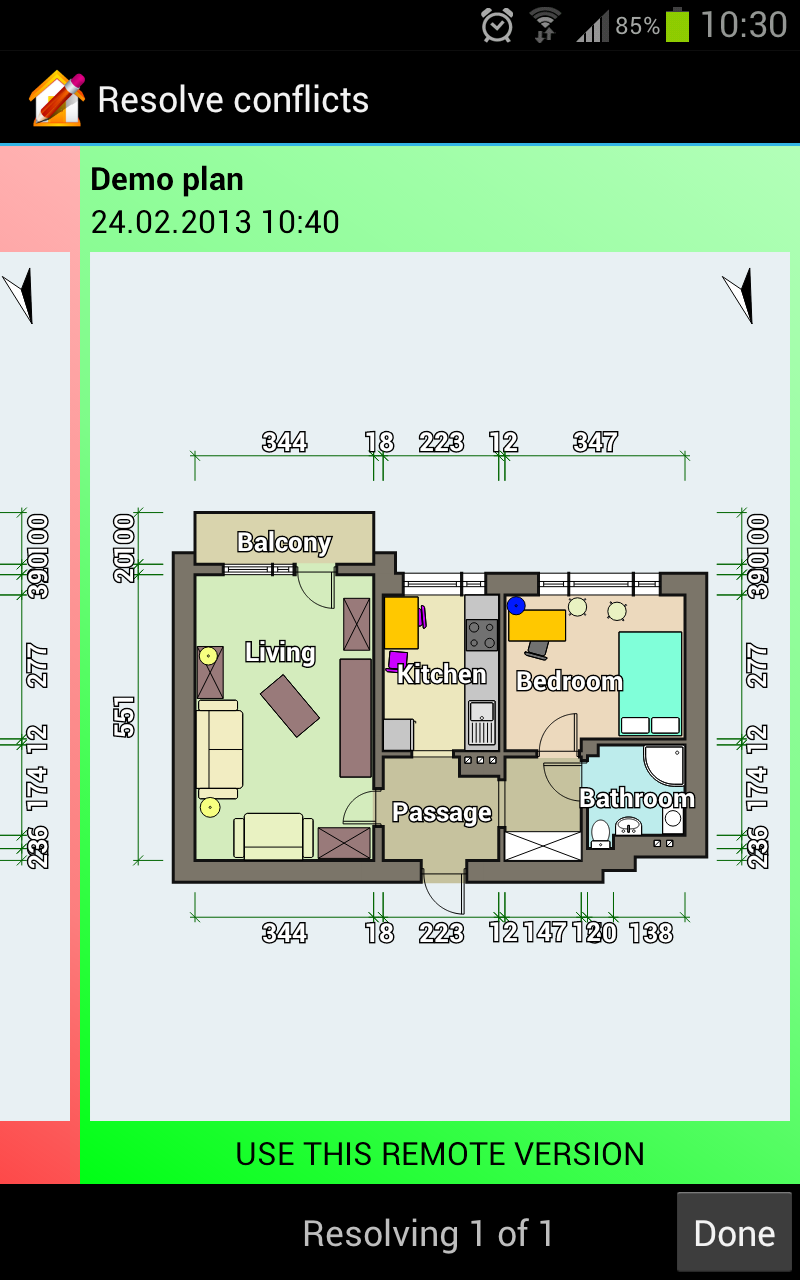
The app supports multiple floors and rooms of any shape, as long as the walls are straight. It automatically calculates room, wall, and level area, plus perimeter and symbol counts. That gives you a numeric check on the layout while you work.
Interactive dimension lines let you measure distances directly on the plan and move walls, doors, and windows by entering a new value. Built-in math expressions can also be used for room and object properties, which is useful when estimating paint coverage, material quantities, or costs on the same drawing.
3D tour and symbol library
Once the plan is laid out, 3D tour mode lets you explore it in three dimensions. That can help you judge spacing before exporting or sharing the file. The app also includes a symbol library with electrical and fire survey symbols, so the plan can carry more than just walls and doors.
It supports S-Pen and mouse input, plus metric and imperial units. Bluetooth laser distance meter support includes Bosch, Leica Disto, Hilti, Stabila, and other devices, so distances can be measured and imported directly into the plan.
Sharing, export, and install details
Cloud synchronization is available as a paid feature for backup and sharing between devices. Editing plans on a computer at floorplancreator.net is also paid, and paid export options include image, PDF, DXF, SVG, CSV, and print to scale. The APK is 3.5 MB, uses a universal build, and requires Android API 10 or higher.
- Free app: yes, with ads and in-app purchases
- Content rating: Everyone
- Release: 2012-09-30
- Last updated: 2026-08-25
APK information
- Version
- 3.2.8
- Package
- pl.planmieszkania.android
- Category
- Art & Design
- Size
- 4 MB
- Min Android
- API 10
- Architecture
- universal
Older versions
-
Floor Plan Creator 3.2.8Nov 10, 2026Latest downloadAPK
Floor Plan Creator FAQ
Does Floor Plan Creator add a watermark?expand_more
The app description lists export options, but it does not mention a watermark.
Can Floor Plan Creator edit RAW photos?expand_more
No photo editing features are listed. Floor Plan Creator focuses on drawing and editing floor plans.
What changed in the latest Floor Plan Creator version?expand_more
No recent changes are listed for version 3.2.8.
Does Floor Plan Creator work offline?expand_more
The app includes local floor plan editing tools, and cloud synchronization is a paid feature. Offline use is not specifically stated.
Can I use Floor Plan Creator with a Bluetooth laser meter?expand_more
Yes. It supports Bluetooth laser distance meters from Bosch, Leica Disto, Hilti, Stabila, and more.