
- 4.7star6,934 reviews
- 500K+Downloads
- 23 MBAPK size
- EveryoneRated for Everyone
- API 18+Android
check_circleOriginal APK from Emiel Harmsen · Updated Nov 10, 2026
No threats found
0 / — antivirus engines flagged this file
Original signature
First seen — Emiel Harmsen
Unmodified APK
Same file the developer published — no mods
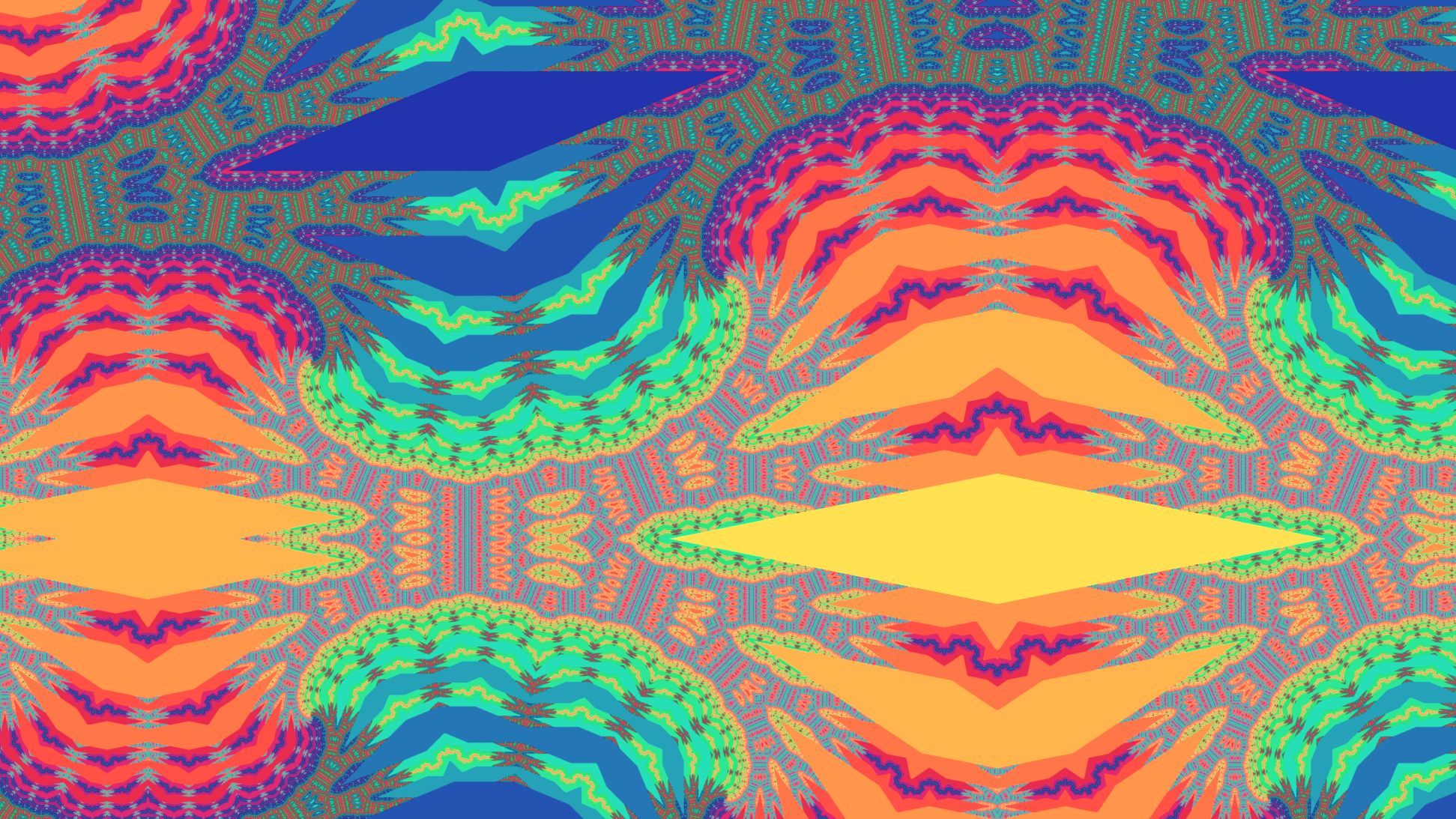
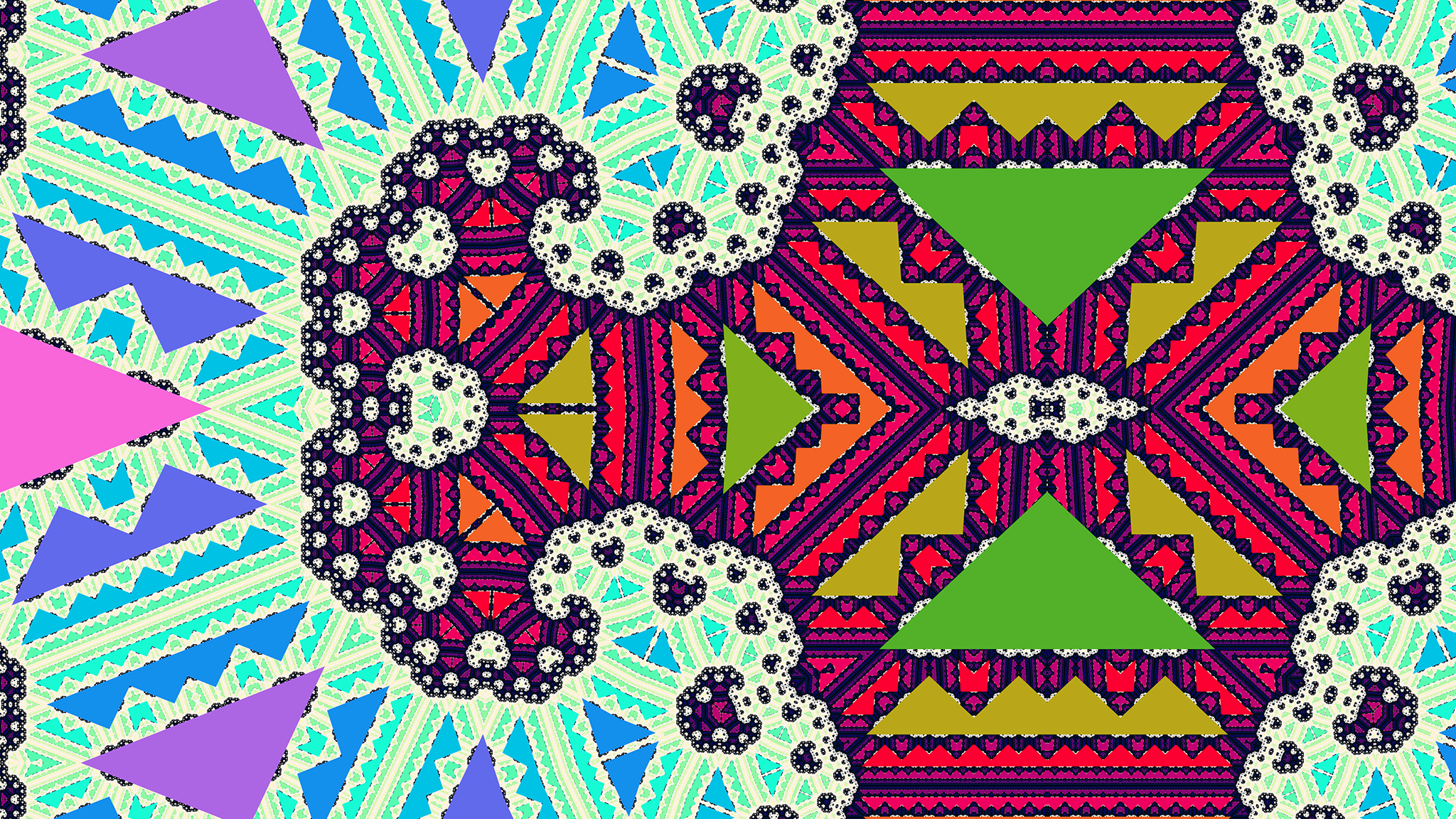
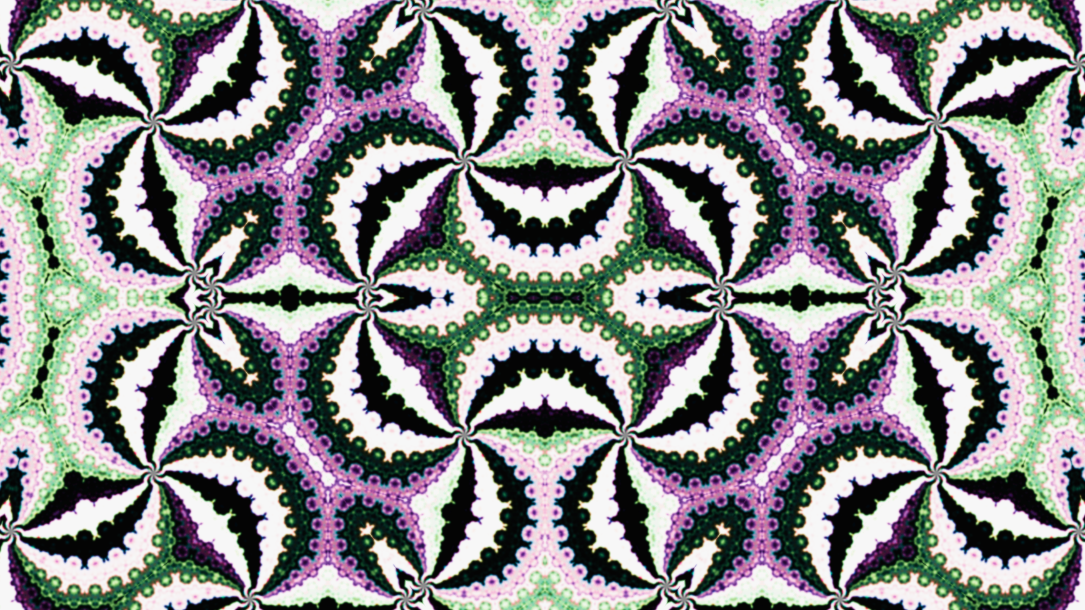
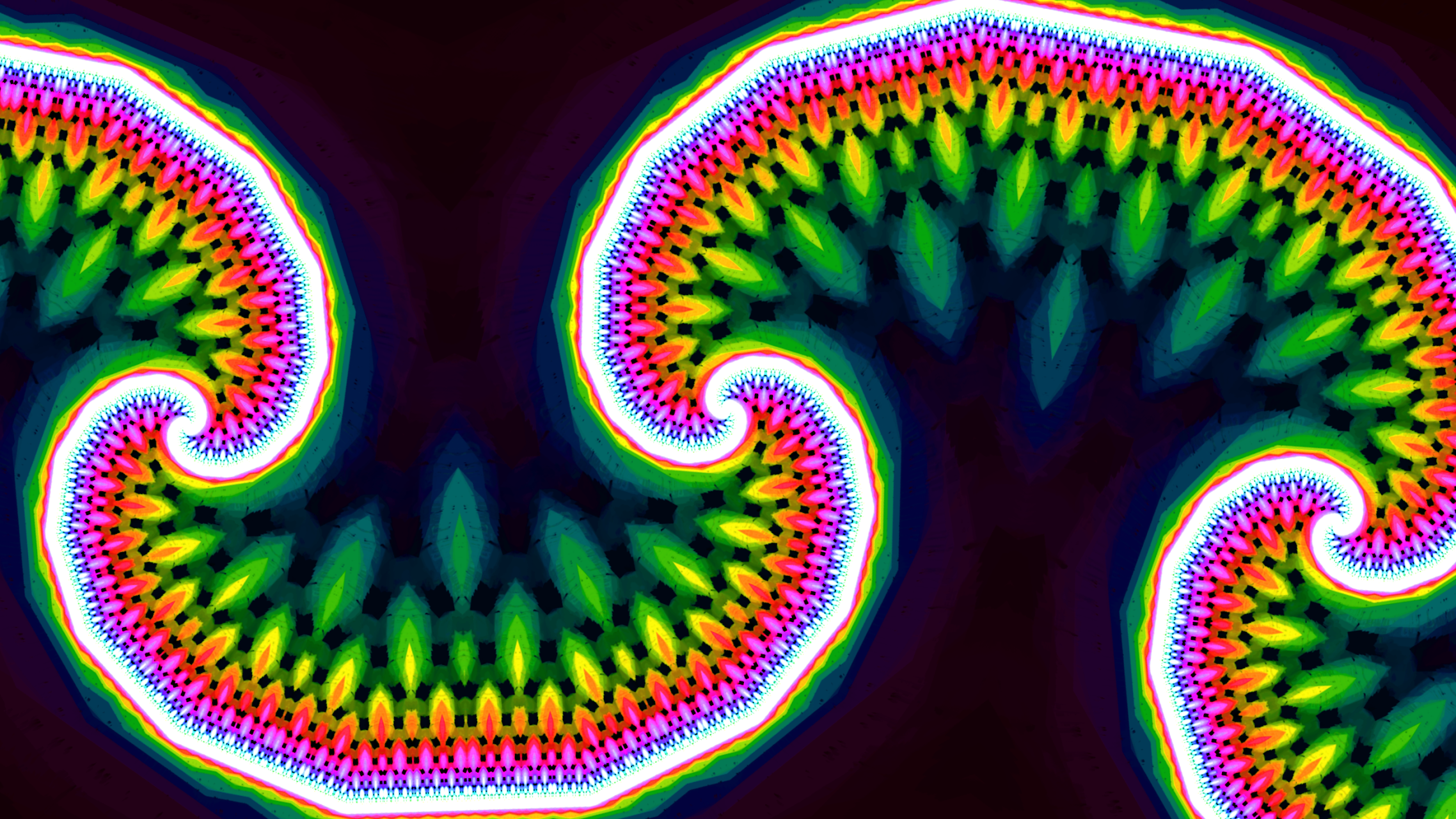
Fraksl screenshots
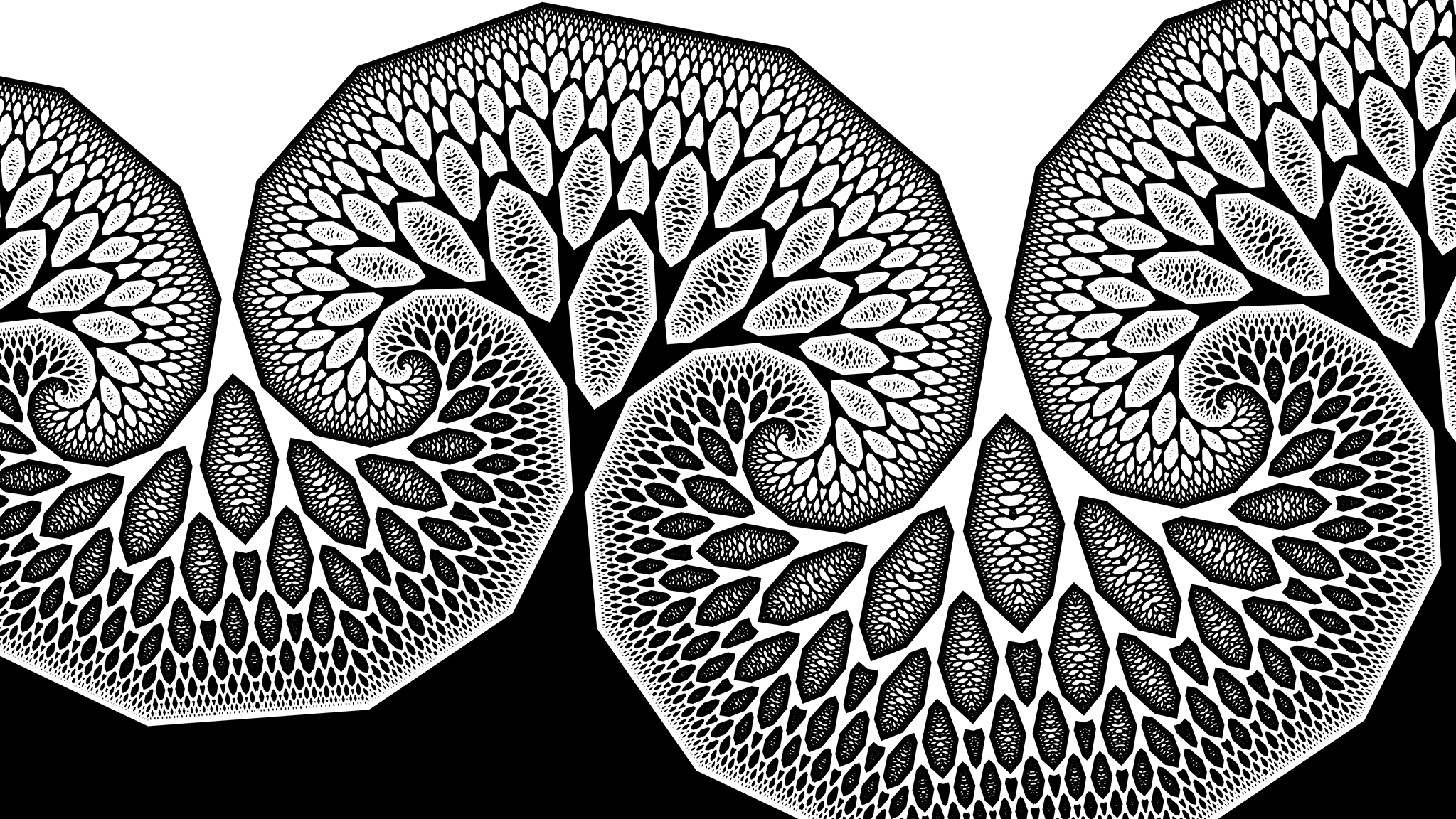
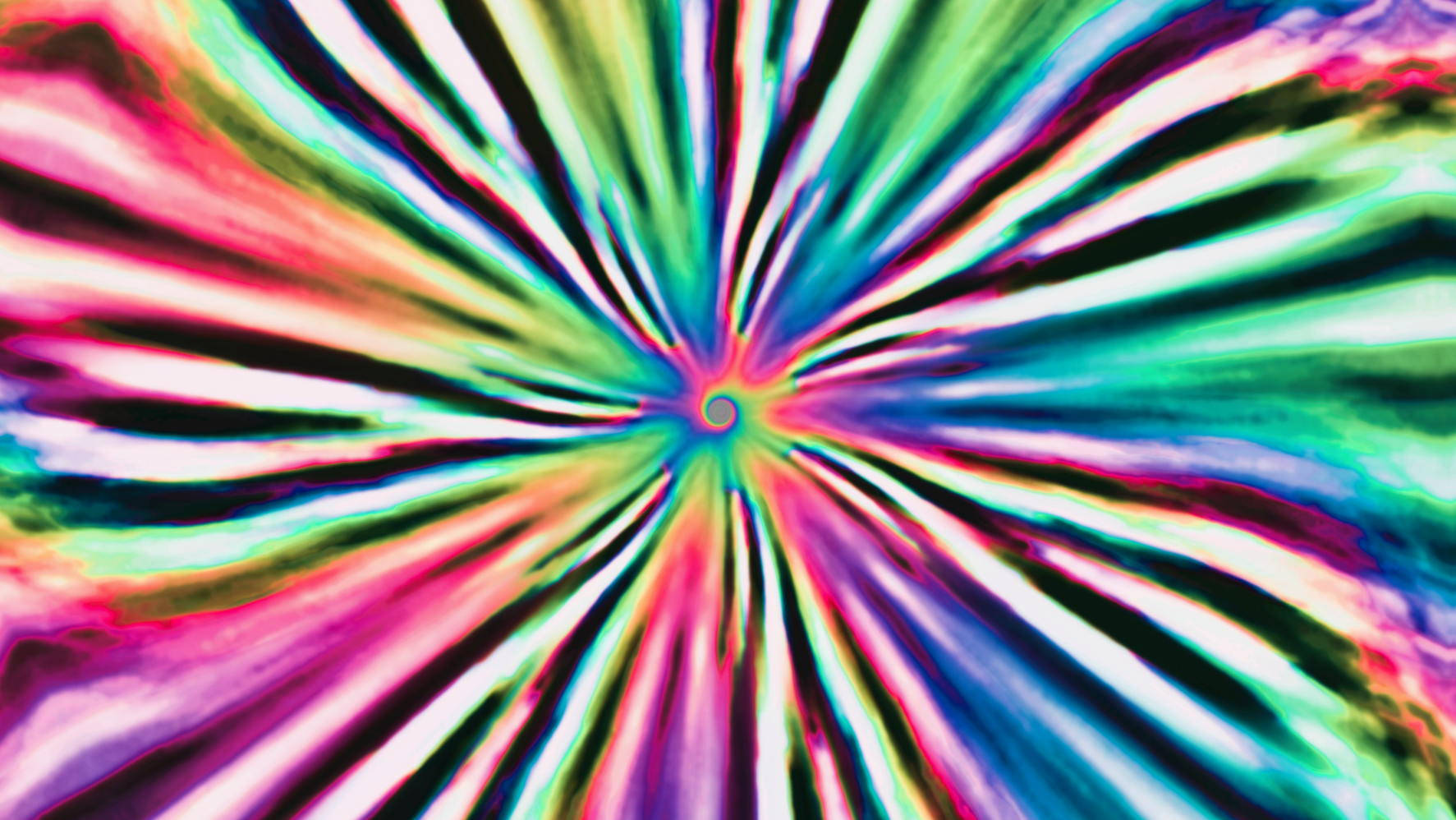
8 images · tap to enlarge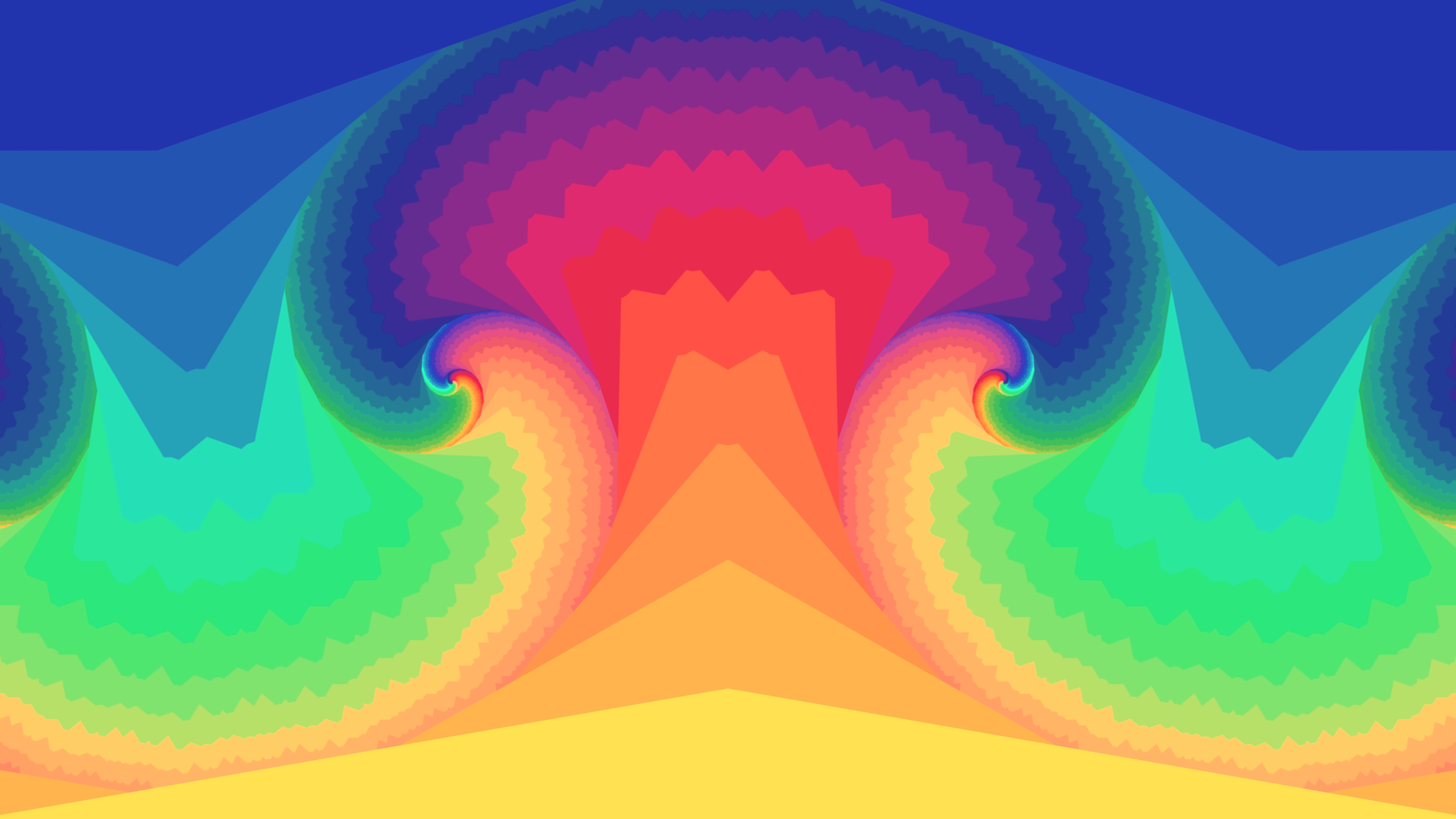
About this app
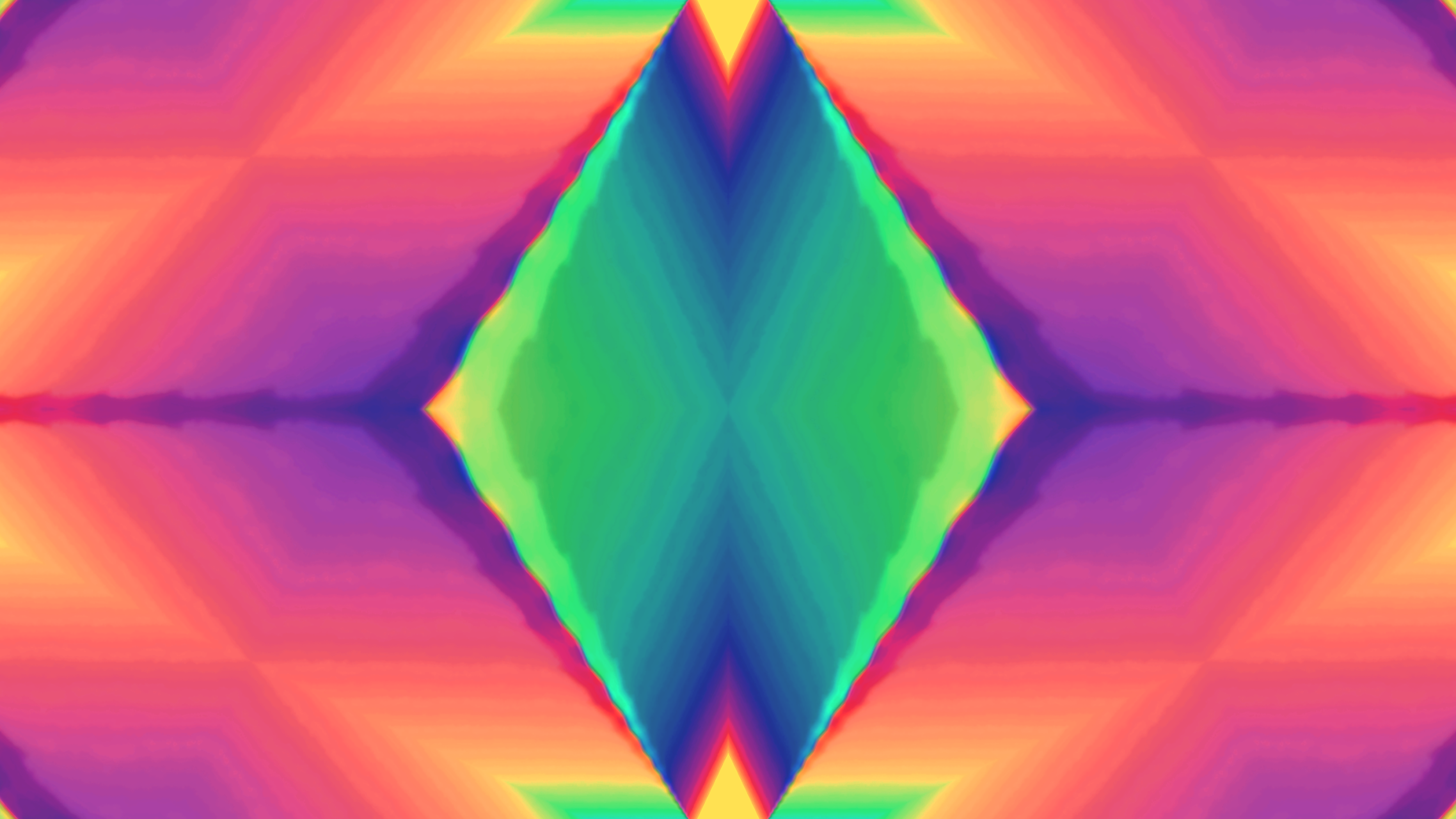
Want to make live fractal visuals on your phone? Fraksl opens with a workspace built around live video feedback, so the first thing you do is choose an input, shape it with filters and mirrors, and start layering controls. It feels built for quick experiments first, then deeper setups once you start saving presets and sequences.
- Live fractal engine — Use live video feedback to build evolving visuals that change as you adjust the input.
- Filters and mirrors — Apply color filters and mirror transformations to push the look into different patterns.
- Layer control — Combine camera, library media, and NDI sources with blend mode, opacity, hue, position, rotation, scale, and chroma keying.
- Sequences and presets — Save visual states into sequences or full presets so you can return to a setup in one tap.
- Audio and motion modulators — Link parameters to microphone audio, MIDI, beat clock, waveform, motion sensors, or a gamepad.
- Capture and streaming — Take screenshots, record video with optional microphone audio, and stream output over NDI.
First launch and the default workflow
Fraksl starts as a visual playground rather than a guided editor. On a first open, the main job is to bring in a source, then watch how the live feedback shapes it into moving fractal patterns. From there, most daily use is simple: adjust a filter, add a mirror, change a layer, and see the result immediately.
The app is free to use with core features included, and it does not show ads. Some extras are unlocked separately, including additional filters, mirrors, layers, modulators, capture, streaming, and save slots, or you can get them as a bundle.
Set up a camera, media, or NDI input
The most practical first step is choosing what feeds the effect. Fraksl can use your live camera, import images or videos from your library, or receive NDI streams from other apps and devices. That makes it useful for quick sketching, performance visuals, or a setup that pulls in outside sources.
- Camera: Good for immediate, hands-on experimentation.
- Library media: Use stored images and videos as layer sources.
- NDI: Bring in network video from compatible software or devices.
Shape the look with filters, mirrors, and layers
Once a source is active, the app gives you direct controls for the image structure. Filters and mirror transformations change the pattern, while layers let you mix multiple sources and tune blend mode, opacity, hue, position, rotation, scale, and chroma keying. That mix is where Fraksl becomes more than a single effect.
For daily use, this is the screen you return to most often when you want a different mood without rebuilding everything from scratch.
Record, export, and keep a setup
Fraksl includes high-resolution screenshots and video recording with optional microphone audio, plus direct sharing from the app. Sequences let you save visual states with custom transition and hold times, and presets store the full setup, including layers, modulators, mappings, sequences, and settings. It also supports NDI streaming for live shows and multi-screen use. The APK is universal, 23.1 MB, and requires Android API 18 or later.
Practical tips for a first day
- Start with one input source before adding more layers.
- Use sequences when you want smooth changes between saved looks.
- Try modulators for sound, motion, or controller-driven changes.
- Use presets when you want to return to a full setup quickly.
- Check the available language options if you prefer an interface in Dutch, Spanish, French, German, Italian, Russian, Portuguese, or Polish.
APK information
- Version
- 2.3.1
- Package
- com.workSPACE.Fraksl
- Category
- Art & Design
- Size
- 23 MB
- Min Android
- API 18
- Architecture
- universal
Older versions
-
Fraksl 2.3.1Nov 10, 2026Latest downloadAPK
Fraksl FAQ
Does Fraksl work offline?expand_more
The app description does not say whether it needs a connection for core use. It does support local camera input, library media, and on-device capture.
Can Fraksl edit RAW photos?expand_more
RAW photo editing is not listed. The app works with images and videos from your library, live camera input, and NDI streams.
Which processors does this APK support?expand_more
The APK is listed as universal, so it is not tied to a single processor type.
What changed in the latest Fraksl version?expand_more
No recent change notes are listed for version 2.3.1.
Can I save and reuse my Fraksl setup?expand_more
Yes. You can save presets for the full setup and use sequences to store visual states with custom timing.