
- 4.2star16,169 reviews
- 1M+Downloads
- 35 MBAPK size
- TeenRated for Teen
- API 17+Android
check_circleOriginal APK from Colorfit · Updated Nov 10, 2026
No threats found
0 / — antivirus engines flagged this file
Original signature
First seen — Colorfit
Unmodified APK
Same file the developer published — no mods
Garden Coloring Book screenshots
8 images · tap to enlarge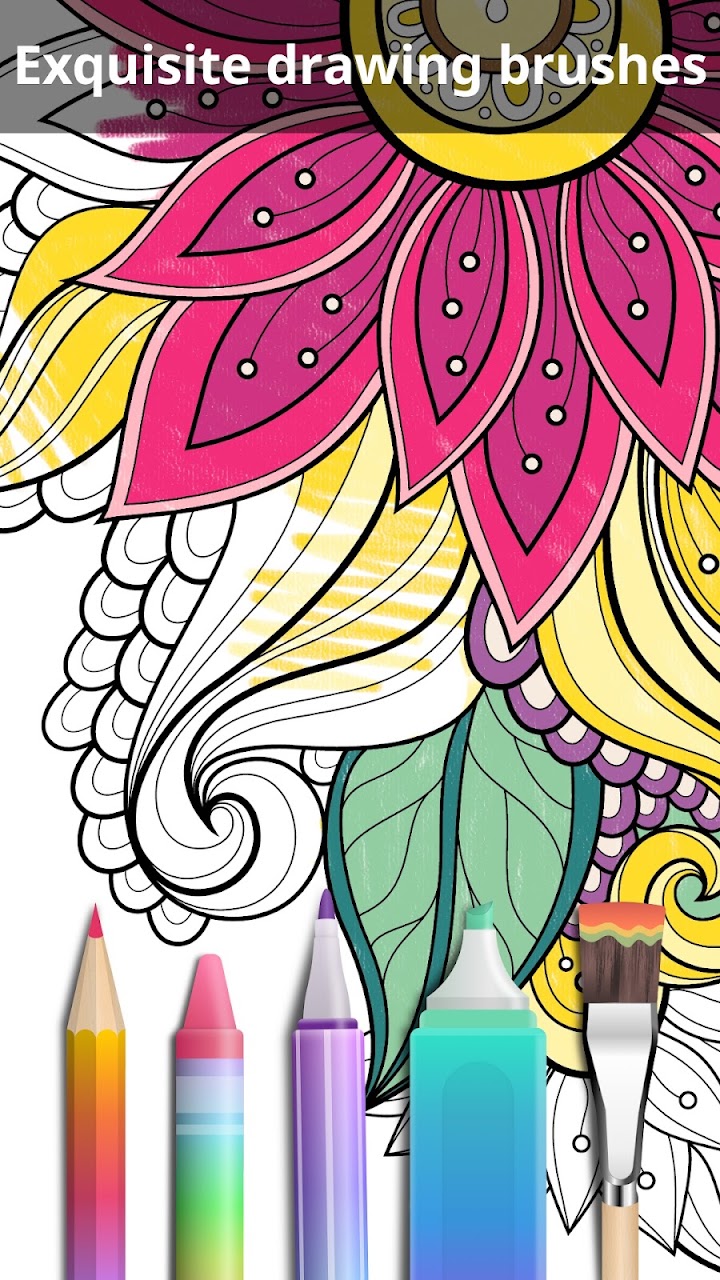
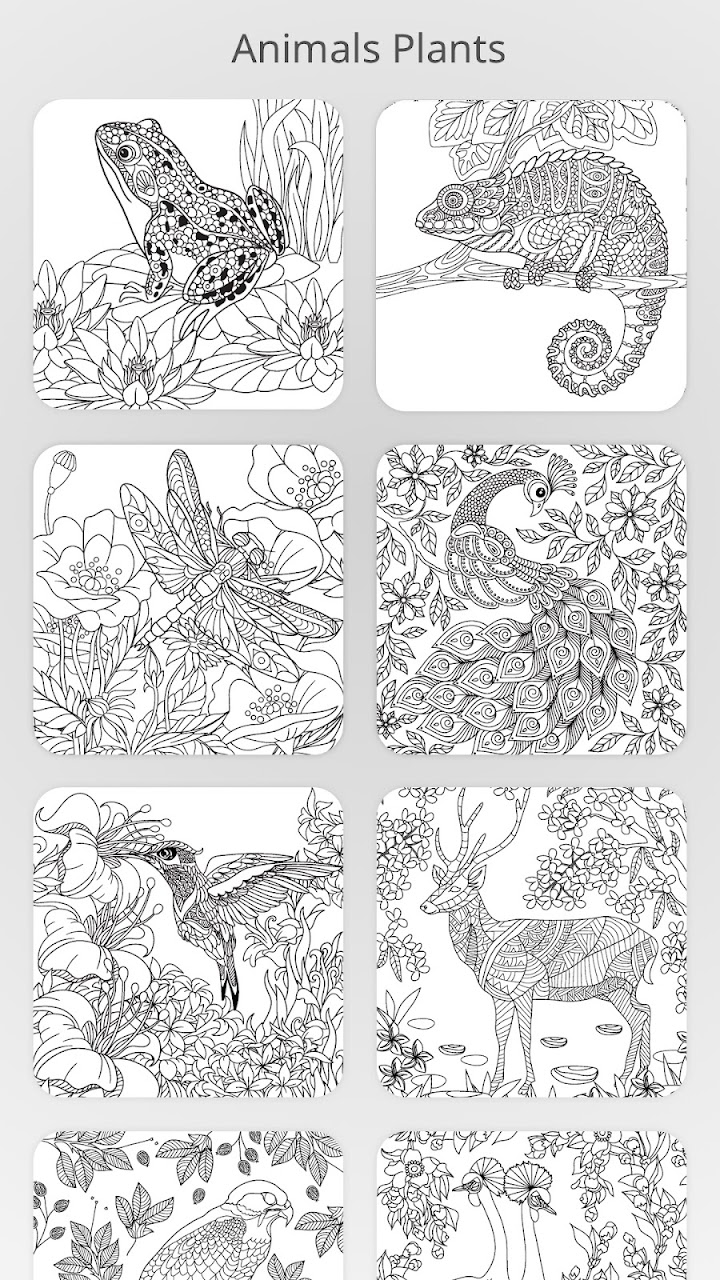
About this app
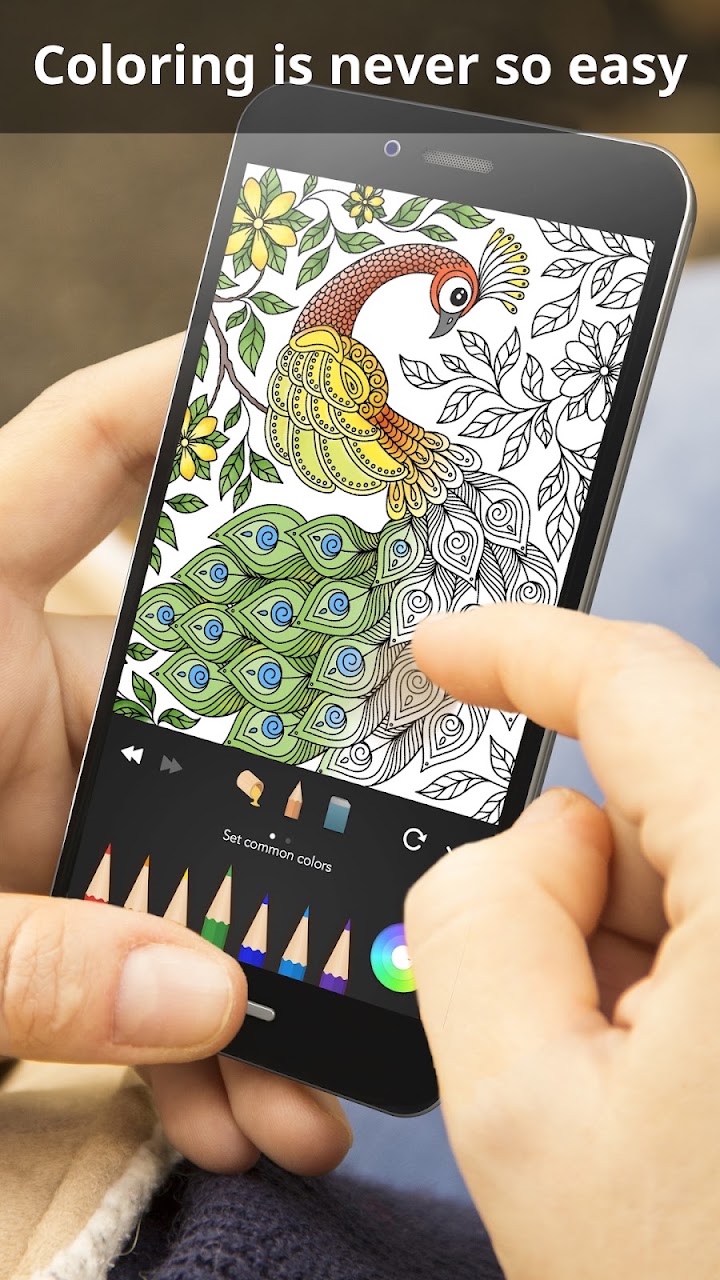
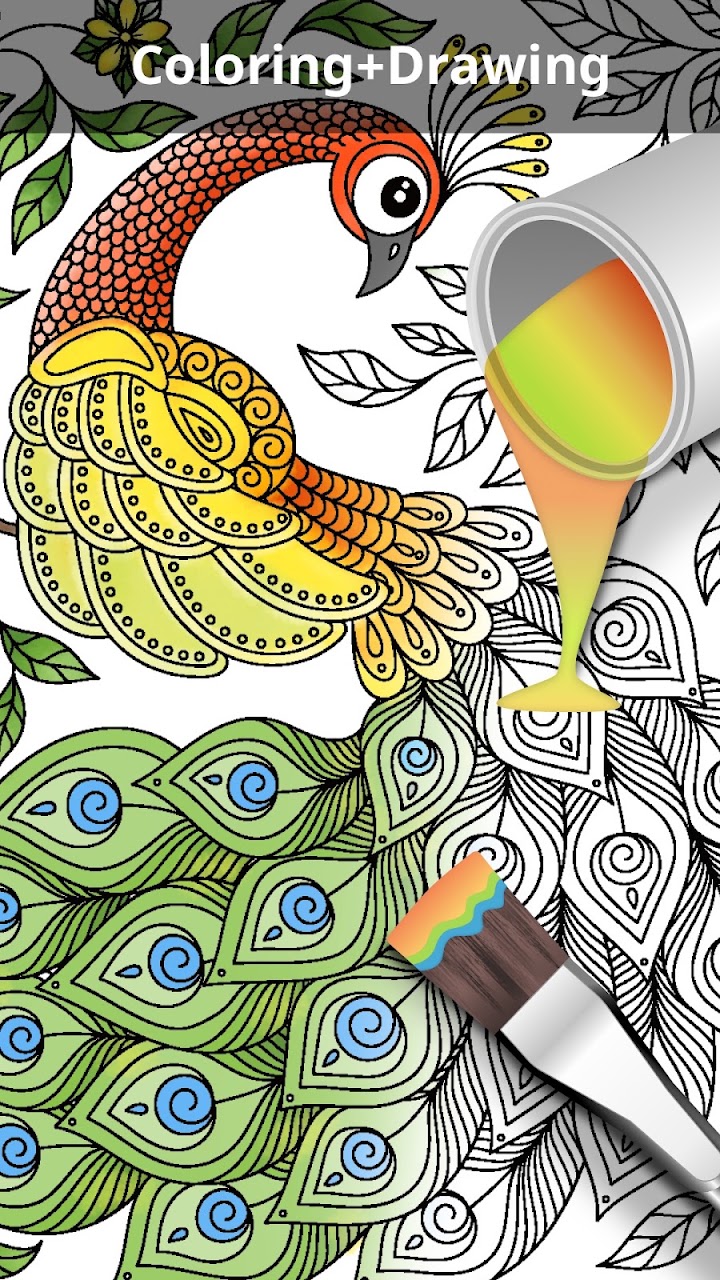
Colorfit makes Garden Coloring Book for people who want a relaxing coloring app on Android. It turns garden-themed patterns into a simple coloring session with brushes, a paint bucket, and color picking from the artboard. You can use it for quick breaks, quiet evenings, or sharing finished pages from your phone.
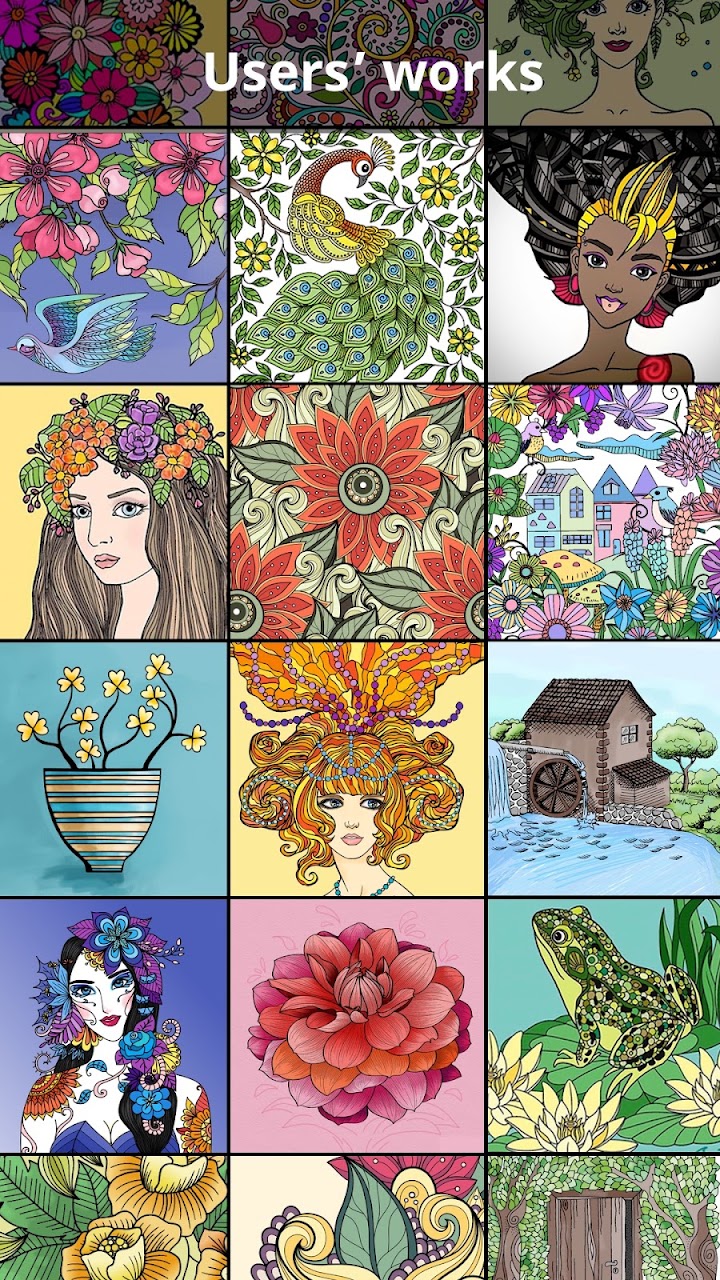
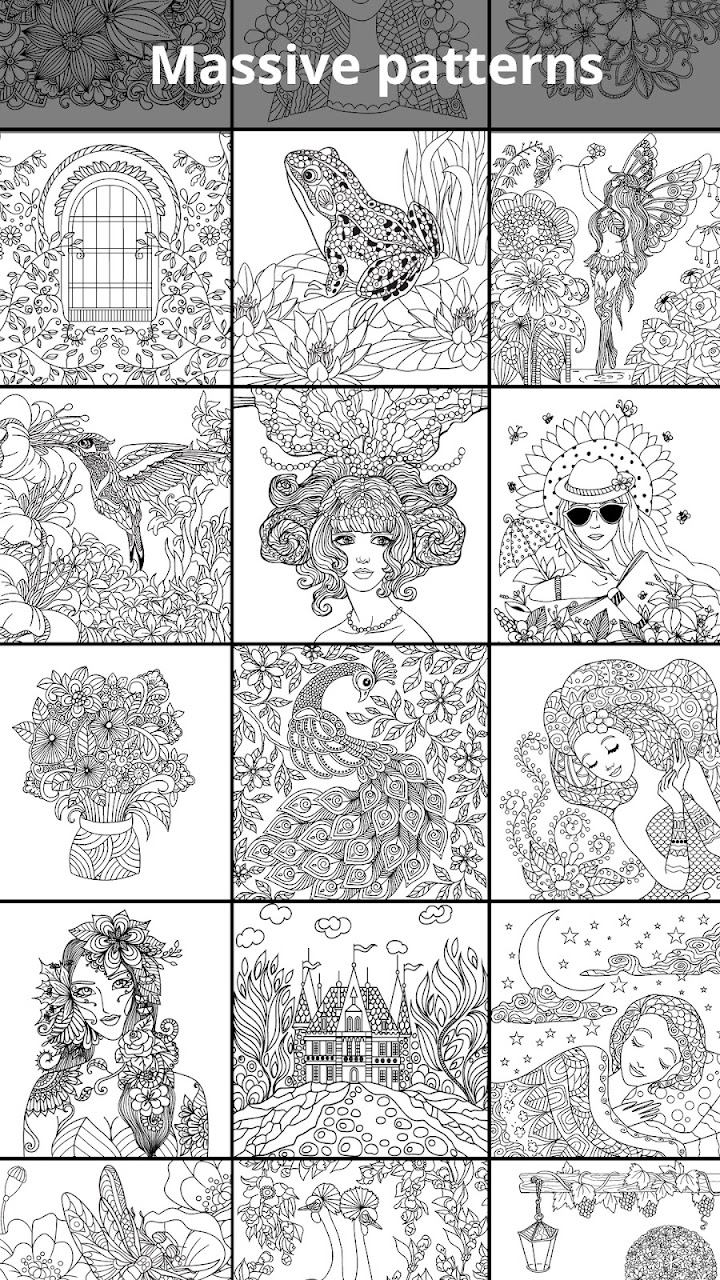
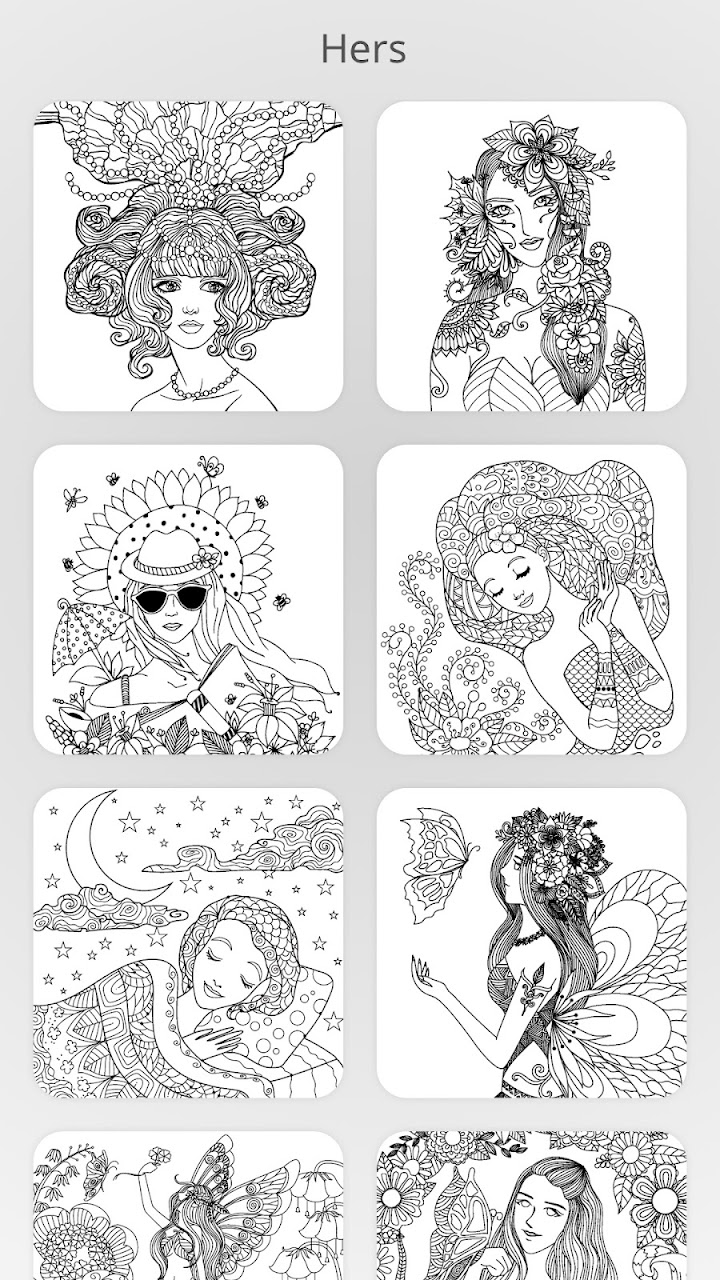
- Garden-themed pages — Color in animals, plants, insects, flowers, girls, and potted plants.
- Brush and bucket tools — Use preset brushes together with a paint bucket for different coloring styles.
- Press-and-pick color — Hold on a color in the artboard to sample it for your next fill.
- Relaxing sessions — The app is designed for calm, low-pressure coloring on the go.
- Share your work — Finished images can be shared to social platforms from the app.
For a quiet break with garden scenes
If you want something to fill a spare moment, Garden Coloring Book gives you pages built around flowers, plants, insects, animals, and other garden details. It suits a commute, a waiting room, or a few minutes at home when you want a simple activity instead of a demanding drawing app.
The app focuses on coloring rather than freehand illustration, so it feels closer to filling in a page than starting from a blank canvas. That makes it easier to pick up when you want a calm session without a steep learning curve.
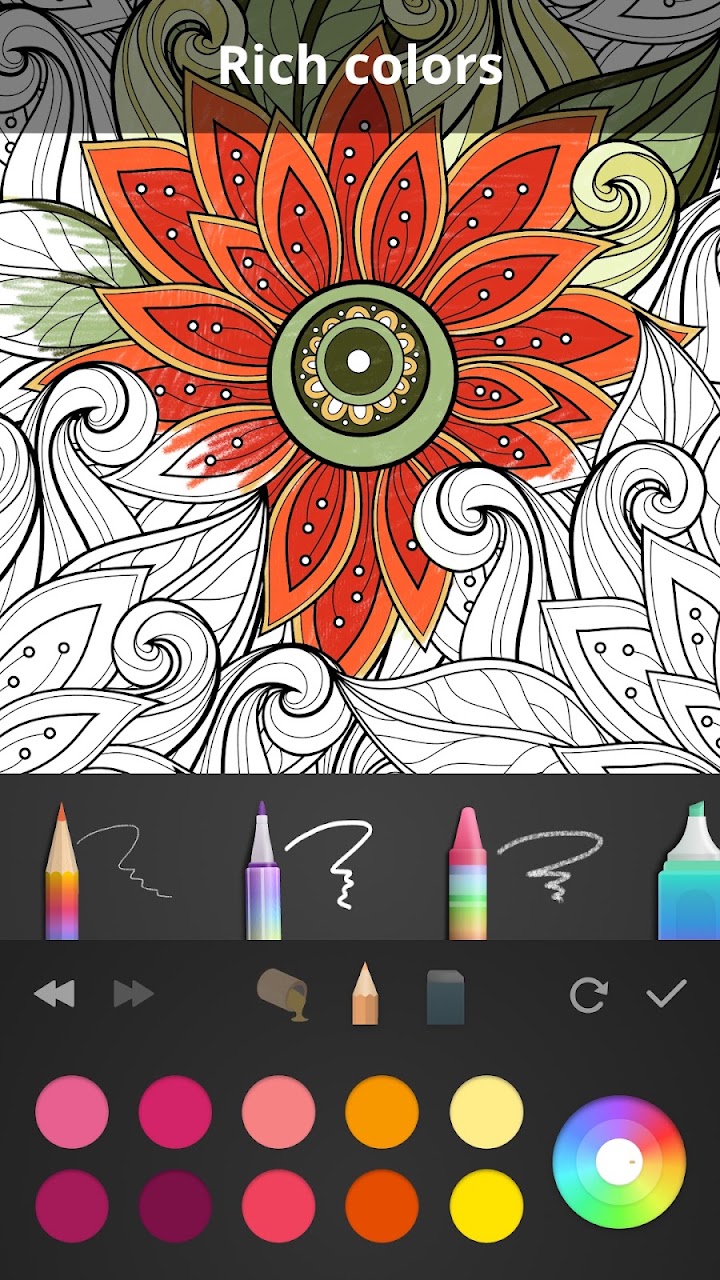
Brushes, buckets, and color picking
Colorfit includes preset brushes and a paint bucket, so you can switch between careful fills and broader coloring. You can also press on a color in the artboard to sample it, which helps when you want to match tones already on the page.
This is useful if you like a more controlled coloring process than a basic tap-to-fill tool alone. The app is built around imitating a real coloring experience while still keeping the controls simple on a phone screen.
Sharing finished pages from your phone
When you finish a page, you can share it to social platforms directly from the app. That makes it practical for people who want to show a completed scene after a short session, or save and send a colorful page without moving it into another editor first.
- You get: themed pages, brush tools, a paint bucket, and color sampling.
- You watch for: ads are included, and there are no in-app purchases.
- You get: sharing to social platforms from inside the app.
- You watch for: it is a coloring app, not a photo editor or drawing suite.
Install size and compatibility
Garden Coloring Book is free to download, contains ads, and does not offer in-app purchases. The APK is 34.9 MB, and it works on Android 4.1 and up (API 17). It is available as a universal APK, so you can check compatibility before installing on an older device.
What's new
Version 3.3.1 · Nov 10, 2026
- Fixes minor bugs.
APK information
- Version
- 3.3.1
- Package
- com.eyewind.colorfit.garden
- Category
- Art & Design
- Size
- 35 MB
- Min Android
- API 17
- Architecture
- universal
Older versions
-
Garden Coloring Book 3.3.1Nov 10, 2026Latest downloadAPK
Garden Coloring Book FAQ
Can Garden Coloring Book edit RAW photos?expand_more
No. Garden Coloring Book is a coloring app, not a photo editor, and the listed tools focus on coloring pages rather than photo editing.
Does Garden Coloring Book work offline?expand_more
The app description does not say whether offline use is supported.
Is Garden Coloring Book free to use?expand_more
Yes, it is free to download. It contains ads and does not include in-app purchases.
How big is the Garden Coloring Book download?expand_more
The APK size is 34.9 MB.
What kinds of pages are in Garden Coloring Book?expand_more
It includes patterns with animals, plants, insects, flowers, girls, and potted plants.