GoArt - AI Art Image Generator
AI Art Photo Editor | Everimaging Ltd.- 4.3star193,851 reviews
- 5M+Downloads
- 10 MBAPK size
- EveryoneRated for Everyone
- API 16+Android
check_circleOriginal APK from AI Art Photo Editor | Everimaging Ltd. · Updated Nov 10, 2026
No threats found
0 / — antivirus engines flagged this file
Original signature
First seen — AI Art Photo Editor | Everimaging Ltd.
Unmodified APK
Same file the developer published — no mods
GoArt - AI Art Image Generator screenshots
8 images · tap to enlarge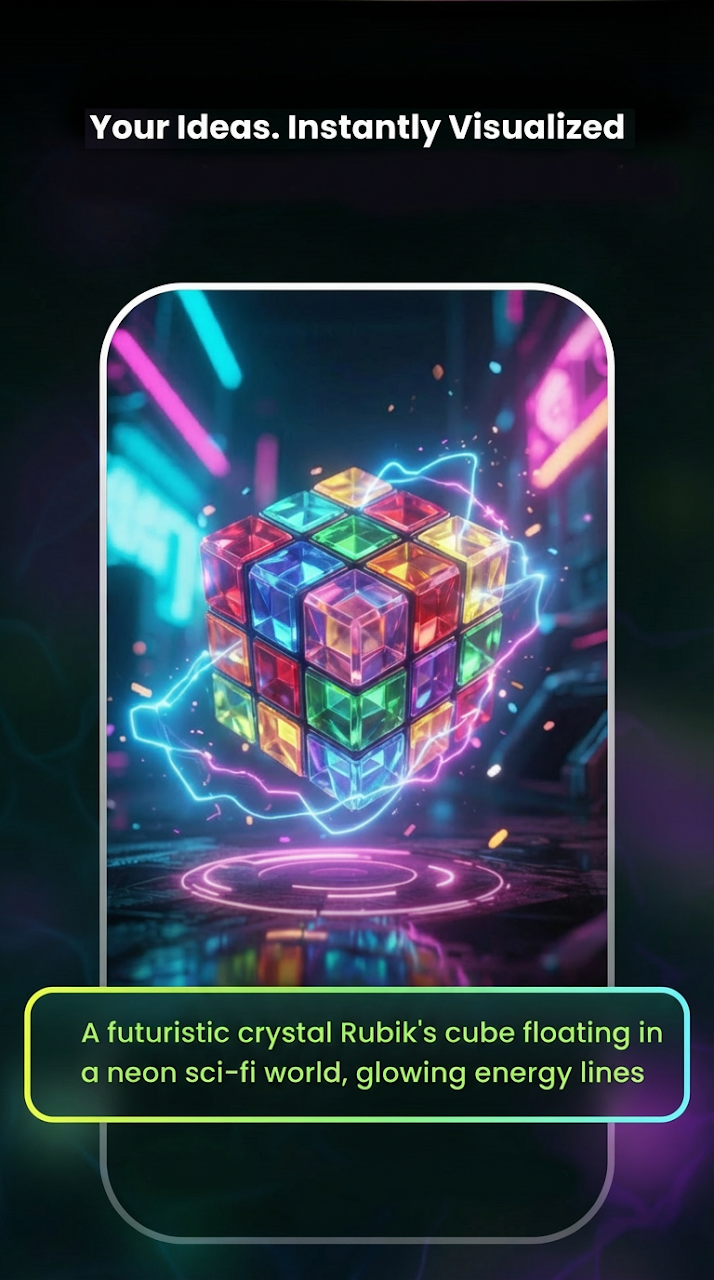
About this app
Create anime portraits, cartoon avatars, and AI art from photos or text in a few taps. GoArt gives you one-click cartoon tools, style filters, and background cutout, so you can edit a selfie on the way to work or turn a prompt into a painting at home. Export in HD and print when you want a finished result.
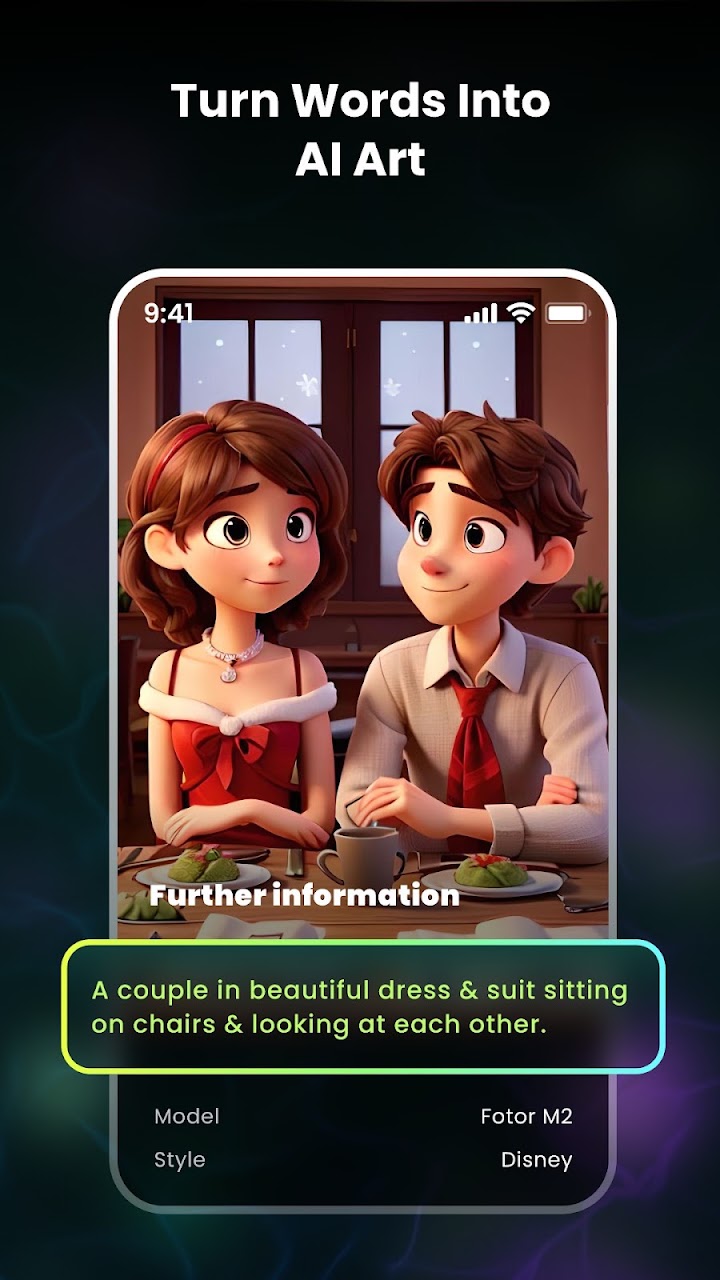
- Text to image — Type a prompt and turn it into artwork in styles like anime, cyberpunk, surrealism, and oil painting.
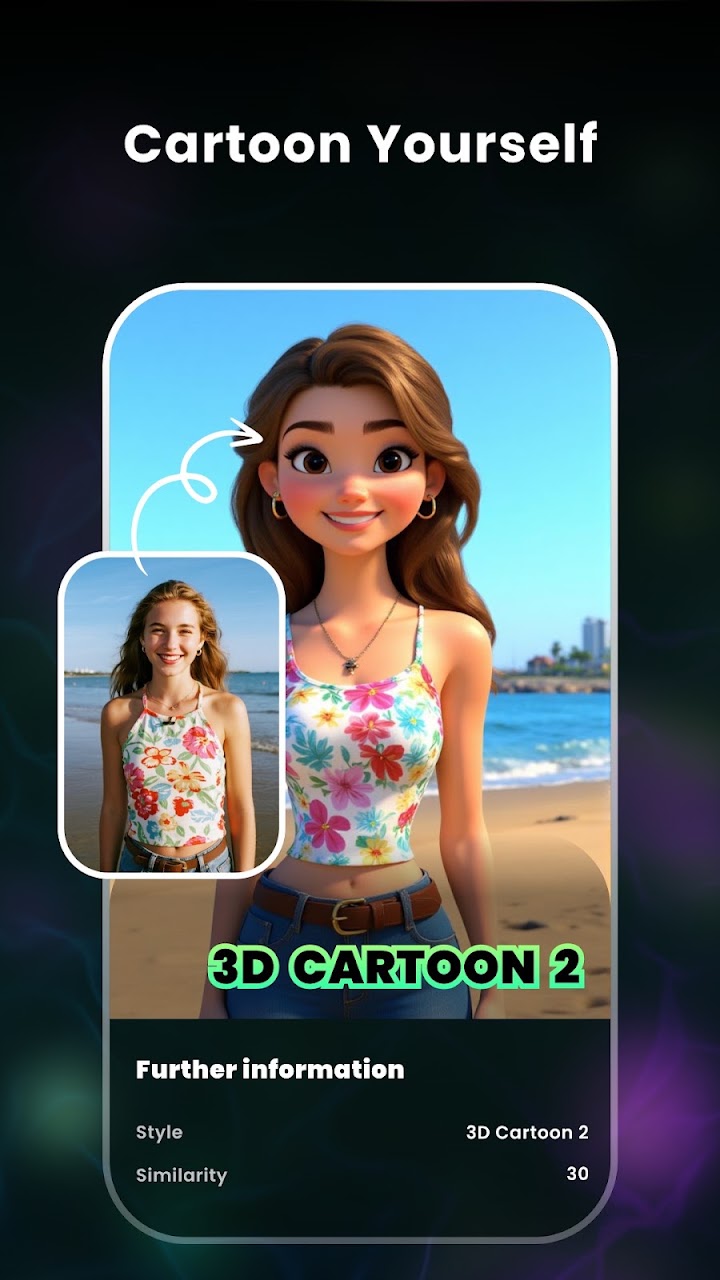
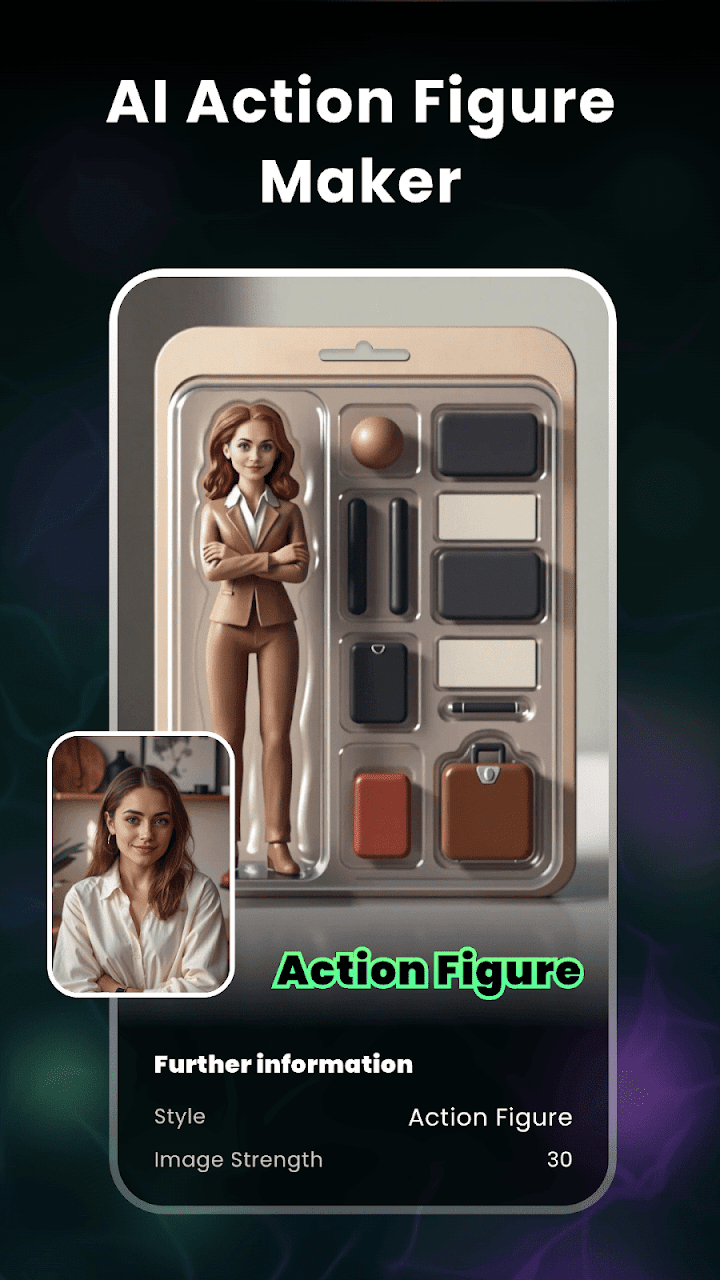
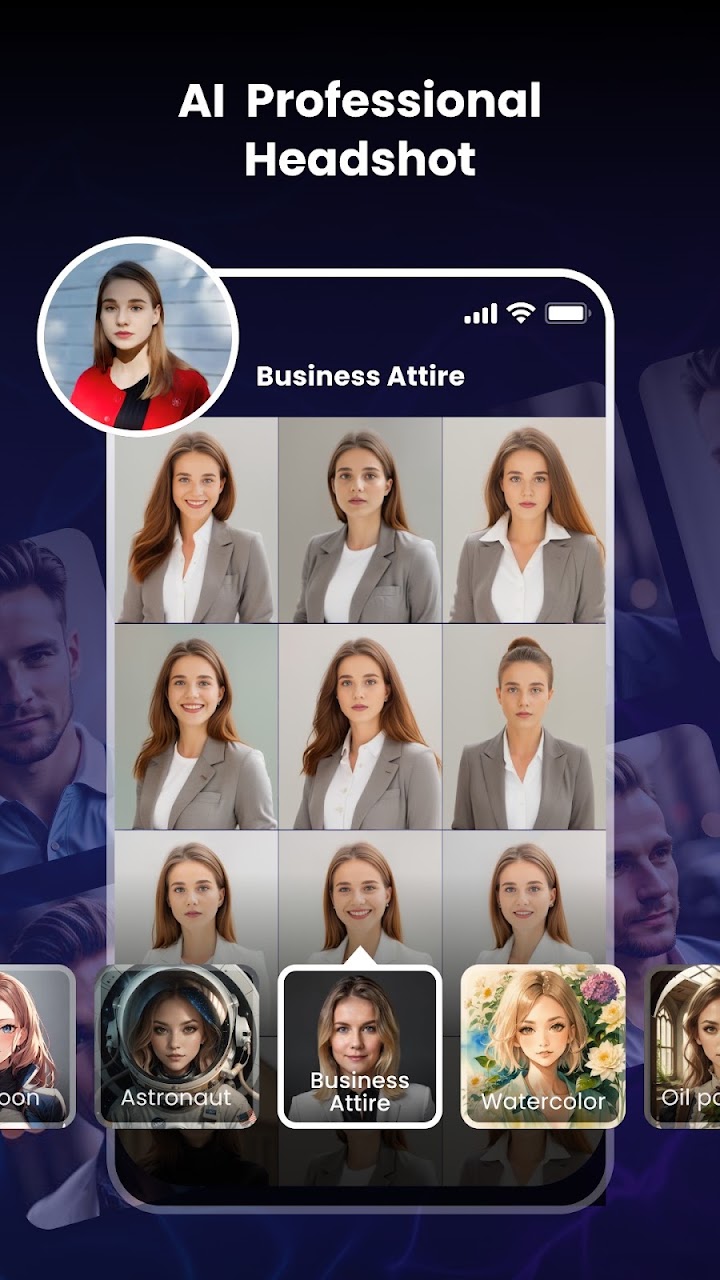
- Cartoon avatars — Upload a selfie or other photo and convert it into a cartoon avatar with one tap.
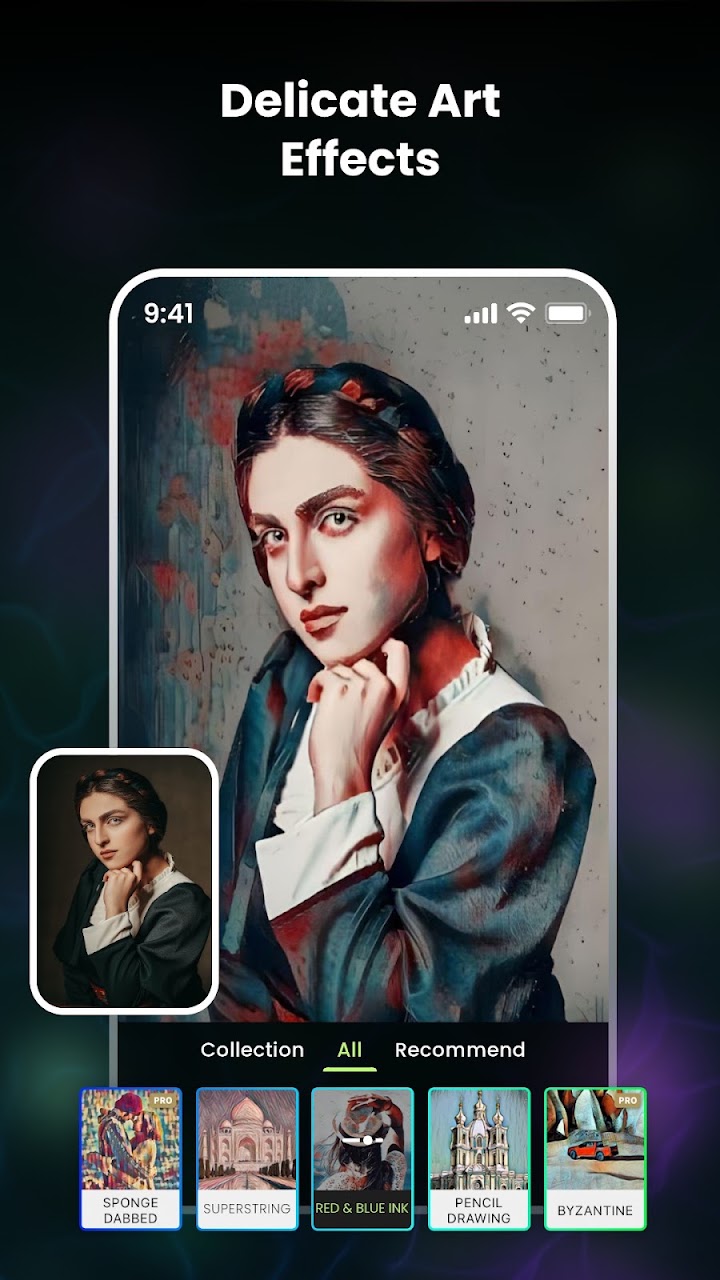
- Art style filters — Apply looks such as Van Gogh, Monet, Picasso, sketch, impressionism, and ukiyo-e.
- Background cutout — Remove the background automatically and replace it with a solid color or a photo from your album.
- HD export — Save artwork in up to 8 megapixels for prints, T-shirts, wallpaper, and portfolios.
Turn a selfie into cartoon art
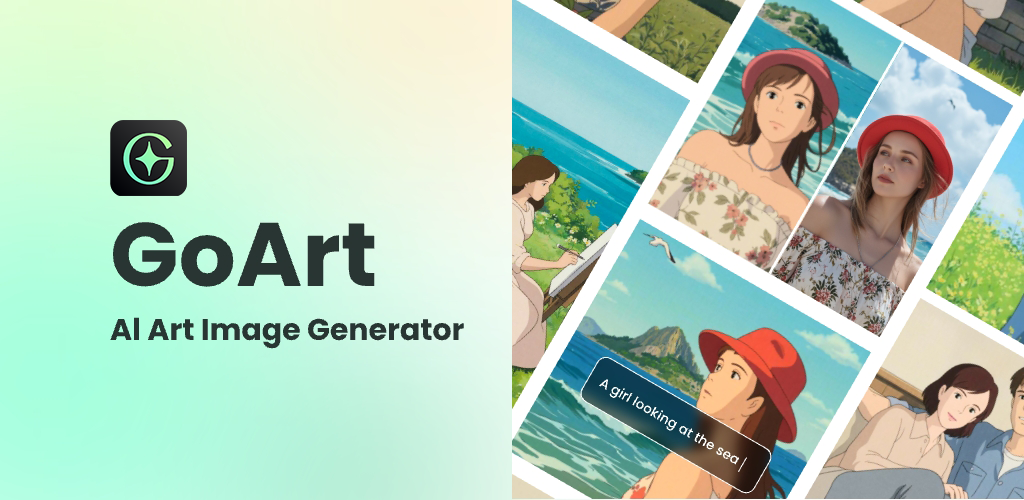
GoArt is built for quick edits you can do in a normal day: a selfie before heading out, a pet photo you want to stylize, or a landscape you want to make look more artistic. The photo cartoonizer turns images into cartoon avatars, and the app also supports pets, kids, food, and other photos.
Make AI art from a text prompt
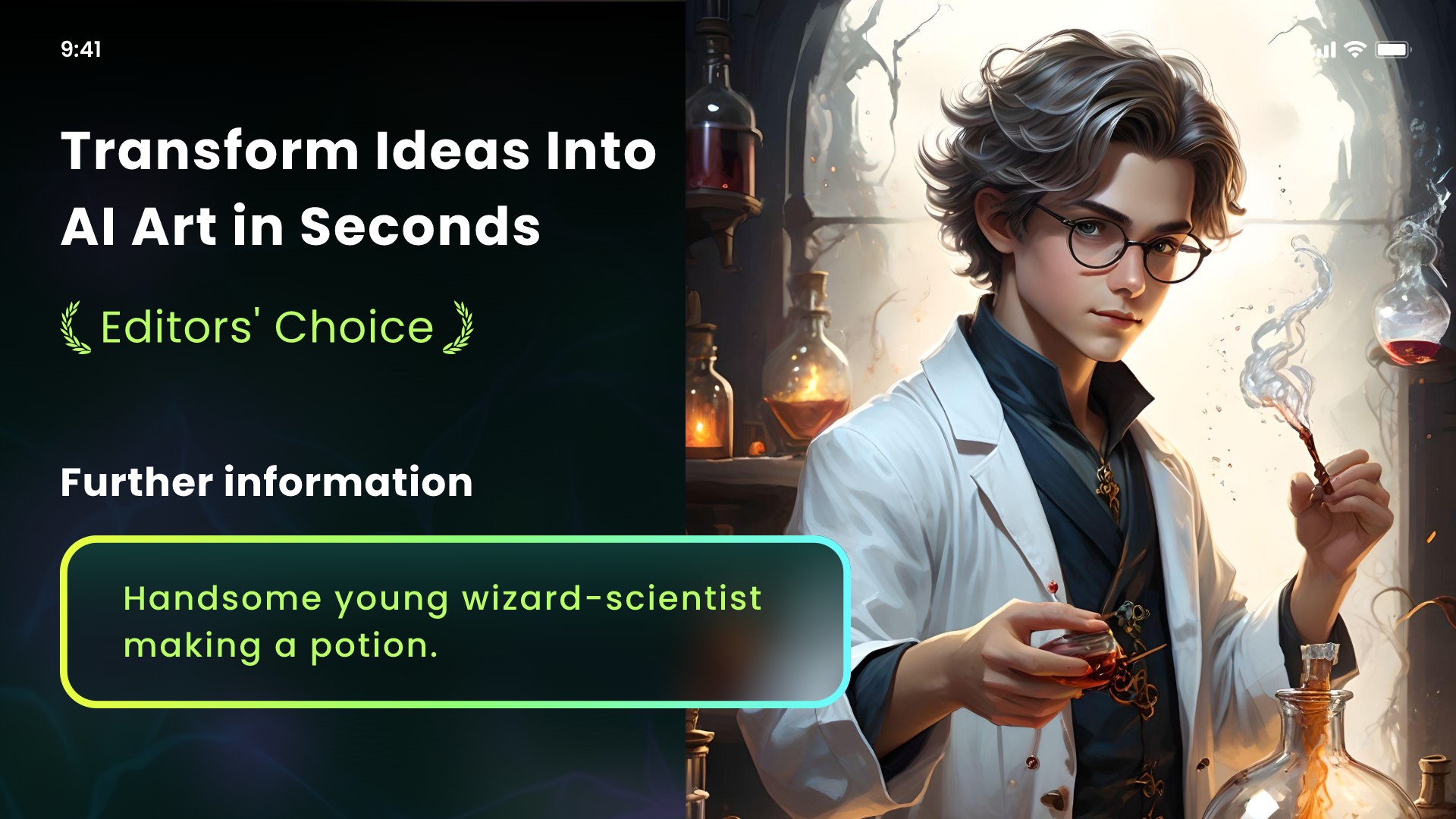
If you start with an idea instead of a photo, the text-to-image tool turns your words into artwork in seconds. You can choose from styles such as anime, cyberpunk, surrealism, oil painting, and conceptual art illustration, then adjust the strength to get the look you want.
Use filters for familiar art styles
GoArt includes multiple artistic filters, so ordinary photos can be reworked into different styles without needing drawing skills. The app mentions impressionism, Van Gogh, ukiyo-e, sketch, and anime filters, which makes it easy to try a few looks on the same image.
Cut out the background and replace it
The automatic cutout tool removes the background and creates a transparent image. You can then swap in a solid color or choose a background from your album, which is useful when you want a cleaner portrait or a different scene behind your subject.
Export, install, and app costs
GoArt supports HD export up to 8 megapixels, which is useful if you want to print your art later. The app is free, includes ads, and offers in-app purchases through monthly or yearly subscriptions. It installs as an APK, is 9.6 MB, and needs Android API 16 or later.
- No listed permissions: The app details do not show any requested Android permissions.
- Account handling: Subscription purchases are managed through your Google Play account.
- Ads and purchases: Expect ads, plus paid plans for ongoing use.
APK information
- Version
- 2.3.7.50
- Package
- com.everimaging.goart
- Category
- Art & Design
- Size
- 10 MB
- Min Android
- API 16
- Architecture
- universal
Older versions
-
GoArt - AI Art Image Generator 2.3.7.50Nov 10, 2026Latest downloadAPK
GoArt - AI Art Image Generator FAQ
Does GoArt - AI Art Image Generator add a watermark?expand_more
The app details do not mention watermarks, so that is not specified here.
Can GoArt - AI Art Image Generator edit RAW photos?expand_more
RAW photo editing is not mentioned. The listed tools focus on photo-to-art effects, cartooning, filters, and background cutout.
Does GoArt - AI Art Image Generator have in-app purchases?expand_more
Yes. The app includes in-app purchases, with monthly or yearly subscription plans.
Can I install GoArt - AI Art Image Generator without Google Play?expand_more
The app is distributed as an APK file, but subscriptions are handled through Google Play after installation. The listing does not describe other install methods.
What styles can I use in GoArt - AI Art Image Generator?expand_more
The app mentions styles like anime, cyberpunk, surrealism, oil painting, impressionism, Van Gogh, ukiyo-e, and sketch.