
- 3.9star1,699 reviews
- 500K+Downloads
- 75 MBAPK size
- EveryoneRated for Everyone
- API 22+Android
check_circleOriginal APK from Canvas Solutions, Inc. · Updated Nov 12, 2026
No threats found
0 / — antivirus engines flagged this file
Original signature
First seen — Canvas Solutions, Inc.
Unmodified APK
Same file the developer published — no mods
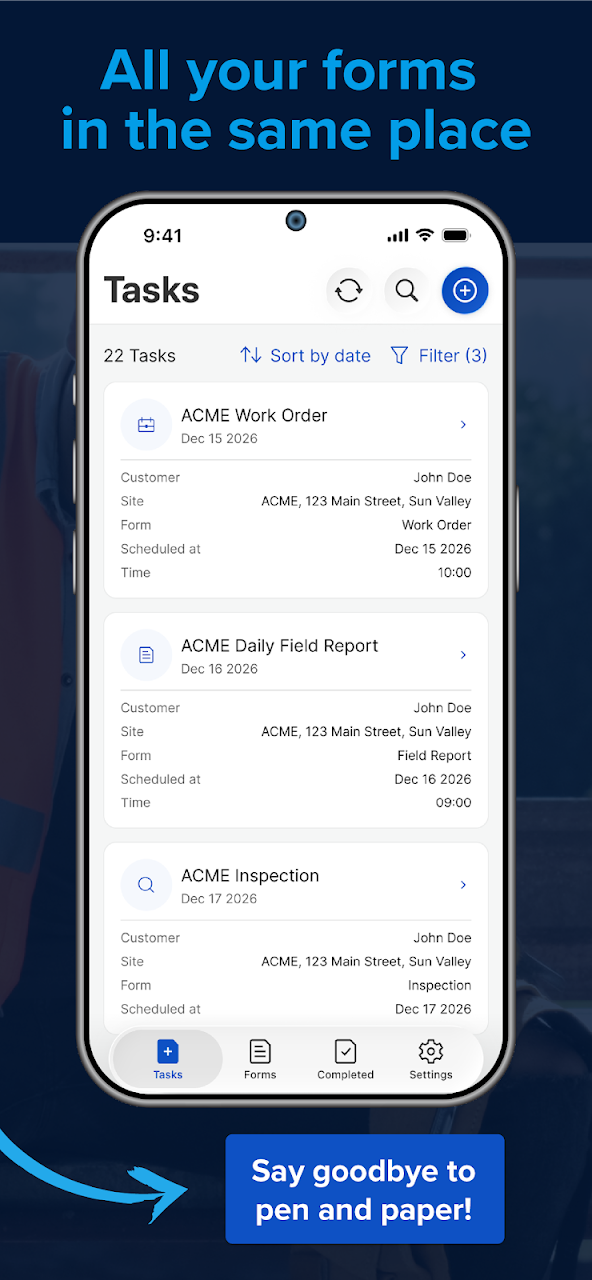
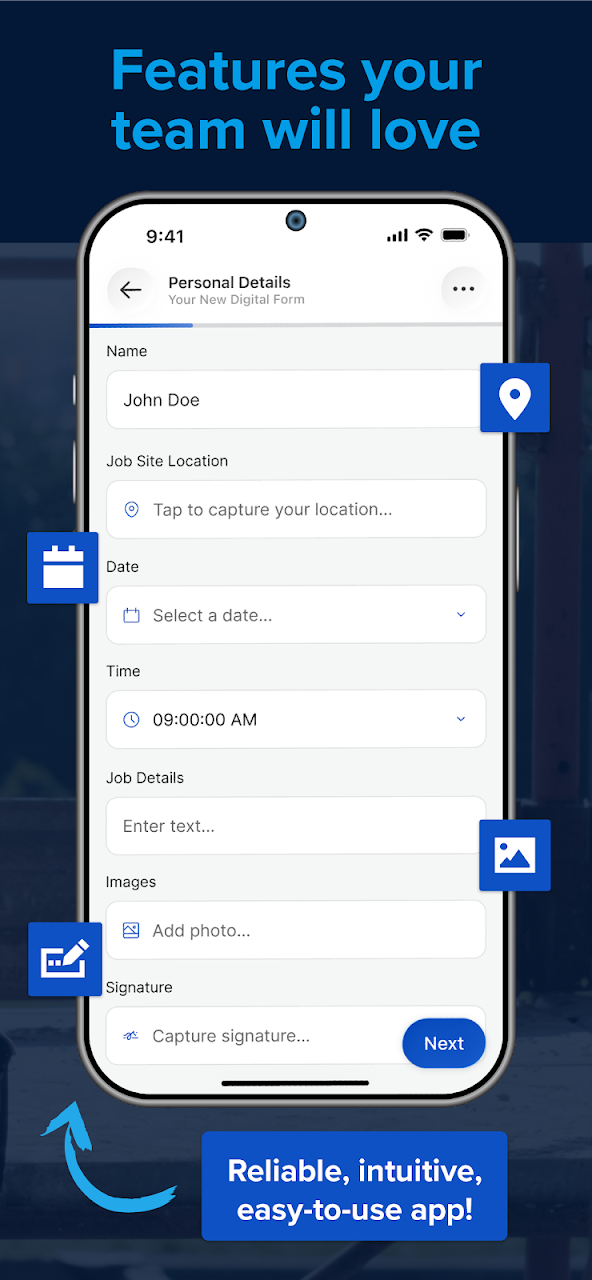
GoCanvas Business Apps & Forms screenshots
8 images · tap to enlarge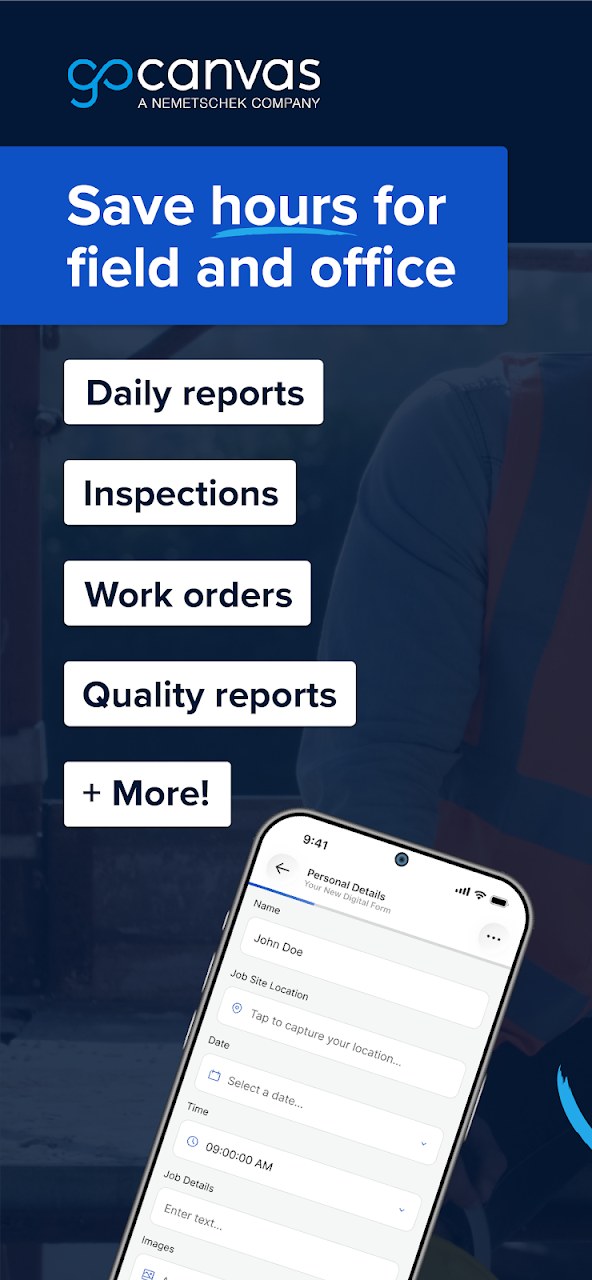
About this app
Replace paper forms with mobile workflows that fit real field work. GoCanvas Business Apps & Forms lets you build and customize digital forms for inspections, invoices, work orders, scheduling, safety, and more, so a long day on site or in the office moves faster with fewer manual steps.
- Custom Form Builder — Use drag-and-drop tools to adapt templates to your workflow.
- 30,000 Templates — Start from a large library of pre-built forms and adjust them as needed.
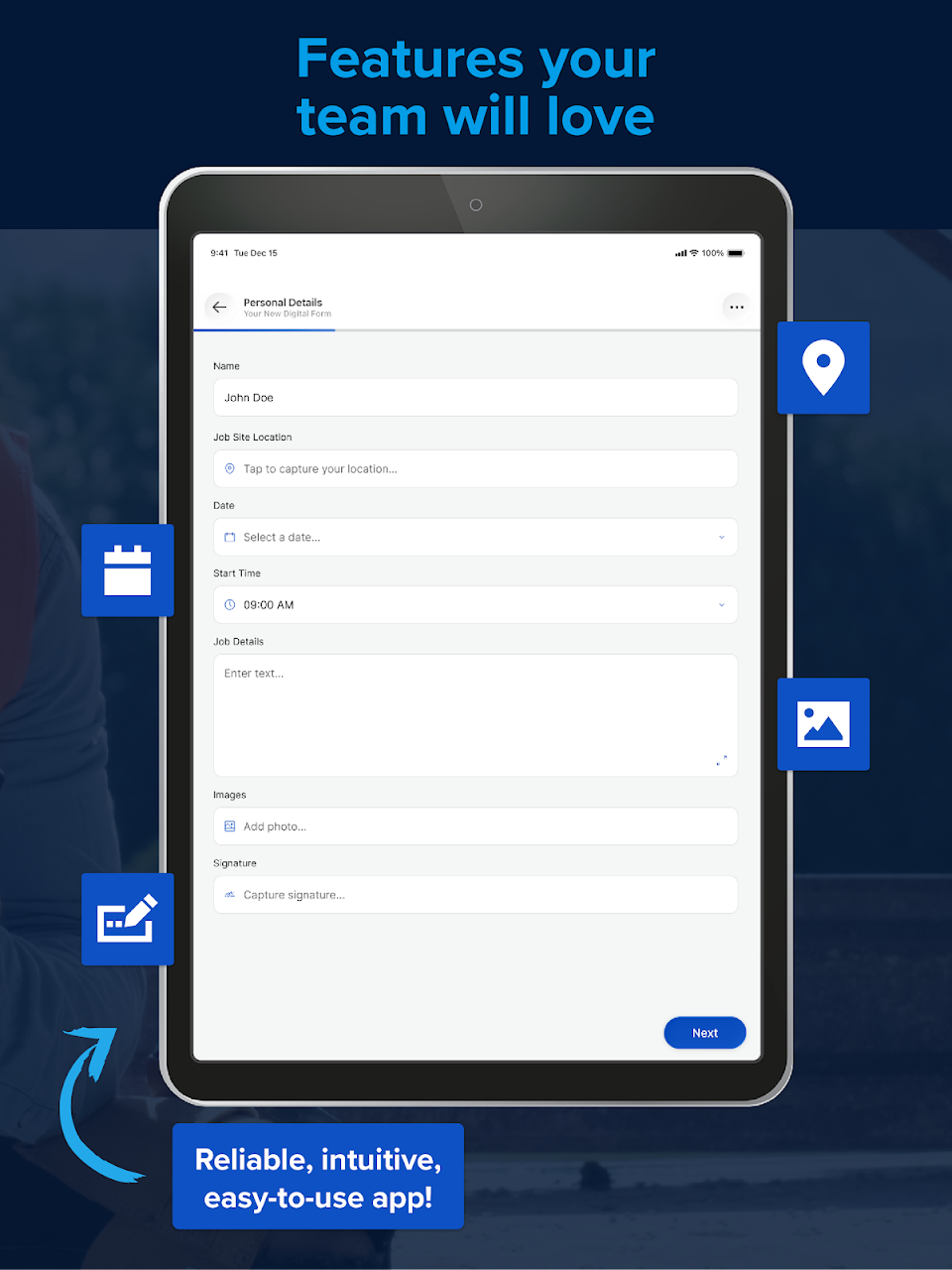
- Field Data Capture — Collect images, video, GPS, and barcode scans while work is happening.
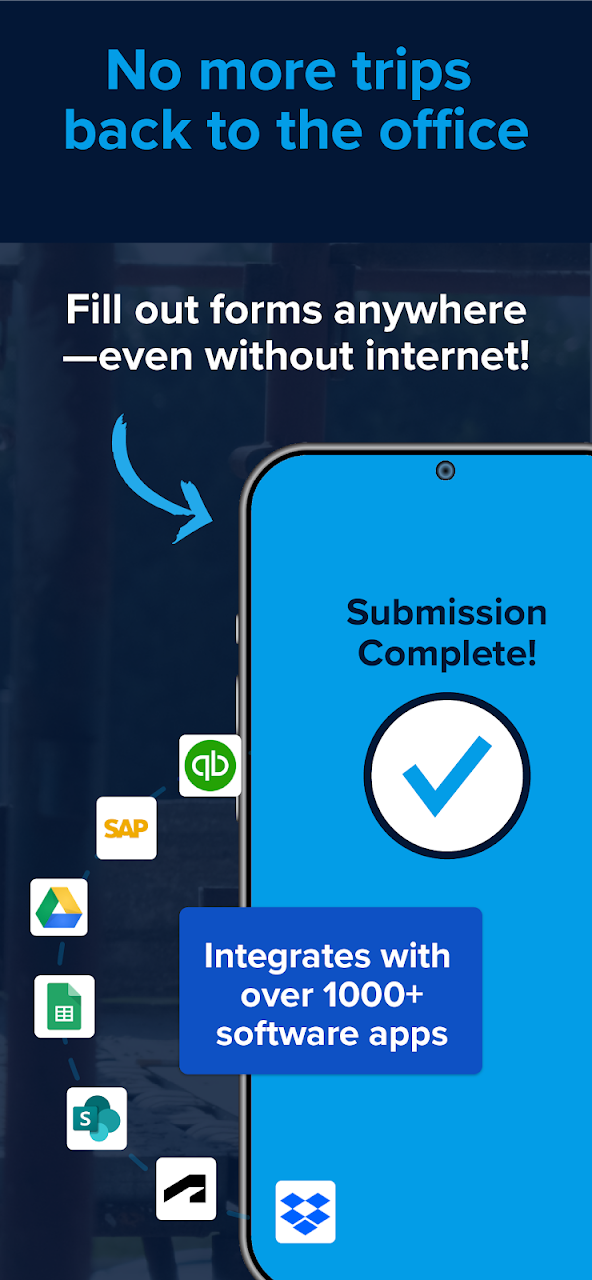
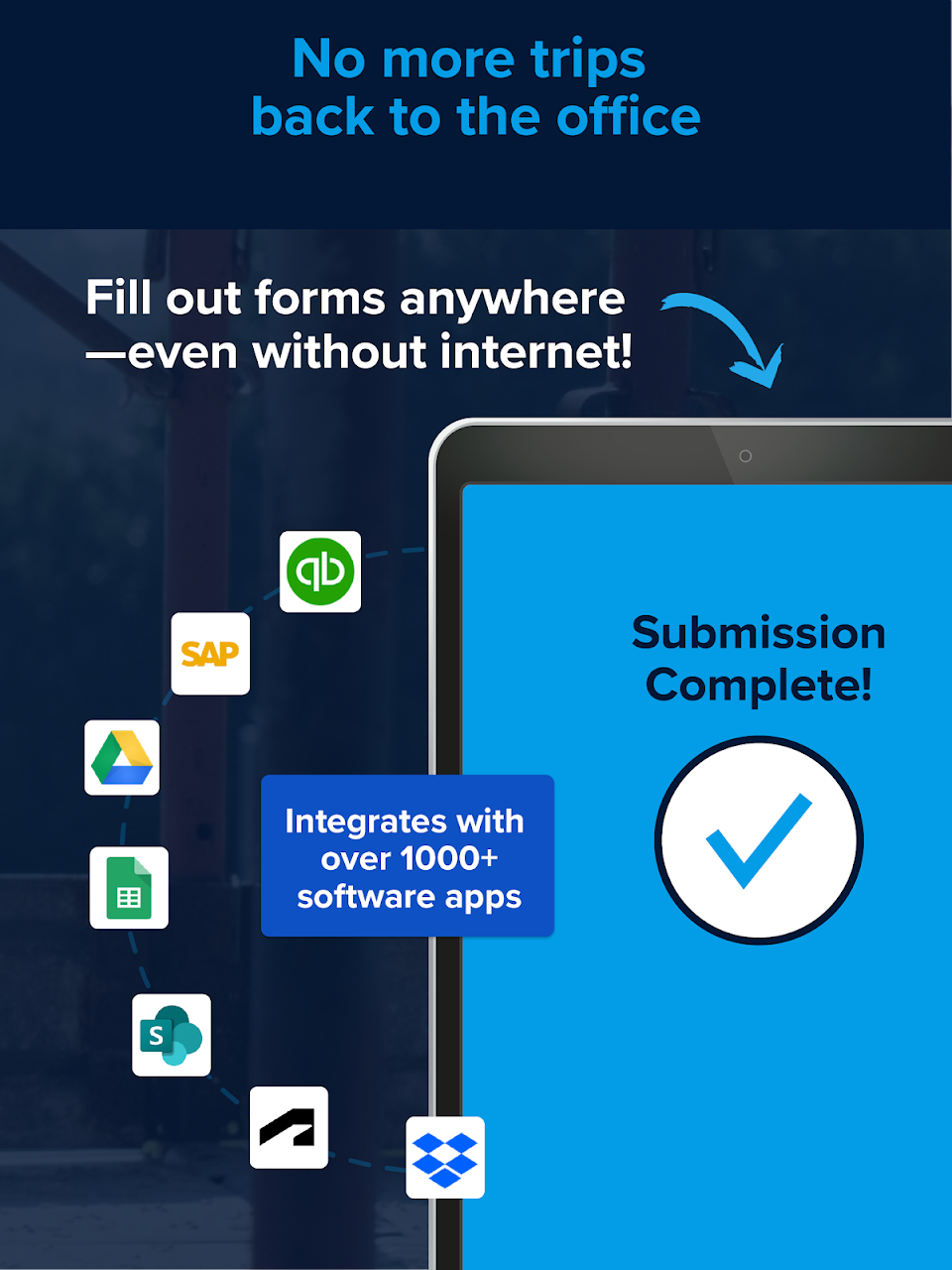
- Offline Access — Keep working when the connection drops and return to the form later.
- Workflow Logic — Use auto-fill, calculations, and if/then logic to guide each step.
- Team Coordination — Support scheduling, dispatch, and multi-person workflows in one app.
Paper forms slow down field jobs
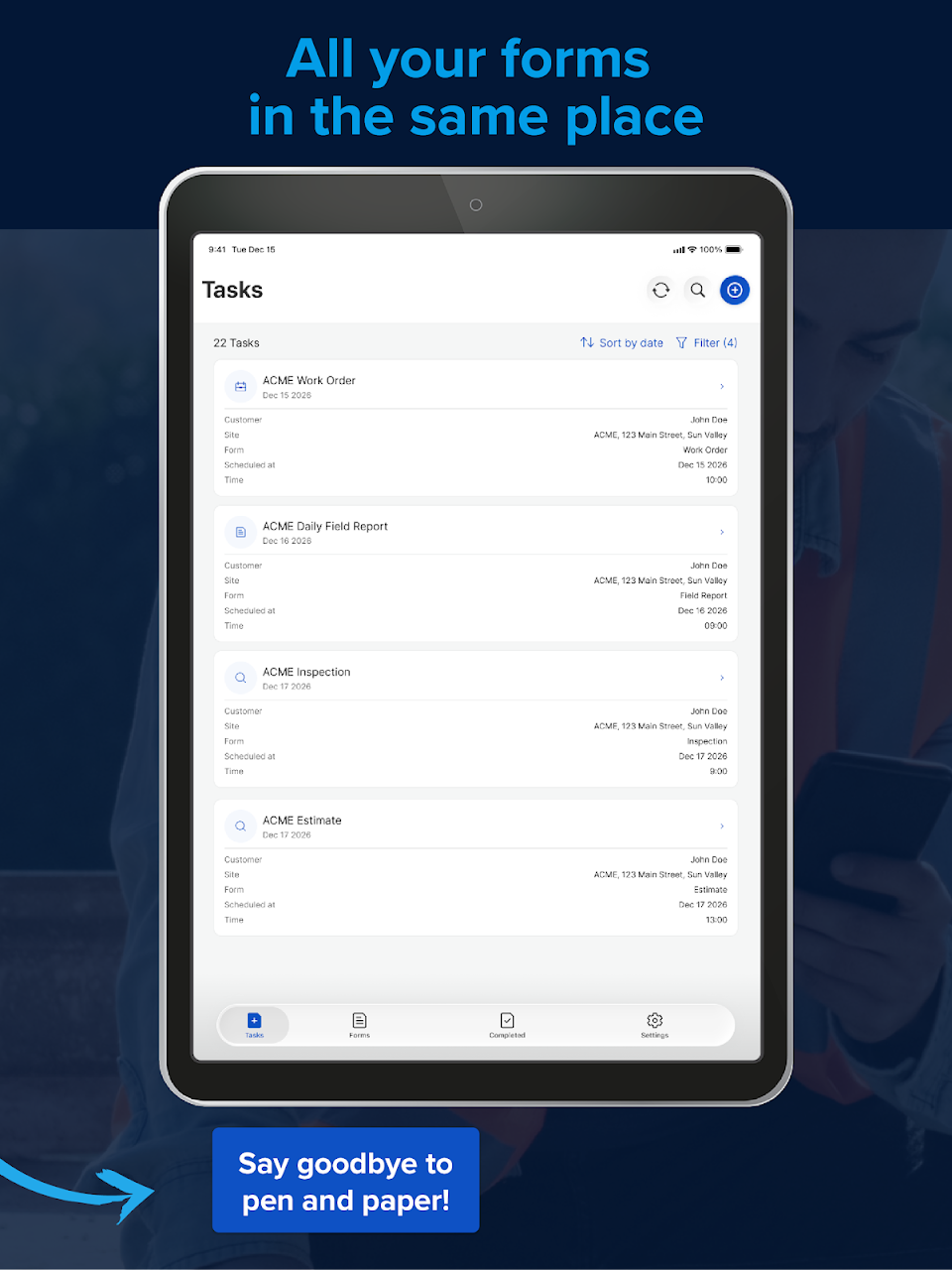
When inspections, work orders, or safety checks start on paper, someone still has to retype the details later. That can mean missed notes, delayed updates, and extra admin work after the crew has already moved on. GoCanvas Business Apps & Forms is built for those moments, turning paper-based tasks into mobile forms that can be used in the field or back at the office.
The app is free, has no ads or in-app purchases, and comes as a universal APK. It needs Android 5.1 or later and the download is 75.5 MB.
Templates you can shape
GoCanvas includes more than 30,000 pre-built forms, so a team can start from something close to the job at hand instead of building everything from scratch. On a tablet in the truck or a phone between site visits, the drag-and-drop builder makes it possible to adjust a template for inspections, invoices, quality control, scheduling, dispatch, or safety checks.
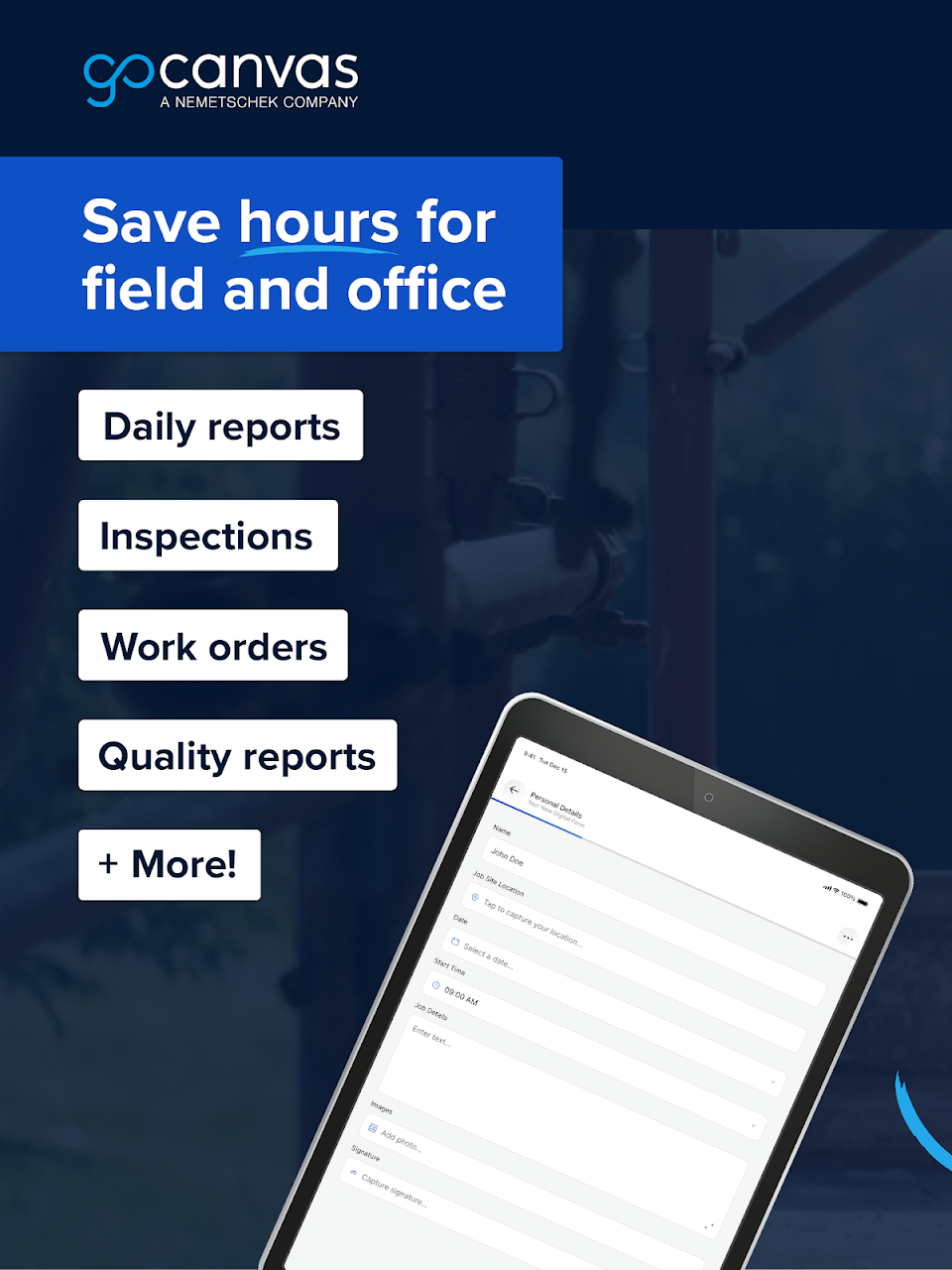
- Inspections for routine site checks
- Work orders for field tasks
- Scheduling and dispatch for team coordination
- Quality control for repeatable checks
Capture details where work happens
The app supports image and video capture, GPS tracking, barcode scanning, auto-fill, calculations, and if/then logic. That helps when a technician needs to document a job on the spot, or when a supervisor wants forms to change based on earlier answers. Multi-person workflows can also support handoffs between office staff and field workers.
GoCanvas also connects with its cloud-based approach so teams can move from field entry to office review without rebuilding the process by hand. It is designed to streamline data collection and reduce administrative work across connected workflows.
What to expect in practice
Offline access is useful when a crew is working in a basement, on a remote site, or anywhere the signal is weak. The trade-off is that this is a focused business app rather than a general note-taking tool, so it makes the most sense for teams that already use structured forms. It is rated 3.9 by 1,699 users and has been available since 2010.
For companies that need digital forms for inspections, dispatch, or safety processes, GoCanvas Business Apps & Forms fits best where teams want one system for collecting, checking, and moving job details forward.
APK information
- Version
- 11.11.2.2
- Package
- com.gocanvas
- Category
- Productivity
- Size
- 75 MB
- Min Android
- API 22
- Architecture
- universal
Older versions
-
GoCanvas Business Apps & Forms 11.11.2.2Nov 12, 2026Latest downloadAPK
GoCanvas Business Apps & Forms FAQ
Can GoCanvas Business Apps & Forms be used offline?expand_more
Yes. Offline access is one of the listed features, so work can continue when a connection is unavailable.
Does GoCanvas Business Apps & Forms sync across devices?expand_more
The app is designed around mobile and cloud workflows that move data from the field to the office. That setup supports sharing work across connected devices and teams.
How big is the GoCanvas Business Apps & Forms download?expand_more
The APK size is 75.5 MB.
Which Android version does GoCanvas Business Apps & Forms need?expand_more
It requires Android 5.1 or later.
What kinds of forms can I build in GoCanvas Business Apps & Forms?expand_more
Common uses include inspections, invoices, quality control, work orders, scheduling and dispatch, and safety forms.