
- 0.0star0 reviews
- 5K+Downloads
- 21 MBAPK size
- EveryoneRated for Everyone
- 5.0+Android
check_circleOriginal APK from tombstone · Updated Nov 12, 2026

No threats found
0 / — antivirus engines flagged this file
Original signature
First seen — tombstone
Unmodified APK
Same file the developer published — no mods
Golden Ratio Calculator screenshots
2 images · tap to enlarge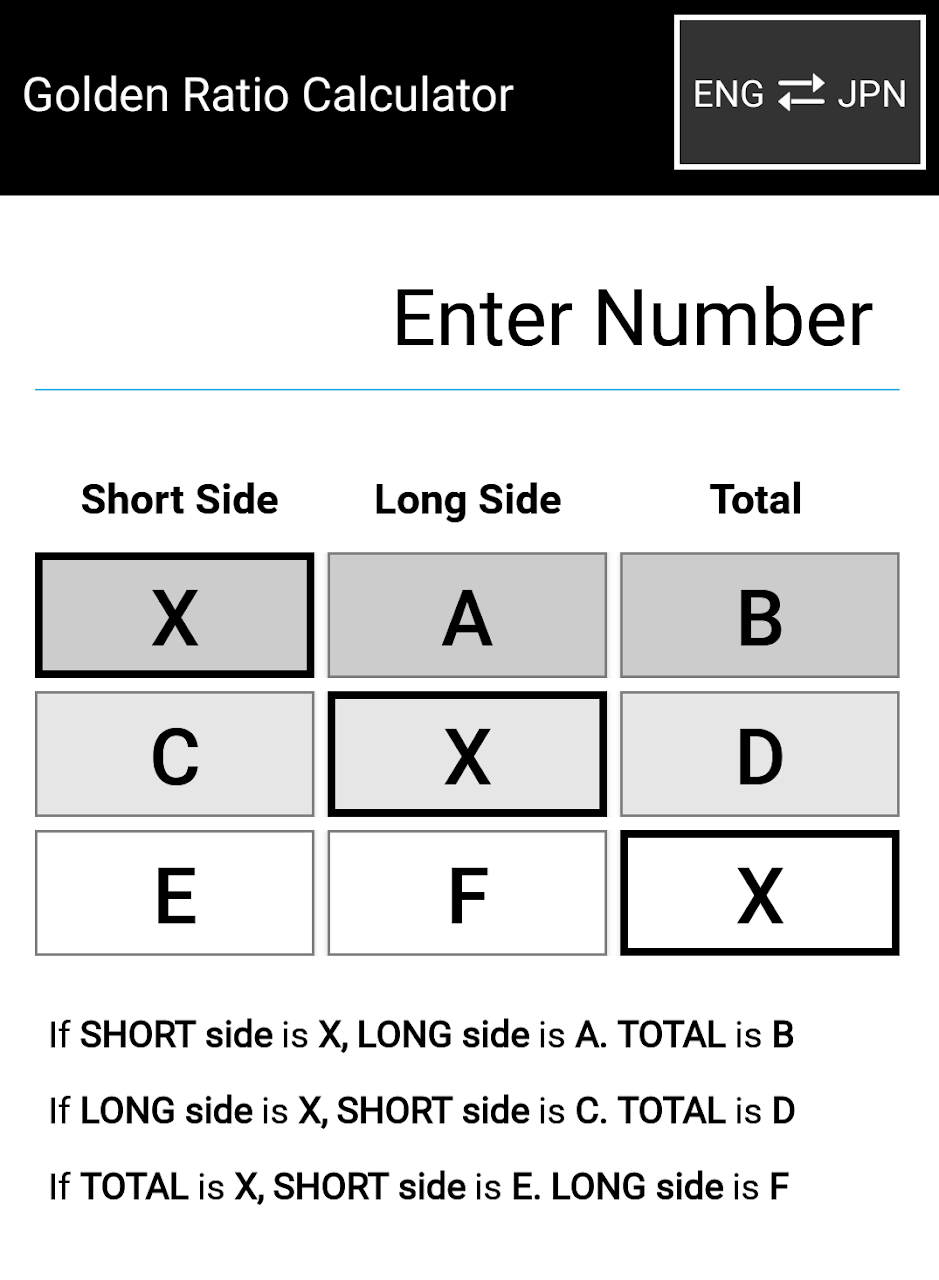
About this app
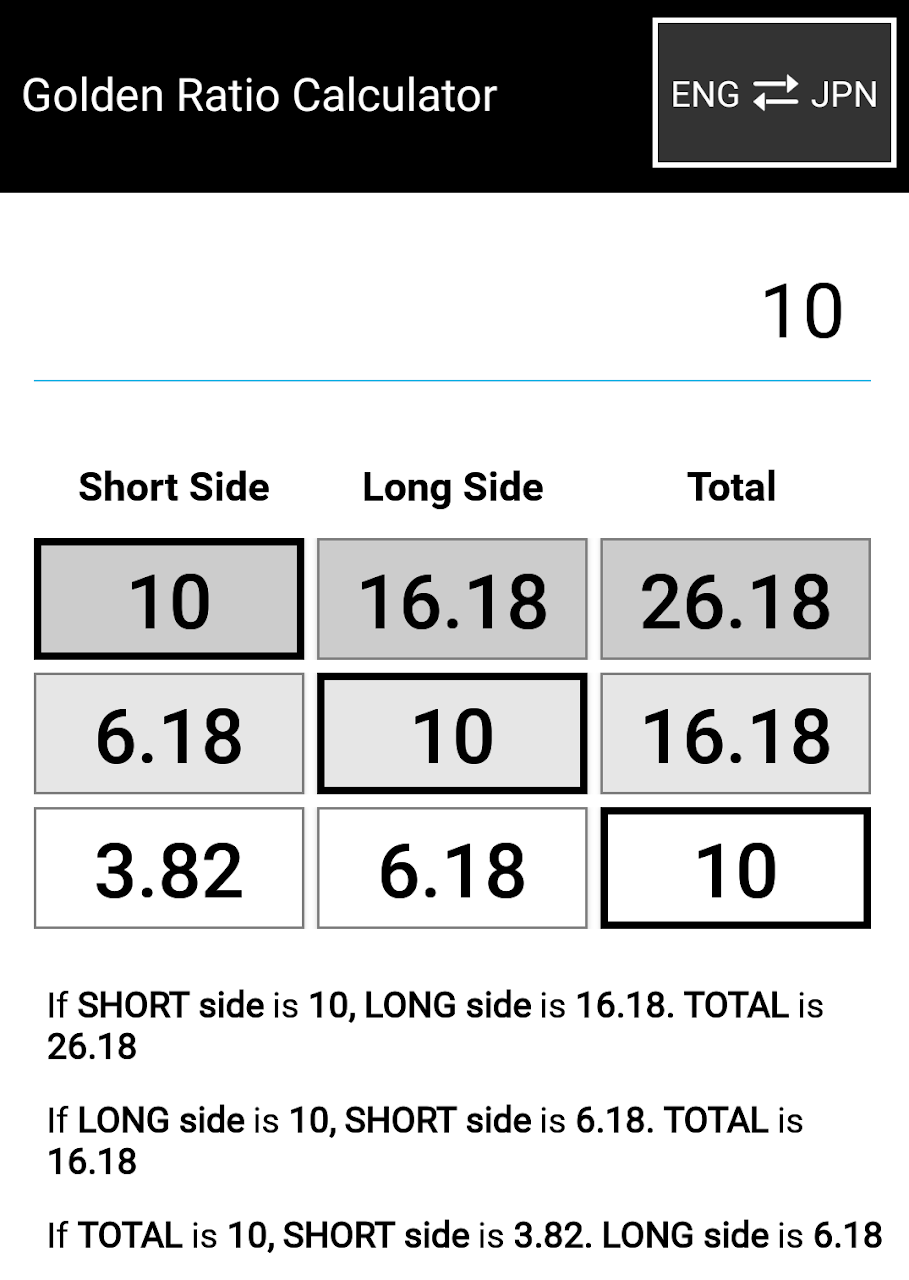
Golden Ratio Calculator helps when you need proportion values during design work. On a long train ride or at your desk, you can enter a number and see the short side, long side, and total values, including decimal inputs. It is a simple tool made for web designers who want quick golden ratio calculations.
- Value Input — Enter a number and get proportion values based on that input.
- Short And Long Sides — The app shows short side and long side results for the value you enter.
- Decimal Support — You can use decimal values when calculating proportions.
- Reset Button — A reset button is available when you want to clear the current entry.
- APK Details — The APK file is universal, 20.7 MB, and requires Android 5.0 or later.
Quick proportion checks for design work
When you are shaping a layout and need a golden ratio value fast, this app gives you a simple place to enter a number and see the related proportions. It is aimed at web designers who want to calculate proportion for design without moving between extra tools.
Input a value and see the result set
The calculator returns three values from the number you type in: short side, long side, and total. That makes it useful when you are refining spacing, image sizing, or other proportion-based work and need the numbers in front of you.
Decimal entries and reset control
You can enter decimal values, which helps when your design work does not land on whole numbers. If you want to start again, the reset button clears the current calculation so you can try another figure right away.
APK size and Android support
This APK is 20.7 MB and uses a universal build. It requires Android 5.0 or later. The app is free, contains ads, and has no in-app purchases.
Trade-offs to keep in mind
Golden Ratio Calculator is focused on one task, so it does not try to be a full design suite. There are no storage permissions listed, and no capture or export tools are described, so it is best for quick on-screen calculations rather than saving or sharing design files.
For users who want a straightforward golden ratio calculator for design checks, this app fits that role well. It is most useful for web designers and anyone who needs a quick proportion calculator on Android.
What's new
Version 1.3.0 · Nov 12, 2026
- Improved features of the application.
APK information
- Version
- 1.3.0
- Package
- com.calculate.goldenratio
- Category
- Art & Design
- Size
- 21 MB
- Min Android
- 5.0
- Architecture
- universal
Older versions
-
Golden Ratio Calculator 1.3.0Nov 12, 2026Latest downloadAPK
Golden Ratio Calculator FAQ
Does Golden Ratio Calculator add a watermark?expand_more
No watermark is mentioned for this app.
Does Golden Ratio Calculator work offline?expand_more
Offline use is not stated.
What is the difference between the APK and the Play Store version of Golden Ratio Calculator?expand_more
The APK is the installable file format for Android. The app is listed as free and available as version 1.3.0.
How do I install the Golden Ratio Calculator APK file?expand_more
Download the APK file to your Android device, then open it to start installation. Your device needs Android 5.0 or later.
Can I enter decimal values in Golden Ratio Calculator?expand_more
Yes. Decimal input is supported in the calculator.