- 4.1star42,656 reviews
- 10M+Downloads
- 35 MBAPK size
- TeenRated for Teen
- 7.0+Android
check_circleOriginal APK from Google Labs · Updated Nov 9, 2026
No threats found
0 / 64 antivirus engines flagged this file
Original signature
First seen — Google Labs
Unmodified APK
Same file the developer published — no mods
Google Flow screenshots
5 images · tap to enlarge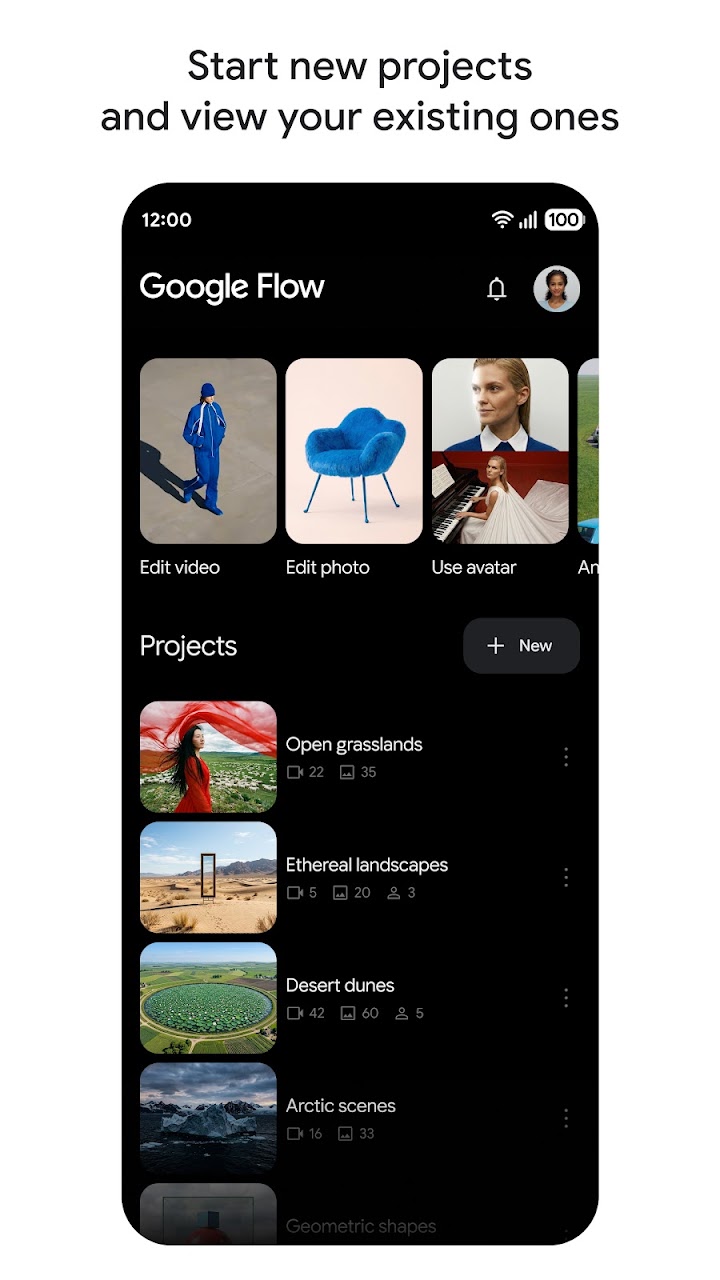
About this app
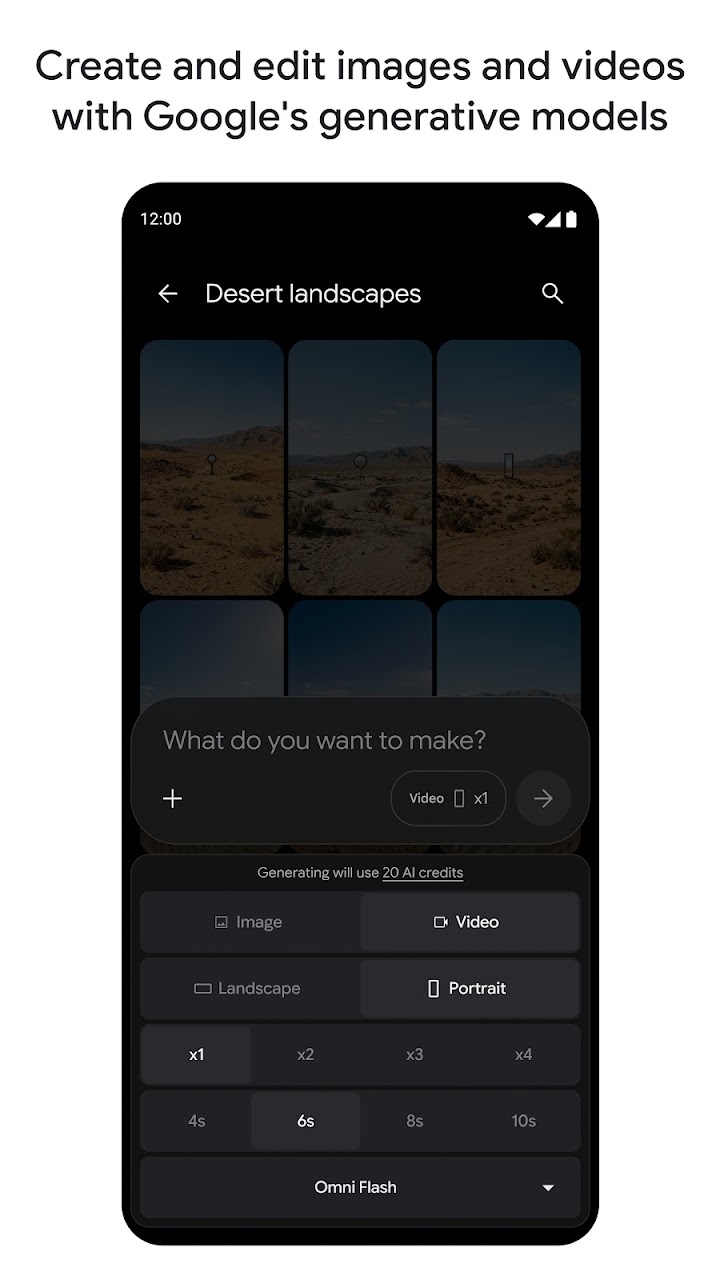
10M+ installs point to steady interest in Google Flow, Google Labs’ AI creative studio for images and videos. It works from your phone, but keeps projects and assets synced with the desktop experience. You can pull in camera roll or live camera content, run generations in the background, and download finished media for sharing.
- AI image video studio — Create and refine images and videos with Google's generative models on Android.
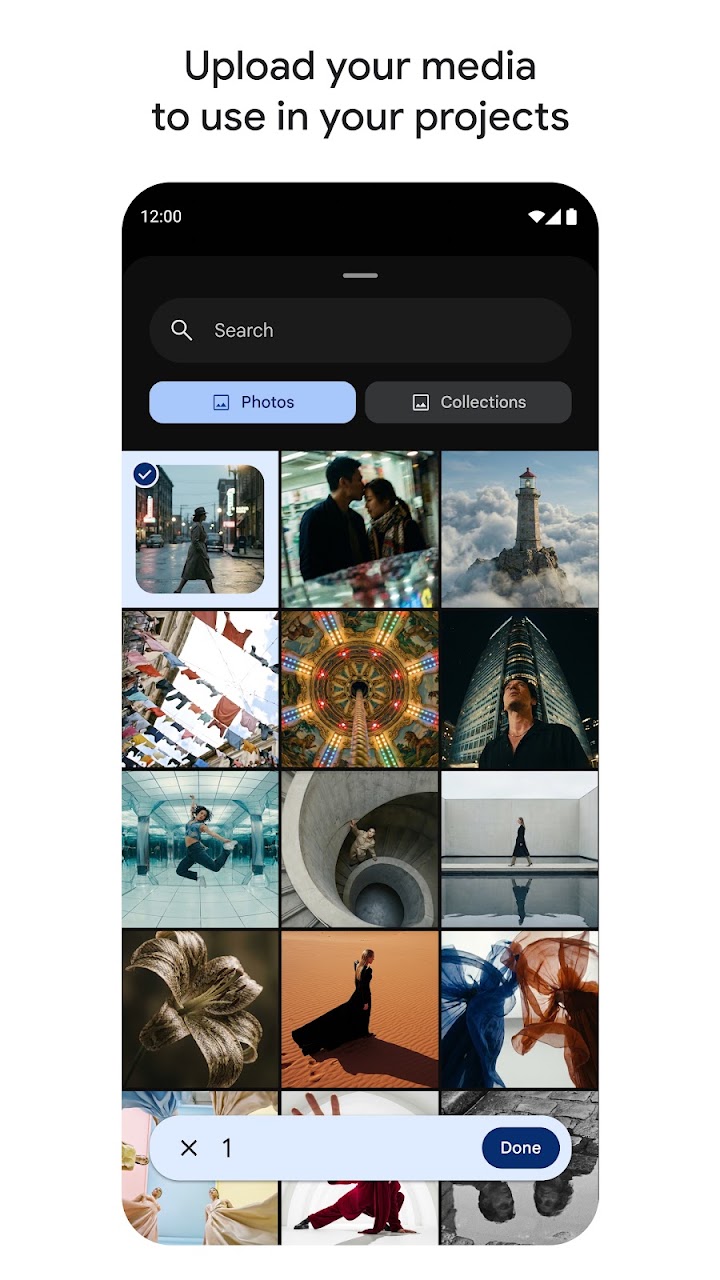
- Camera roll uploads — Use photos and clips from your device to ground new generations in personal material.
- Live camera input — Upload from the camera while you work, instead of starting from scratch.
- Synced library — Access projects and assets in one library that stays in sync with desktop.
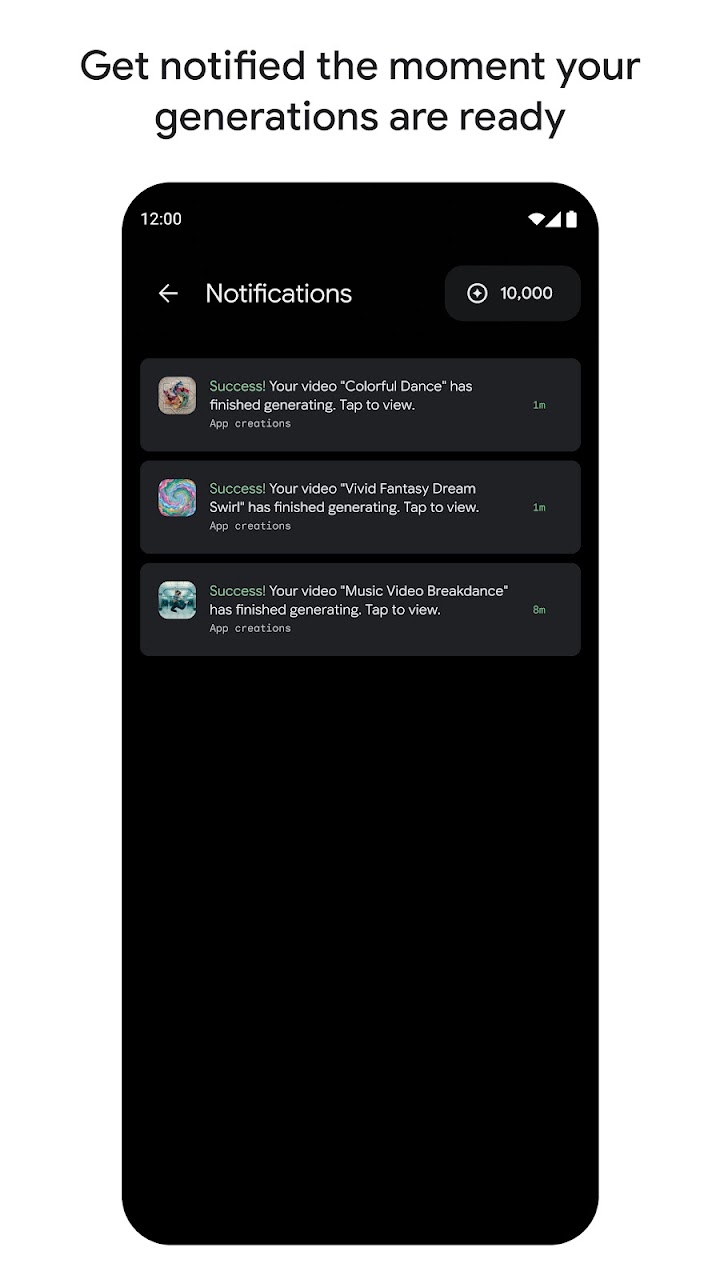
- Background rendering — Run multiple generations at once and wait for a notification when they finish.
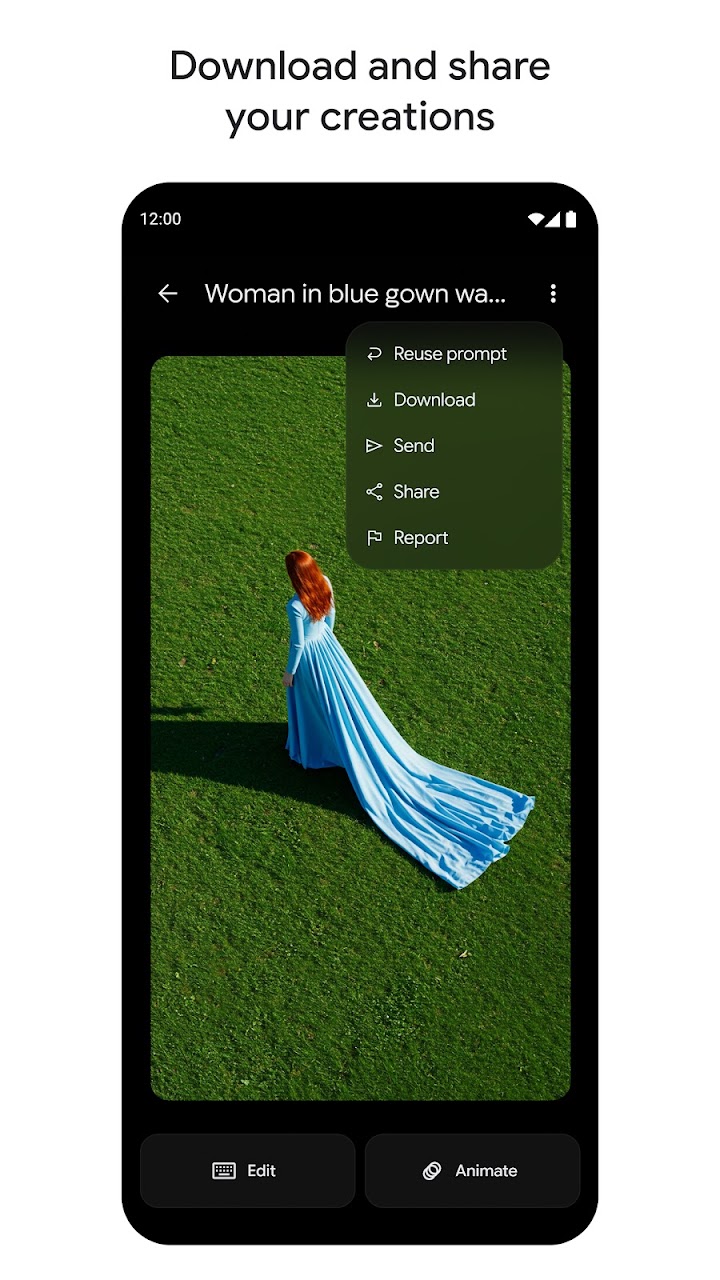
- Device downloads — Save completed creations to your phone so you can share them elsewhere.
AI creative work on Android
Google Flow is built for creating and refining images and videos on a phone. It is aimed at people who want a mobile studio, not a simple editor. Compared with many art and design apps, it centers on generation, background rendering, and a synced project library instead of manual tools alone.
Use your own camera sources
The app can use direct camera roll uploads and live camera uploads to ground generations in your own material. That makes it different from apps that start from a blank prompt only. It can help when you want the output to stay tied to a real photo or clip.
- Gets: image and video generation, synced projects, downloads for sharing.
- Watch for: a Google account and network access are part of use.
- Watch for: storage permissions are included, along with camera and audio access.
Desktop sync and waiting less
Projects and assets stay in a unified library that syncs with the desktop experience. If you start several generations, Google Flow can run them in the background and send a notification when the media is ready. That is useful if you want to leave the app and come back later.
Install details and file format
The app requires Android 7.0 or later. The download is an XAPK file, sized at 34.8 MB, and it supports arm64-v8a devices. Google Flow is free, with no ads and no in-app purchases listed. The Play listing shows a 4.1 rating from 40,752 ratings.
What to expect from the APK
The APK gives you the app package for Android installation. It is the same Google Flow app experience described here, with the same phone-first creative workflow. If you want a mobile AI studio that syncs work across devices and lets you export finished creations, this fits that use better than a basic drawing app.
It may suit you less if you want offline editing, since the listed permissions and features point to network use. It also asks for access such as camera, microphone, notifications, and external storage, so it is worth checking whether that matches how you want to work.
APK information
- Version
- 1.606.5
- Package
- com.google.android.apps.labs.whisk
- Category
- Art & Design
- Size
- 35 MB
- Min Android
- 7.0
- Architecture
- arm64-v8a
Older versions
-
Google Flow 1.606.5Nov 9, 2026Latest downloadAPK
Google Flow FAQ
Does Google Flow work offline?expand_more
The listing focuses on online generation and synced projects, and it includes network-related permissions. It does not say that the app works offline.
Can Google Flow edit RAW photos?expand_more
The listing does not mention RAW photo editing. It describes image and video generation, camera roll uploads, and downloads.
Does Google Flow have in-app purchases?expand_more
No. The listing says it is free and shows no in-app purchases.
What is the difference between the APK and the Play Store version of Google Flow?expand_more
The APK is the Android app package file. The Play Store listing is the store version of the same app.
What Android version does Google Flow need?expand_more
Google Flow requires Android 7.0 or later.