- 4.6star5 reviews
- 1M+Downloads
- 14 MBAPK size
- EveryoneRated for Everyone
- 5.0+Android
check_circleOriginal APK from Sweefit Studios · Updated Nov 10, 2026
No threats found
0 / — antivirus engines flagged this file
Original signature
First seen — Sweefit Studios
Unmodified APK
Same file the developer published — no mods
How to Draw Kawaii Drawings screenshots
8 images · tap to enlarge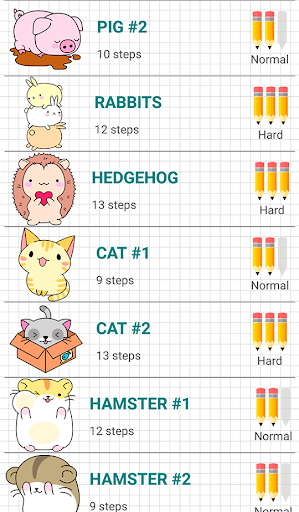
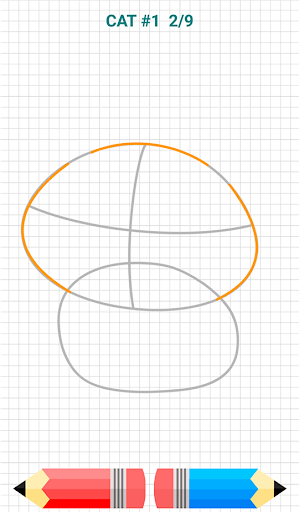
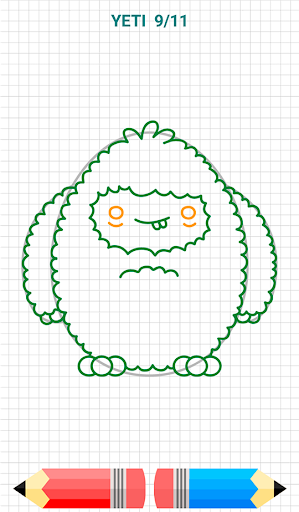
About this app
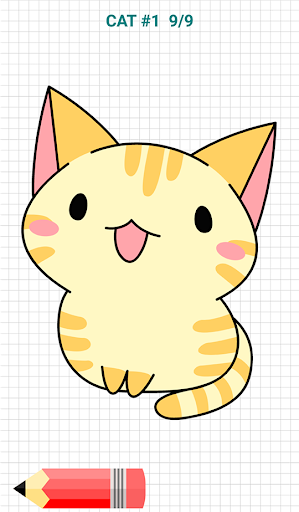
How to Draw Kawaii Drawings turns a quick sketch session into step-by-step practice. Open it when you have a pencil and paper nearby, pick a cute drawing by difficulty, and follow the guided steps on screen. It keeps the process simple, so beginners and kids can start drawing without extra setup.
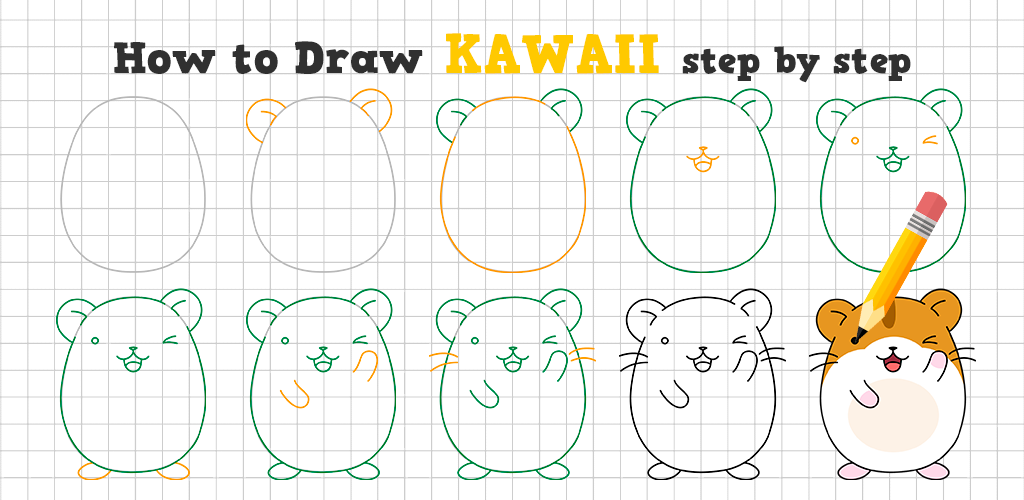
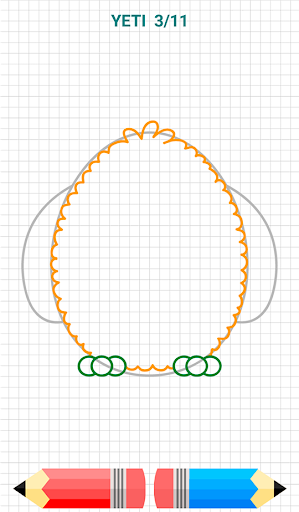
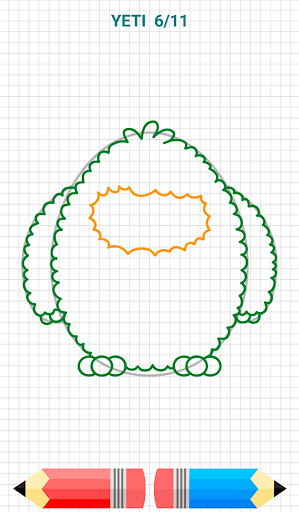
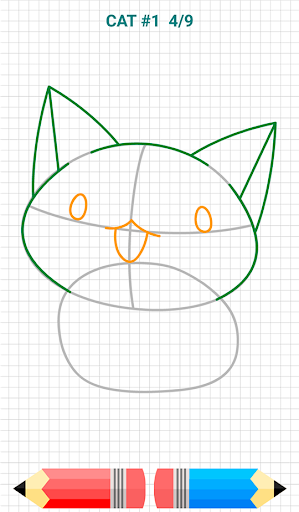
- Step-by-step lessons — Each drawing is broken into simple steps you can follow one at a time.
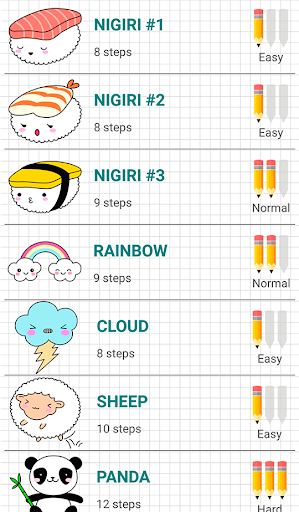
- Level-based collection — Drawings are grouped by difficulty, so you can start with easier ones and move up.
- Kid-friendly activity — The app is designed as a drawing activity for kids and beginners.
- Easy to use — You just choose a drawing and follow the instructions with paper and a pencil.
- Light install — The app is an APK file, needs Android 5.0 or later, and is 13.6 MB.
When you want a quick drawing session
How to Draw Kawaii Drawings fits the moments when someone wants to sketch but does not want to figure out what to draw first. On a quiet evening, during a long train ride, or while keeping a child busy at the table, you open the app, choose a cute drawing, and start following the steps without a complicated setup.
Choose a drawing by difficulty
The app organizes its drawings by level of difficulty, which makes it easier to match the lesson to the person holding the pencil. If a beginner wants something simple, they can start there; if they want more of a challenge, they can move to a different drawing from the collection. The idea is to keep selection fast and the next step obvious.
Follow each kawaii drawing step
Once a drawing is chosen, the app walks through it in simple steps. You keep a paper and pencil nearby, look at the instructions, and copy the shape one step at a time. That makes it practical for short practice sessions, because you can stop after one drawing or keep going with another.
Simple setup, few distractions
The app is free, has no in-app purchases, and does not contain ads. It also does not ask for permissions, so there is no storage access prompt to deal with before getting started. The install is an APK, 13.6 MB in size, and it works on Android 5.0 and up.
Trade-offs to keep in mind
This is a drawing guide, not a drawing editor. It does not offer export tools, file formats, or photo editing features, so there is nothing here for saving finished art as an image inside the app. The experience is centered on following lessons on paper, which is useful if you want instruction more than digital tools.
For anyone who wants a low-friction way to practice cute drawings, this app is a solid fit. It works well for kids, beginners, and anyone who wants a simple guided activity without accounts, ads, or extra setup.
What's new
Version 2.5 · Nov 10, 2026
- Bug fixes
APK information
- Version
- 2.5
- Package
- com.sweefitstudios.drawkawaii
- Category
- Art & Design
- Size
- 14 MB
- Min Android
- 5.0
- Architecture
- universal
Older versions
-
How to Draw Kawaii Drawings 2.5Nov 10, 2026Latest downloadAPK
How to Draw Kawaii Drawings FAQ
Can How to Draw Kawaii Drawings edit RAW photos?expand_more
No. The app is for step-by-step drawing lessons, not photo editing.
Does How to Draw Kawaii Drawings work offline?expand_more
The listing does not say that it needs an internet connection, and it has no permissions listed.
Does How to Draw Kawaii Drawings need an account?expand_more
No account is mentioned in the app details. You can open it and start choosing drawings.
What changed in the latest How to Draw Kawaii Drawings version?expand_more
The latest update says bug fixes.
What Android version does How to Draw Kawaii Drawings need?expand_more
It needs Android 5.0 or later.