- 4.4star63 reviews
- 1B+Downloads
- 12 MBAPK size
- EveryoneRated for Everyone
- 5.0+Android
check_circleOriginal APK from Huawei Internet Services · Updated Nov 11, 2026
No threats found
0 / — antivirus engines flagged this file
Original signature
First seen — Huawei Internet Services
Unmodified APK
Same file the developer published — no mods
Huawei Backup screenshots
4 images · tap to enlarge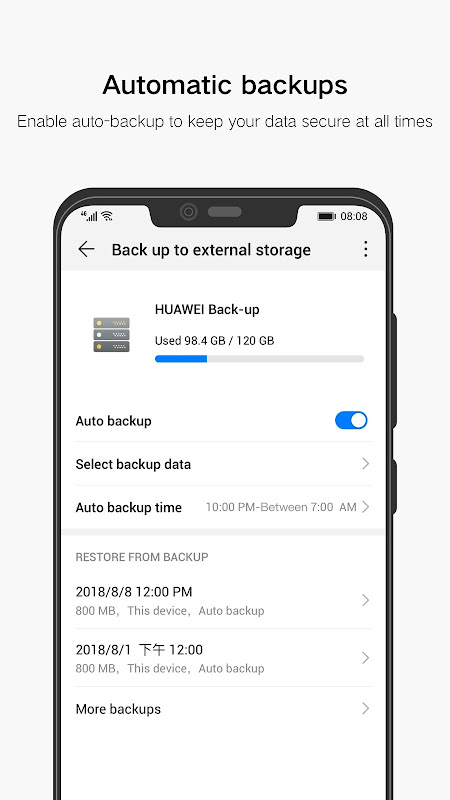
About this app
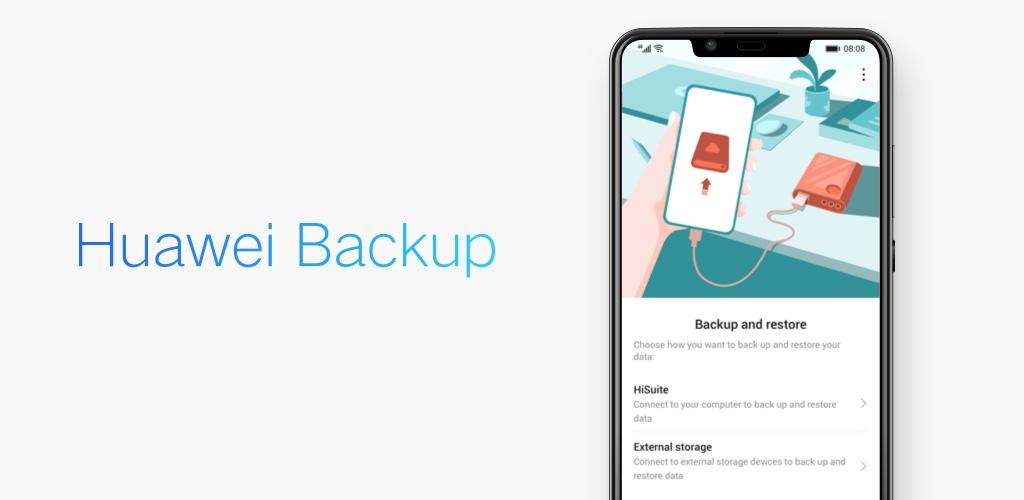
Keep your Huawei data in a second place before a reset, switch, or mishap. Huawei Backup copies contacts, messages, call records, apps, media, and selected settings to storage devices or the cloud, with encryption available for extra protection. It is free, ad-free, and aimed at Huawei phones and tablets running EMUI 4.0 or later.
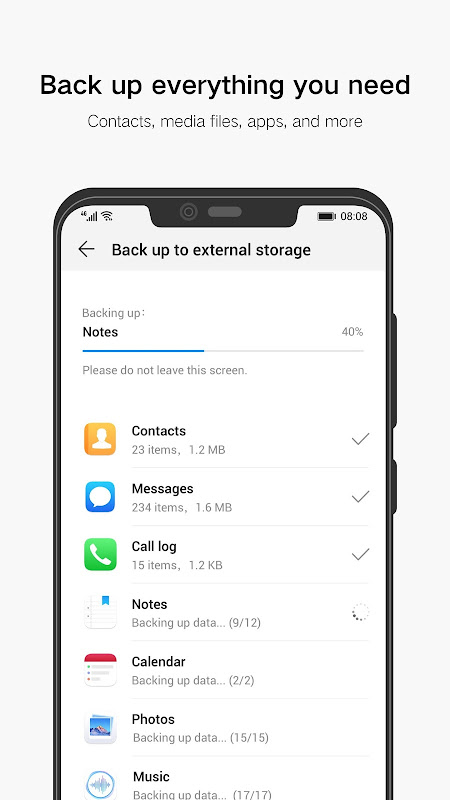
- Back up daily data — Save contacts, SMS, MMS, call records, bookmarks, email accounts, calendar events, alarms, weather, clock, and music.
- Keep app data too — Back up apps along with app data such as accounts, so a restored phone can feel more familiar.
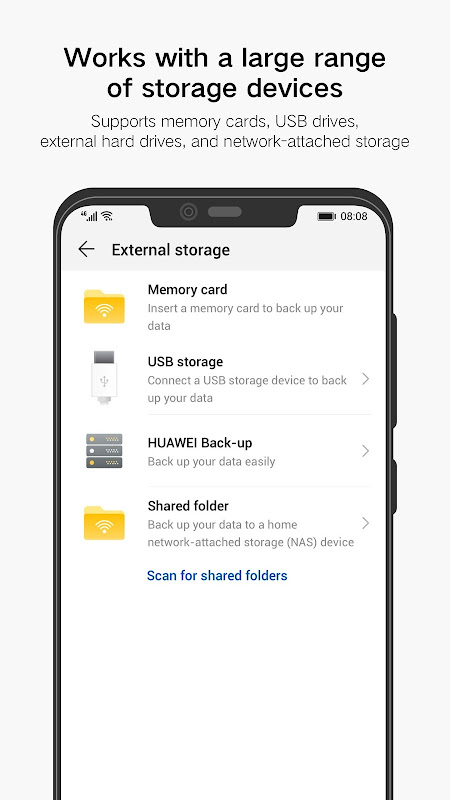
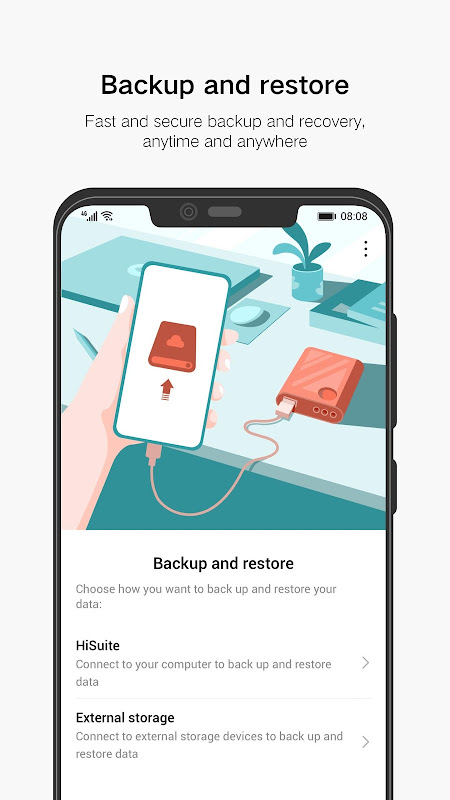
- Store it your way — Send backups to memory cards, USB drives, the cloud, and on some devices to NAS or Huawei Back-up.
- Encrypt your archive — Turn on encryption when you want an extra layer of protection for saved backups.
- No ads or purchases — The app is free to install, with no ads and no in-app purchases.
Save a full phone snapshot
On a day when you are moving to a new Huawei device, Huawei Backup can copy the pieces that are hardest to recreate later. That includes contacts, SMS and MMS, call records, browser bookmarks, calendar events, email accounts, alarms, weather, clock, and music. Instead of rebuilding everything one item at a time, you can keep a saved copy ready for restore.
Back up apps and media
If your phone holds app logins or other app data you do not want to set up again, Huawei Backup can include apps and their data such as accounts. It also covers media files like photos, videos, and recordings, which matters when you want one backup that reaches beyond contacts and messages.
Choose where the copy goes
When storage is tight on the phone itself, you can send backups to a memory card or USB drive, or use the cloud. Some device models also support network-attached storage and Huawei Back-up, and selected devices can now make automatic backups to NAS, Huawei Back-up, and memory cards.
What you get and what to watch for:
- Get: manual or automatic backups on supported devices
- Get: encryption for saved backups
- Watch for: NAS and Huawei Back-up support only on selected devices
- Watch for: EMUI 4.0 or later is required
Install details and device fit
Huawei Backup is free, does not contain ads, and has no in-app purchases. The APK is 11.6 MB, works on Android 5.0 and up, and is built as a universal package. It is made for Huawei devices, and the Play listing notes support for devices running EMUI 4.0 and later.
What's new
Version 10.1.1.570 · Nov 11, 2026
- Bug fix
APK information
- Version
- 10.1.1.570
- Package
- com.huawei.KoBackup
- Category
- Tools
- Size
- 12 MB
- Min Android
- 5.0
- Architecture
- universal
Older versions
-
Huawei Backup 10.1.1.570Nov 11, 2026Latest downloadAPK
Huawei Backup FAQ
Does Huawei Backup drain the battery?expand_more
The listing does not mention battery use, so there is no stated impact to expect.
Why does Huawei Backup need these permissions?expand_more
No permissions are listed for this app. The store page does not show any requested permissions.
Does Huawei Backup work on tablets?expand_more
The app is for Huawei devices and supports devices running EMUI 4.0 and later, but tablet support is not stated separately.
Can I install Huawei Backup without Google Play?expand_more
The listing is for an APK file, so it can be installed as an APK rather than only through Google Play.
What can Huawei Backup save?expand_more
It can back up personal data, apps and app data, and media files such as photos, videos, and recordings.