- 3.8star23 reviews
- 100M+Downloads
- 13 MBAPK size
- EveryoneRated for Everyone
- API 19+Android
check_circleOriginal APK from Huawei Internet Services · Updated Nov 12, 2026
No threats found
0 / — antivirus engines flagged this file
Original signature
First seen — Huawei Internet Services
Unmodified APK
Same file the developer published — no mods
Phone Clone screenshots
4 images · tap to enlarge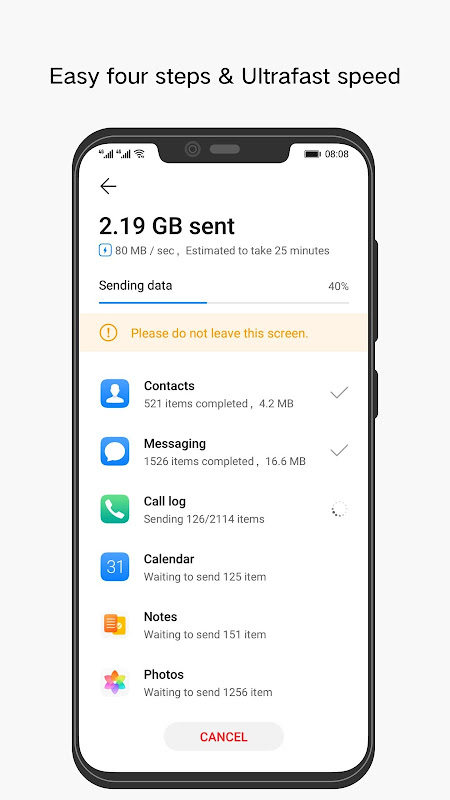
About this app
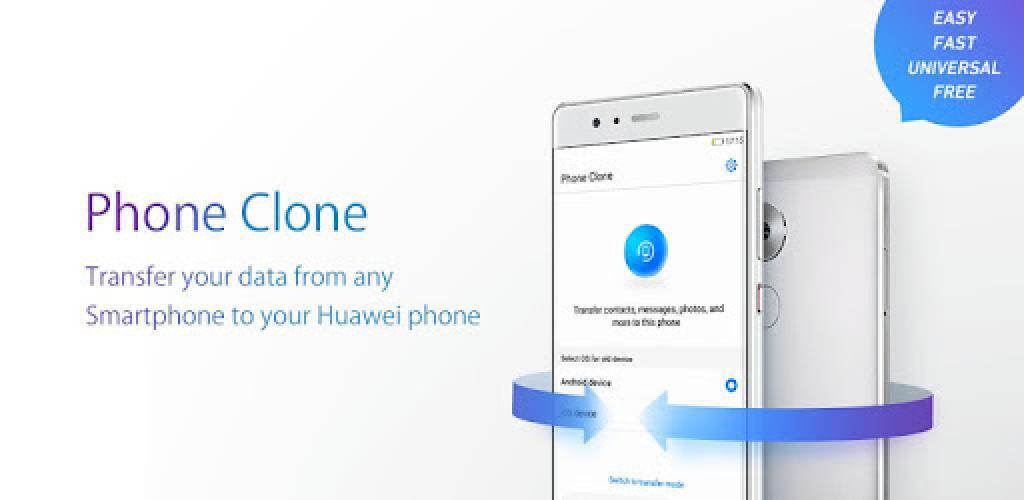
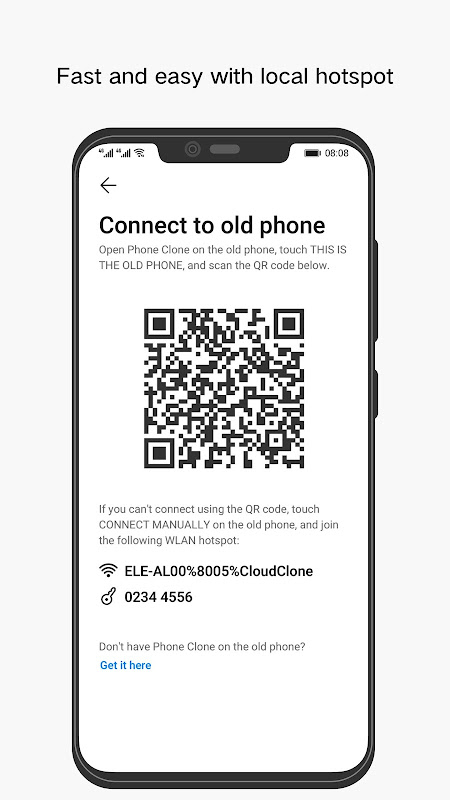
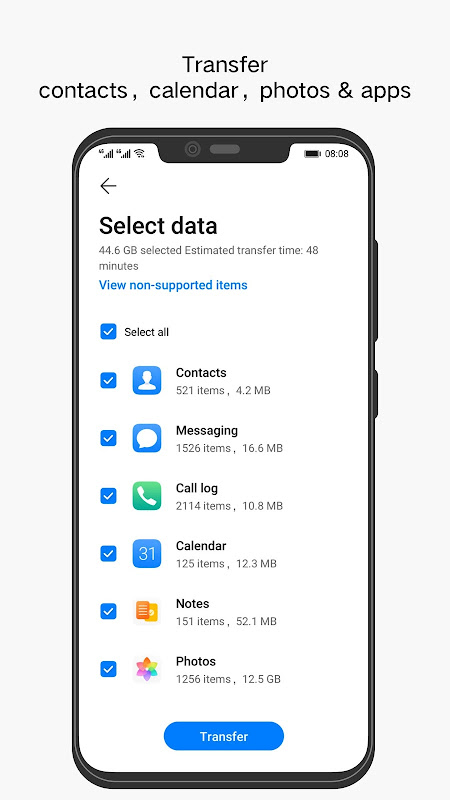
Phone Clone stands out in the Tools category as a simple way to move data onto a new Huawei phone. It is built for everyday switchovers, with a flow that can bring over contacts, SMS, call logs, notes, recordings, calendars, photos, music, videos, documents, and apps without root.
- Move old phone data — Transfer contacts, SMS, call logs, notes, recordings, calendar items, photos, music, videos, documents, and apps.
- Android and iOS support — Bring data from Android or iPhone to a Huawei mobile phone.
- No root needed — Huawei phones can receive more data without rooting the device.
- Works offline — The transfer uses no traffic, so it does not rely on mobile data.
- Simple setup — The app is designed for quick, straightforward migration to a new phone.
- Free to use — Phone Clone is free and does not include ads or in-app purchases.
Switching to a Huawei phone
Phone Clone is for the moment when you unbox a new Huawei phone and want your old life to show up quickly. It handles the everyday things people actually use: contacts, messages, call logs, photos, music, videos, documents, notes, recordings, and apps. That makes it useful for anyone moving from an older Android phone or from iOS.
Moving contacts, messages, and media
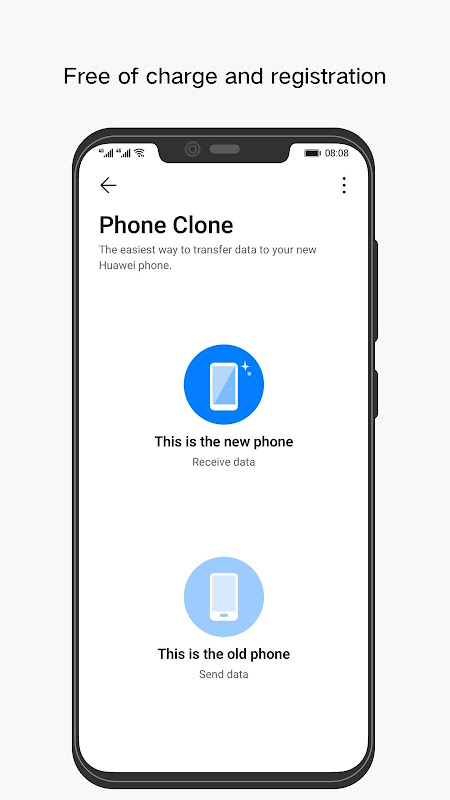
This is the screen you would open first when you need your phone set up for real use. Instead of adding contacts one by one or re-downloading everything later, you can move the main pieces of your phone in one go. The app also supports calendar data, and Huawei phones can receive extra items like application data, schedules, memos, alarms, and reader bookmarks without root.
Free transfer without ads
Phone Clone is free, and it does not show ads or offer in-app purchases. That keeps the transfer process focused on the move itself. The app also says the transfer is secure and uses no traffic, so you are not depending on mobile data while copying your content.
When a simple setup matters
If you are not technical, the appeal here is the plain setup and the short path from old phone to new one. The app is built for quick migration rather than ongoing daily use. The APK file is 13.3 MB, comes in universal format, and supports Android 4.4 and above, with a minimum requirement of API 19.
- Developer: Huawei Internet Services
- Content rating: Everyone
- Latest version: 11.0.0.300
- Recent update: Bug fix
What's new
Version 11.0.0.300 · Nov 12, 2026
- BUG Fix
APK information
- Version
- 11.0.0.300
- Package
- com.hicloud.android.clone
- Category
- Tools
- Size
- 13 MB
- Min Android
- API 19
- Architecture
- universal
Older versions
-
Phone Clone 11.0.0.300Nov 12, 2026Latest downloadAPK
Phone Clone FAQ
Does Phone Clone need root?expand_more
No. Huawei phones can transfer more data without root, including application data, schedules, memos, alarms, and reader bookmarks.
Does Phone Clone drain the battery?expand_more
The app description does not mention battery use. It says the transfer is free, secure, and uses no traffic.
Which Android version does Phone Clone need?expand_more
It supports Android 4.4 and above, which matches a minimum of API 19.
How do I install the Phone Clone APK file?expand_more
Download the APK, then open it on an Android device that meets the minimum requirement. The file is a universal APK and is 13.3 MB.
What can Phone Clone move to a Huawei phone?expand_more
It can move contacts, SMS, call logs, notes, recordings, calendar items, photos, music, videos, documents, and applications.