- 4.4star128,716 reviews
- 50M+Downloads
- 96 MBAPK size
- EveryoneRated for Everyone
- 6.0+Android
check_circleOriginal APK from Eyewind · Updated Nov 10, 2026
No threats found
0 / — antivirus engines flagged this file
Original signature
First seen — Eyewind
Unmodified APK
Same file the developer published — no mods
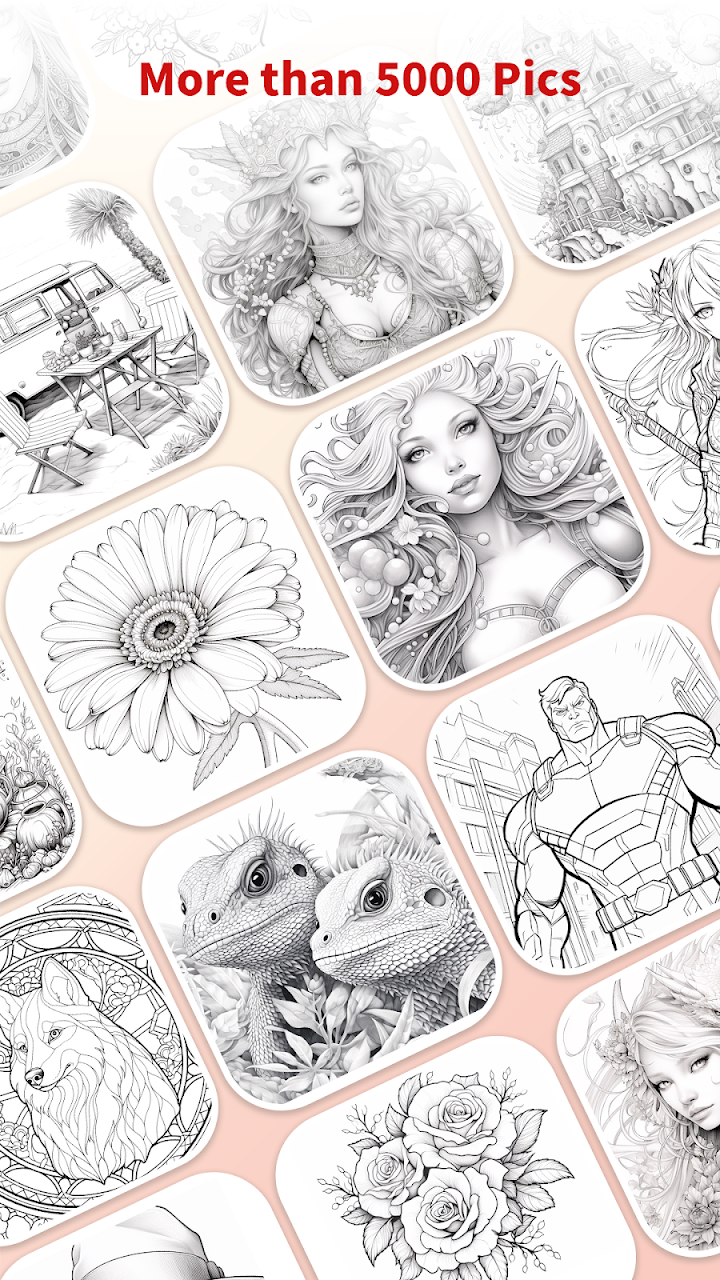
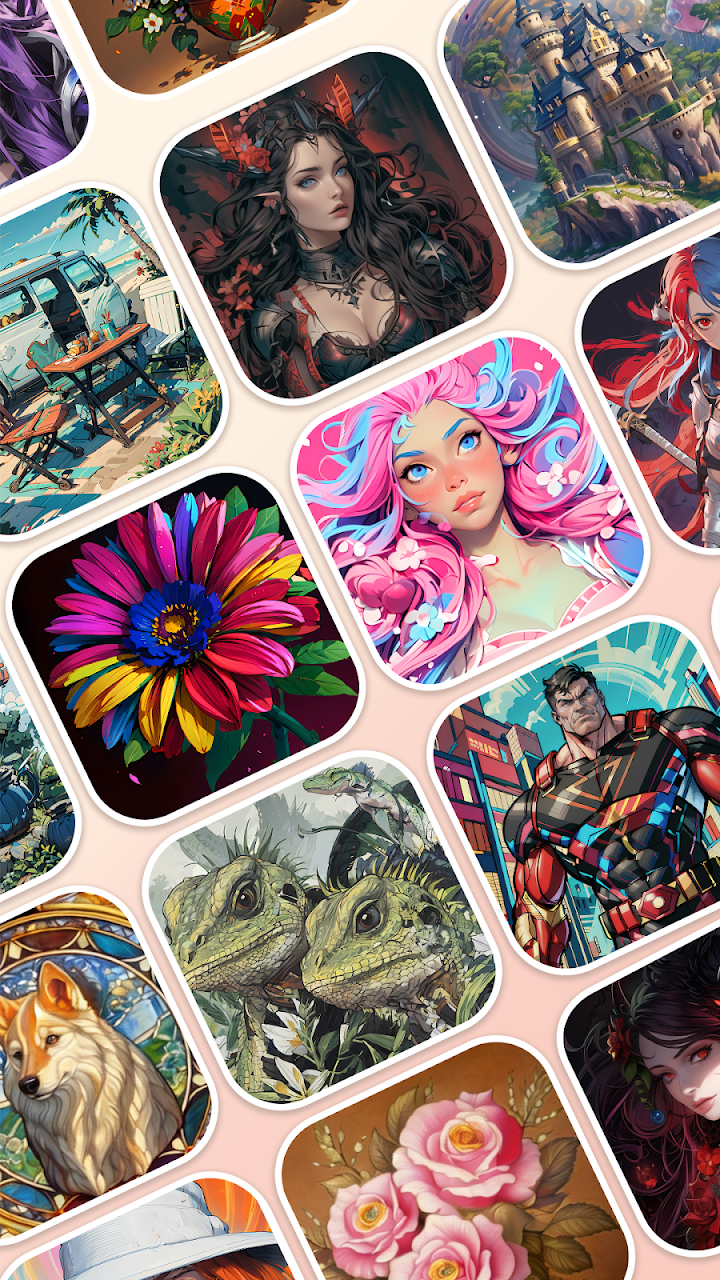
InColor™ : Coloring & Drawing screenshots
8 images · tap to enlarge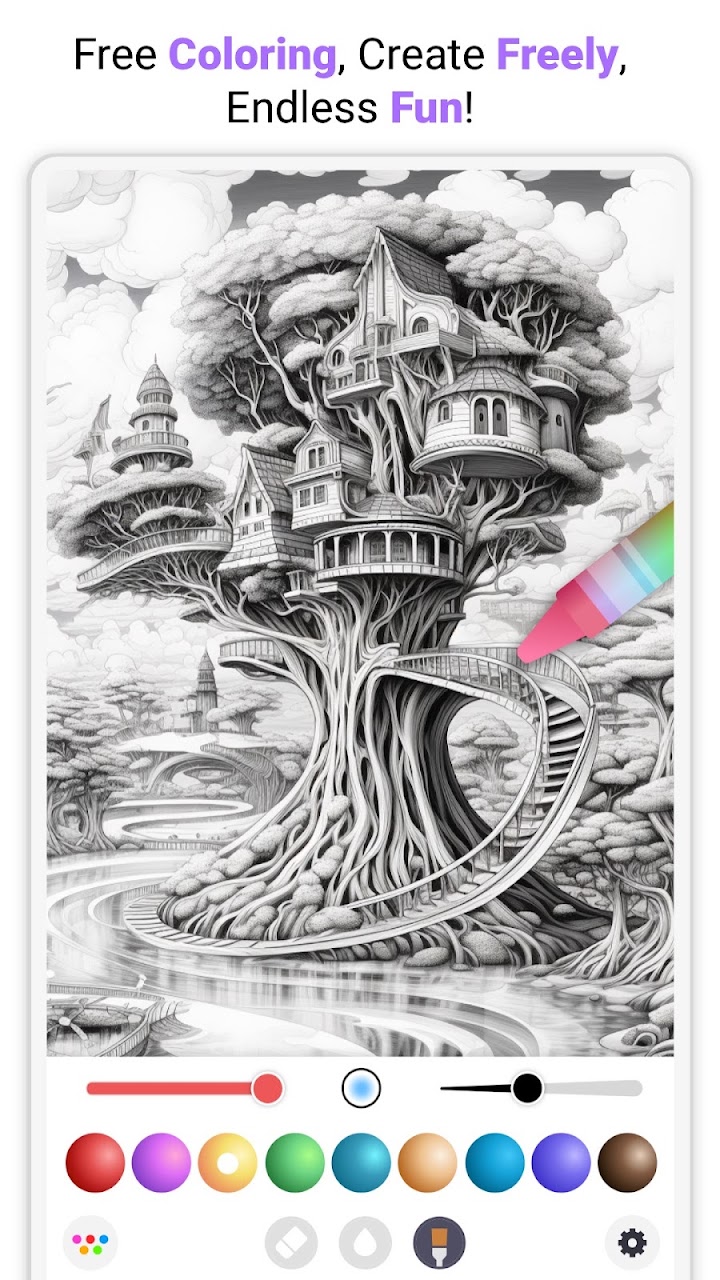
About this app
With 50M+ installs and a 4.4 rating from 128,639 users, InColor™ : Coloring & Drawing focuses on AI-made coloring pages, painting tools, and sharing. Compared with simpler pixel-coloring apps like No.Pix Color by Number & Pixel, it offers a broader set of drawing options, but the free tier is limited and ads are included.
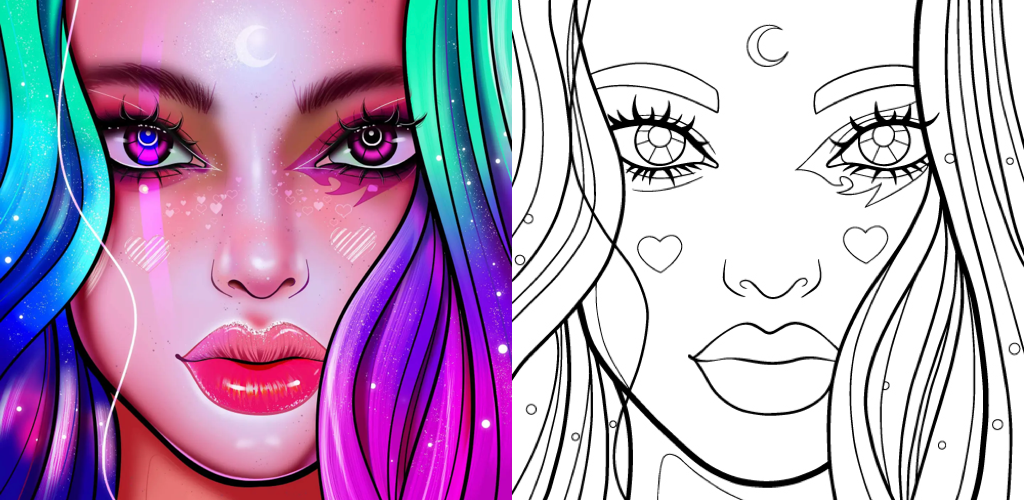
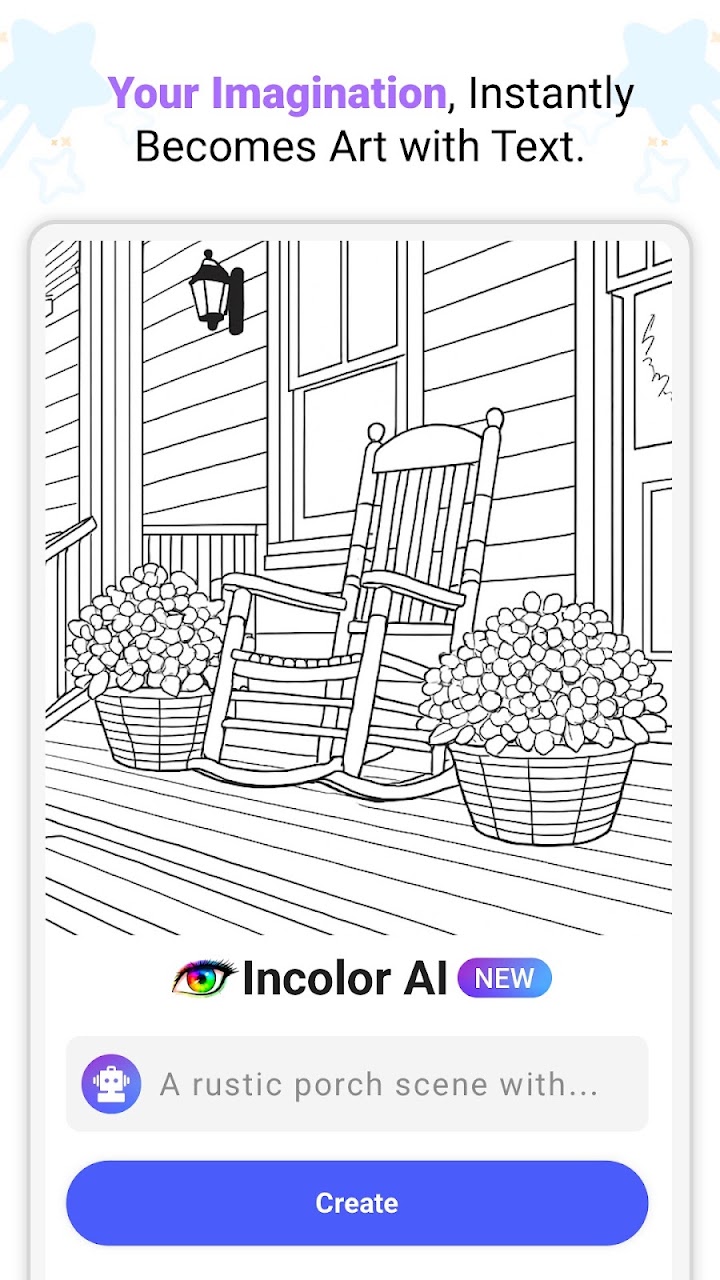
- AI page generator — Enter keywords and the app creates black-and-white sketches for coloring.
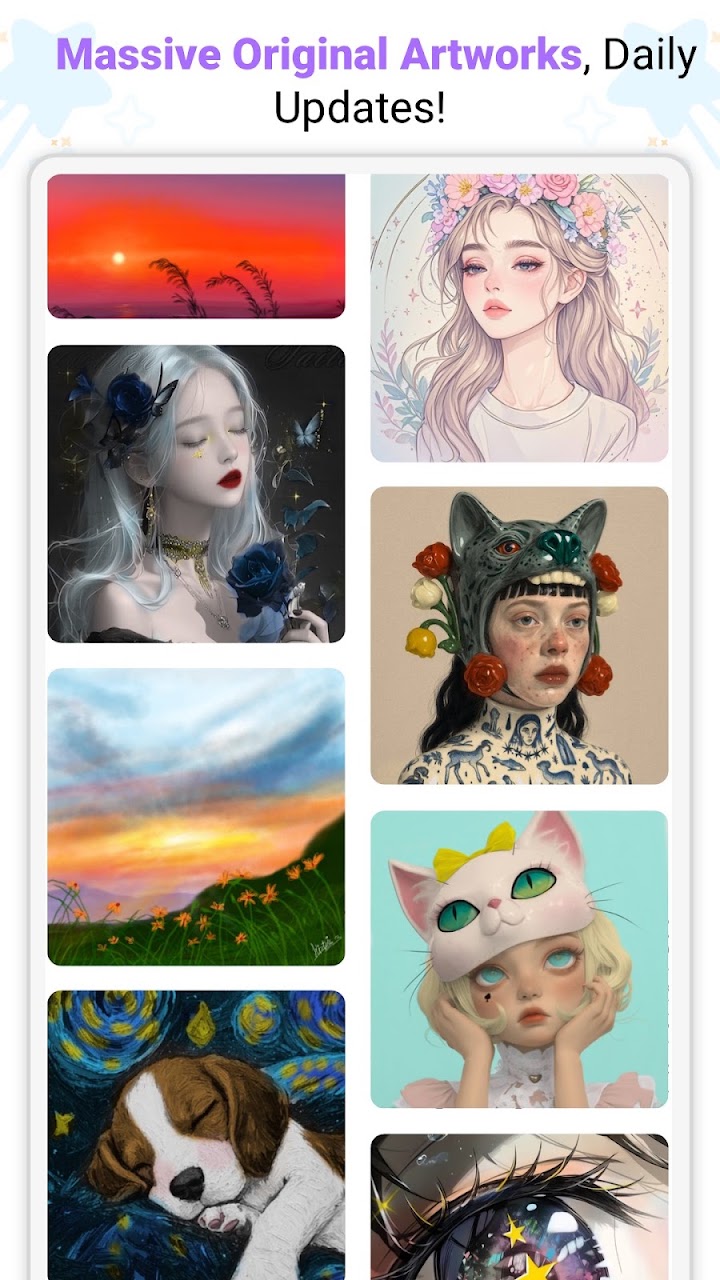
- Curated gallery — Browse a large gallery of illustrations with new styles added daily.
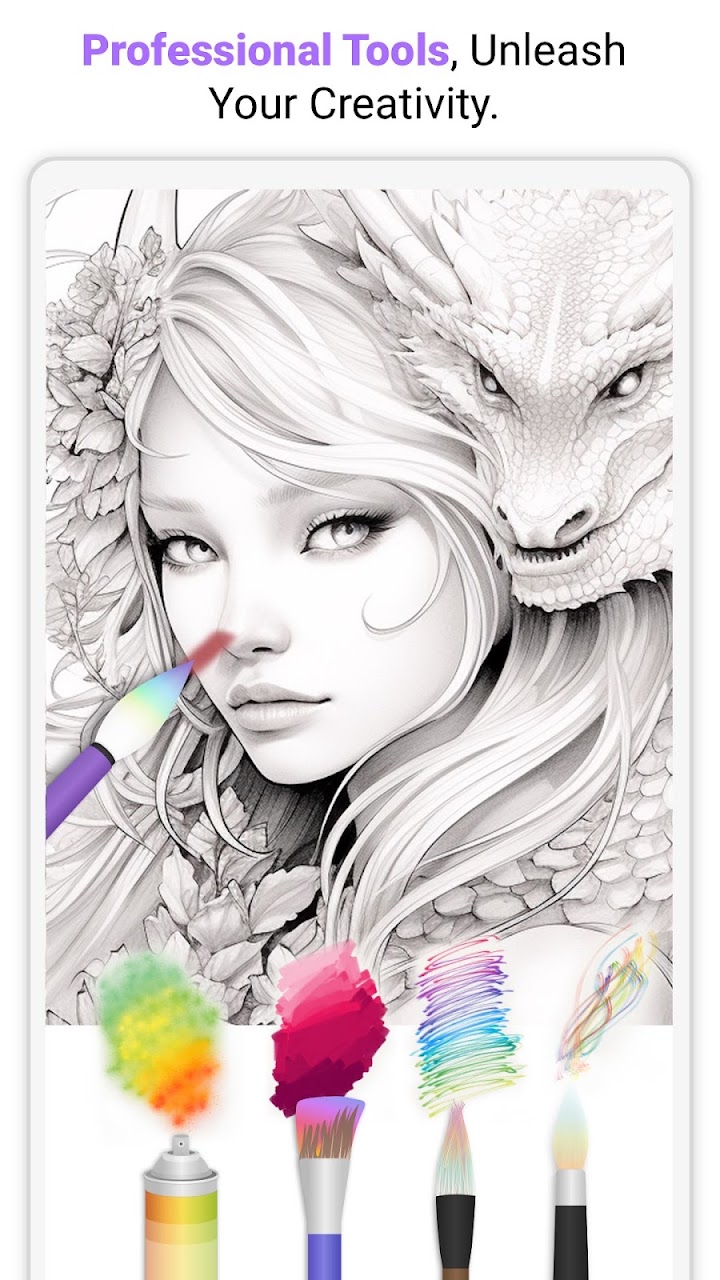
- Painting controls — Use brushes, gradients, and detail tools for more precise coloring.
- Blank canvas — Switch to free drawing mode and make original art from scratch.
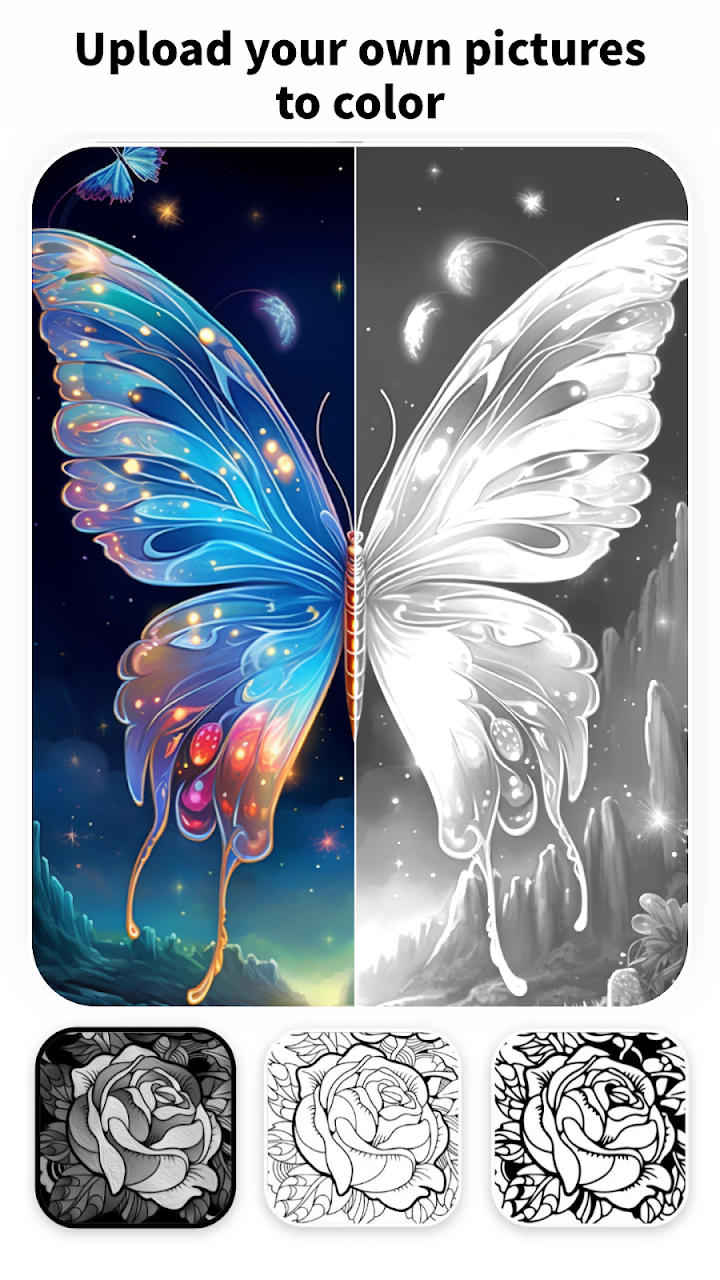
- Photo sketches — Import a photo and turn it into a sketch you can personalize.
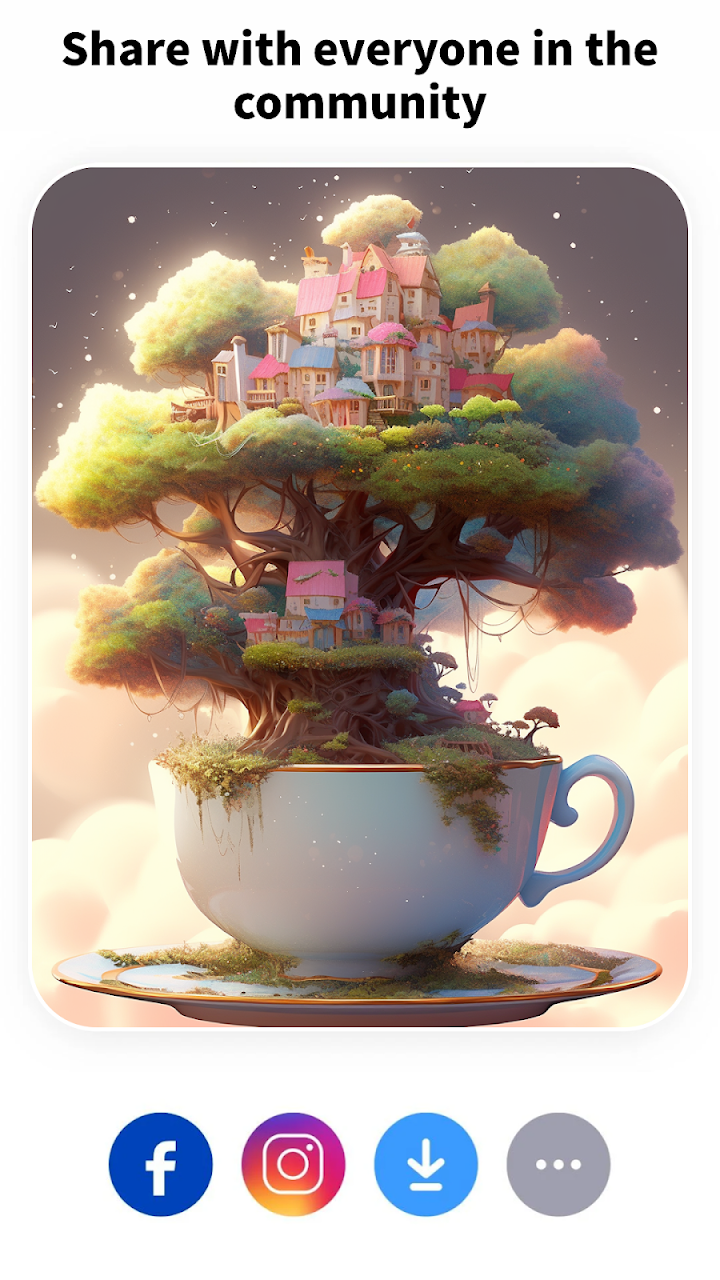
- Sharing and events — Share artwork in the global community and join weekly themed challenges.
AI coloring with more than one path
InColor™ : Coloring & Drawing is built around AI coloring pages, but it does not stop there. You can generate a sketch from keywords, choose from a curated gallery, or start on a blank canvas. That makes it broader than a single-mode coloring app, while still staying centered on coloring and drawing rather than playback or media features.
The app is free to download, includes ads, and offers in-app purchases. Premium removes ads and unlocks all content, while free users get access to a selection of patterns and features.
Tools, photos, and community
The drawing side includes brushes, gradients, and detail controls for more careful work. If you want something more personal, photo import can turn your own pictures into sketches. InColor also adds a community layer: you can share finished pieces and join weekly themed challenges. For users who want more than static coloring pages, that combination is a clear difference from simpler alternatives.
- AI coloring book generator creates unique black-and-white pages from keywords.
- Curated coloring gallery gives access to thousands of illustrations.
- Free drawing mode lets you create original art on a blank canvas.
- Photo import sketch turns images into editable outlines.
- Weekly challenges add themed events and new patterns.
Android requirements and file details
The APK is universal, 95.5 MB, and installs on Android 6.0 and up. That size is worth noting if you compare it with lighter coloring apps, but the trade-off is a wider feature set. The app is rated for Everyone and is currently at version 7.3.4.
If you only want basic coloring, a simpler app may be enough. If you want AI-generated pages, photo-based sketches, and free drawing in one place, InColor gives you more room to work.
APK information
- Version
- 7.3.4
- Package
- com.inapp.incolor
- Category
- Entertainment
- Size
- 96 MB
- Min Android
- 6.0
- Architecture
- universal
Older versions
-
InColor™ : Coloring & Drawing 7.3.4Nov 10, 2026Latest downloadAPK
InColor™ : Coloring & Drawing FAQ
Does InColor™ : Coloring & Drawing support Chromecast?expand_more
Chromecast support is not listed for this app.
Does InColor™ : Coloring & Drawing need a subscription?expand_more
No subscription is required to use the free tier, but premium plans are available. Premium unlocks all content and removes ads.
How do I install the InColor™ : Coloring & Drawing APK file?expand_more
Download the APK file, then open it on an Android device that runs Android 6.0 or higher. The file is a universal APK.
Which processors does this APK support?expand_more
This APK is universal, so it is listed with universal ABI support.
Can I draw my own art in InColor™ : Coloring & Drawing?expand_more
Yes. The app includes a free drawing mode for creating original art on a blank canvas.