- 0.0star0 reviews
- 50K+Downloads
- 15 MBAPK size
- EveryoneRated for Everyone
- API 17+Android
check_circleOriginal APK from godwit studios · Updated Nov 10, 2026
No threats found
0 / — antivirus engines flagged this file
Original signature
First seen — godwit studios
Unmodified APK
Same file the developer published — no mods
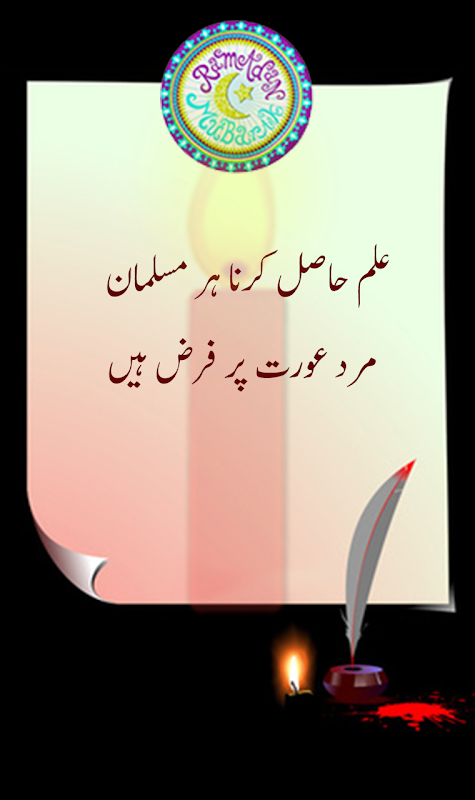
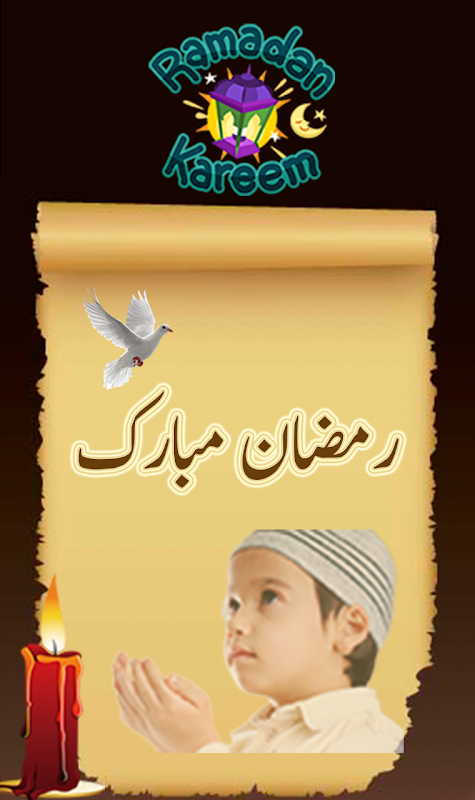
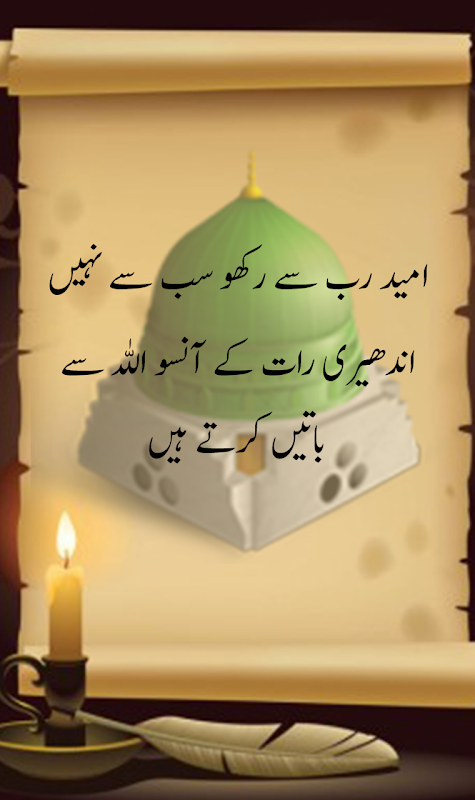
Islamic Post Maker screenshots
4 images · tap to enlarge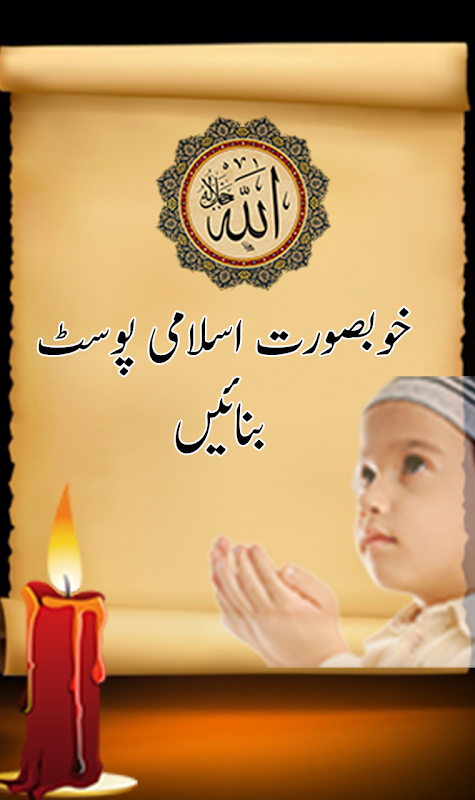
About this app
When you want to turn a photo into an Islamic post, this app lets you add text, stickers, and custom templates from your gallery image. It includes an Urdu keyboard, English text support, and editing tools for font, color, gradient, stroke, and shadow. Finished images can be saved to the UrduPoetry folder on your SD card.
- Gallery images — Pick a photo from your gallery and start editing it inside the app.
- Urdu keyboard — Write Urdu text even if your phone does not support Urdu input.
- Text styling — Change font, color, size, gradient, stroke, and shadow for your text.
- Sticker categories — Add stickers from categories such as Flower, Islamic, and Generals.
- Save to SD card — Save finished posts to the UrduPoetry folder on your SD card.
- Custom templates — Use templates inside the app to build Islamic posts and quotes.
Editing Islamic posts from a photo
Islamic Post Maker is built for making Islamic posts, hadith images, and Islamic quotes. You start with a picture from your gallery, then add text and stickers to shape the post. The app also supports multiple small images and custom templates inside the editor.
Urdu and English text tools
The app includes a special Urdu keyboard, along with English support, so you can write without depending on your phone’s system keyboard. After entering text, you can adjust the font, color, size, gradient, stroke, and shadow. The text editor also offers simple gradient, emboss, and deboss effects.
Stickers, backgrounds, and layout
You can place stickers on the image and resize them by dragging. Sticker groups include Flower, Islamic, and Generals. The editor also provides wallpapers for the background, which gives you another way to shape the final post before saving it.
Saving and app details
Finished images can be saved in the UrduPoetry folder on your SD card. The app is free, has no in-app purchases, and does not contain ads. It is rated Everyone, works on Android API 17 and up, and comes as a universal APK with a size of 15.2 MB.
- Storage access: Saving to the UrduPoetry folder on the SD card suggests the app writes edited images to device storage.
- Gallery access: The editor starts with photos from your gallery and can also use multiple small images.
- Text editing: Font, color, gradient, stroke, and shadow tools are built into the text workflow.
- No monetization: The app is free and does not include ads or in-app purchases.
APK information
- Version
- 1.0.2
- Package
- com.gulaabstudios.IslamicPostMaker
- Category
- Art & Design
- Size
- 15 MB
- Min Android
- API 17
- Architecture
- universal
Older versions
-
Islamic Post Maker 1.0.2Nov 10, 2026Latest downloadAPK
Islamic Post Maker FAQ
Does Islamic Post Maker add a watermark?expand_more
The provided details do not mention a watermark. They do say finished images can be saved to the UrduPoetry folder on your SD card.
Does Islamic Post Maker work offline?expand_more
Offline use is not stated. The app description focuses on gallery editing, text tools, stickers, and saving images.
Can I install Islamic Post Maker without Google Play?expand_more
Yes. It is provided as an APK file, so it can be installed outside Google Play.
Who develops Islamic Post Maker?expand_more
Islamic Post Maker is developed by godwit studios.
What editing tools does Islamic Post Maker include?expand_more
It includes text, sticker, shadow, font, color, gradient, stroke, and size controls, plus background wallpapers and templates.