
- 3.1star11,913 reviews
- 100K+Downloads
- 88 MBAPK size
- EveryoneRated for Everyone
- 5.0+Android
check_circleOriginal APK from Kami HK · Updated Nov 12, 2026
No threats found
0 / — antivirus engines flagged this file
Original signature
First seen — Kami HK
Unmodified APK
Same file the developer published — no mods
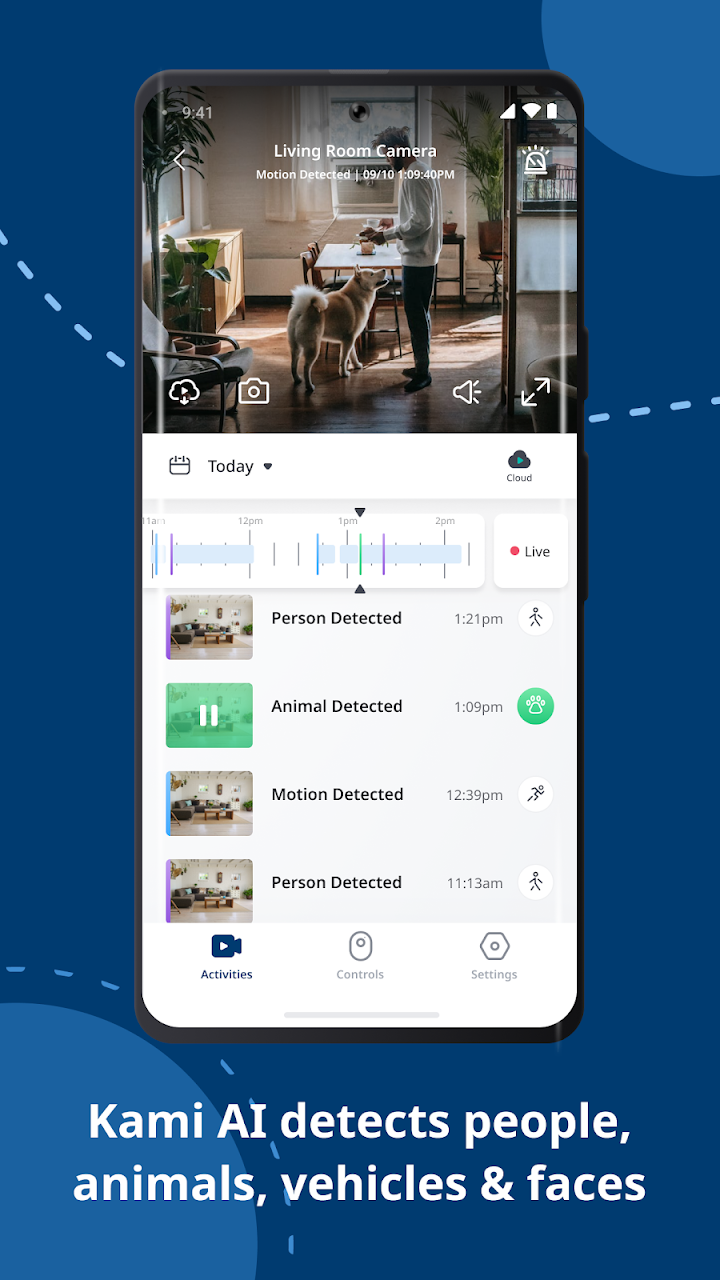
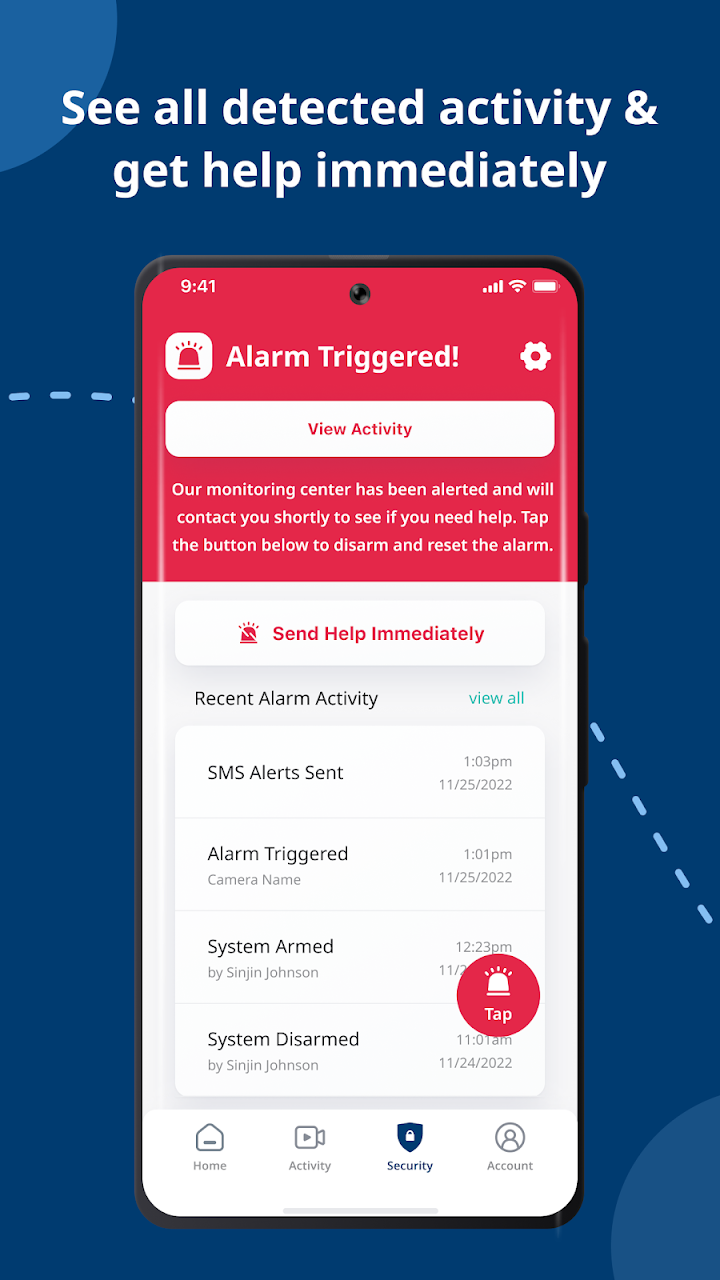
Kami Home screenshots
5 images · tap to enlarge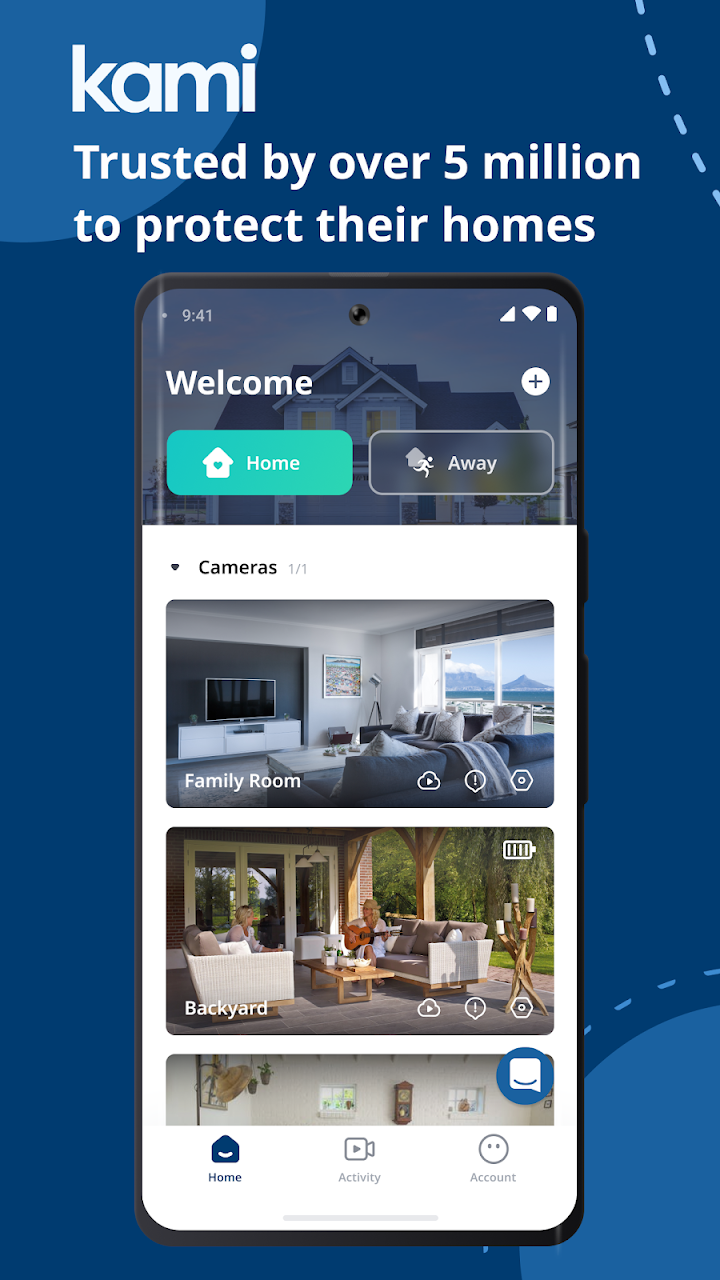
About this app
If you want to check a camera feed while you are away from home, Kami Home puts your Kami-connected devices in one place. You can watch live footage, get activity alerts, and review recordings from the cloud. It is a simple control app for home monitoring, pets, and family check-ins.
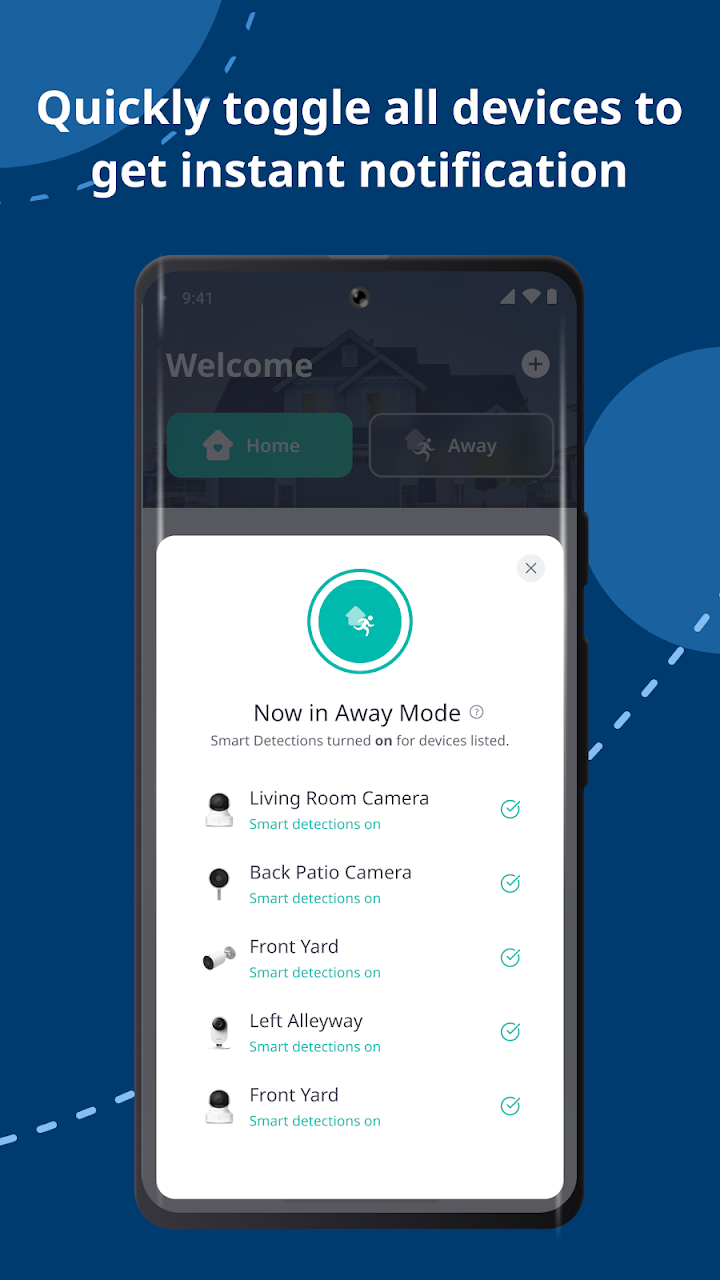
- One app control — Manage Kami-connected devices from a single screen.
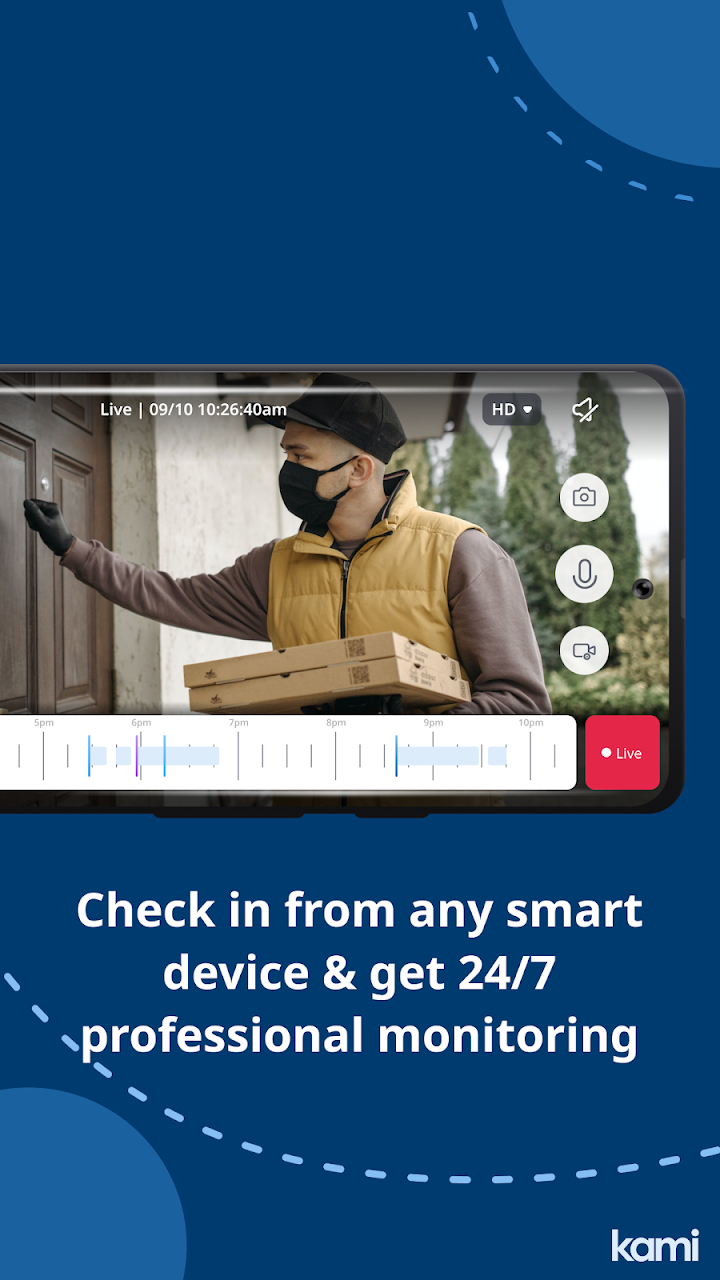
- Live camera access — Open live footage of your home whenever you need a check-in.
- Motion alerts — Get notified when unusual motion is detected.
- Cloud playback — Scan recordings and jump to important events faster.
- Longer storage — Keep video recordings in the cloud for up to 30 days.
First launch and setup
After you open Kami Home, the app is set up around your Kami-connected devices. The first job is to connect the devices you want to manage, then use the app to view live footage and check alerts. It is built for everyday monitoring, so the main tasks are watching, reviewing, and staying connected.
Live view, alerts, and playback
Once your devices are linked, you can open live footage at any time. The app also sends activity alerts when it detects unusual motion. If you miss something, you can go back to recordings and move through them quickly, with fast-forward speeds up to 32x. Cloud storage keeps recordings available for up to 30 days.
- Gets: live footage, motion alerts, cloud playback, and device control.
- Watch for: cloud storage choices tied to your home security needs and storage time preferences.
- Watch for: in-app purchases if you want paid cloud options.
Practical tips for day one
Use the app for short check-ins during the day and for night monitoring when you are away. It can help you keep tabs on a nanny, check on pets, or look in on the house. If you are searching for a moment in a recording, use the faster playback to move through the day and stop at the event you need.
Requirements and permissions
Kami Home is free to download, does not contain ads, and includes in-app purchases. It needs Android 5.0 or later. The APK is 87.6 MB and comes in universal format. No permissions are listed for this version, so the app does not show any requested permissions here.
APK information
- Version
- 3.6.4_20220720012926
- Package
- com.yitechnology.kamihome
- Category
- Lifestyle
- Size
- 88 MB
- Min Android
- 5.0
- Architecture
- universal
Older versions
-
Kami Home 3.6.4_20220720012926Nov 12, 2026Latest downloadAPK
Kami Home FAQ
Can I make my Kami Home profile private?expand_more
The app description does not mention profile privacy settings.
Do I need an account for Kami Home?expand_more
An account requirement is not stated. The app is used to control Kami-connected devices in one place.
Does Kami Home have in-app purchases?expand_more
Yes. Kami Home includes in-app purchases.
What permissions does Kami Home ask for?expand_more
No permissions are listed for this version.
How long can I keep recordings in Kami Cloud?expand_more
Recordings can be stored in the cloud for up to 30 days.