- 4.0star3,672,741 reviews
- 1B+Downloads
- 83 MBAPK size
- EveryoneRated for Everyone
- 8.0+Android
check_circleOriginal APK from Google LLC · Updated Nov 12, 2026
No threats found
0 / — antivirus engines flagged this file
Original signature
First seen — Google LLC
Unmodified APK
Same file the developer published — no mods
Google Home screenshots
8 images · tap to enlarge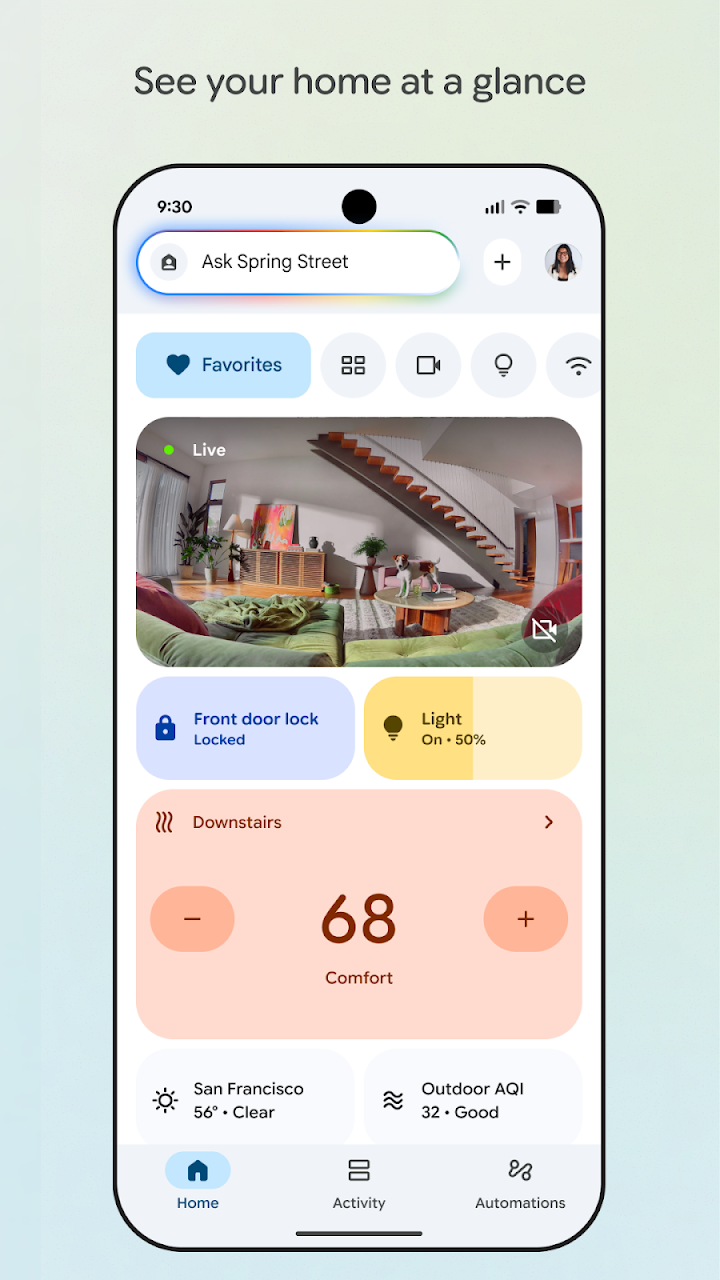
About this app
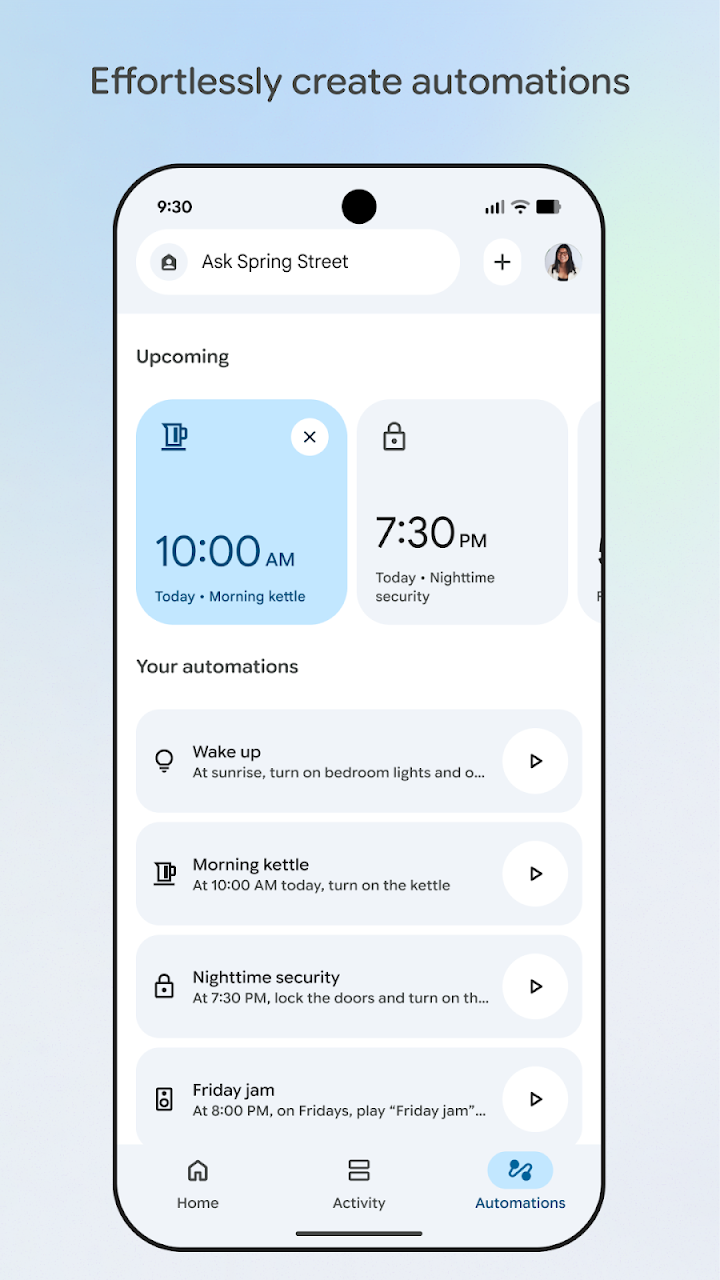
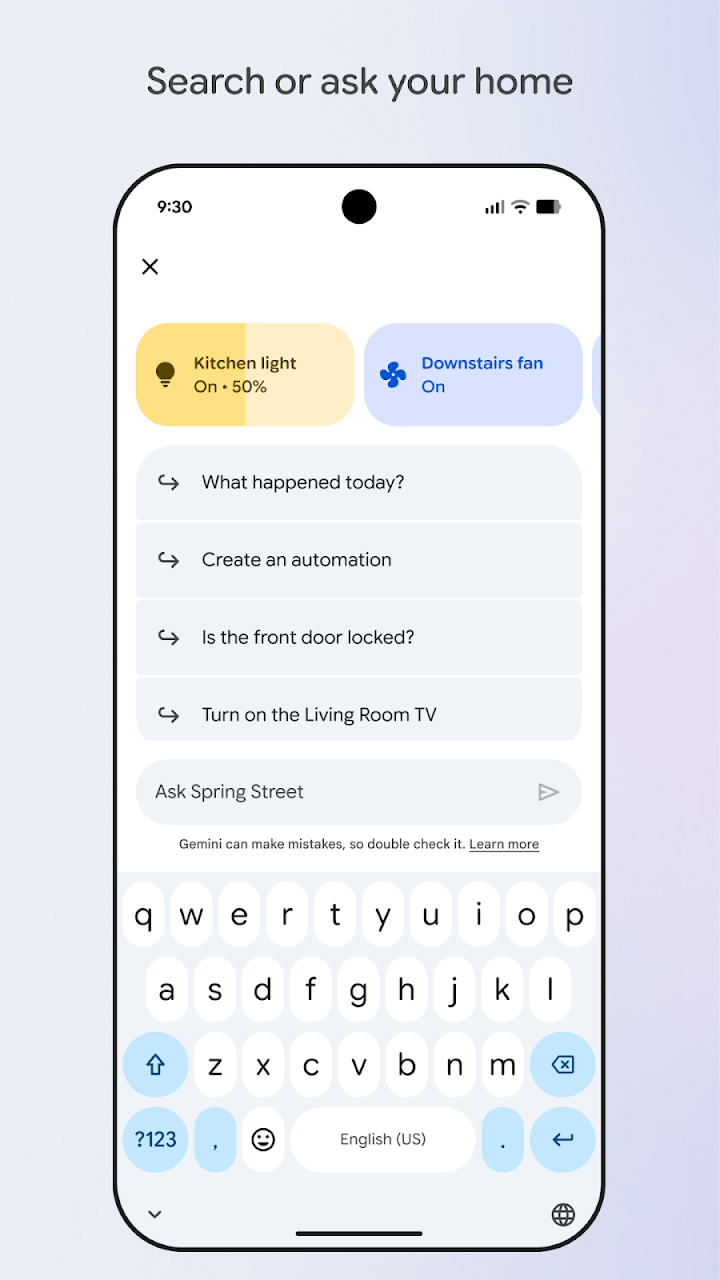
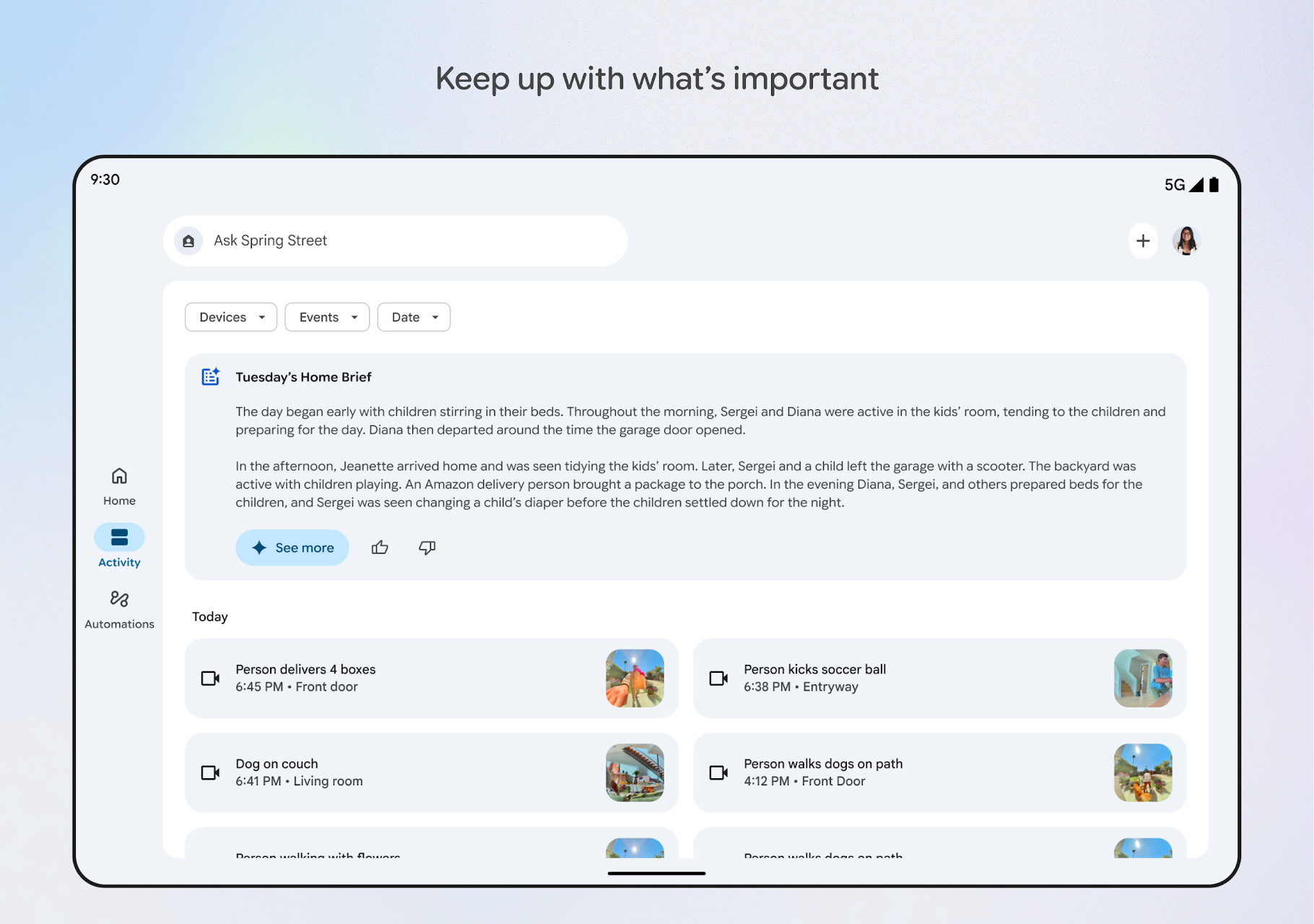
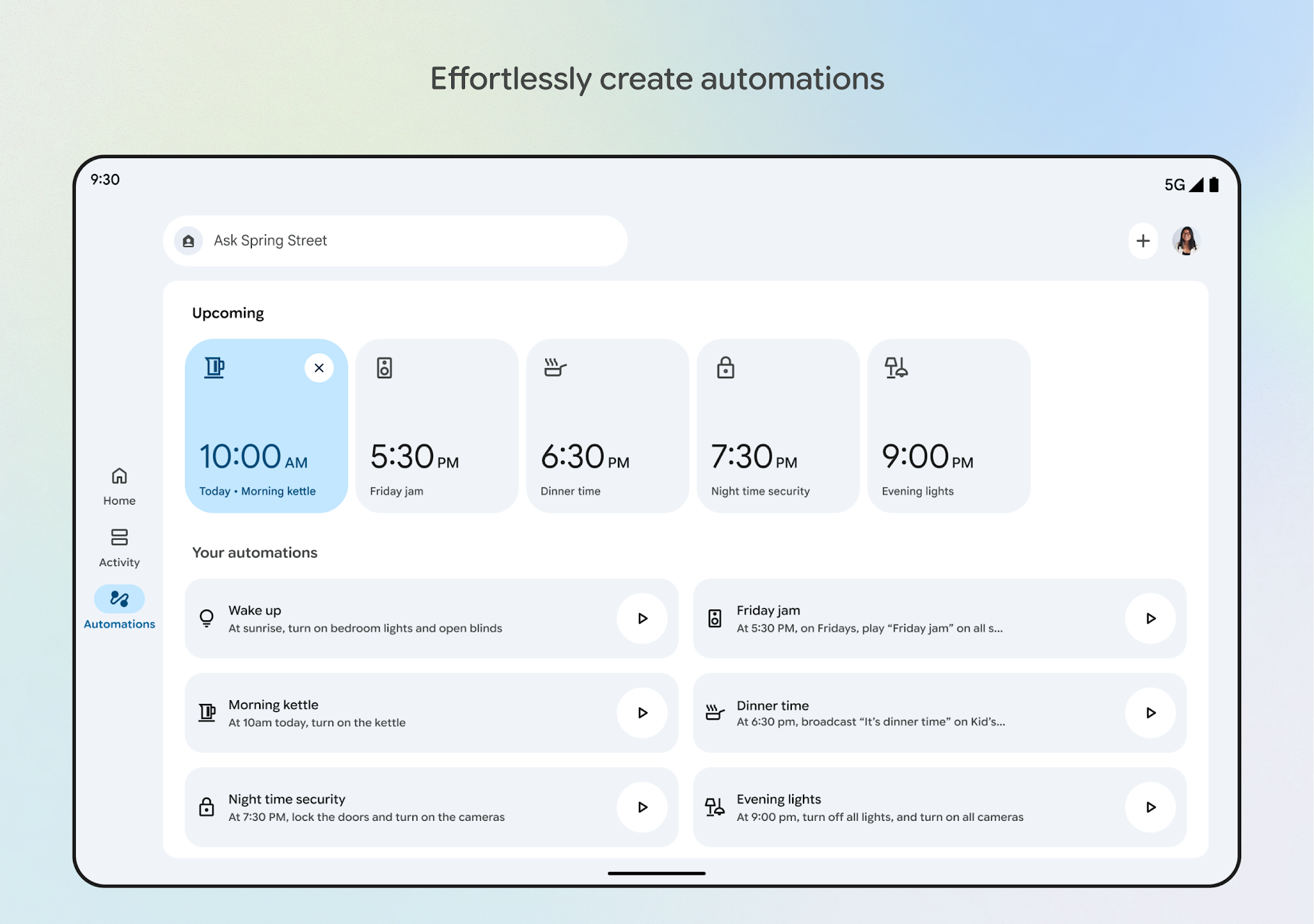
What changed in this release? The store listing doesn’t include a changelog, but Google Home still centers on a redesigned way to watch and control compatible devices. It groups devices into dashboards, surfaces camera events, and lets you use Gemini for Home to search or ask your home for actions.
- Device dashboards — Group compatible devices into dashboards so settings and status are easier to reach.
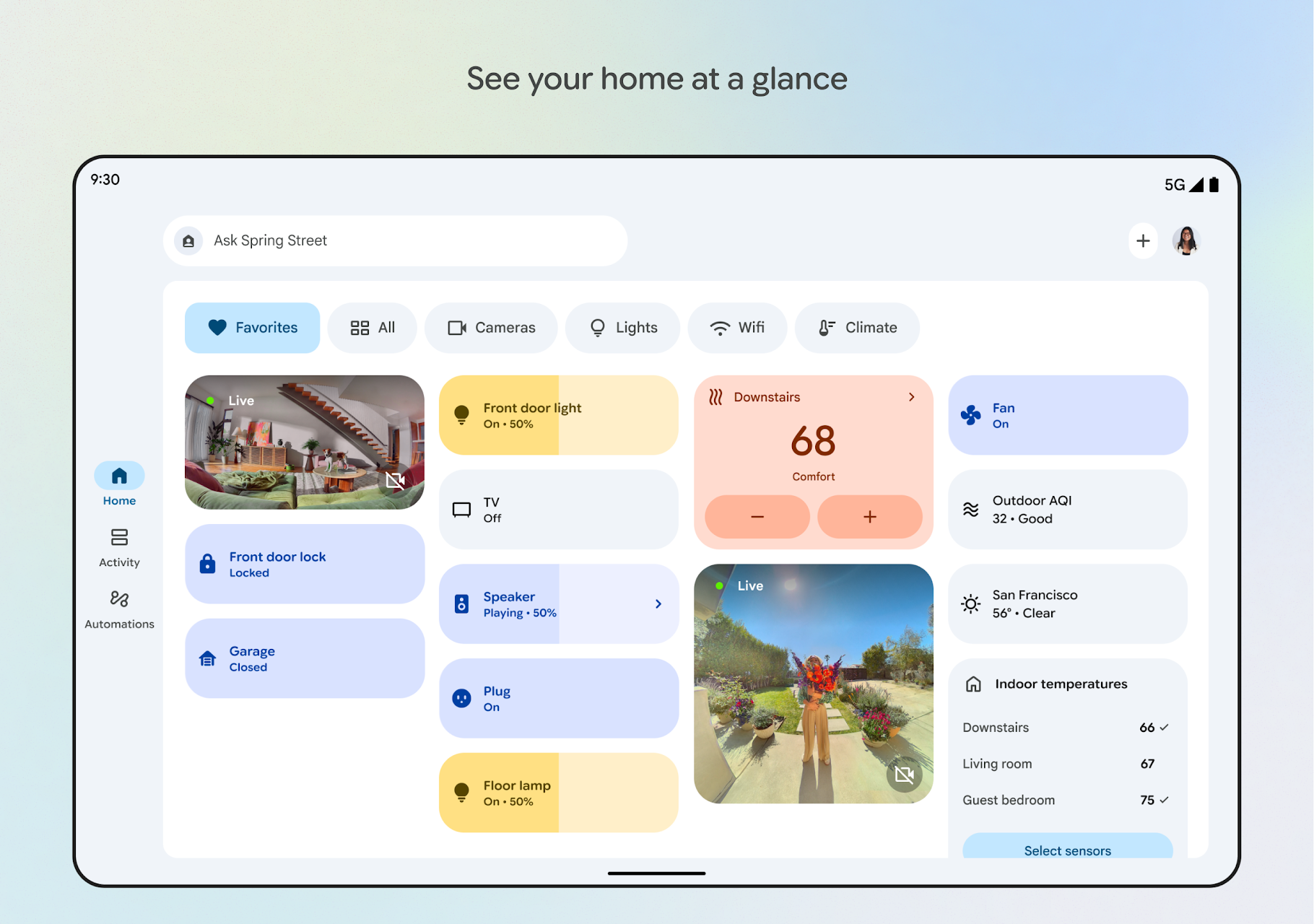
- Home status view — See your home at a glance and check what you may have missed.
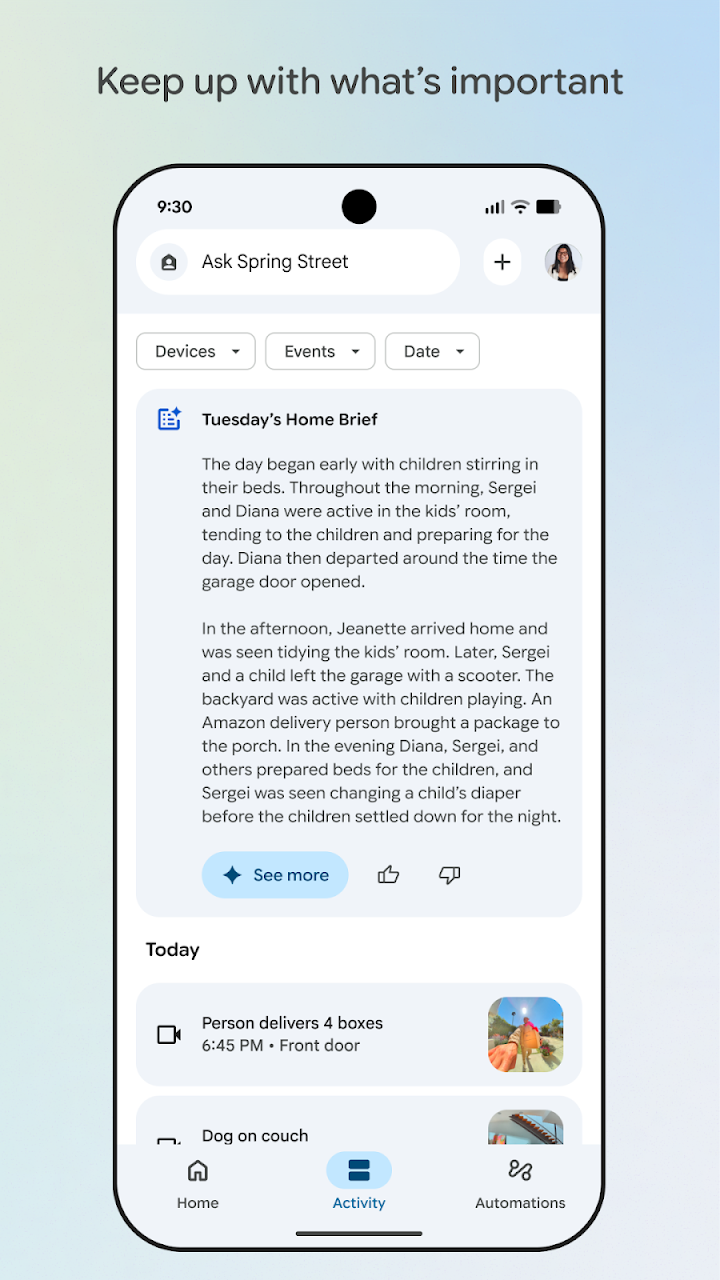
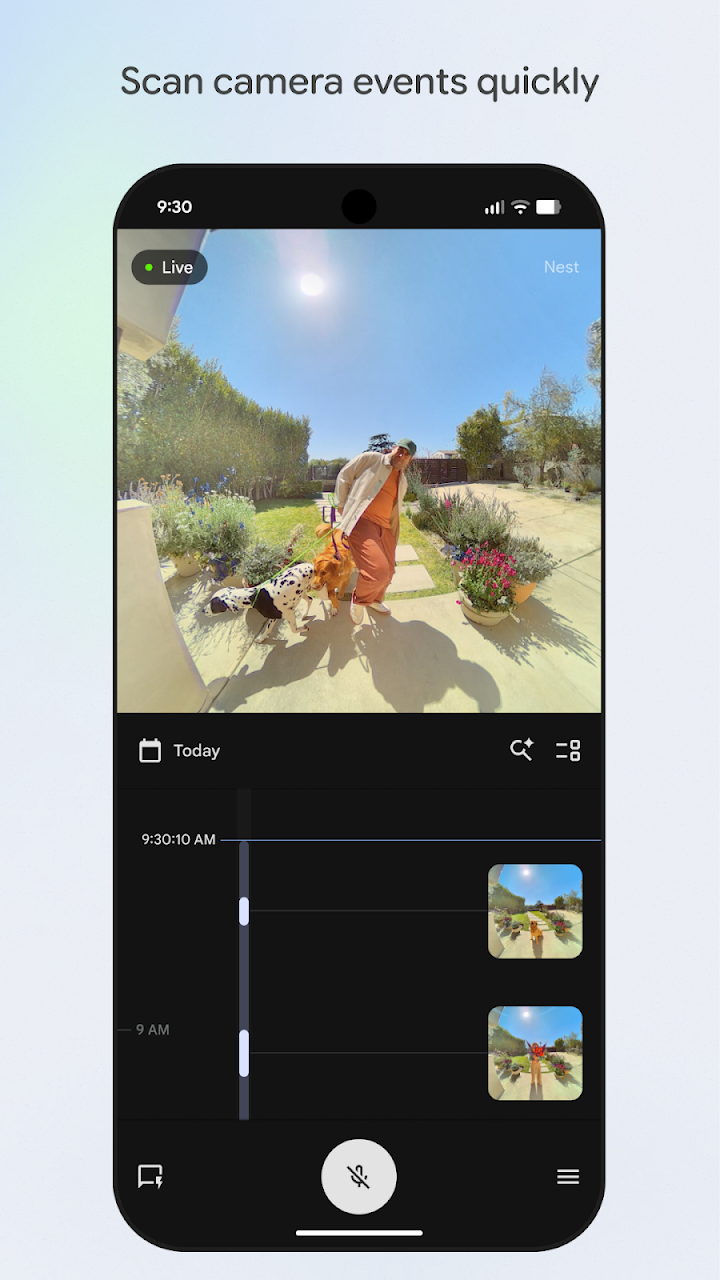
- Camera history — Use the live view and history interface to review camera events more quickly.
- Gemini control — Ask Gemini for Home to control compatible devices with spoken commands.
- Compatible ecosystem — Works with Nest, Chromecast, and Google Home devices that are supported in your region.
What this release centers on
Google Home does not list a changelog for version 3.4.1.5, so the current release is best understood through the app’s active features: a cleaner home dashboard, quicker camera review, and Gemini for Home controls. The app is meant to keep your home status visible and your device settings organized without jumping between separate tools.
Dashboards, cameras, and Gemini for Home
The app is built around compatible Nest, Chromecast, and Google Home devices. It shows your home status, groups devices into dashboards, and gives you a live view plus history for camera events. You can also search or ask your home using Gemini for Home, which changes how you issue commands compared with tapping through menus.
- You get: a home-at-a-glance view, device dashboards, and camera history.
- You get: control for compatible devices through Gemini for Home.
- Watch for: compatible devices are required.
- Watch for: some products and features may not be available in all regions.
Install size, Android version, and account access
Google Home is a free Lifestyle app with no ads and optional in-app purchases. It comes as an APK, is sized at 83.4 MB, and needs Android 8.0 or later. The listing does not spell out a separate account requirement or any app permissions, so those details are not disclosed here.
How it compares in practice
Compared with typical smart-home apps, Google Home leans on Google’s own device ecosystem and Gemini for Home rather than a broad list of third-party controls. That makes the app most relevant if you already use supported Nest, Chromecast, or Google Home hardware and want a single place to check status, review camera events, and adjust settings.
APK information
- Version
- 3.4.1.5
- Package
- com.google.android.apps.chromecast.app
- Category
- Lifestyle
- Size
- 83 MB
- Min Android
- 8.0
- Architecture
- universal
Older versions
-
Google Home 3.4.1.5Nov 12, 2026Latest downloadAPK
Google Home FAQ
Do I need an account for Google Home?expand_more
The listing does not state whether a separate account is required.
Can I make my Google Home profile private?expand_more
This is not covered in the app listing.
Who develops Google Home?expand_more
Google Home is developed by Google LLC.
Which Android version does Google Home need?expand_more
It needs Android 8.0 or later.
Which devices work with Google Home?expand_more
The app is made for compatible Nest, Chromecast, and Google Home devices.