
- 4.1star5,901,025 reviews
- 100M+Downloads
- 173 MBAPK size
- TeenRated for Teen
- 8.0+Android
check_circleOriginal APK from Amazon Mobile LLC · Updated Nov 10, 2026

No threats found
0 / — antivirus engines flagged this file
Original signature
First seen — Amazon Mobile LLC
Unmodified APK
Same file the developer published — no mods
Amazon Alexa screenshots
8 images · tap to enlarge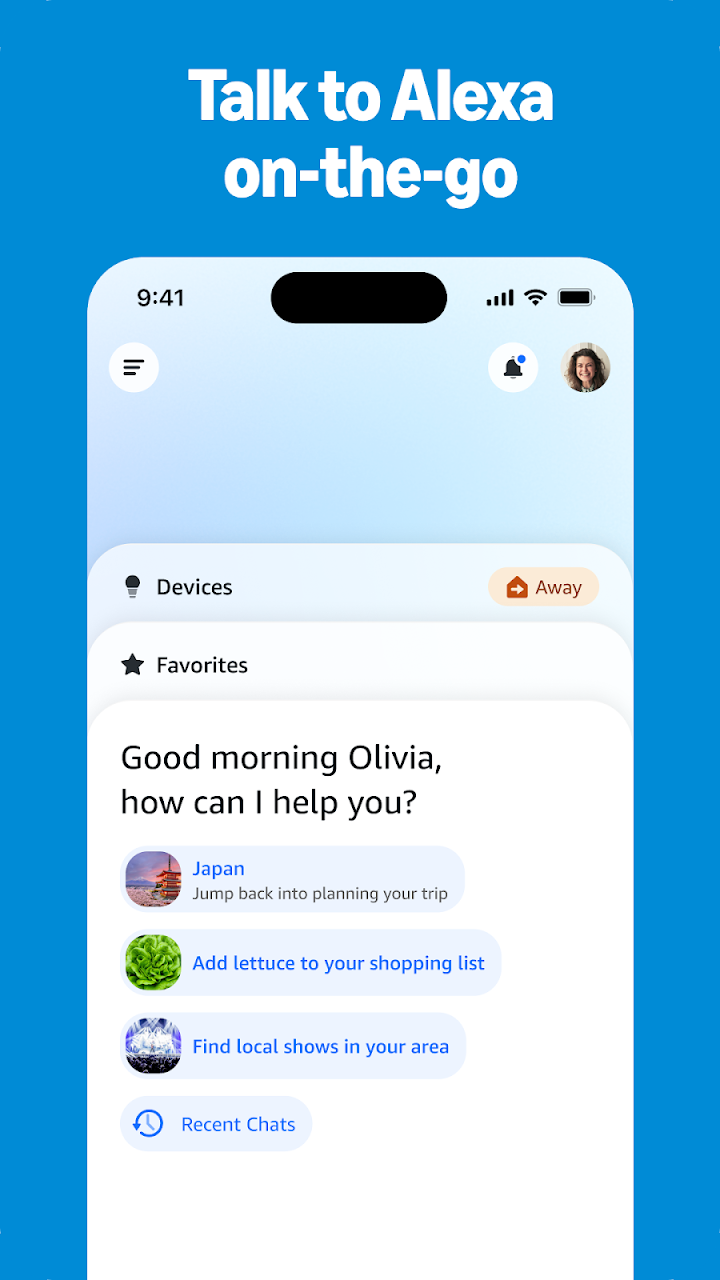

About this app
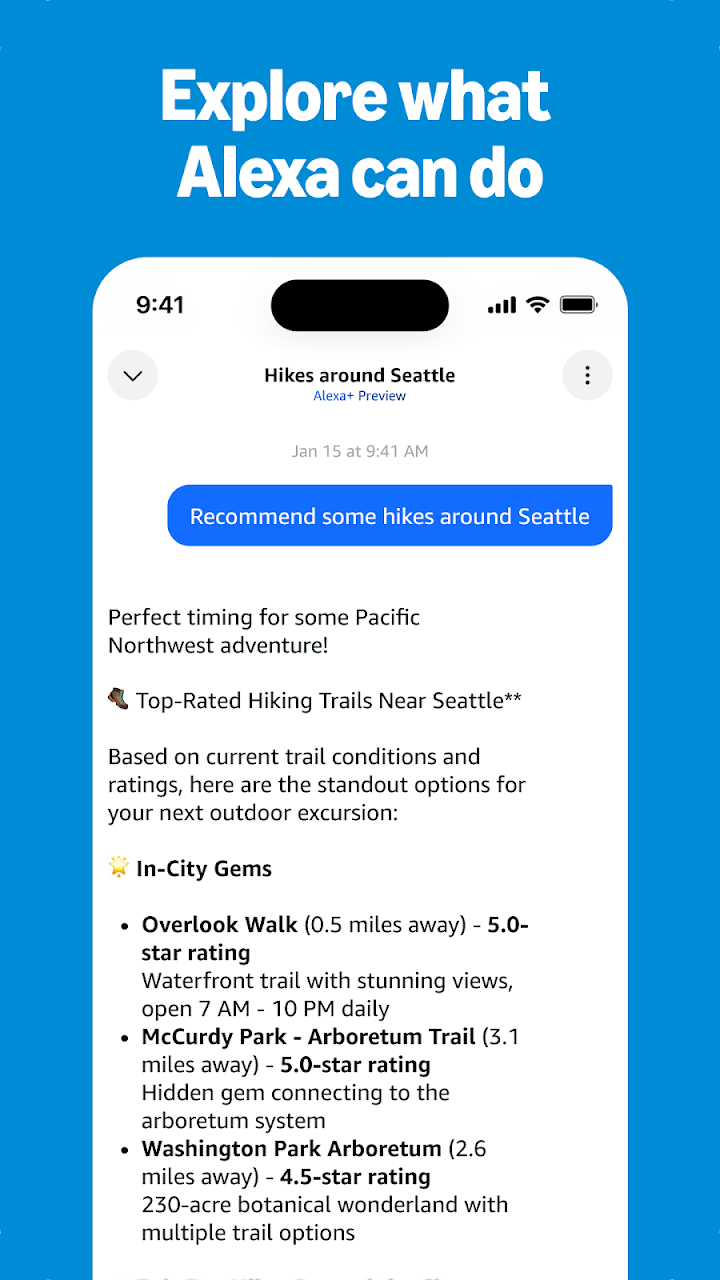
What can you do with Alexa on your phone? In the current release, the app keeps the same setup-and-control flow for Echo and other Alexa-enabled devices, with no listed permission changes. Open it to manage devices, start routines, check lists, and jump back into music or books from the home feed.
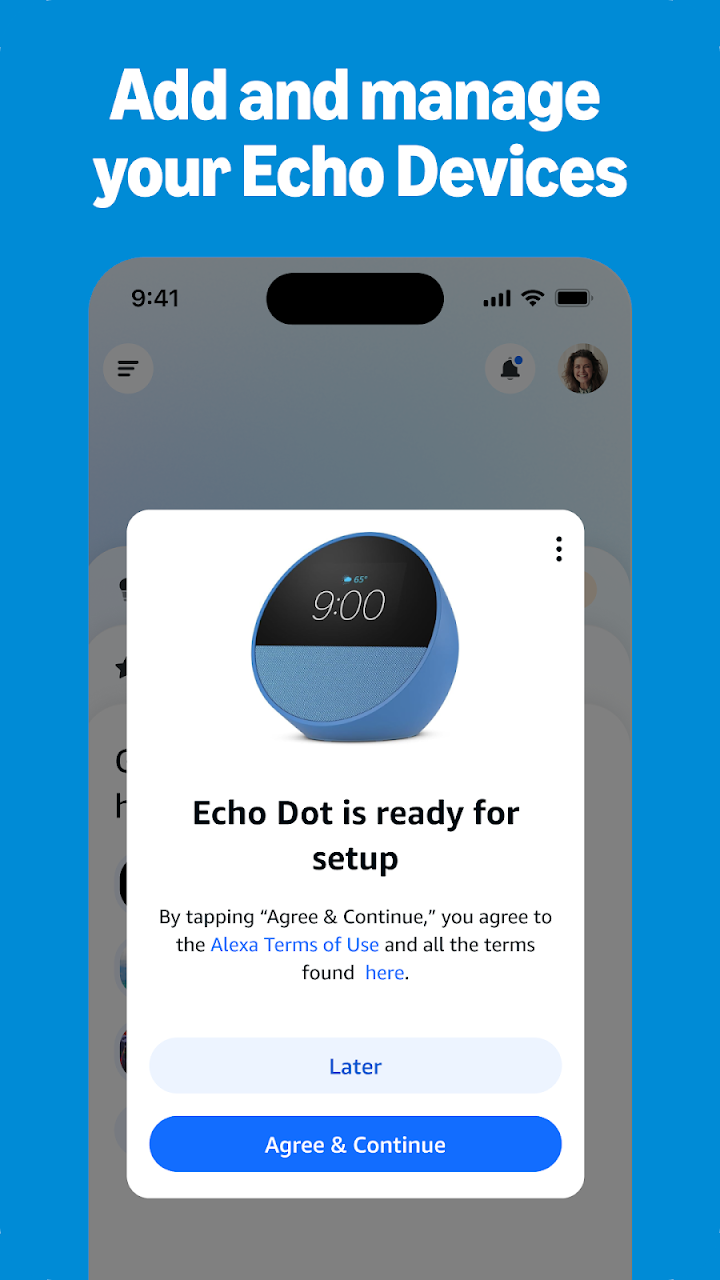
- Set Up Devices — Add Alexa-enabled devices and check the status of compatible lights, locks, and thermostats from the app.
- Use Home Feed — Return to lists, shopping, or recently played music and books from the home feed.
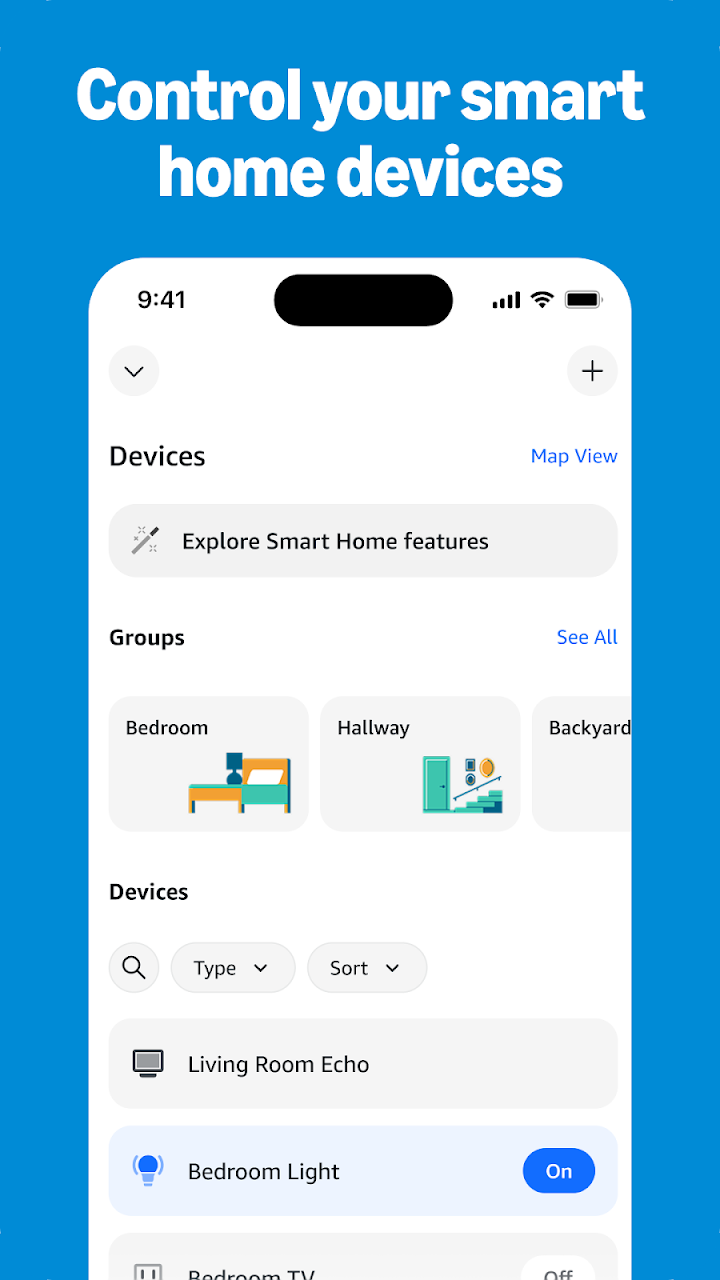
- Control Smart Home — Create routines to automate compatible smart home devices at home or on the go.
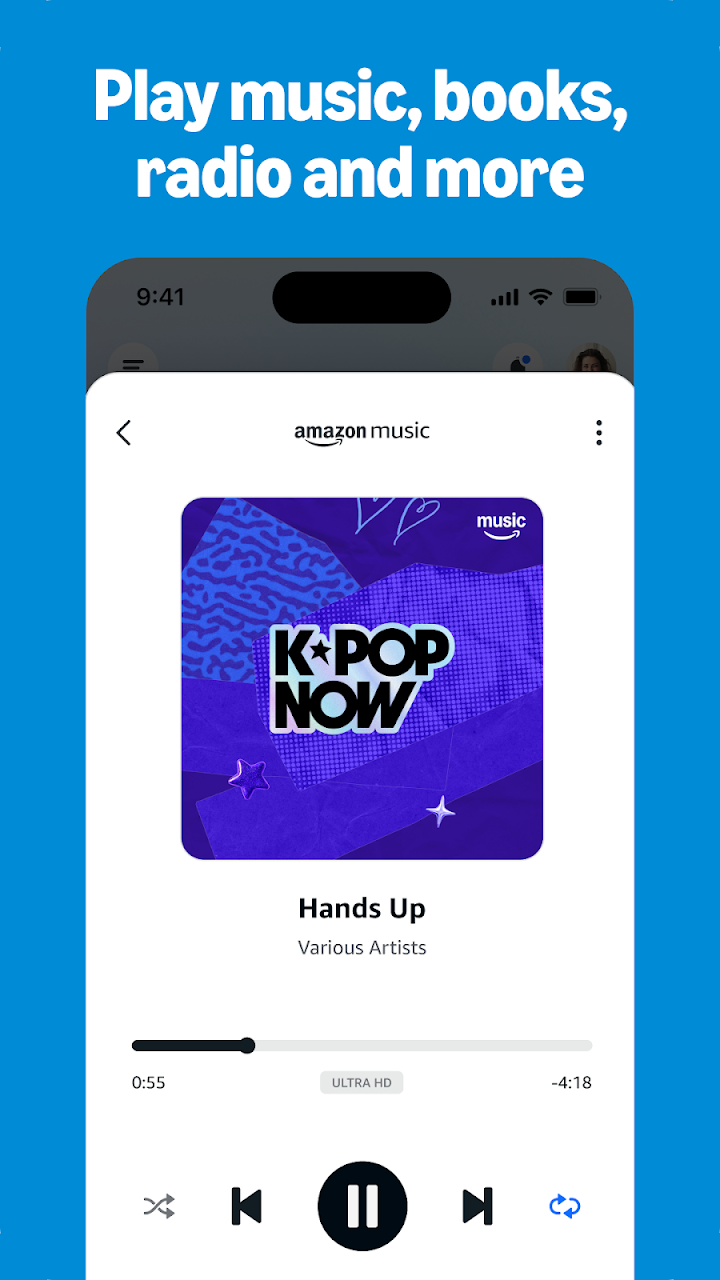
- Play Music — Link Amazon Music, Pandora, Spotify, TuneIn, or iHeartRadio and send playback to Alexa devices.
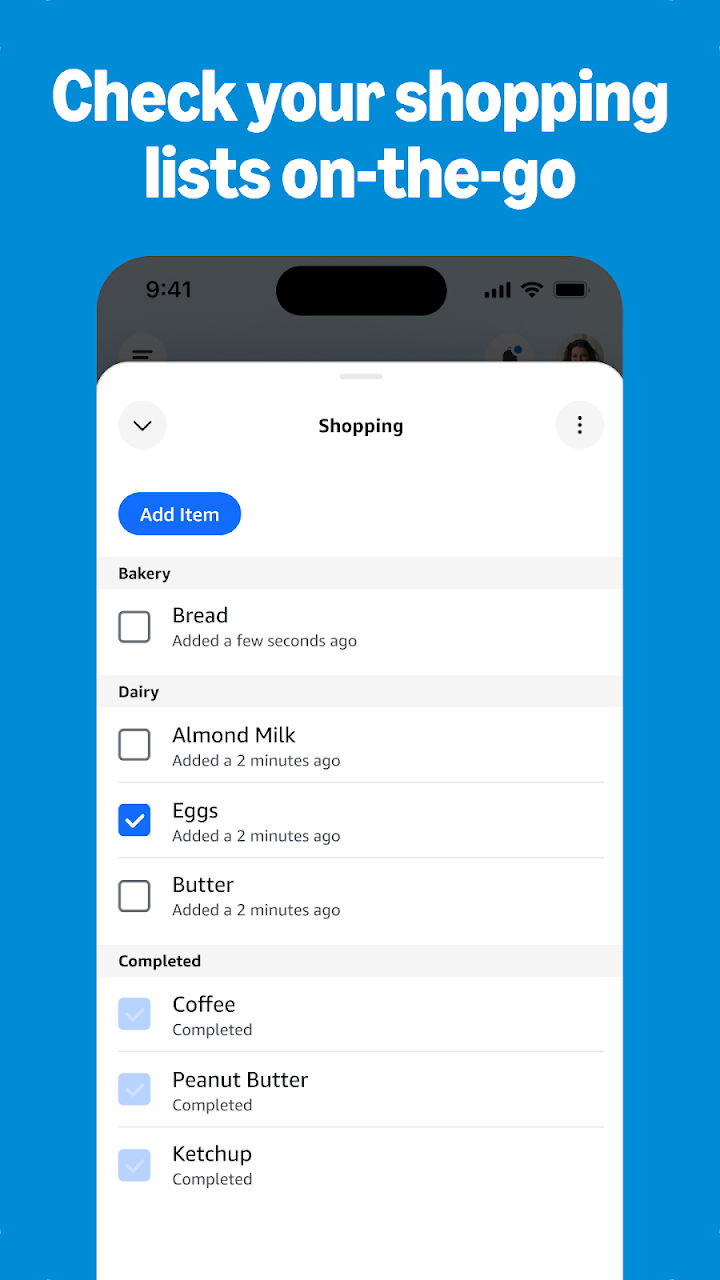
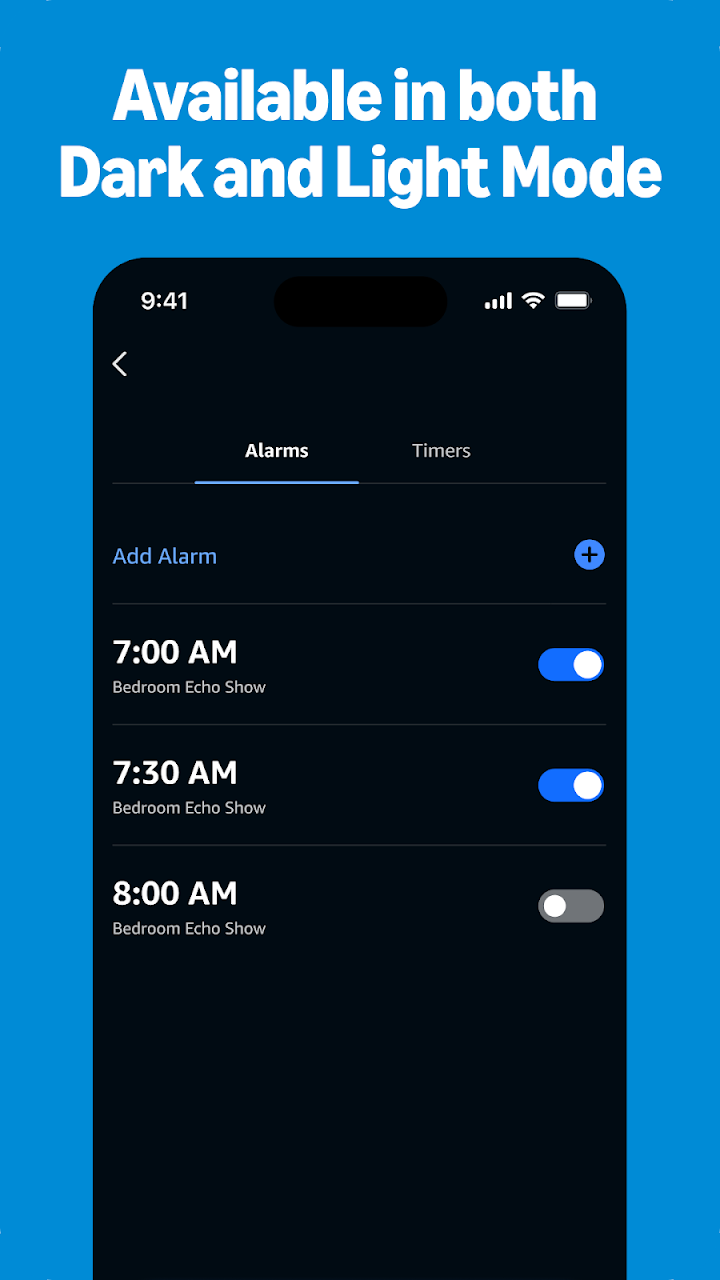
- Manage Your Day — Edit shopping and to-do lists, check weather and news, and handle timers and alarms.
- Stay Connected — Use Drop In for two-way intercom-style contact and call or message supported Alexa-enabled devices.
Current release and setup details
This version is 2.2.527420.0, with no changelog entries or permission changes listed. The app is free, has no in-app purchases, and shows no ads. It installs as an APK, is 172.9 MB, needs Android 8.0 or later, and uses a universal build.
Set up Alexa-enabled devices
Most daily use starts with setup and device control. From the app, you can add Alexa-enabled devices, check the status of compatible smart lights, locks, and thermostats, and keep track of what is connected whether you are at home or away.
The app also surfaces personalized feature recommendations and suggested Alexa skills, so you can discover what to enable without digging through menus.
Shopping lists, music, and books
When you open the app to get organized, the home feed lets you pick up where you left off with lists, shopping, or recently played music and books. You can view and edit shopping and to-do lists on the go, then move straight into listening.
For audio, the app connects with Amazon Music, Pandora, Spotify, TuneIn, and iHeartRadio. You can choose a song or playlist and send it to your Alexa-enabled devices, or build speaker groups for multi-room music across compatible Echo devices.
Routines, alarms, and Drop In
Alexa also handles the parts of the day that repeat. You can create routines for compatible smart home devices, manage timers and alarms, and check weather and news updates. If you want quick contact with a device in another room or another home, Drop In works like a two-way intercom from the app.
The app supports calling or messaging supported Alexa-enabled devices at no additional cost.
- Privacy and friction: no permissions are listed here, and there are no ads or in-app purchases.
- Account use: the app is tied to Alexa-enabled devices and personalized features.
- Compatibility: Android 8.0+ required; version 2.2.527420.0; universal APK; 172.9 MB.
APK information
- Version
- 2.2.527420.0
- Package
- com.amazon.dee.app
- Category
- Lifestyle
- Size
- 173 MB
- Min Android
- 8.0
- Architecture
- universal
Older versions
-
Amazon Alexa 2.2.527420.0Nov 10, 2026Latest downloadAPK
Amazon Alexa FAQ
Can I make my Amazon Alexa profile private?expand_more
A privacy control for the Alexa profile is not listed here. The app does not show any permissions in this release.
Do I need an account for Amazon Alexa?expand_more
The app is used to set up and manage Alexa-enabled devices, so account-based use is implied, but account setup details are not listed here.
What permissions does Amazon Alexa ask for?expand_more
No permissions are listed for this version. The package shows an empty permissions list and no permissions added in this release.
Does Amazon Alexa have in-app purchases?expand_more
No. The app is marked free and does not include in-app purchases.
Can I play Spotify on Alexa from the app?expand_more
Yes. The app connects to Spotify and other music services so you can choose music and send it to Alexa-enabled devices.