- 4.1star1,145,526 reviews
- 100M+Downloads
- 294 MBAPK size
- EveryoneRated for Everyone
- 10+Android
check_circleOriginal APK from Samsung Electronics Co., Ltd. · Updated Nov 12, 2026
No threats found
0 / — antivirus engines flagged this file
Original signature
First seen — Samsung Electronics Co., Ltd.
Unmodified APK
Same file the developer published — no mods
Samsung Wallet (Samsung Pay) screenshots
5 images · tap to enlarge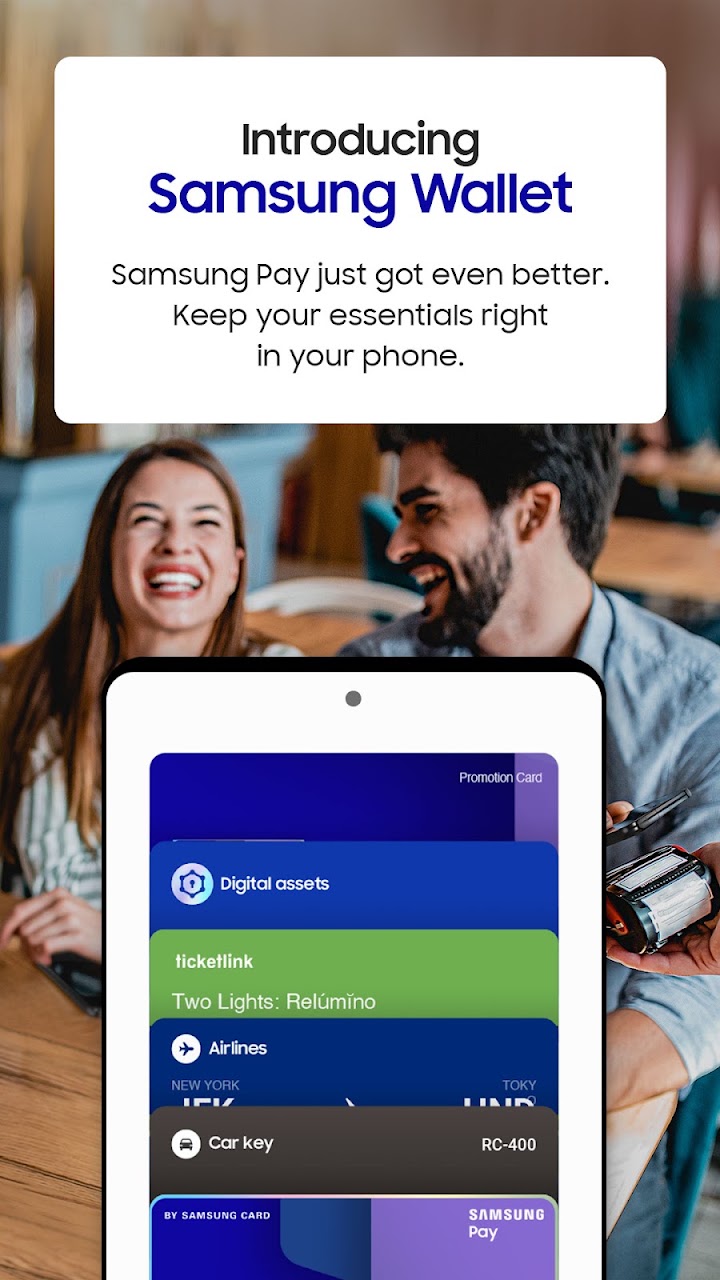

About this app
When you’re at checkout and need a card fast, Samsung Wallet keeps your payment cards, passes, and keys on your phone. It opens with Quick Access, so you can swipe up and get to the items you use most. The app also combines Samsung Pass, digital keys, and digital asset tools in one place.
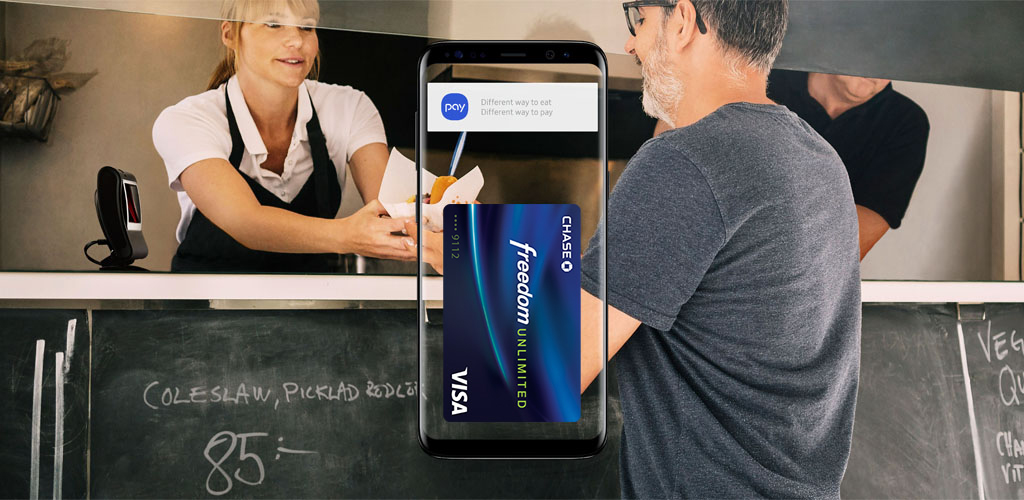
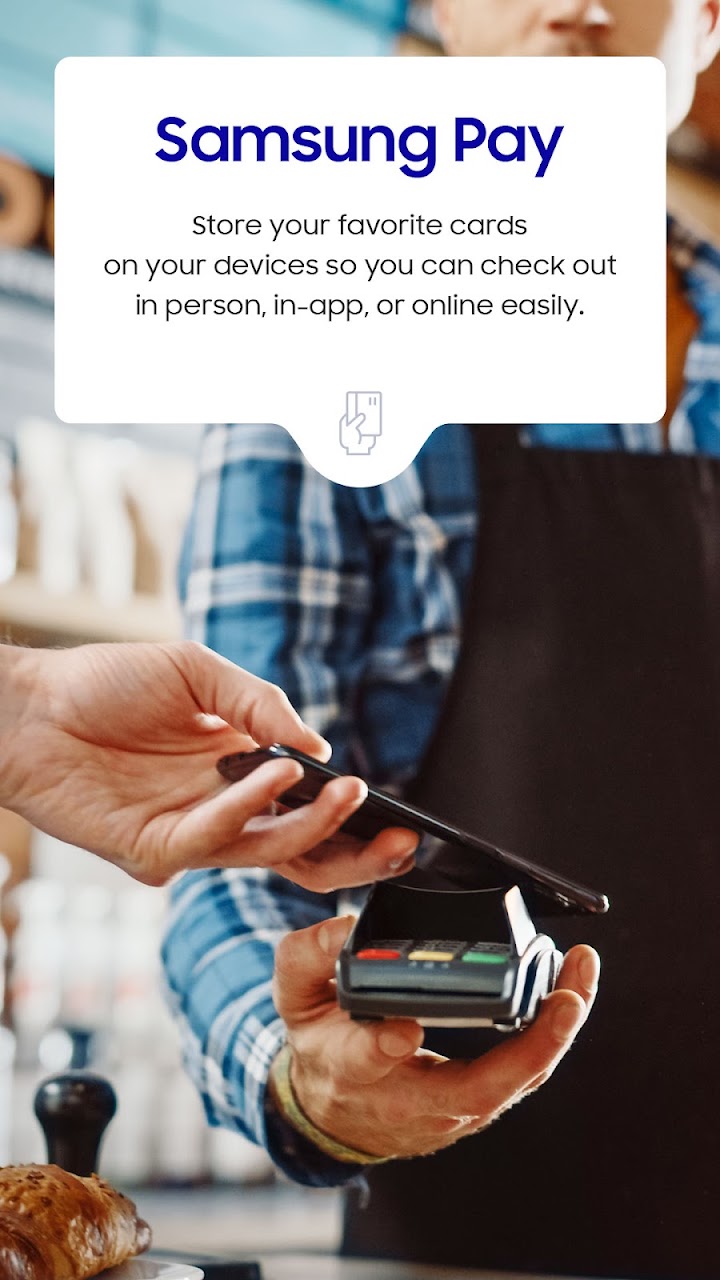
- Tap to pay — Keep credit, debit, gift, and membership cards on your phone for contactless checkout.
- Quick Access — Swipe up to open Samsung Wallet quickly from supported Samsung devices.
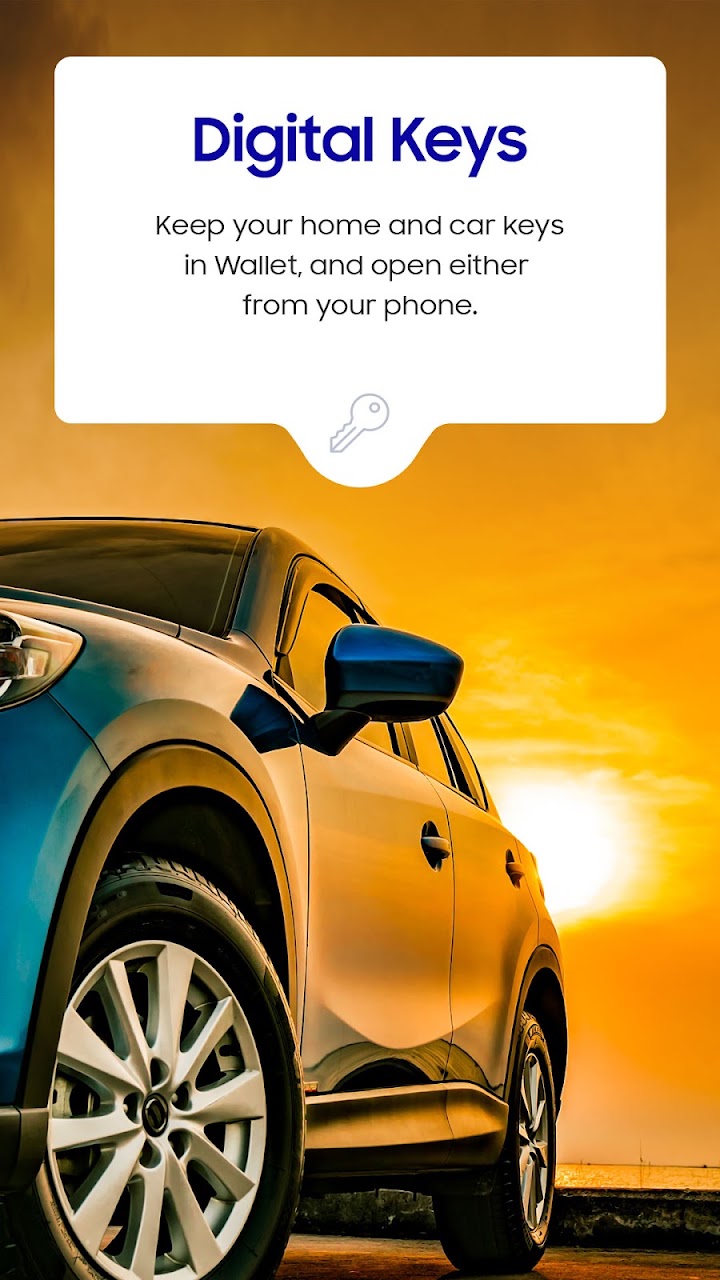
- Digital keys — Store eligible home and car keys and use them from your phone on supported devices.
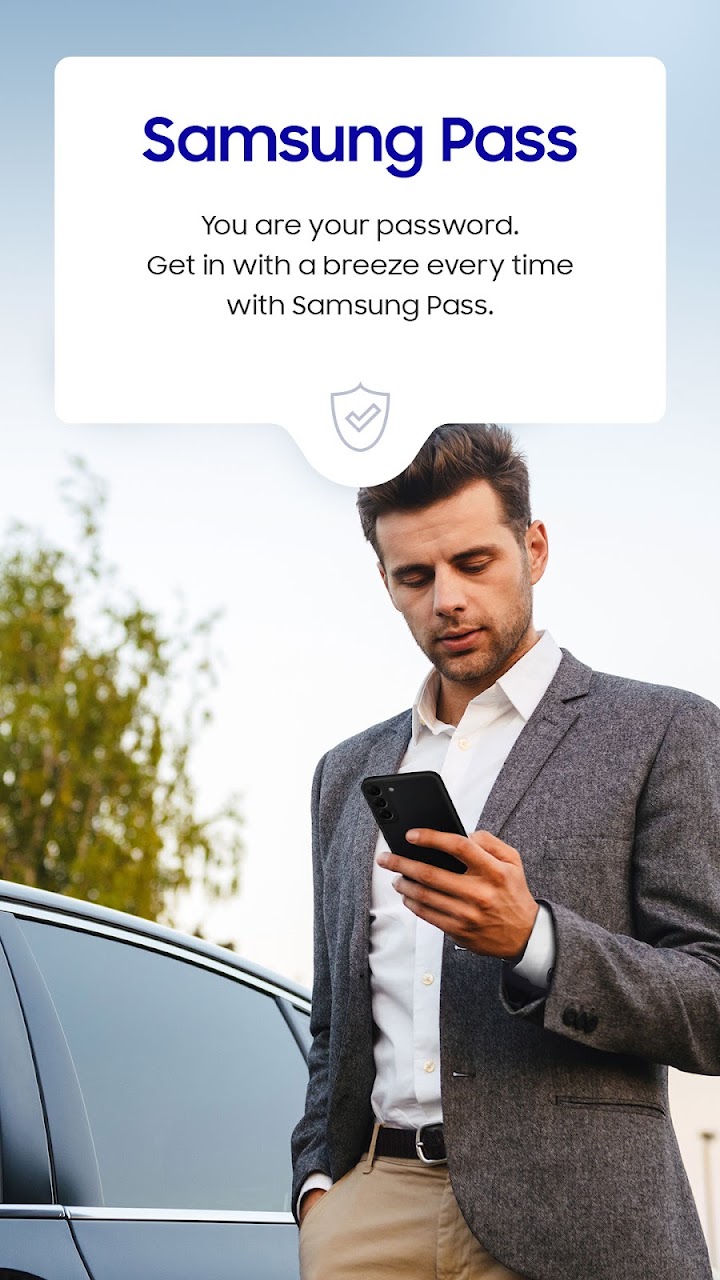
- Samsung Pass — Use the built-in pass features alongside payment and key tools in one app.
- Boarding passes — Add boarding passes from select airlines and pull them up with a swipe.
- Crypto tracking — Check crypto balances and current prices through linked exchange partners.
Carry cards, passes, and keys in one place
Samsung Wallet is meant for the moments when you need something quickly: paying at a terminal, showing a boarding pass, or unlocking a compatible door or car. It combines Samsung Pay features with Samsung Pass, digital home and car keys, and digital asset management, so the essentials live in one app instead of several.
Tap to pay and pull up passes
The payment screen is built around the items people reach for most. You can keep credit, debit, gift, and membership cards on your phone and use them at checkout. The app also supports boarding passes from select airlines, which helps when you’re moving through an airport and want the pass ready with a swipe.
- Payment cards: store supported cards for contactless checkout.
- Boarding passes: add passes from select airlines for quick access.
- Quick Access: launch Wallet by swiping up.
Digital keys and Samsung Pass details
Samsung Wallet also handles eligible digital keys for home and car use. The app supports select SmartThings-compatible smart door locks and certain automobiles, with feature availability depending on model and region. Samsung Pass sits inside the same experience, and the stored data is safeguarded by Samsung Knox.
Install size, Android version, and limits
The app is free, has no ads, and no in-app purchases. It comes as an APK, is 294.2 MB, and requires Android 10 or later. Compatibility is limited to select Samsung devices, and some features vary by device model, carrier, firmware version, and country or region. You may also be prompted for additional updates during setup.
Privacy, account use, and what to expect
Samsung Wallet does not list any app permissions here, but it does rely on device and regional compatibility, and some linked features depend on partner policies. If you want a single place for payment cards, passes, keys, and crypto balance checks, this app fits that routine well on supported Samsung phones.
APK information
- Version
- 15.8.60
- Package
- com.samsung.android.spay
- Category
- Lifestyle
- Size
- 294 MB
- Min Android
- 10
- Architecture
- universal
Older versions
-
Samsung Wallet (Samsung Pay) 15.8.60Nov 12, 2026Latest downloadAPK
Samsung Wallet (Samsung Pay) FAQ
Can I make my Samsung Wallet profile private?expand_more
Samsung Pass data stored inside the app is safeguarded by Samsung Knox. The app description does not list a separate profile privacy setting.
Do I need an account for Samsung Wallet?expand_more
The setup may prompt you for additional updates on your device, but the description does not spell out a separate account requirement.
Is Samsung Wallet free to use?expand_more
Yes. The app is free to download and use.
Does Samsung Wallet show ads?expand_more
No. The app does not contain ads.
What Android version does Samsung Wallet require?expand_more
It requires Android 10 or later.