
- 4.6star5,666,250 reviews
- 1B+Downloads
- 227 MBAPK size
- EveryoneRated for Everyone
- 12+Android
check_circleOriginal APK from Samsung Electronics Co., Ltd. · Updated Nov 10, 2026
No threats found
0 / — antivirus engines flagged this file
Original signature
First seen — Samsung Electronics Co., Ltd.
Unmodified APK
Same file the developer published — no mods
SmartThings screenshots
8 images · tap to enlarge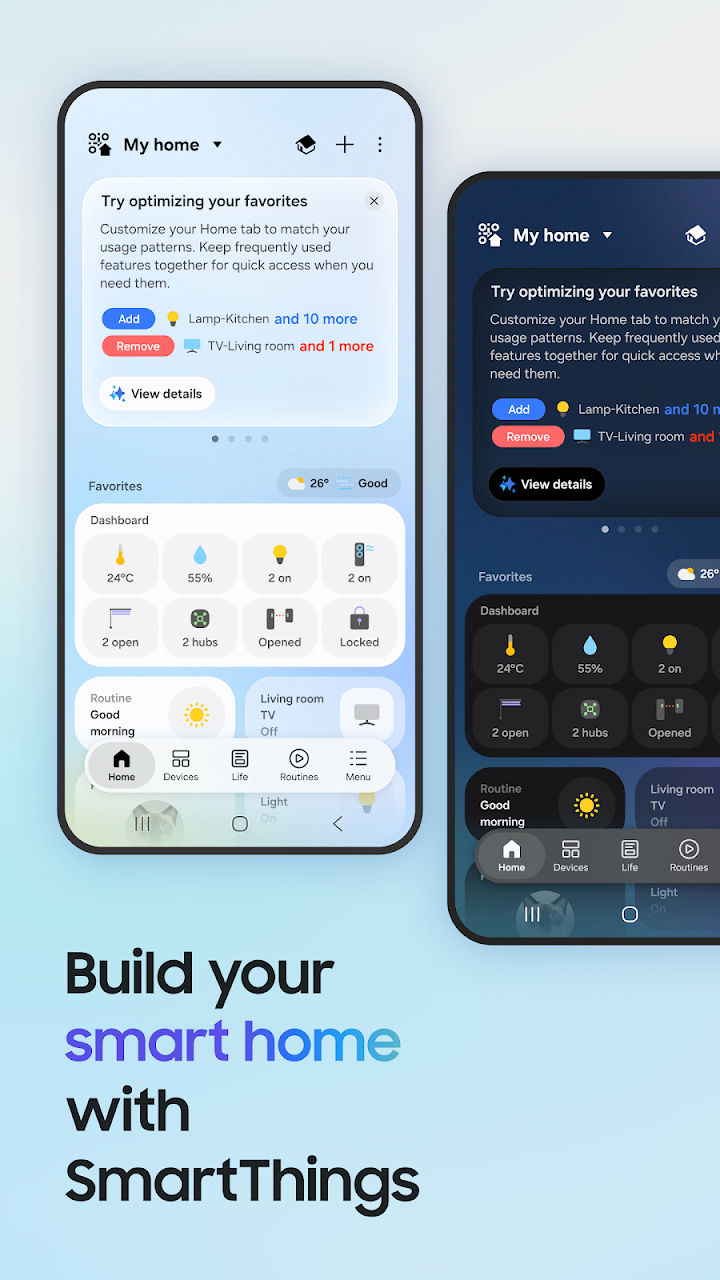
About this app
Control your home from one place with SmartThings. Open it when you want to check devices, run routines, or manage Samsung TVs and appliances alongside compatible brands like Ring, Nest, and Philips Hue. It also works with Alexa, Bixby, and Google Assistant, and it can send status updates and automated notifications.
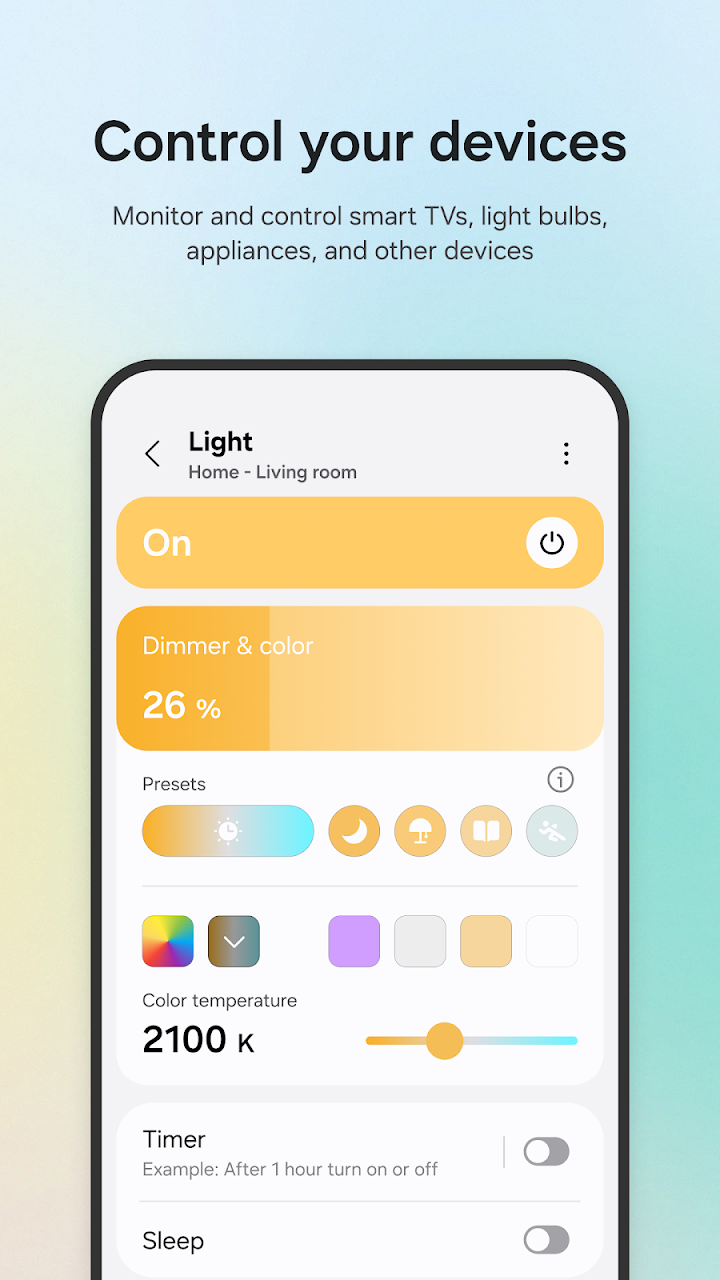
- One app control — Manage Samsung smart TVs, appliances, smart speakers, and compatible devices from a single screen.
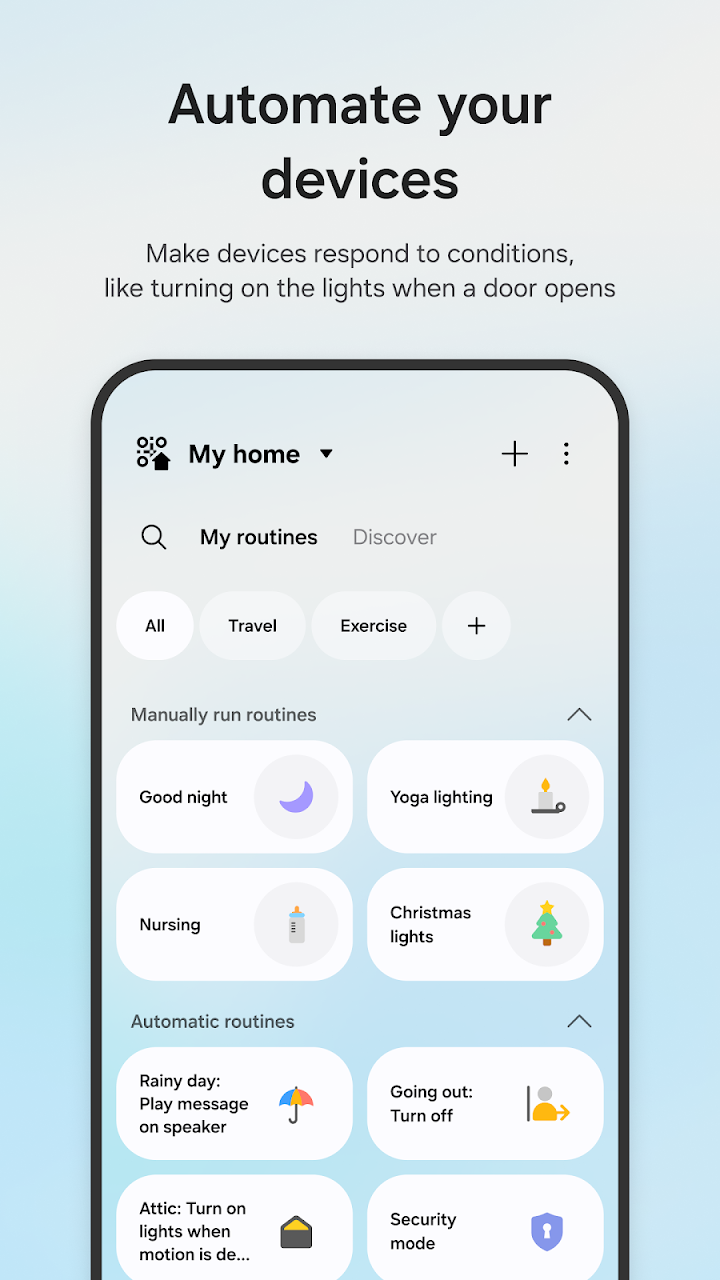
- Routine automation — Set routines based on time, weather, or device status so actions run in the background.
- Shared access — Give other users access so more than one person can control the same setup.
- Device notifications — Get automated status updates when connected devices change or need attention.
- Wear OS support — Use SmartThings on a connected Wear OS watch for quick routine runs and device control.
- Voice assistant use — Control supported devices with Alexa, Bixby, and Google Assistant.
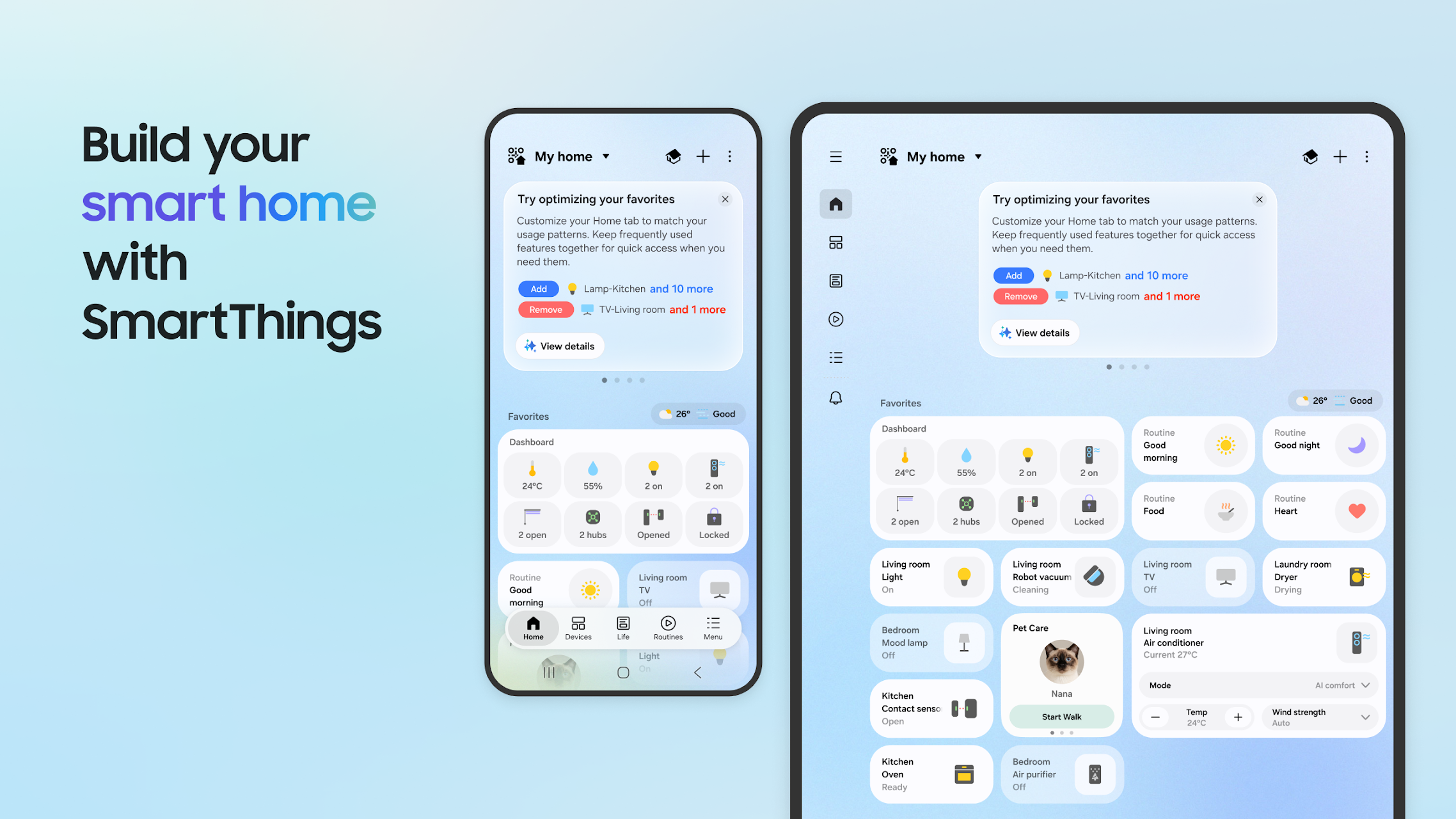
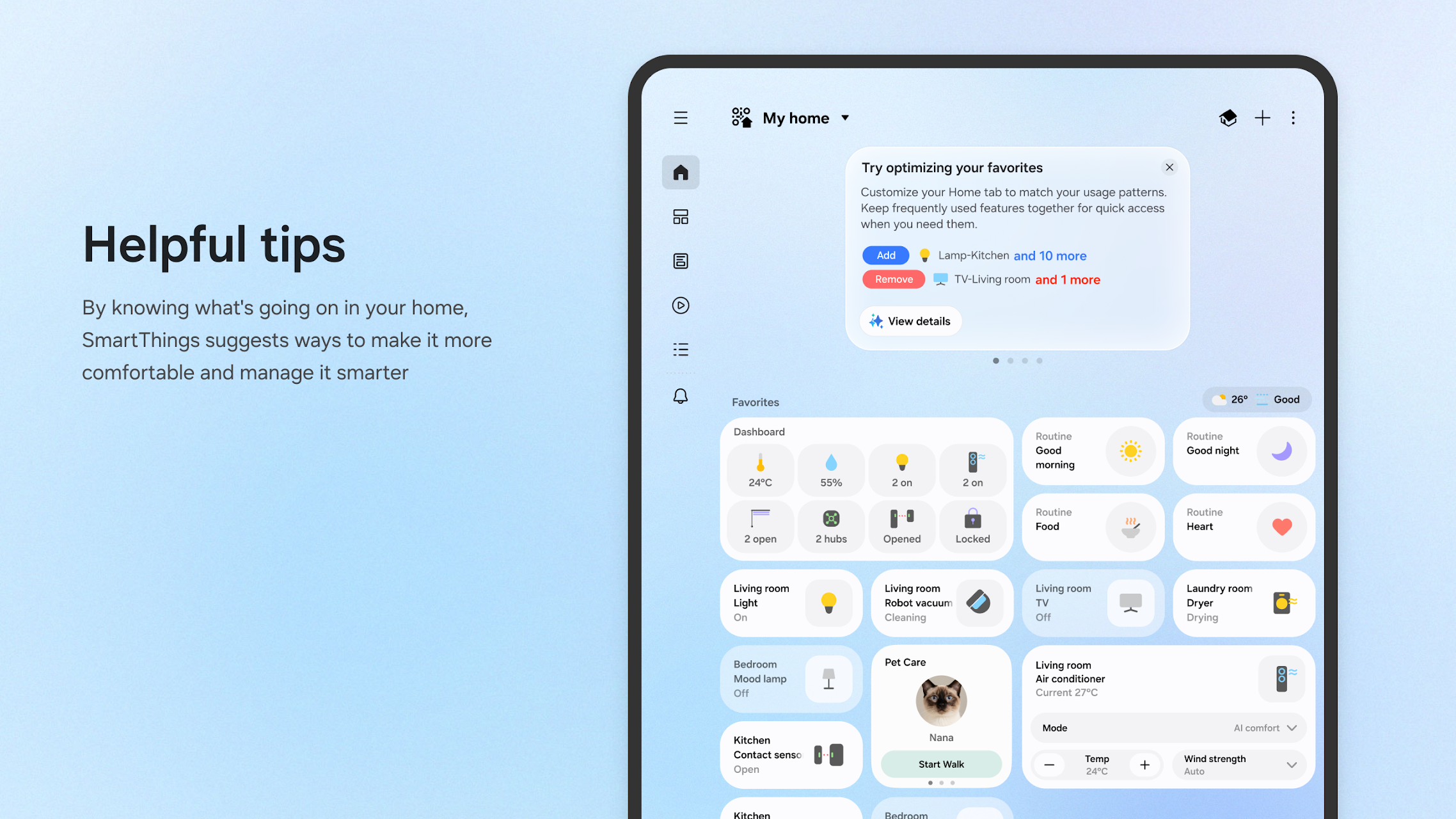
Checking devices from the home screen
SmartThings is the app you open when you want a quick read on what is happening at home. It brings Samsung Smart TVs, smart appliances, smart speakers, and compatible brands into one place, so you are not jumping between separate apps to see what is on, connected, or ready to use.
The app is also set up for everyday control. You can check in on devices when you are away, then adjust them from the same account-based setup. Shared control is available too, so other people can use the same home without setting up their own separate system.
Running routines on time, weather, or status
One of the most practical uses is building routines that trigger from time, weather, or device status. That means SmartThings can handle repeat actions in the background instead of waiting for you to tap the same controls every day.
- Start routines from scheduled times.
- Use weather changes as a trigger.
- React to a device state update.
- Receive automated notifications when status changes.
Voice control and watch access
If you already use Alexa, Bixby, or Google Assistant, SmartThings fits into that setup. It also has Wear OS support when the watch is connected to a phone, with a tile for quick access to routine runs and device control, plus complications that open directly into the app service from the watch face.
Install notes and permissions
SmartThings is free, has no in-app purchases, and no ads. It is optimized for Samsung smartphones, though some features may be limited on other vendors' phones. The app requires Android 12 or later, a device with more than 3GB of memory, and the APK is 226.9 MB in universal format.
Some permissions are optional but useful: Location for device location and nearby scans, Nearby devices for Bluetooth Low Energy scanning, Notifications for device alerts, Camera for QR code setup, and Microphone for adding certain devices with high-frequency sounds.
What's new
Version 1.8.52.23 · Nov 10, 2026
- SmartThings is getting even better.
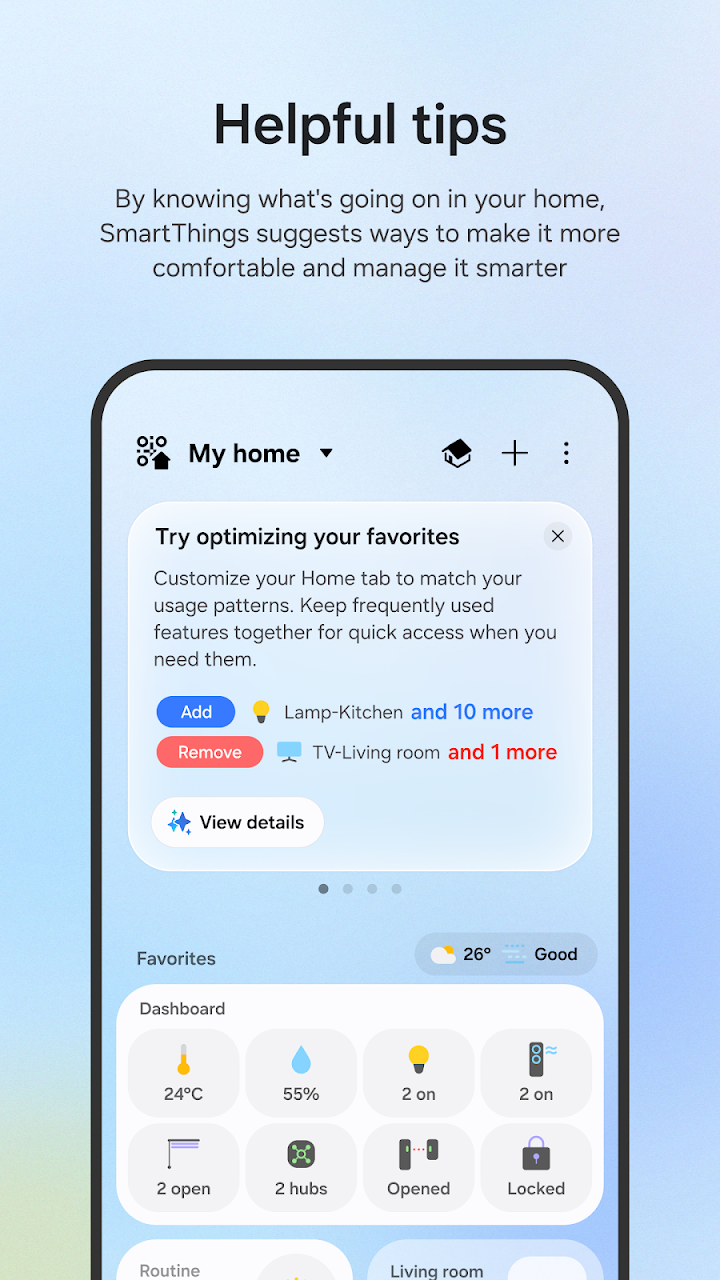
- Redesigned Home tab: Access your most-used features and key info directly from the Home screen.
- Faster hub-connected device control: Devices connected to your hub respond faster when your phone and hub are on the same Wi-Fi network.
- Offline device diagnostics: Check and recover offline devices from one dedicated screen.
- Routine Insights: See your top 3 most-used Routines and recent activity.
APK information
- Version
- 1.8.52.23
- Package
- com.samsung.android.oneconnect
- Category
- Lifestyle
- Size
- 227 MB
- Min Android
- 12
- Architecture
- universal
Older versions
-
SmartThings 1.8.52.23Nov 10, 2026Latest downloadAPK
SmartThings FAQ
Do I need an account for SmartThings?expand_more
SmartThings uses an account-based setup so you can control devices, share access with other users, and keep your home setup organized.
Can I make my SmartThings profile private?expand_more
The app description does not mention profile privacy controls.
Does SmartThings have in-app purchases?expand_more
No. SmartThings is free and does not include in-app purchases.
Which Android version does SmartThings need?expand_more
SmartThings requires Android 12 or later.
Can SmartThings work with Wear OS watches?expand_more
Yes. You can install SmartThings on Wear OS-based watches when the watch is connected to a mobile phone.