- 0.0star0 reviews
- 10K+Downloads
- 2 MBAPK size
- EveryoneRated for Everyone
- 5.0+Android
check_circleOriginal APK from poovint · Updated Nov 11, 2026
No threats found
0 / — antivirus engines flagged this file
Original signature
First seen — poovint
Unmodified APK
Same file the developer published — no mods
Knit Me screenshots
8 images · tap to enlarge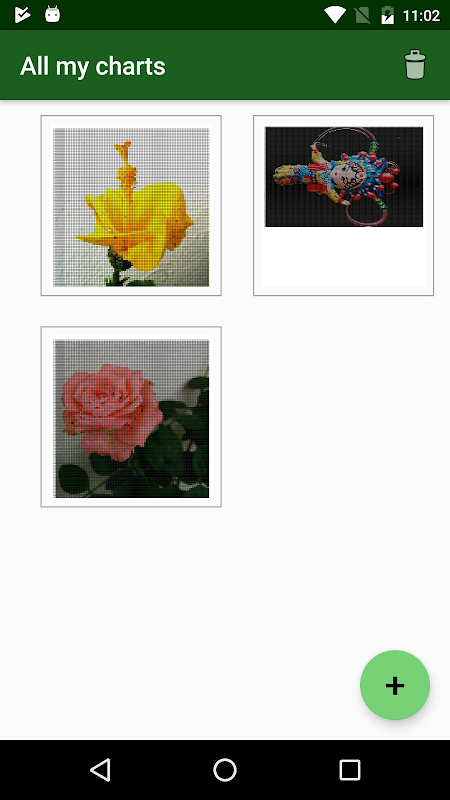
About this app
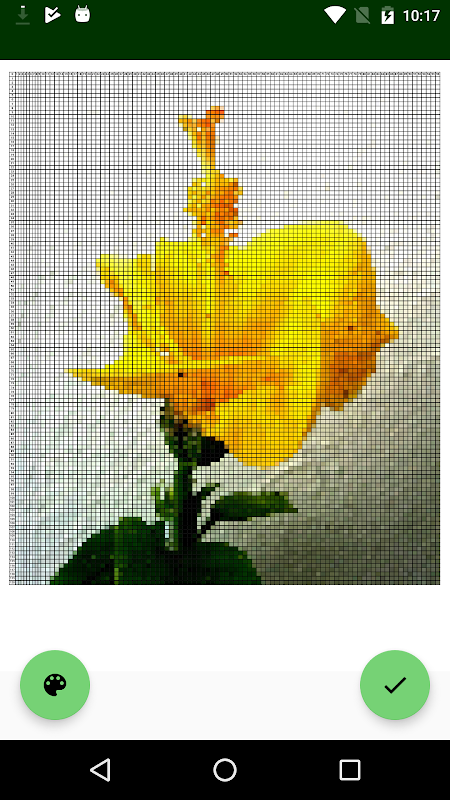
Knit Me stands out in Art & Design by turning a photo into a fair isle knitting pattern in just a few steps. You can use a picture from your phone or take a new one, then adjust it with simple controls before saving it as an image or PDF. It is made for knitting fans who want an editable chart, not a fixed result.
- Photo to chart — Convert a picture into a fair isle knitting pattern from your camera or gallery.
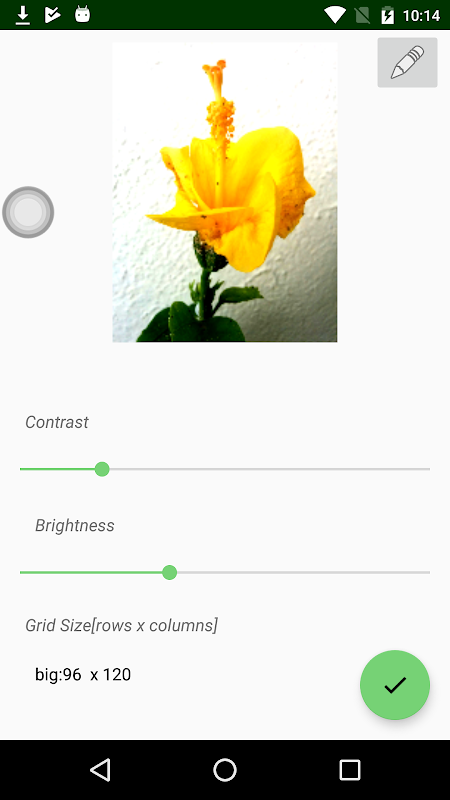
- Adjust the image — Change brightness and contrast before generating the chart.
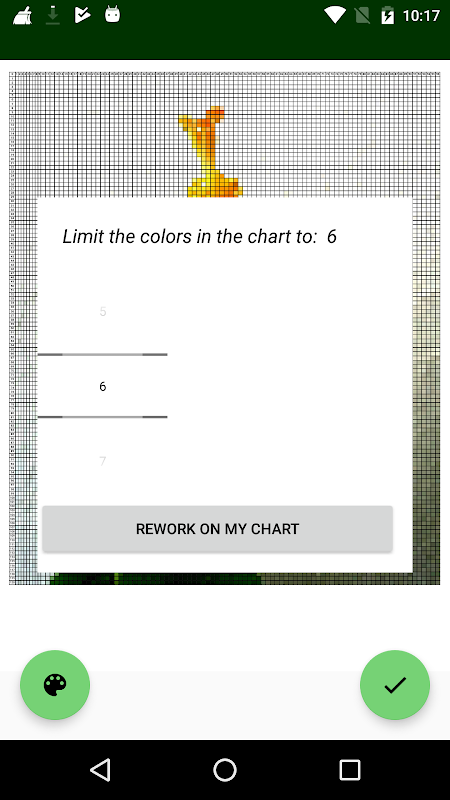
- Pick color count — Choose how many colors appear in the knitting chart.
- Resize the chart — Use Big, Small, XL, or custom chart sizes in the latest release.
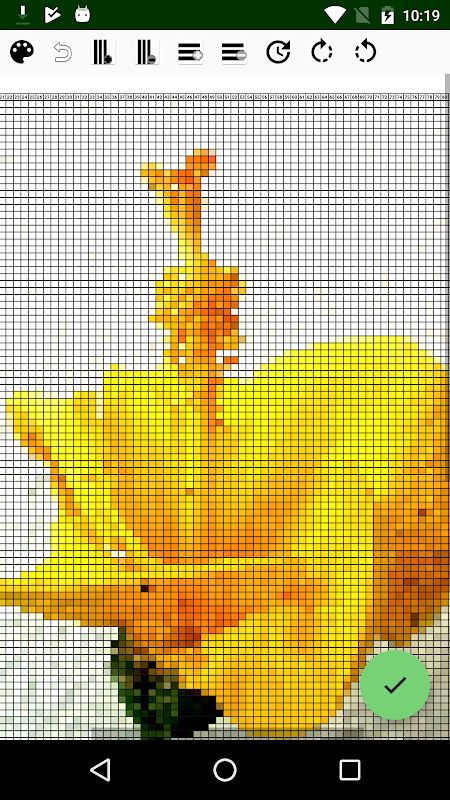
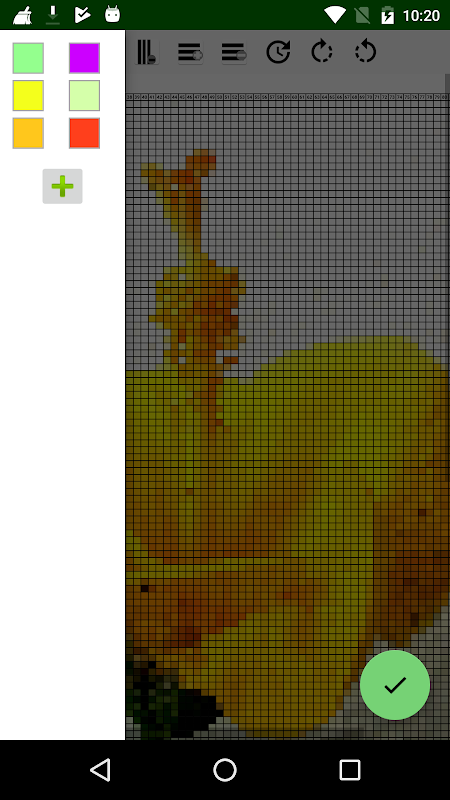
- Edit cells and rows — Add or delete rows and columns, then change individual cells in the pattern.
- Save and share — Export charts as an image or PDF and share them or upload them to the cloud.
From photo to knitting chart
If you have a picture you want to turn into a fair isle pattern, Knit Me gives you a direct way to do it. You can take a new photo with your phone camera or choose one already stored on the device, then convert it into a chart in minutes. That makes it easier to start from a real image instead of drawing every stitch by hand.
Simple controls before you generate
The app includes basic editing controls that are easy to understand even if you are new to chart making. You can change brightness and contrast, choose how many colors to use, and resize the chart to fit your project. The supported chart sizes include Big, Small, and XL, and the latest release also adds custom chart sizes.
Edit the chart after it is made
Knit Me is not limited to automatic conversion. It includes a chart editor that lets you add or delete rows and columns and adjust individual cells in the pattern. The app also keeps a collection of your editable charts, so you can return later and continue working on the same design instead of starting over.
Save, share, and install details
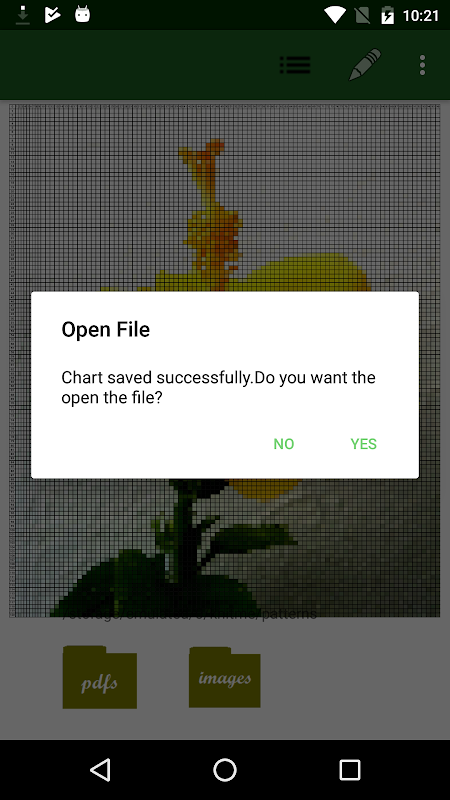
You can save a knitting chart as an image or as a PDF file, then share it with friends or upload it to the cloud. The app is free, does not contain ads, and does not include in-app purchases. It is an APK file, sized at 2.2 MB, and it requires Android 5.0 or later.
Things to keep in mind
Knit Me is described as a beta version, so it is still a work in progress. Its Play description also notes that the app is for knitting aficionados, so it is most useful if you want to make fair isle charts from photos and fine-tune them by hand. If you only need a simple image editor, this app is more specific than that.
What's new
Version 4 · Nov 11, 2026
- The new release contains bugs fixes and added feature of defining the custom sizes for charts.
APK information
- Version
- 4
- Package
- com.knitme
- Category
- Art & Design
- Size
- 2 MB
- Min Android
- 5.0
- Architecture
- universal
Older versions
-
Knit Me 4Nov 11, 2026Latest downloadAPK
Knit Me FAQ
Does Knit Me work offline?expand_more
The app description does not say whether it works offline.
Can Knit Me edit RAW photos?expand_more
RAW photo support is not mentioned. The app says you can use a new photo or an image already stored on your phone.
Which processors does this Knit Me APK support?expand_more
This APK is listed as universal, so it is not tied to a single processor type.
Is Knit Me free to use?expand_more
Yes. Knit Me is free and does not include in-app purchases.
Can I save charts as a PDF?expand_more
Yes. Knit Me can save knitting charts as either an image or a PDF file.