- 3.9star2,137 reviews
- 500K+Downloads
- 7 MBAPK size
- EveryoneRated for Everyone
- 7.0+Android
check_circleOriginal APK from I.H · Updated Nov 10, 2026
No threats found
0 / — antivirus engines flagged this file
Original signature
First seen — I.H
Unmodified APK
Same file the developer published — no mods
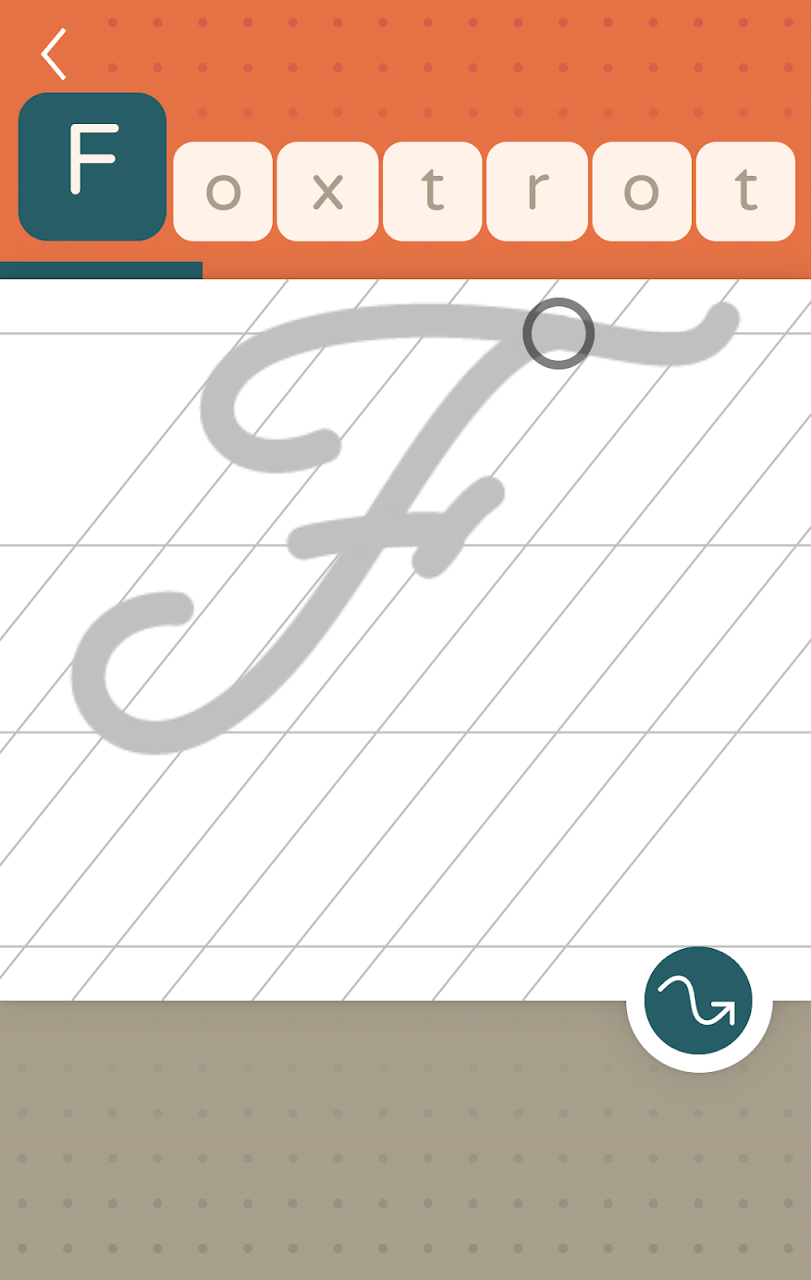
LazyDog calligraphy practice screenshots
8 images · tap to enlarge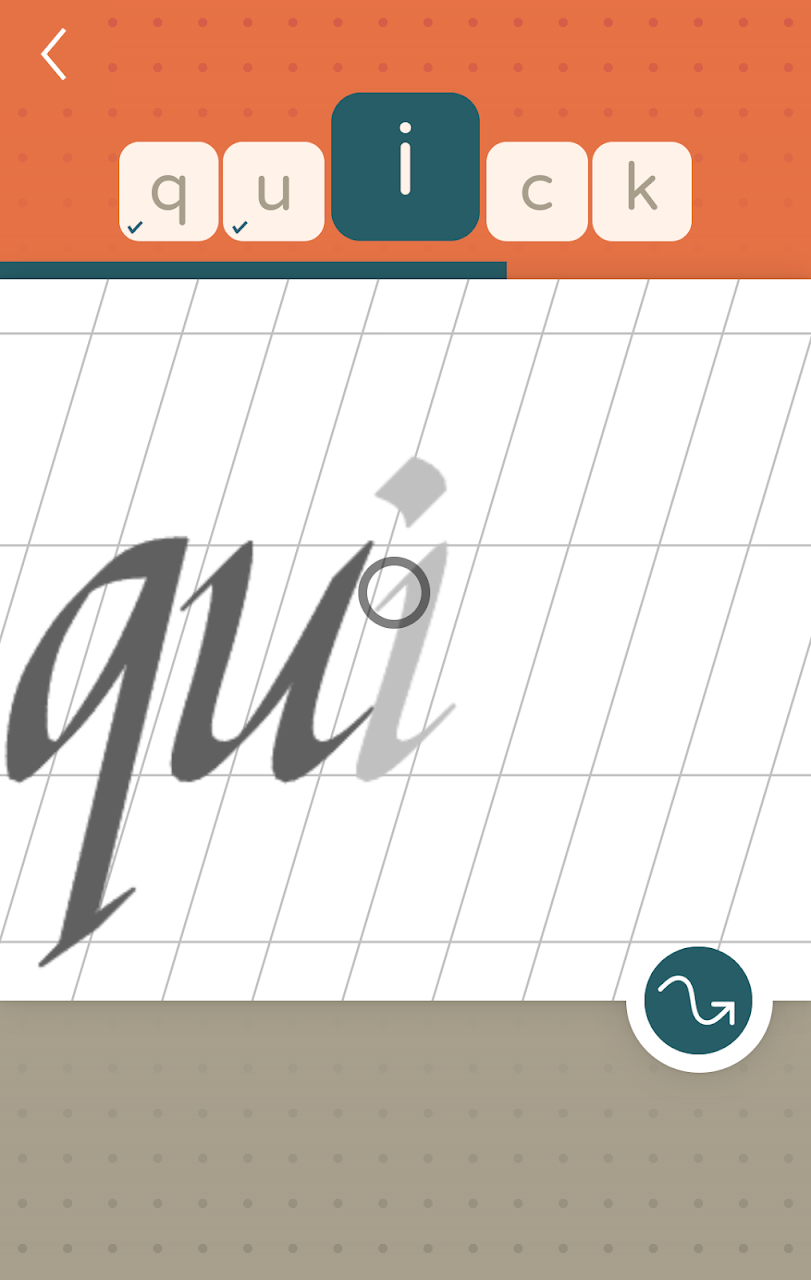
About this app
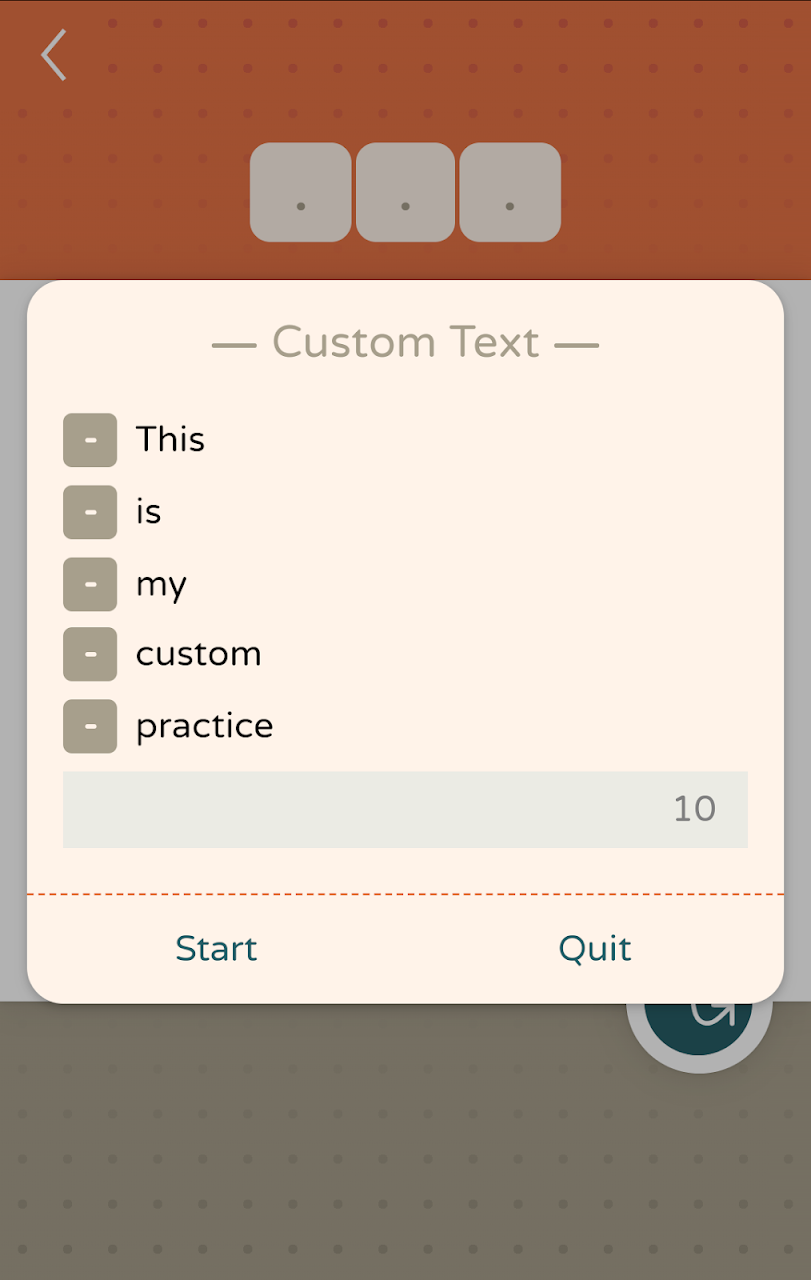
Looking for a way to practice handwriting on your phone? LazyDog calligraphy practice focuses on classic scripts, letter-by-letter scoring, and printable worksheets. It is a free Android app with ads, aimed at people who want structured calligraphy practice rather than drawing tools or photo editing.
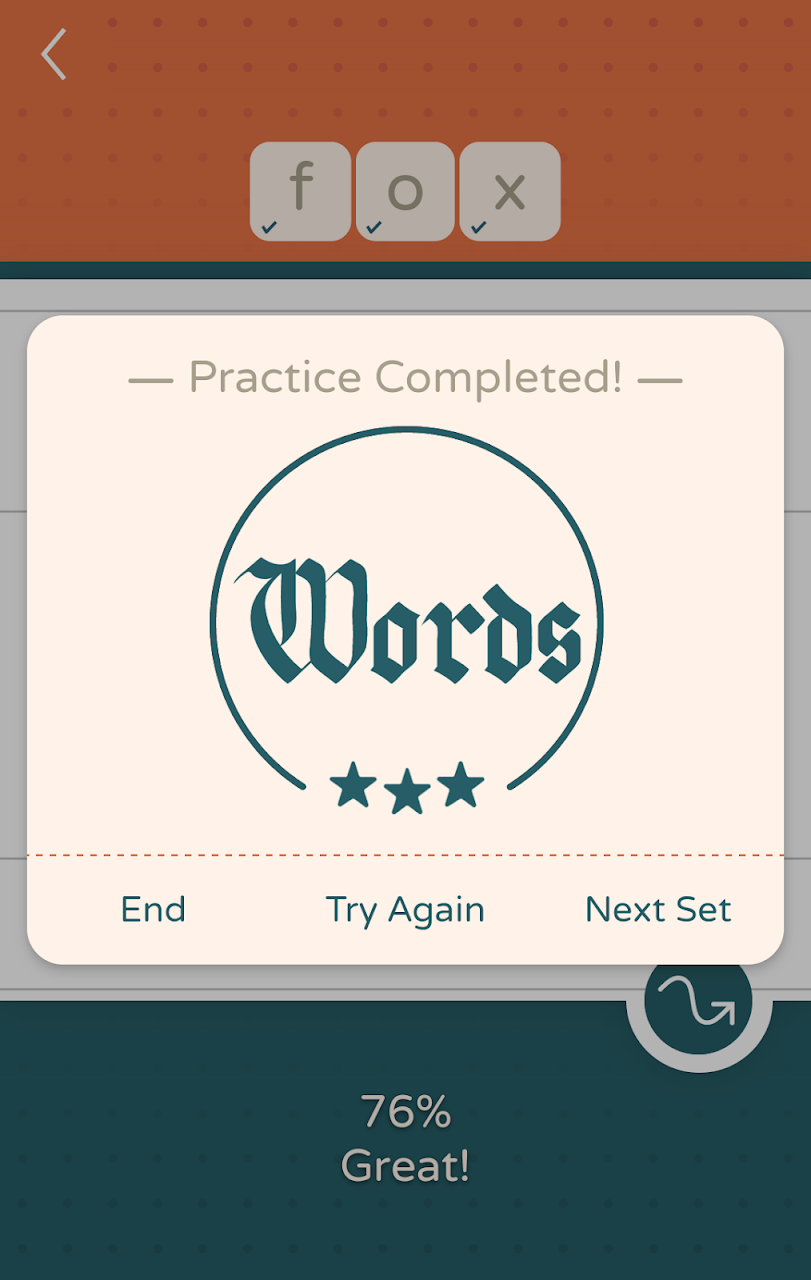
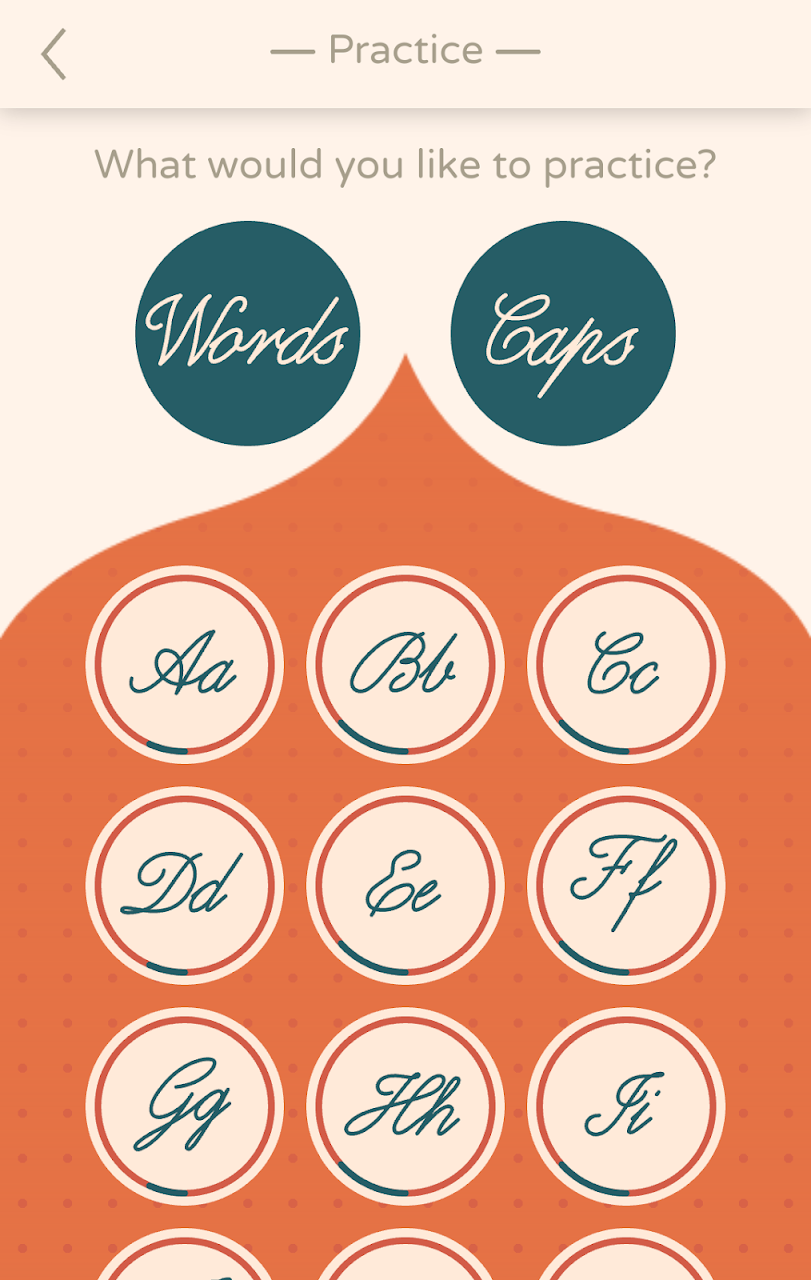
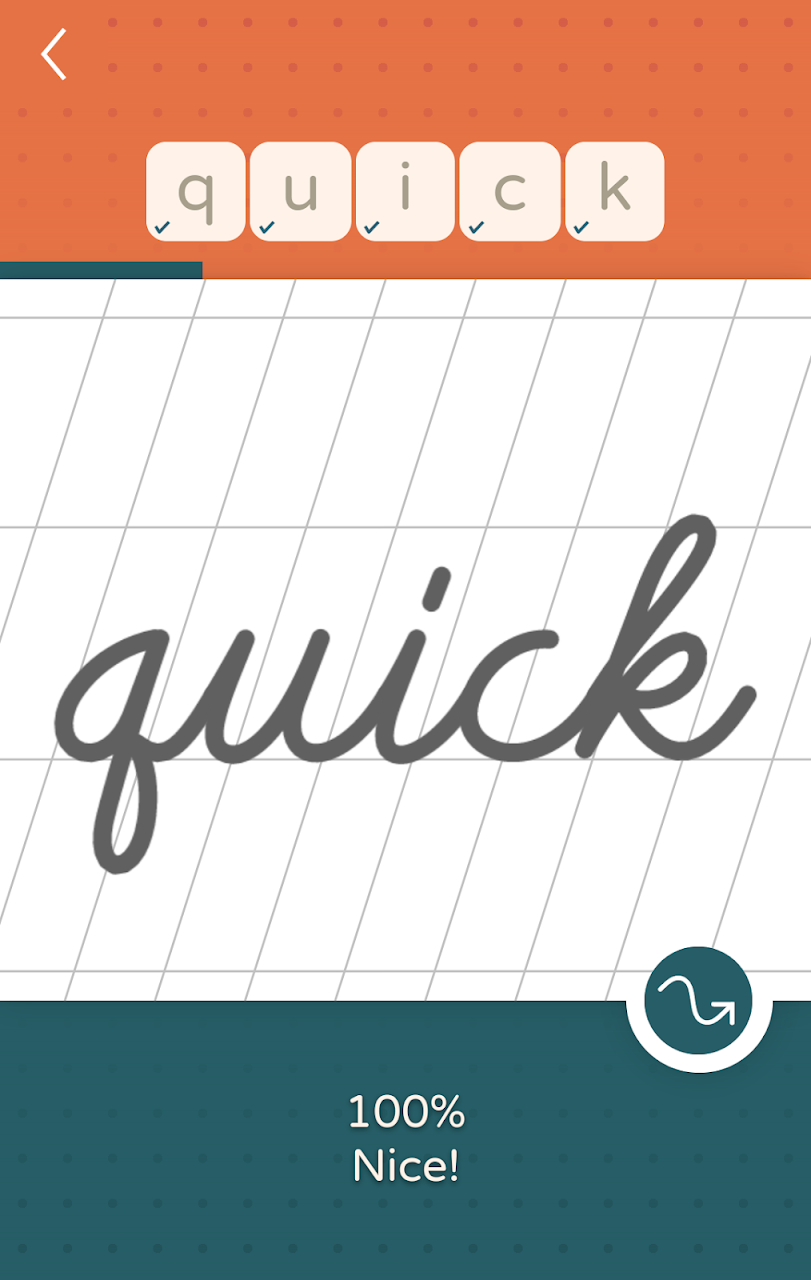
- Letter scoring — Track your progress with individual letter scores as you practice.
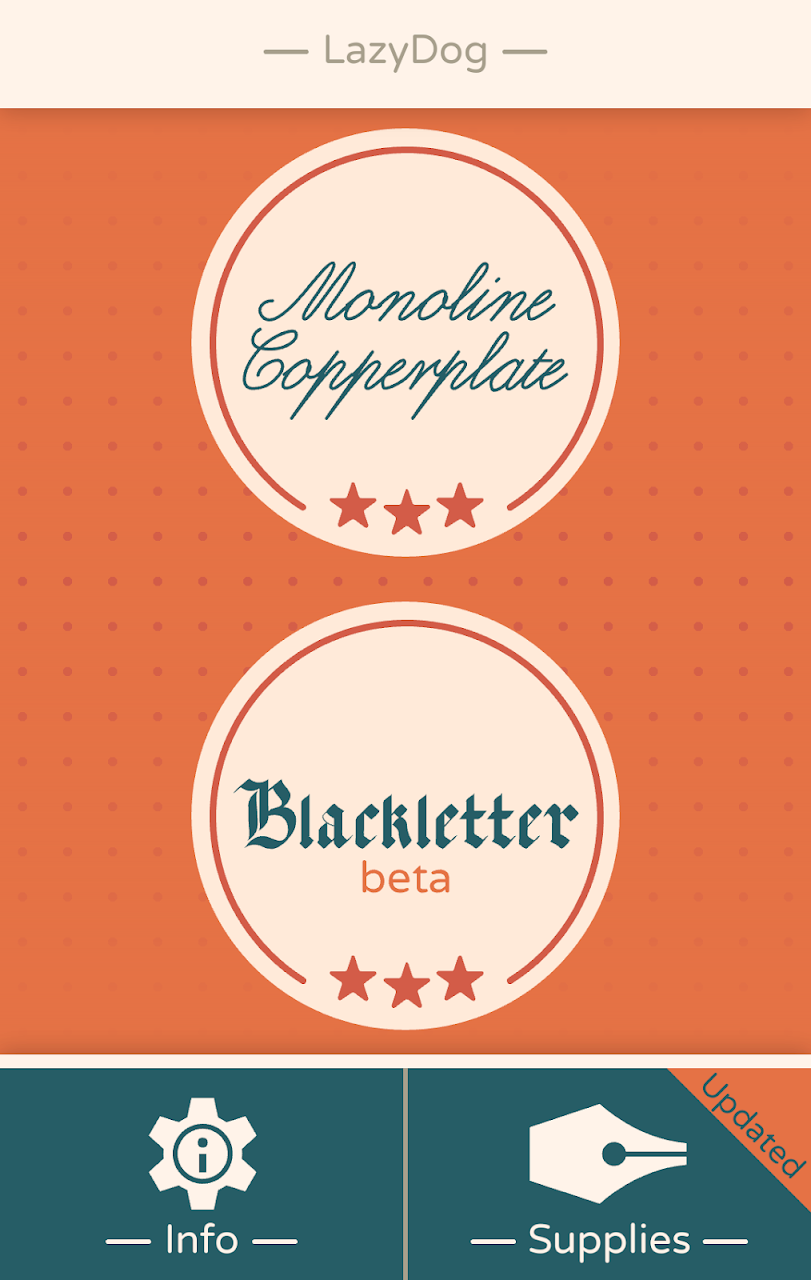
- Classic scripts — Work through basic cursive, Copperplate/Roundhand, Blackletter/Gothic script, Italic script/Chancery cursive, and Uncial.
- Printable worksheets — Print worksheets for offline practice away from the screen.
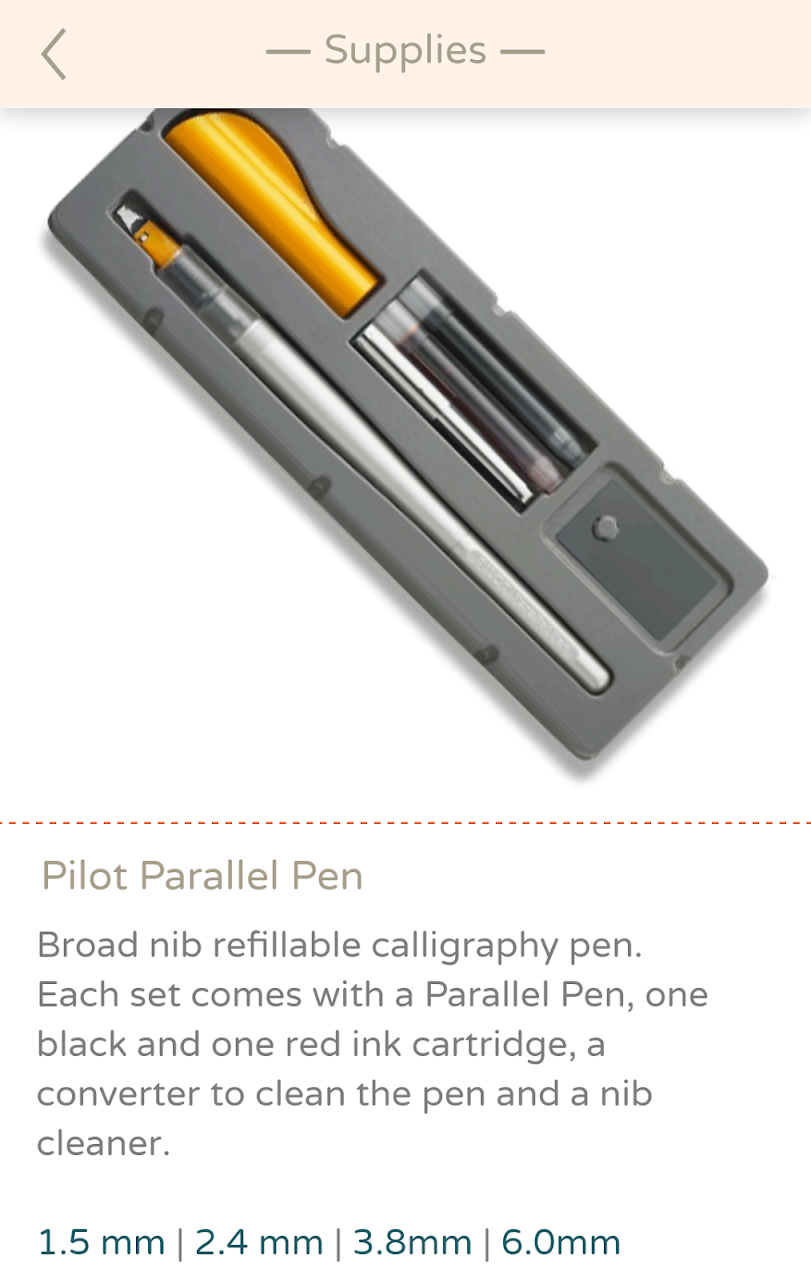
- Supply shortcuts — Open quick access to calligraphy supplies to help you get started.
- Free with ads — The app is free to install and contains ads, with no in-app purchases listed.
For learners who want structured handwriting practice
LazyDog calligraphy practice is built for people who want to practice handwriting styles step by step instead of starting from a blank page. It focuses on classic scripts and gives individual letter scores, so you can see how each character is going rather than only reviewing a finished sheet. That makes it more targeted than general drawing apps such as ibis Paint X or Sketchbook.
Scripts you can work through
The app covers basic cursive, Copperplate/Roundhand, Blackletter/Gothic script, Italic script/Chancery cursive, and Uncial. The recent update added Uncial, which gives returning users another script to practice. If you want a handwriting app centered on traditional calligraphy forms, this is the main reason to try it.
Practice, print, and check supplies
It also includes printable worksheets and quick access to relevant calligraphy supplies. That mix is useful if you like to practice on paper after working on the screen, or if you want a simple starting point for materials. The app is free, contains ads, and does not list in-app purchases. It comes as an APK, is 6.9 MB, and requires Android 7.0 or later.
- You get: letter scores, worksheet printing, and a list of calligraphy scripts.
- Watch for: no left-hand writing mode at the moment.
- Watch for: ads are included in the free version.
For casual practice on a small device
If you only want a lightweight app for short practice sessions, LazyDog calligraphy practice is a compact choice. It does not ask for any permissions, so setup stays simple. It is less suited to users looking for editing tools, RAW photo support, or creative filters, since its purpose is handwriting practice rather than image work.
What's new
Version 20.3.9 · Nov 10, 2026
- New script type: Uncial
APK information
- Version
- 20.3.9
- Package
- info.bppacomics.lazydog
- Category
- Art & Design
- Size
- 7 MB
- Min Android
- 7.0
- Architecture
- universal
Older versions
-
LazyDog calligraphy practice 20.3.9Nov 10, 2026Latest downloadAPK
LazyDog calligraphy practice FAQ
Does LazyDog calligraphy practice work offline?expand_more
The app includes printable worksheets, which can be used away from the screen. The listing does not say whether the app itself works offline.
Can LazyDog calligraphy practice edit RAW photos?expand_more
No. LazyDog calligraphy practice is for handwriting and calligraphy practice, not photo editing.
How do I install the LazyDog calligraphy practice APK file?expand_more
Install the APK on an Android device running Android 7.0 or later. The file is 6.9 MB and comes in APK format.
What permissions does LazyDog calligraphy practice ask for?expand_more
None are listed.
Which scripts are included in LazyDog calligraphy practice?expand_more
It includes basic cursive, Copperplate/Roundhand, Blackletter/Gothic script, Italic script/Chancery cursive, and Uncial.