- 3.8star1,506 reviews
- 1M+Downloads
- 8 MBAPK size
- EveryoneRated for Everyone
- 7.0+Android
check_circleOriginal APK from Levitman · Updated Nov 10, 2026
No threats found
0 / — antivirus engines flagged this file
Original signature
First seen — Levitman
Unmodified APK
Same file the developer published — no mods
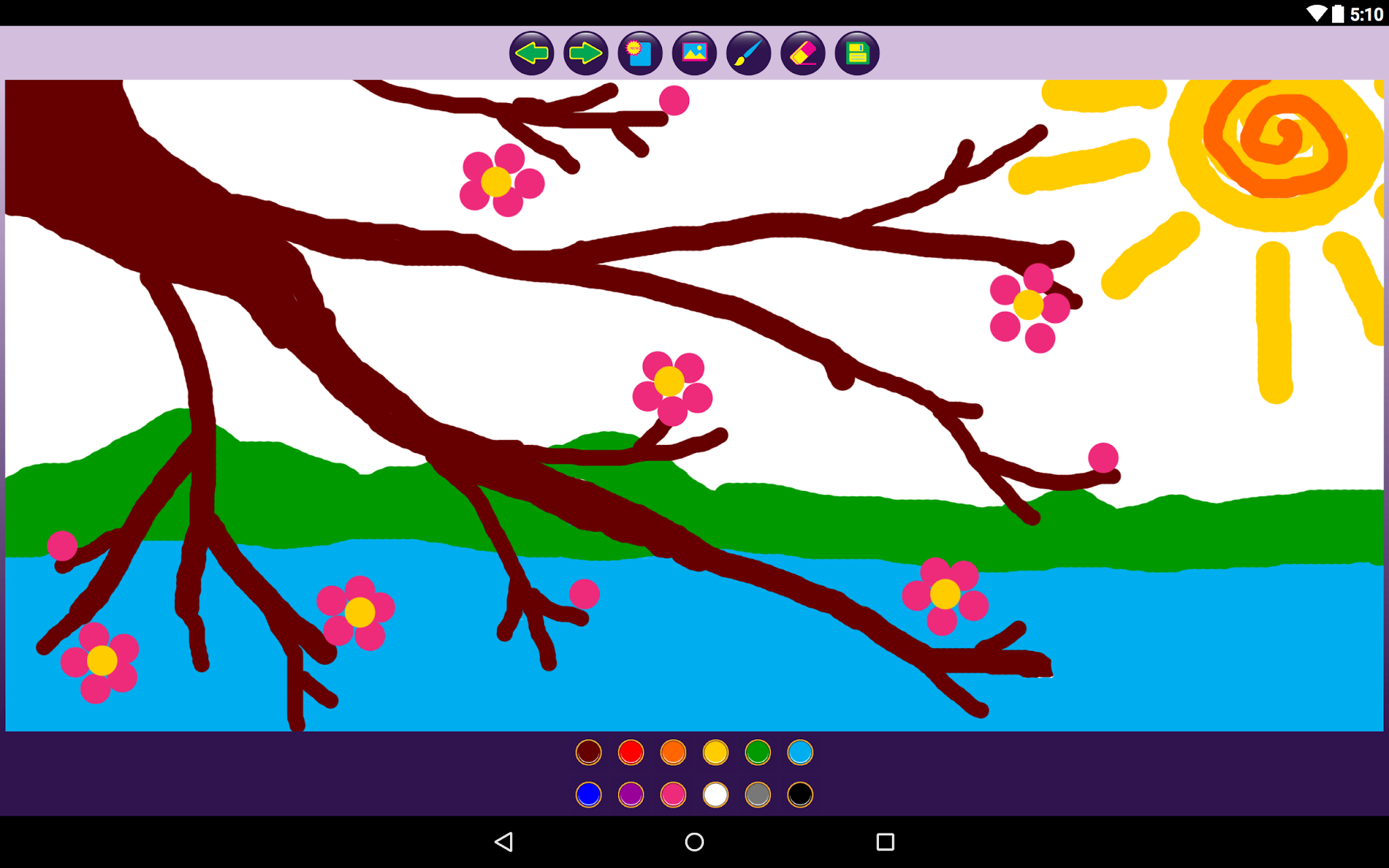
Let's Draw screenshots
7 images · tap to enlarge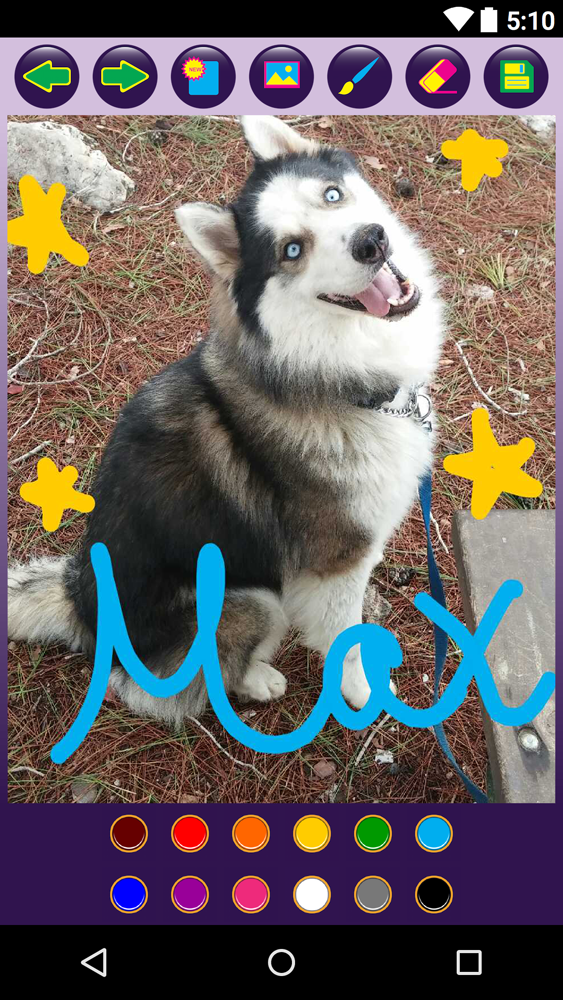
About this app
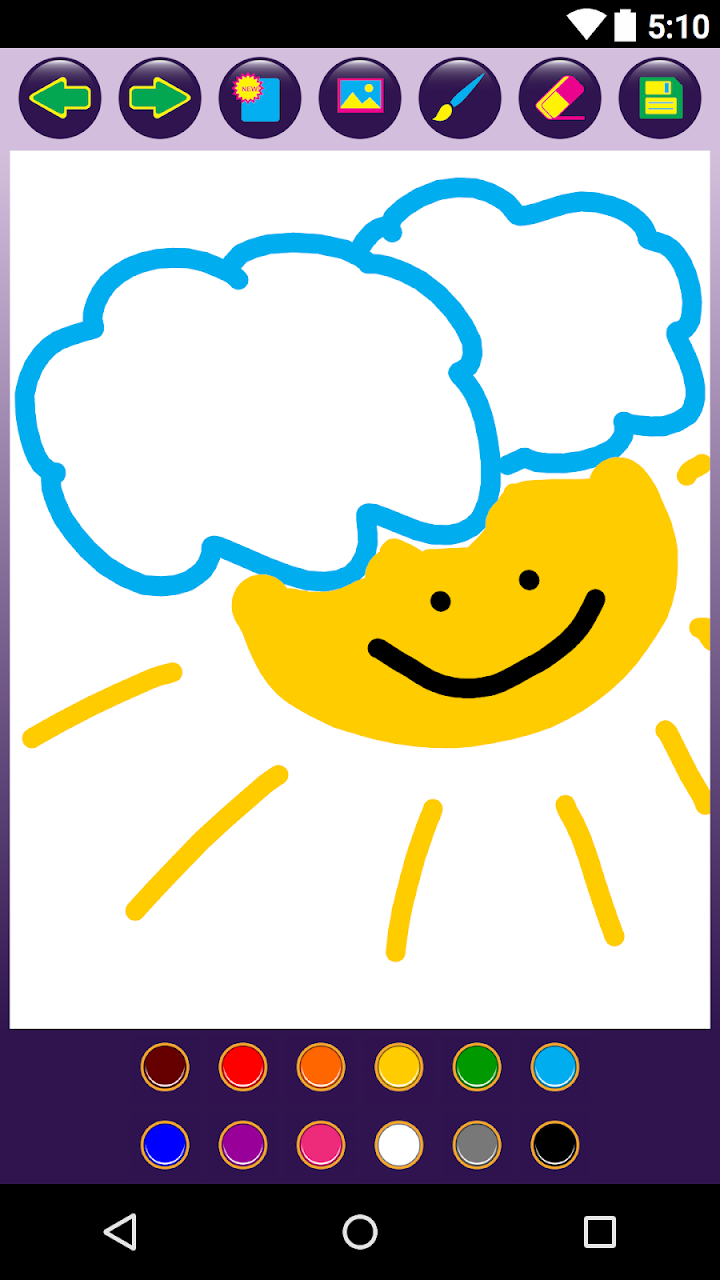
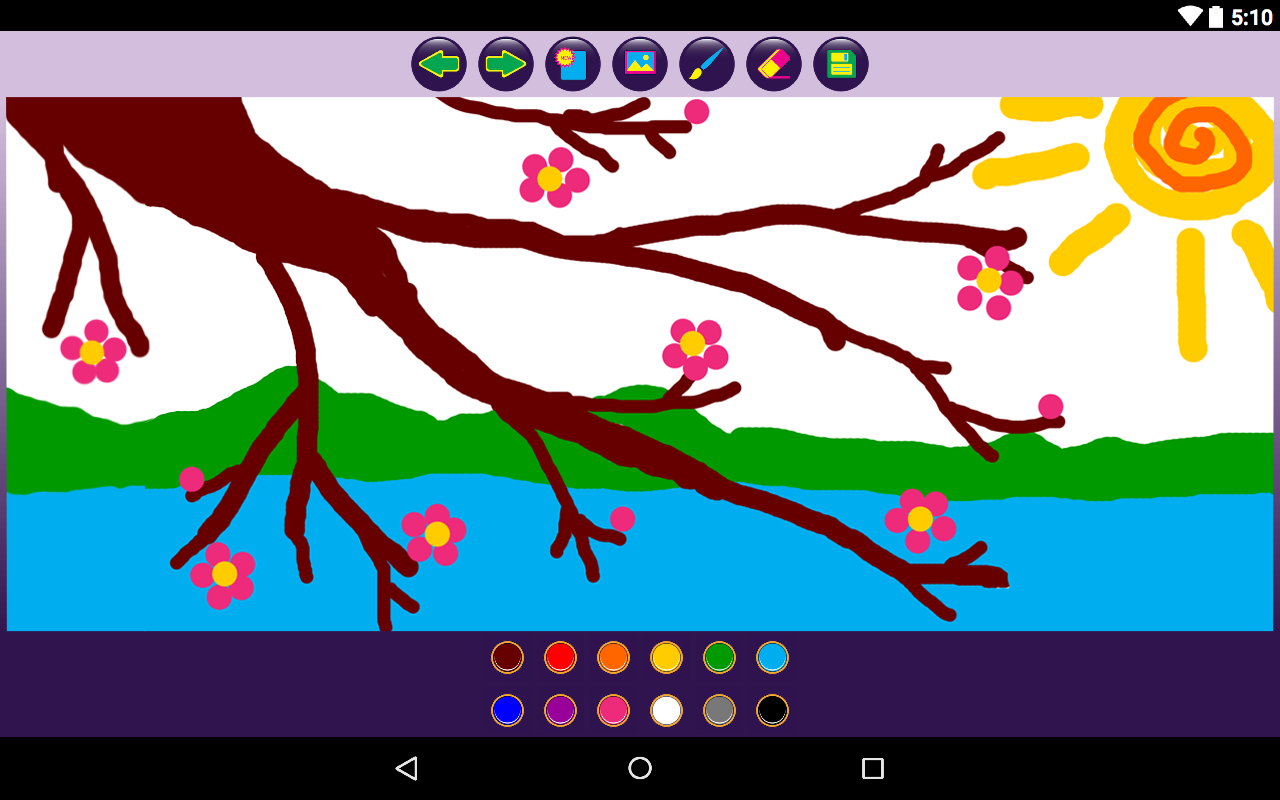
When you want to sketch on a phone or tablet, Let's Draw gives you a simple board for drawing, doodling, and painting. You can work on a blank canvas or mark up a photo from your gallery, then save the result to your device or share it with friends and family. It is free to install, but it includes ads and in-app purchases.
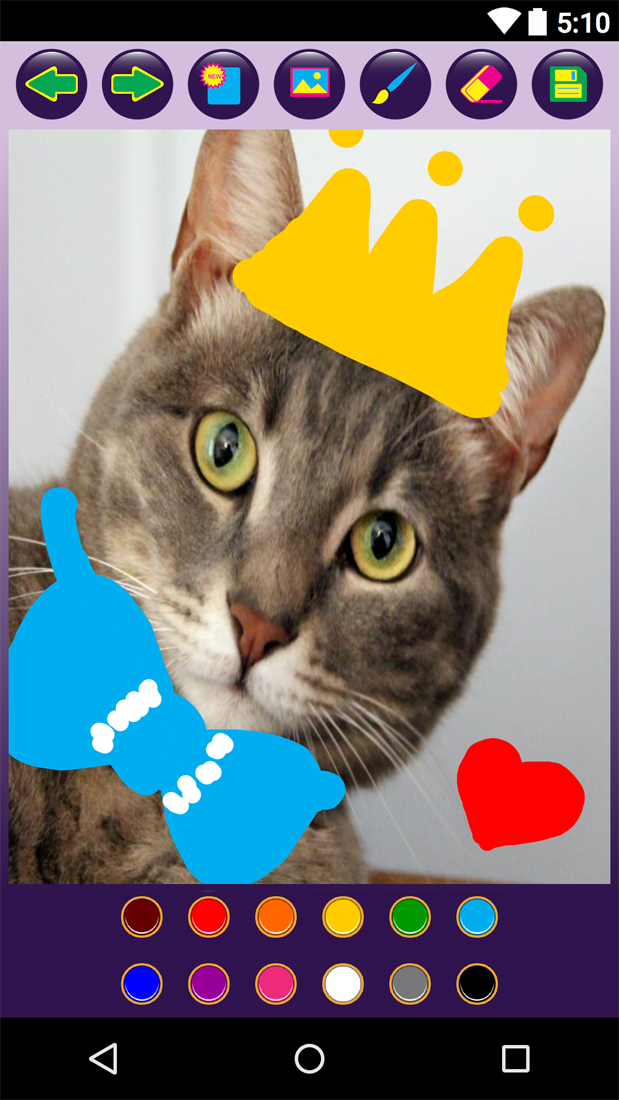
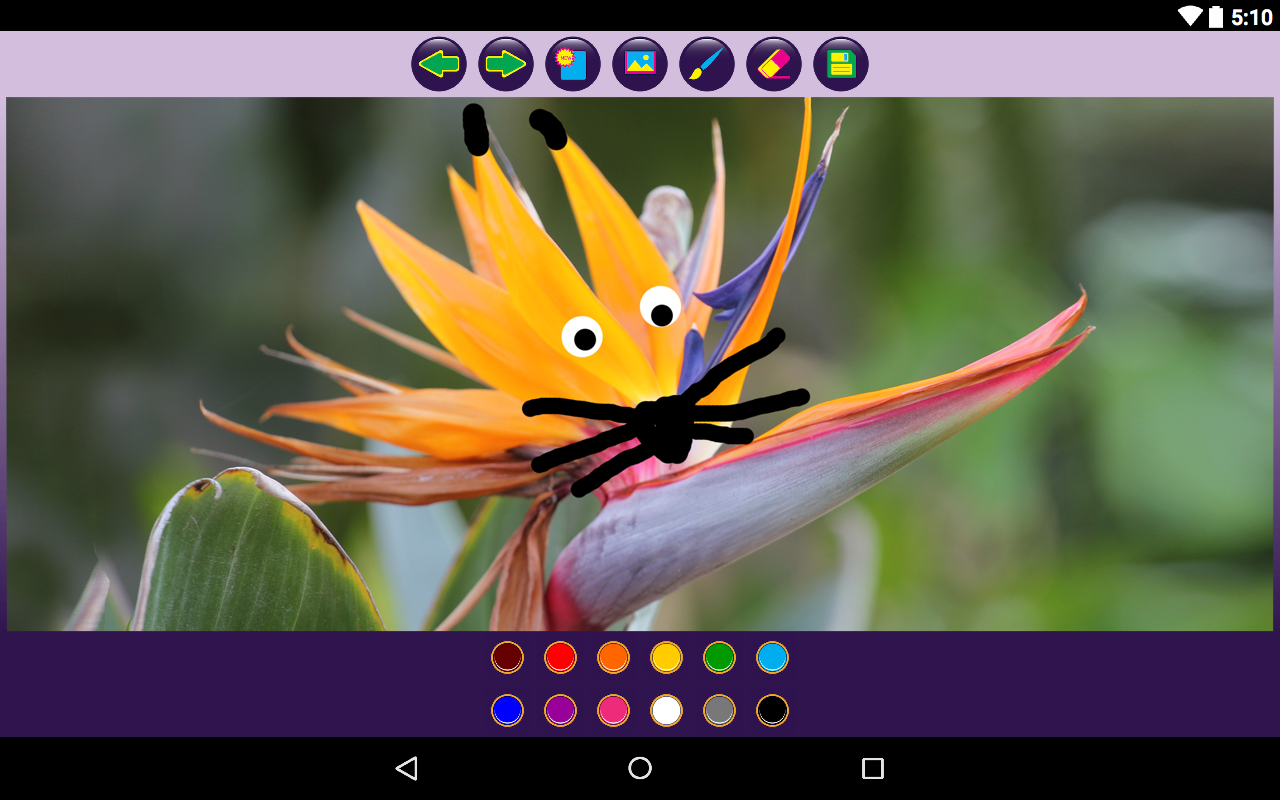
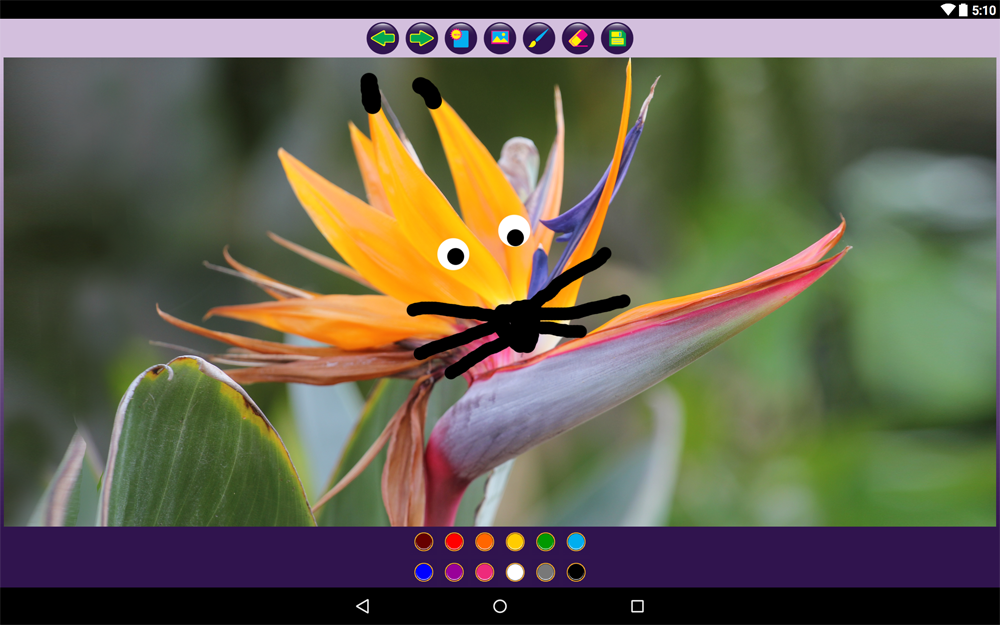
- Photo drawing layer — Add drawings directly on top of photos from your gallery.
- Brush size control — Choose the brush size to match quick doodles or finer sketch work.
- Opacity color picker — Pick a color and adjust its opacity for lighter or stronger strokes.
- Save to device — Export finished images to your phone or tablet for later use.
- Share your art — Send your drawings to friends after you finish them.
- All-ages setup — The app is described as suitable for people of all skill levels and ages.
Drawing board for sketches and doodles
Let's Draw turns a phone or tablet into a simple drawing board. The app is aimed at people who want to practice sketching, paint over photos, or make doodle art with friends and family. Its tools are basic rather than layered or photo-heavy, which keeps the focus on drawing itself.
Brush, opacity, and photo editing tools
The app includes a color picker with opacity control, brush size adjustment, and the ability to draw on any photo from your gallery. That makes it useful for quick edits, annotations, or casual art sharing, but it does not describe advanced export controls such as file formats or high-resolution output settings.
What you get and what to watch for
- Get: a free drawing board, photo overlays, brush sizing, and image saving.
- Get: sharing tools for sending finished art to friends.
- Watch for: ads and in-app purchases.
- Watch for: no listed permissions, so there is nothing specific here to review for storage or camera access.
Install details and device fit
Let's Draw is an APK file, version 1.53, and it is 8.5 MB. It requires Android 7.0 or later and is labeled for Everyone. The app has been available since 2015 and was last updated on 2025-07-03.
How it compares in the drawing category
Compared with larger art apps such as ibis Paint X, Sketchbook, or Adobe Express, Let's Draw is much narrower in scope. It focuses on simple drawing and sharing rather than a broad toolset, which may suit casual use better than detailed illustration work.
What's new
Version 1.53 · Nov 10, 2026
- Bug fixes.
APK information
- Version
- 1.53
- Package
- com.levitman.letsdraw
- Category
- Art & Design
- Size
- 8 MB
- Min Android
- 7.0
- Architecture
- universal
Older versions
-
Let's Draw 1.53Nov 10, 2026Latest downloadAPK
Let's Draw FAQ
Can Let's Draw edit RAW photos?expand_more
No RAW editing is described. The app supports drawing on photos from your gallery, but nothing in the listing mentions RAW file support.
Does Let's Draw work offline?expand_more
Offline use is not stated. The listing describes drawing, saving, and sharing features, but it does not say whether an internet connection is required.
Is this Let's Draw APK the original file?expand_more
The app is listed as an APK and shows version 1.53 from developer Levitman. The listing does not mention any modified or third-party package.
Is Let's Draw available for older phones?expand_more
It requires Android 7.0 or later, so it will not install on devices below that version.
Can I save and share my drawings?expand_more
Yes. The app says you can save images on your device and share your art with friends.