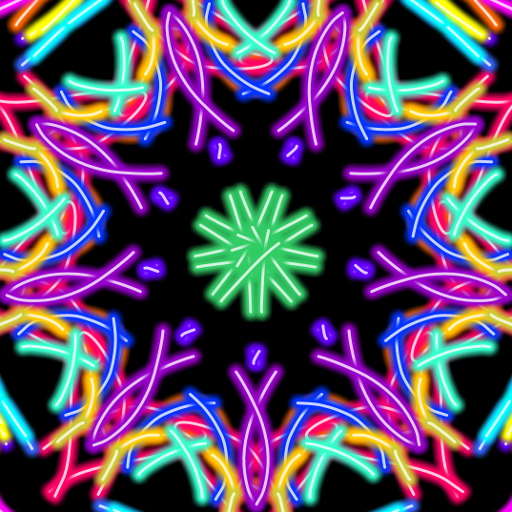
- 4.0star777 reviews
- 100K+Downloads
- 49 MBAPK size
- EveryoneRated for Everyone
- 7.0+Android
check_circleOriginal APK from Puzzle apps · Updated Nov 10, 2026
No threats found
0 / — antivirus engines flagged this file
Original signature
First seen — Puzzle apps
Unmodified APK
Same file the developer published — no mods
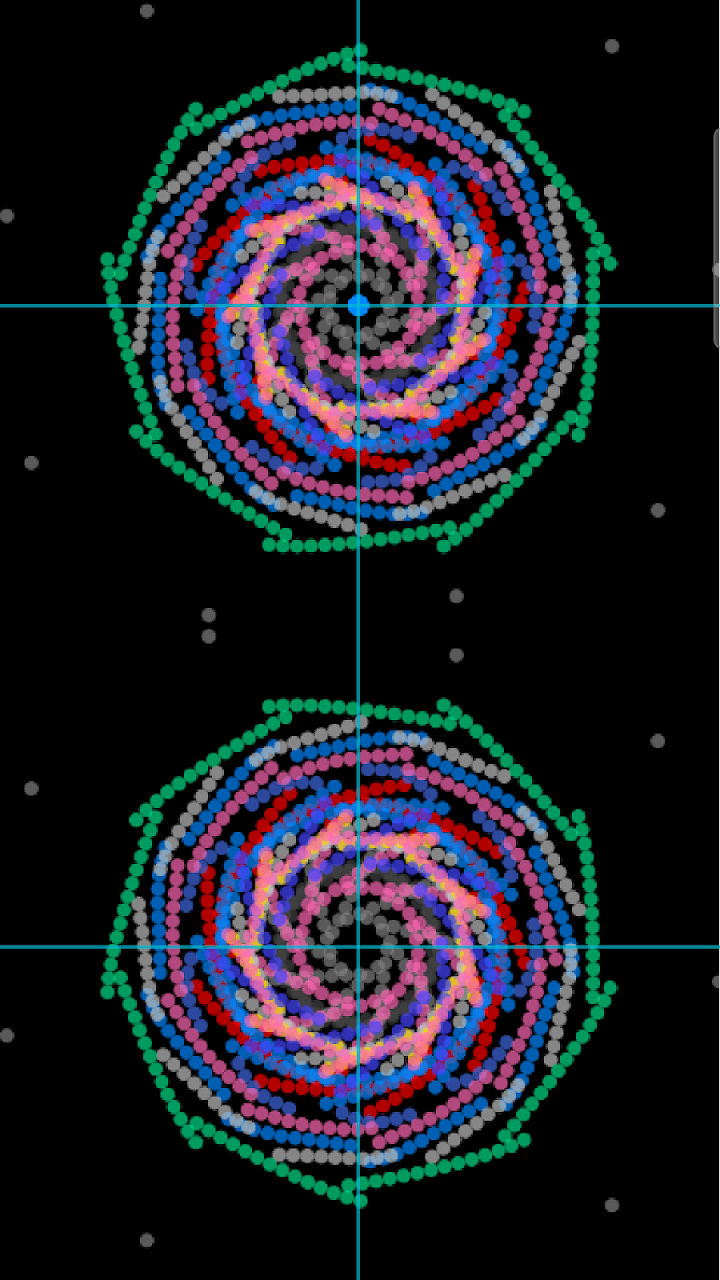
Magic Paint Kaleidoscope screenshots
7 images · tap to enlarge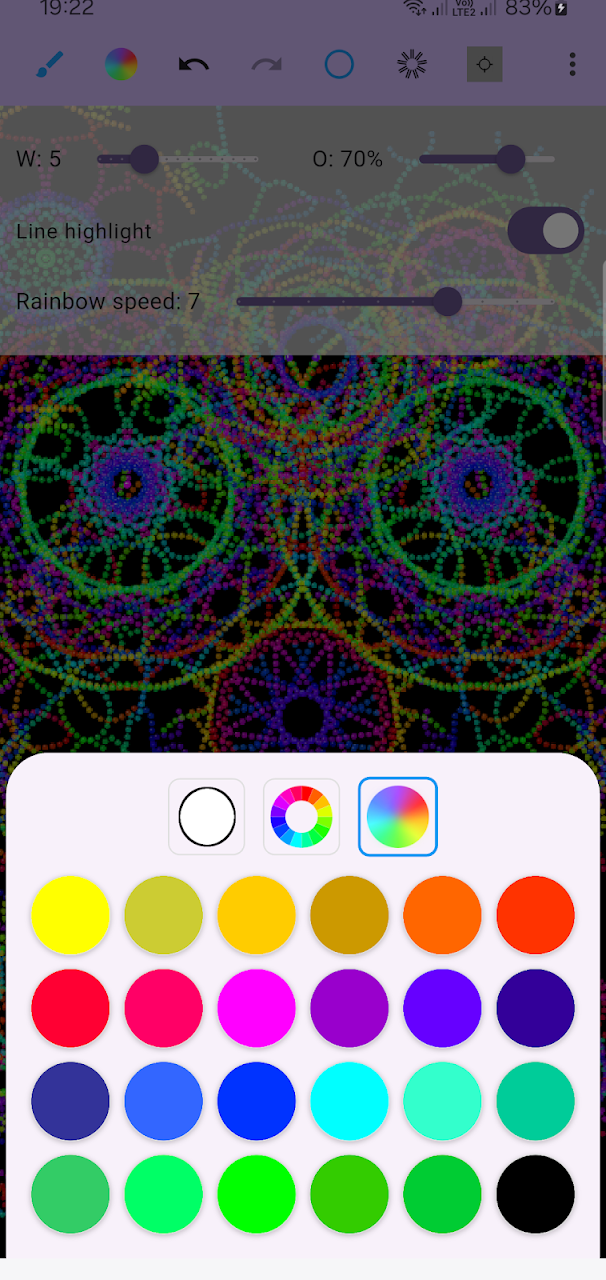
About this app
Magic Paint Kaleidoscope stands out by turning one swipe into mirrored art across multiple axes as you draw. In normal use, you open it for quick symmetry sketches, calm coloring, or longer pattern sessions, then save, replay, or export the result. It keeps the interface lightweight, but ads are present outside the drawing flow.
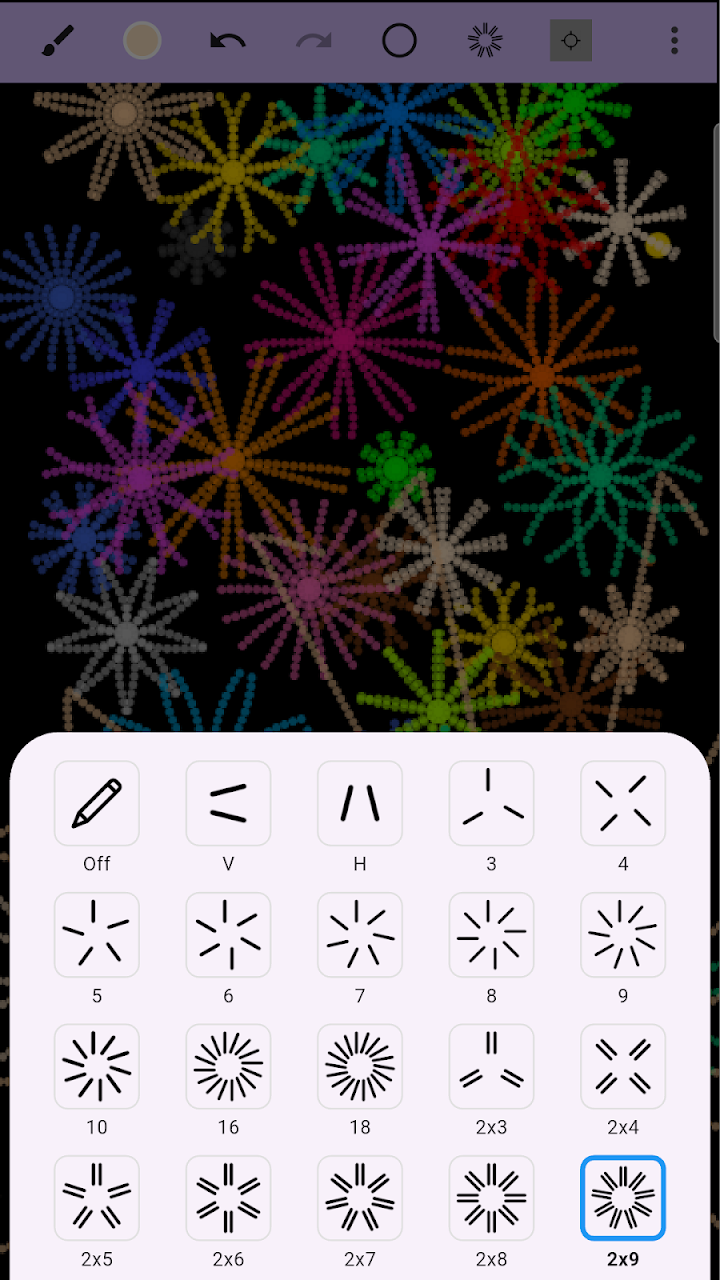
- 20 symmetry modes — Choose vertical, horizontal, radial, or double symmetry layouts for mandalas, snowflakes, ornaments, and other mirrored designs.
- Two brush styles — Switch between a line stroke and a tangent circle brush for gapless circular marks at any speed.
- Color controls — Use the 24-color palette, random color per stroke, opacity sliders, and one-tap fill for fast changes.
- Session tools — Undo and redo up to 30 steps, then let auto-save bring you back to the same session after relaunch.
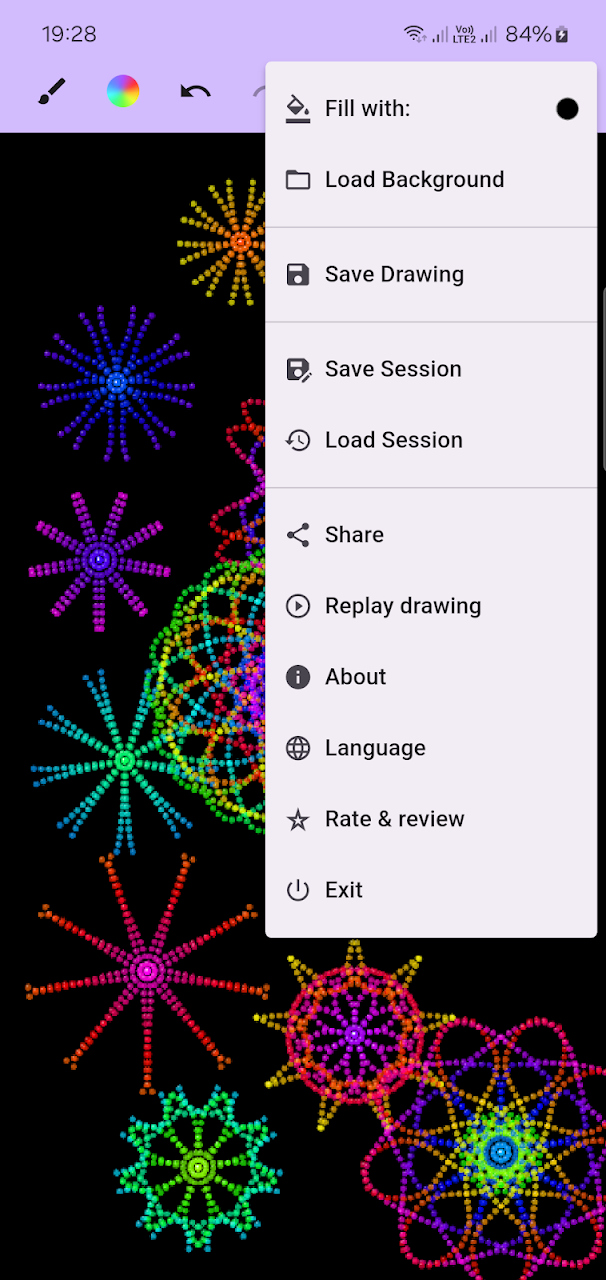
- Export and replay — Save to gallery as PNG, share to other apps, or replay a drawing as video with scrubbing and speed control.
- Background support — Load a background image and draw over it when you want to build on an existing picture.
Real-time mirrored drawing
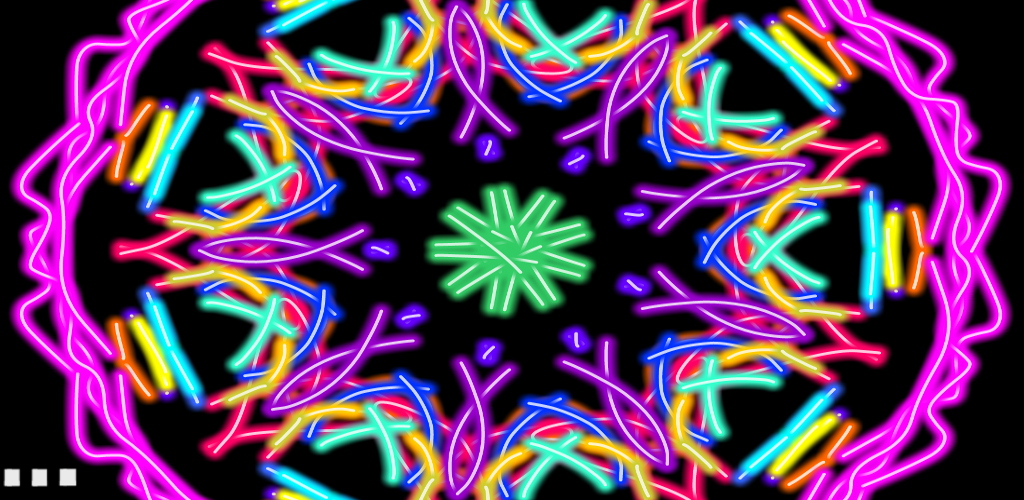
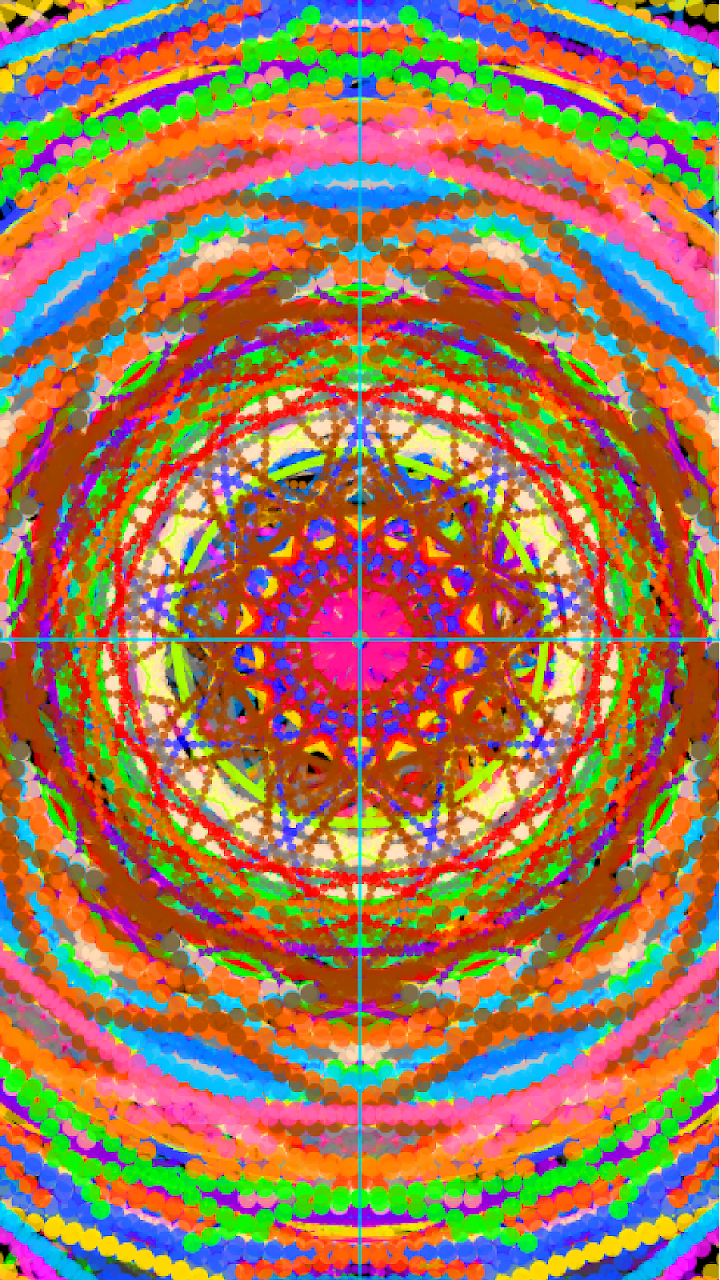
Magic Paint Kaleidoscope opens with the main idea right away: every stroke is reflected live, so a simple touch becomes a full symmetric pattern. That makes it easy to sketch mandalas, ornaments, textures, or abstract wallpaper without setting up layers or tools first. The app feels focused rather than crowded, which helps when you want to start drawing quickly.
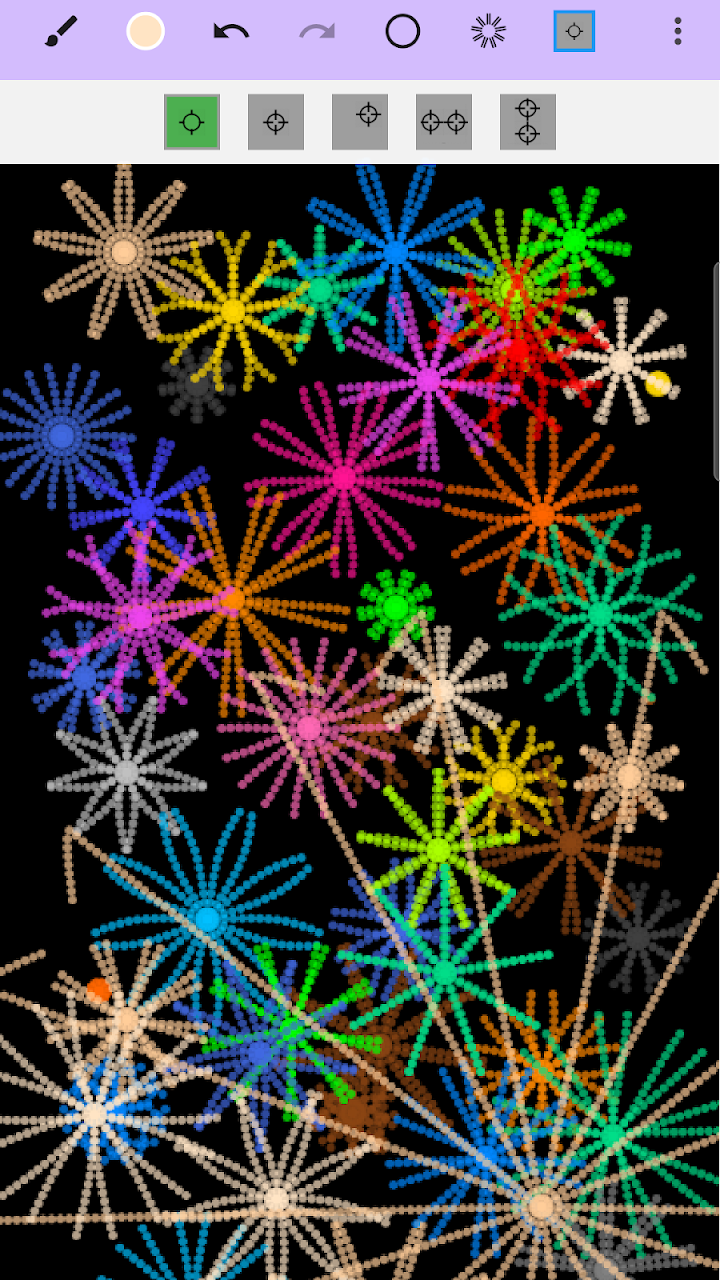
It includes 20 symmetry modes, from vertical and horizontal mirroring to radial layouts with 3, 4, 5, 6, 7, 8, 9, 10, 16, or 18 sectors, plus double symmetry options. Axis controls can be centered automatically, placed by touch, or paired with horizontal or vertical axes.
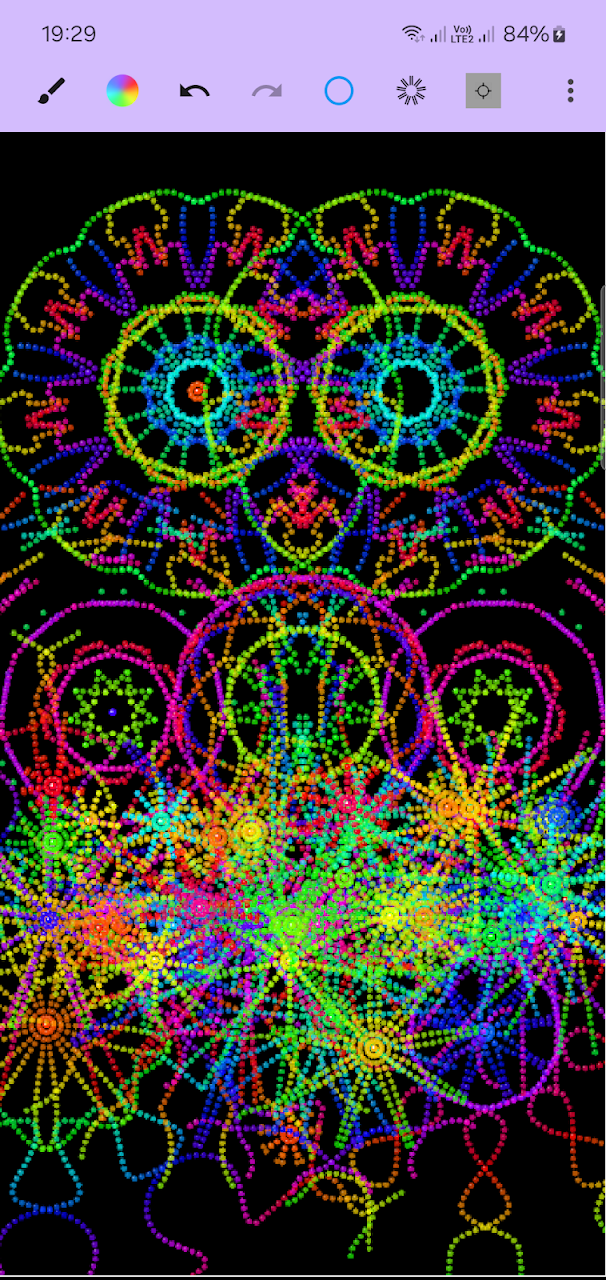
Draw mandalas in one session
The day-to-day workflow is simple: pick a mode, choose a brush, and start tracing. The line stroke and tangent circle brush cover different styles, and the circle brush is designed to stay tangent even during fast movement. Stroke width and opacity sliders give you enough control for clean outlines or softer fills.
- 24-color palette for quick switching
- Random color per stroke for mixed combinations
- One-tap fill to color the canvas instantly
- Background images you can paint over
Save, replay, and export
The app is practical when you want to keep working later. Sessions auto-save, and saved sessions appear with preview thumbnails in a dedicated folder so you can reopen them and continue. Undo and redo go back up to 30 steps, which is useful if a line goes the wrong way.
Finished drawings can be saved to the gallery as PNG or shared to any app. There is also a replay mode that turns the drawing process into a video, with scrubbing and playback speed from 0.25x to 8x. The app is free, contains ads, has no in-app purchases, and the install is an APK at 48.8 MB for Android 7.0 and up.
What feels smooth, and what does not
The strongest part is how directly it handles symmetric art. There is no account setup mentioned, and there are no permissions listed, so starting a session is straightforward. The clean UI also fits the app’s narrow purpose.
What holds it back is the ad presence, since the description notes no ads while drawing but the app still contains ads overall. The rating sits at 4.0 from 777 ratings, with 479 five-star ratings and 122 one-star ratings, so user opinion is positive but not perfectly even.
For people who want a simple symmetry drawing tool with PNG export, replay capture, and many mirror modes, it does the job without extra clutter.
What's new
Version 6.2.0 · Nov 10, 2026
- Added highlights and rainbow to brush options.
APK information
- Version
- 6.2.0
- Package
- globus.magpakaleido
- Category
- Art & Design
- Size
- 49 MB
- Min Android
- 7.0
- Architecture
- universal
Older versions
-
Magic Paint Kaleidoscope 6.2.0Nov 10, 2026Latest downloadAPK
Magic Paint Kaleidoscope FAQ
Does Magic Paint Kaleidoscope work offline?expand_more
The description does not state offline support.
Does Magic Paint Kaleidoscope add a watermark?expand_more
There is no watermark mentioned in the app description.
Does Magic Paint Kaleidoscope have in-app purchases?expand_more
No. The app is listed as free and does not include in-app purchases.
Is Magic Paint Kaleidoscope available for older phones?expand_more
It requires Android 7.0 and up.
Can I save drawings from Magic Paint Kaleidoscope as PNG?expand_more
Yes. Drawings can be saved to the gallery as PNG files.