Malayalam Text & Image Editor
Team Four Big Brothers- 4.5star9,653 reviews
- 1M+Downloads
- 20 MBAPK size
- Mature 17+Rated for Mature 17+
- API 16+Android
check_circleOriginal APK from Team Four Big Brothers · Updated Nov 12, 2026
No threats found
0 / — antivirus engines flagged this file
Original signature
First seen — Team Four Big Brothers
Unmodified APK
Same file the developer published — no mods
Malayalam Text & Image Editor screenshots
8 images · tap to enlarge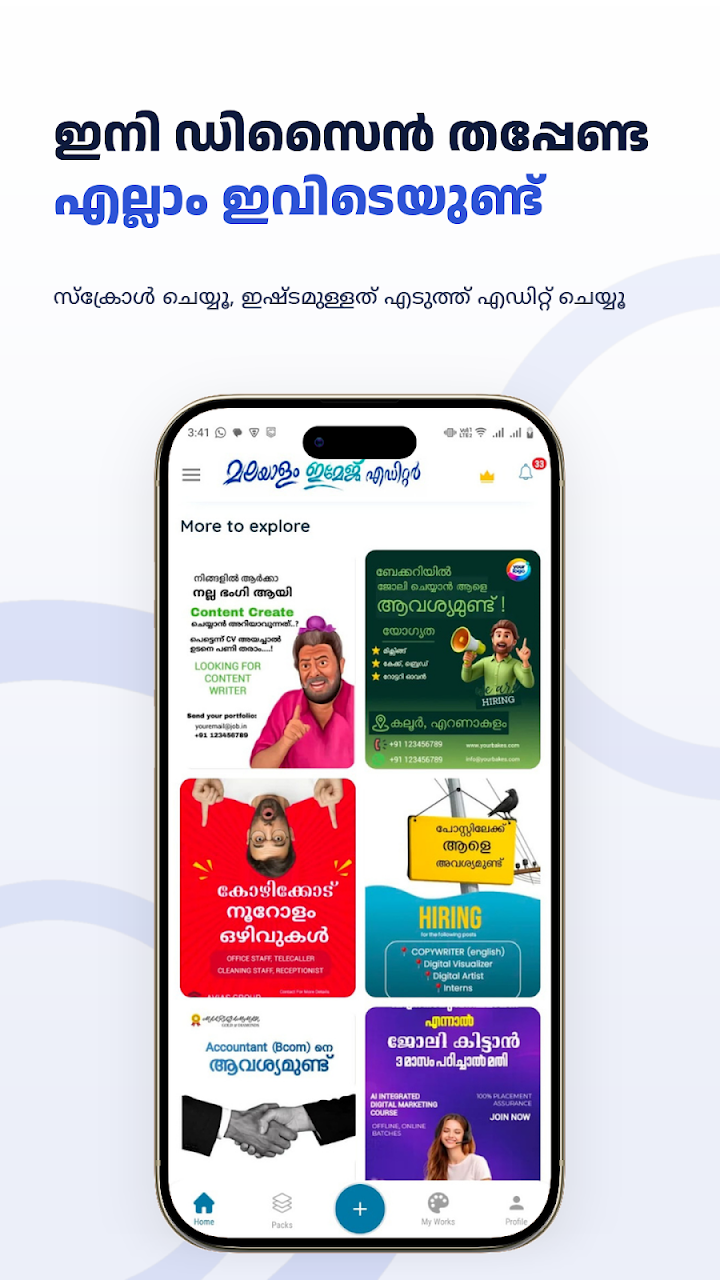
About this app
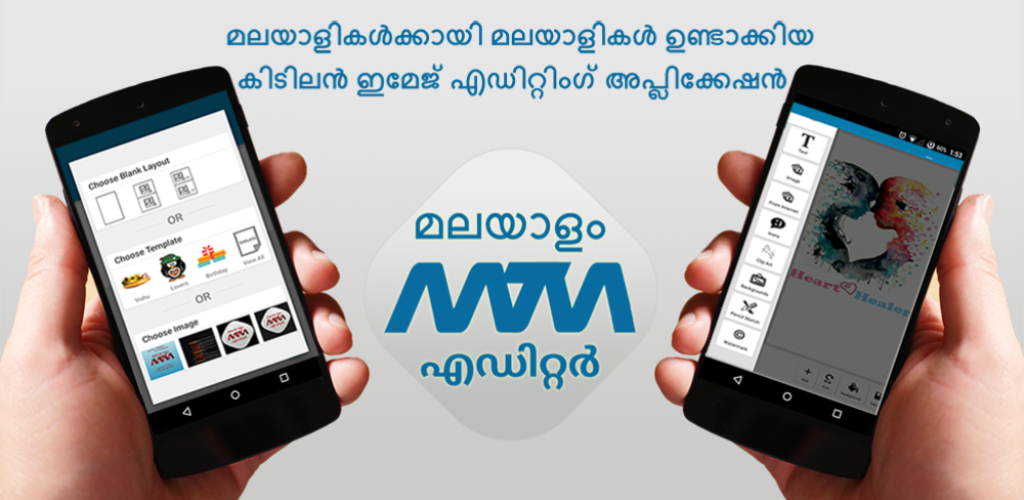
4.5 stars from 9,653 ratings makes Malayalam Text & Image Editor a familiar pick for making Malayalam posters and memes. It focuses on the daily jobs people actually do: typing Malayalam correctly, dropping text onto ready-made layouts, adding brand details, and exporting work for sharing or selling. Ads are present, and an optional upgrade removes them.
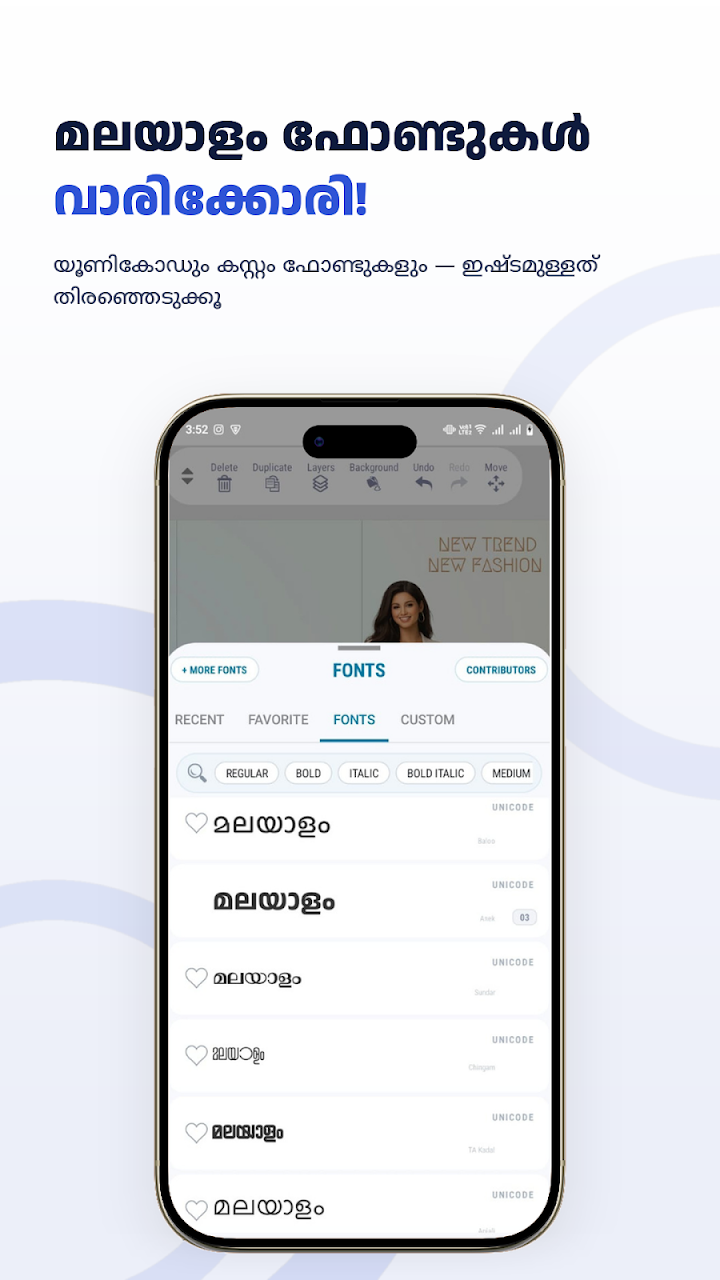
- Malayalam typing first — Type in Unicode or Manglish and use Malayalam fonts that handle conjuncts and chillu correctly.
- Ready-made layouts — Start from job posts, shop offers, festival greetings, meme layouts, quotes, and business flyers.
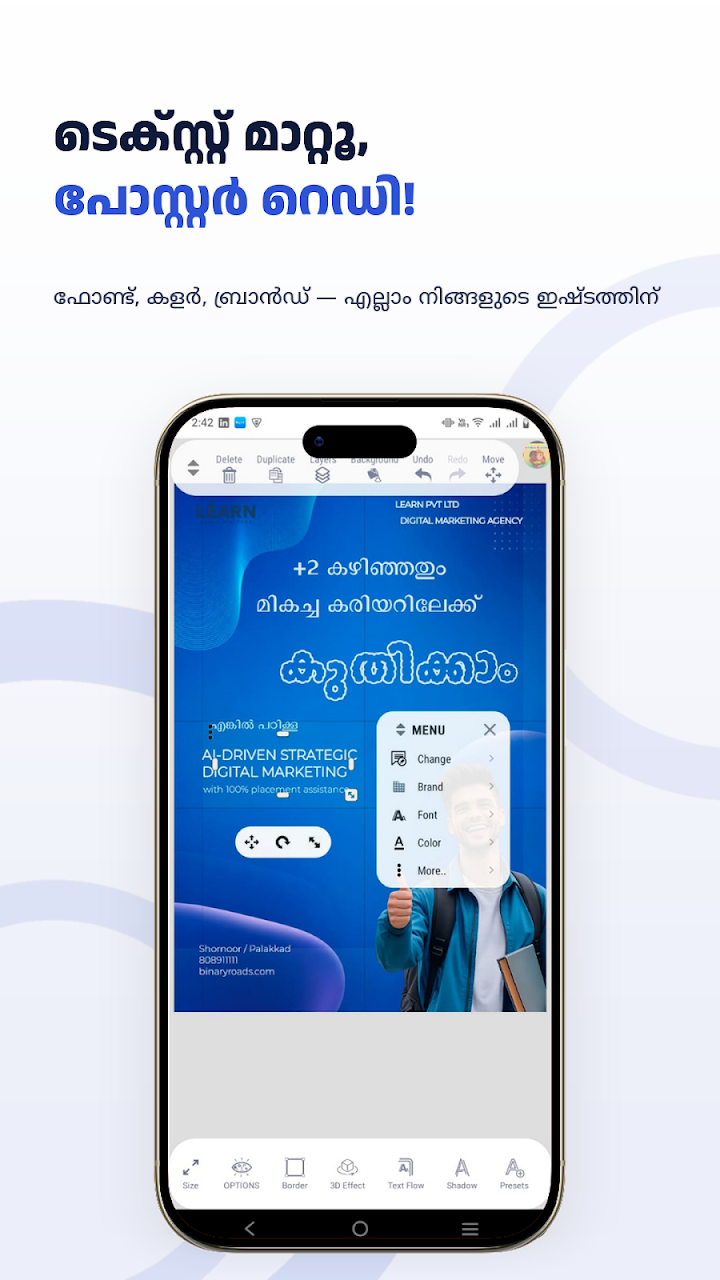
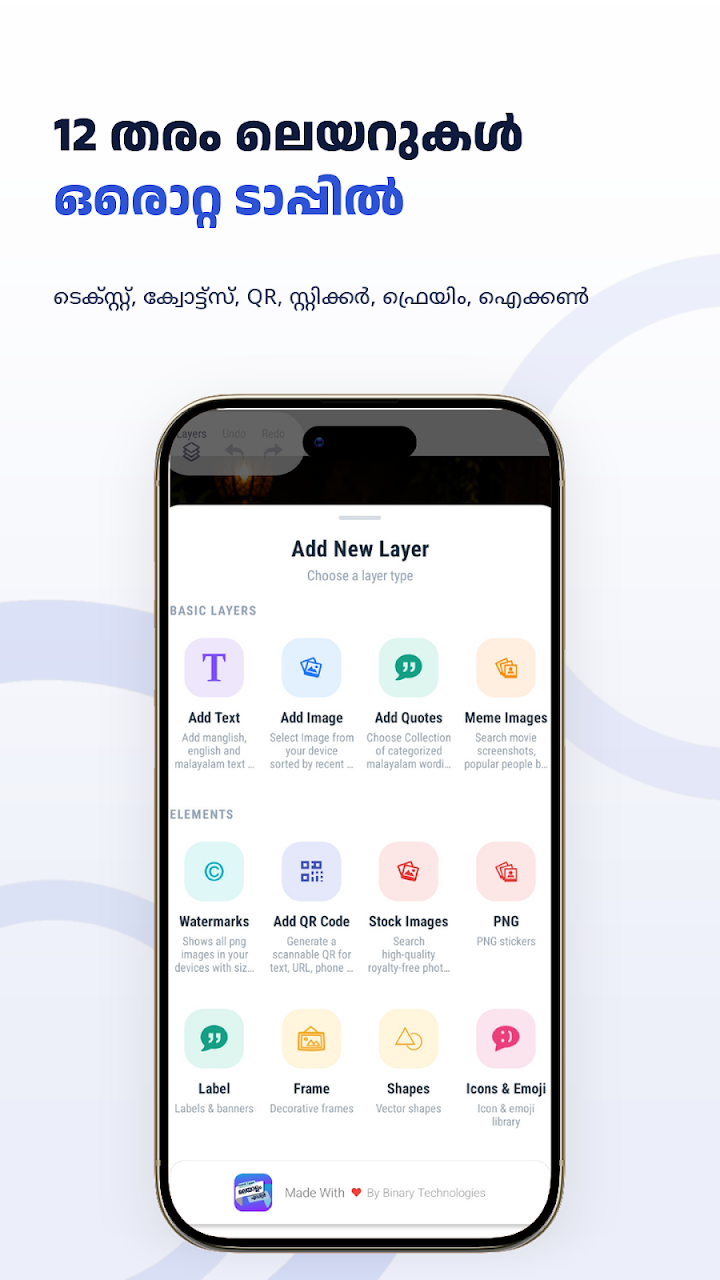
- Layer editing — Add text, images, stickers, QR codes, shapes, icons, frames, and more, then move and resize each layer.
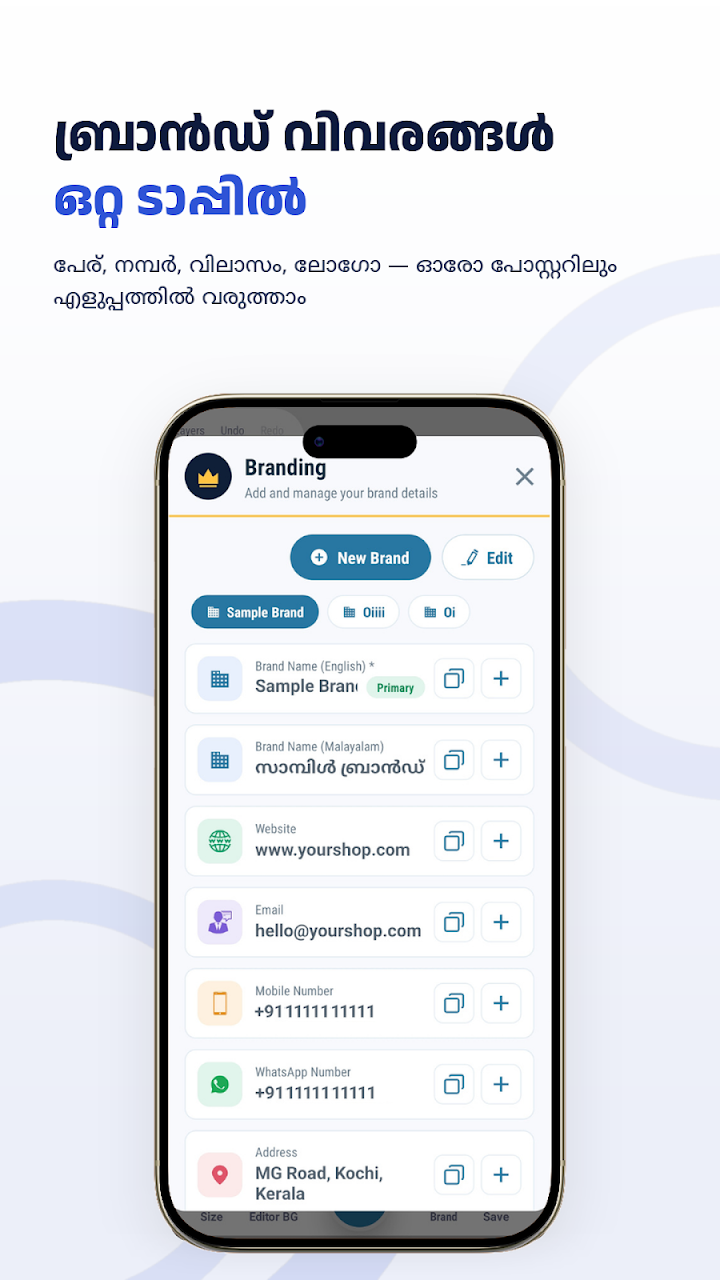
- Brand details saved — Store your name, contact details, and logo once, then drop them into new designs quickly.
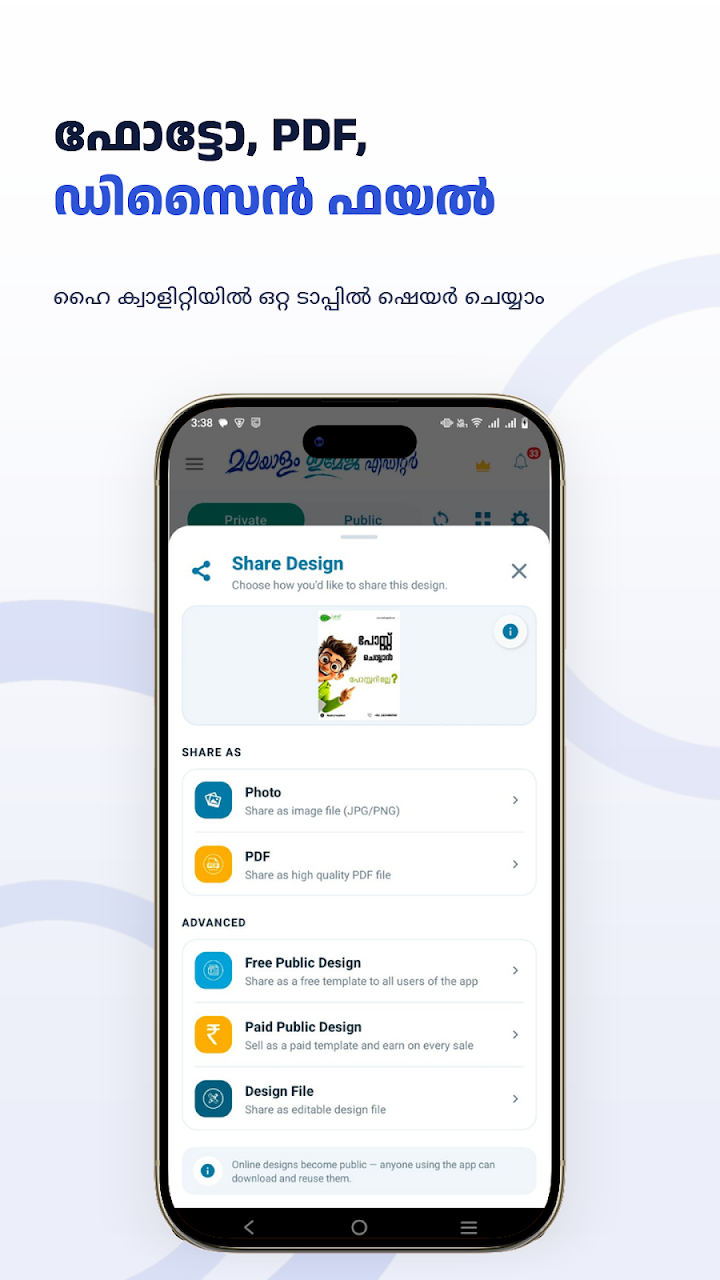
- Export and share — Save JPG or PNG files, export PDF, share editable designs, or publish and sell templates.
- Organised workspace — Keep private drafts and public designs separate in My Works and return to them later.
Typing Malayalam without fighting the keyboard
For someone making a notice before work or a post for a shop page, the first useful screen here is the text editor. The app puts Malayalam input front and center, with Unicode and Manglish entry, a large font library, and controls for bold, italic, size, colour, borders, shadows, 3D effects, and curved text. It also supports custom font files from the device.
Malayalam Text & Image Editor is an APK for Android 4.1 and up, sized at 19.5 MB, and it installs as a universal build. That matters if you are using an older phone and want a small app for poster work.
Templates for daily shop and event work
Small business owners and casual users will probably spend most time browsing the feed of ready-made templates. The app includes layouts for hiring posters, shop offers, price lists, festival greetings, occasion cards, memes, quotes, and business flyers. The workflow is simple: open a layout, edit the text, and save the result.
This is where the app feels practical rather than decorative. It gives you a starting point when you need something fast, but still lets you replace text, add images, and adjust each layer instead of locking you into one design.
Branding, QR codes, and layered edits
People who post the same contact details again and again can save their business information once and reuse it across designs. The app stores English and Malayalam names, phone, WhatsApp, email, website, address, and logo, and it supports multiple brands if you handle more than one shop.
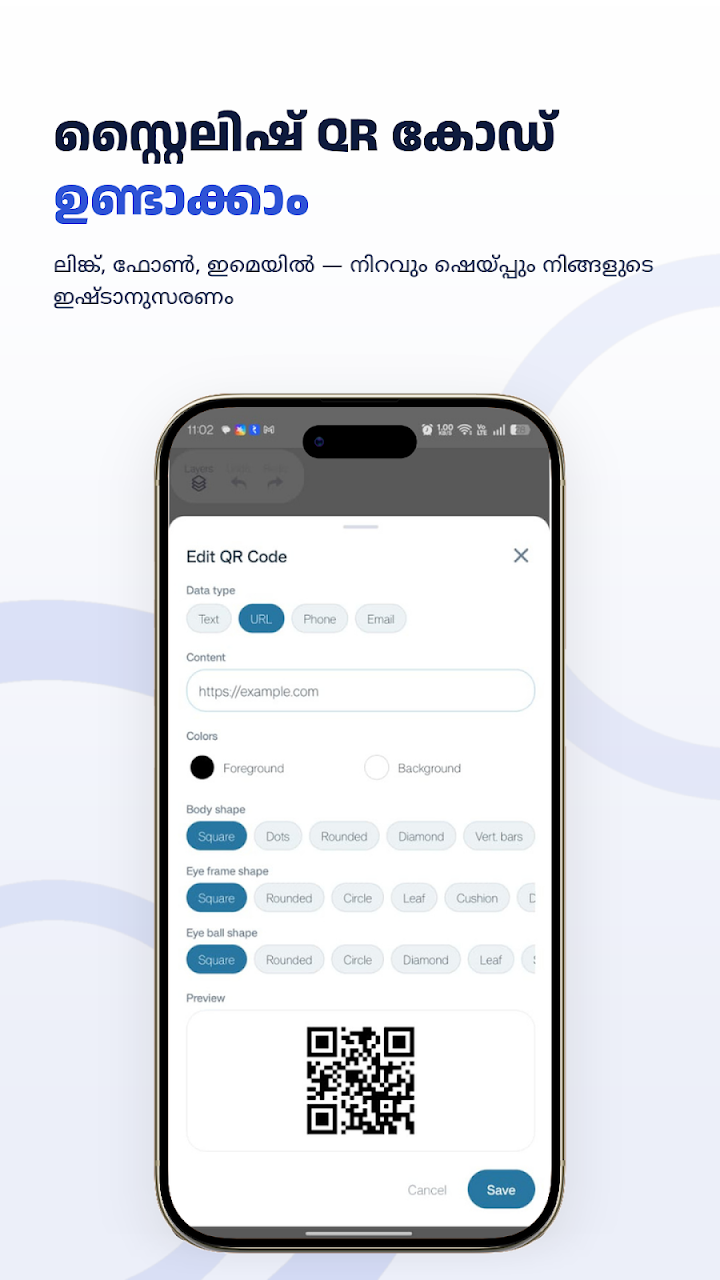
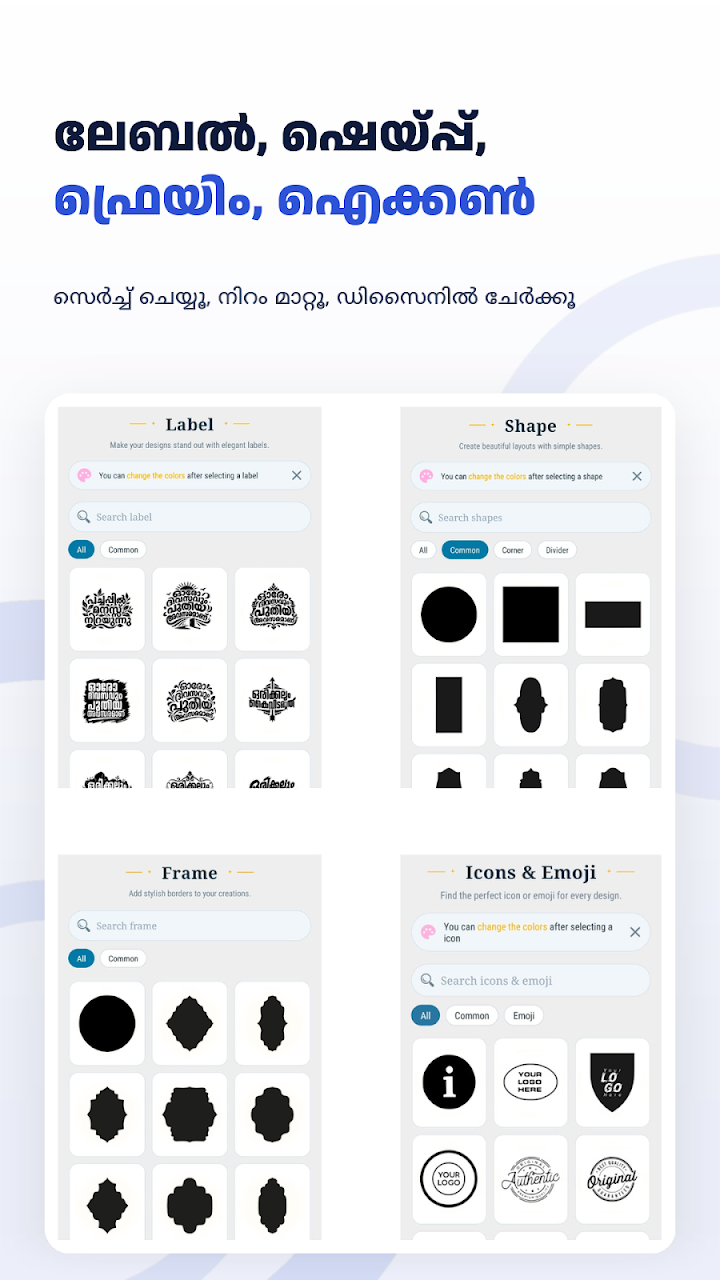
It also generates QR codes for links, phone numbers, email, or plain text, with colour and shape controls so the code fits the design. Alongside that are Malayalam labels, decorative elements, frames, shapes, icons, emoji, stock photos, PNG stickers, and watermarks.
Sharing, selling, and working across drafts
Once a design is ready, you can save it as JPG or PNG, export a high-quality PDF, or share the editable file. The app also lets you publish a design to the community or sell it as a paid template. My Works keeps private drafts and public designs separate, which is useful when you are juggling unfinished posts and finished ones.
- Free to use, with ads shown in the app
- Optional upgrade removes ads
- 9653 ratings with a 4.5 average
- Released in 2016 and updated on 2026-11-10
Compatibility and day-to-day limits
There is no permission list shown here, and the app description does not mention cloud sync or cross-device account syncing. If you need the same design on another phone, the editable file sharing option is the clearest route. It is also worth noting that ads are part of the free version, so the main friction is not setup, but the ad-supported experience itself.
APK information
- Version
- 4.922
- Package
- com.fbb.malayalam_text_pic_editor_meme_troll_font_comment
- Category
- Productivity
- Size
- 20 MB
- Min Android
- API 16
- Architecture
- universal
Older versions
-
Malayalam Text & Image Editor 4.922Nov 12, 2026Latest downloadAPK
Malayalam Text & Image Editor FAQ
Can Malayalam Text & Image Editor be used offline?expand_more
The app description does not say whether it works offline. It does support saving and editing designs locally, but offline use is not explicitly confirmed.
Does Malayalam Text & Image Editor sync across devices?expand_more
No sync feature is described. The app mentions sharing editable design files, but not automatic cloud syncing across devices.
Can I install Malayalam Text & Image Editor without Google Play?expand_more
Yes. It is distributed as an APK file, so it can be installed outside Google Play.
Does Malayalam Text & Image Editor show ads?expand_more
Yes. The free version contains ads, and an optional upgrade removes them.
What can I make with Malayalam Text & Image Editor?expand_more
You can make trolls, memes, seasonal greetings, birthday cards, hiring posters, shop offers, festival greetings, quotes, and business flyers.