
- 4.6star1,612,362 reviews
- 100M+Downloads
- 206 MBAPK size
- EveryoneRated for Everyone
- 7.0+Android
check_circleOriginal APK from Mega Networks LLC · Updated Nov 12, 2026
No threats found
0 / — antivirus engines flagged this file
Original signature
First seen — Mega Networks LLC
Unmodified APK
Same file the developer published — no mods
MEGA screenshots
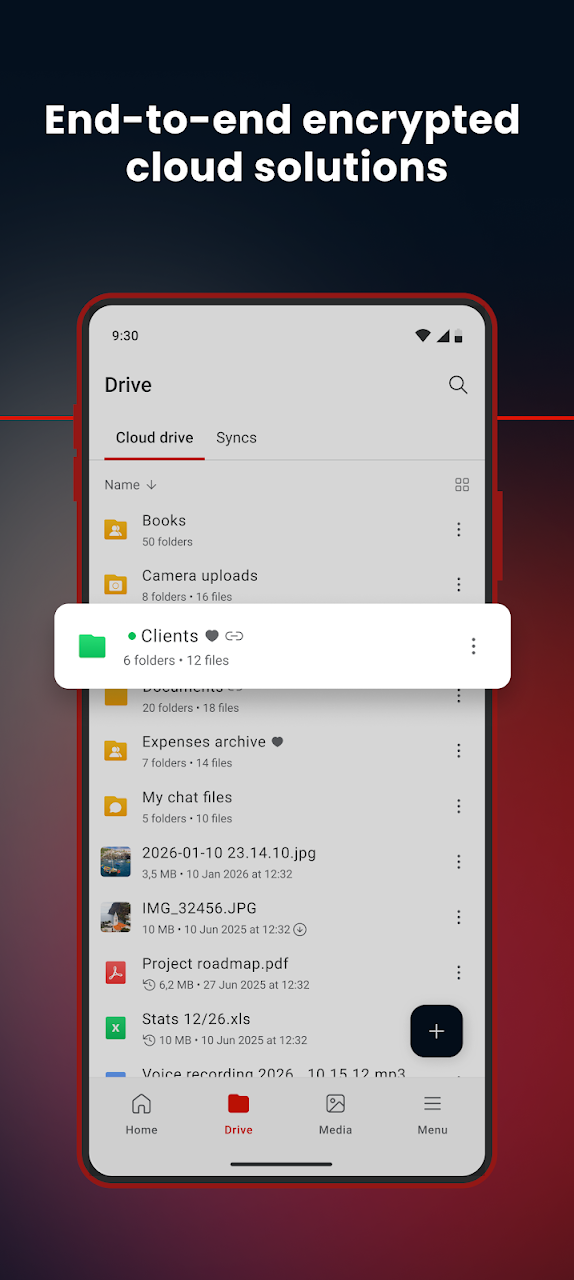
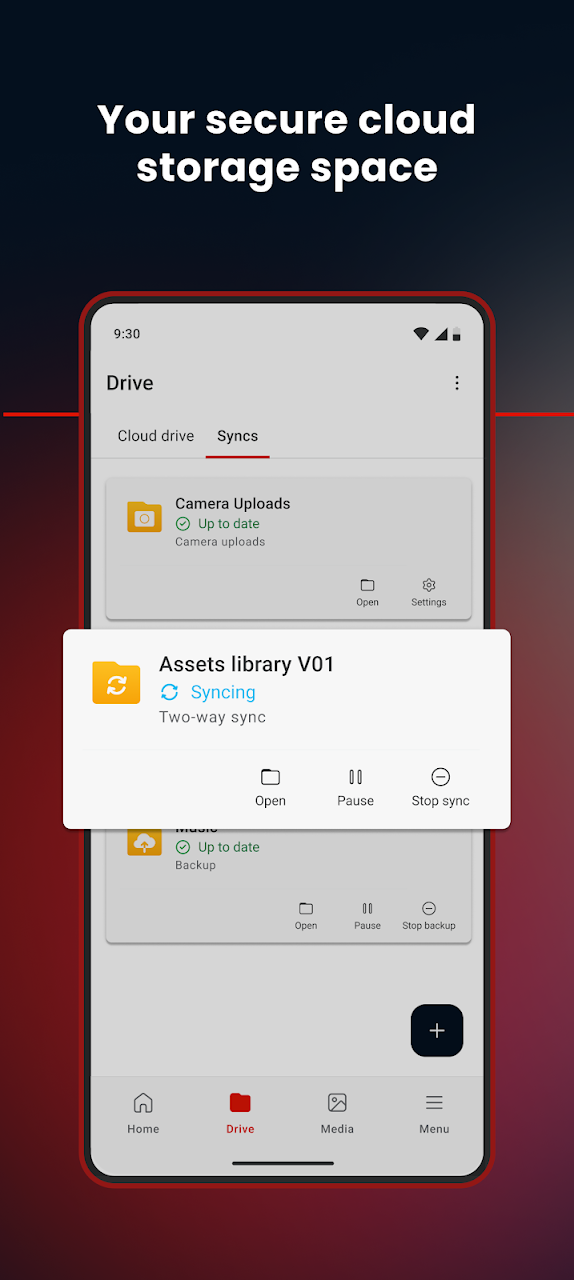
8 images · tap to enlarge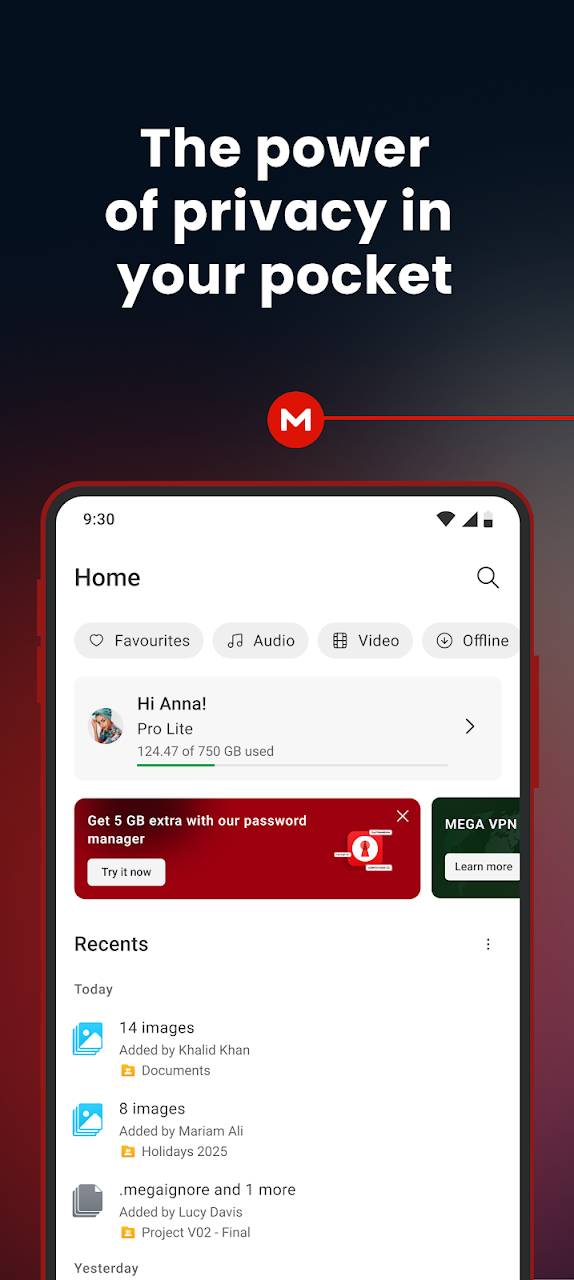
About this app
MEGA stands apart in cloud storage by keeping encryption on your device, not on the service side. In daily use, that means uploading files, syncing folders, sharing with contacts, and opening private chats from the same app. The current release keeps the focus on secure storage and cross-device access, with optional permissions for contacts, camera, microphone, and notifications.
- Client-side encryption — Your files are encrypted and decrypted on your device, with access controlled by your password and recovery key.
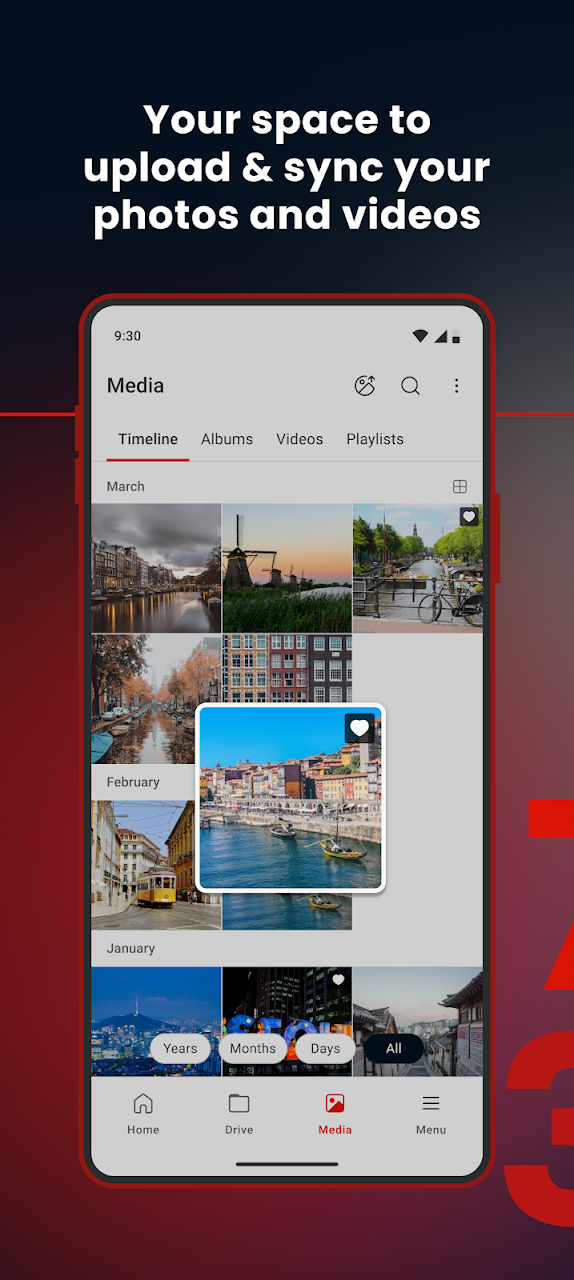
- Sync and backup — Set local folders to sync or back up to your Cloud drive so files stay available across devices.
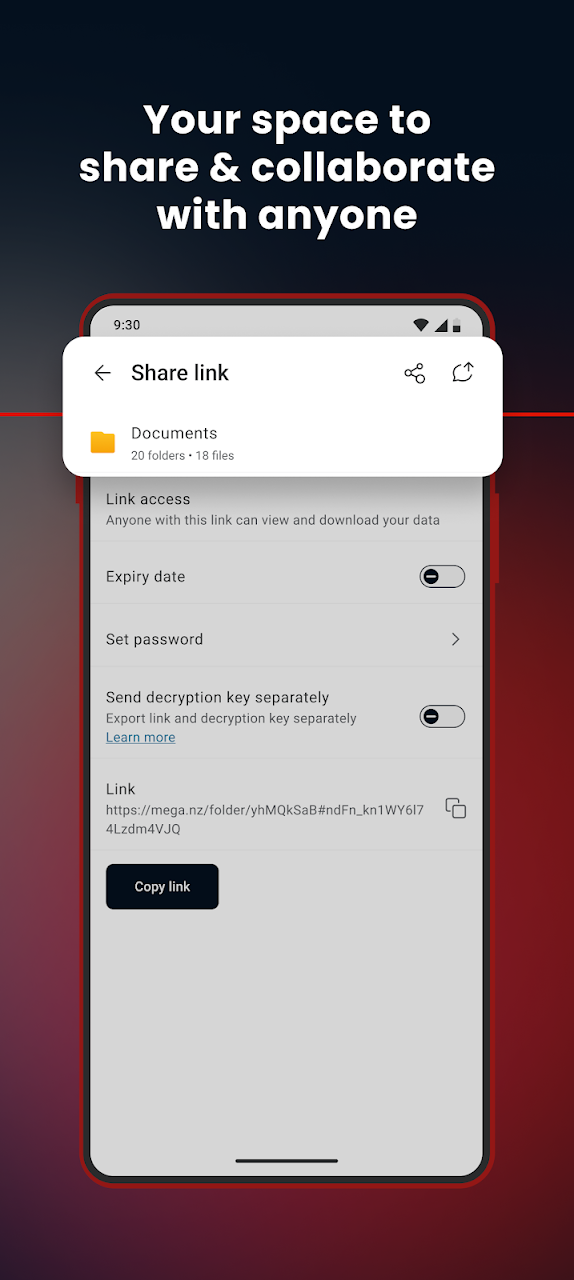
- File sharing — Share folders with contacts and follow updates in real time from your account.
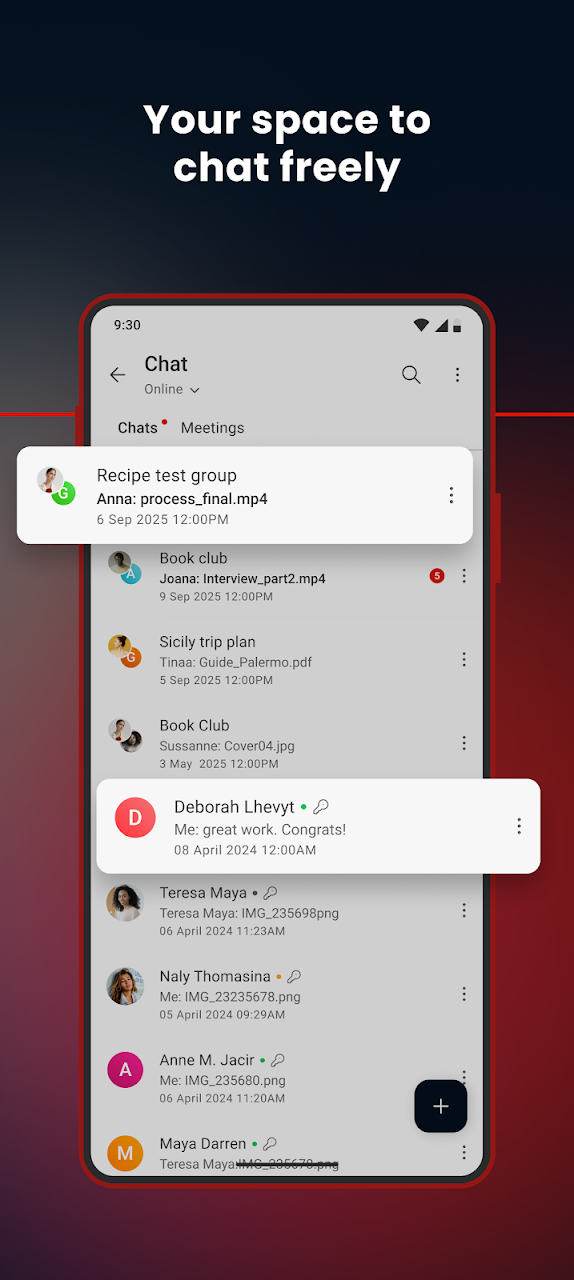
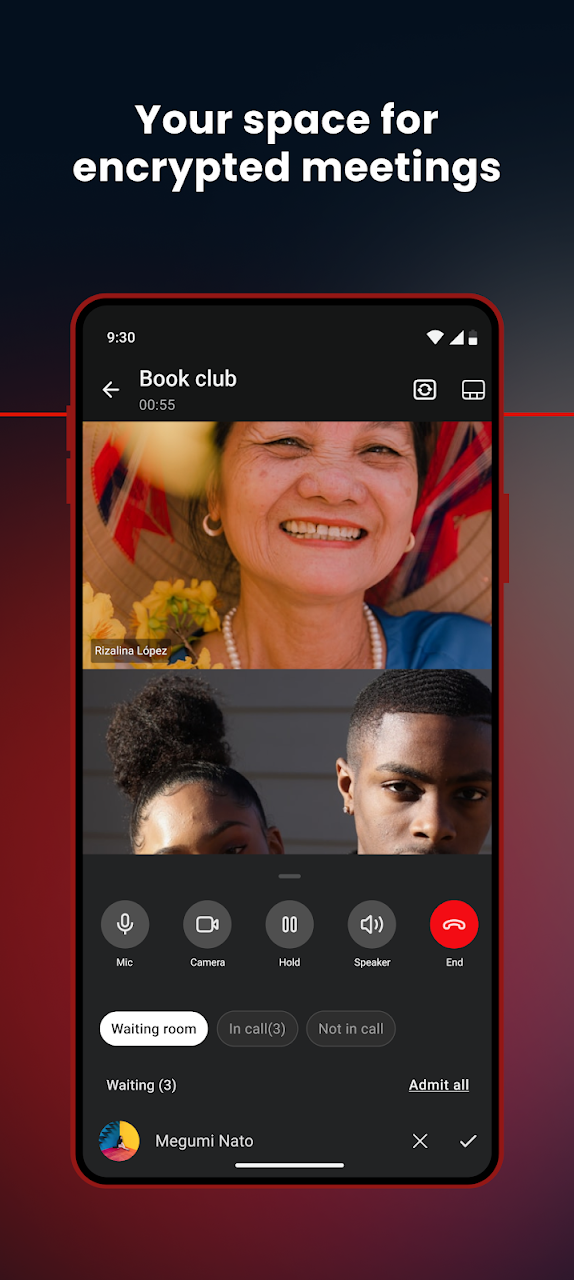
- Private chat — Use encrypted one-on-one and group chats, including audio and video calls.
- Cross-device access — Open, search, stream, rename, delete, and download files from web browsers and mobile apps.
- Free storage options — Registered users get free storage, with more available through the MEGA Achievements Programme.
Current release and setup
MEGA’s current Android build is version 10.0.3(233140859)(6e458779e3). There’s no changelog listed for this release, so the main story is the app itself: encrypted storage, sync, and chat in one place. It installs as an APK, needs Android 7.0 or later, and the file size is 205.6 MB.
Upload once, access anywhere
The main workflow starts with adding files from a phone or tablet. From there, MEGA lets you search, download, stream, view, share, rename, or delete items from another device when you need them. That makes it practical for a normal day of moving between mobile, browser, and desktop without re-uploading the same files.
Back up folders to Cloud drive
MEGA’s sync tools are built for people who want local files mirrored in cloud storage. You can sync a local folder with your Cloud drive, or set up a one-way backup for selected folders. That is useful when you want photos, documents, or other device files kept available without managing them one by one.
Private chats and file sharing
MEGA also folds in encrypted one-on-one and group chats, plus audio and video calls. Shared folders can be sent to contacts, and updates show in real time. If you use the app for work or family coordination, the direct Cloud drive integration keeps files and conversations close together.
- Optional permissions: contacts, microphone, camera, nearby devices, notifications, media, and location are used for specific in-app actions.
- Account caution: MEGA cannot access or reset your password, so the recovery key matters.
- Ads and purchases: the app contains ads and includes in-app purchases.
APK information
- Version
- 10.0.3(233140859)(6e458779e3)
- Package
- mega.privacy.android.app
- Category
- Productivity
- Size
- 206 MB
- Min Android
- 7.0
- Architecture
- universal
Older versions
-
MEGA 10.0.3(233140859)(6e458779e3)Nov 12, 2026Latest downloadAPK
MEGA FAQ
Can MEGA be used offline?expand_more
MEGA works with files stored in your Cloud drive, but the app description focuses on access through browsers and mobile apps rather than a full offline mode. Local files can be synced or backed up for later access.
Does MEGA sync across devices?expand_more
Yes. You can automatically sync local data with your Cloud drive so files stay accessible across devices.
Does MEGA have in-app purchases?expand_more
Yes. The app includes in-app purchases, and it also offers free storage for registered users.
Is MEGA available for older phones?expand_more
MEGA requires Android 7.0 or later.
Can I share folders with contacts in MEGA?expand_more
Yes. You can share folders with your contacts and see their updates in real time.