- 3.4star7 reviews
- 1B+Downloads
- 23 MBAPK size
- EveryoneRated for Everyone
- 8.0+Android
check_circleOriginal APK from Xiaomi Inc. · Updated Nov 11, 2026
No threats found
0 / — antivirus engines flagged this file
Original signature
First seen — Xiaomi Inc.
Unmodified APK
Same file the developer published — no mods
Mi Calendar screenshots
4 images · tap to enlarge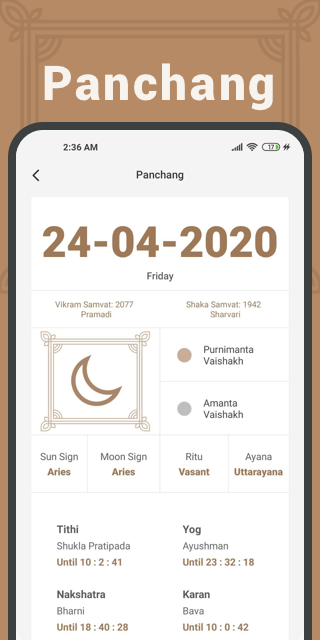
About this app
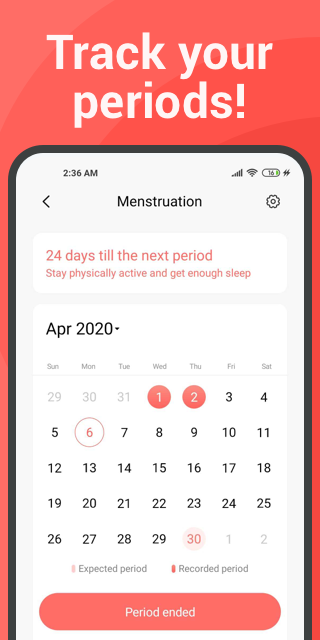
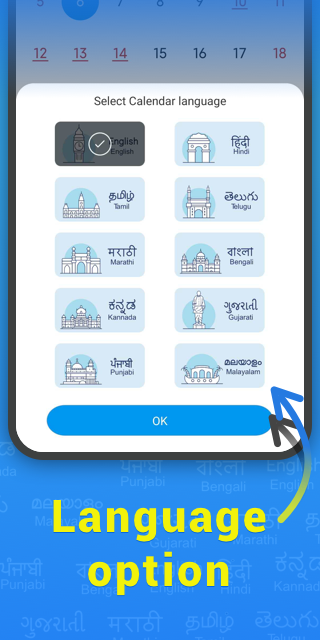
When meetings, birthdays, and travel plans pile up, Mi Calendar brings them into one place. It lets you switch between month, week, and day views, add reminders beside events, and sync calendars from Google and Exchange. It also includes traditional calendar dates, daily feeds, and support for several Indian languages.
- Month, Week, Day — Move between month, week, and day views to check your schedule in the format that suits the moment.
- Reminders and To-dos — Create reminders and keep to-dos alongside events so tasks stay visible in the same calendar.
- Calendar Sync — Bring calendars together in one place, including Google Calendar and Exchange calendars on your phone.
- Gmail Events — Flight, hotel, concert, and restaurant reservations from Gmail can be added to your calendar automatically.
- Daily Feeds — See a daily feed with jokes, horoscope, cricket schedule, and weather.
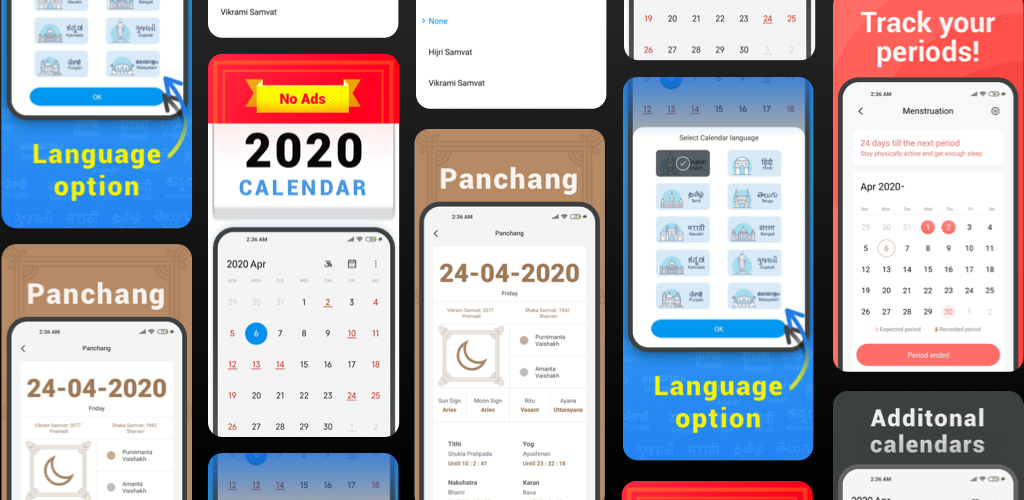
- Ad-Free Interface — The app is ad-free and uses a simple UI, with support for multiple languages.
Keeping schedules in one place
It is easy for birthdays, meetings, reminders, and travel plans to spread across different apps. Mi Calendar pulls them into one screen so you can check what is next without jumping between tools. The app is a free APK, 23 MB, in universal APK format, and it requires Android 8.0 or above. It is built for devices running MIUI12 and above ROM.
Views, reminders, and calendar sync
Mi Calendar gives you month, week, and day views, so you can move from a broad overview to a detailed schedule quickly. Reminders let you create to-dos next to your events, which makes it easier to keep tasks tied to the day they belong to. Sync support is a practical part of the app: Google Calendar works with calendars already on your phone, including Exchange.
It also connects with Gmail. Travel and booking emails such as flights, hotels, concerts, and restaurant reservations can be added to the calendar automatically, which reduces manual entry when plans change often.
Traditional dates and daily feeds
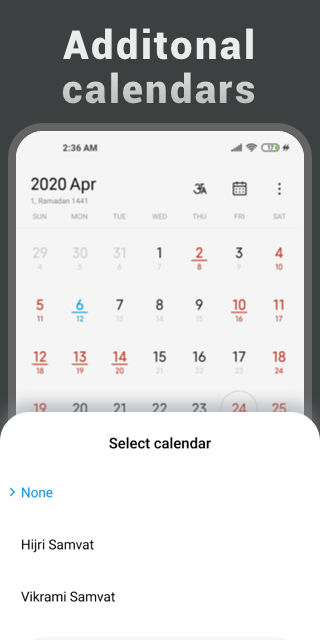
The app goes beyond standard scheduling with Panchang and Hijri calendar dates. That makes it useful if you want traditional dates alongside regular appointments. Mi Calendar also includes a daily feed with jokes, horoscope, cricket schedule, and weather, plus long weekends and holidays to help with trip planning.
Limits to keep in mind
Mi Calendar is not a general cross-device calendar for every Android phone. The app notes that it currently supports devices running MIUI12 and above ROM. It also does not list any permissions, and there are no in-app purchases or ads. The latest version is G-17.1.10, with notes card, week numbers, and bug fixes added in recent changes.
For users already using Xiaomi services, or anyone who wants calendar sync, Gmail event capture, and a simple ad-free interface, Mi Calendar is a focused option. It is less about extras and more about keeping daily planning organized in one place.
What's new
Version G-17.1.10 · Nov 11, 2026
- Added notes card
- Added week numbers
- Bug fixes
APK information
- Version
- G-17.1.10
- Package
- com.xiaomi.calendar
- Category
- Productivity
- Size
- 23 MB
- Min Android
- 8.0
- Architecture
- universal
Older versions
-
Mi Calendar G-17.1.10Nov 11, 2026Latest downloadAPK
Mi Calendar FAQ
Can Mi Calendar be used offline?expand_more
The app description does not say whether offline use is supported.
Does Mi Calendar support teams?expand_more
It focuses on personal scheduling, reminders, and calendar sync. Team collaboration features are not listed.
Does Mi Calendar need an account?expand_more
The app supports Google Calendar and Exchange calendars, but it does not say whether a separate account is required.
Is this Mi Calendar APK the original file?expand_more
This page describes the official Mi Calendar app from Xiaomi Inc. for Android in APK format.
Which Android version does Mi Calendar require?expand_more
Mi Calendar requires Android 8.0 or above and currently supports devices running MIUI12 and above ROM.