
- 3.6star1,012 reviews
- 100K+Downloads
- 26 MBAPK size
- EveryoneRated for Everyone
- 5.0+Android
check_circleOriginal APK from Infosysta DWC LLC · Updated Nov 12, 2026
No threats found
0 / — antivirus engines flagged this file
Original signature
First seen — Infosysta DWC LLC
Unmodified APK
Same file the developer published — no mods
Mobile for Jira screenshots
8 images · tap to enlarge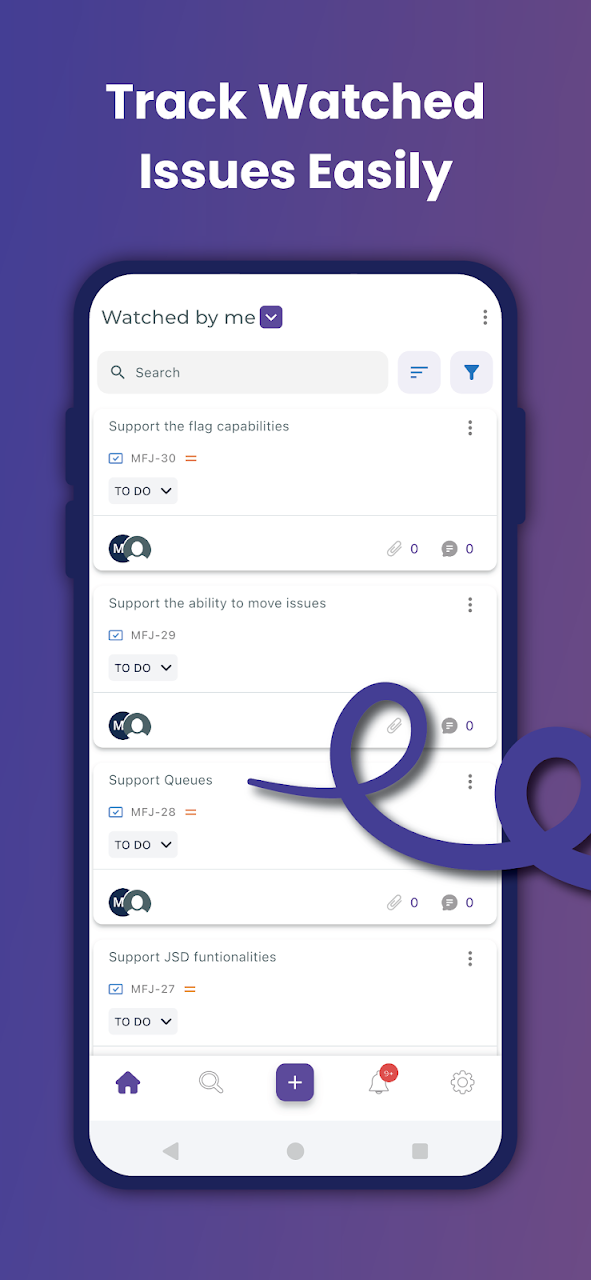
About this app
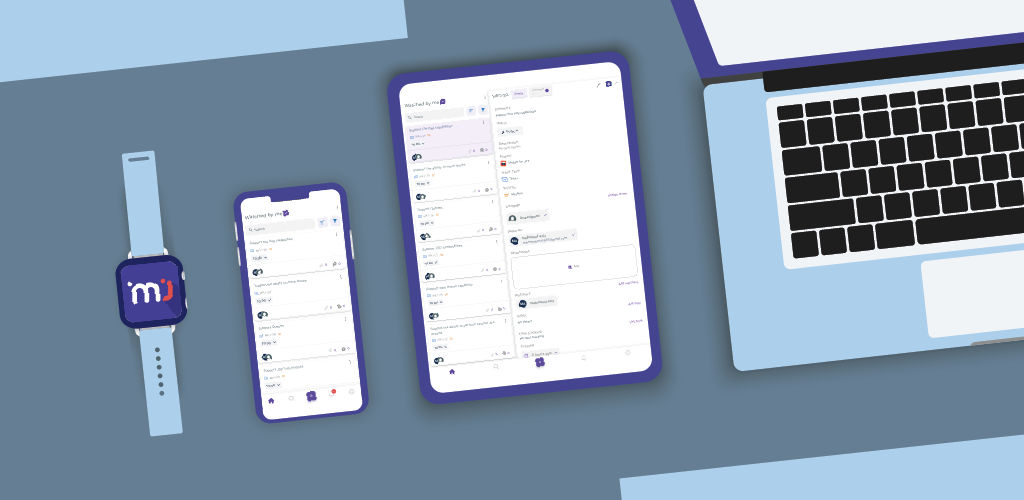
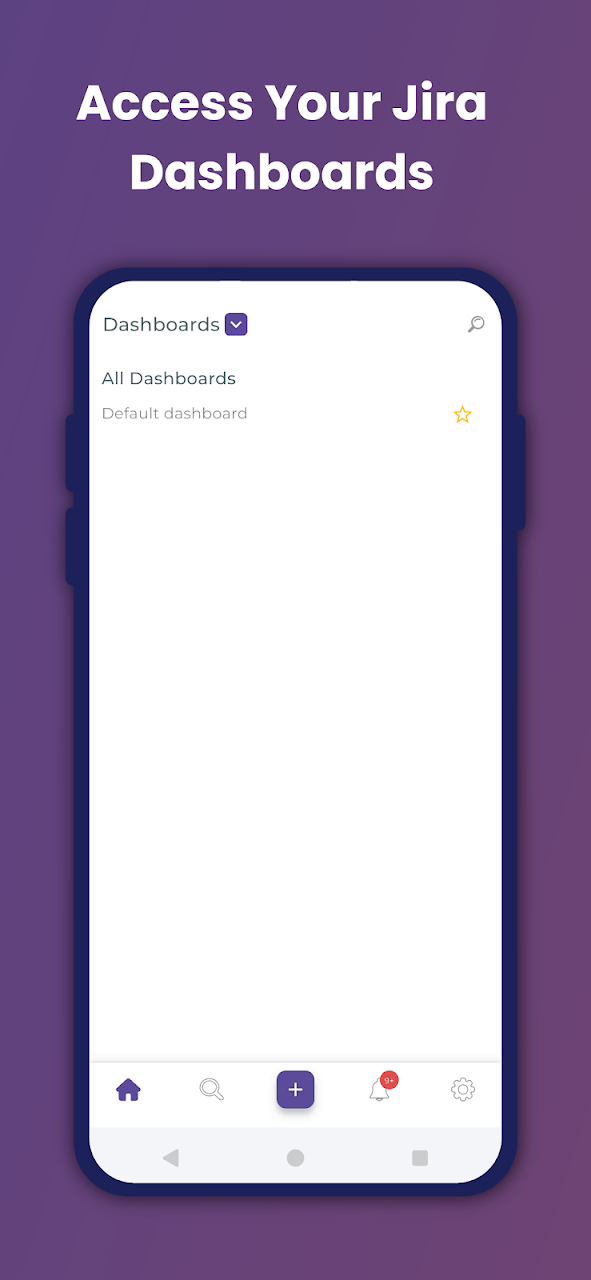
100K+ people have installed Mobile for Jira. It gives Android access to Jira Work Management, Jira Software, and Jira Service Management from a mobile interface. The app focuses on issue handling, board views, comments, attachments, and dashboards, while also supporting add-ons, multiple Jira instances, and enterprise login options.
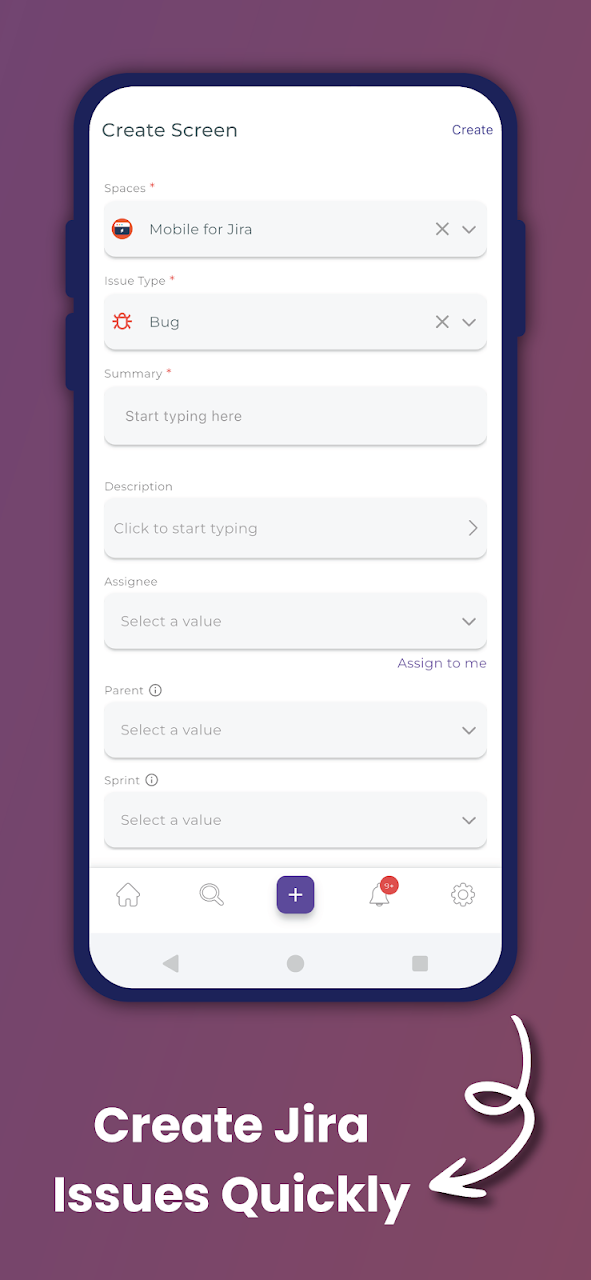
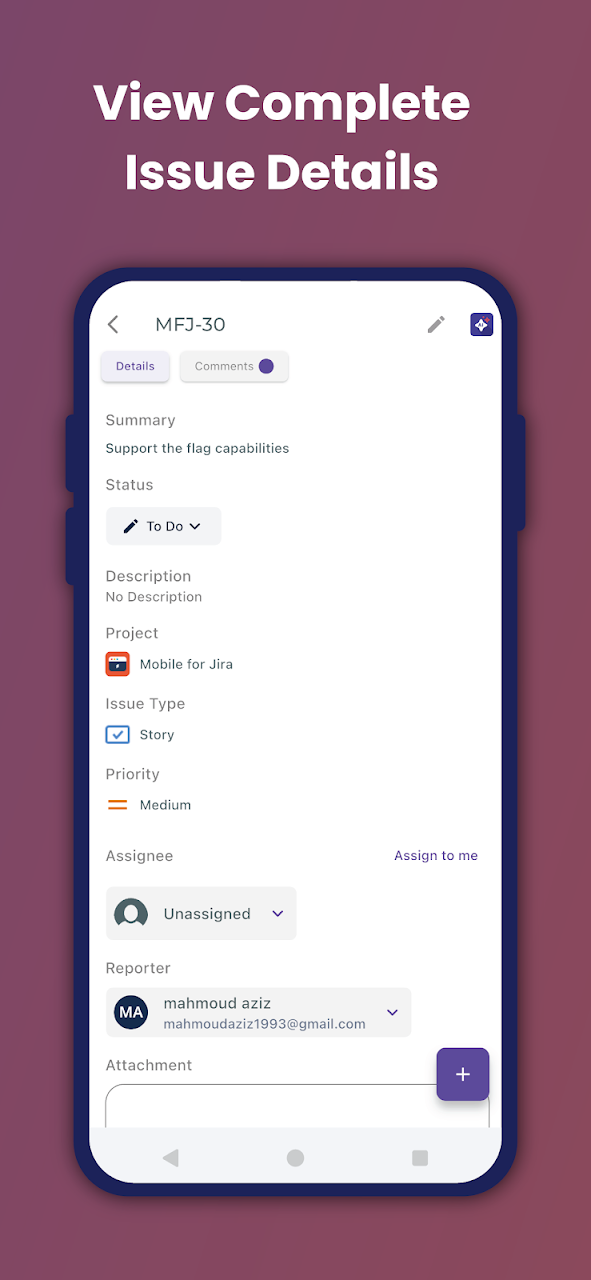
- Jira issue work — Open, edit, comment on, and manage Jira issues from your phone.
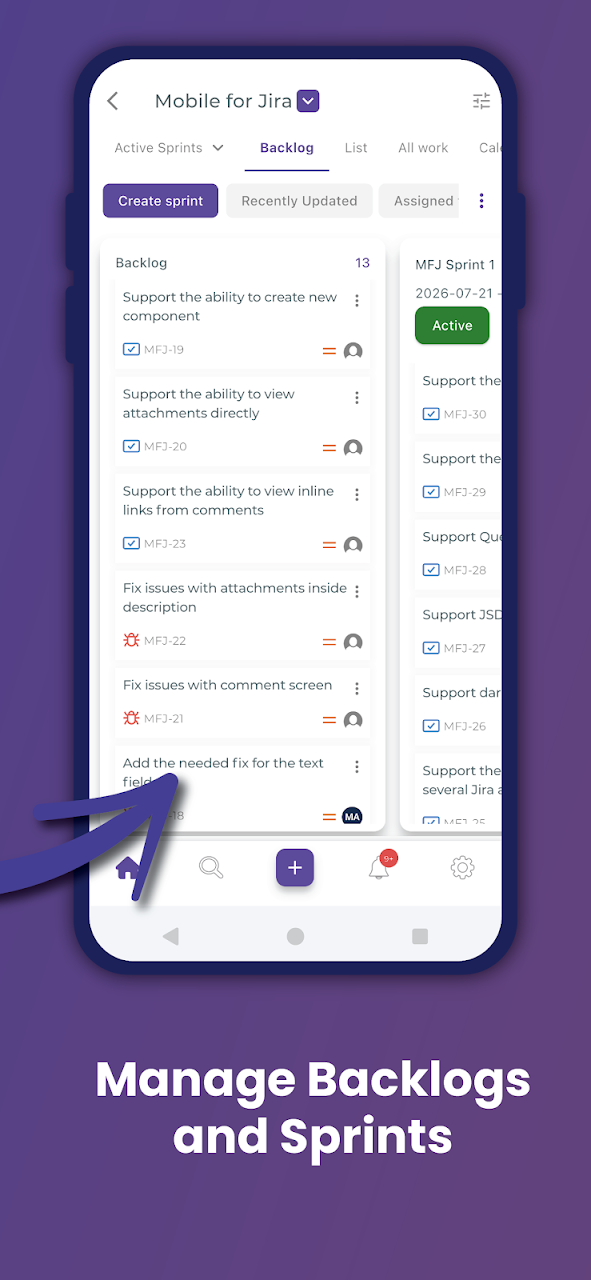
- Board access — Use Kanban and Scrum board views to follow work on the move.
- Team sharing — Receive and share tickets through WhatsApp, Telegram, and X.
- Enterprise login — Supports 2FA, MFA, SSO, and Timesheets by Tempo Basic.
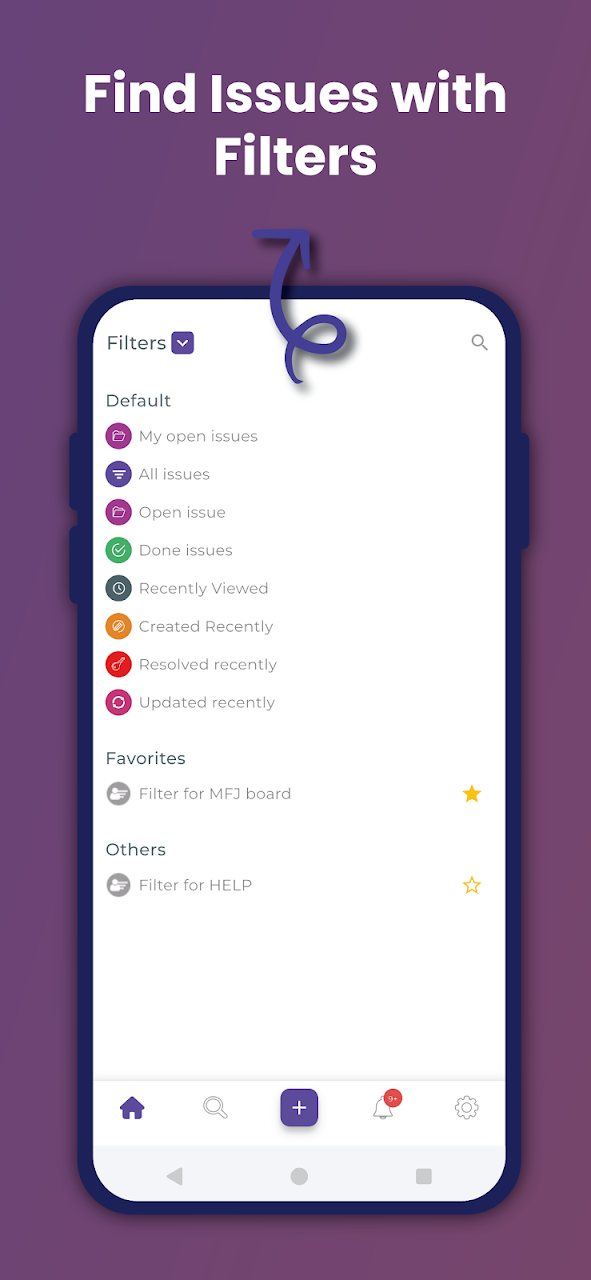
- Search and filters — Use advanced search, favorite filters, and customized fields.
- Cloud and server — Includes Easy Switch support for moving from Cloud to Data Center.
Jira work on Android
Mobile for Jira is a mobile companion for Jira Work Management, Jira Software, and Jira Service Management. It is built around issue handling, board views, comments, attachments, and dashboards. The app also supports multiple Jira instances, so users who work across more than one site can keep separate spaces on the same phone.
What it lets you do
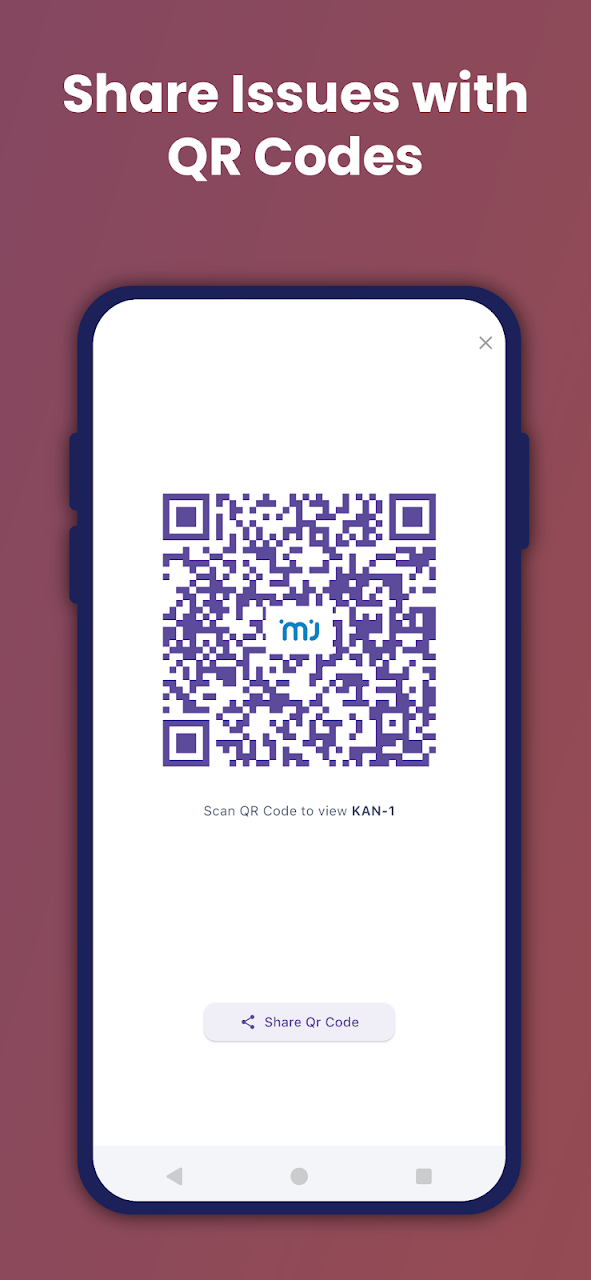
You can add, edit, and delete rich text comments, manage attachments, save favorite filters, and work with advanced search. The app also includes voice note attachments, an in-app photo editor, customized fields, push notifications, QR code scan and generation, and support for JSD articles and canned responses.
- Gets: Jira issue actions, dashboards, boards, attachments, comments, and search.
- Gets: Add-on support for tools such as Insight, EazyBI, Custom charts, Elements Connect, and SSO.
- Watch for: Access requires a Marketplace add-on before the app can be used.
- Watch for: Some features depend on connected Jira products or third-party add-ons.
Sync, login, and enterprise setup
The description points to cloud and server use, including Easy Switch from Cloud to Data Center. It also mentions 2FA, MFA, and SSO login, plus branded solution support and Arabic with RTL support. That makes the app more suited to teams that need a Jira mobile front end that fits existing company setup rather than a simple personal task list.
Install details and cost
The app is free, shows no ads, and includes in-app purchases. It comes as an APK, with a 26.4 MB file size, universal ABI support, and Android 5.0 or newer required. The Play listing does not list permissions, so there is no permission set to review here.
APK information
- Version
- 3.23.6
- Package
- com.infosysta.mobile.jira
- Category
- Productivity
- Size
- 26 MB
- Min Android
- 5.0
- Architecture
- universal
Older versions
-
Mobile for Jira 3.23.6Nov 12, 2026Latest downloadAPK
Mobile for Jira FAQ
Does Mobile for Jira sync across devices?expand_more
The description does not spell out device-to-device sync, but it does support Jira access across multiple instances and mobile use of issues, boards, and filters.
Does Mobile for Jira support teams?expand_more
Yes. It works with Jira Work Management, Jira Software, and Jira Service Management, and it includes shared ticket handling, dashboards, and add-on support for enterprise setups.
How do I update Mobile for Jira from an APK?expand_more
Install the newer APK version over the current one on a device that already allows APK installs. This listing shows version 3.23.6.
What is the difference between the APK and the Play Store version of Mobile for Jira?expand_more
This listing is for the APK file. The app itself is the same product described on Google Play, but the APK is the installable package format.
What Jira features does Mobile for Jira support?expand_more
It supports issues, Kanban and Scrum boards, dashboards, attachments, comments, advanced search, favorite filters, and several add-ons and login options.