
- 4.3star3,342,120 reviews
- 100M+Downloads
- 98 MBAPK size
- EveryoneRated for Everyone
- 6.0+Android
check_circleOriginal APK from MOBIZEN · Updated Nov 12, 2026
No threats found
0 / — antivirus engines flagged this file
Original signature
First seen — MOBIZEN
Unmodified APK
Same file the developer published — no mods
Mobizen Screen Recorder screenshots
8 images · tap to enlarge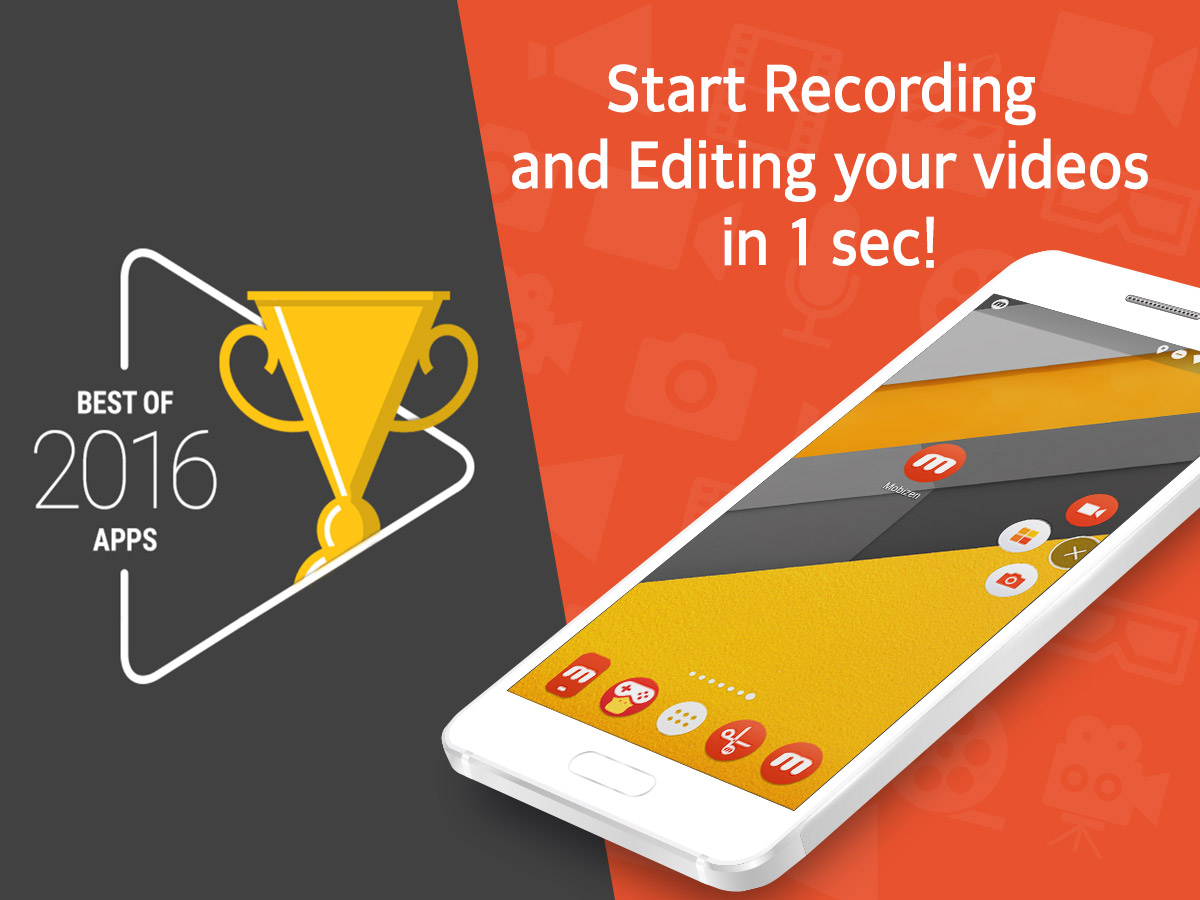
About this app
MOBIZEN makes Mobizen Screen Recorder for people who want to capture their screen, edit the result, and use Auto Tap without jumping between apps. It opens up to a recording-focused workflow with facecam, drawing tools, GIF creation, and saved files kept on your device. The app is free, but it does include ads and in-app purchases.
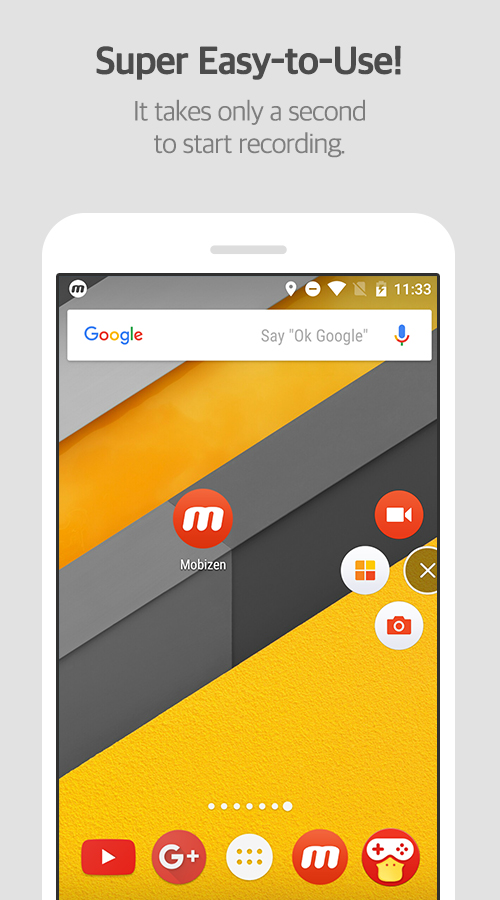
- One-tap recording — Start screen recording quickly and capture gameplay, videos, or live streams from one place.
- No signup needed — You can begin using the app without creating an account first.
- Clean recording modes — Hide the record button or use Clean mode for recordings without a watermark.
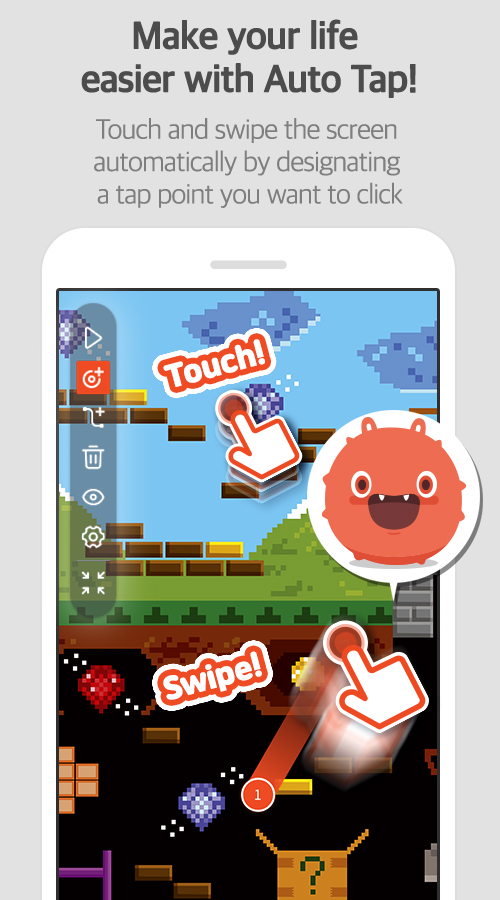
- Auto Tap tools — Use Auto Tap and Auto Swiping for repeated touches and simple automation.
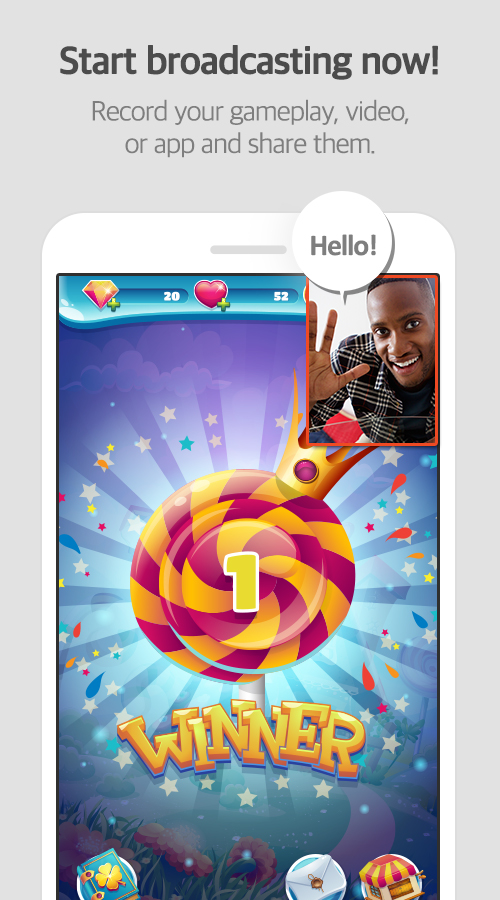
- Facecam and audio — Record your reactions with Facecam while capturing game sound and voice together.
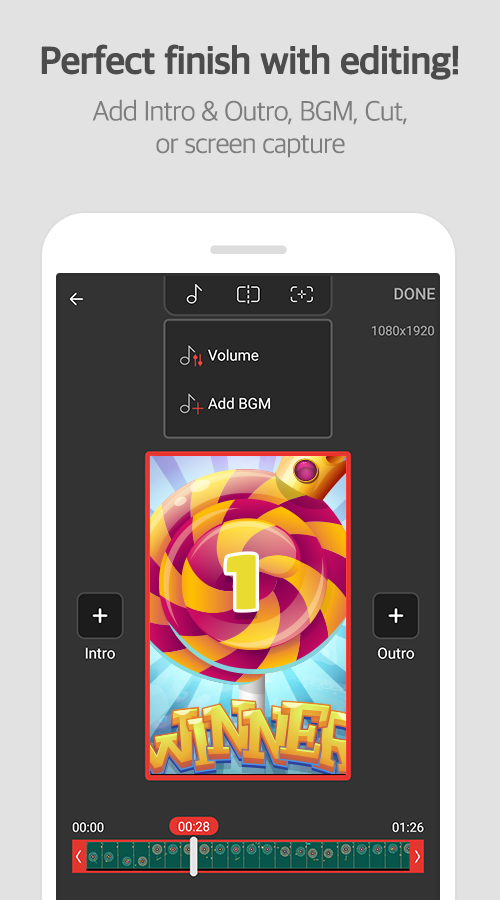
- GIF and editing — Trim, edit, draw on clips, and turn recordings into GIFs or memes.
Recording a game, tutorial, or live moment
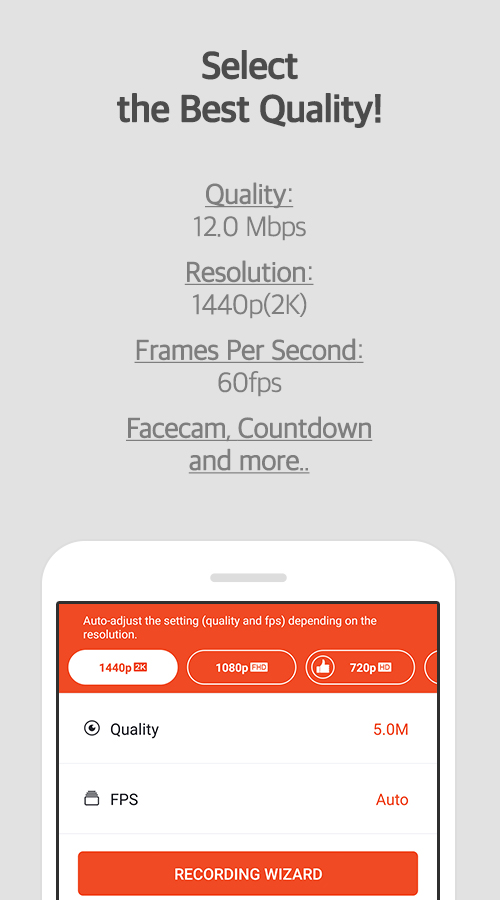
Mobizen Screen Recorder is built for the moments when you want to capture what is happening on your phone without setting up a lot first. You can start with one click, hide the floating circle if you want a cleaner screen, and choose settings for high-resolution recording up to 1440P, 24.0Mbps, and 60fps. It also supports Facecam, so your reaction can appear while you record the screen.
- Records gameplay, video, and live broadcasting
- Lets you hide the record button with Hide Air Circle mode
- Offers Clean mode for recordings without a watermark
Editing clips and making GIFs
After recording, the app keeps the workflow in the same place. You can save video and image files, use editing tools, and add drawings to point out what matters. If you want a shorter shareable format, there is also GIF creation, which is handy for quick reactions or simple memes. The app stores recordings on your device, not on a server, so the files stay local.
- Editing tools for recorded video and images
- Drawing function for highlighting parts of a clip
- GIF creation for quick sharing
Auto Tap for repeated actions
For users who tap the same spots again and again, Mobizen includes Auto Tap and Auto Swiping. These features use Android’s AccessibilityService API so the app can perform repeated taps and swipes. The app says it does not collect or transmit personal data through that API. You can also choose different Air Circle styles, including mini, time bar, and transparent types.
- Auto Tap and Auto Swiping included
- Custom Air Circle styles
- Optional permissions for camera, microphone, overlay, and notifications
When you want to keep files on the phone
This app can save to external memory, which is useful if you make long recordings and want to use an SD card. It works on Android 6.0 and up, comes as an APK, and the file size is 98.4 MB. The free version includes ads, and there are in-app purchases if you want them.
- Supports saving to SD card
- Free to download
- APK format, 98.4 MB, Android 6.0+
What's new
Version 3.11.2.5 · Nov 12, 2026
- A new version has been released.
- Fixed an issue with internal audio recording on Pixel 8/9 devices.
- Added recording settings presets and a snapshot feature.
APK information
- Version
- 3.11.2.5
- Package
- com.rsupport.mvagent
- Category
- Productivity
- Size
- 98 MB
- Min Android
- 6.0
- Architecture
- universal
Older versions
-
Mobizen Screen Recorder 3.11.2.5Nov 12, 2026Latest downloadAPK
Mobizen Screen Recorder FAQ
Does Mobizen Screen Recorder sync across devices?expand_more
It is described as saving videos on the user device, not on a server. There is no mention of cross-device sync.
Does Mobizen Screen Recorder support teams?expand_more
No team features are described. The app focuses on personal screen recording, editing, Auto Tap, and GIF creation.
Which Android version does Mobizen Screen Recorder need?expand_more
It needs Android 6.0 or higher.
How big is the Mobizen Screen Recorder download?expand_more
The APK size is 98.4 MB.
Can I record without a watermark?expand_more
Yes. The app includes Clean mode for free screen recording without a watermark.