- 0.0star0 reviews
- 1K+Downloads
- 16 MBAPK size
- EveryoneRated for Everyone
- API 14+Android
check_circleOriginal APK from monUnique · Updated Nov 12, 2026
No threats found
0 / — antivirus engines flagged this file
Original signature
First seen — monUnique
Unmodified APK
Same file the developer published — no mods
monUnique - Design and Artwork Maker screenshots
8 images · tap to enlarge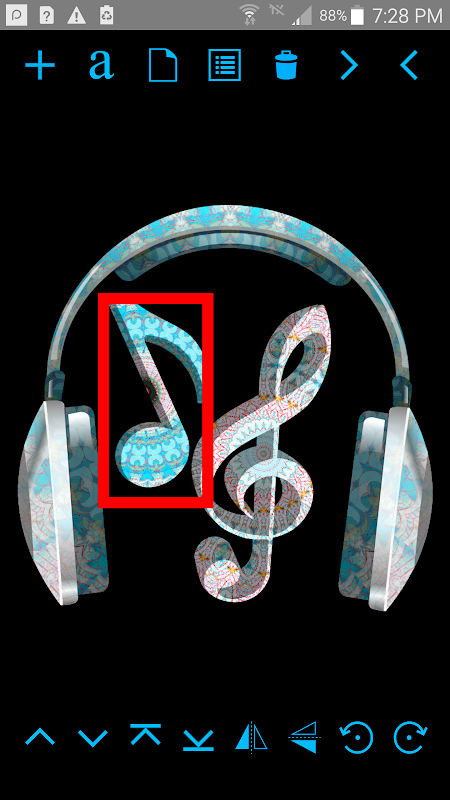
About this app
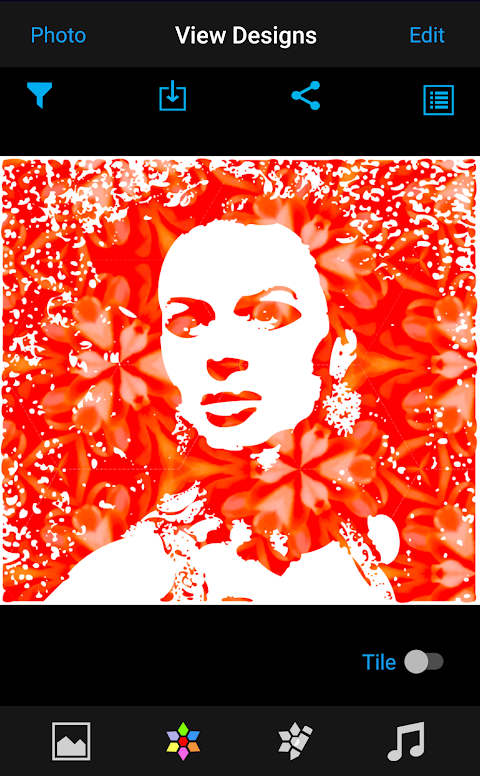
Looking for a photo-to-art editor? monUnique turns a chosen photo into multiple SVG-based designs, then lets you tweak shapes, text, and layout in a simple four-module interface. It works without ads or in-app purchases, and it does not ask for permissions, so the main tradeoff is learning the editing tools rather than handling account setup or storage prompts.
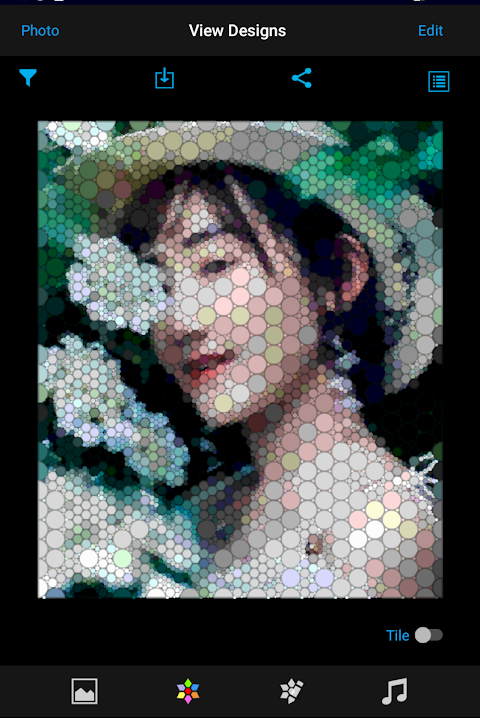
- Photo to design — Pick a camera shot or gallery image and use it as the seed for new designs.
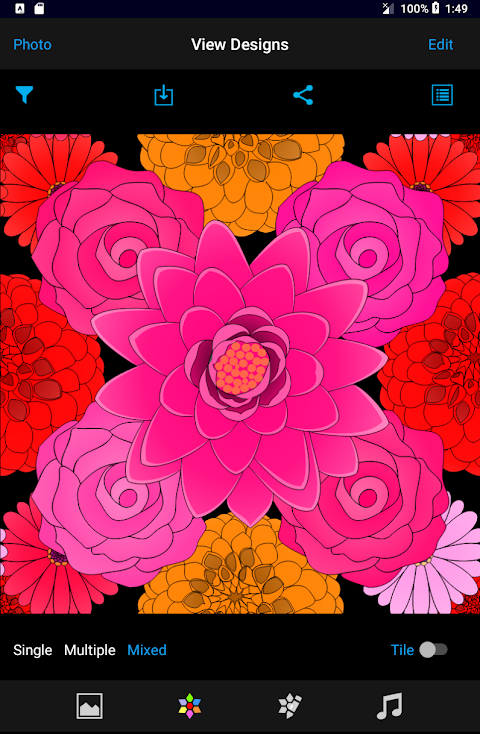
- Filter-based output — Browse design filters and view single, multiple, or mixed shape layouts.
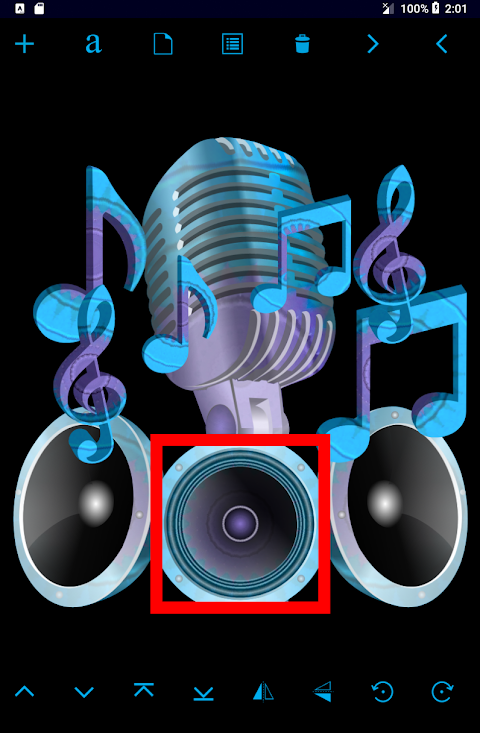
- Shape editing — Move, resize, rotate, flip, and reorder shapes in edit mode.
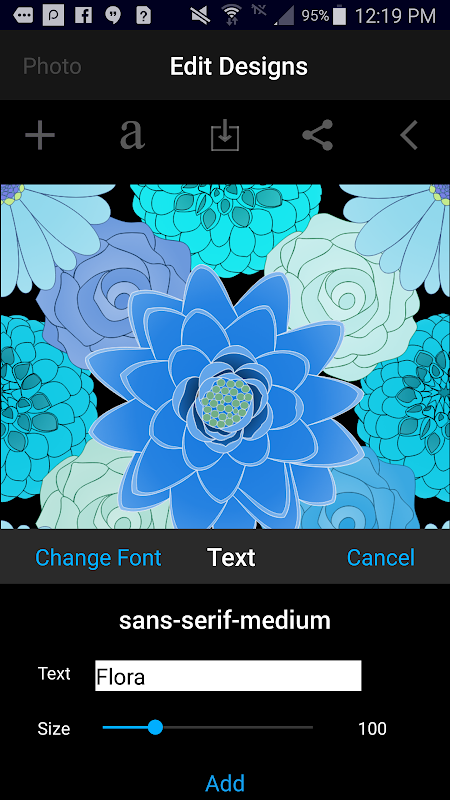
- Text support — Add text with different fonts and control its size inside a design.
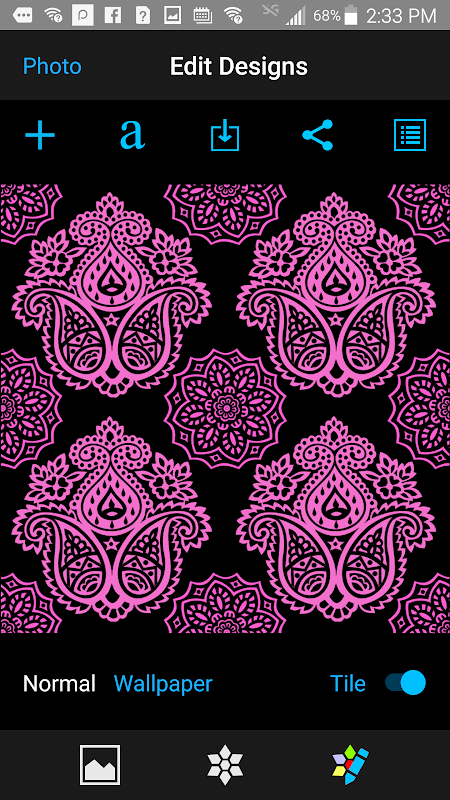
- Wallpaper mode — Extend shapes across edges and corners for continuous patterns.
- Save and share — Export designs to the gallery or share them from the app.
Turn a photo into SVG designs
monUnique is built around one everyday task: taking a photo and turning it into a set of vector-style designs. You start with a camera image or something from the gallery, then move through filters, previews, and edits. The app focuses on shapes, textures, and SVG output rather than freehand drawing, so it feels more like a design generator than a sketchpad.
Photo selection and design filters
The first screen path is straightforward. After choosing a seed image, you can open the design view and browse the default filter set, which includes Wings. Designs can be shown in single, multiple, or mixed modes, and the app supports swiping through shapes and variations. A tile switch is available when you want the design repeated across the canvas.
Edit shapes, text, and layout
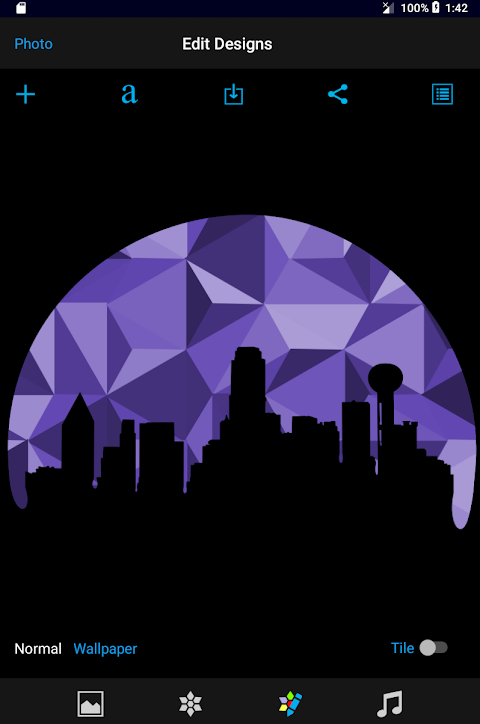
The edit tab is where most of the hands-on work happens. You can add shapes from filter lists, insert text using different fonts, and adjust each element with rotation, scaling, translation, and flipping. The properties panel changes texture, stroke color, fill, overlay, and opacity. Wallpaper mode is useful when you want a shape to continue across edges and corners.
Save, share, and file details
Finished designs can be saved to the gallery or shared from the app. The description points to SVG-based designs, so the output is aimed at scalable vector artwork rather than raster-only exports. It is a free app, with no ads and no in-app purchases. The package is an APK, sized at 15.7 MB, and it runs on Android API 14 and up.
Permissions and daily use
There are no listed permissions, which means the app does not advertise access requests for storage, camera, or other device features in its current package listing. In daily use, that keeps setup light: you open it, pick or create a design, edit what you want, then save or share. The main friction is simply the number of controls in the editor, not sign-in screens or permission prompts.
- Simple entry point: choose a photo and start from that image.
- Detailed editing: adjust shape order, placement, and appearance.
- No account needed: the listing does not mention sign-in.
- No ad breaks: the app is marked as having no ads.
APK information
- Version
- 1.441
- Package
- com.monunique
- Category
- Art & Design
- Size
- 16 MB
- Min Android
- API 14
- Architecture
- universal
Older versions
-
monUnique - Design and Artwork Maker 1.441Nov 12, 2026Latest downloadAPK
monUnique - Design and Artwork Maker FAQ
Does monUnique - Design and Artwork Maker add a watermark?expand_more
The app description does not mention a watermark on saved or shared designs. It says you can save images to the gallery or share them directly.
Can monUnique - Design and Artwork Maker edit RAW photos?expand_more
The app is described as a vector art design tool that works from photos, but it does not mention RAW file editing. Its tools focus on filters, shapes, text, and SVG-style output.
What is the difference between the APK and the Play Store version of monUnique - Design and Artwork Maker?expand_more
The APK is the app package file format, listed here as 15.7 MB and universal. This version is the original file format used to install the app.
Does monUnique - Design and Artwork Maker need an account?expand_more
No account or sign-in requirement is mentioned. The app description focuses on photo selection, design editing, saving, and sharing.
Can I save designs from monUnique - Design and Artwork Maker to my gallery?expand_more
Yes. The design view includes an option to save the image in the gallery or share it on social media.