- 3.9star42,101 reviews
- 5M+Downloads
- 38 MBAPK size
- EveryoneRated for Everyone
- 10+Android
check_circleOriginal APK from FRITZ! GmbH · Updated Nov 12, 2026
No threats found
0 / — antivirus engines flagged this file
Original signature
First seen — FRITZ! GmbH
Unmodified APK
Same file the developer published — no mods
MyFRITZ!App screenshots
8 images · tap to enlarge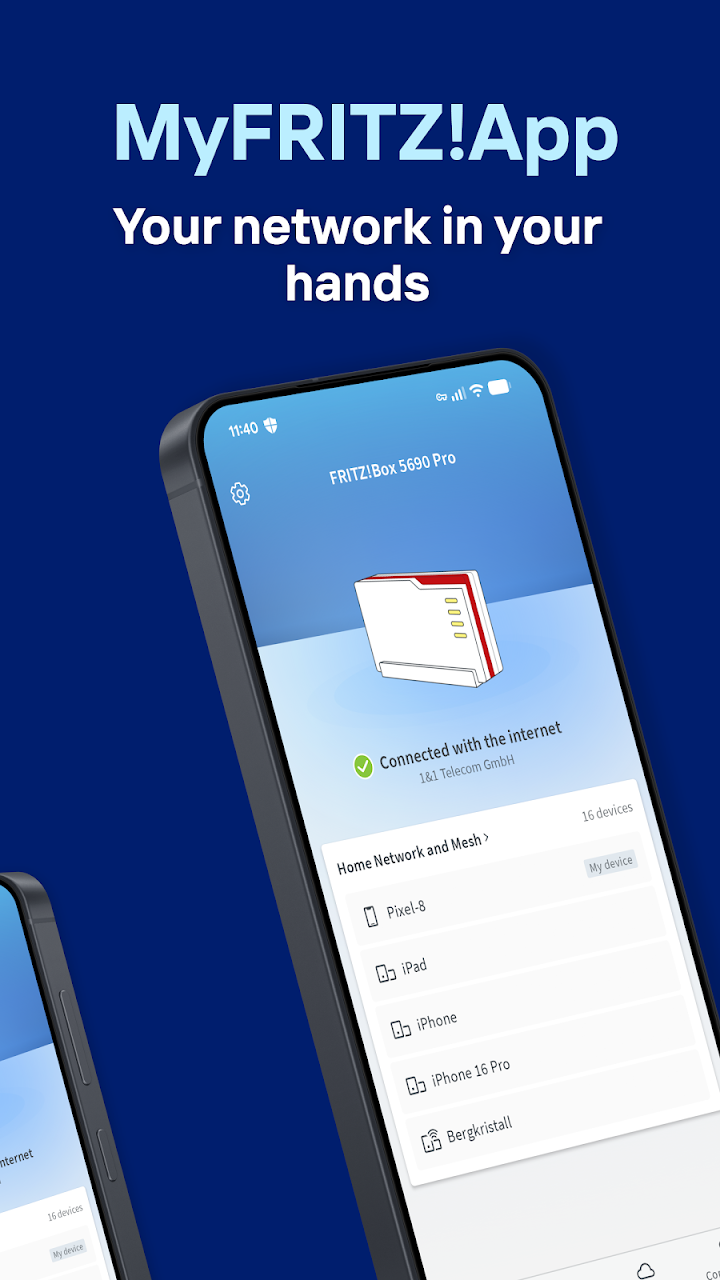
About this app
MyFRITZ!App stands out in the Tools category by focusing on remote control of a FRITZ!Box home network. It lets you manage connected devices, set up guest Wi‑Fi, reach your home network through VPN, and open files stored on FRITZ!Box NAS storage. The app is free, has no ads or in-app purchases, and works on Android 10 and up.
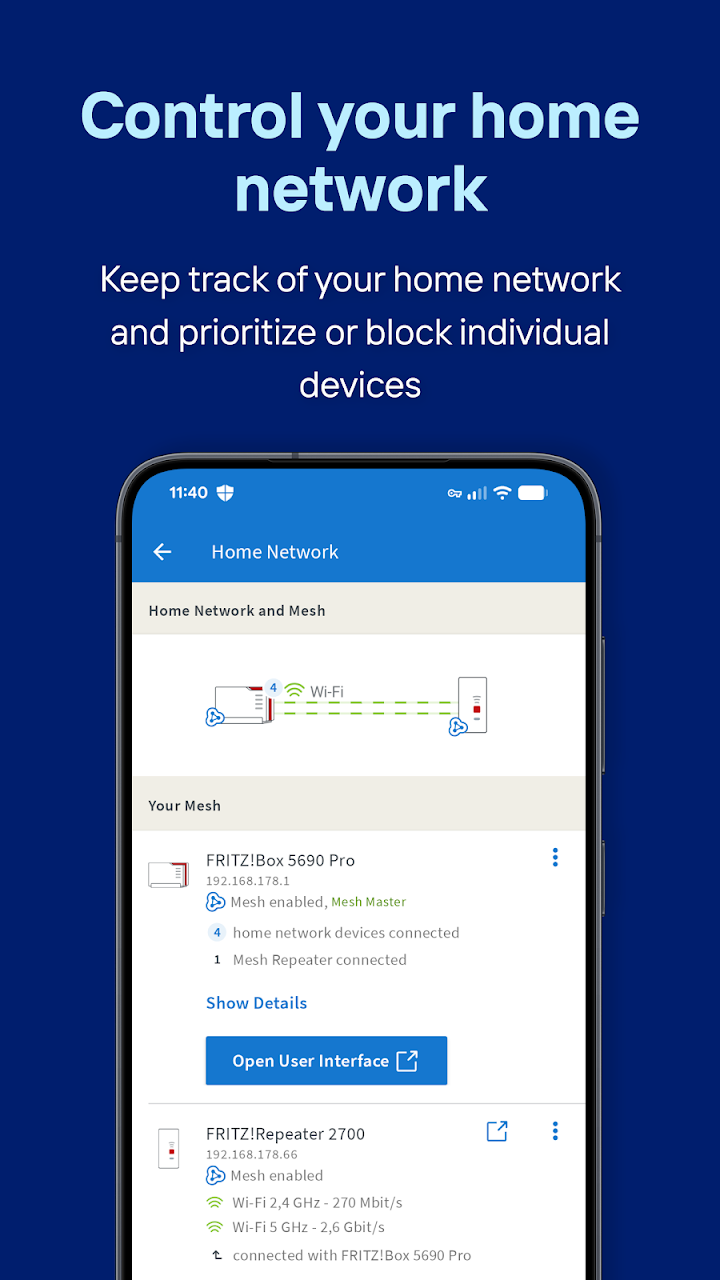
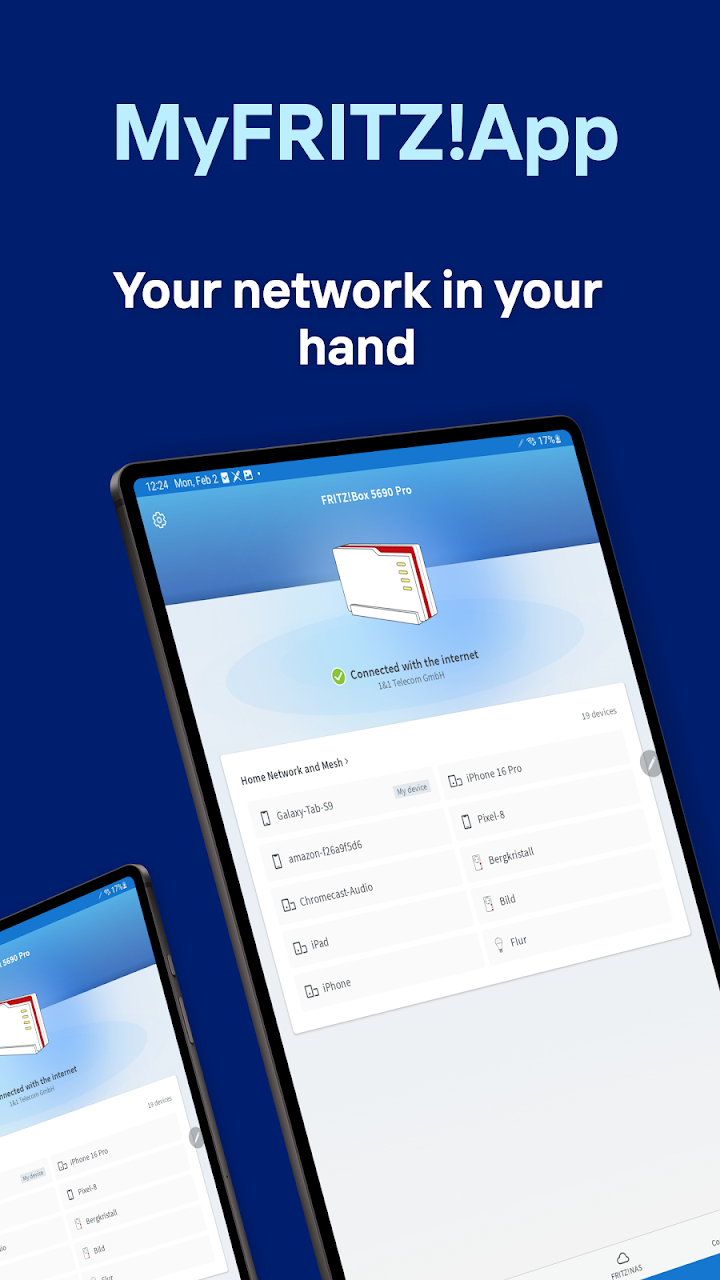
- FRITZ!Box control — See and manage your home network devices and events from the app.
- Device management — Prioritize devices, rename them, or block their internet access when needed.
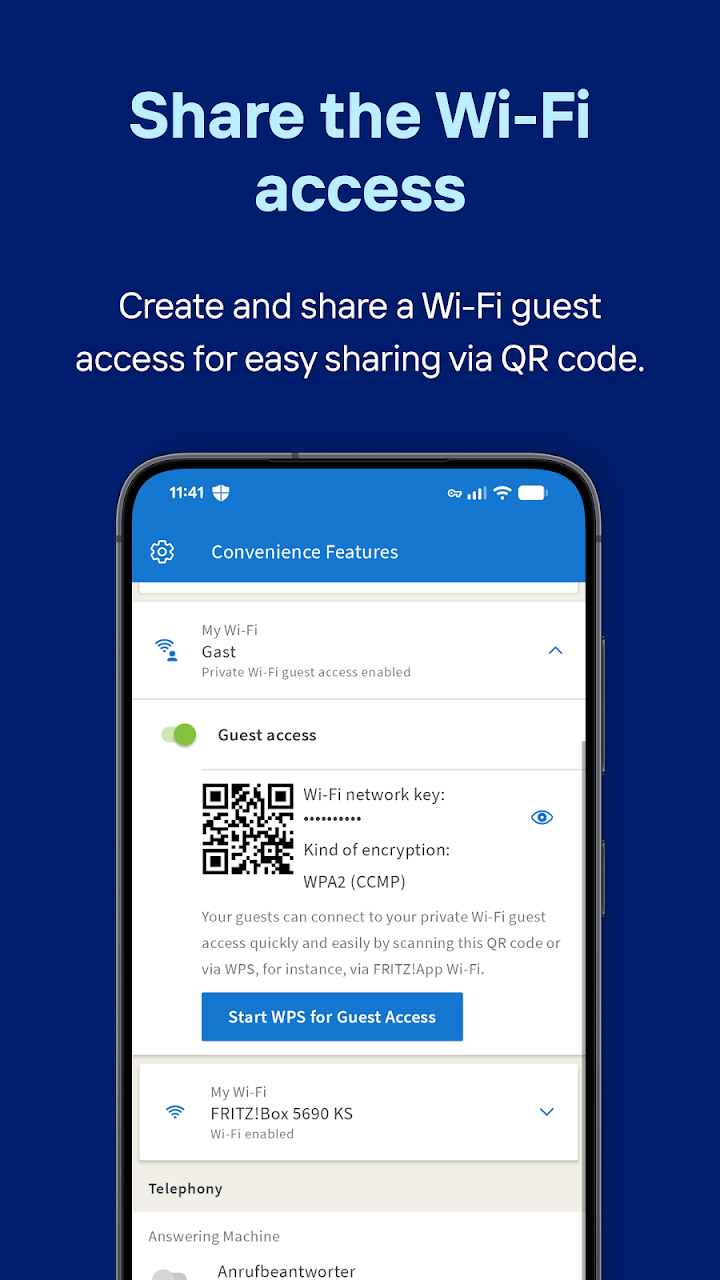
- Guest Wi-Fi sharing — Create guest access and share it with a QR code instead of giving out your main password.
- VPN access — Set up a secure private connection to your FRITZ!Box for use when you are away.
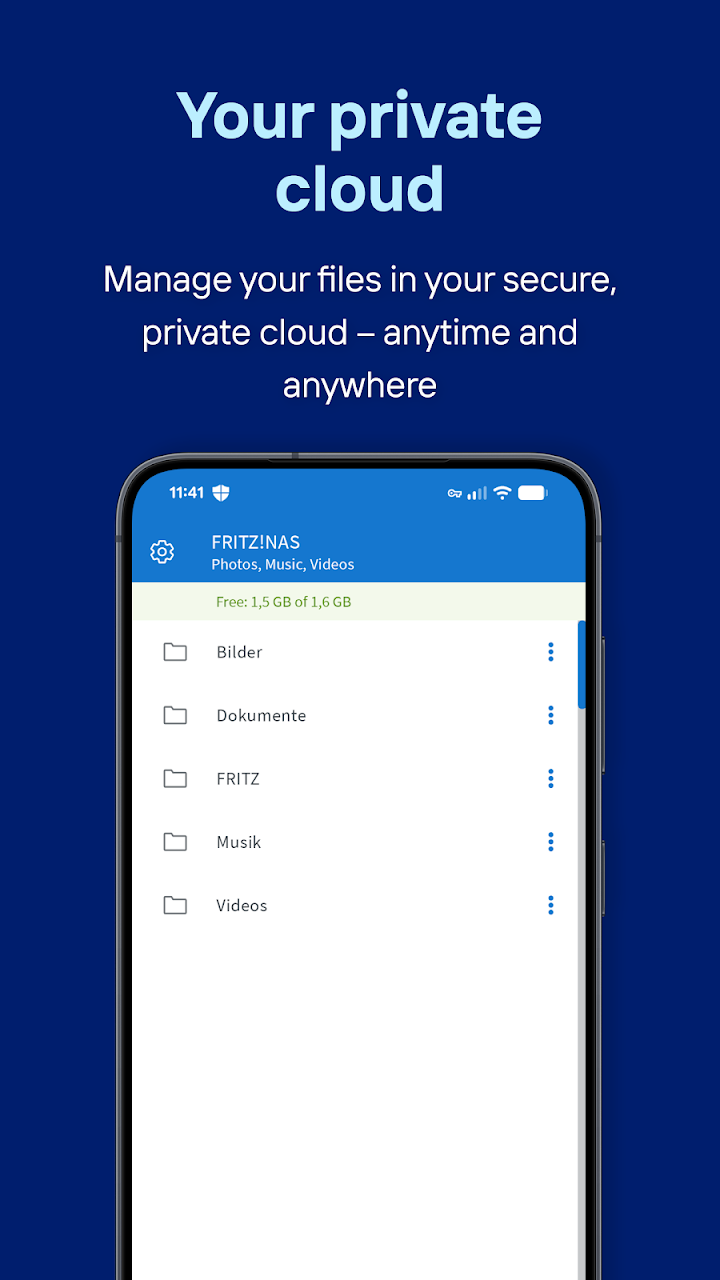
- NAS file access — Open photos, videos, and documents stored on your FRITZ!Box from anywhere.
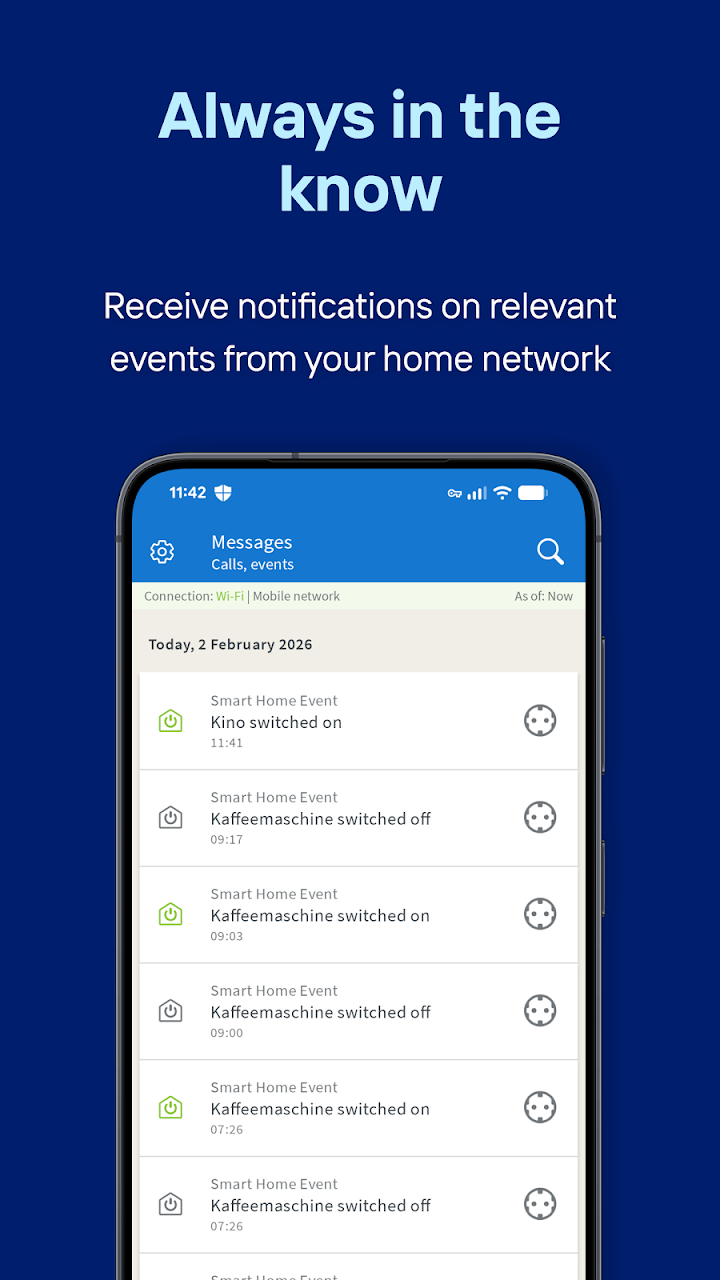
- Real-time alerts — Get notified about missed calls, new voice messages, and FRITZ!Box updates.
Control your FRITZ!Box from anywhere
MyFRITZ!App is built for people who use a FRITZ!Box and want a simple way to manage it from the phone. Instead of only checking settings at home, you can view devices, react to events, and reach your network when you are away. It is free to install, does not show ads, and does not offer in-app purchases.
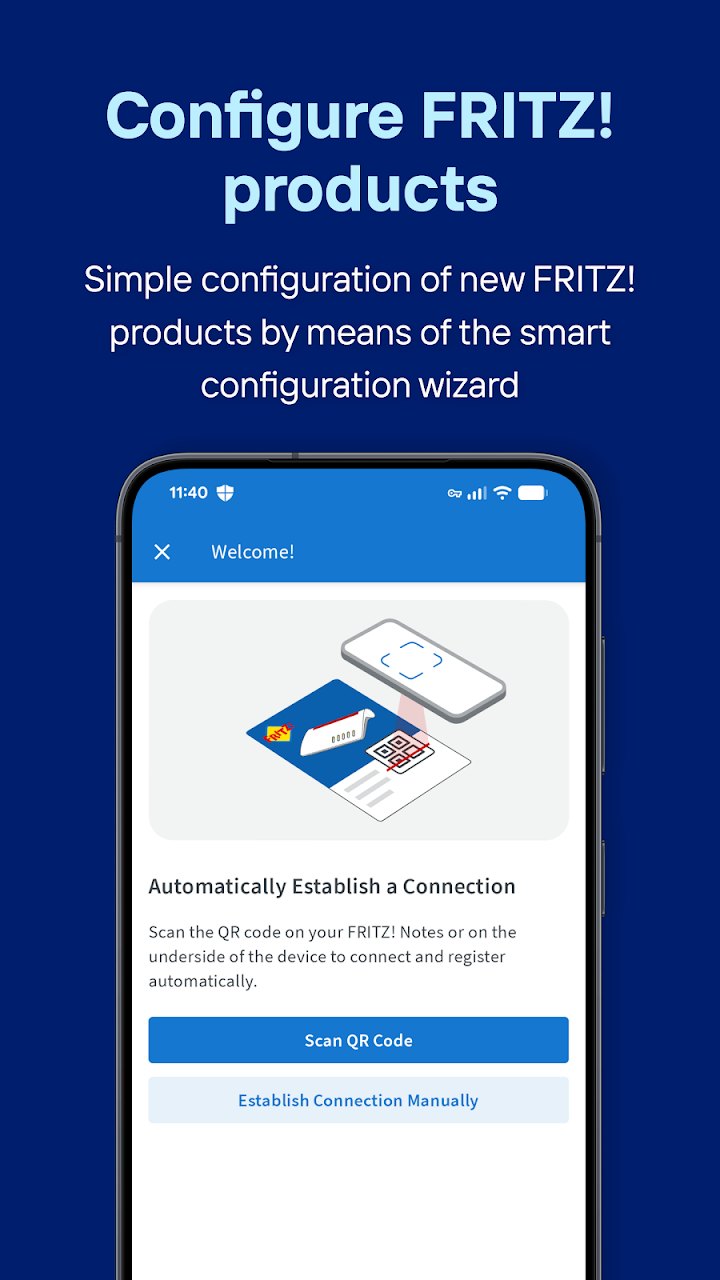
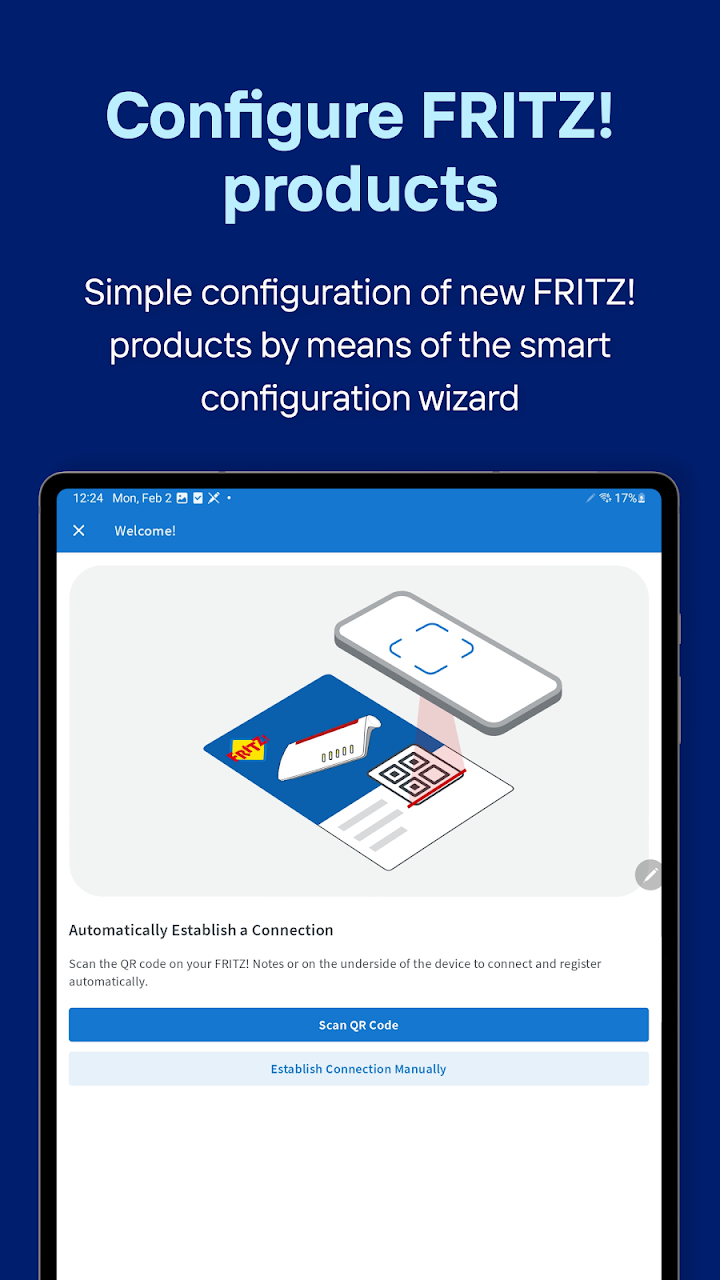
Set up new FRITZ! products
The app includes a setup wizard for new FRITZ!Boxes and FRITZ!Mesh Sets. That means you are guided through the setup step by step, which can be helpful if you do not want to work through router settings on your own. The app is distributed as an APK, with a file size of 38.2 MB, and it requires Android 10 or later.
Manage devices, access, and alerts
You can keep track of devices and events in your home network, then make changes directly in the app. That includes prioritizing devices, renaming them, and blocking internet access for selected devices. You can also create a secure VPN connection to your FRITZ!Box and receive immediate notifications about missed calls, new voice messages, and available updates.
What you get and what to watch for
- Get: Guest Wi‑Fi sharing by QR code, remote access to NAS files, and control over connected devices.
- Get: A setup wizard for FRITZ!Box and FRITZ!Mesh Set installation.
- Watch for: It is made for FRITZ!Box users, so it is not a general router app.
- Watch for: No permissions are listed here, so the specific access it requests is not shown.
Privacy and permissions
The app description points to network access, VPN setup, and notifications as core functions, so it is designed to work closely with your FRITZ!Box and home network. No permissions are listed in the package details here, so there is nothing specific to review beyond the app’s FRITZ!Box connection itself. It does not include ads or in-app purchases, which keeps the install simple.
What's new
Version 2.29.2 · Nov 12, 2026
- Improved: Improvements to stability and details
APK information
- Version
- 2.29.2
- Package
- de.avm.android.myfritz2
- Category
- Tools
- Size
- 38 MB
- Min Android
- 10
- Architecture
- universal
Older versions
-
MyFRITZ!App 2.29.2Nov 12, 2026Latest downloadAPK
MyFRITZ!App FAQ
Does MyFRITZ!App need root?expand_more
No root access is mentioned for MyFRITZ!App. The app is designed to work with your FRITZ!Box through normal Android use.
Can MyFRITZ!App work without an internet connection?expand_more
The app is made for remote access to your FRITZ!Box, so several features depend on network connectivity. The description also mentions access while you are on the go and notifications about online events.
Which processors does this APK support?expand_more
The APK is listed as universal, so it is intended to work across supported Android device architectures.
Can I share guest Wi‑Fi with MyFRITZ!App?expand_more
Yes. The app lets you set up guest access and share it with a QR code, so you do not need to give guests your main Wi‑Fi password.
Does MyFRITZ!App cost money?expand_more
No. It is free, and there are no in-app purchases or ads listed.