- 4.0star41,331 reviews
- 1M+Downloads
- 29 MBAPK size
- EveryoneRated for Everyone
- 10+Android
check_circleOriginal APK from FRITZ! GmbH · Updated Nov 12, 2026
No threats found
0 / — antivirus engines flagged this file
Original signature
First seen — FRITZ! GmbH
Unmodified APK
Same file the developer published — no mods
FRITZ!App Smart Home screenshots
8 images · tap to enlarge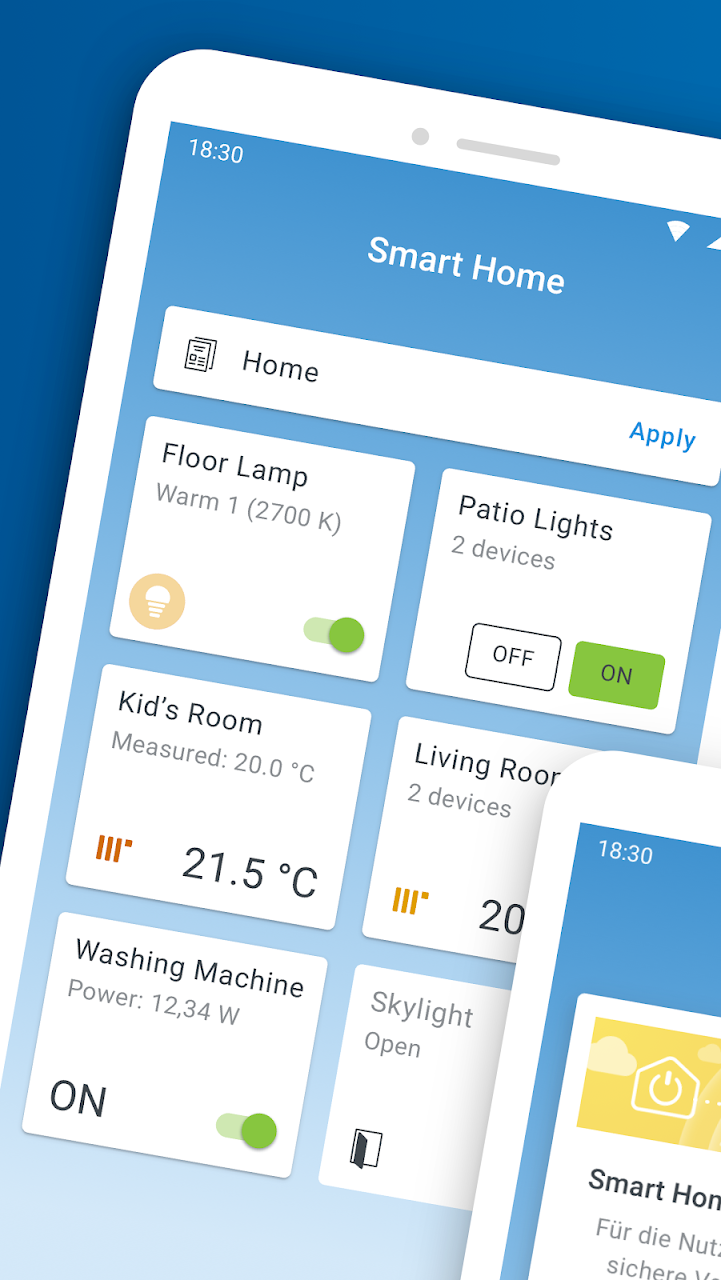
About this app
1M+ installs and a 4.0 rating from 41,331 reviews set the tone for FRITZ!App Smart Home. It is a focused remote control for FRITZ! Smart Home devices, with support for home use and on the move. The app keeps things practical, though it depends on a FRITZ!Box and is limited to one FRITZ!Box at a time.
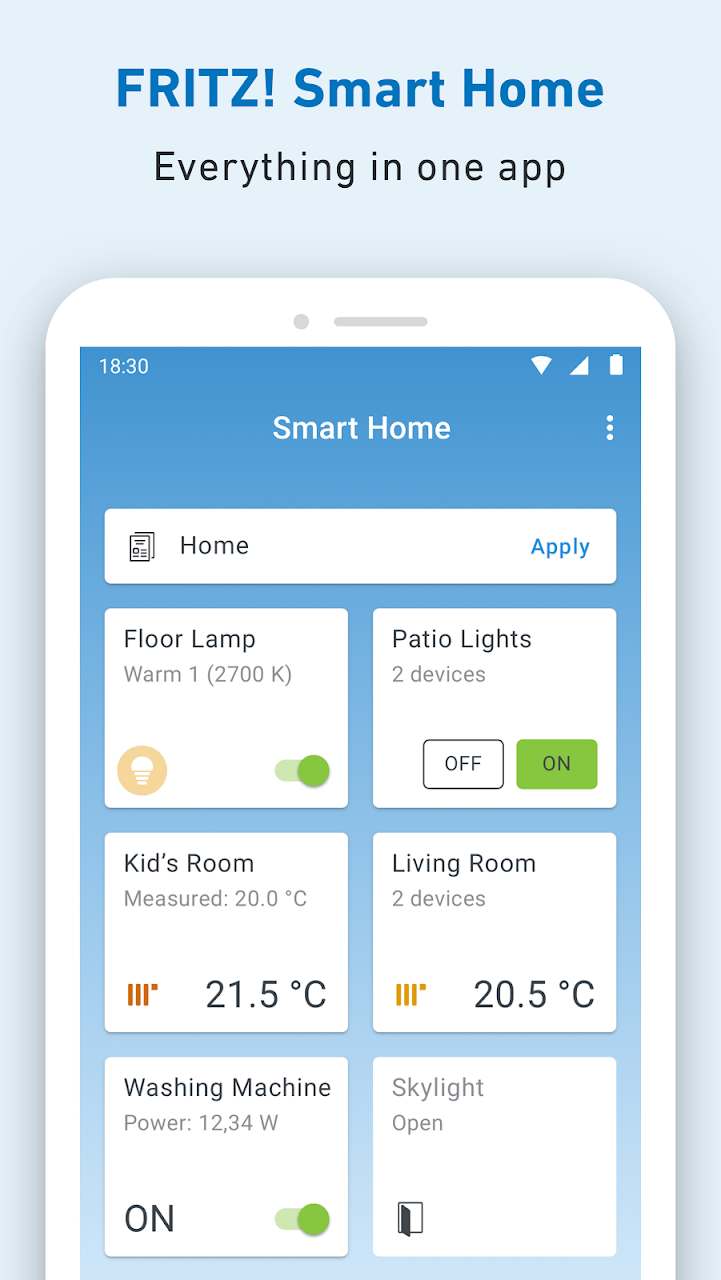
- Remote device control — Control supported FRITZ! Smart Home devices from the app at home or away.
- FRITZ!Box required — The app works with a FRITZ!Box running FRITZ!OS 7.10 or higher.
- One-box setup — It supports operation with exactly one FRITZ!Box, so switching boxes takes a new login.
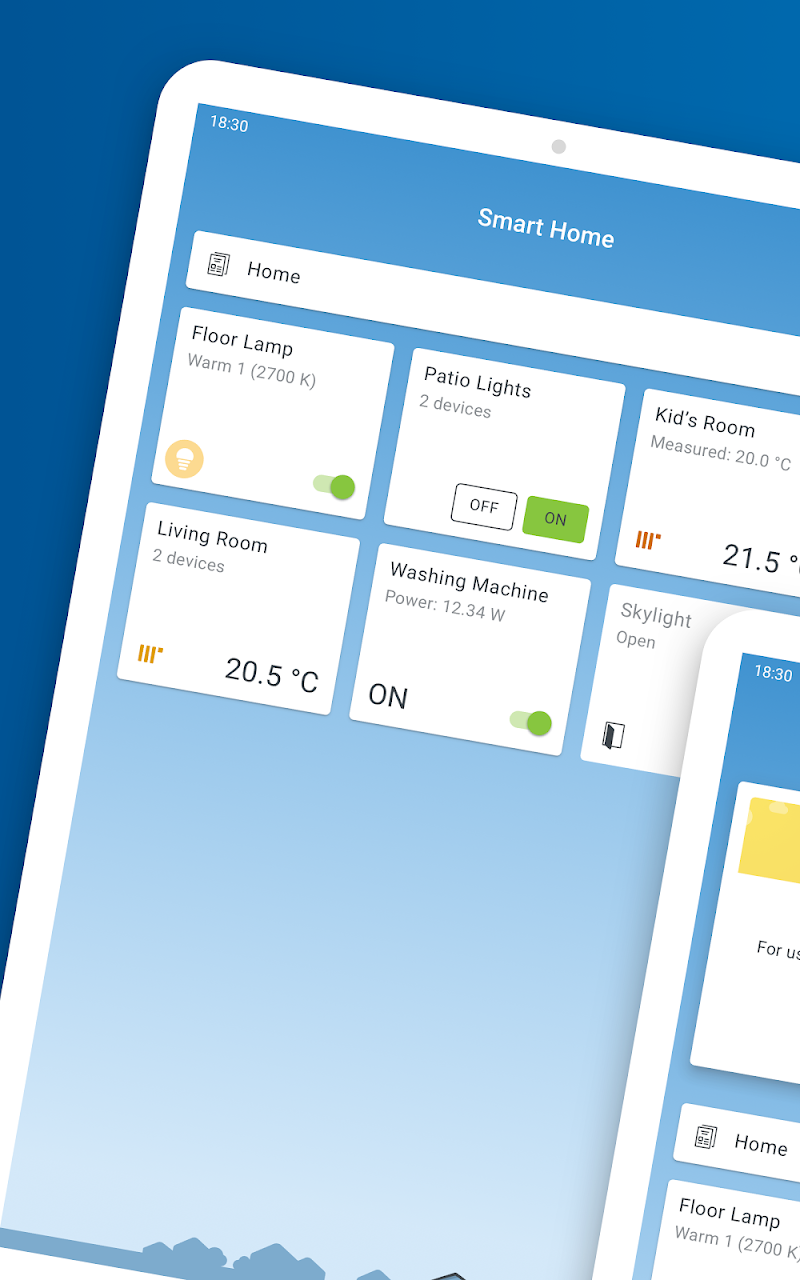
- Tile arrangement — You can move device tiles into the order you want inside the app.
- No ads or purchases — The app is free, with no ads and no in-app purchases.
Remote control for FRITZ! devices
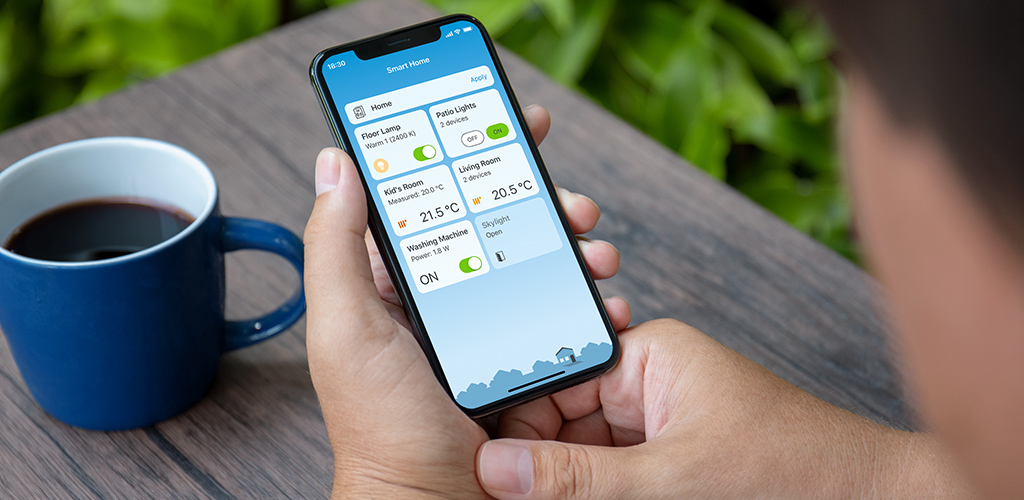
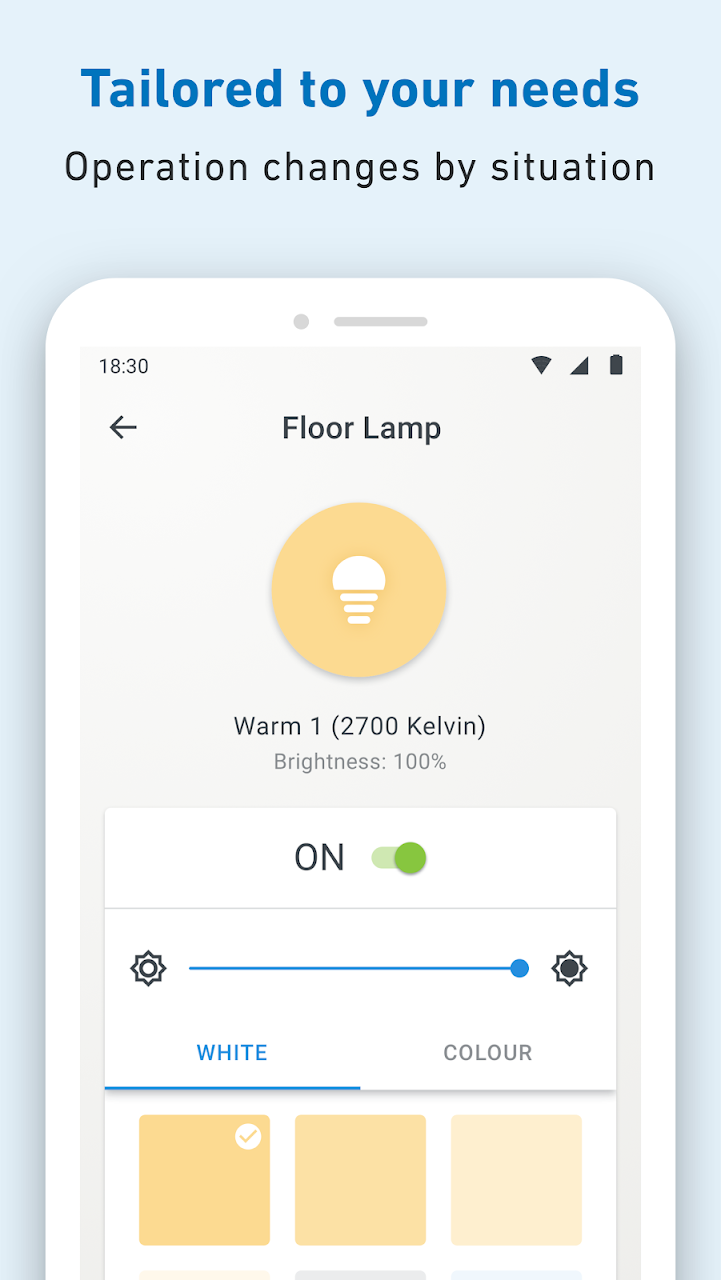
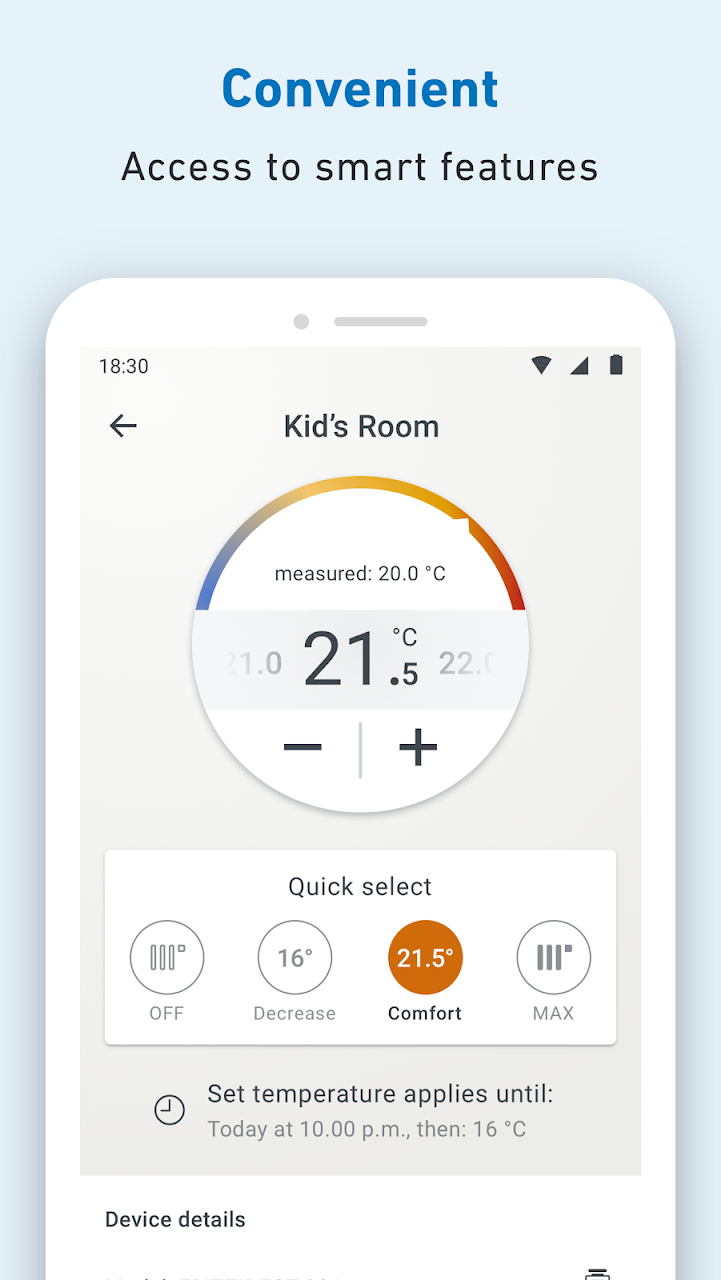
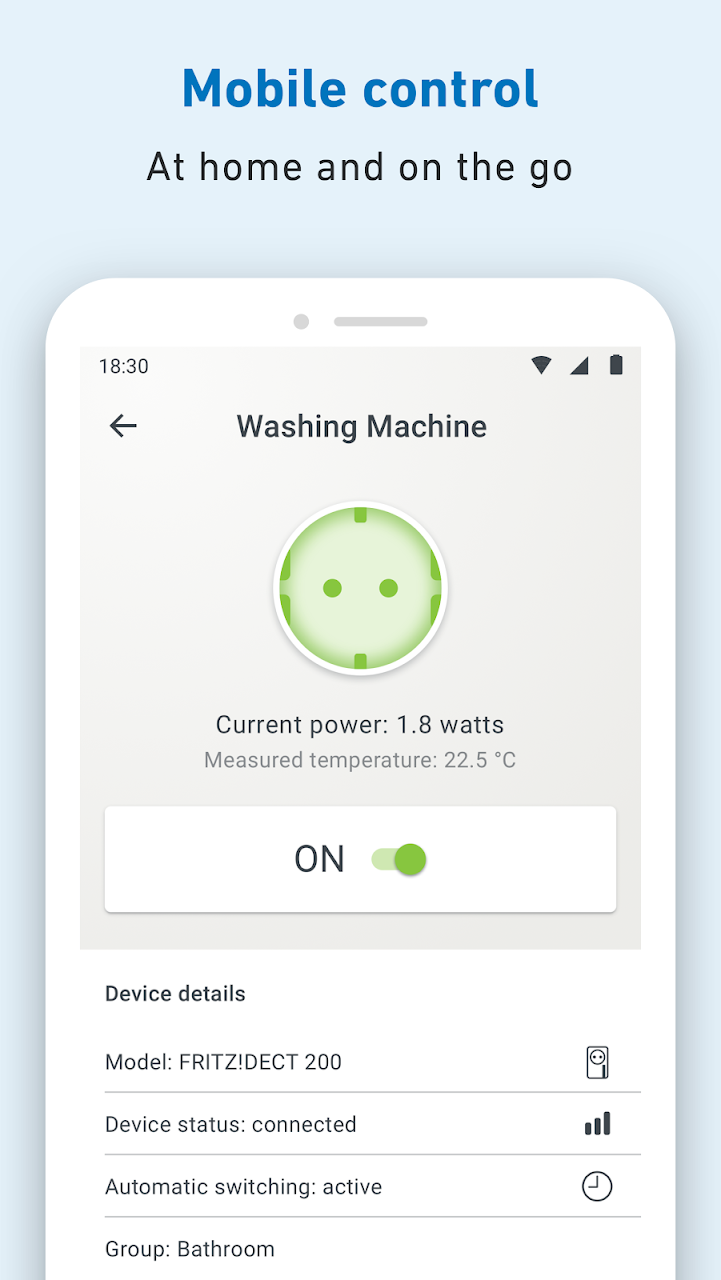
FRITZ!App Smart Home is built around a single job: controlling FRITZ! Smart Home devices from your phone. It covers common tasks such as switching smart plugs, adjusting heating, and handling lighting. The app is free, comes as a 28.9 MB APK, and needs Android 10 or later.
What stands out in daily use
The app’s layout can be tailored by moving tiles into the order you prefer, which makes the interface feel more personal. It also supports registering new Smart Home devices through the FRITZ!Box. Heating plans, automatic switching, templates, and groups are set up in the FRITZ!Box user interface rather than inside the app itself.
Privacy and account limits
There are no ads and no in-app purchases, and the app requests no permissions in the listed APK. That keeps the install clean. On the other hand, it is tied to exactly one FRITZ!Box, so this is not a broad multi-account smart home hub. If you change routers, you need to use New Login in the settings while connected to your FRITZ!Box Wi-Fi.
Device support and discovery
The app is designed for FRITZ! smart devices such as FRITZ!DECT 200, 210, 301, 400, 440, and 500. A few details help with discovery: the app is rated 4.0 from 41,331 reviews, with 21,564 five-star ratings and 1,797 one-star ratings. That mix suggests many users find it useful, while some hit the setup or connection limits mentioned in the description.
Connection notes
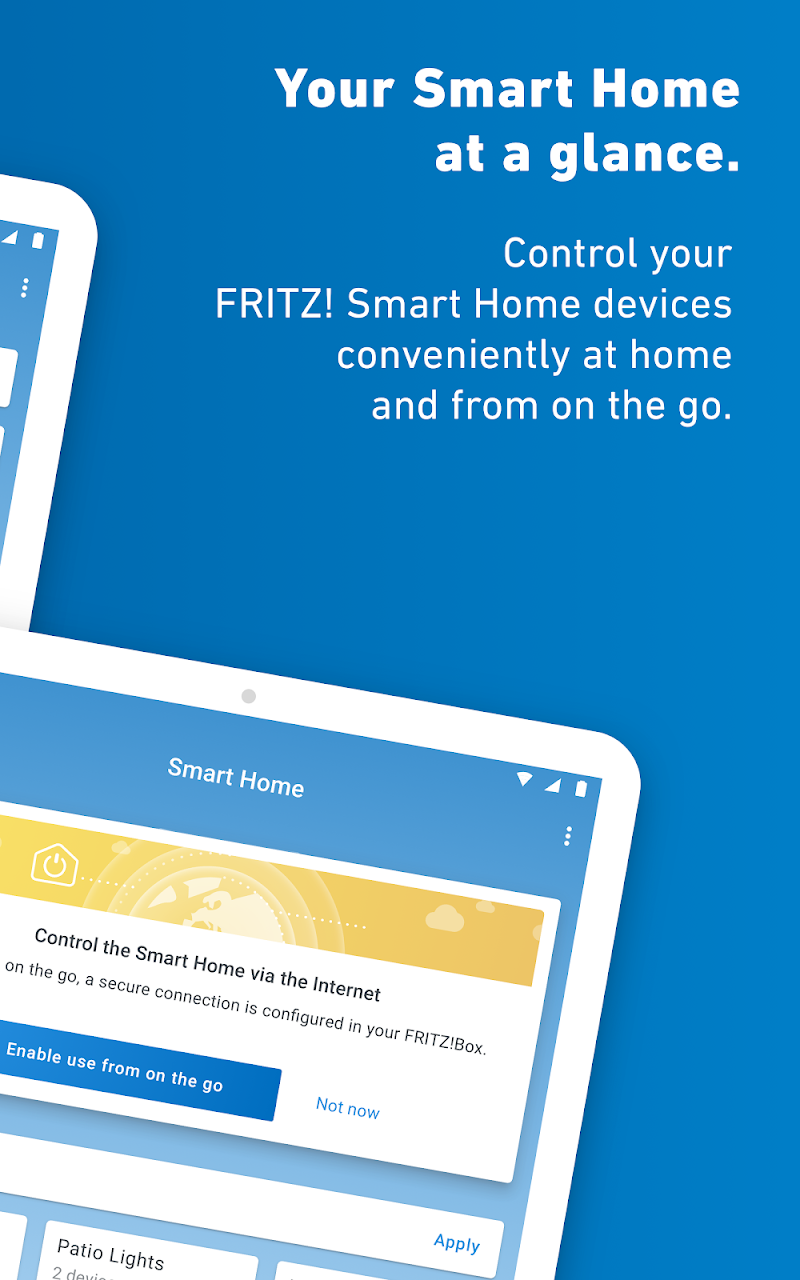
Use on the move can be restricted if the FRITZ!Box internet connection does not have a public IPv4 address. The app may also be limited in some mobile or Wi-Fi networks when the connection type is DS-Lite, Dual-Stack-Lite, or Carrier Grade NAT. For people already using a FRITZ!Box, it is a straightforward companion app with clear boundaries.
What's new
Version 1.26.2 · Nov 12, 2026
- Improved: Improvements to stability and details
APK information
- Version
- 1.26.2
- Package
- de.avm.android.smarthome
- Category
- Lifestyle
- Size
- 29 MB
- Min Android
- 10
- Architecture
- universal
Older versions
-
FRITZ!App Smart Home 1.26.2Nov 12, 2026Latest downloadAPK
FRITZ!App Smart Home FAQ
Do I need an account for FRITZ!App Smart Home?expand_more
The app works with a FRITZ!Box, and logging in to a different box requires New Login in the settings. The description does not mention a separate account system.
Can I make my FRITZ!App Smart Home profile private?expand_more
The app description does not mention user profiles or privacy settings for a profile.
Which Android version does FRITZ!App Smart Home need?expand_more
It needs Android 10 or higher.
Can I install FRITZ!App Smart Home without Google Play?expand_more
Yes. This page provides the app as an APK file.
Which FRITZ!Box features does the app support?expand_more
It supports control of FRITZ! Smart Home devices and lets you arrange device tiles in the app. Device registration, heating plans, automatic switching, templates, and groups are handled in the FRITZ!Box interface.