
- 0.0star0 reviews
- 100K+Downloads
- 26 MBAPK size
- EveryoneRated for Everyone
- 7.0+Android
check_circleOriginal APK from Nevra Yazılım · Updated Nov 12, 2026
No threats found
0 / — antivirus engines flagged this file
Original signature
First seen — Nevra Yazılım
Unmodified APK
Same file the developer published — no mods
MyOvertimeHours Time&Leave screenshots
8 images · tap to enlarge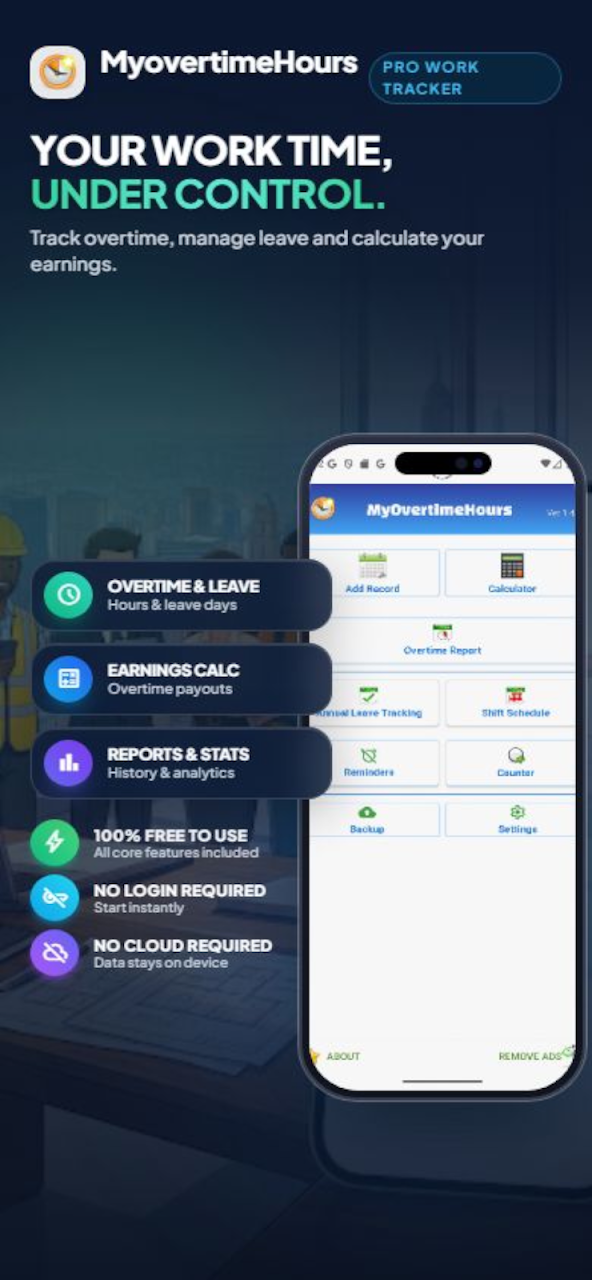
About this app
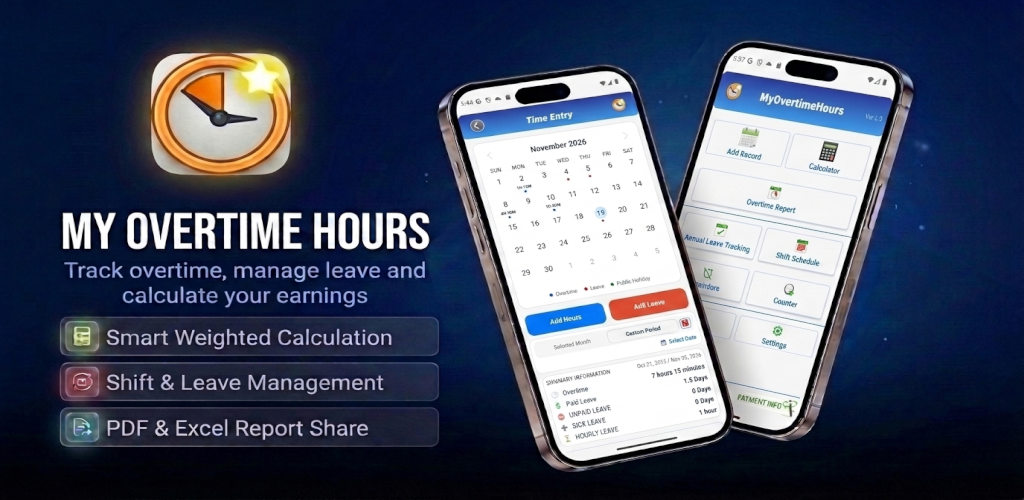
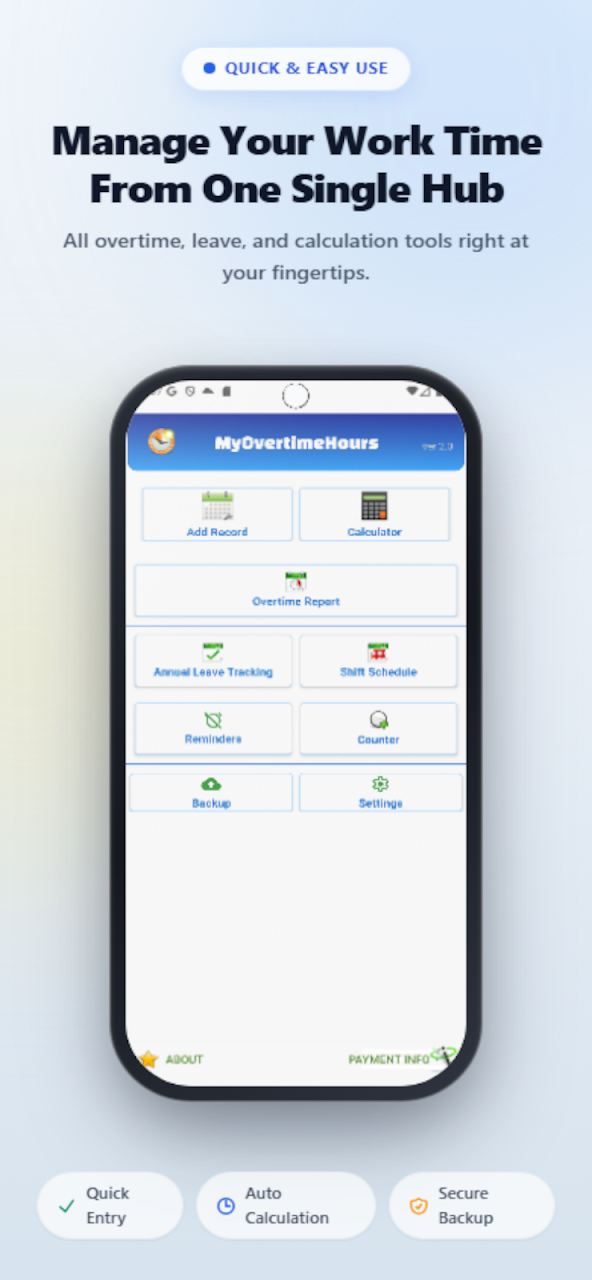
On a busy payday, you can open MyOvertimeHours Time&Leave to check extra hours, review leave days, or see how a shift was logged. It brings overtime tracking, leave management, work schedules, and pay calculation into one place so your work records stay organized without switching between tools.
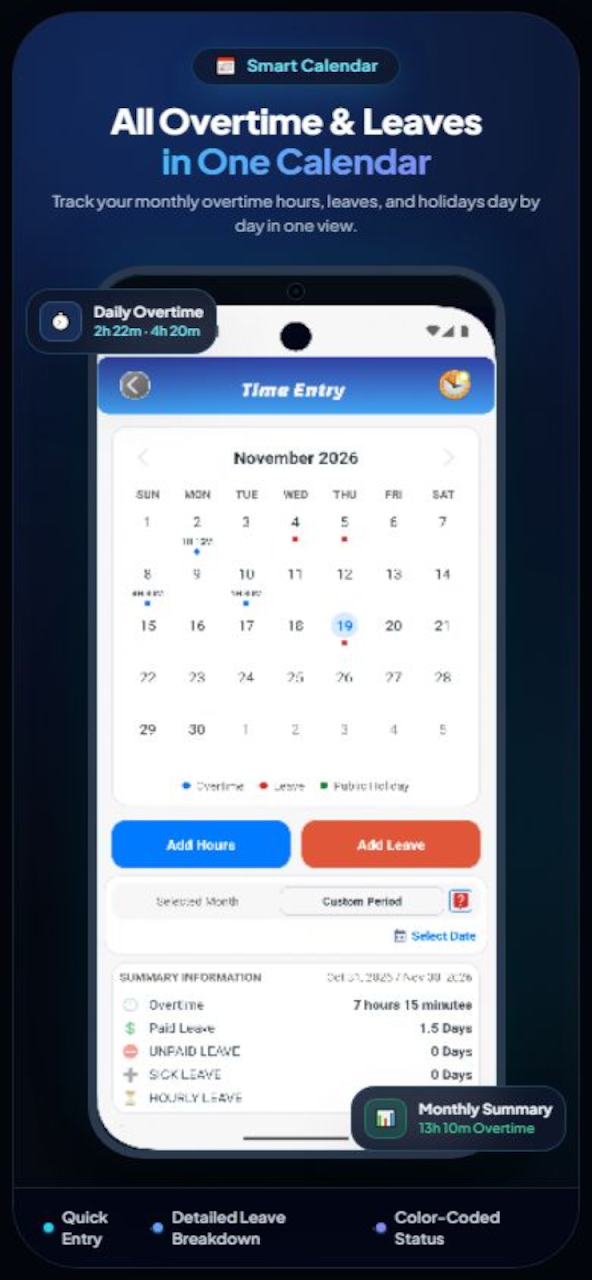
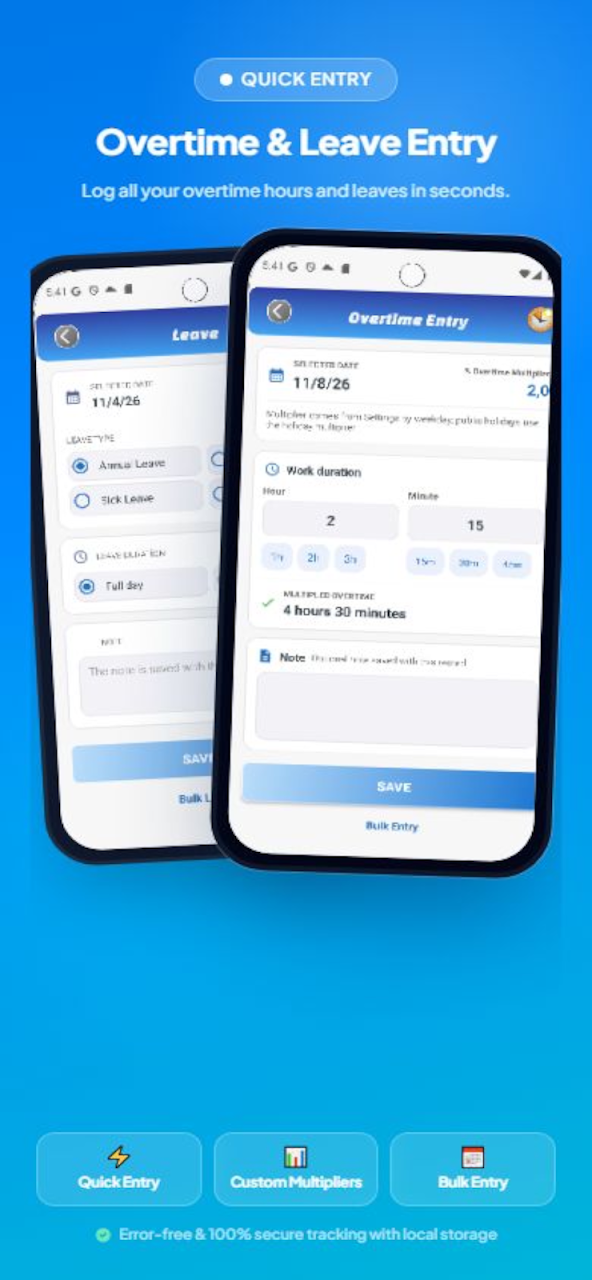
- Overtime records — Log daily and weekly overtime and review your overtime history whenever you need it.
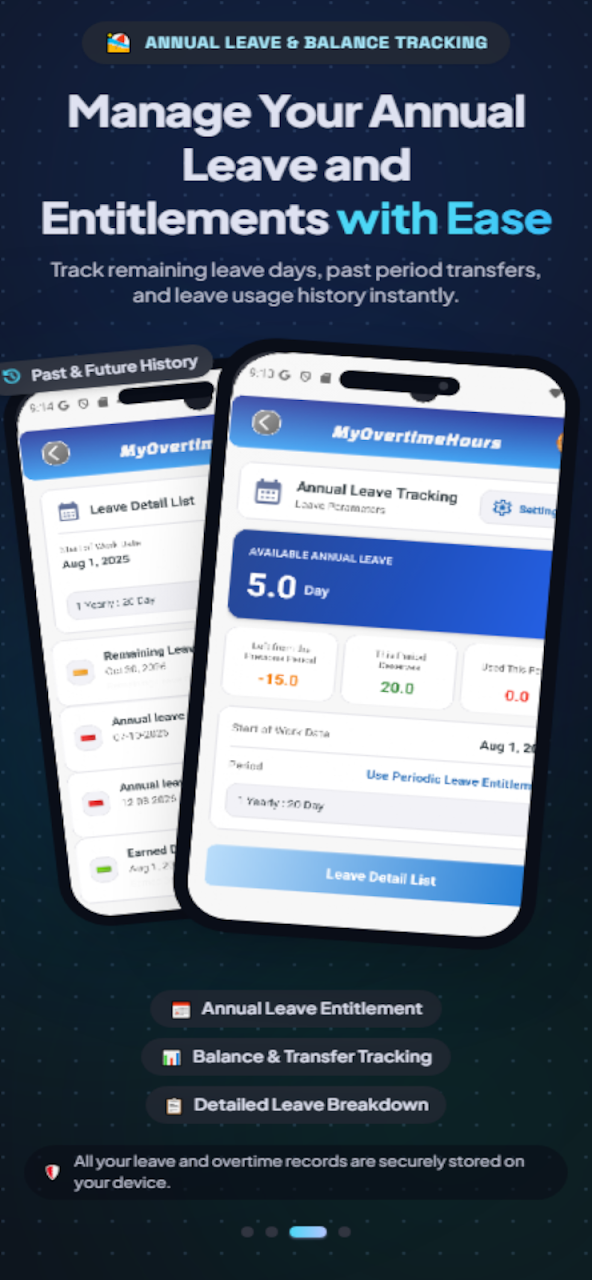
- Leave tracking — Keep paid annual, unpaid, hourly, and sick leave in one place with used and remaining days.
- Shift logging — Record work shifts and look back at changing schedules and working hours.
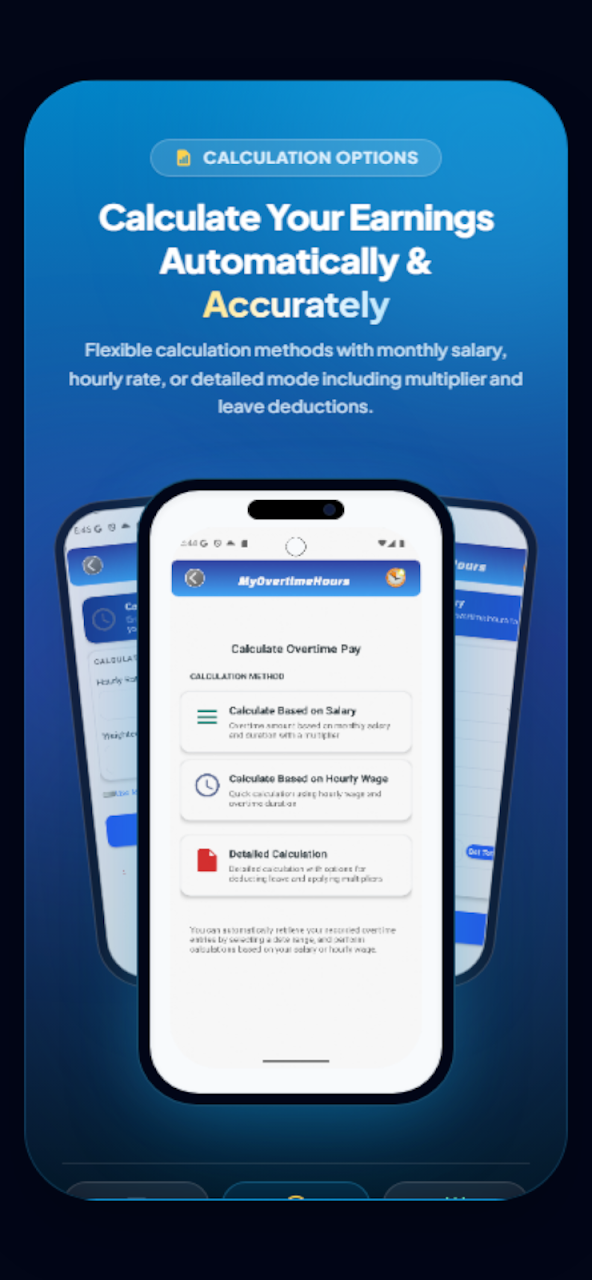
- Pay estimate — Enter salary and working details to calculate overtime earnings from extra hours.
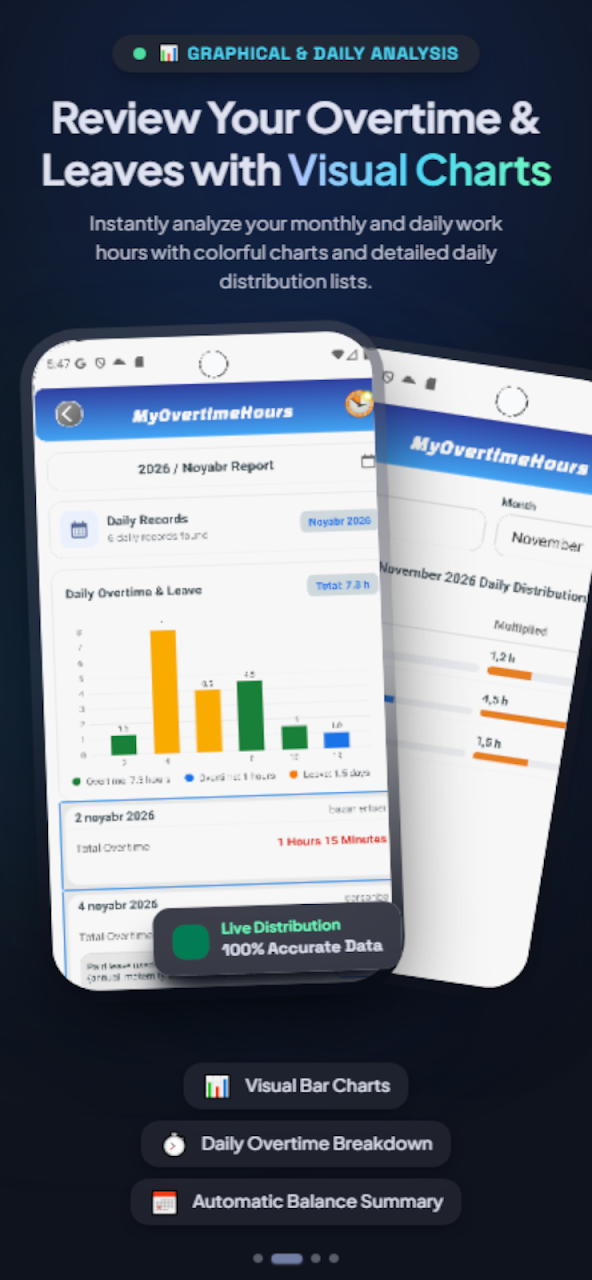
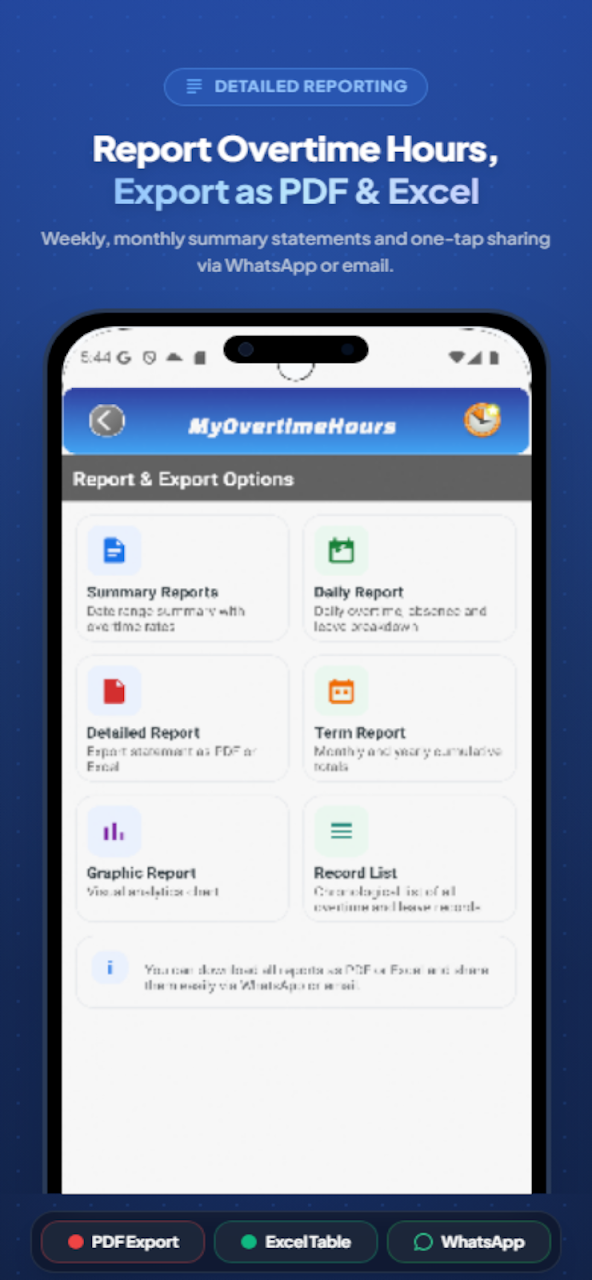
- Reports and export — View monthly reports and export overtime records as PDF or CSV files.
- Reminders — Set notifications for work records and leave dates you do not want to miss.
Checking overtime after a long shift
When a workday runs late, this app lets you add the extra time, review past overtime entries, and see how your hours build up over time. It is set up for people who want a clear record of daily and weekly overtime without using a separate spreadsheet.
- Record extra hours and revisit overtime history.
- Use the overtime pay calculator to estimate earnings from those hours.
Managing leave in one place
If you need to keep annual leave, unpaid leave, hourly leave, and sick leave sorted out, the app keeps them together. You can check used and remaining leave days and look back at leave history when planning time away from work.
Keeping shift patterns organised
For rotating schedules or changing working hours, MyOvertimeHours Time&Leave gives you a place to log shifts and review work history. That makes it easier to see how different work weeks add up, especially when overtime is part of the routine.
Reports, exports, and install details
Monthly reports help you review overtime and leave over time, while PDF and CSV exports make it easier to save or open records elsewhere. The app is free, shows ads, and includes in-app purchases. It comes as an APK, needs Android 7.0 or later, and the file size is 26.3 MB.
When reminders help most
Reminder notifications are useful when you do not want to forget a leave date or a work record you still need to enter. The app is aimed at people who want their own work time organised in one place, from overtime to schedules and leave.
What's new
Version 1.4.4 · Nov 12, 2026
- bug fixed
APK information
- Version
- 1.4.4
- Package
- com.nevrayazilim.myovertimehours
- Category
- Productivity
- Size
- 26 MB
- Min Android
- 7.0
- Architecture
- universal
Older versions
-
MyOvertimeHours Time&Leave 1.4.4Nov 12, 2026Latest downloadAPK
MyOvertimeHours Time&Leave FAQ
Can MyOvertimeHours Time&Leave be used offline?expand_more
The app description does not mention offline use. It focuses on tracking overtime, leave, shifts, reports, and exports.
Does MyOvertimeHours Time&Leave sync across devices?expand_more
Device syncing is not mentioned. The listed features are for recording and reviewing your own work hours, leave, and reports.
Does MyOvertimeHours Time&Leave need an account?expand_more
An account is not mentioned. The app is described as a personal work record tool for overtime, leave, and shift tracking.
Is MyOvertimeHours Time&Leave available for older phones?expand_more
It needs Android 7.0 or later, so phones running older versions are not supported.
Can I export overtime records from MyOvertimeHours Time&Leave?expand_more
Yes. You can export overtime records as PDF or CSV files for saving, sharing, or spreadsheet use.