- 3.6star111 reviews
- 10K+Downloads
- 8 MBAPK size
- EveryoneRated for Everyone
- 5.0+Android
check_circleOriginal APK from Wobastic Software · Updated Nov 10, 2026
No threats found
0 / — antivirus engines flagged this file
Original signature
First seen — Wobastic Software
Unmodified APK
Same file the developer published — no mods
Omber screenshots
8 images · tap to enlarge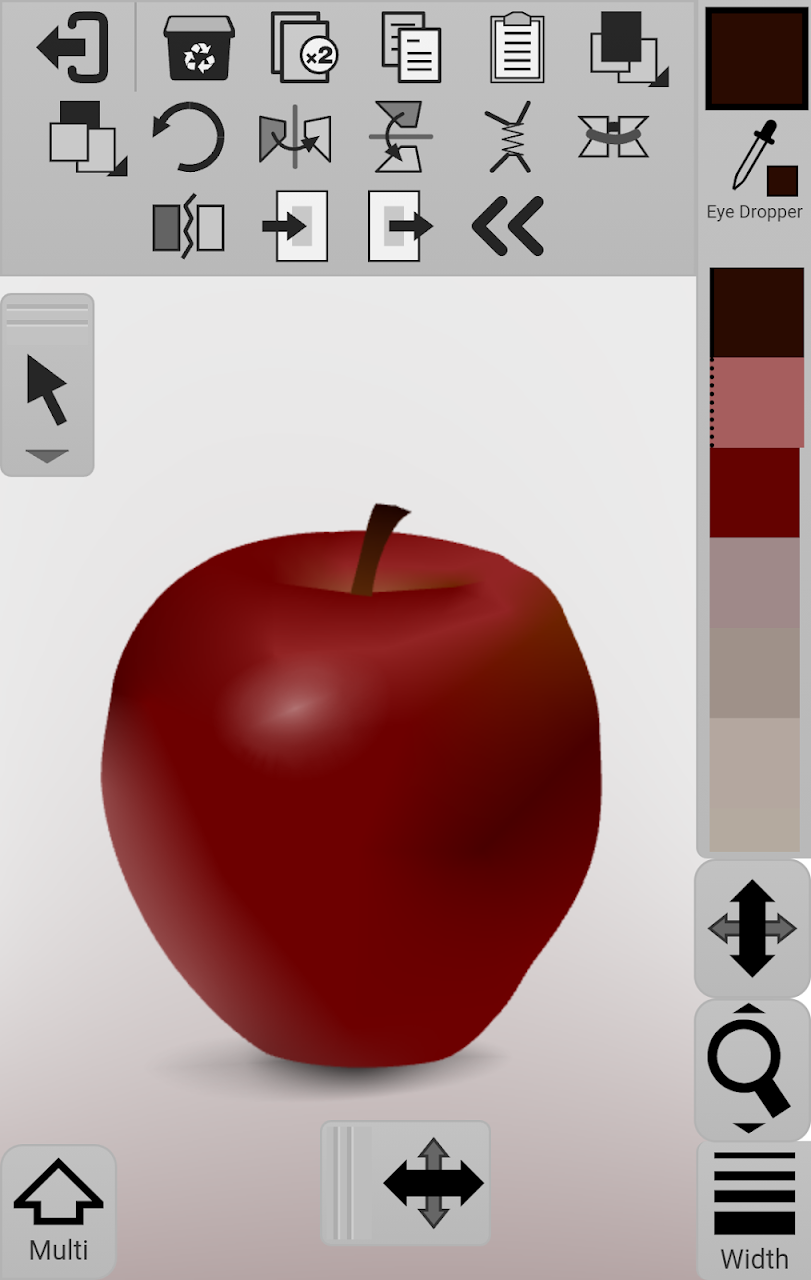
About this app
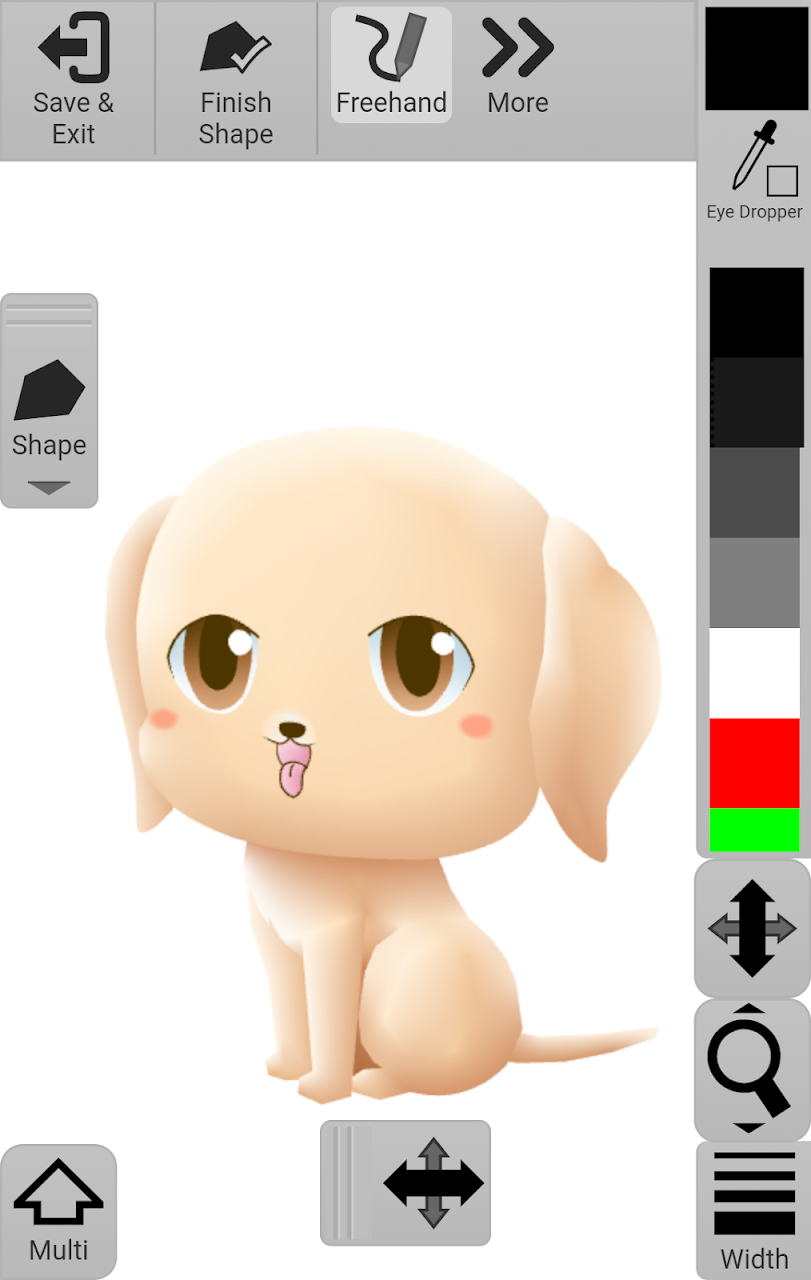
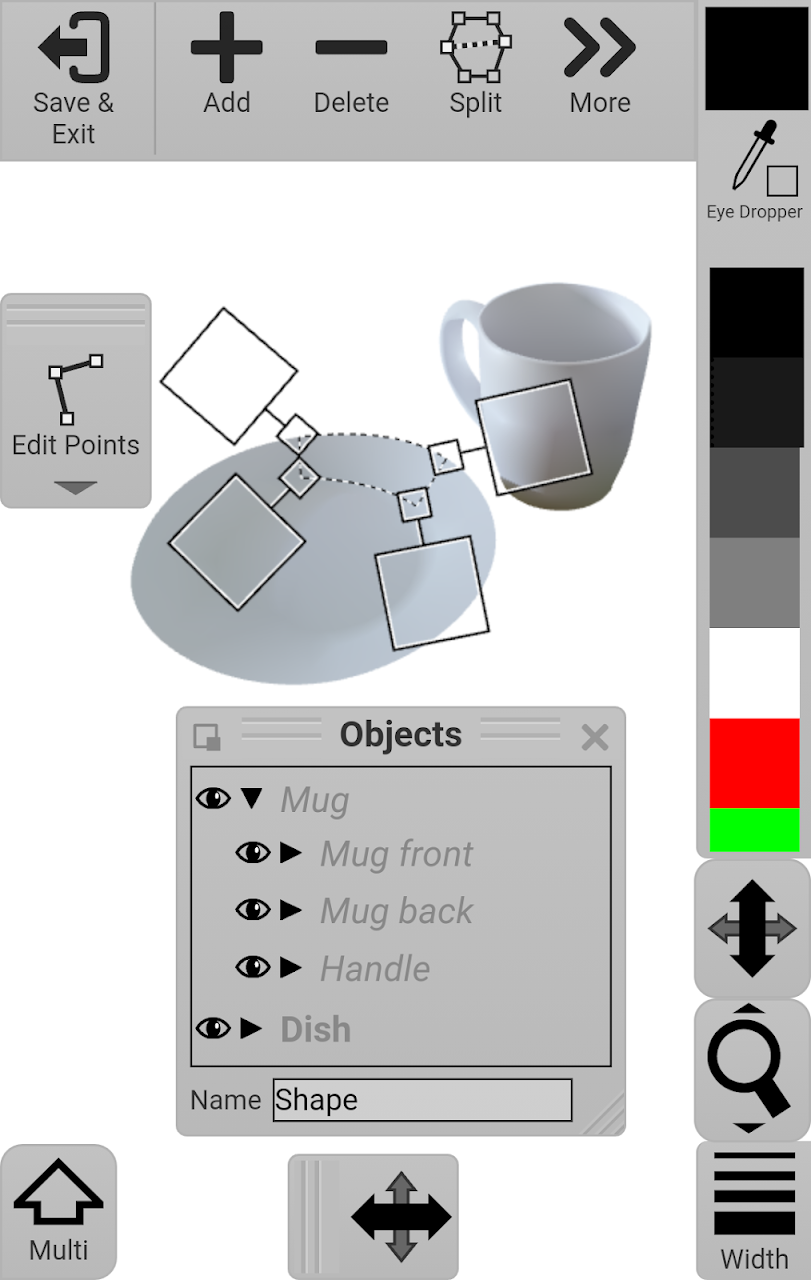
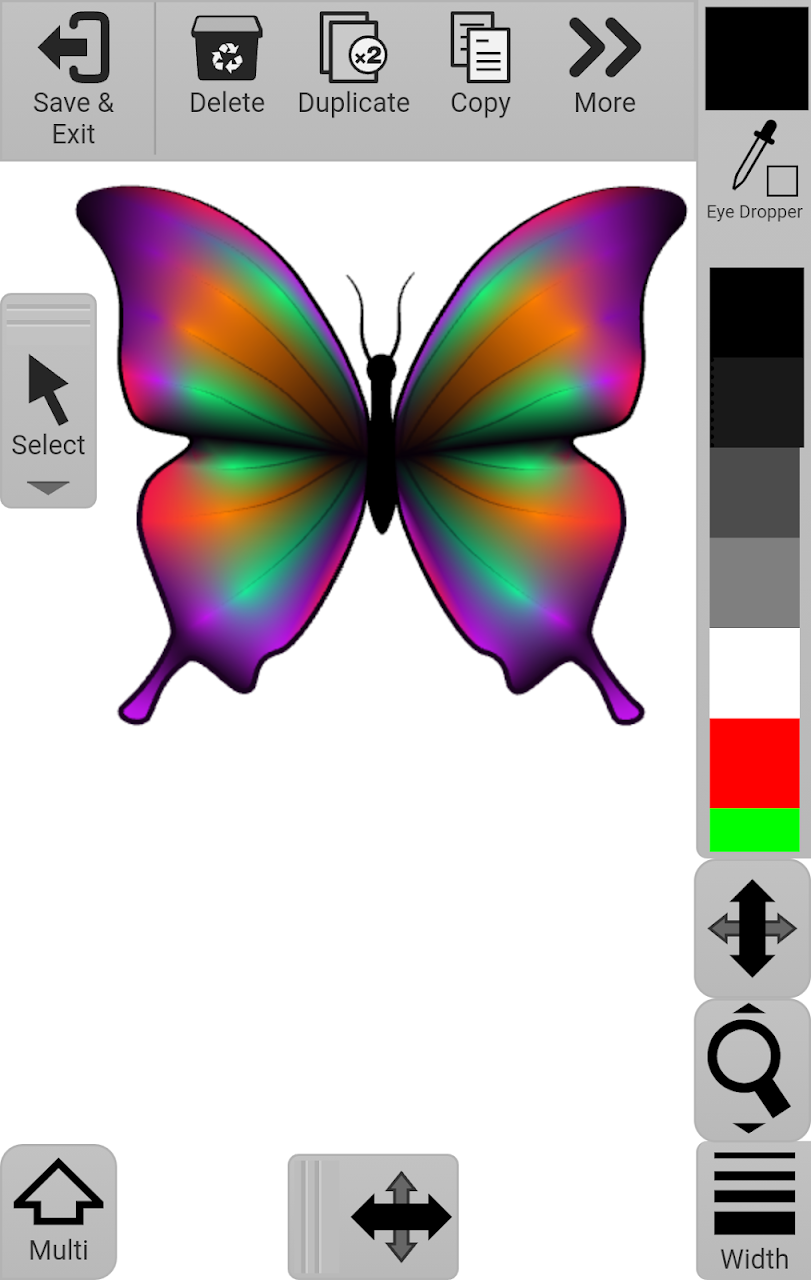
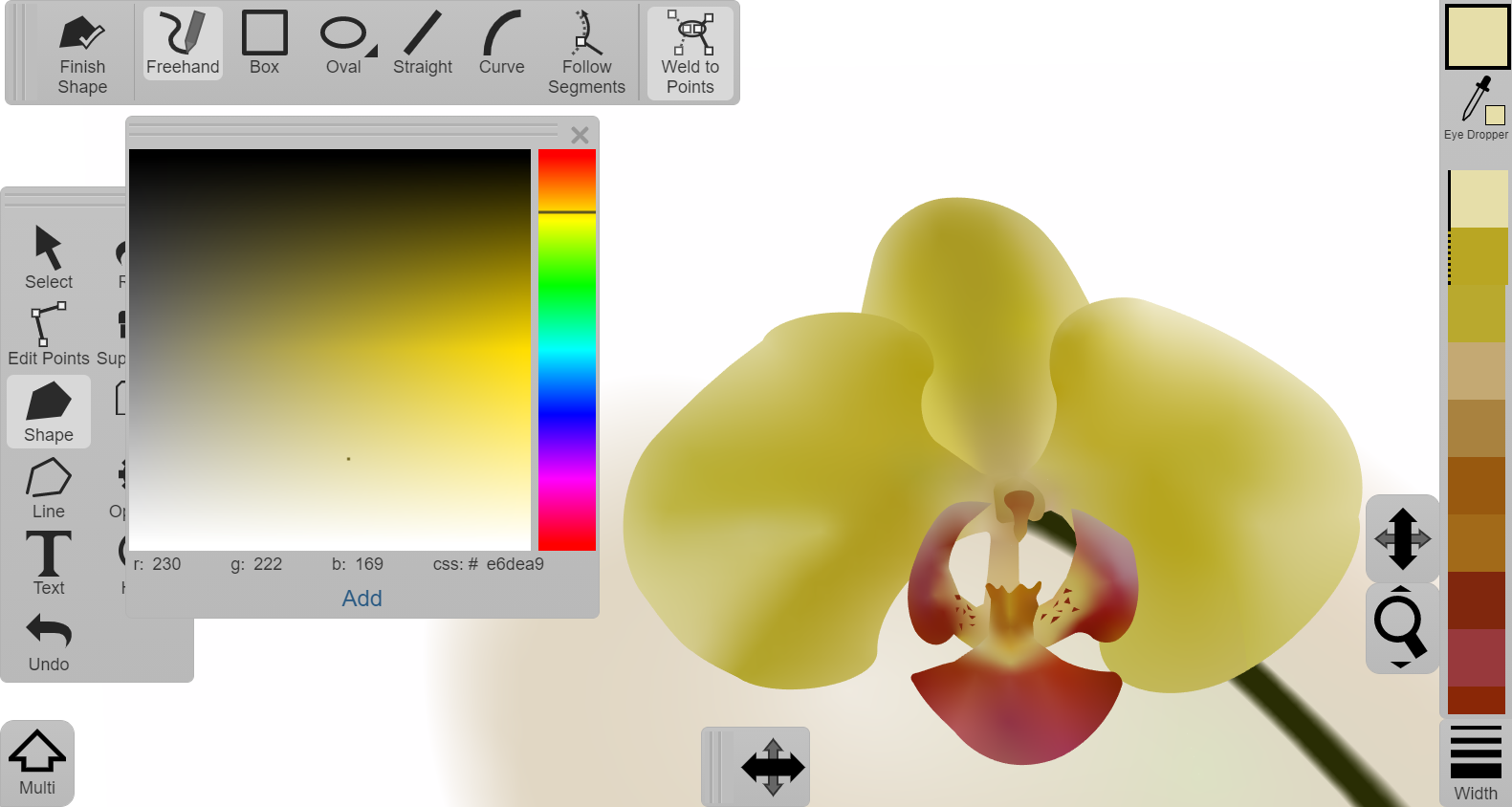
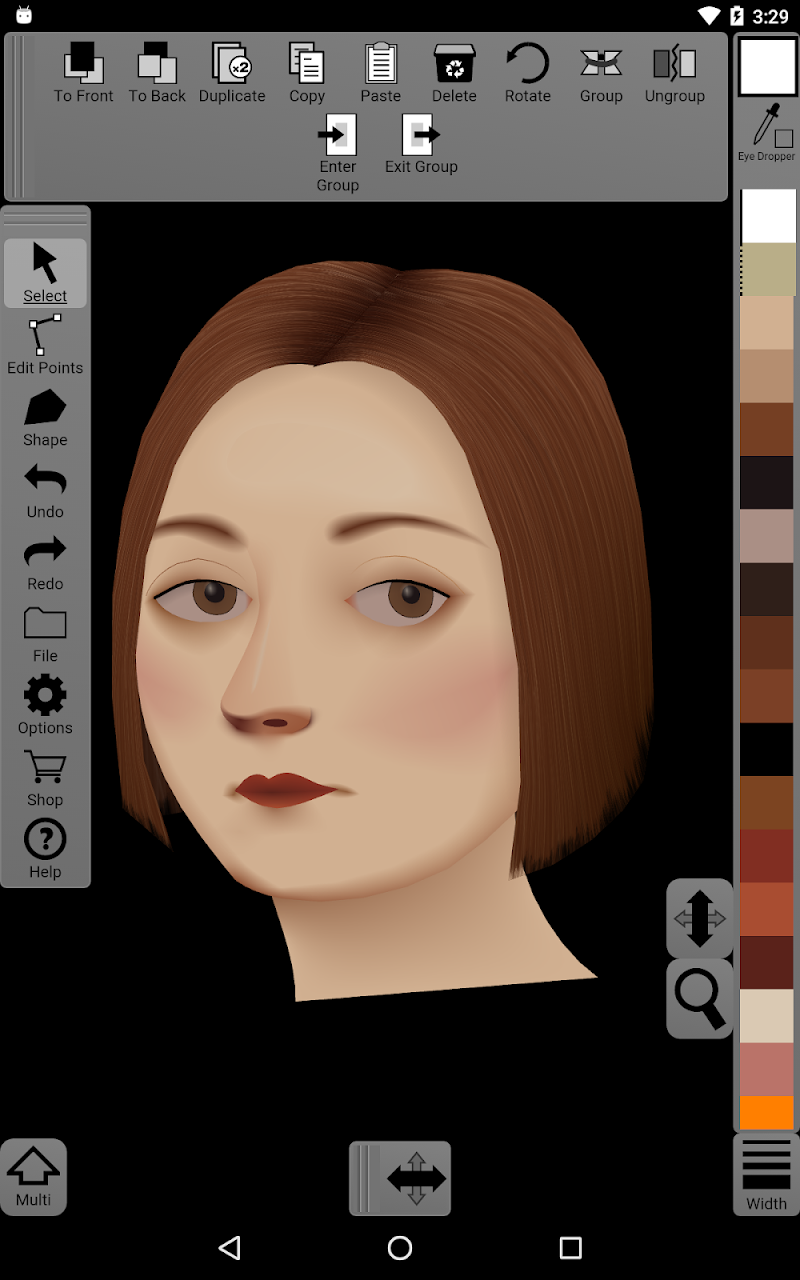
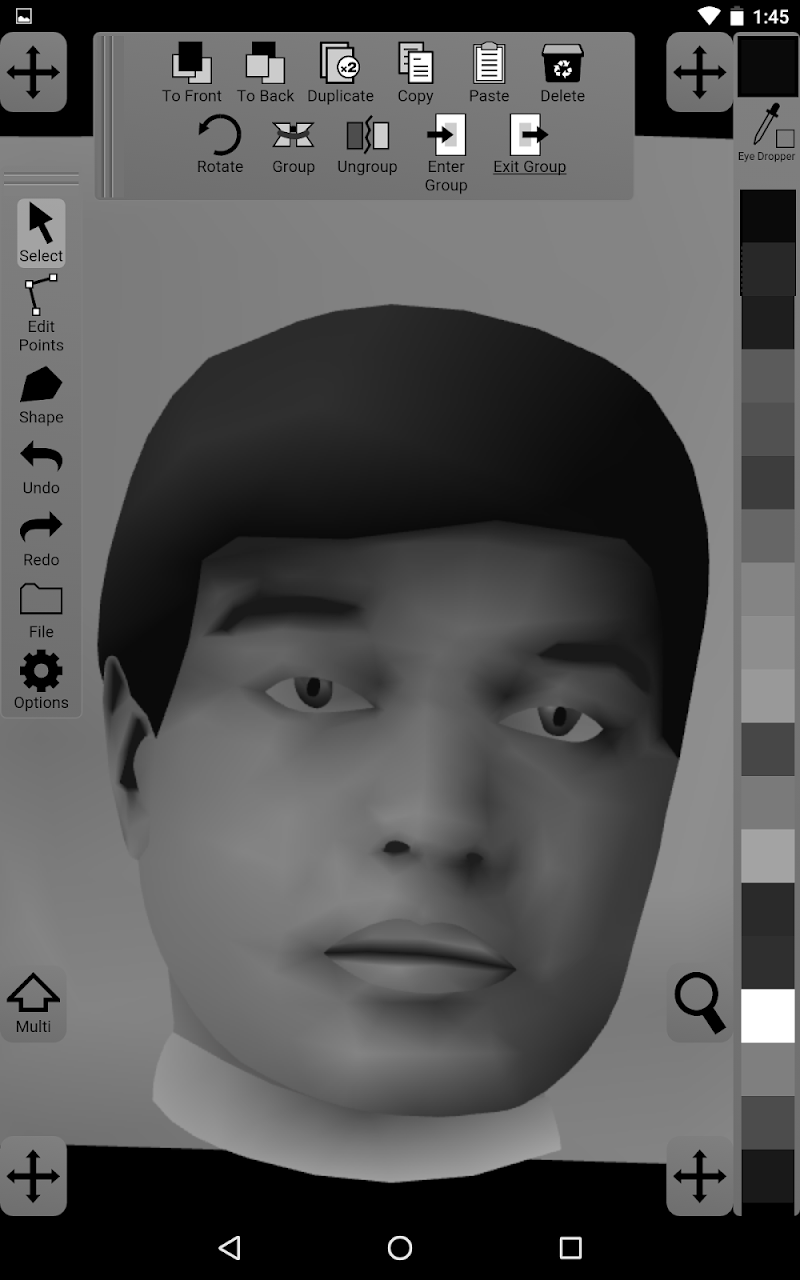
Omber stands out in vector art for its shading-focused workflow. Instead of relying on solid fills, it gives you tools for soft shading, freeform gradients, and shape meshes. The app is built for touch use, and it keeps artwork editable for resizing, reshaping, and recoloring without losing detail.
- Soft vector shading — Create smooth color blends and subtle transitions with a shading engine built for vector graphics.
- Export options — Save artwork as PNG, JPEG, PDF, COLLADA DAE, or SVG, with support for Unity and Pixi.js export.
- Touch-friendly layout — The interface is designed to scale from small screens to large monitors.
- Shape control — Use grouping, alignment, snapping, resizing, rotation, and shape lists to manage complex work.
- Text and effects — Add right-to-left, bidirectional, and vertical text, plus transparency, image warping, and texture mapping.
Vector shading built around gradients
Omber is a vector design app from Wobastic Software that focuses on soft shading rather than plain fills. That makes it different from many drawing apps in the same space, including ibis Paint X, Sketchbook, and PENUP, which are often used for broader sketching or painting workflows. Here, the emphasis is on building color transitions, mesh-based shading, and editable vector artwork.
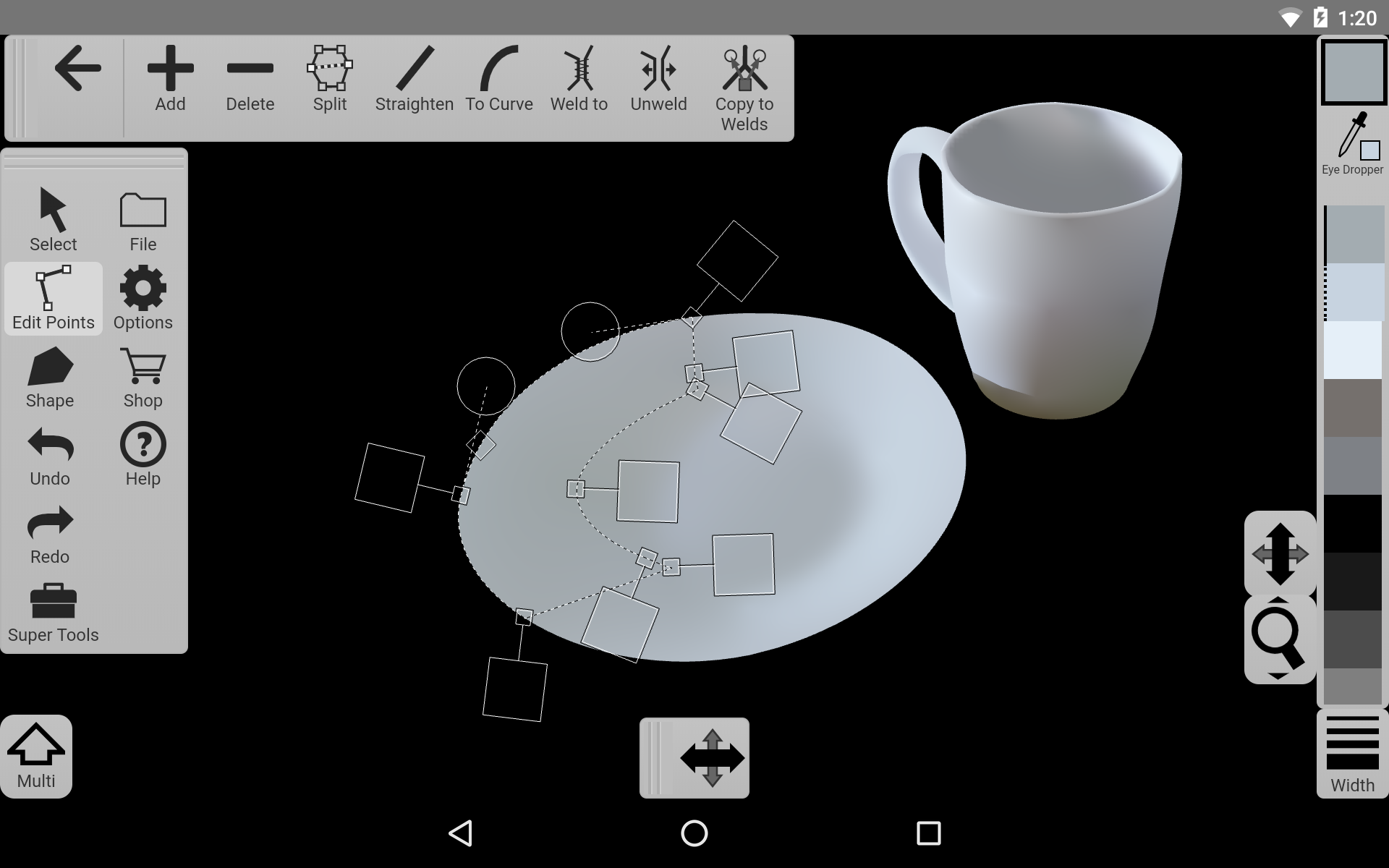
The app supports freeform-style gradients, shape meshes, transparency and alpha channels, image warping, and texture mapping of irregular shapes. You can also group shapes, enter and exit groups, align objects, resize and rotate them, and snap work to a grid.
Export formats for finished artwork
Omber includes export to PNG, JPEG, PDF, COLLADA DAE, and basic SVG, plus import from SVG. It also supports export of vector art for Unity and Pixi.js game engines, which gives it a more technical export path than many general art apps. Some export features require the full version of Omber or an in-app subscription.
The app is available as a free APK, sized at 7.9 MB, and it runs on Android 5.0 and up. It does not request any permissions.
Touch use and editing workflow
Omber is built for a touch-friendly workflow that scales from small screens to large monitors. Undo and redo are included, and shapes can be viewed in a list format for easier navigation through more complex compositions.
Because the app is centered on vector artwork, you can rescale, reshape, and recolor your art without losing detail. It also supports arrows and right-to-left, bidirectional, and vertical text, which broadens the kinds of layouts you can build inside the app.
How it compares with similar apps
Compared with apps like Adobe Express, Omber is more narrowly focused on vector shading and gradient work rather than general photo or video editing. Against Floor Plan Creator, it is less about planning spaces and more about drawing editable vector art. If you want a tool centered on soft shading, that is where Omber is most distinct.
- Free app: Available at no cost, with optional in-app purchases.
- Ad-free: The app does not contain ads.
- Content rating: Rated for Everyone.
- Release and update: Released on 2016-07-08 and last updated on 2024-12-01.
What's new
Version 1.0.80 · Nov 10, 2026
- Fix for potential file corruption issue when opening outside files on newer versions of Android
APK information
- Version
- 1.0.80
- Package
- com.wobastic.omberlite
- Category
- Art & Design
- Size
- 8 MB
- Min Android
- 5.0
- Architecture
- universal
Older versions
-
Omber 1.0.80Nov 10, 2026Latest downloadAPK
Omber FAQ
Does Omber work offline?expand_more
The app description does not say whether offline use is supported.
Can Omber edit RAW photos?expand_more
No RAW photo editing is listed. Omber is described as a vector design app with shading and export tools.
What permissions does Omber ask for?expand_more
No permissions are listed for this APK.
Which processors does this Omber APK support?expand_more
This APK is marked universal, so it is listed for universal ABI support.
What file formats can Omber export?expand_more
Omber can export to PNG, JPEG, PDF, COLLADA DAE, and basic SVG. It also supports export for Unity and Pixi.js, with some features requiring the full version or an in-app subscription.