- 0.0star0 reviews
- 10K+Downloads
- 2 MBAPK size
- EveryoneRated for Everyone
- API 16+Android
check_circleOriginal APK from Origami Toolbox · Updated Nov 11, 2026
No threats found
0 / — antivirus engines flagged this file
Original signature
First seen — Origami Toolbox
Unmodified APK
Same file the developer published — no mods
ORIPA - Origami Pattern Editor screenshots
7 images · tap to enlarge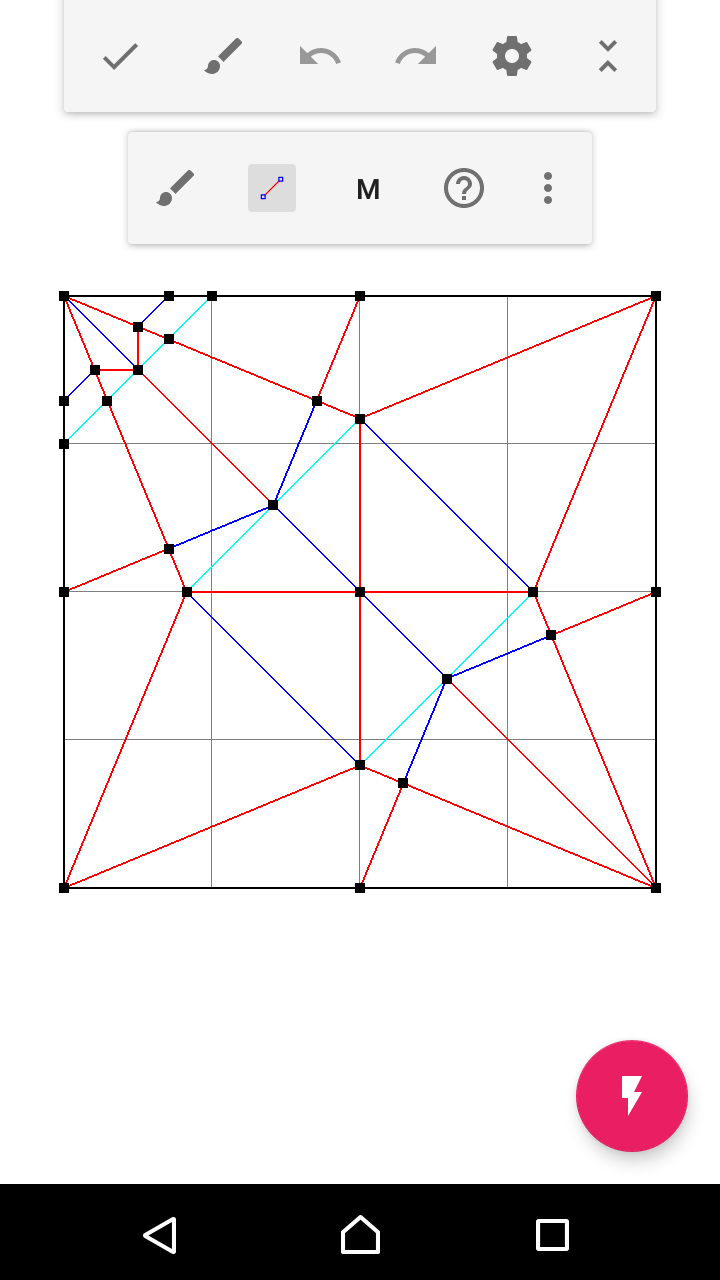
About this app
Origami Toolbox makes ORIPA - Origami Pattern Editor for Android, a tool for origami designers and enthusiasts to draw, check, and test crease patterns away from a computer. It keeps the focus on crease-pattern work: straight-line drawing, fold checks, and file export, with no account setup, no ads, and no in-app purchases.
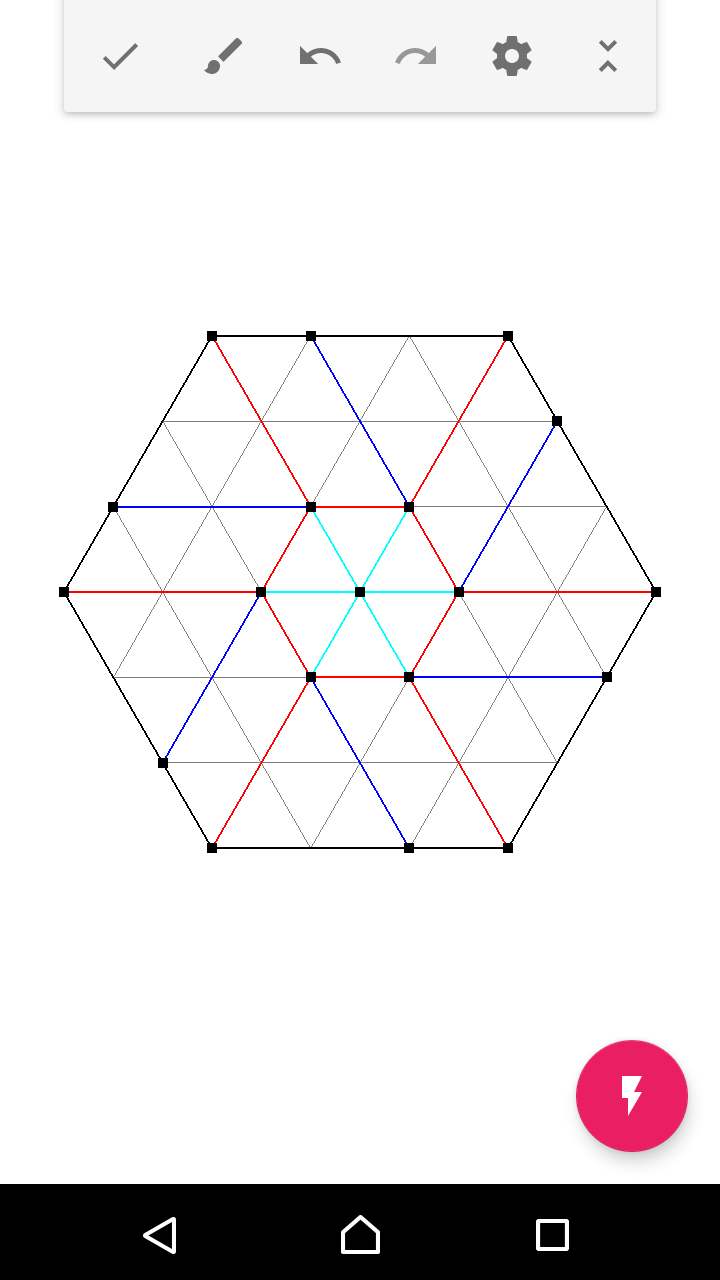
- Draw crease patterns — Create crease patterns with straight lines, then use undo and redo when a line needs to move or change.
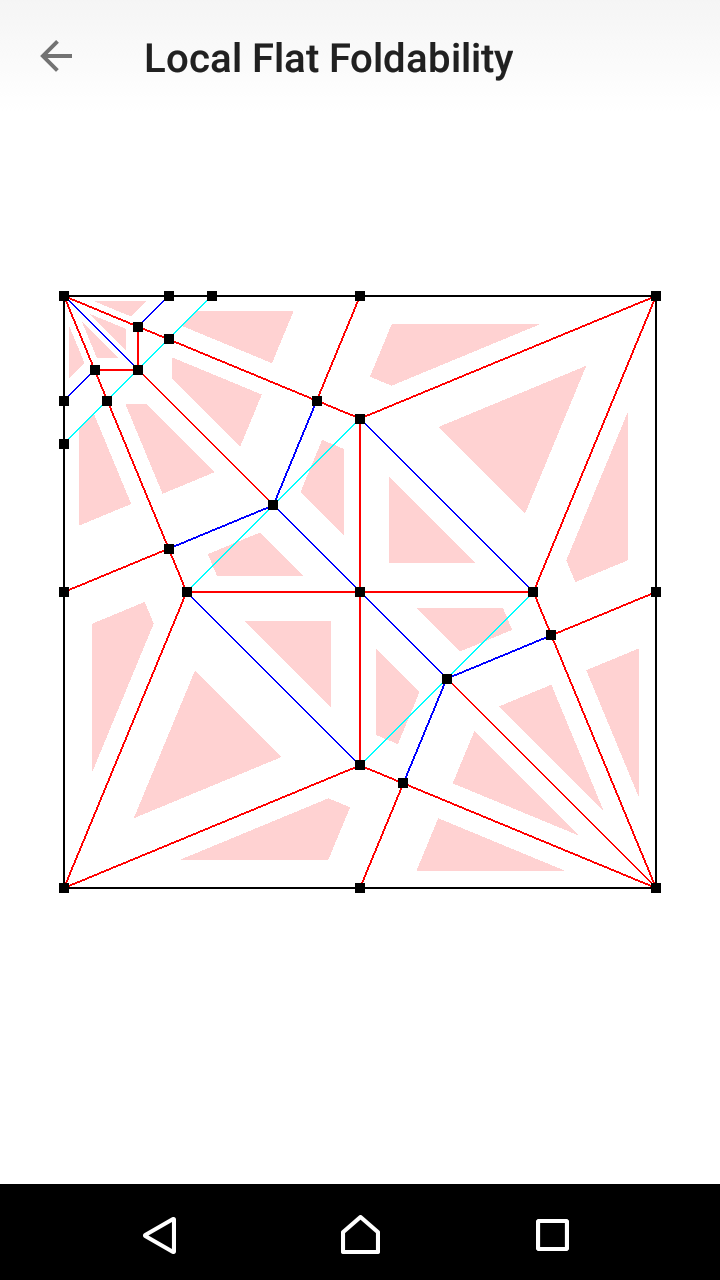
- Check foldability — Use the app to check crease patterns against local flat foldability rules before you commit to a design.
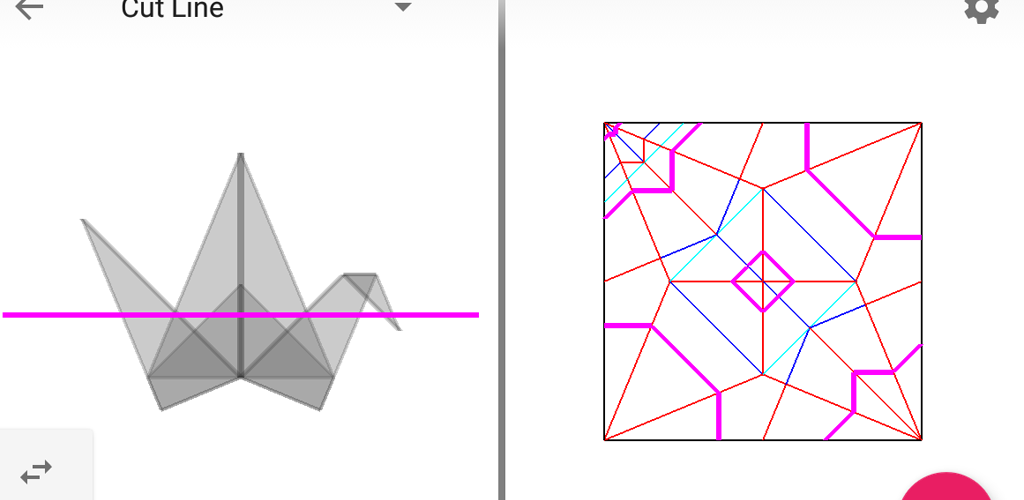
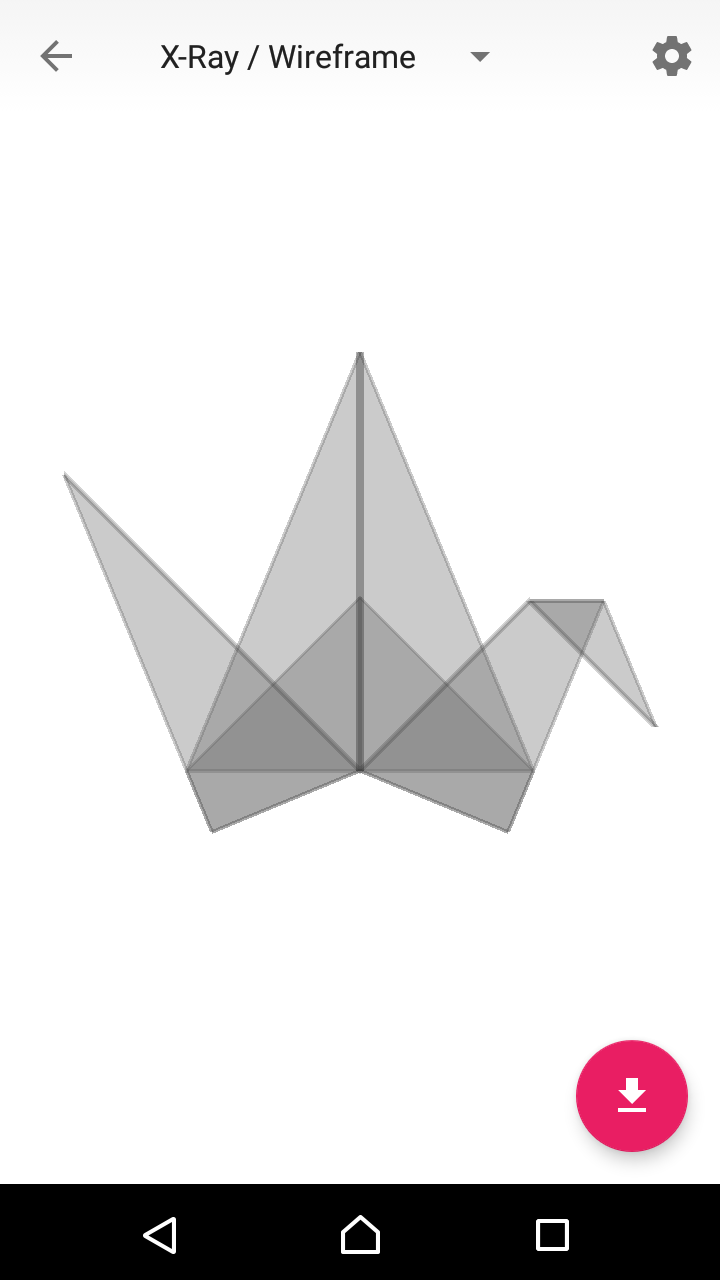
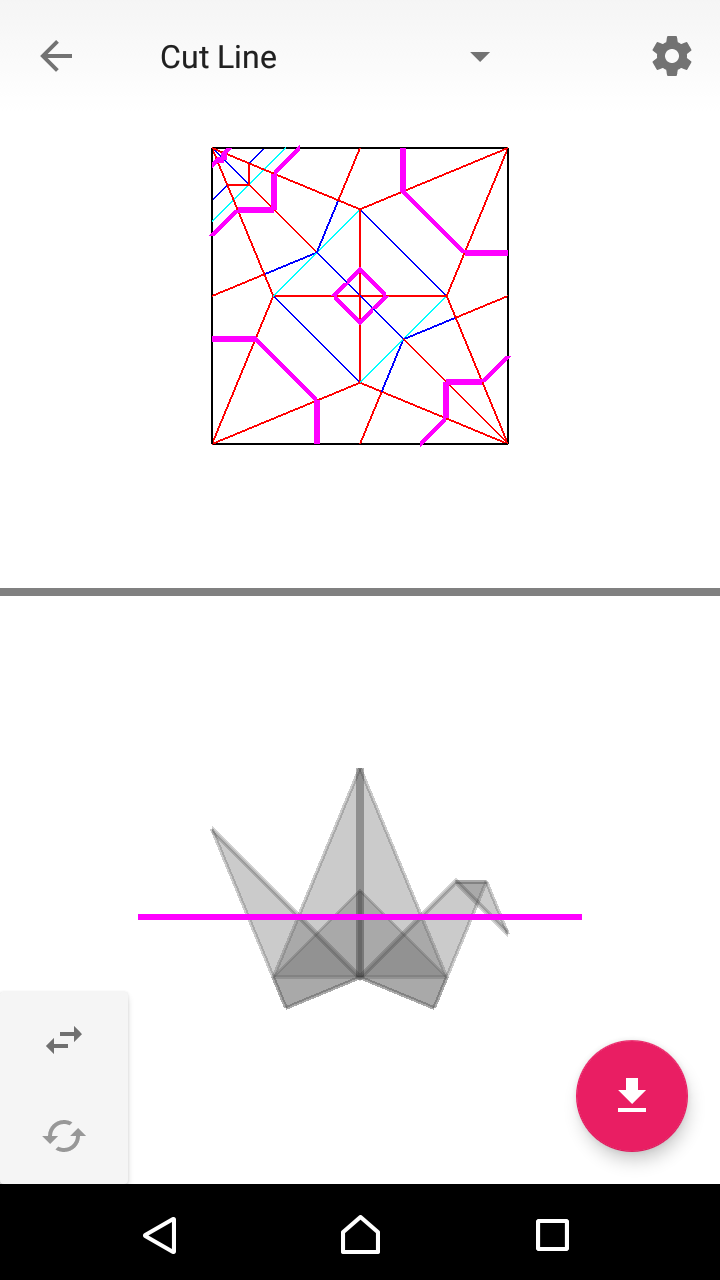
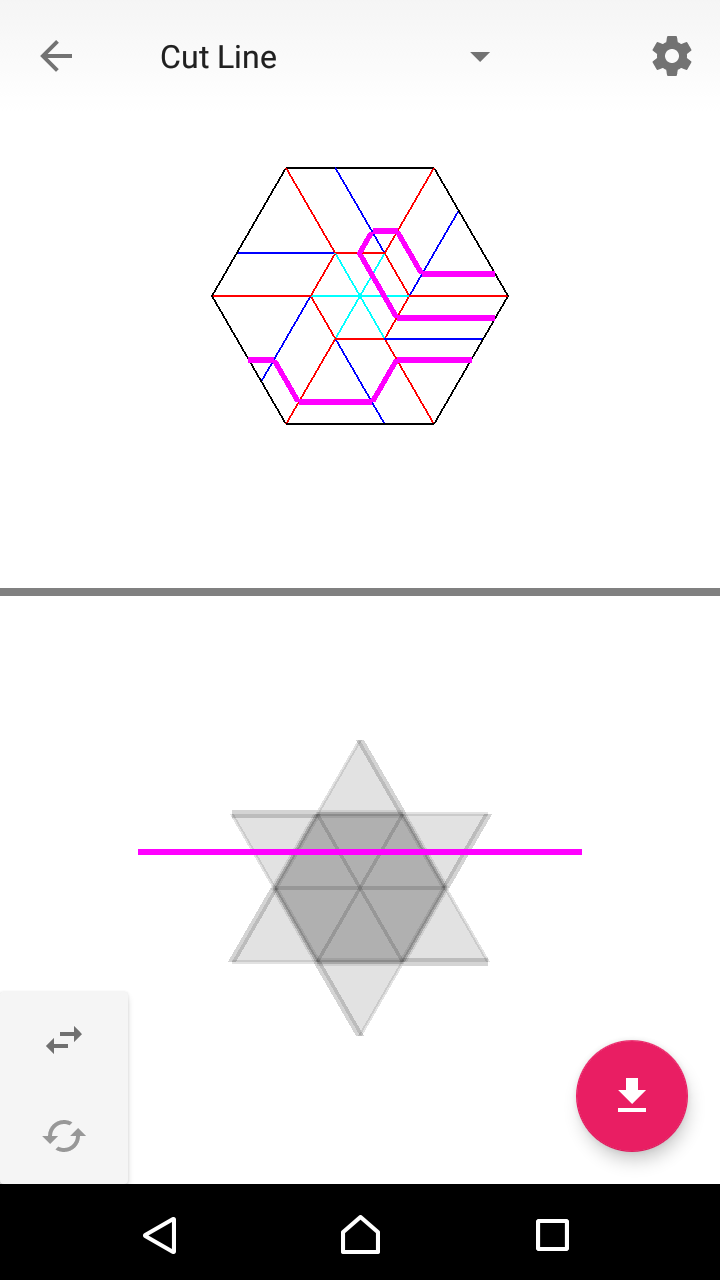
- Fold pattern tests — Test fold-valid crease patterns directly on Android, with support for 2D models only.
- Import and export files — Work with desktop ORIPA files by importing and exporting OPX or CP crease patterns.
- Save image files — Save crease patterns and folded models as PNG or SVG for sharing or later reference.
- Use touch gestures — Pinch to zoom, pan with two fingers, and rotate folded models in landscape or portrait.
Draw and check a crease pattern
In a normal session, ORIPA opens as a practical editor for straight-line crease patterns. You can draw new lines, undo or redo changes, and check the pattern against local flat foldability rules. That makes it useful when you want to test an idea before returning to a desktop workflow.
Work with OPX and CP files
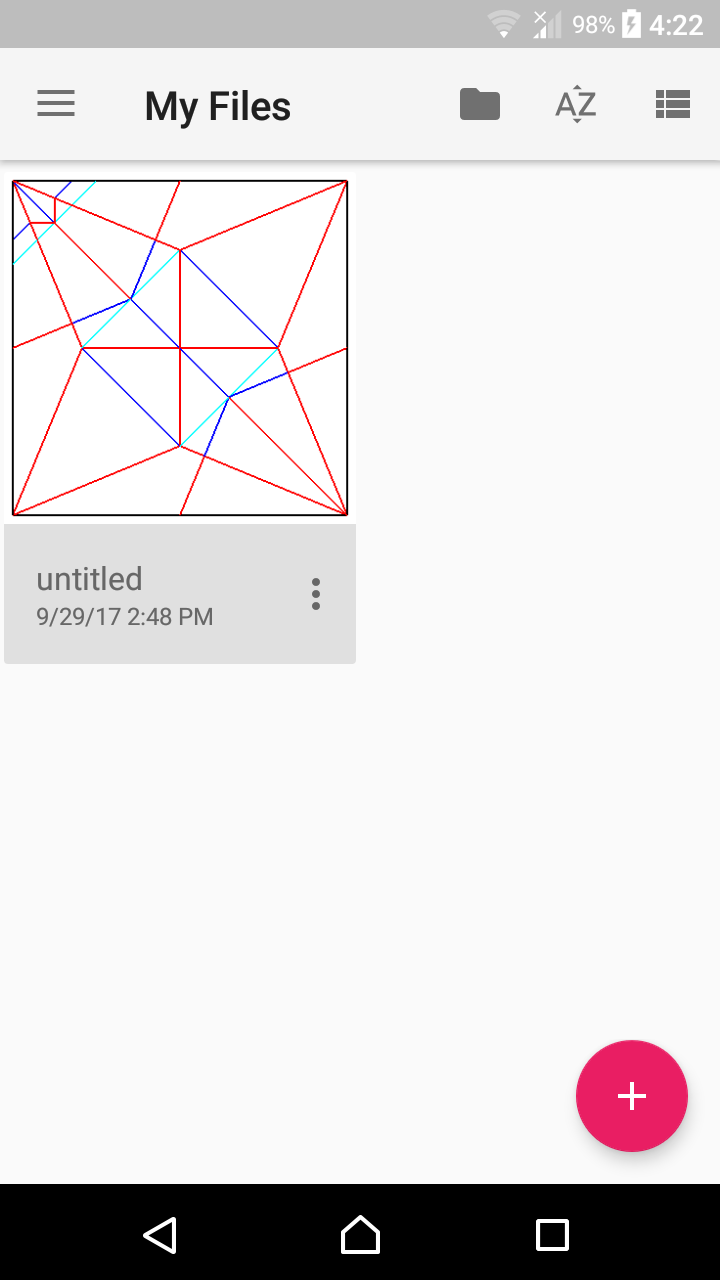
The app is compatible with desktop ORIPA, so you can move crease patterns between devices without changing formats. Import an OPX or CP file, adjust the pattern on your phone or tablet, and export it again when you are done.
Save crease patterns as PNG or SVG
When you need a copy outside the editor, ORIPA can save both crease patterns and folded models as PNG or SVG. That gives you image files for review or sharing, instead of keeping everything locked inside the app.
Multi-touch editing on the go
The editing screen supports pinch-to-zoom, two-finger panning, and two-finger rotation of folded models, with both landscape and portrait orientations available. The interface is built for direct manipulation, though it stays focused on 2D crease work and does not teach origami theory or curved-line drawing.
Before installing, check the basics: ORIPA - Origami Pattern Editor is a free APK, 2.2 MB in size, and it needs Android API 16 or later. It does not show ads, does not use in-app purchases, and does not request permissions.
What's new
Version 0.2.3.3 · Nov 11, 2026
- trimmed some memory usage
- support rendering slightly bigger crease patterns
APK information
- Version
- 0.2.3.3
- Package
- com.origamitoolbox.oripa
- Category
- Art & Design
- Size
- 2 MB
- Min Android
- API 16
- Architecture
- universal
Older versions
-
ORIPA - Origami Pattern Editor 0.2.3.3Nov 11, 2026Latest downloadAPK
ORIPA - Origami Pattern Editor FAQ
Does ORIPA - Origami Pattern Editor work offline?expand_more
The app is designed for use away from a computer, including situations with no Wi‑Fi. No account setup is mentioned.
Does ORIPA - Origami Pattern Editor add a watermark?expand_more
There is no watermark mentioned for saved PNG or SVG exports.
How big is the ORIPA - Origami Pattern Editor download?expand_more
The APK is 2.2 MB.
Can I install ORIPA - Origami Pattern Editor without Google Play?expand_more
It is provided as an APK file, so it can be installed without using Google Play.
Can ORIPA - Origami Pattern Editor handle curved lines?expand_more
No. The app only draws straight lines, and curved lines are not supported.