- 4.0star18,758 reviews
- 5M+Downloads
- 1 MBAPK size
- EveryoneRated for Everyone
- API 15+Android
check_circleOriginal APK from ng-labs · Updated Nov 12, 2026
No threats found
0 / — antivirus engines flagged this file
Original signature
First seen — ng-labs
Unmodified APK
Same file the developer published — no mods
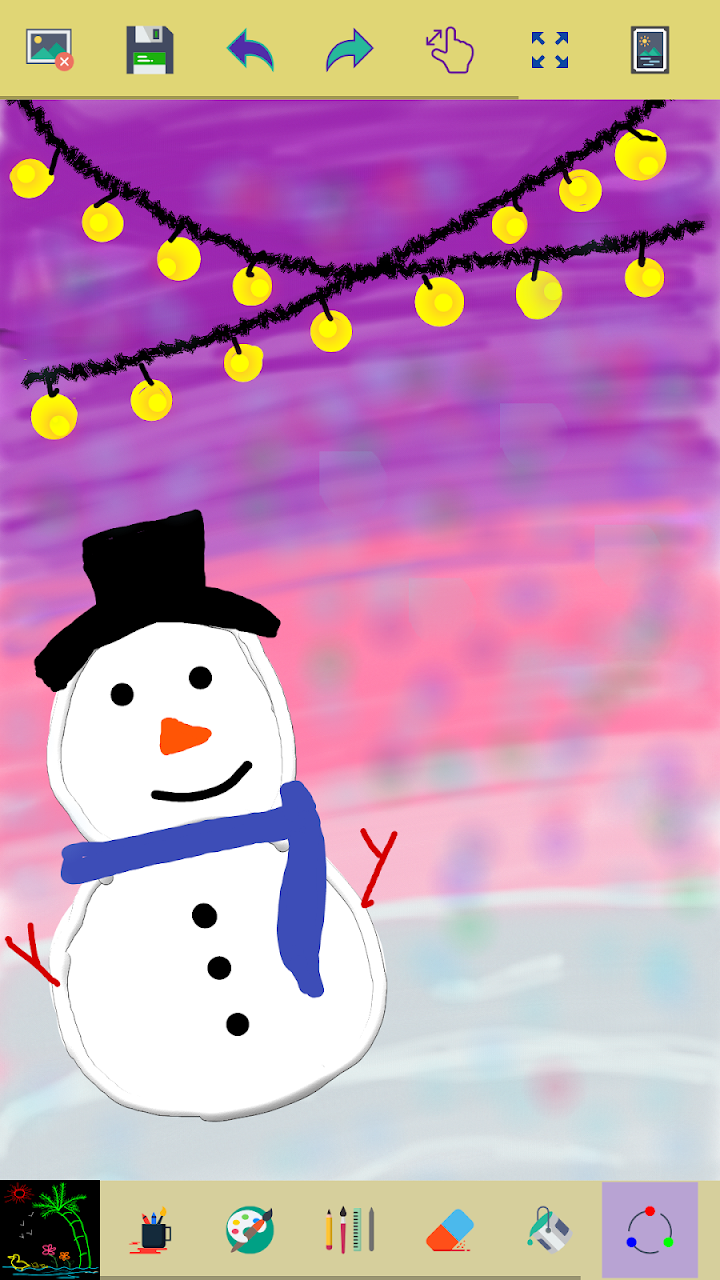
Paint screenshots
8 images · tap to enlarge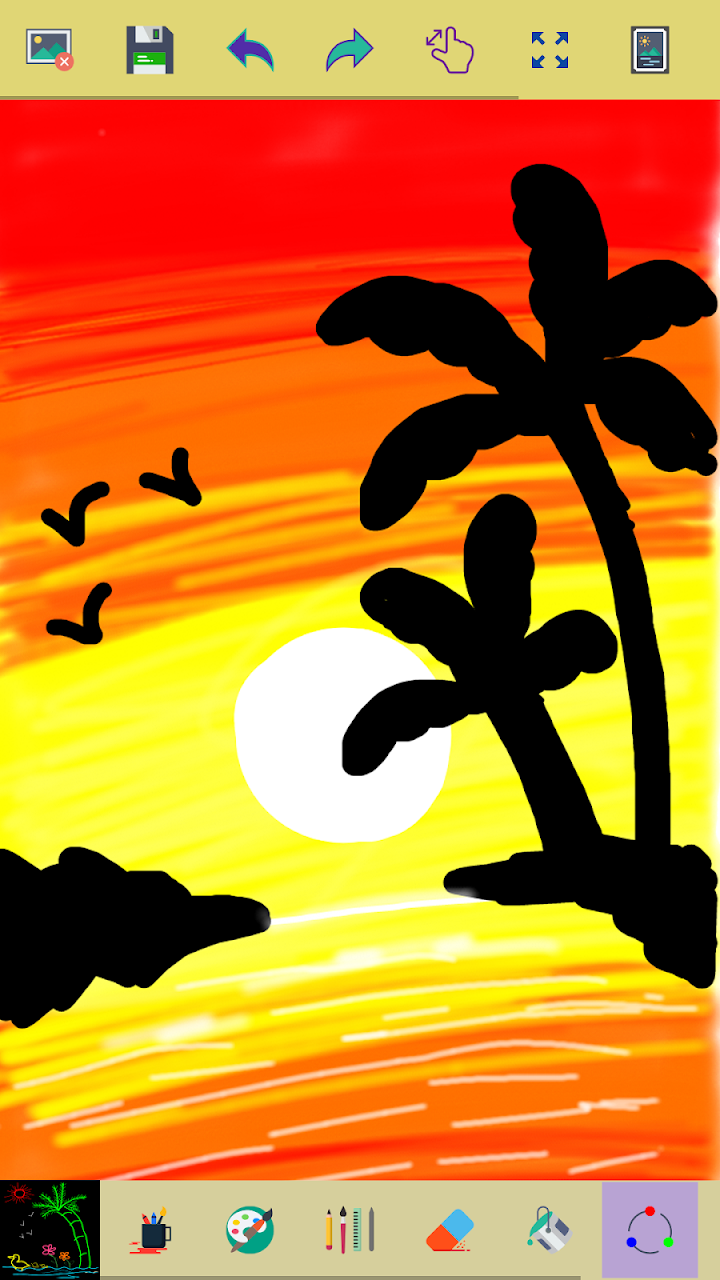
About this app
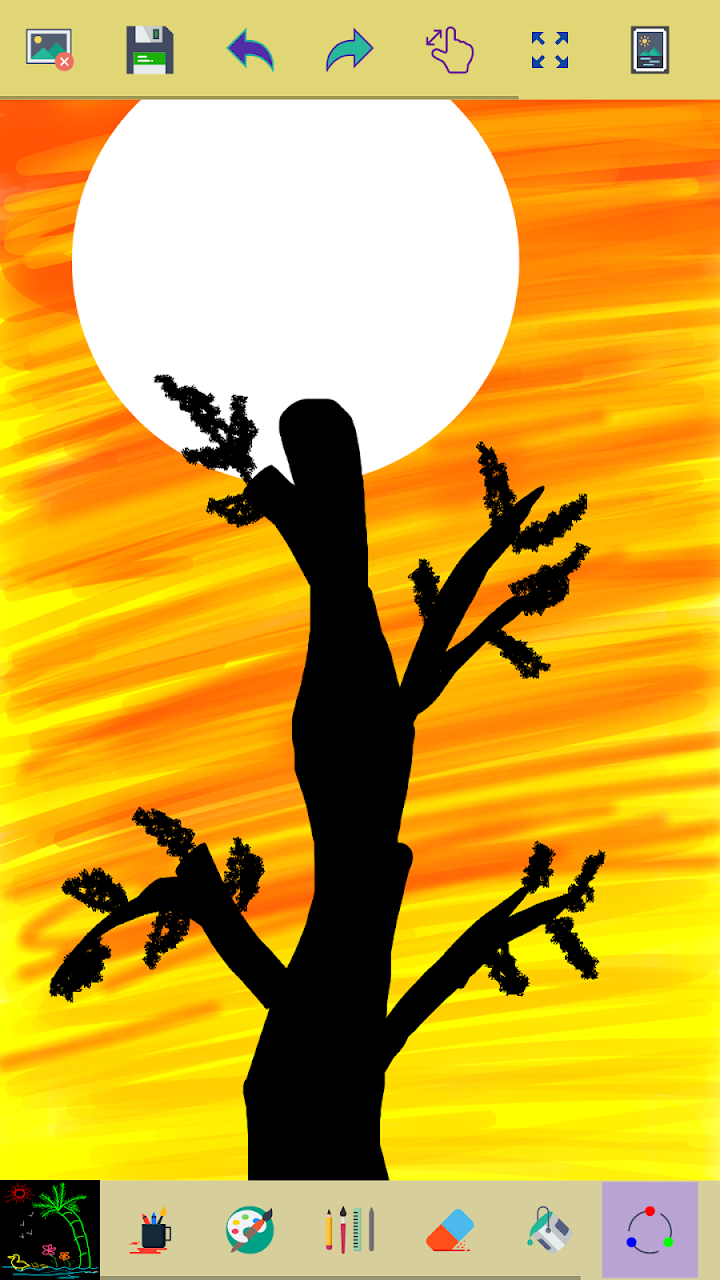
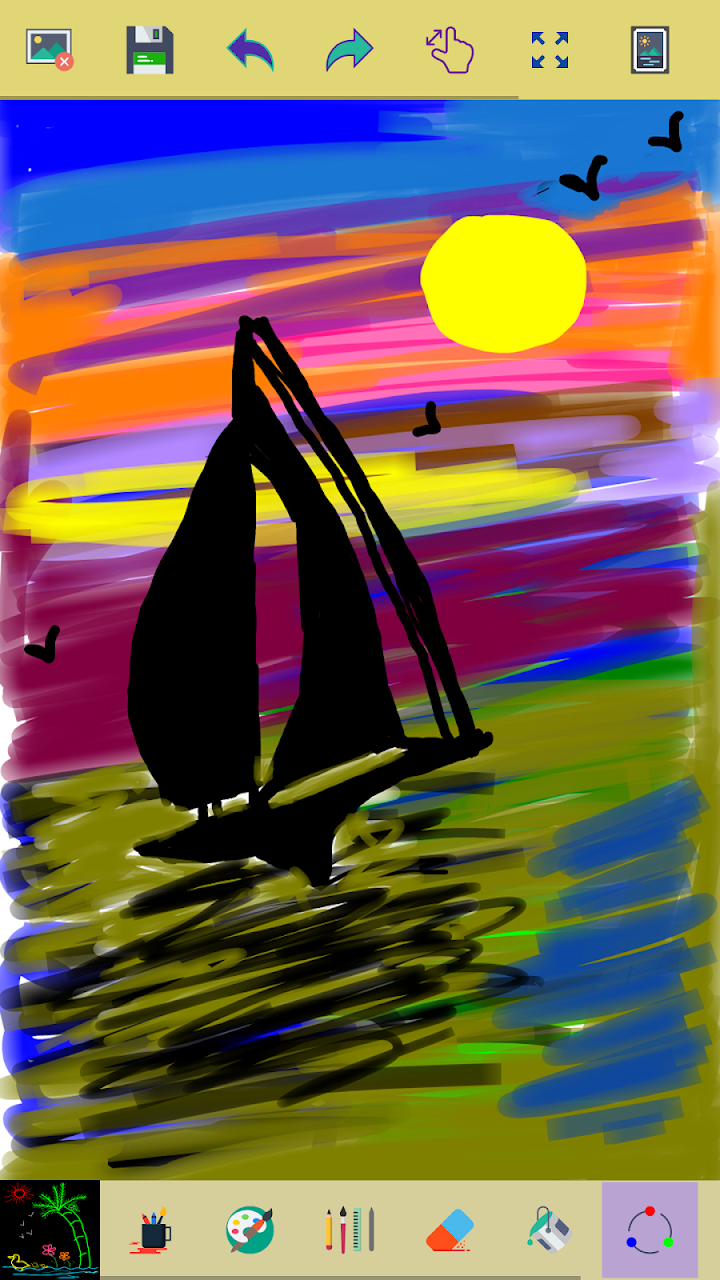
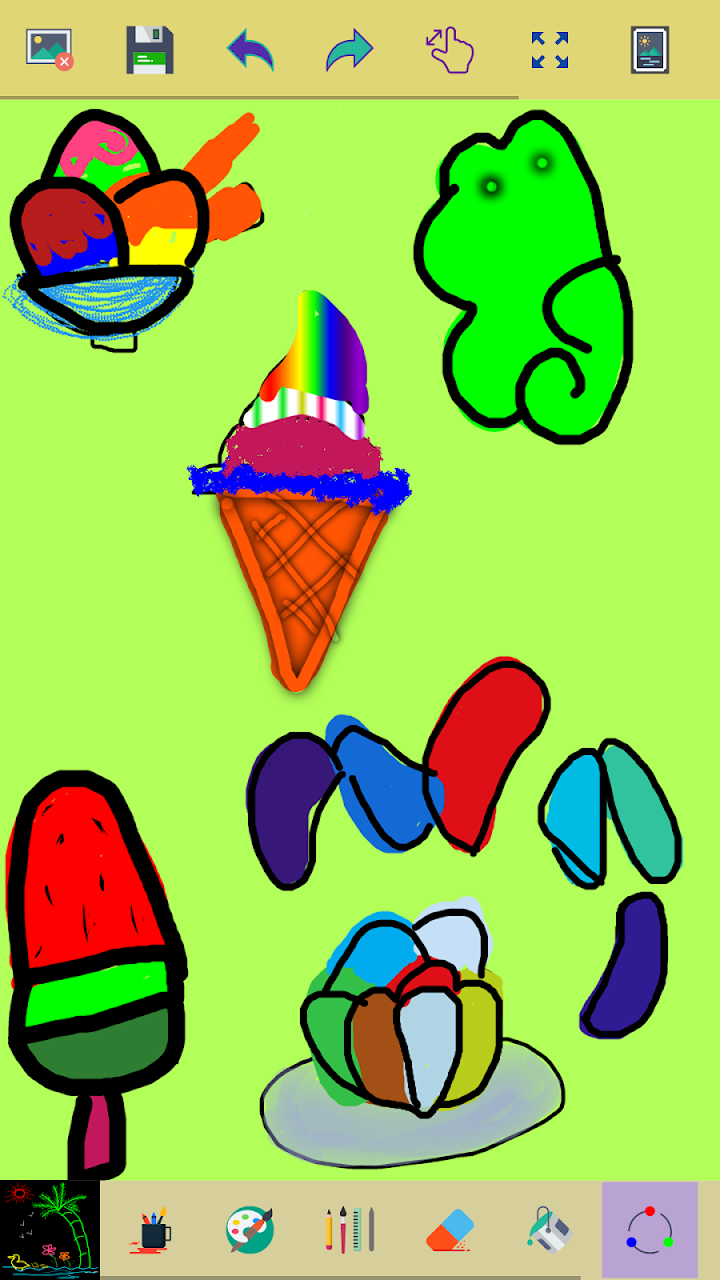
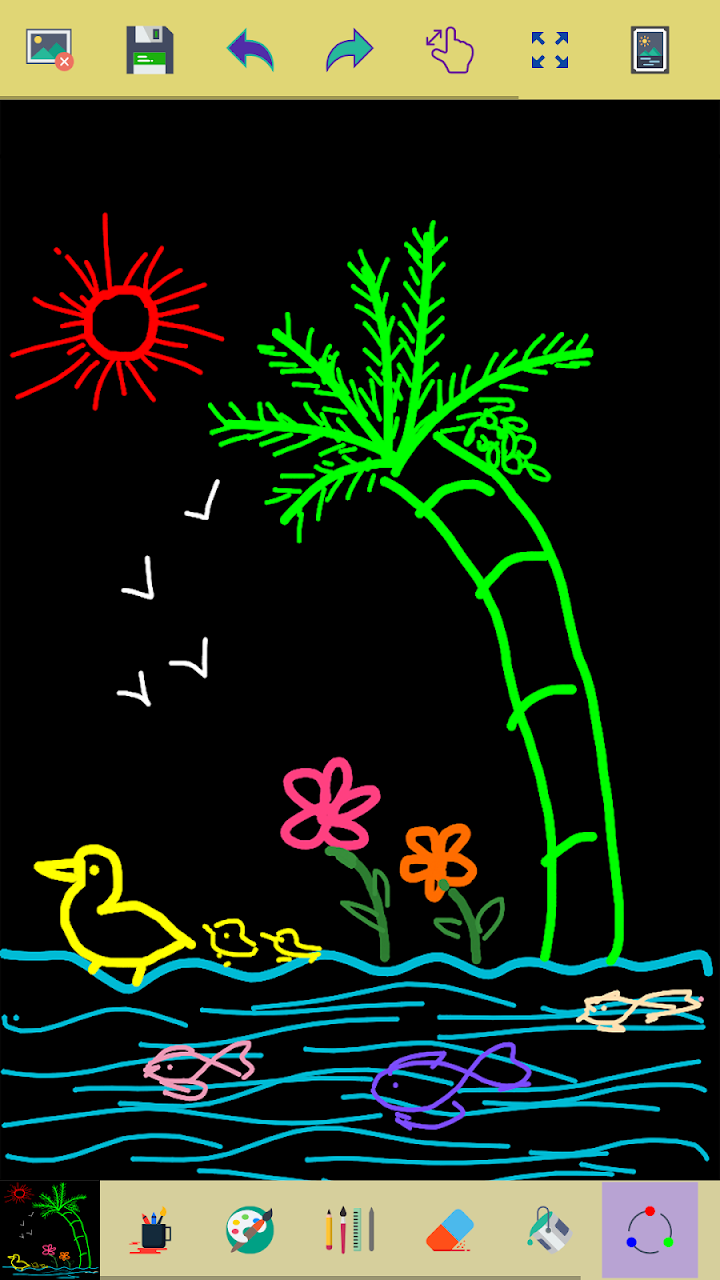
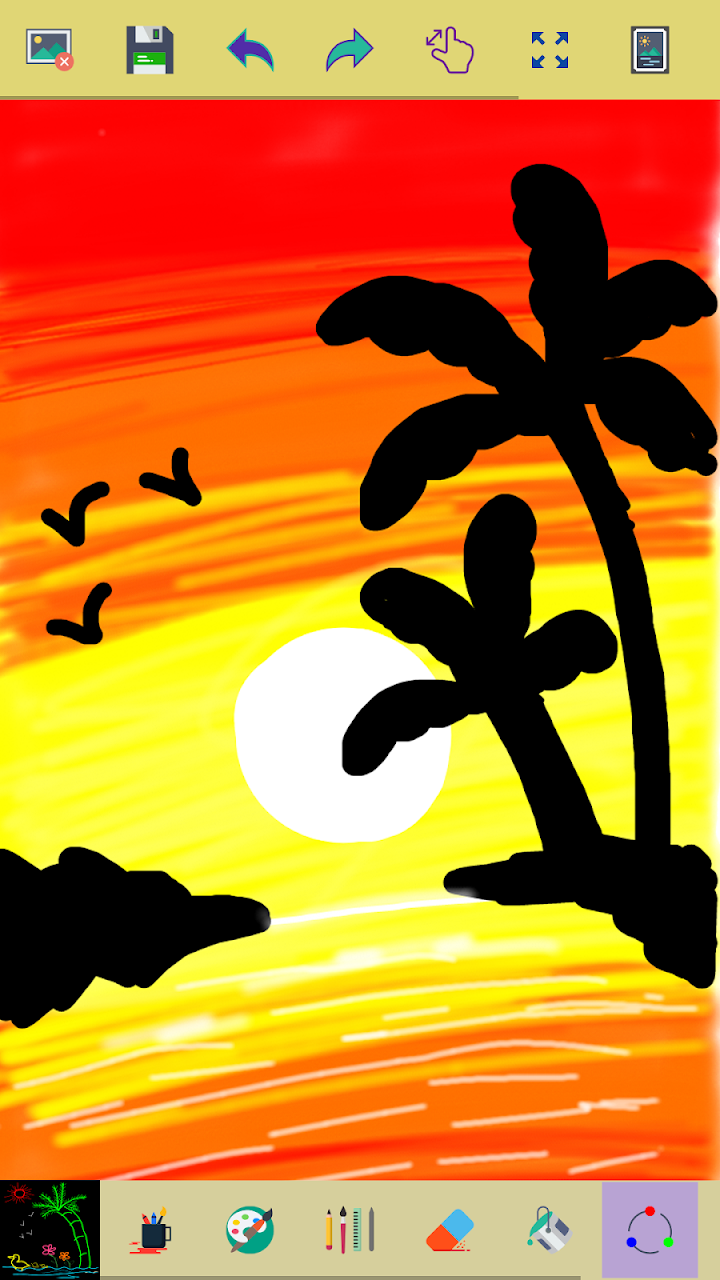
Paint stands out in the drawing app category with simple tools for sketching, editing images, and making small corrections by zooming in. It supports finger or stylus input, offers multiple brushes and colors, and keeps your drawings in My Art Gallery. If you want a straightforward canvas instead of heavier creative apps like ibis Paint X or Sketchbook, this app stays focused on drawing and quick edits.
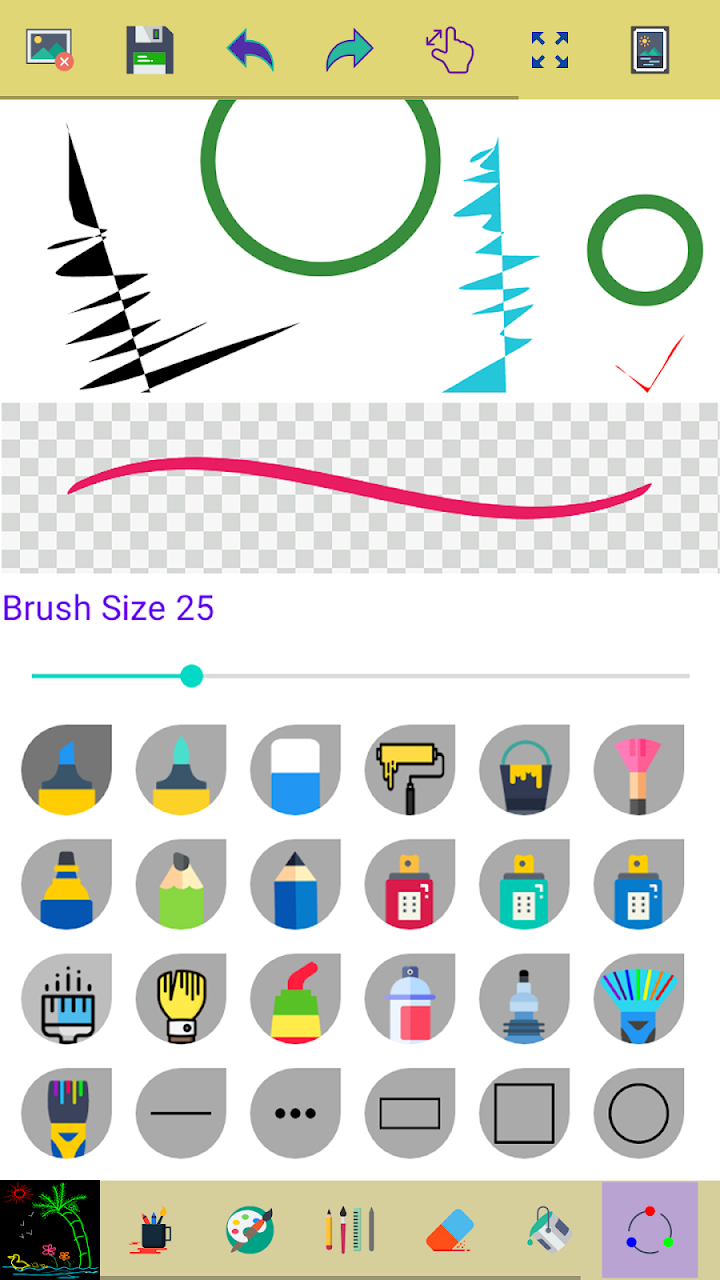
- Brush and pen tools — Choose from multiple brushes, pens, and pencils for different drawing styles.
- Zoom for details — Zoom in and out when you need to fix small parts of a drawing.
- Undo and redo — Go back a few strokes or restore them when you change your mind.
- Edit images — Open and edit images or photos directly in the app.
- Save to gallery — Your drawings are saved in My Art Gallery and to the photo gallery.
- Finger or stylus — Draw with your finger or a stylus, depending on what feels easier.
Simple drawing tools for quick ideas
Paint keeps the drawing process easy to follow. You can start a new canvas with the clear button, choose brushes, pens, or pencils, and adjust brush or eraser width with a slider. That makes it a lighter choice than fuller art apps such as Sketchbook or ibis Paint X when you want a simple place to sketch, color, and make small corrections.
Zoom, undo, and color controls
The app includes zoom in and zoom out tools, so you can work on small details without losing the whole picture. If a stroke goes wrong, undo and redo can take back or restore a few recent actions. You can also pick a background color, use a color picker for brush and background colors, and turn on random brush color so each stroke uses a different color.
Draw, fill, and edit images
Paint is not limited to freehand drawing. You can tap an area on the canvas to fill it with background color, erase part of a drawing, and edit images or photos. The app also supports drawing with your finger or a stylus, which gives beginners a simple way to try different input styles.
Saving and sharing your work
All drawings are available in My Art Gallery, and your work is also saved into the photo gallery. You can share drawings with family and friends when you want to show what you made. The app is free, contains ads, and has no in-app purchases. It comes as an APK file, supports Android API 15 and above, and the download size is 1.0 MB.
- Works with multiple brushes, pens, and pencils
- Lets you zoom for small corrections
- Includes undo and redo for recent strokes
- Supports image and photo editing
- Saves drawings to My Art Gallery
APK information
- Version
- 2
- Package
- com.ng_labs.paint
- Category
- Art & Design
- Size
- 1 MB
- Min Android
- API 15
- Architecture
- universal
Older versions
-
Paint 2Nov 12, 2026Latest downloadAPK
Paint FAQ
Does Paint add a watermark?expand_more
The app description does not mention a watermark. It does say you can share your drawings and save them to your photo gallery.
Can Paint edit RAW photos?expand_more
It says you can edit images and photos, but it does not mention RAW file support.
Does Paint work on tablets?expand_more
The app supports Android API 15 and above, but tablet support is not specifically listed.
Is this Paint APK the original file?expand_more
This page is for the Paint APK by ng-labs. It is listed as an APK file format.
Can I save my drawings in the app?expand_more
Yes. Your drawings are available in My Art Gallery and are also saved into the photo gallery.