- 2.6star73 reviews
- 10K+Downloads
- 3 MBAPK size
- EveryoneRated for Everyone
- API 16+Android
check_circleOriginal APK from Arab Coding · Updated Nov 10, 2026
No threats found
0 / — antivirus engines flagged this file
Original signature
First seen — Arab Coding
Unmodified APK
Same file the developer published — no mods
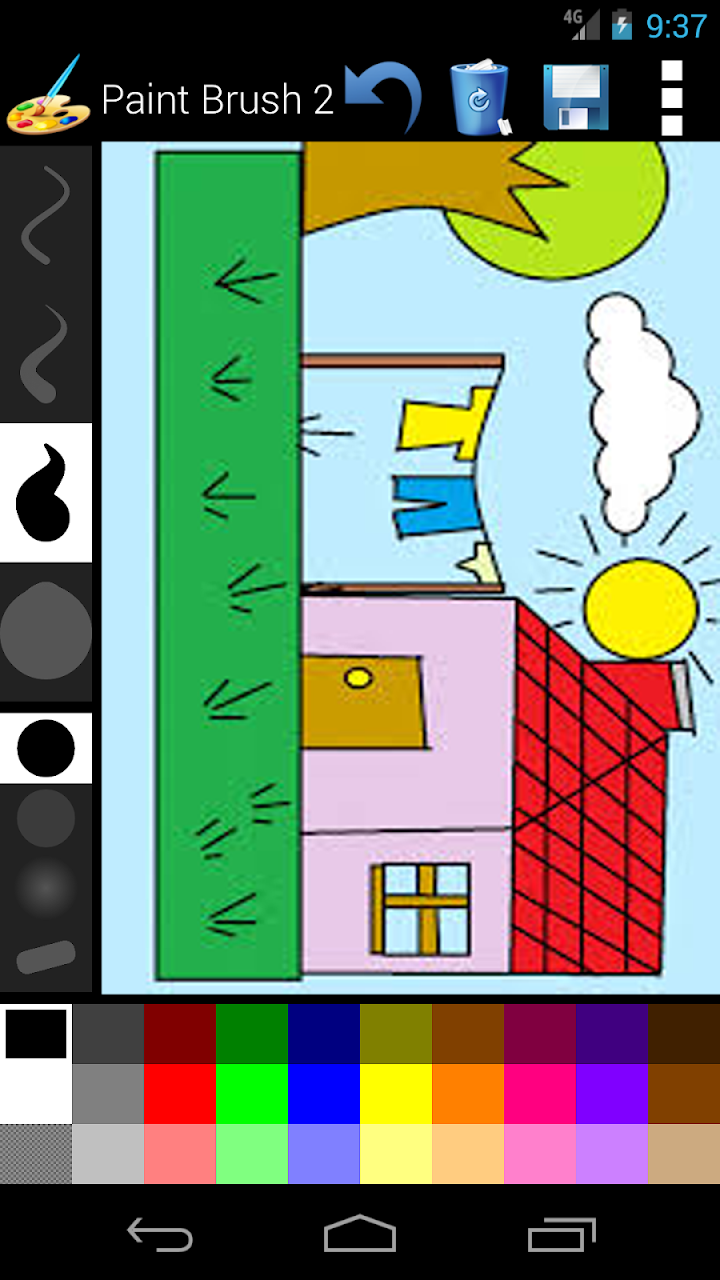
Paint Brush 2 screenshots
5 images · tap to enlarge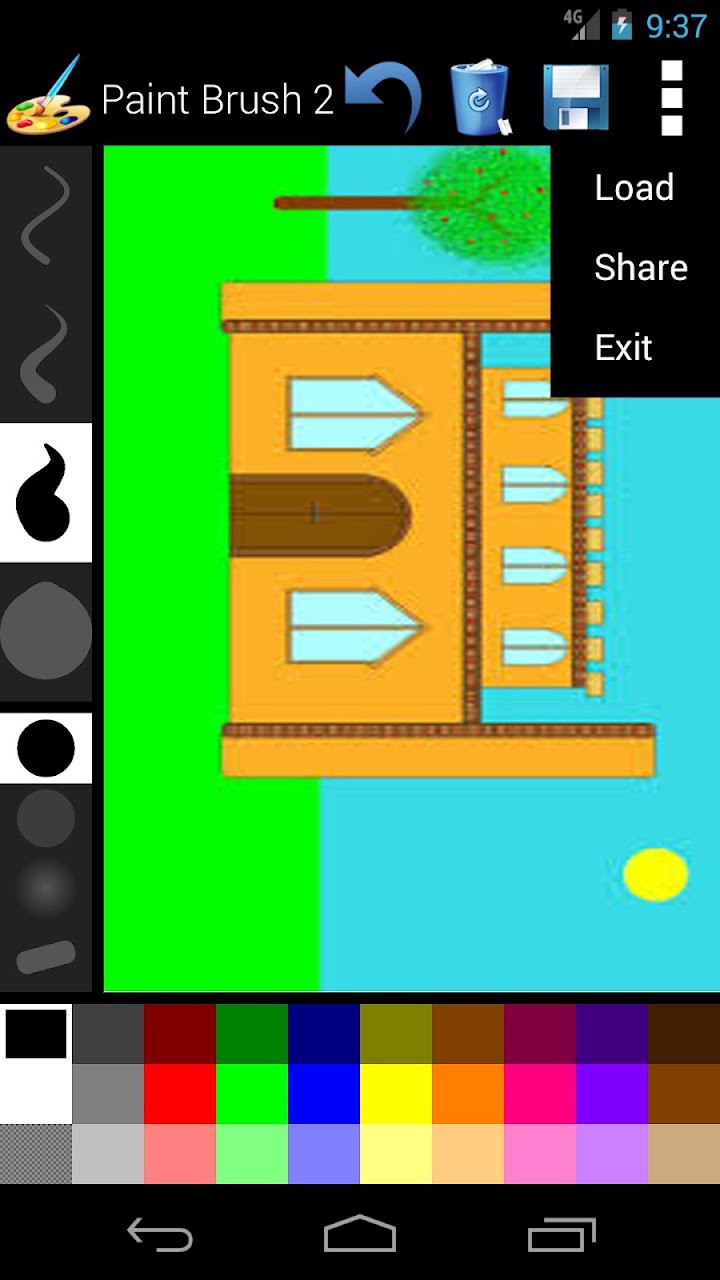
About this app
10K+ installs and a 2.6 rating set the tone for Paint Brush 2. It is a free drawing and photo editing app from Arab Coding, built for Android 4.1 and up, in a small 3.0 MB universal APK. The app includes layers, brushes, stickers, text tools, and community features, but it also shows ads.
- Brush and layer tools — Create sketches with multiple brushes, a layer editor, undo and redo, and support for fine detail work.
- Photo editing options — Import photos, add text with multiple fonts, use free stickers, and adjust colors with built-in editing tools.
- Multi-touch drawing — The app supports multi-touch drawing, zoom, pan, move, scale, rotate, and flip controls.
- Community browsing — Explore art without logging in, then follow users, like, comment, search tags, and use a personalized feed.
- Small APK size — Paint Brush 2 is a universal APK file, sized at 3.0 MB, and it installs on Android API 16 and above.
First look at Paint Brush 2
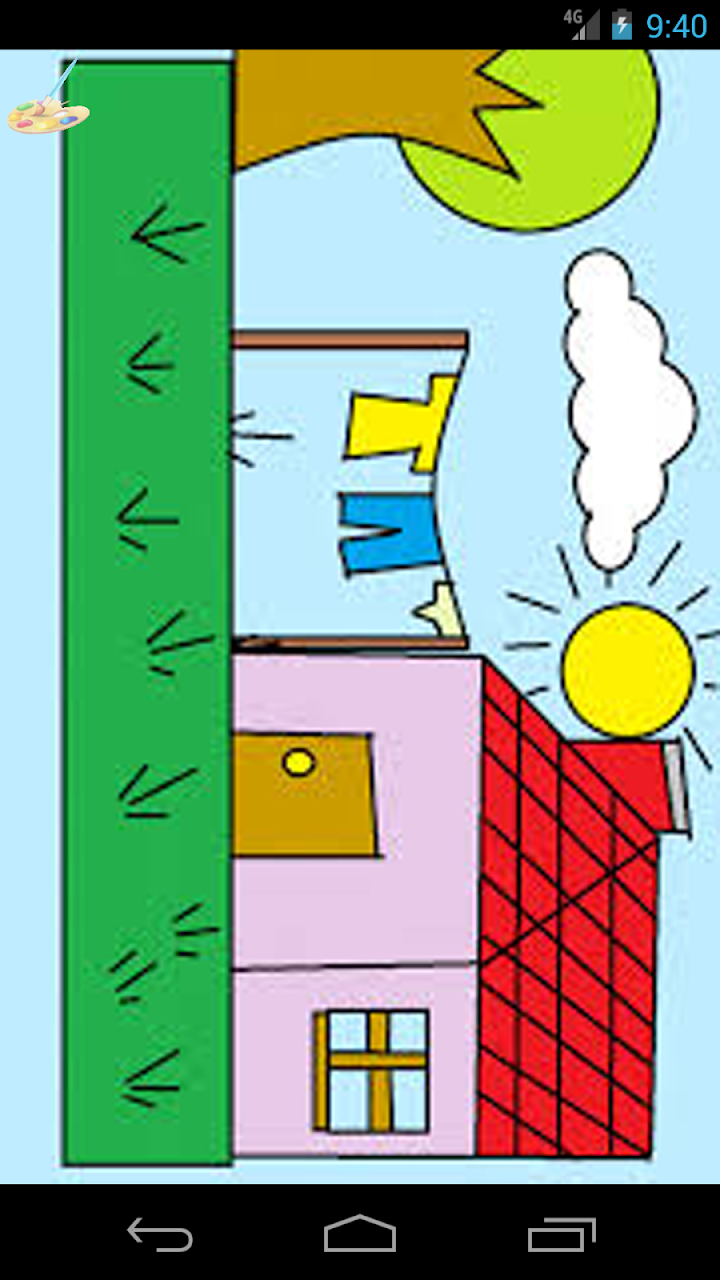
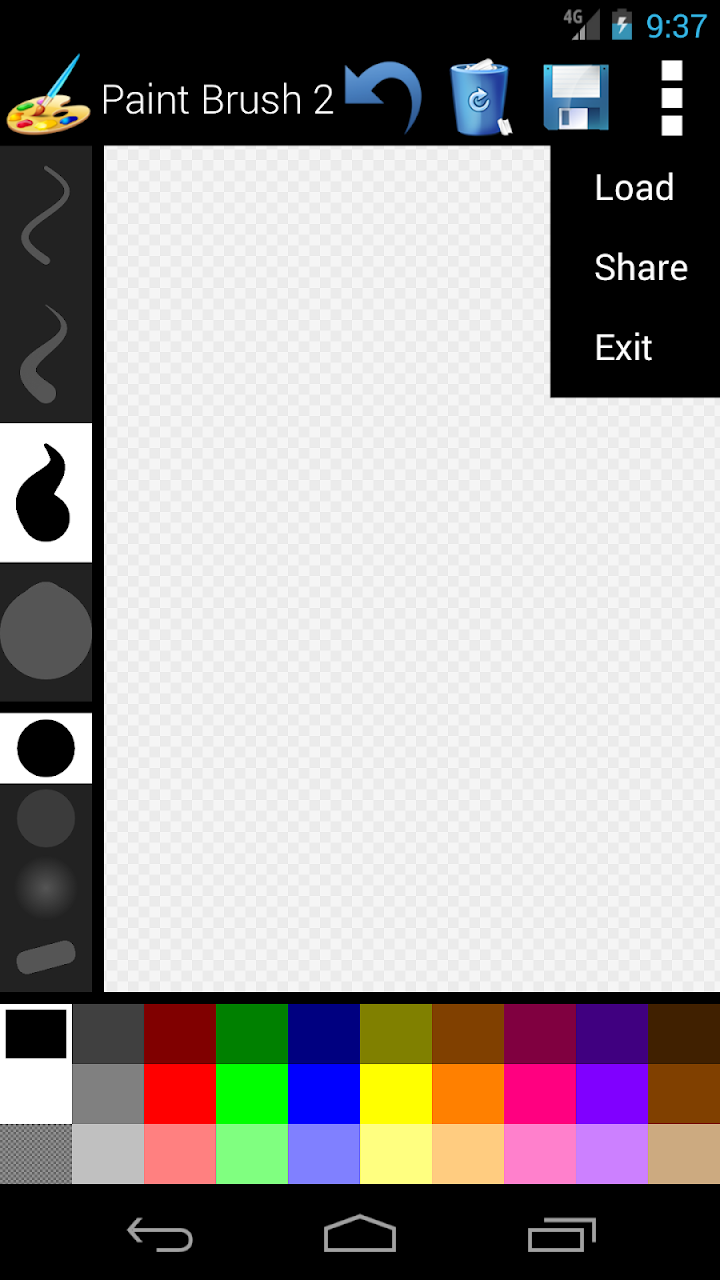
Paint Brush 2 opens as a compact drawing and photo editing app rather than a heavy creative suite. The 3.0 MB universal APK keeps the download small, and it supports Android API 16 and up. Its toolset is straightforward: brushes, eraser, smudge, bucket fill, layers, stickers, text, and image adjustments.
Drawing and editing tools
The app focuses on practical controls for sketching and basic image work. You can load photos, work with multiple colors, use the ruler and pipette, adjust the background, and move, scale, rotate, or flip elements. Undo, redo, save, and export are included, along with multi-touch drawing and pan and zoom for detail work.
- Brushes: Multiple brushes are available, with three brush sizes mentioned in the app description.
- Editing: Smudge, eraser, bucket fill, and image color adjustment are built in.
- Text and stickers: Add text with multiple fonts and use free stickers.
- Output: Export or share drawings as images.
Community and sharing features
Paint Brush 2 also includes a community feed. You can browse art without logging in, search users and tags, and interact through follows, likes, comments, hashtags, mentions, and collaborations. The app also supports notifications, a customizable profile page, and options to remove sketches or block users.
What stands out and what does not
The app’s low size and broad tool list are practical strengths. It also has no in-app purchases, which keeps the purchase model simple. On the other hand, the 2.6 rating shows mixed feedback, and the current rating split is uneven, with many 1-star and 5-star reviews and no ratings in the middle. Ads are present, so the free version is ad-supported.
For users who want a small Android drawing app with layers, photo import, and sharing tools, Paint Brush 2 is worth a look. It is less suited to anyone expecting a polished, highly rated editor or advanced AI features, since none are listed here.
What's new
Version 8.0 · Nov 10, 2026
- Solve problems with the application to be compatible with the latest Android systems
APK information
- Version
- 8.0
- Package
- paintbrush2.tafaseel.aligamal
- Category
- Art & Design
- Size
- 3 MB
- Min Android
- API 16
- Architecture
- universal
Older versions
-
Paint Brush 2 8.0Nov 10, 2026Latest downloadAPK
Paint Brush 2 FAQ
Does Paint Brush 2 add a watermark?expand_more
The available details do not mention watermarking.
Does Paint Brush 2 work offline?expand_more
Offline use is not specified. The app does include community features that rely on browsing and sharing.
Is Paint Brush 2 free to use?expand_more
Yes. Paint Brush 2 is listed as free, and it does not include in-app purchases.
Who develops Paint Brush 2?expand_more
Paint Brush 2 is developed by Arab Coding.
What Android version does Paint Brush 2 need?expand_more
It supports Android API 16 and above.