- 4.3star10 reviews
- 500K+Downloads
- 3 MBAPK size
- EveryoneRated for Everyone
- API 19+Android
check_circleOriginal APK from Digital Monarch · Updated Nov 10, 2026
No threats found
0 / — antivirus engines flagged this file
Original signature
First seen — Digital Monarch
Unmodified APK
Same file the developer published — no mods
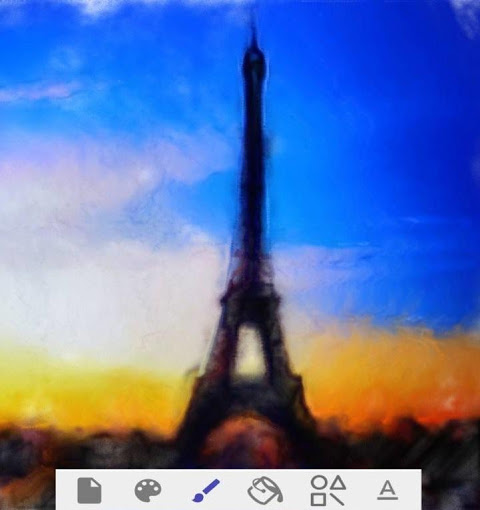
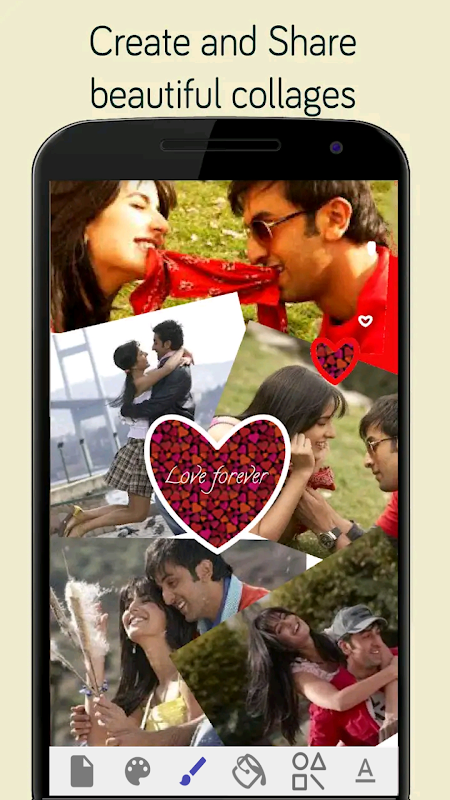
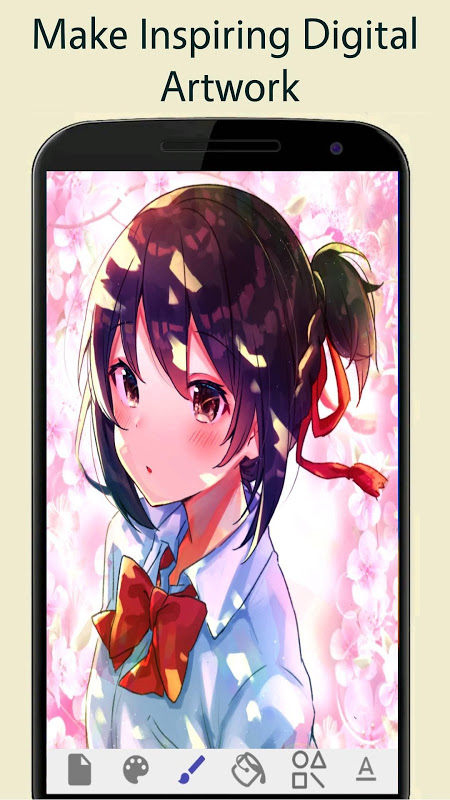
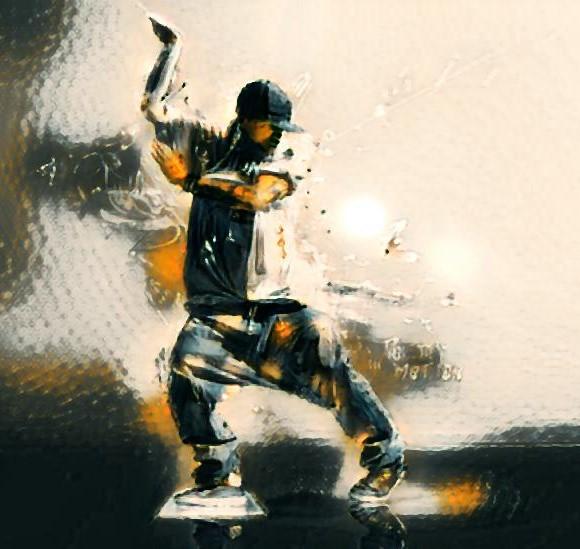
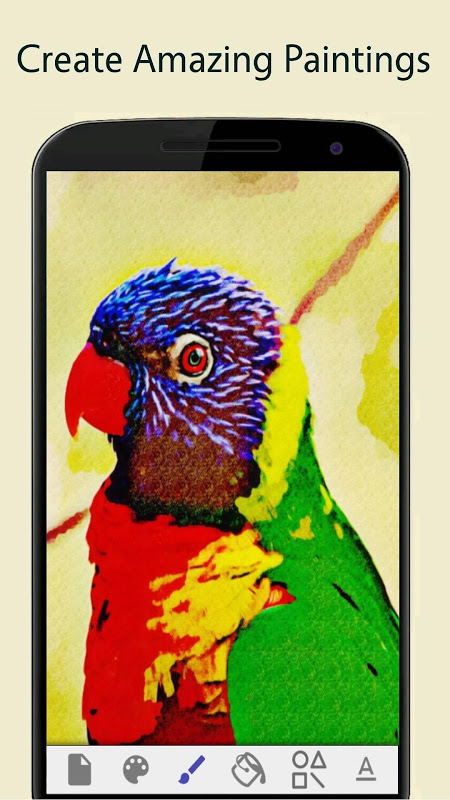
Paint Photo Editor screenshots
8 images · tap to enlarge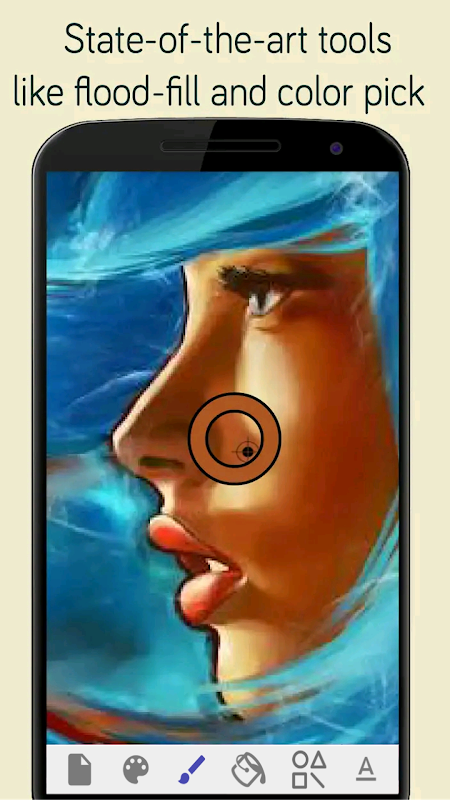
About this app
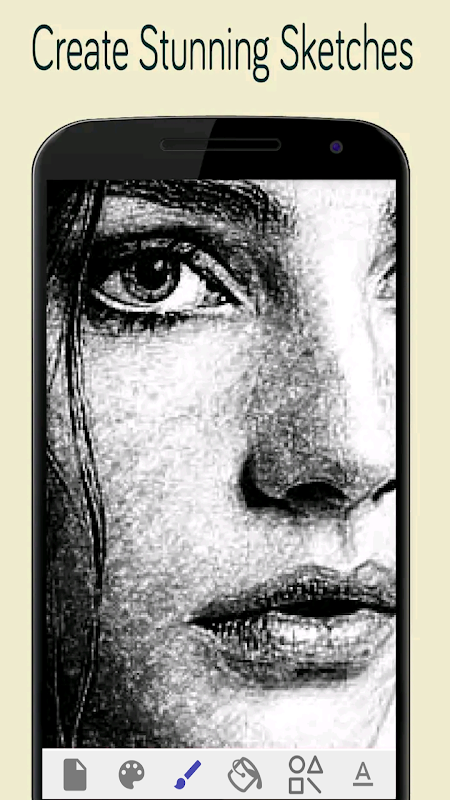
When you want to turn a gallery photo into a sketch or add drawn details by hand, Paint Photo Editor gives you brushes, shapes, filters, and color controls in one place. It is a small Android app with free access, ads, and no in-app purchases, aimed at simple drawing and photo editing rather than heavy pro workflows.
- Brush Variety — Choose from 16 brush types, with eight available in the free version.
- Photo Editing Tools — Open an image from your gallery, edit it, and save the result as JPG or PNG.
- Fill and Color — Use the fill bucket, custom colors, transparent colors, and adjustable fill tolerance.
- Shapes and Text — Add 12 shapes and eight artistic fonts with bold, italic, and underline options.
- Drawing Controls — Use pencil, eraser, smooth lines, shadow effects, and offset drawing for easier finger input.
Drawing on photos without a heavy setup
Paint Photo Editor focuses on direct editing: open a picture from your gallery, draw over it, add shapes or text, and save the result as .jpg or .png. It also supports sharing to services such as Bluetooth, Gmail, Facebook, Twitter, Skype, Kik, and WhatsApp. The app is free, shows ads, and does not include in-app purchases. It installs as an APK, needs Android API 19 or later, and the file size is about 3.0 MB.
For a lightweight editor, that is a practical mix. The app stays centered on painting and sketching tools instead of broad social or cloud features.
Brushes, filters, and fill tools
The app includes 16 brush types, a standard pencil with eraser, and 20 image processing filters. The free version includes eight brushes and twelve filters. A fill bucket is built in, and the fill tolerance setting helps match similar colors when you tap an area.
- Gets: brush tools, shapes, text, filters, and save options.
- Watch for: ads, limited free brush and filter selection, and no in-app purchases.
- Gets: gallery image loading and sharing to common apps.
- Watch for: a simple toolset rather than advanced pro editing.
Shapes, text, and easier finger drawing
There are 12 standard shapes, and they can be rotated and manipulated with two fingers. The app also includes eight artistic fonts with bold, italic, and underline options. Smooth lines, shadow effects, and offset drawing are included to make finger-based drawing easier to manage.
The interface is backed by an interactive help guide, which should make the toolset easier to learn. Recent changes mention an undo/redo update and a larger max zoom size.
What to expect before installing
Paint Photo Editor has a 4.3 rating from 10 ratings, with most of those ratings at the top end. It does not request any permissions in the listing, and there are no in-app purchases. If you want a compact drawing-and-photo editor with visible controls and basic sharing, it is straightforward to try.
What's new
Version 6.5c · Nov 10, 2026
- Undo Redo Update
- Max zoom size updated
APK information
- Version
- 6.5c
- Package
- com.dmpaintfree
- Category
- Art & Design
- Size
- 3 MB
- Min Android
- API 19
- Architecture
- universal
Older versions
-
Paint Photo Editor 6.5cNov 10, 2026Latest downloadAPK
Paint Photo Editor FAQ
Does Paint Photo Editor add a watermark?expand_more
The listing does not mention watermarks.
Can Paint Photo Editor edit RAW photos?expand_more
The app description mentions opening images from the gallery and saving as JPG or PNG, but it does not mention RAW support.
Is Paint Photo Editor free to use?expand_more
Yes. The app is free, includes ads, and does not offer in-app purchases.
Does Paint Photo Editor work offline?expand_more
The listing does not say whether it works offline.
Can I save edited images in Paint Photo Editor?expand_more
Yes. It supports saving files as JPG and PNG.