Paintastic: draw, color, paint
Creativity Unlimited- 4.3star7,507 reviews
- 1M+Downloads
- 20 MBAPK size
- EveryoneRated for Everyone
- 6.0+Android
check_circleOriginal APK from Creativity Unlimited · Updated Nov 10, 2026
No threats found
0 / — antivirus engines flagged this file
Original signature
First seen — Creativity Unlimited
Unmodified APK
Same file the developer published — no mods
Paintastic: draw, color, paint screenshots
8 images · tap to enlarge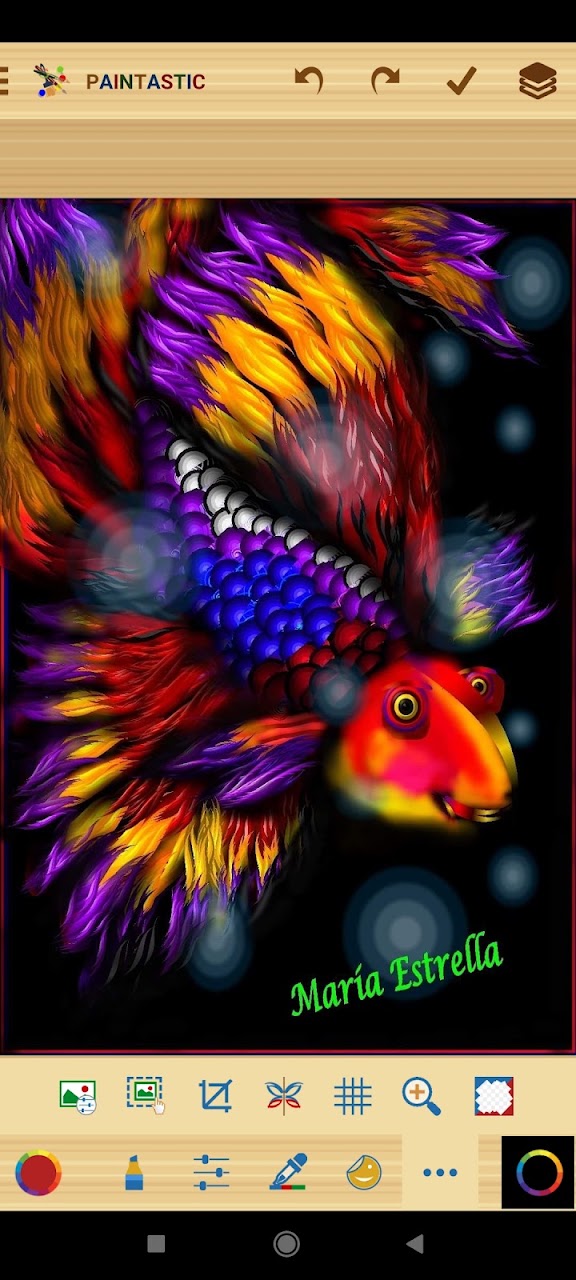
About this app
Creativity Unlimited makes Paintastic: draw, color, paint, a free drawing and painting app for quick sketches, photo edits, greeting cards, logos, and stickers. On a normal day, you can start from scratch or open a picture, then use brushes, shapes, text, and selection tools to build and adjust your design.
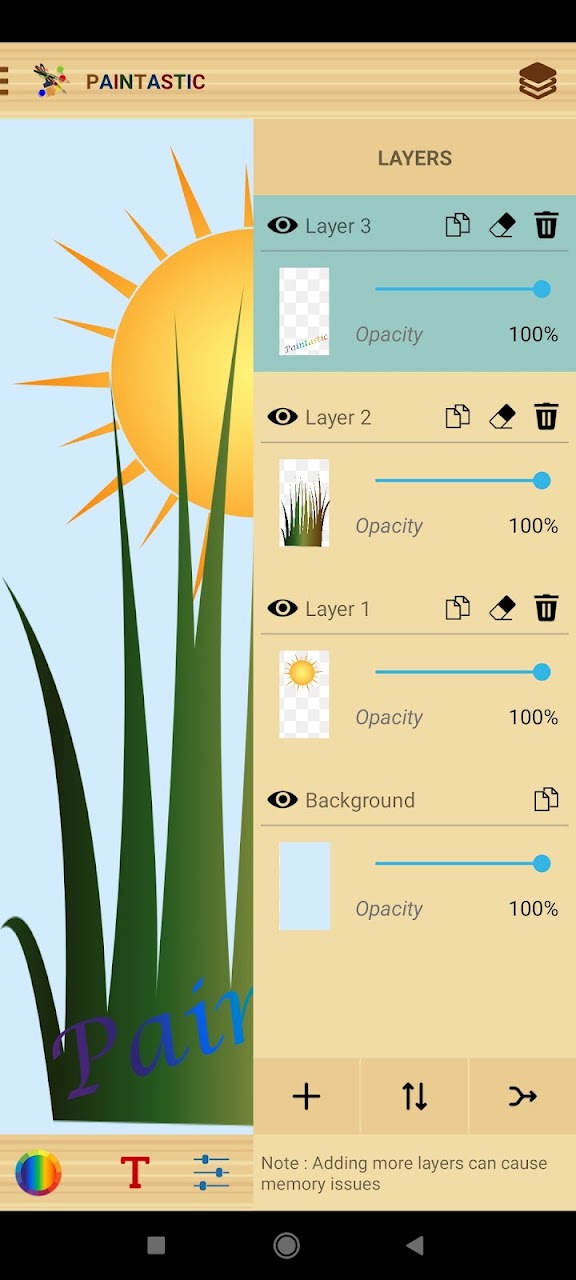
- Up to 5 layers — Build drawings on top of the background with support for up to five layers.
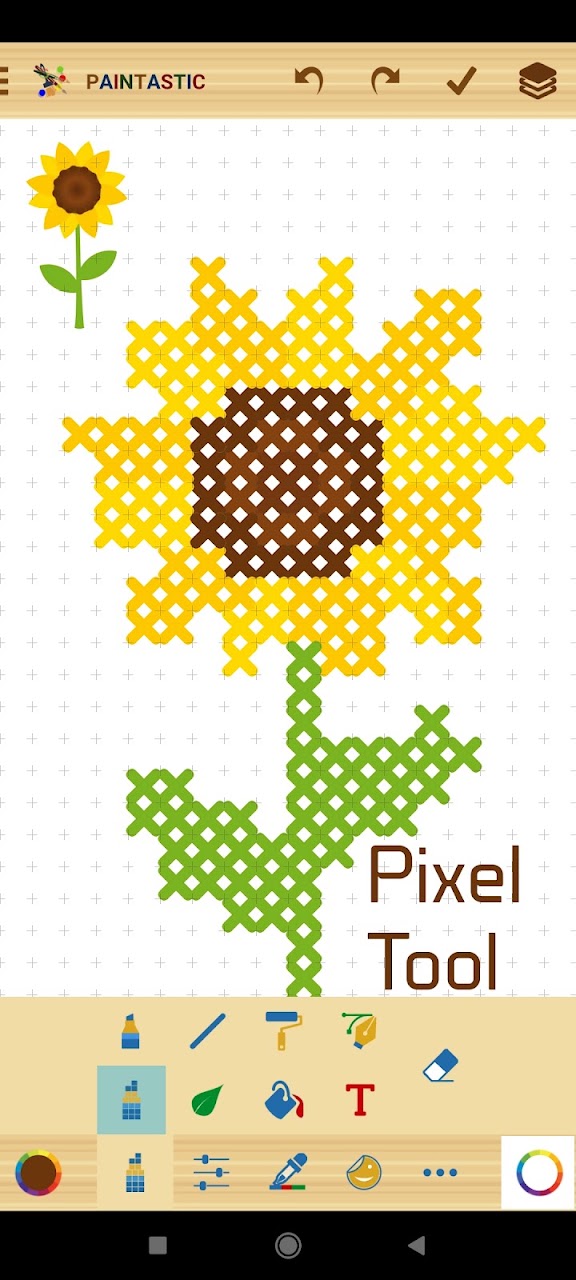
- Brush and pen tools — Use brushes, a pixel pen, and a path pen for different drawing styles and shapes.
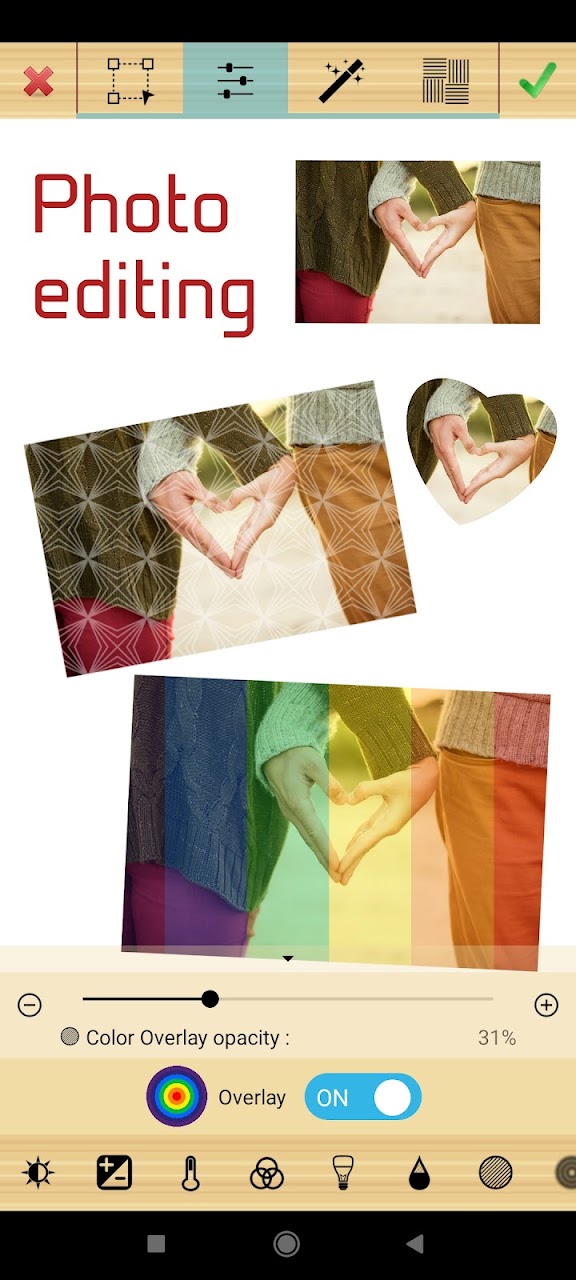
- Photo editing tools — Work with textures, image effects, filters, and a background eraser for existing pictures.
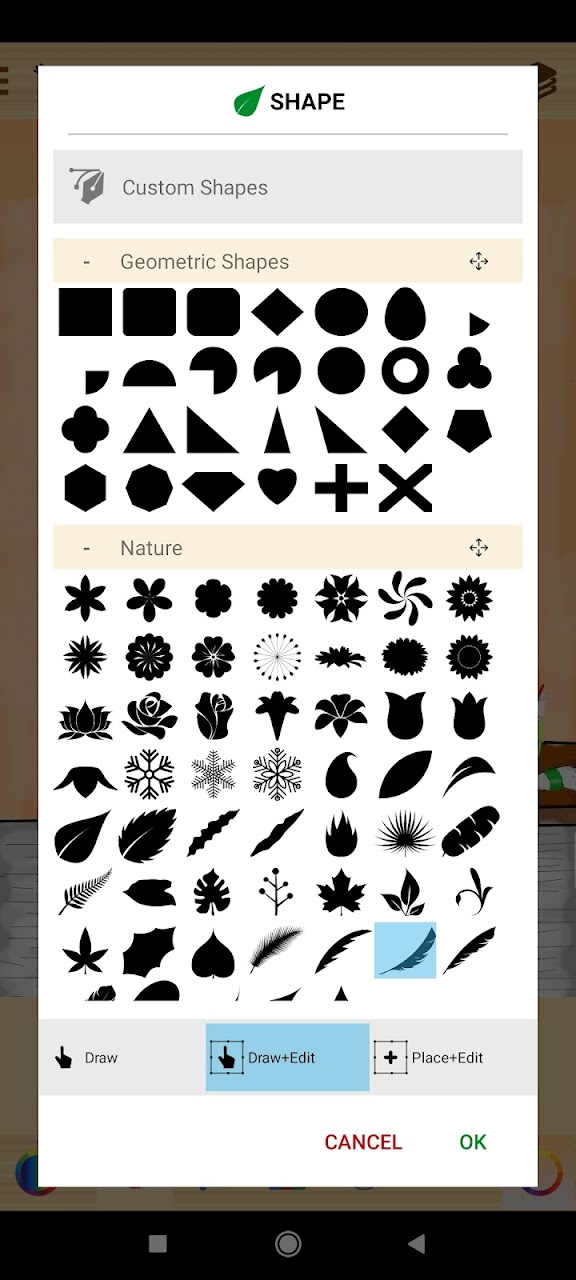
- Text and shapes — Add captions, curved text, and hundreds of ready-made shapes and borders.
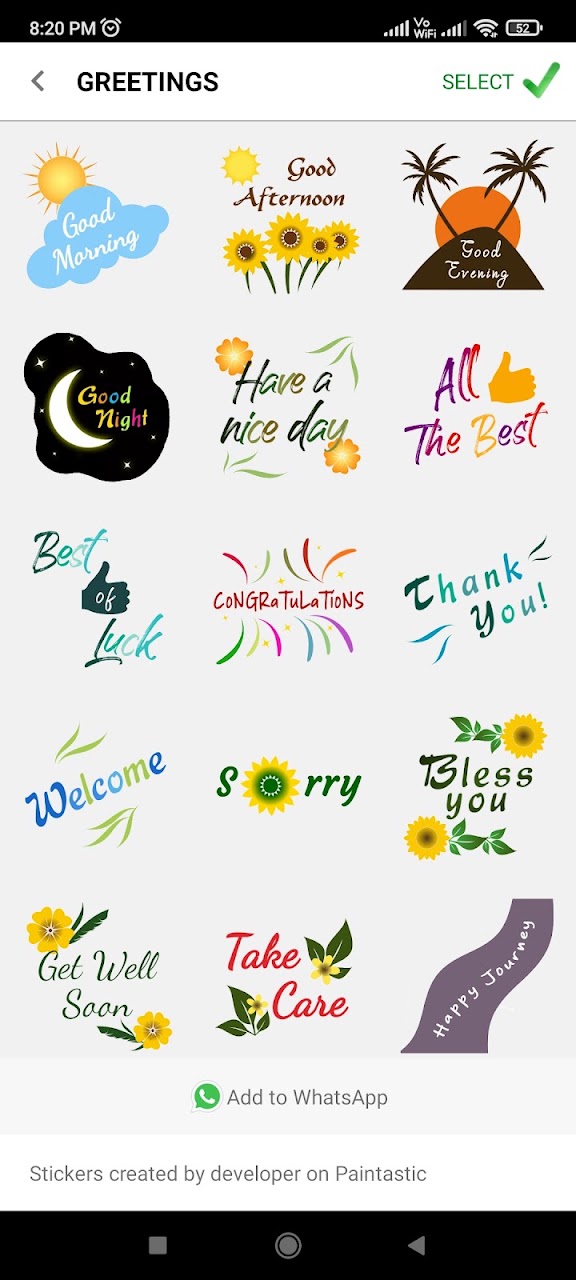
- WhatsApp stickers — Create custom stickers or use the app as a WAStickerApps tool.
First launch and setup
Paintastic opens as a drawing workspace rather than a guided setup flow, so you can start painting quickly. The app is free, includes ads, and offers in-app purchases. It installs as an APK, needs Android 6.0 or later, and is about 20 MB.
From the start, you can choose to make something new or work on an existing photo. That makes it useful for a quick card before sending it, or for editing a picture you already have saved.
Drawing with brushes, layers, and shapes
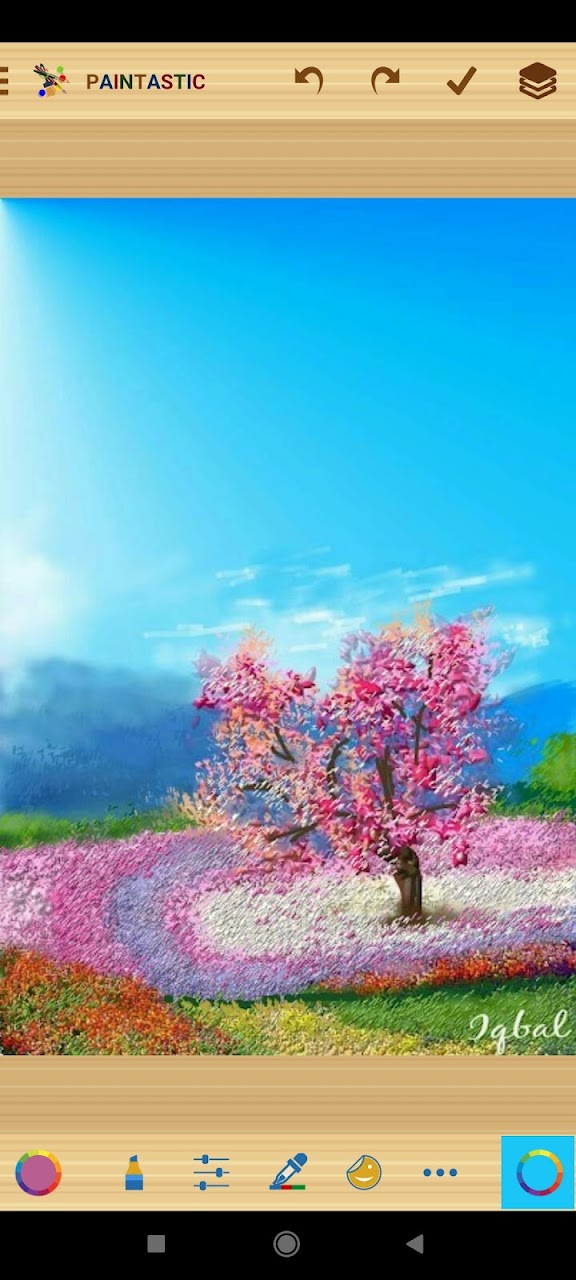
The main canvas is where you spend most of your time. Paintastic supports up to 5 layers, which helps when you want to separate a background, drawing, and text. The brush set includes blur, emboss, neon, and outline styles, with controls for size, opacity, scatter, and jitter.
If you want cleaner geometry or decorative elements, the app includes hundreds of shapes such as frames, borders, floral items, buildings, transport, and smileys. The path pen is there when you need vector paths or shape-based work, while the pixel pen fits pixel art.
Editing photos and making cards
For photo-based work, the app lets you add images, apply filters, patterns, textures, and effects, then move into selection edits. You can copy, paste, crop, resize, rotate, and flip selected areas. Text tools let you change font style, size, and color, and even place curved text for captions or quotes.
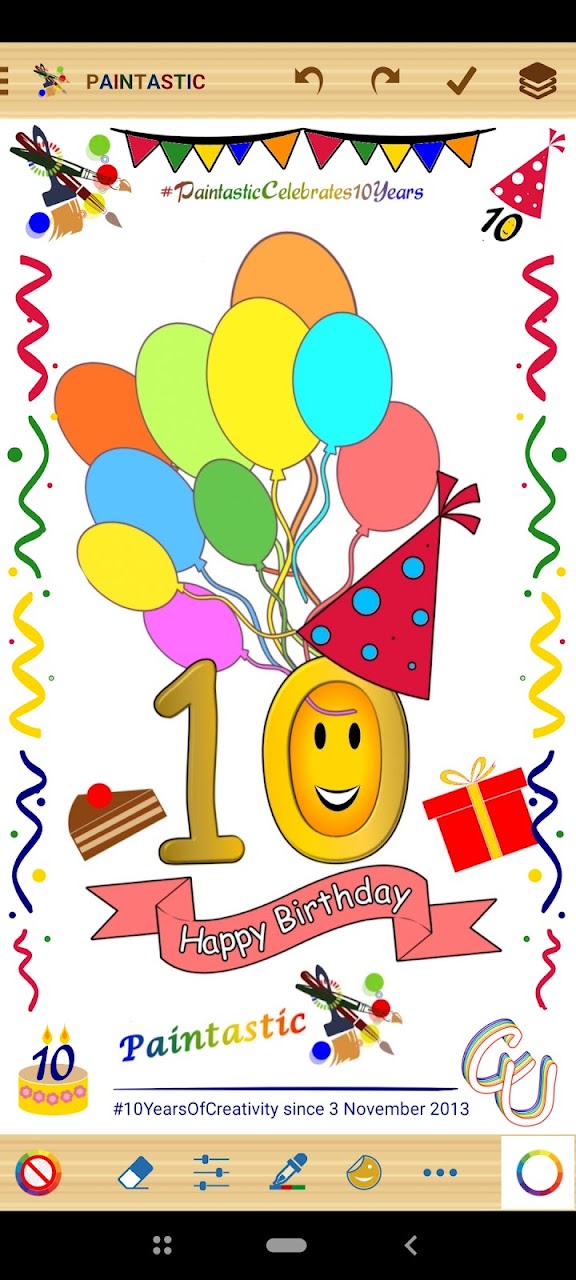
This is also where greeting cards and stickers fit in. You can build Valentine cards, birthday cards, collages, or WhatsApp stickers from your own pictures.
Practical tips for daily use
If you are working on a detailed sketch, zooming with finger pinch makes it easier to place small marks. The color picker and multicolor options help when you want more control over backgrounds or brush colors. The scratch mode and paint bucket are useful when you need faster fills or texture-style changes.
Sharing is built in, so finished work can be sent to email, Facebook, Twitter, WhatsApp, and other social networks.
Requirements and permissions
Paintastic does not list any permissions, so there is no storage permission prompt shown in the provided details. The app is rated for Everyone and has a 4.3 rating from 7,507 ratings. Export format details are not listed, so the app’s output quality and file types are not specified here.
What's new
Version 18.8.1 · Nov 10, 2026
- Crash fix for the previous update for users with scrollable footer UI
APK information
- Version
- 18.8.1
- Package
- com.paintastic
- Category
- Art & Design
- Size
- 20 MB
- Min Android
- 6.0
- Architecture
- universal
Older versions
-
Paintastic: draw, color, paint 18.8.1Nov 10, 2026Latest downloadAPK
Paintastic: draw, color, paint FAQ
Does Paintastic: draw, color, paint work offline?expand_more
Offline use is not stated in the available details.
Does Paintastic: draw, color, paint add a watermark?expand_more
A watermark is not mentioned in the available details.
Who develops Paintastic: draw, color, paint?expand_more
Creativity Unlimited develops Paintastic: draw, color, paint.
Is Paintastic: draw, color, paint free to use?expand_more
Yes. It is listed as free, though it also contains ads and in-app purchases.
Can Paintastic create WhatsApp stickers?expand_more
Yes. The app includes WhatsApp sticker tools and supports WAStickerApps use.