
- 3.6star17,697 reviews
- 1M+Downloads
- 116 MBAPK size
- EveryoneRated for Everyone
- 7.0+Android
check_circleOriginal APK from Pearltrees · Updated Nov 12, 2026

No threats found
0 / — antivirus engines flagged this file
Original signature
First seen — Pearltrees
Unmodified APK
Same file the developer published — no mods
Pearltrees screenshots
8 images · tap to enlarge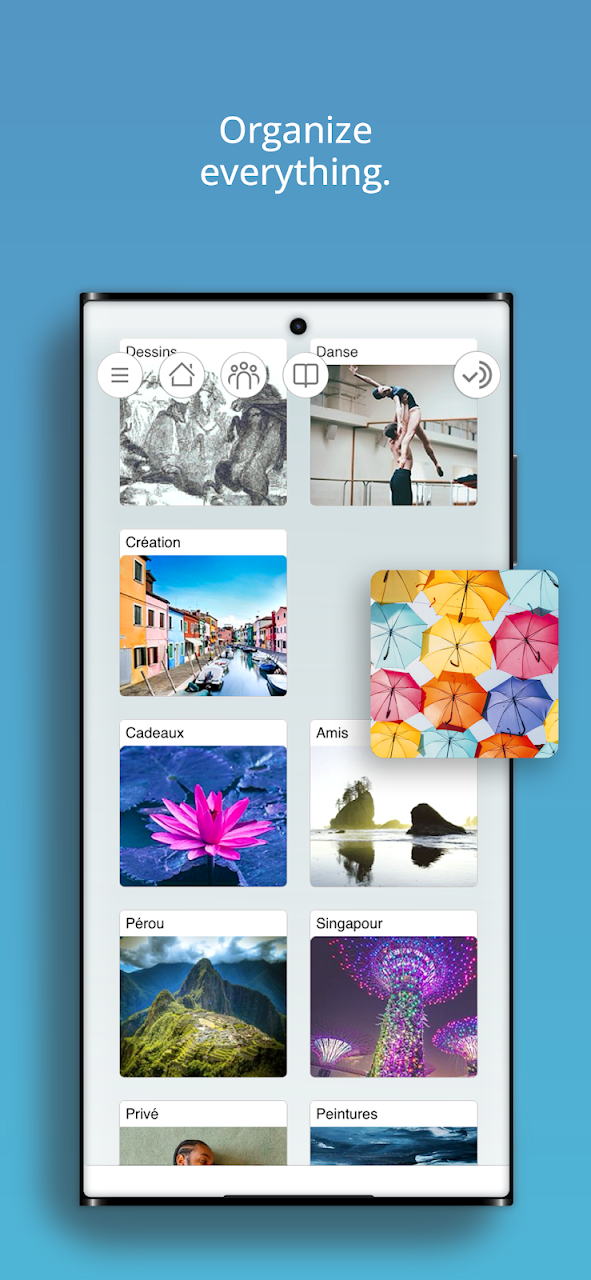

About this app
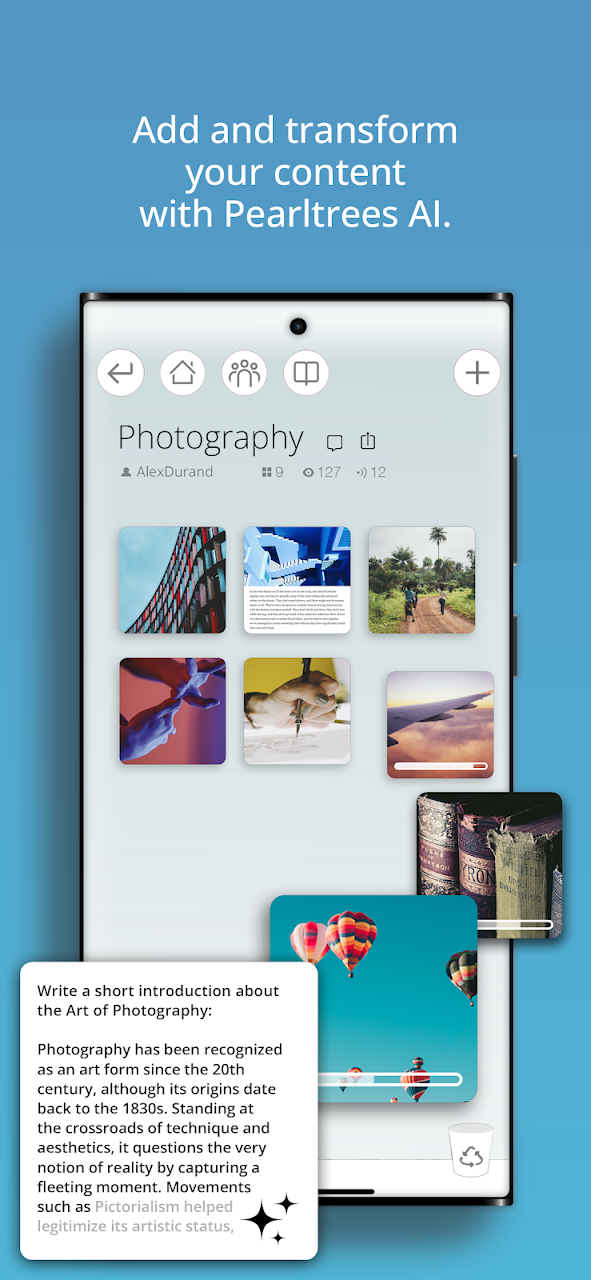
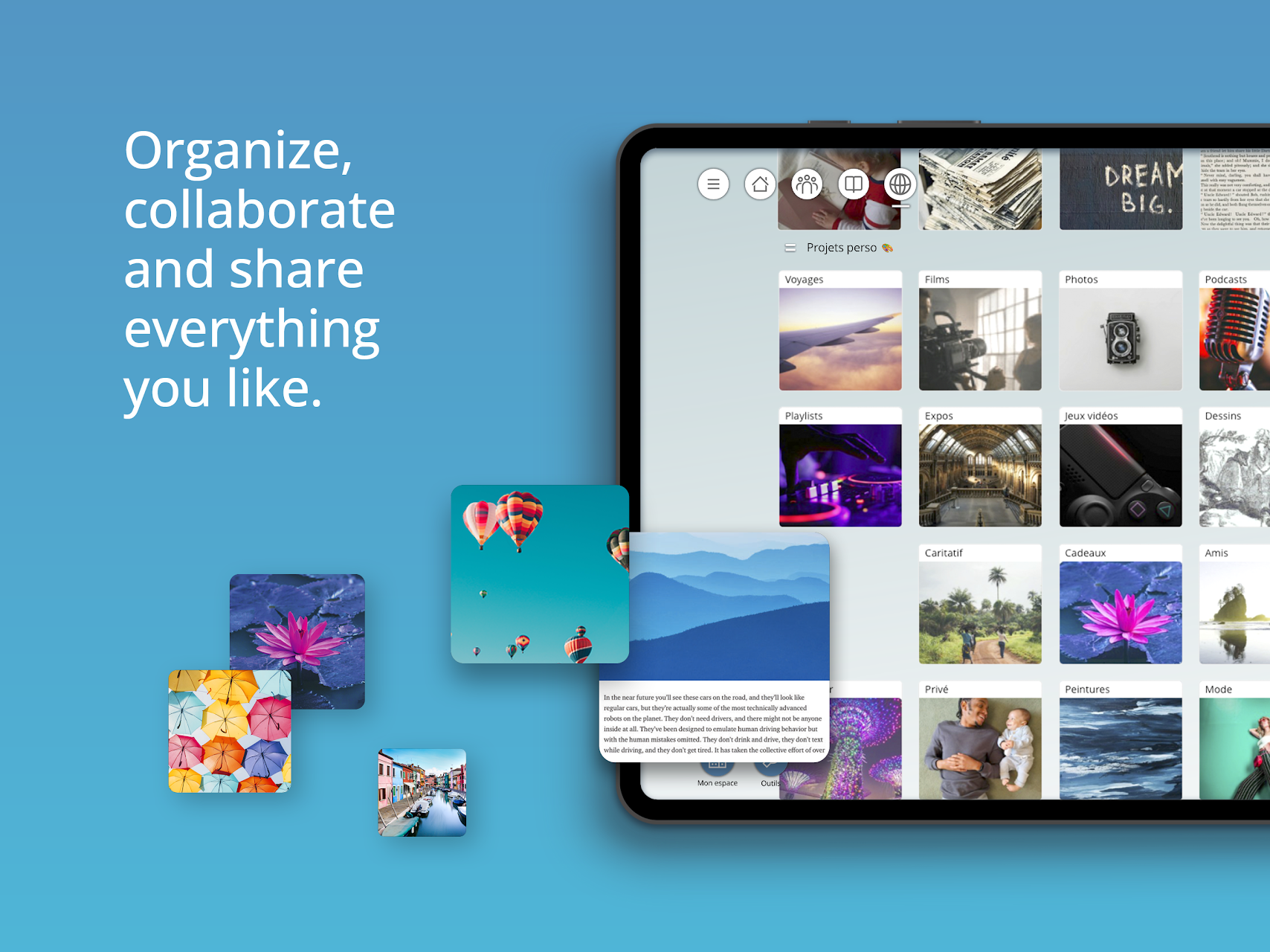
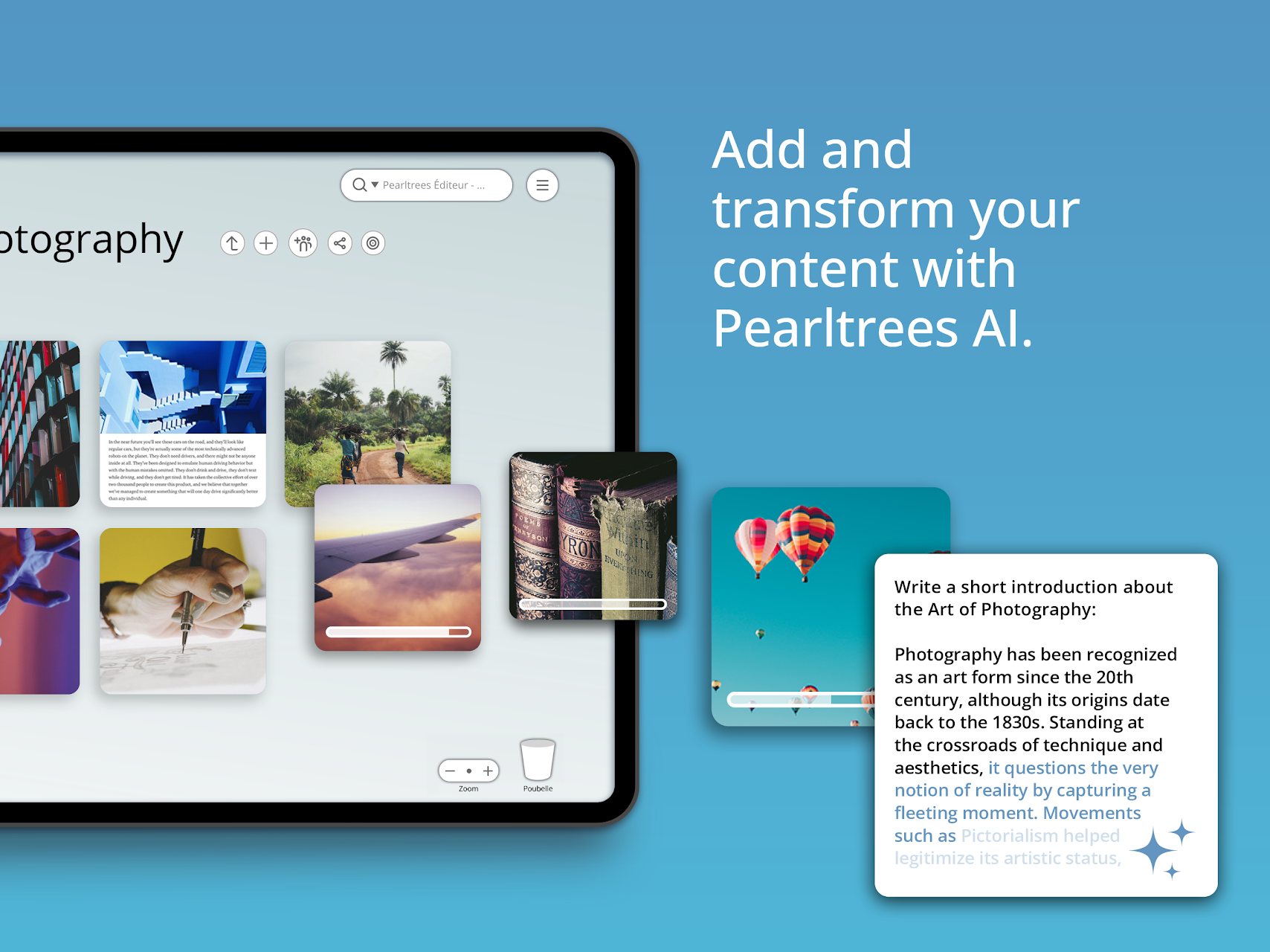
On a long train ride, you can open Pearltrees and keep the articles, files, and photos you want in one place. It is built for organizing content into collections, then returning to them from your phone, computer, iPad, or iPhone. You can also use Pearltrees AI to transform what you add.
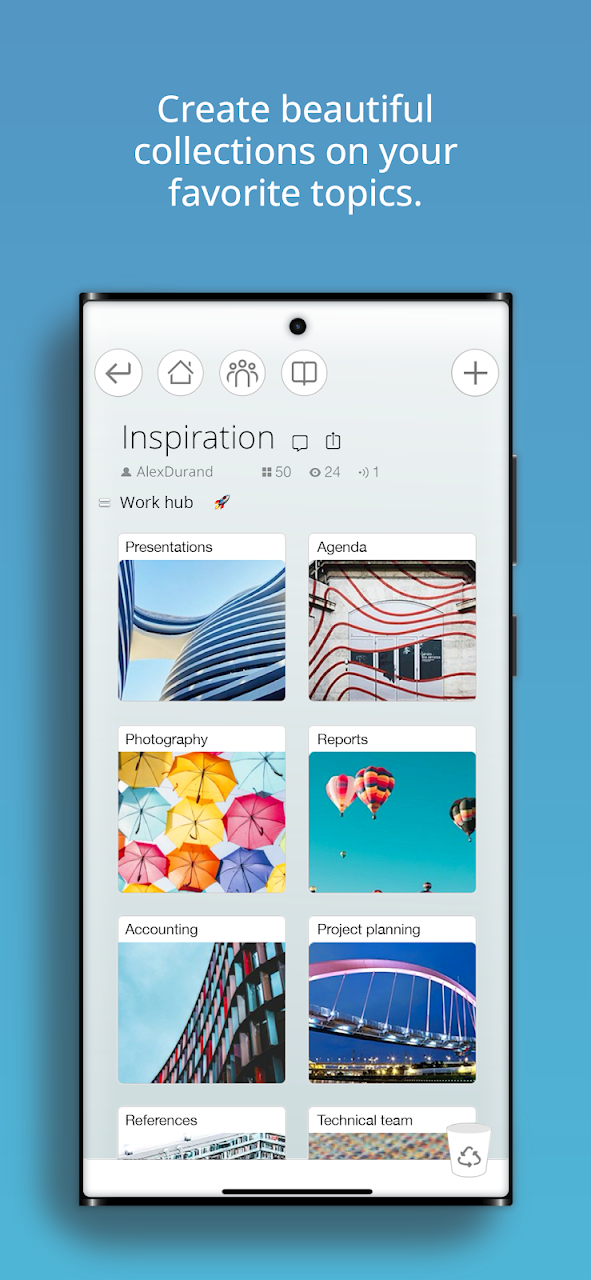
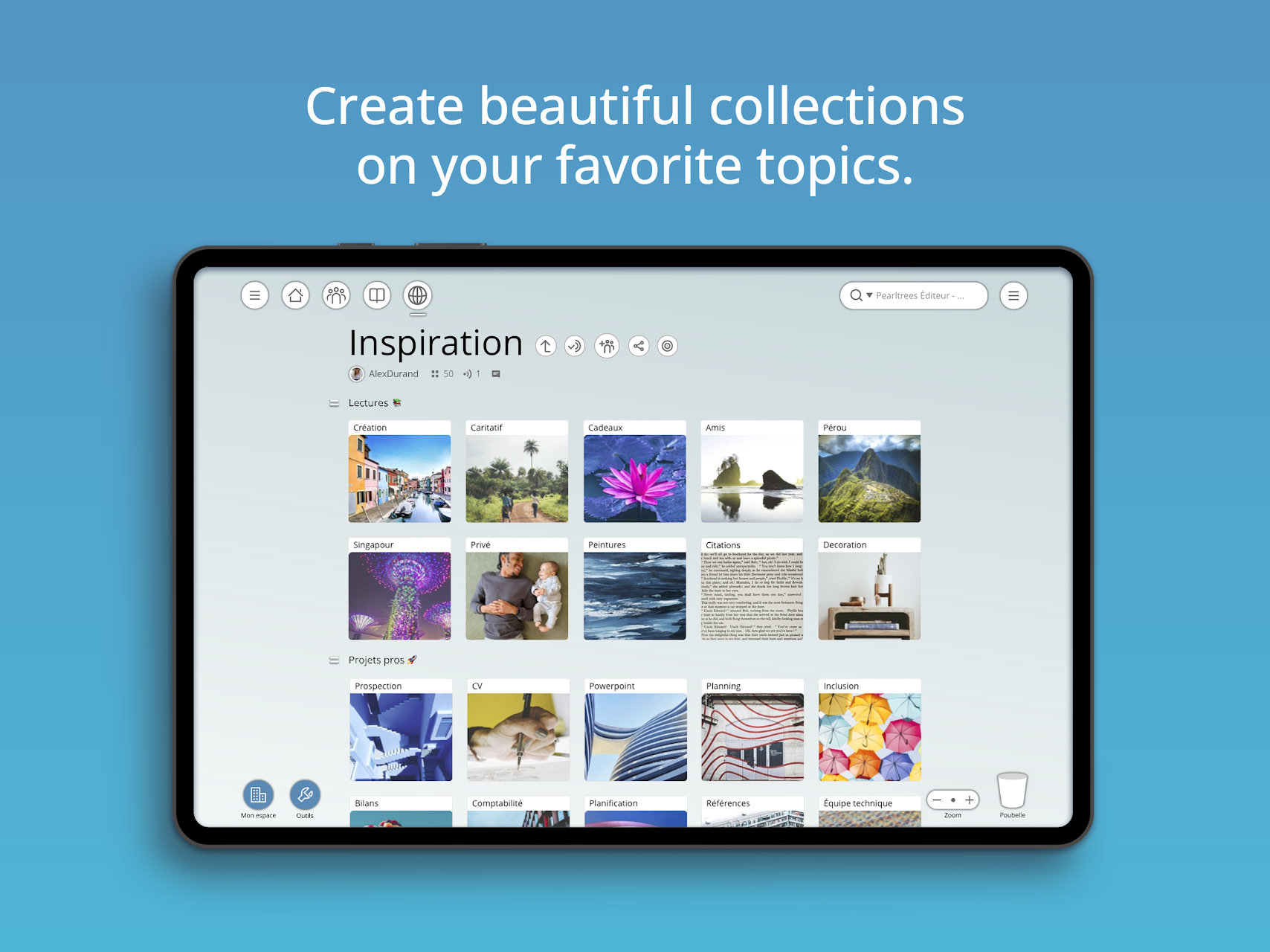
- Visual collections — Group web pages, files, photos, and other content into collections you can open later.
- Access across devices — Your collections are available from computers, iPads, and iPhones as well as Android.
- Use Pearltrees AI — Transform your content with Pearltrees AI as you organize it.
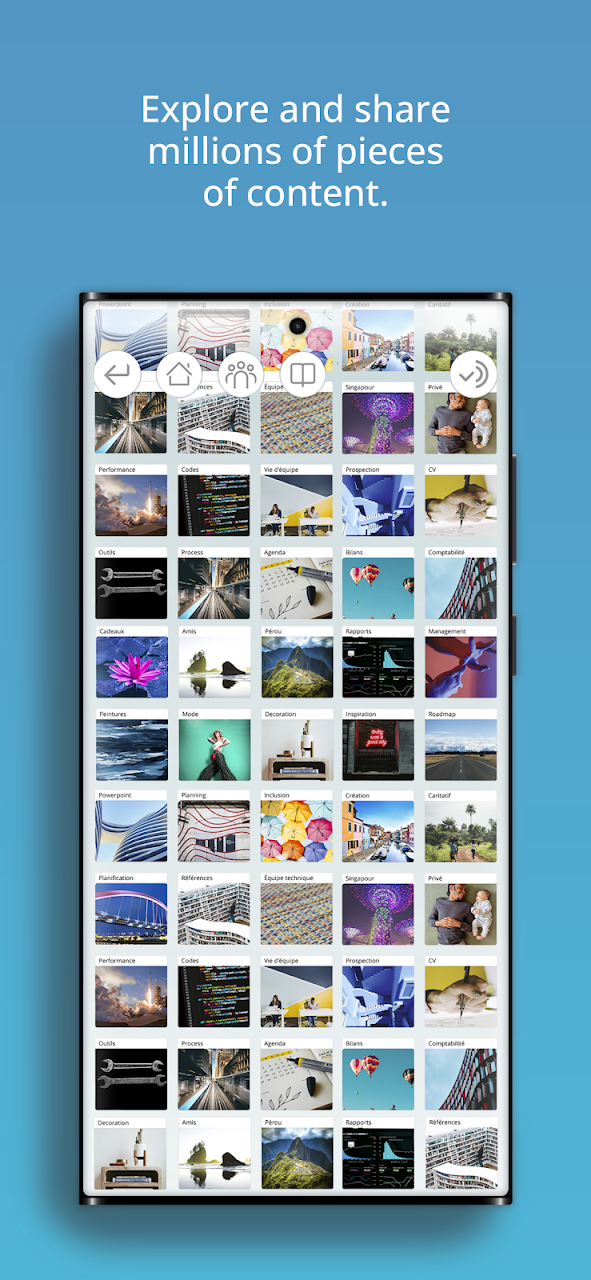
- Discover topics — Browse and discover resources in the areas you care about.
- Collaborate and share — Work on favorite topics with others and share your collections.
First launch: start collecting
When you open Pearltrees for the first time, the app is centered on collecting and organizing. Add the web pages, files, photos, and other items you want to keep, then place them into collections that make sense for your interests or projects.
If you already use Pearltrees on other devices, you can return to those collections from Android. The app is designed so your content can be accessed from computers, iPads, and iPhones, which makes it useful when you move from desk work to a commute or a quick break.
Set up your collections
After the first launch, spend a few minutes shaping the way you want to browse. You can organize items into beautiful collections, use Pearltrees AI to transform content, and keep everything you like together in one place. If you follow several topics, separate them into different collections so they are easier to revisit later.
- Add web pages, files, photos, and more
- Use Pearltrees AI while organizing content
- Keep favorite topics grouped for quick access
- Share collections when you want others to see them
Using it on the go
Pearltrees works well when you need to check something later without searching again. On a long ride, you can open your collections and browse them quickly. You can also discover resources in your areas of interest, collaborate on topics, and share what you have collected.
The app is free to download and use, with premium subscriptions available for additional features. It is available as an APK, requires Android 7.0 or later, and the file size is 115.5 MB.
Practical tips for daily use
Use Pearltrees as a place to store material you do not want to lose, then return to it whenever you need it. If you work across devices, keep the same collections available on each one. When you want to explore instead of organize, browse topics and discover new resources from within the app.
- Save items as you find them instead of searching again later
- Keep related content in separate collections
- Use collaboration when a topic is shared with others
- Share collections when you want to pass them along
Requirements and permissions
Pearltrees is rated for Everyone, contains no ads, and supports in-app purchases. The current version is 3.2.1, and the app was last updated on 2026-11-03.
No app permissions are listed for this APK.
APK information
- Version
- 3.2.1
- Package
- com.pearltrees.android.prod
- Category
- Productivity
- Size
- 116 MB
- Min Android
- 7.0
- Architecture
- universal
Older versions
-
Pearltrees 3.2.1Nov 12, 2026Latest downloadAPK
Pearltrees FAQ
Does Pearltrees support teams?expand_more
Dedicated versions of Pearltrees also exist for schools and enterprises. The app also includes collaboration on favorite topics.
Can Pearltrees be used offline?expand_more
The provided details do not state offline support. Pearltrees is described as a way to access your collections from anywhere across devices.
How do I update Pearltrees from an APK?expand_more
Install the newer APK version over the existing app on a device that meets the Android 7.0 requirement. The current version is 3.2.1.
Does Pearltrees show ads?expand_more
No. Pearltrees is listed as not containing ads.
What can I save in Pearltrees?expand_more
You can keep web pages, files, photos, and more in your collections. The app is built around organizing those items visually.