- 3.6star90,737 reviews
- 10M+Downloads
- 34 MBAPK size
- EveryoneRated for Everyone
- API 17+Android
check_circleOriginal APK from Sweet Sugar · Updated Nov 10, 2026
No threats found
0 / — antivirus engines flagged this file
Original signature
First seen — Sweet Sugar
Unmodified APK
Same file the developer published — no mods
Pencil Sketch Photo Editor screenshots
8 images · tap to enlarge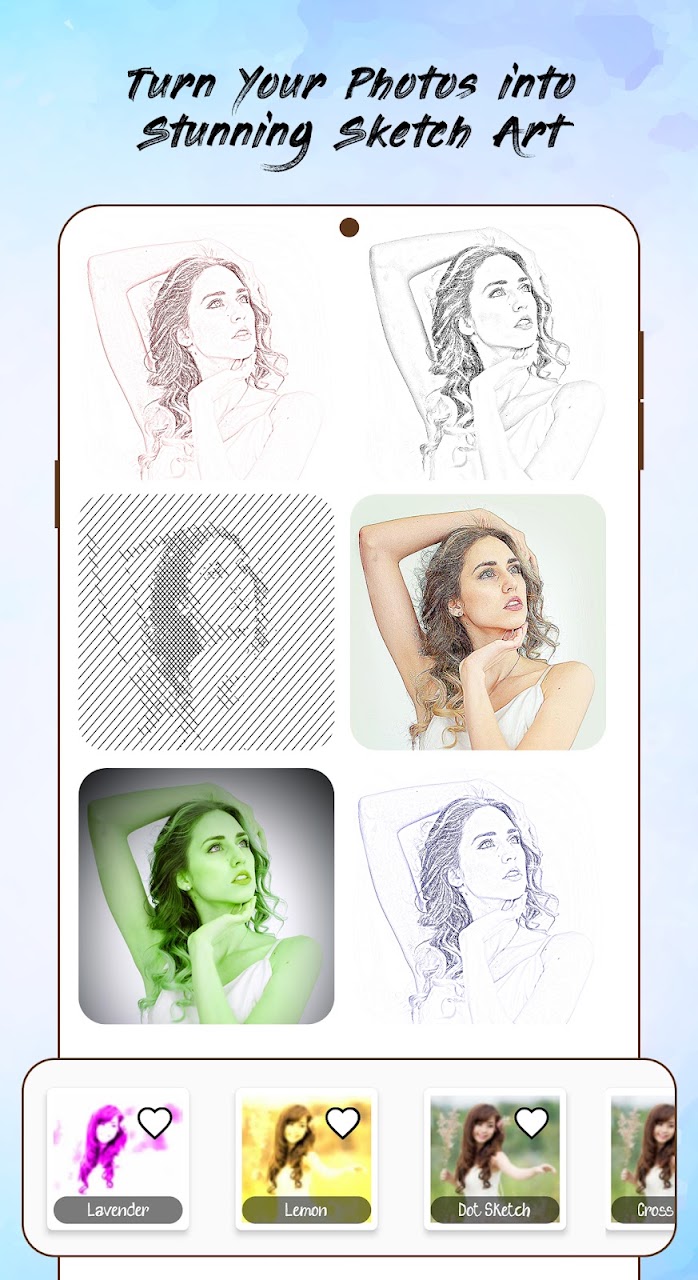
About this app
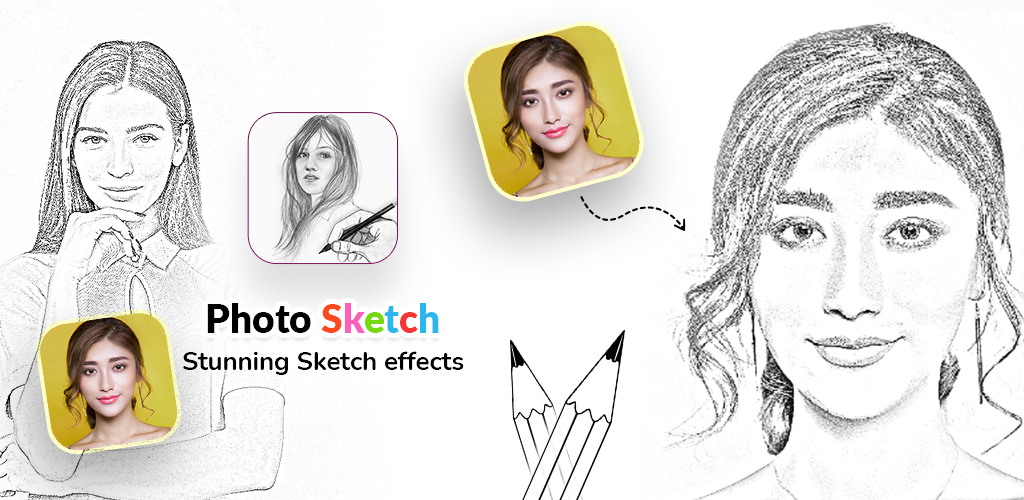
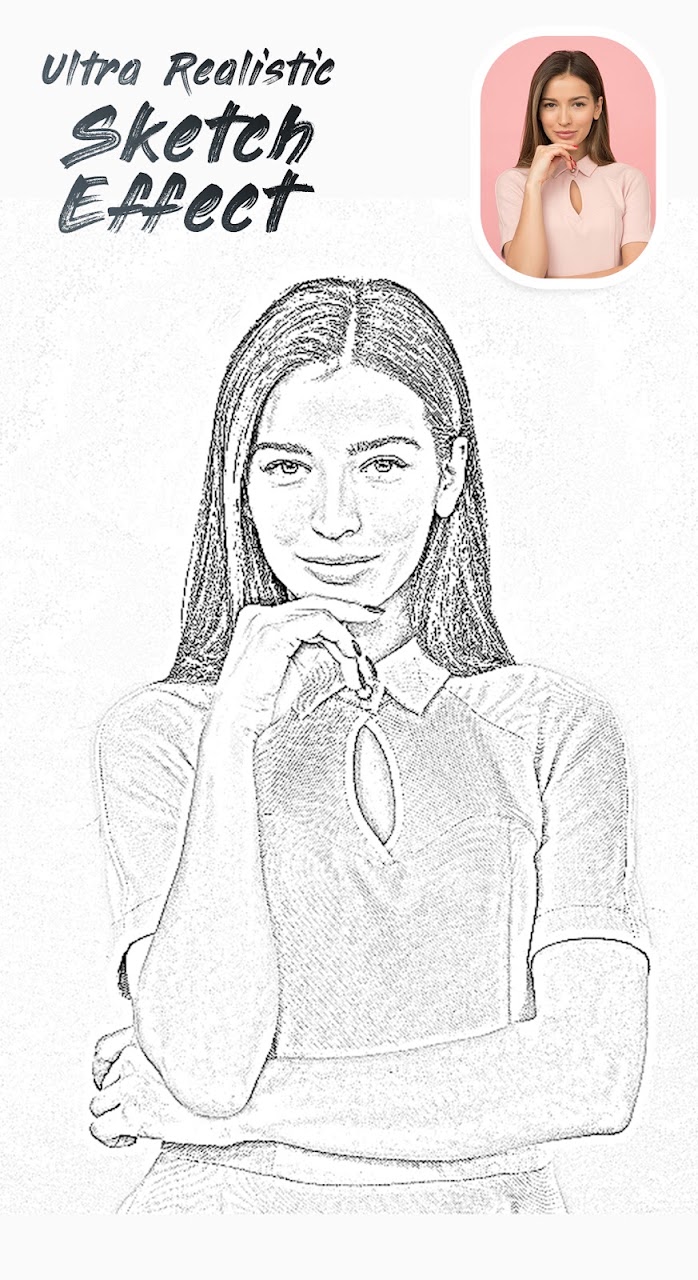
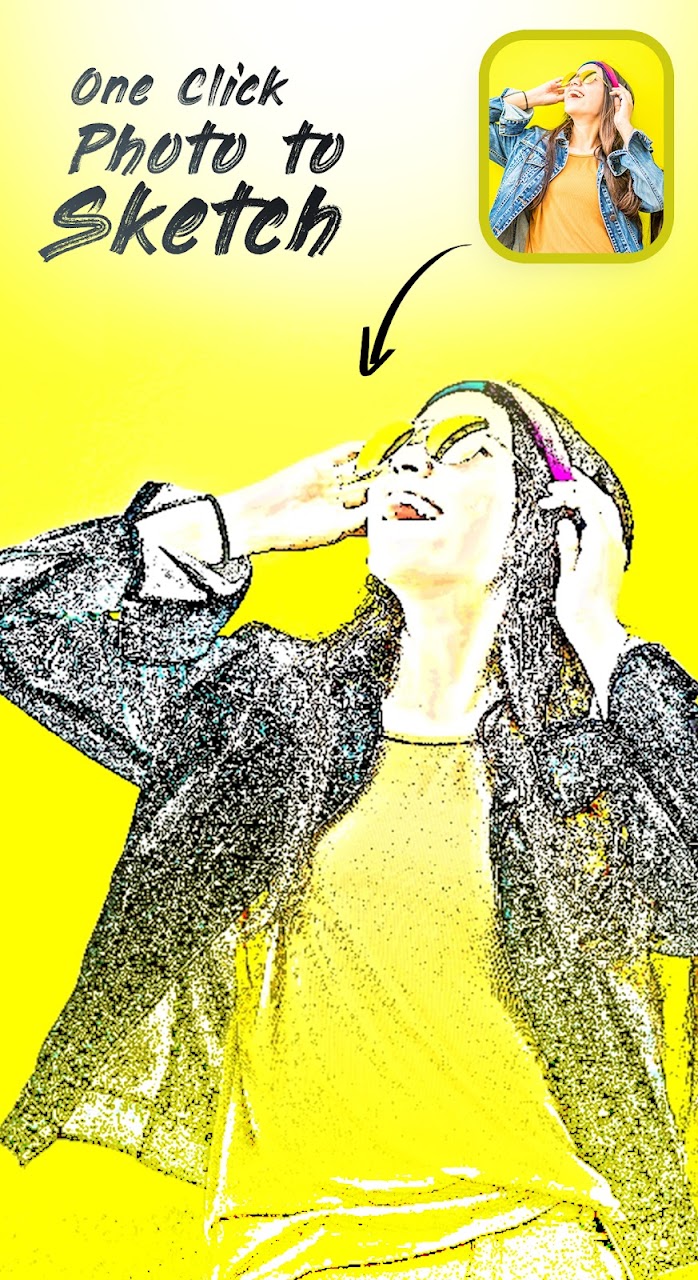
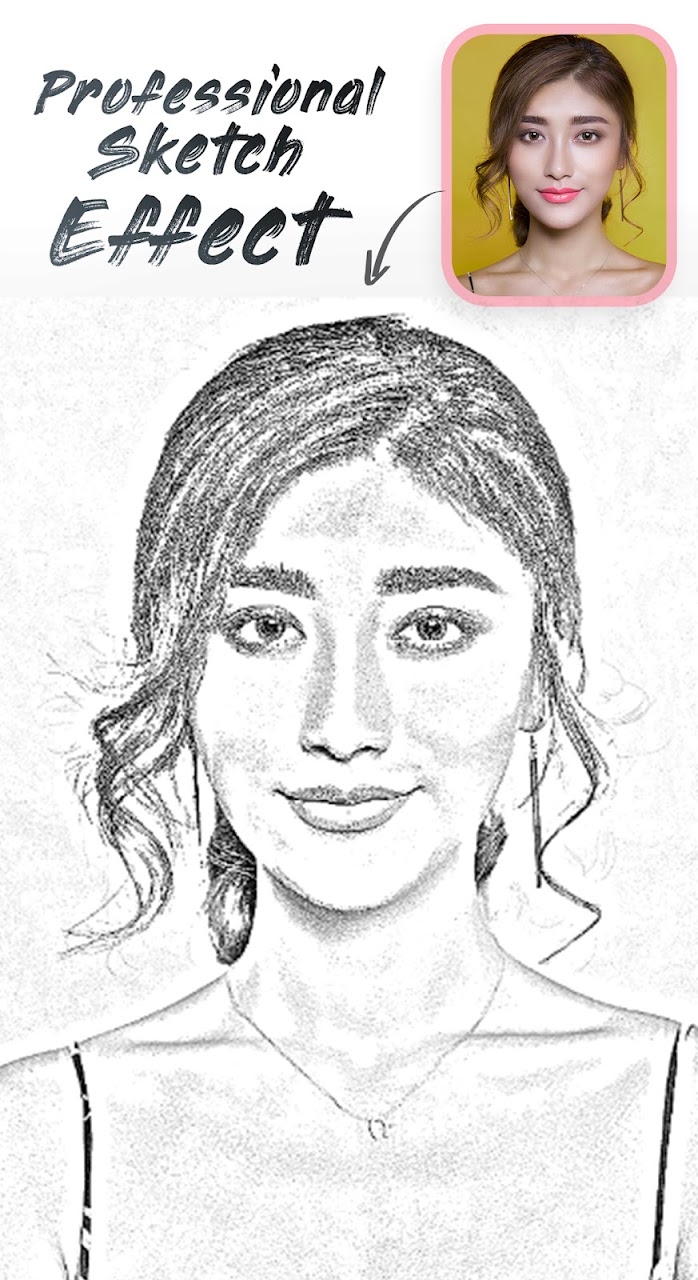
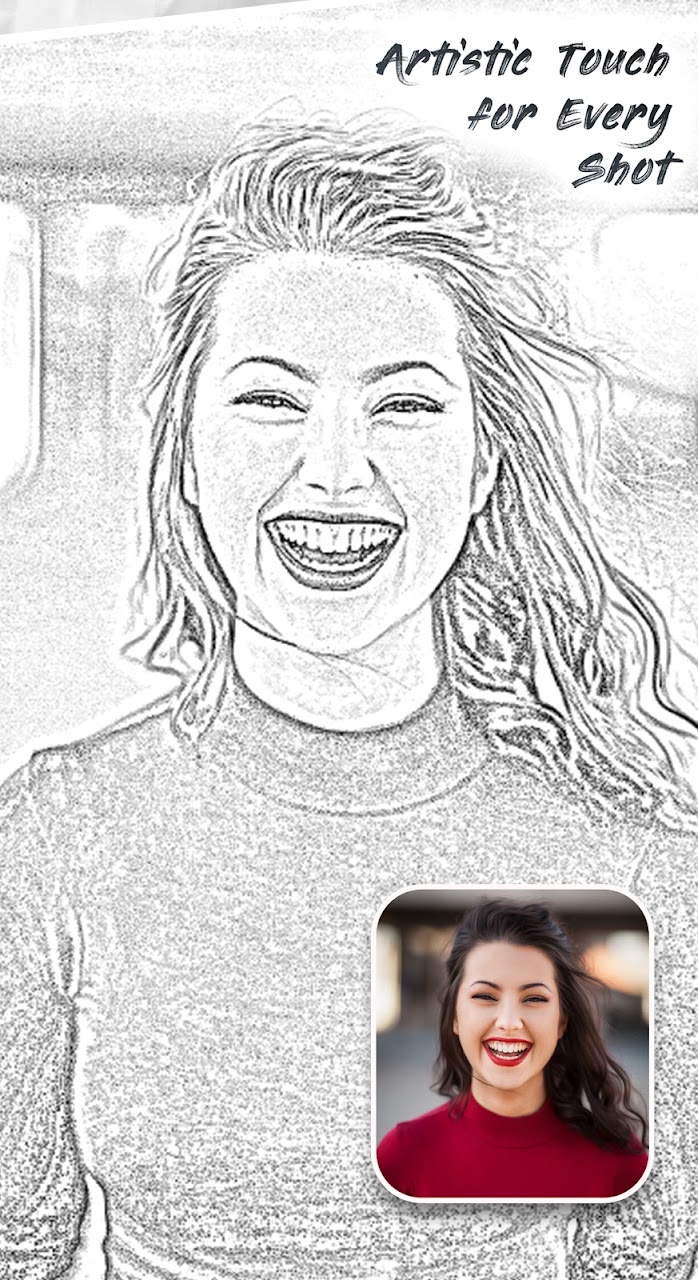
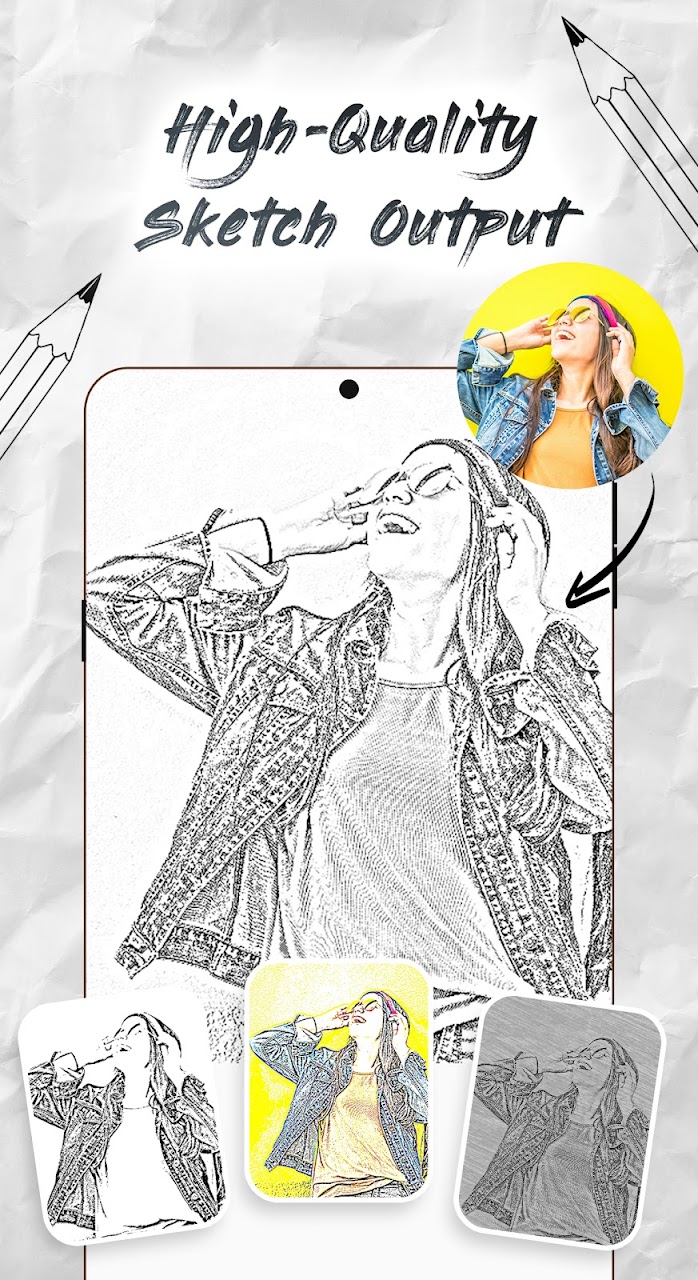
Want a quick sketch from a photo? Pencil Sketch Photo Editor turns gallery or camera shots into pencil art, portrait sketches, and black-and-white drawing styles with a simple crop, effect-strength control, and save or share options. It also includes PDF export for printing, but it shows ads and offers in-app purchases.
- Sketch from photos — Pick an image from your gallery or camera and convert it into sketch-style artwork in a few taps.
- Adjust effect strength — Tune the look from softer shading to stronger lines before saving the result.
- Portrait-focused modes — Use subject-focused sketch styles for selfies, profile photos, couples, and pets.
- Export as PDF — Save finished artwork as high-quality images or export it as a PDF for printing.
- Browse saved work — Keep finished images and PDFs in My Work so you can open them again later.
Turn a photo into sketch art
Pencil Sketch Photo Editor is built around one daily task: taking a normal photo and turning it into a pencil drawing, charcoal look, ink style, chalk effect, or other hand-drawn finish. You can start from a selfie, a travel shot, a pet photo, or a landscape, then choose a filter and save the result without moving through a long workflow.
Choose from sketch and paper styles
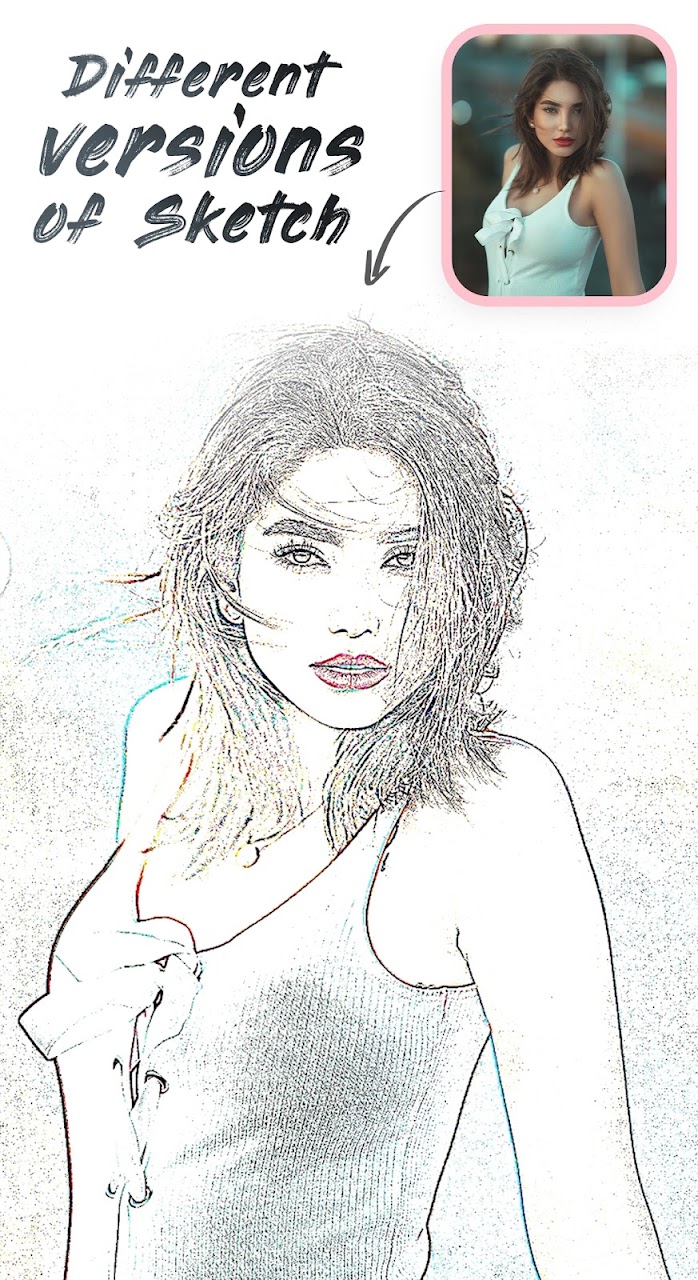
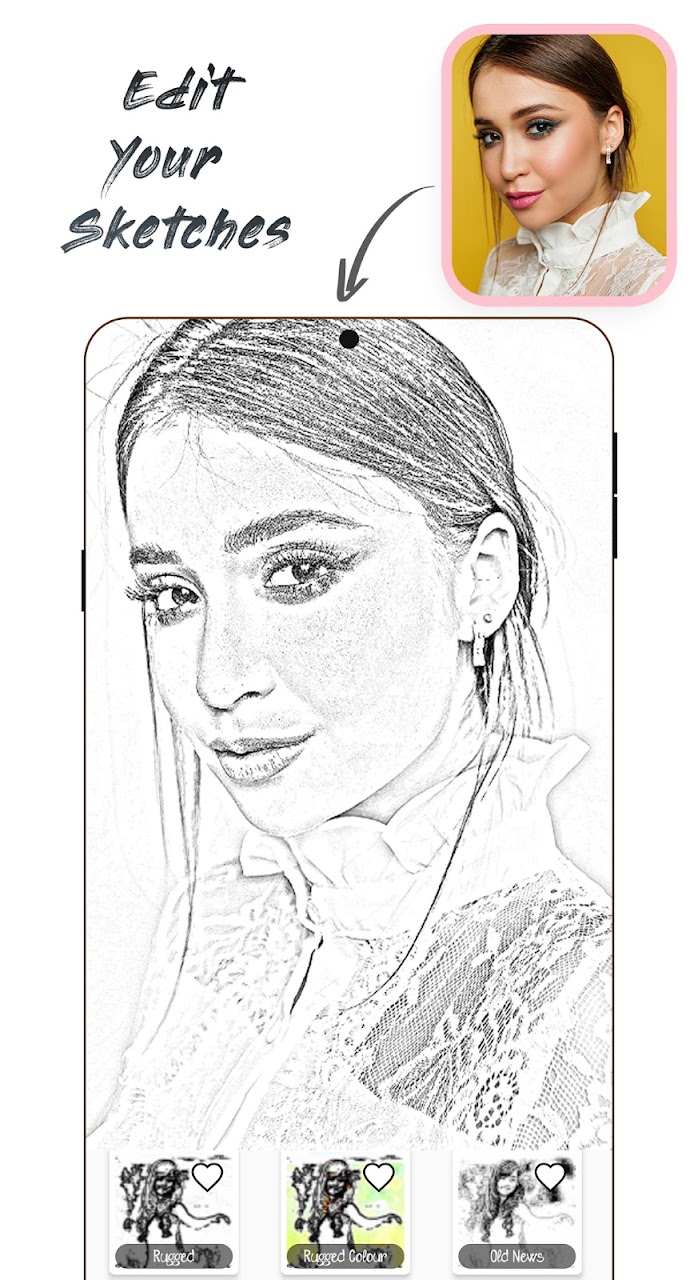
The app includes pencil sketch, soft sketch, charcoal, ink, chalk, line art, blueprint, newspaper halftone, dry brush, vintage paper, and bold artistic looks. That range makes it more focused on sketch rendering than editors like Adobe Express, while apps such as ibis Paint X, Sketchbook, and PaperColor are better suited if you want to draw from scratch instead of converting photos.
Crop, adjust, and export
Before saving, you can crop the image and change effect intensity to push the result toward stronger outlines or a softer drawing look. Finished artwork can be saved as a high-quality image, shared right away, or exported as a PDF for printing. The app is free, includes ads, offers in-app purchases, and installs as a 33.5 MB universal APK for Android 17 and up.
Where it fits in a normal day
It suits quick edits after taking a photo, making a profile image, or preparing a printable sketch from a favorite picture. The tradeoff is that it is narrower than broad creative suites, and the ad-supported setup may be noticeable if you are editing often. Saved images and PDFs stay inside My Work, so you can return to them later.
Compared with broader art apps
Compared with PENUP – Drawing-sharing SNS, this app is less about sharing a drawing community and more about fast photo-to-sketch conversion. Compared with Sketchbook or PaperColor, it offers less freehand drawing control, but it is simpler when the goal is a finished sketch effect from an existing photo.
- High-quality sketch images and PDF export
- Portrait, selfie, pet, and scenery support
- Effect browsing and favorites
- My Work for saved images and PDFs
APK information
- Version
- 6.0.6
- Package
- com.sweetsugar.pencileffectfree
- Category
- Art & Design
- Size
- 34 MB
- Min Android
- API 17
- Architecture
- universal
Older versions
-
Pencil Sketch Photo Editor 6.0.6Nov 10, 2026Latest downloadAPK
Pencil Sketch Photo Editor FAQ
Does Pencil Sketch Photo Editor add a watermark?expand_more
The app description does not mention a watermark.
Does Pencil Sketch Photo Editor work offline?expand_more
Offline use is not stated.
Is Pencil Sketch Photo Editor free to use?expand_more
Yes. It is free to download, and it also contains ads and in-app purchases.
Which processors does the APK support?expand_more
The APK is listed as universal.
Can I export sketches as PDF?expand_more
Yes. The app can export sketch artwork as PDF for printing.