- 3.8star664 reviews
- 100K+Downloads
- 2 MBAPK size
- EveryoneRated for Everyone
- API 14+Android
check_circleOriginal APK from Arcuilo · Updated Nov 11, 2026
No threats found
0 / — antivirus engines flagged this file
Original signature
First seen — Arcuilo
Unmodified APK
Same file the developer published — no mods
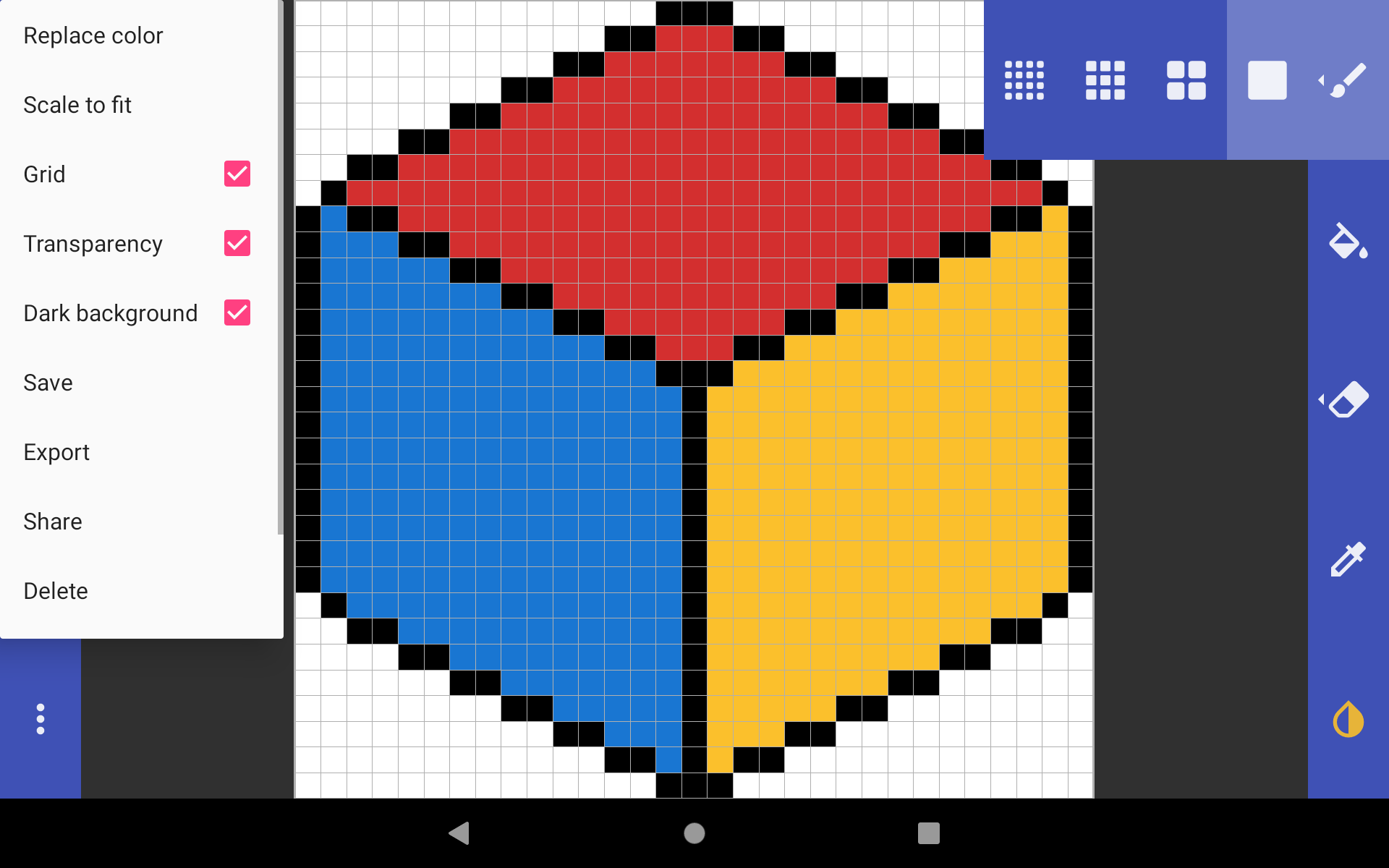
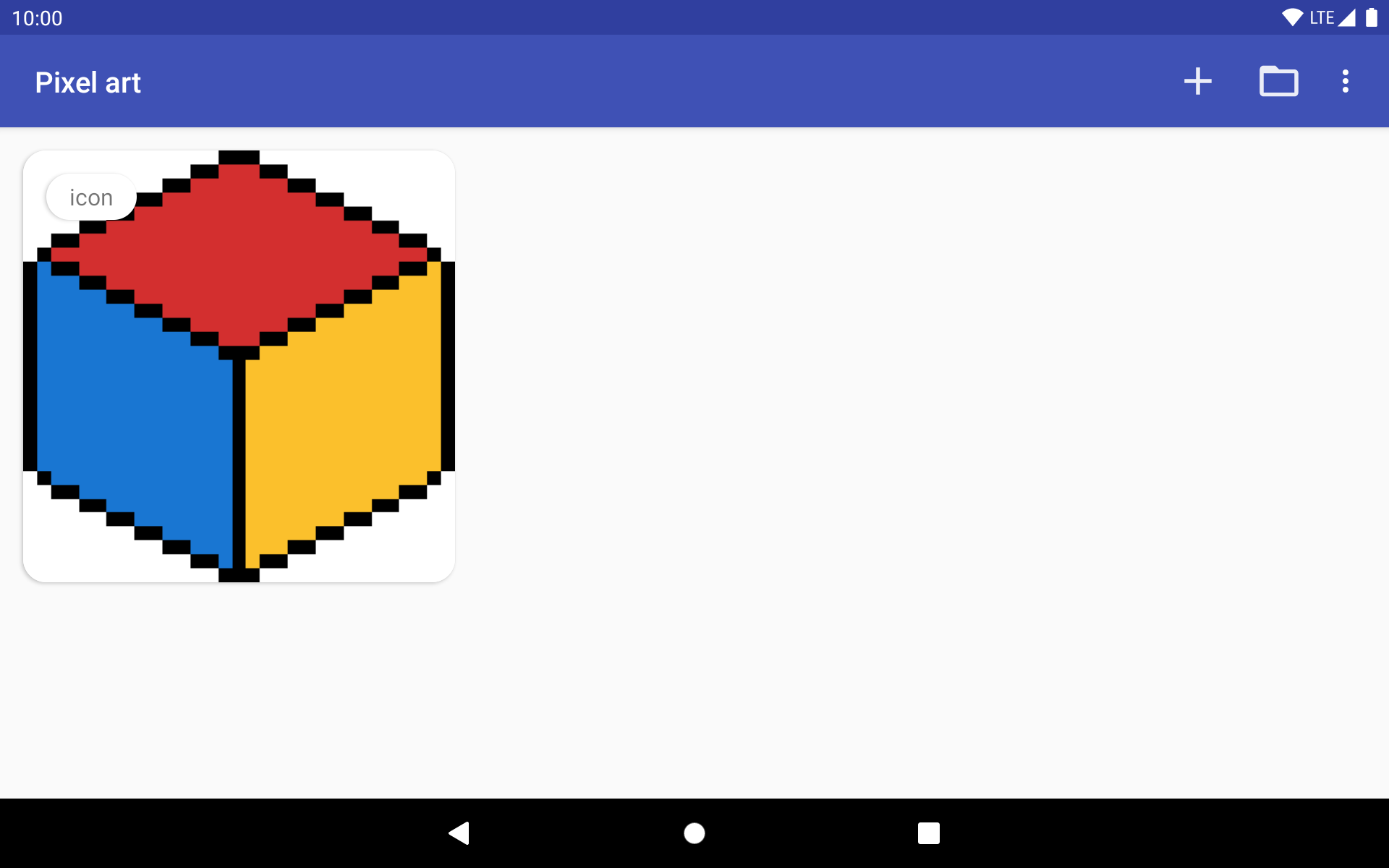
Pixel art and texture editor screenshots
8 images · tap to enlarge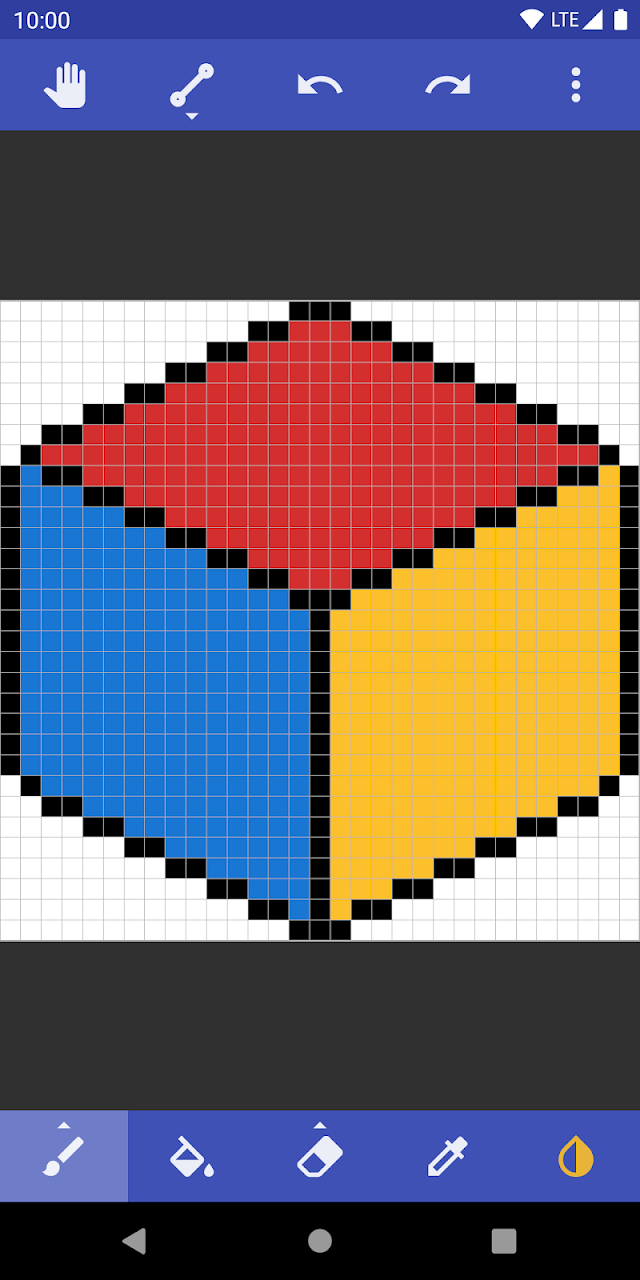
About this app
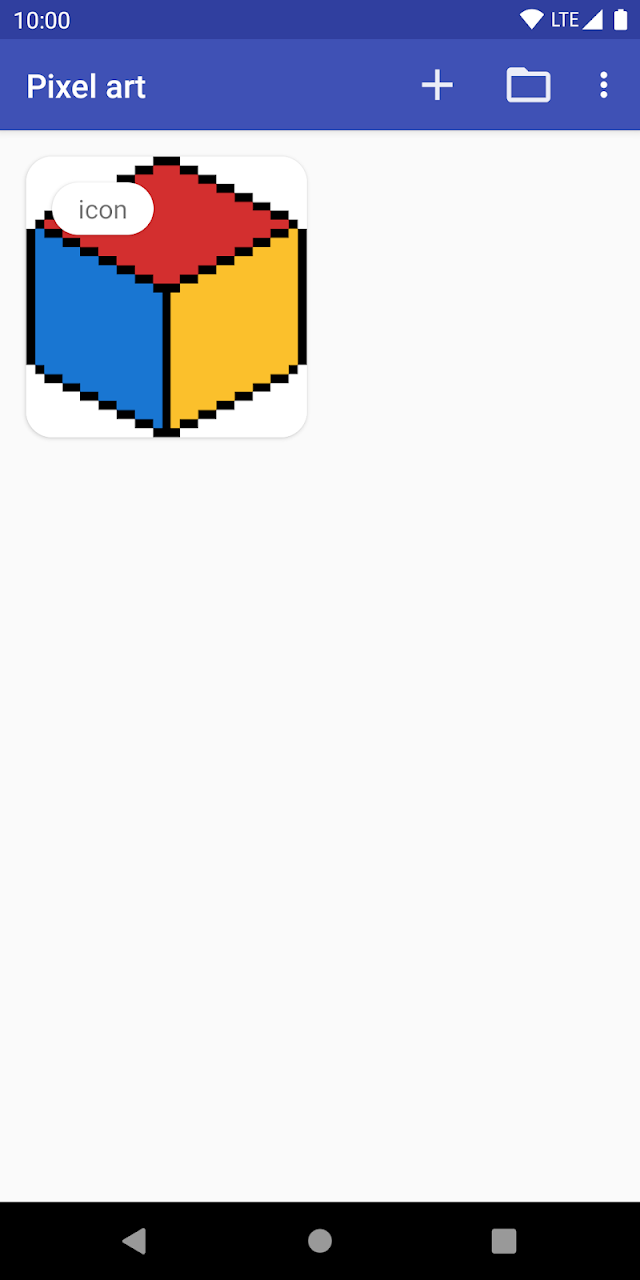
Arcuilo makes Pixel art and texture editor for creating pixel-level graphics. It is built for 8-bit style artwork, game textures, patterns, and cross-stitch designs. The app includes drawing tools, grid options, zoom gestures, and export to device storage for finished images.
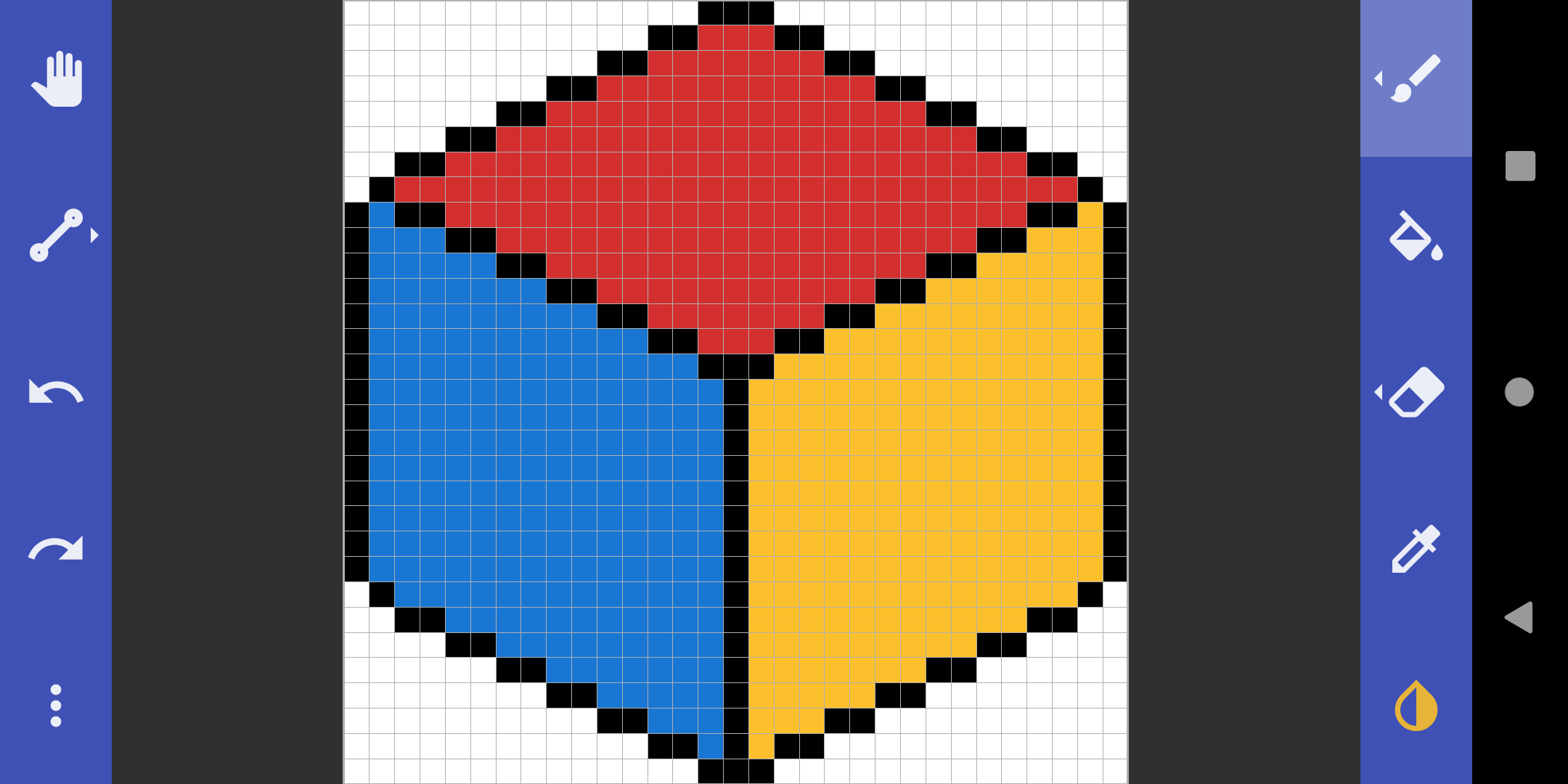
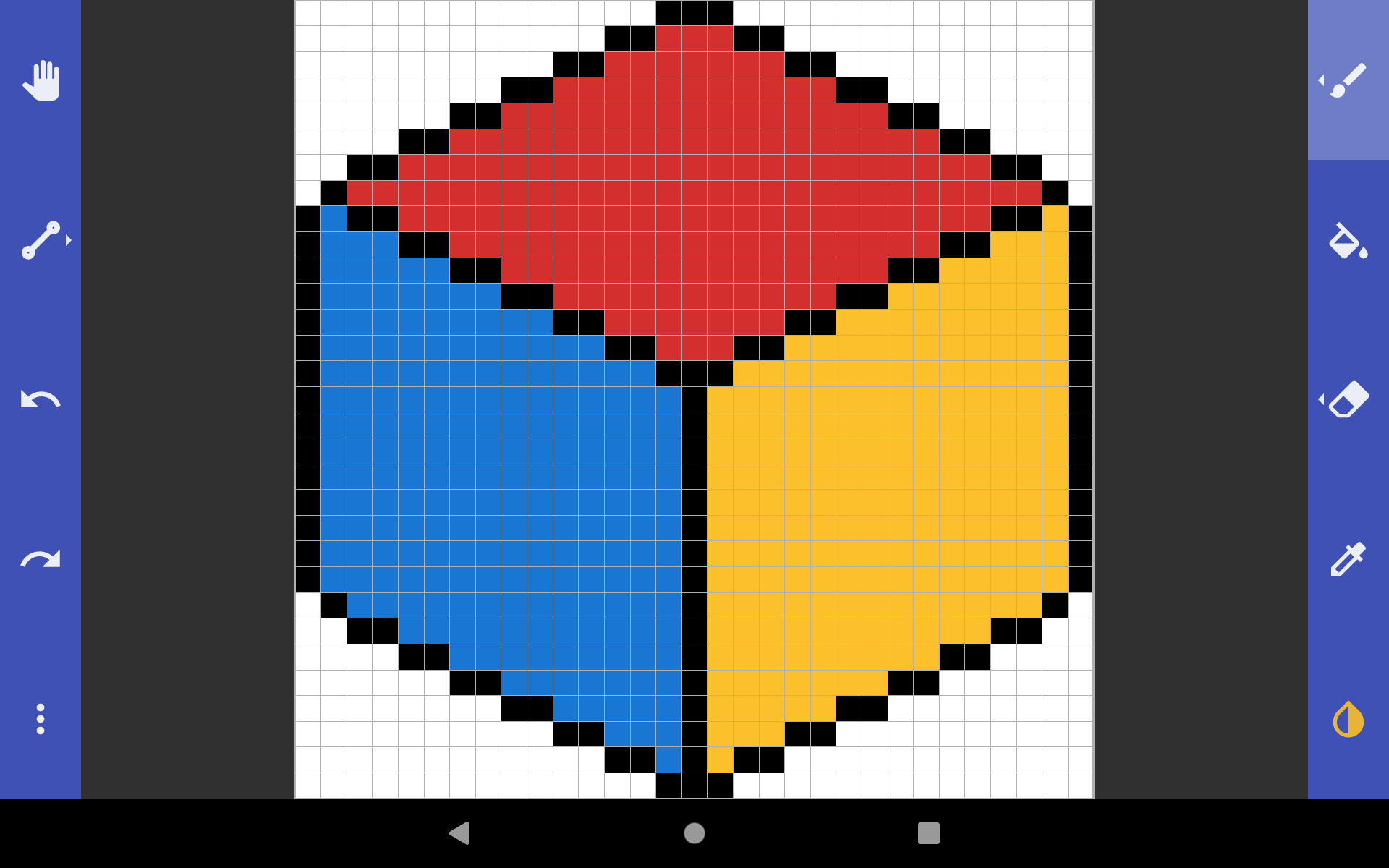
- Pixel editing — Work at the pixel level on a large canvas for 8-bit style art and textures.
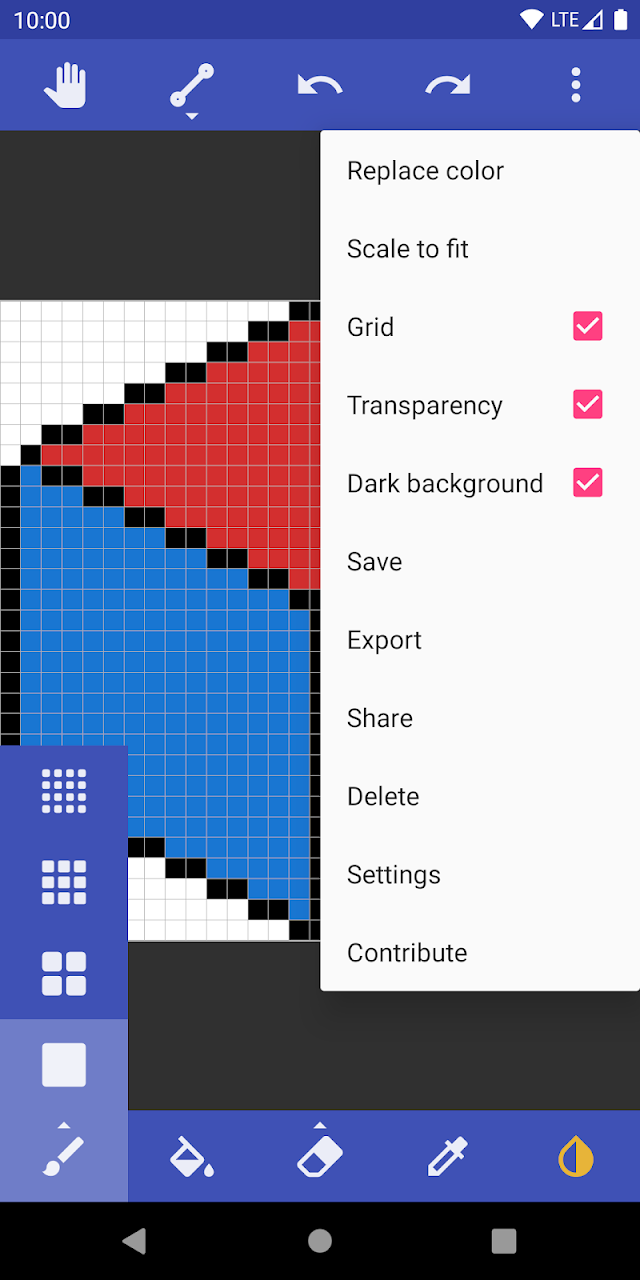
- Grid controls — Switch between no grid, single-pixel grid, and eight-pixel grid while you draw.
- Drawing tools — Use brush sizes, variable line thickness, flood fill, eraser, and pipette tools.
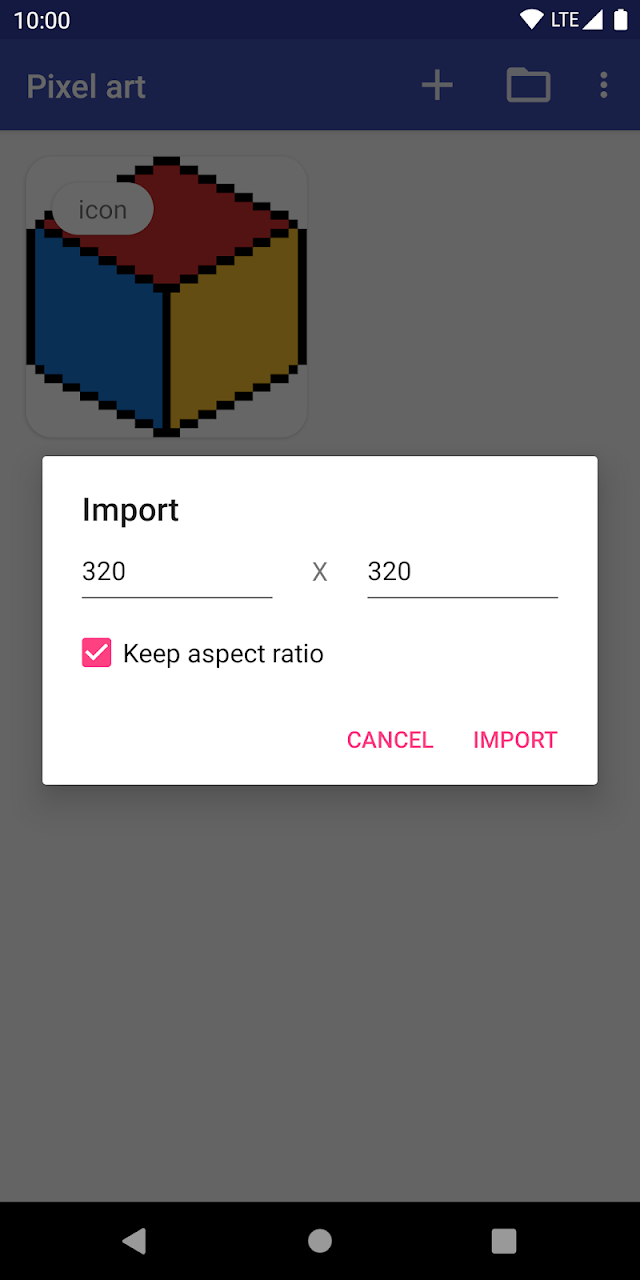
- Import and export — Import upscaled images and export files to device storage with upscaling.
- Zoom and sharing — Scroll and zoom with gestures, then share artwork on social media with upscaling.
For artists making 8-bit style art
Pixel art and texture editor gives artists a simple canvas for low-resolution artwork. You can draw at the pixel level, switch grid modes, and use the color picker, undo, redo, and eraser while shaping small details. The app also supports gestures for scrolling and zooming, which helps when you work closely on one section.
For game textures and mod work
Game designers and modders can use the app to edit textures, skins, and pattern files for pixel-style projects. It is suited to graphics for 80s and 90s console styles, including Atari 2600, NES, and Game Boy Color-inspired work. Import upscaled images if you want to start from an existing file, then adjust it with the brush, line, flood fill, and pipette tools.
For cross-stitch patterns and craft layouts
Craft users can build simple image patterns for cross-stitching. The large canvas and grid modes make it easier to place shapes and colors in a way that fits a stitch pattern. When the image is ready, export it to device storage with upscaling or share it on social media.
App size and Android support
The app is free and contains ads. It comes as an APK file, is 1.7 MB in size, and needs Android API 14 or later. It has an Everyone content rating. The app was released on 2017-07-31 and was last updated on 2026-10-26.
- Large canvas for detailed pixel work
- Multiple grid modes for tighter control
- Brush tools with several sizes and line thickness
- Import support for upscaled images
- Export options to device storage and social media
What's new
Version 1.05 · Nov 11, 2026
- Minor bug fixes
APK information
- Version
- 1.05
- Package
- com.odrowaz.robert.pixart
- Category
- Art & Design
- Size
- 2 MB
- Min Android
- API 14
- Architecture
- universal
Older versions
-
Pixel art and texture editor 1.05Nov 11, 2026Latest downloadAPK
Pixel art and texture editor FAQ
Does Pixel art and texture editor work offline?expand_more
The app description does not say whether it works offline.
Can Pixel art and texture editor edit RAW photos?expand_more
No RAW photo support is listed. The app description mentions importing upscaled images instead.
Does Pixel art and texture editor need an account?expand_more
No account requirement is mentioned in the app details.
Does Pixel art and texture editor show ads?expand_more
Yes. The app contains ads.
What tools does Pixel art and texture editor include?expand_more
It includes a brush with multiple sizes, line with variable thickness, flood fill, color picker, undo, redo, eraser, and pipette.