
- 2.1star101 reviews
- 10K+Downloads
- 7 MBAPK size
- EveryoneRated for Everyone
- API 14+Android
check_circleOriginal APK from Open Gadgets LLC · Updated Nov 10, 2026
No threats found
0 / — antivirus engines flagged this file
Original signature
First seen — Open Gadgets LLC
Unmodified APK
Same file the developer published — no mods
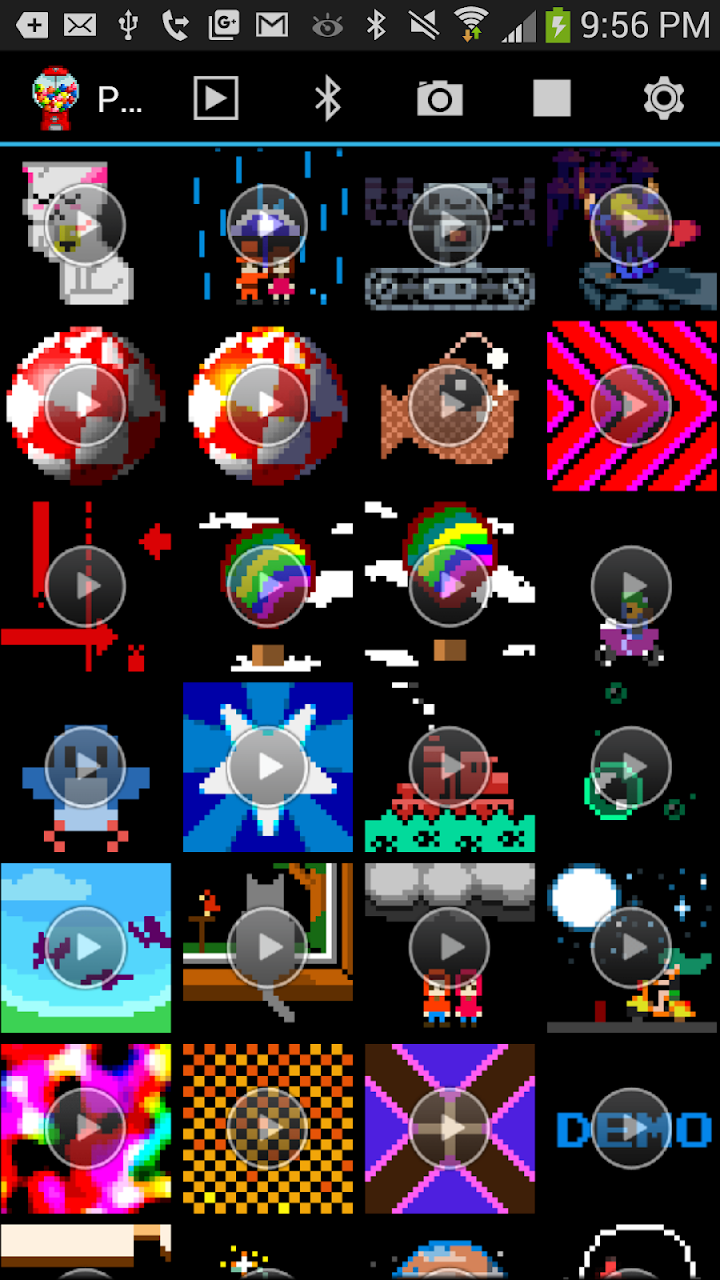
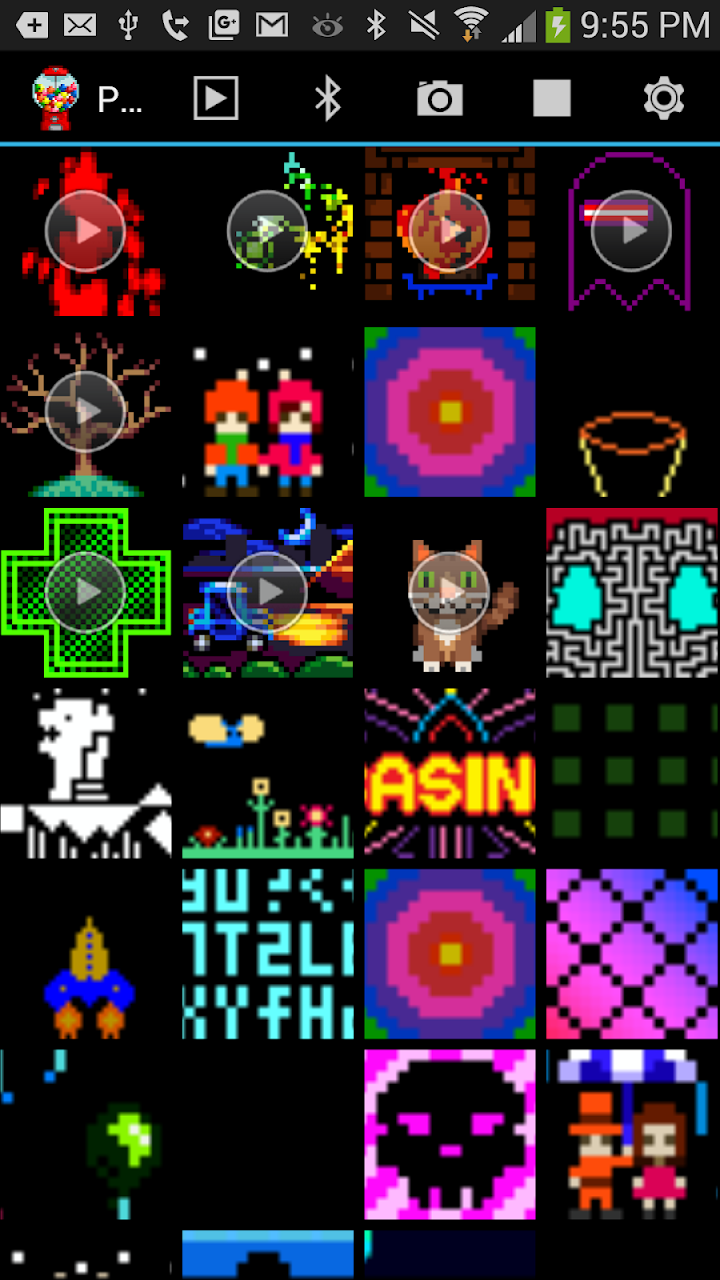
PIXEL LED ART screenshots
8 images · tap to enlarge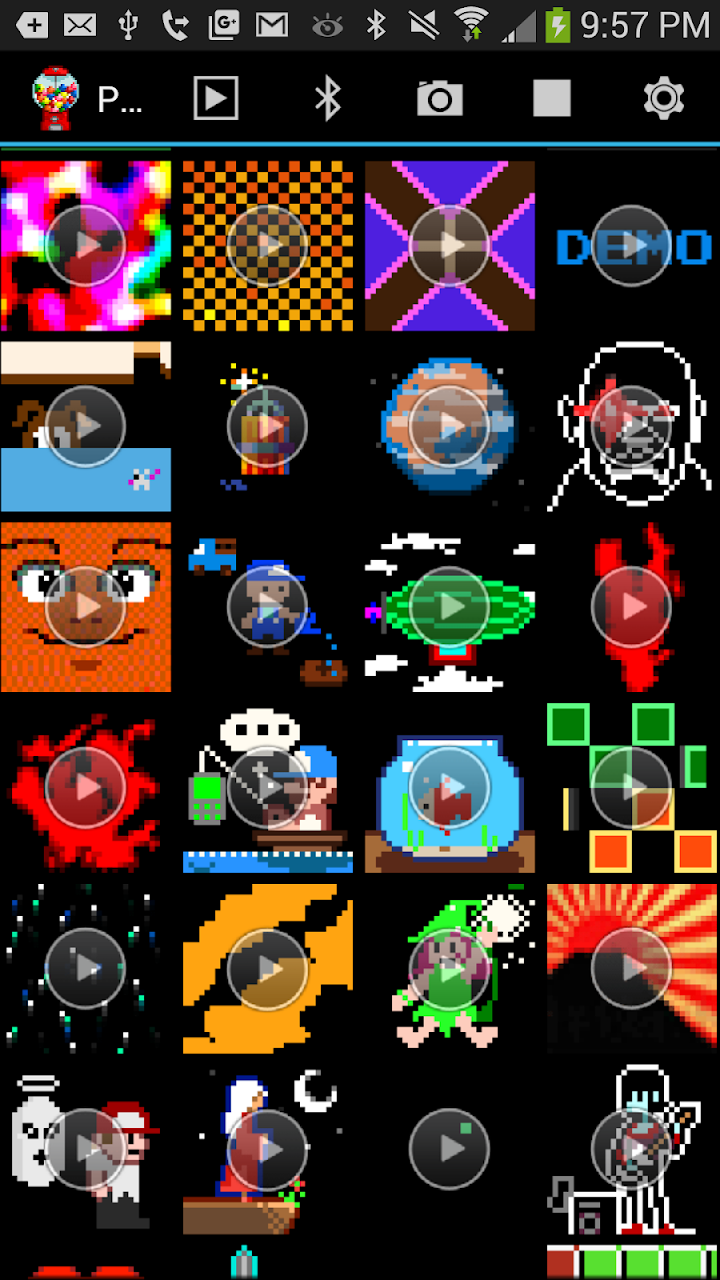
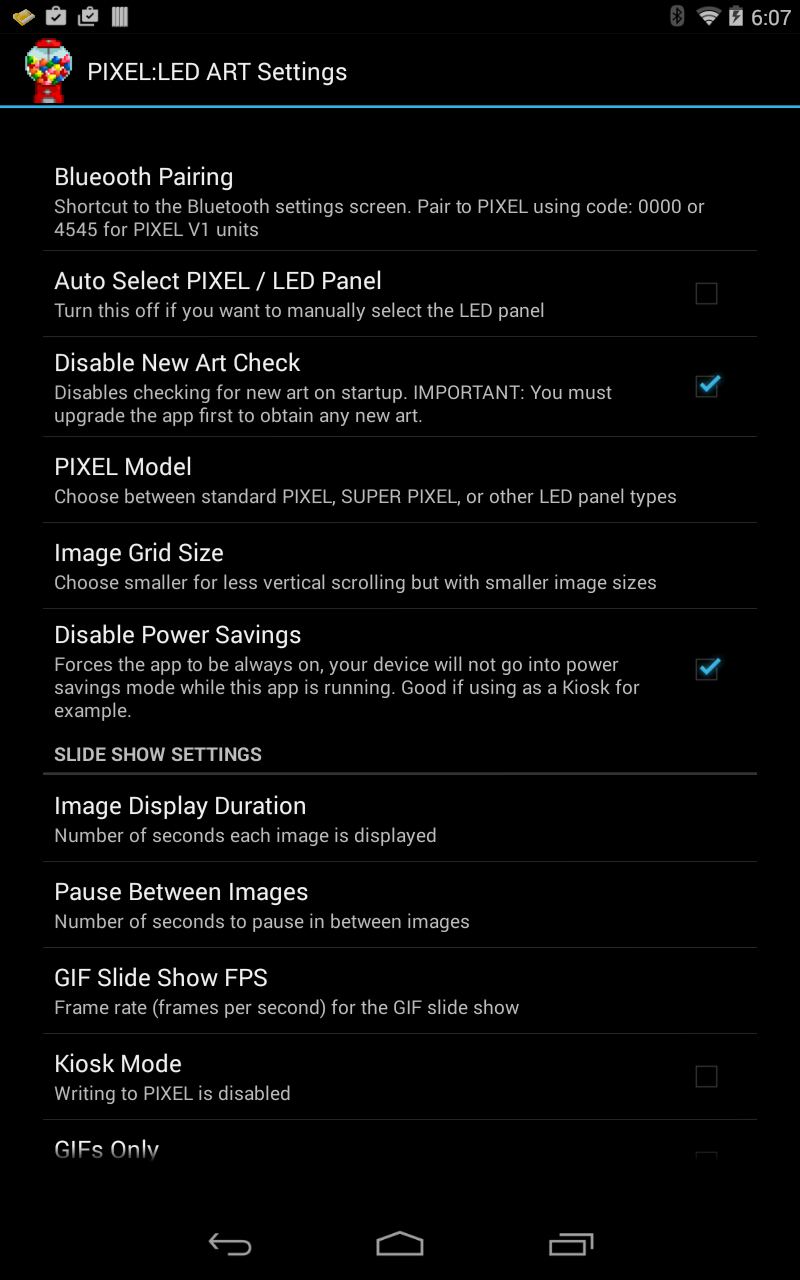
About this app
10K+ installs and a 2.1 rating set the tone for PIXEL LED ART. This app is built for the PIXEL LED Art frame and sends pixel art to it over Bluetooth. It is free, has no ads, and does not use in-app purchases, but it only makes sense if you own the matching frame.
- Frame-only output — The app sends pixel art to the PIXEL LED Art frame over Bluetooth.
- Artist gallery — It includes pixel art from Paul Robertson, Kirk Barnett, Carl Douglas, Fernando Cristi, Clement Swennes, Bertrand Dupuy, Francisco Cifuentes, and Adam Schlub.
- No paid extras — The app is free and does not include in-app purchases.
- No ad layer — There are no ads inside the app.
- Low Android floor — It supports Android API 14 and ships as a universal APK.
First launch with the frame
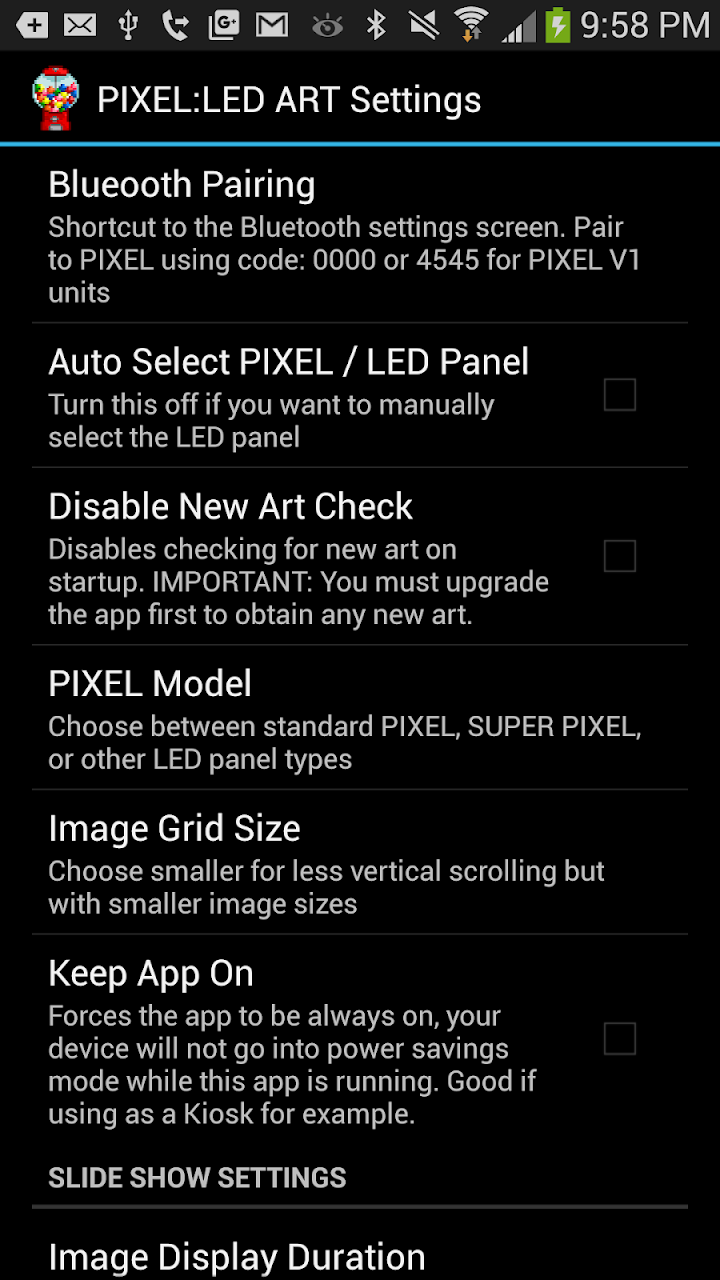
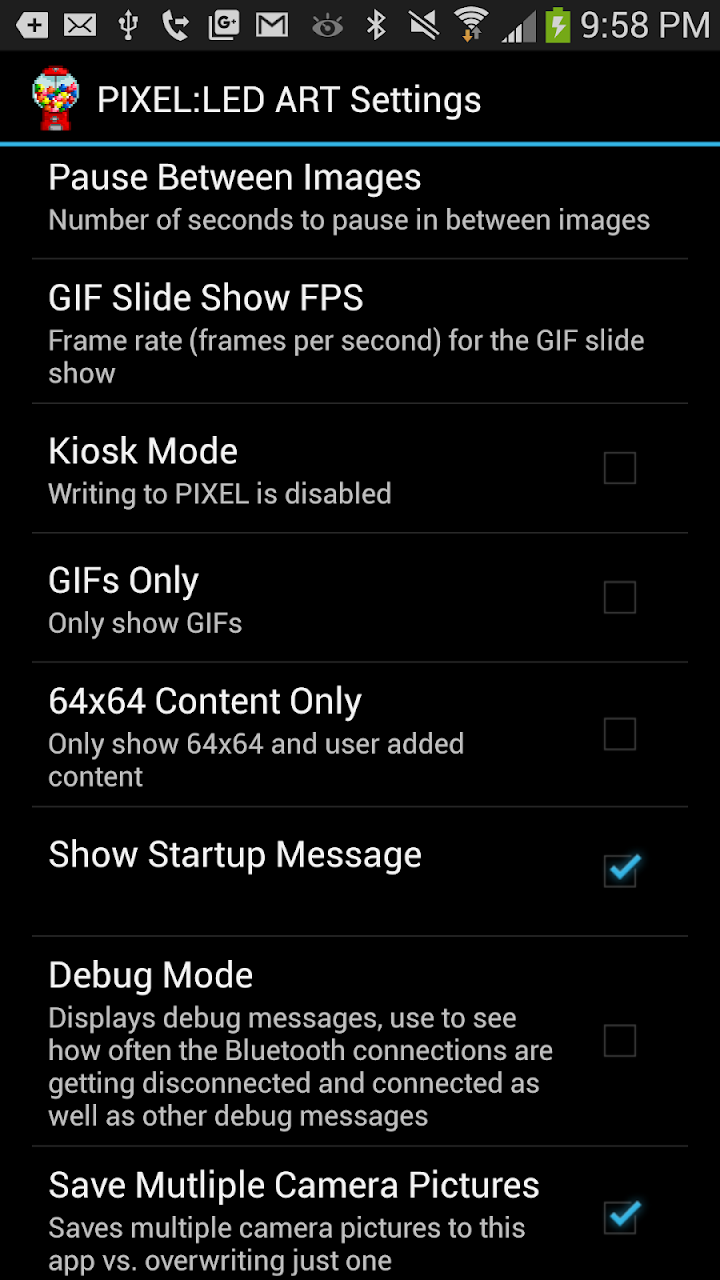
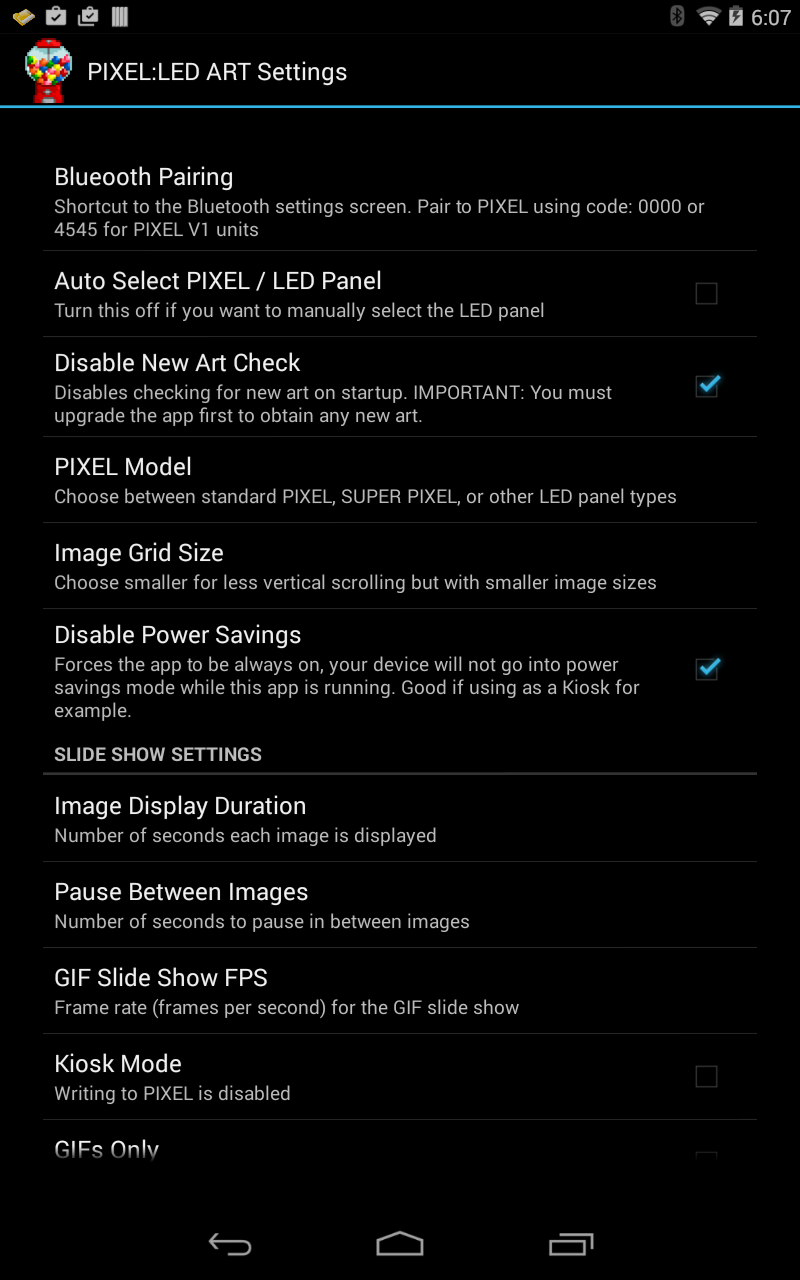
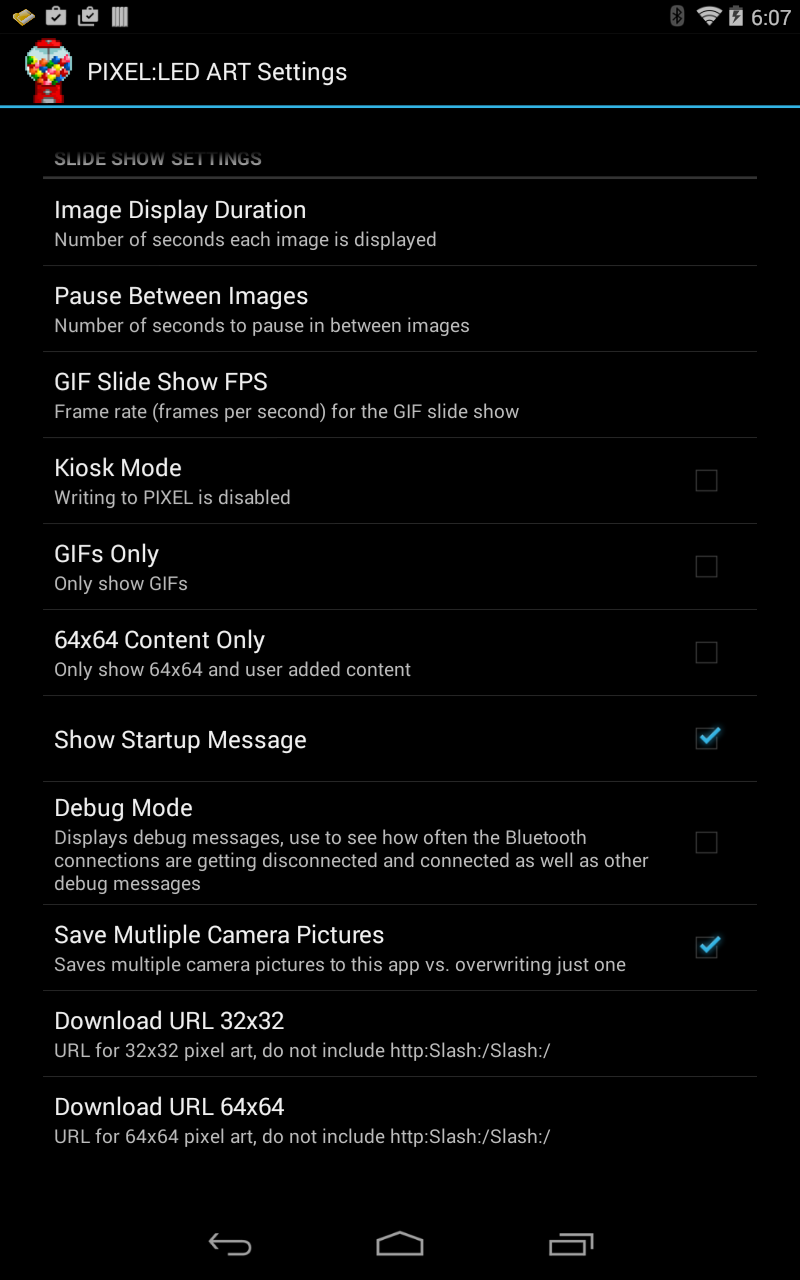
PIXEL LED ART opens as a companion app for the PIXEL LED Art frame. On first launch, expect a simple setup path centered on Bluetooth connection and sending artwork to the frame. It is not a general drawing app, and it does not replace the editor tools you find in apps like Sketchbook or ibis Paint X.
Use it when you want to place pixel art on the hardware display rather than create a full illustration on the phone.
What to set up first
Start by pairing the app with the PIXEL LED Art frame. After that, choose artwork from the included set and send it to the device. The app description names several contributing artists, so the main task is selecting a piece and pushing it to the frame.
- You get: a free app for the matching frame
- You get: Bluetooth transfer to the hardware display
- Watch for: no use without the PIXEL LED Art frame
- Watch for: no editing, capture, or RAW tools listed
Practical use on day one
If you want a phone app for drawing, this is not that. PIXEL LED ART is for sending finished pixel art to a dedicated display. That makes it closer to a hardware companion than a standalone art studio. The app is also small at 6.8 MB, comes as an APK, and supports Android API 14.
Because the app has no permissions listed, it does not show a long setup list before use. There are also no in-app purchases or ads to work around.
Requirements and permissions
You need the PIXEL LED Art frame from ledpixelart.com. The app is free, contains no ads, and has no in-app purchases. No permissions are listed, and the APK supports universal devices. It is a narrow tool: useful for the frame, not for general photo editing or AI filtering.
APK information
- Version
- 12.9
- Package
- com.ledpixelart.piledriver
- Category
- Art & Design
- Size
- 7 MB
- Min Android
- API 14
- Architecture
- universal
Older versions
-
PIXEL LED ART 12.9Nov 10, 2026Latest downloadAPK
PIXEL LED ART FAQ
Can PIXEL LED ART edit RAW photos?expand_more
No RAW editing tools are listed. The app is described as a way to send pixel art to the PIXEL LED Art frame.
Does PIXEL LED ART work offline?expand_more
That is not stated. The app’s listed function is Bluetooth transfer to the frame.
What permissions does PIXEL LED ART ask for?expand_more
No permissions are listed for this app.
Which processors does the PIXEL LED ART APK support?expand_more
The APK is marked universal, so no specific processor family is listed.
Do I need the PIXEL LED Art frame to use it?expand_more
Yes. The app requires the PIXEL LED Art frame and is meant to send pixel art to that hardware over Bluetooth.