
- 4.4star14 reviews
- 500K+Downloads
- 23 MBAPK size
- EveryoneRated for Everyone
- 8.0+Android
check_circleOriginal APK from FairWare · Updated Nov 10, 2026
No threats found
0 / — antivirus engines flagged this file
Original signature
First seen — FairWare
Unmodified APK
Same file the developer published — no mods
Pixel Studio - Art Animation MP4 GIF screenshots
8 images · tap to enlarge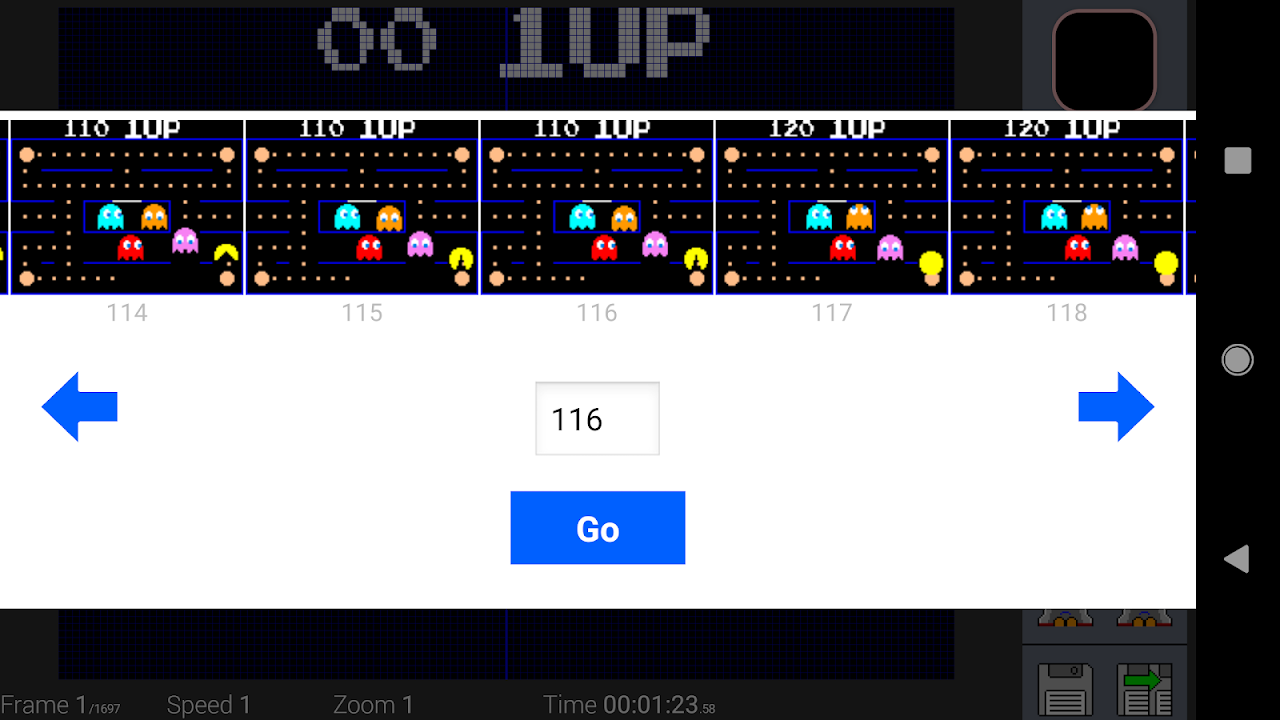
About this app
500K+ people have installed Pixel Studio - Art Animation MP4 GIF. It is a beginner-friendly pixel art editor for making frame-by-frame 8-bit animations, with tools for drawing, editing sprites, and saving work as GIF or MP4. The app is free, has no ads, and works on Android 8.0 and up.
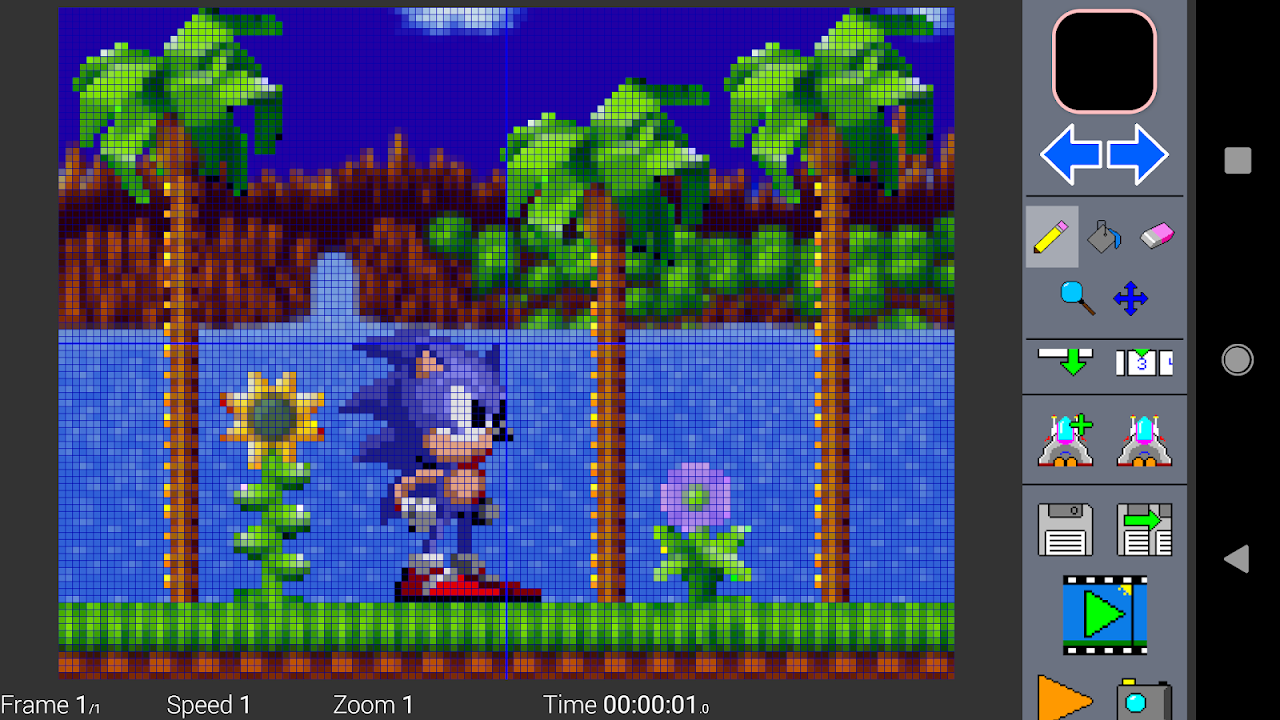
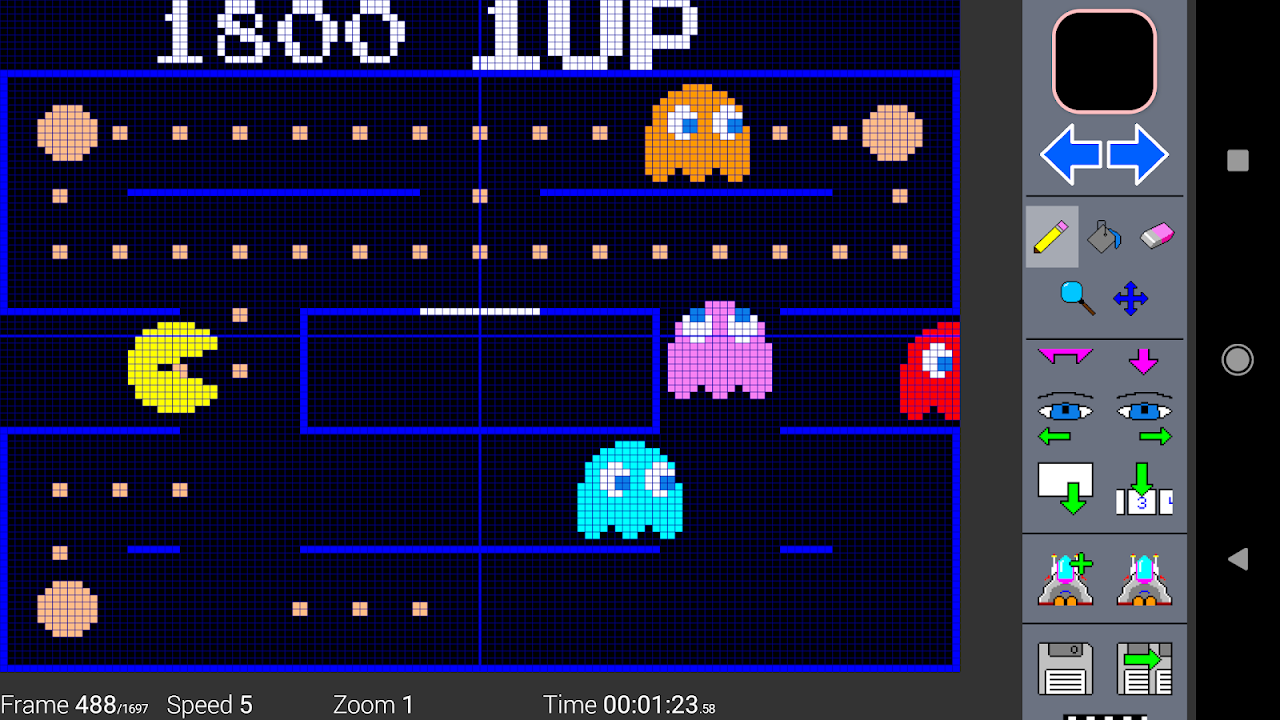
- Frame-by-frame animation — Build pixel animations one frame at a time and adjust the speed of each frame.
- GIF and MP4 export — Save finished animations as a loopable GIF or an MP4 video for sharing online.
- Sprite editor tools — Create sprites from scratch or import a PNG file or sprite sheet to edit.
- Onion skinning view — See nearby frames while drawing so it is easier to keep motion consistent.
- Custom colors and canvas — Set your own colors and choose a frame size up to 128x128.
- Undo and redo — Back up or repeat edits when you change a drawing and want to fix it quickly.
Start a pixel animation from a blank frame
If you want to make pixel art after work, in class, or on the couch, this app gives you a simple place to start. You draw frames one by one, then turn them into a moving animation. It is built for 8-bit style art, so the tools stay focused on that kind of project instead of trying to do everything at once.
Draw, zoom, and fix mistakes
The drawing area includes zoom and panning, which helps when you are working on larger frame sizes. You can also use undo and redo if a line goes wrong. Custom colors can be saved, so you do not have to pick the same shade again every time you return to a project.
Create sprites and share them between projects
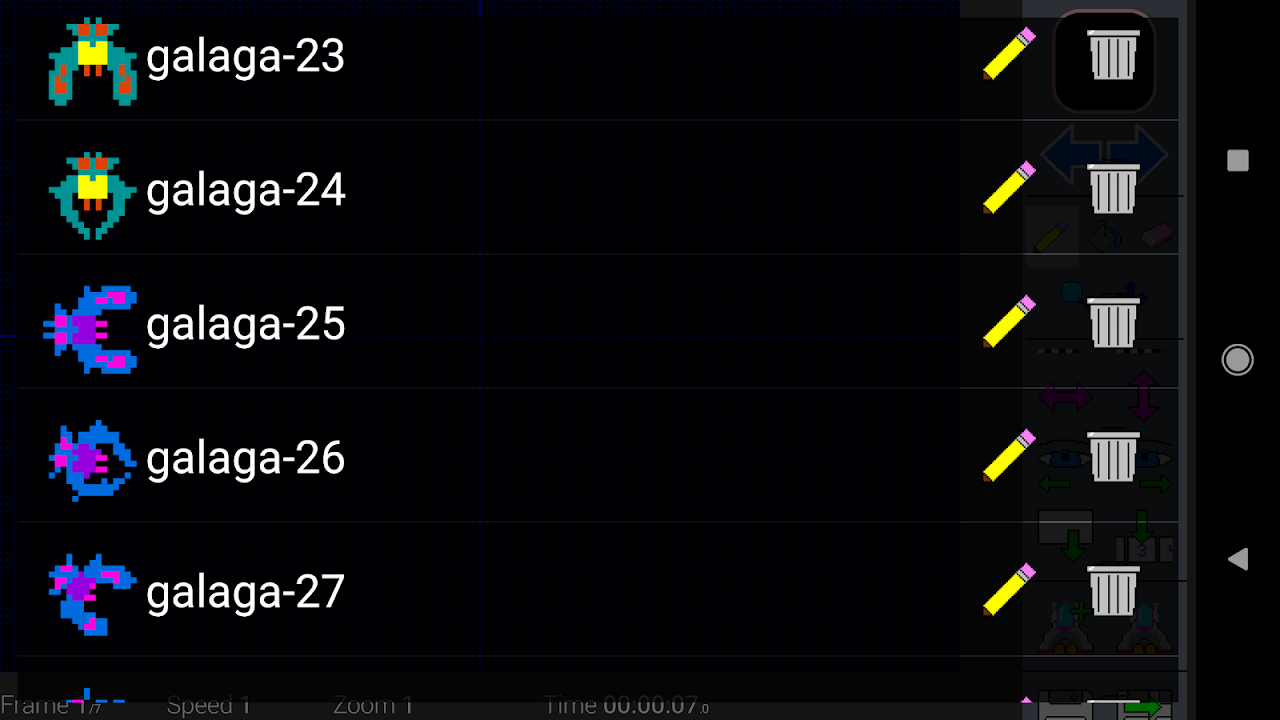
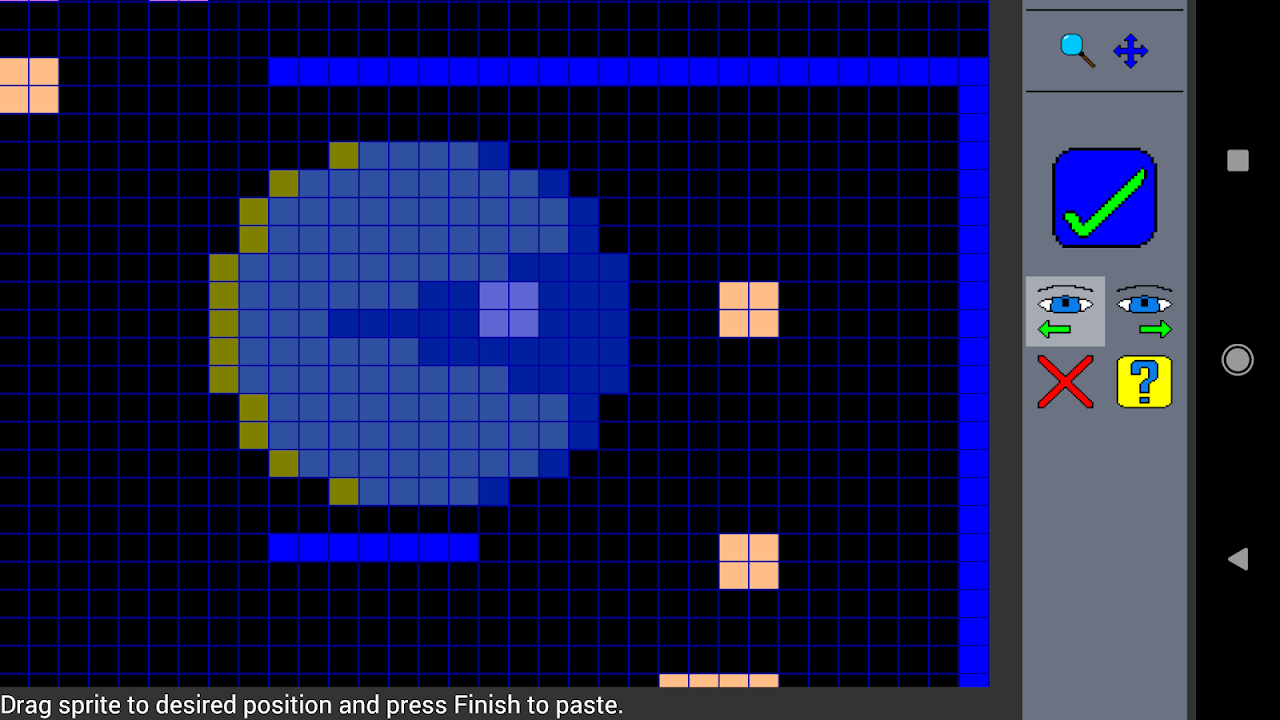
Pixel Studio includes a sprite editor for smaller character or object work. You can make sprites yourself, import a PNG file, or bring in a sprite sheet. Once a sprite is ready, you can share it between projects, which saves time when you are building more than one animation.
Export for sharing online
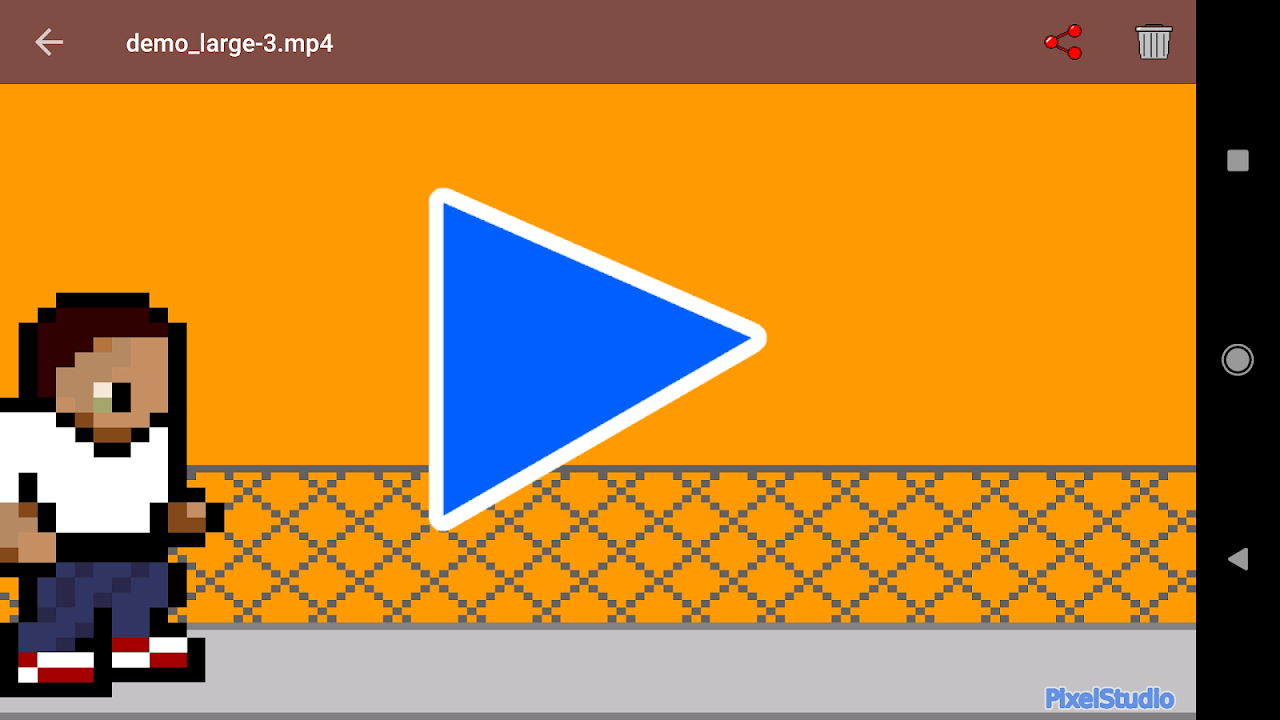
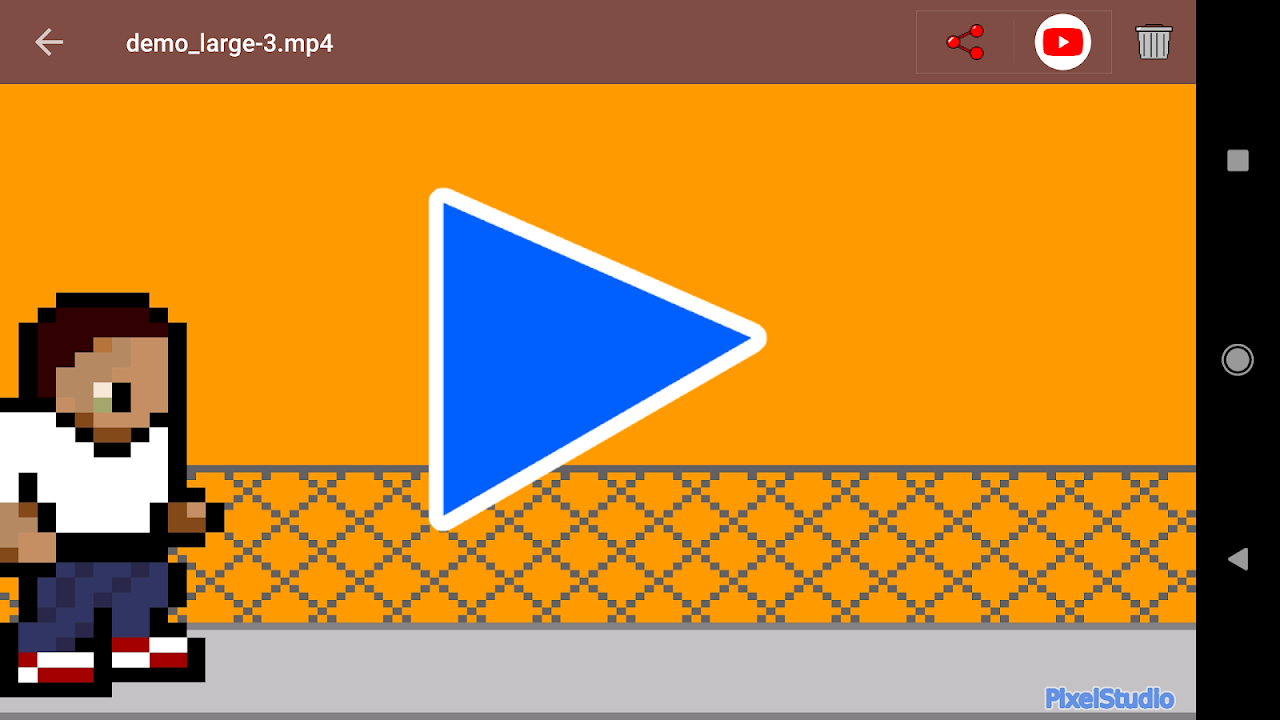
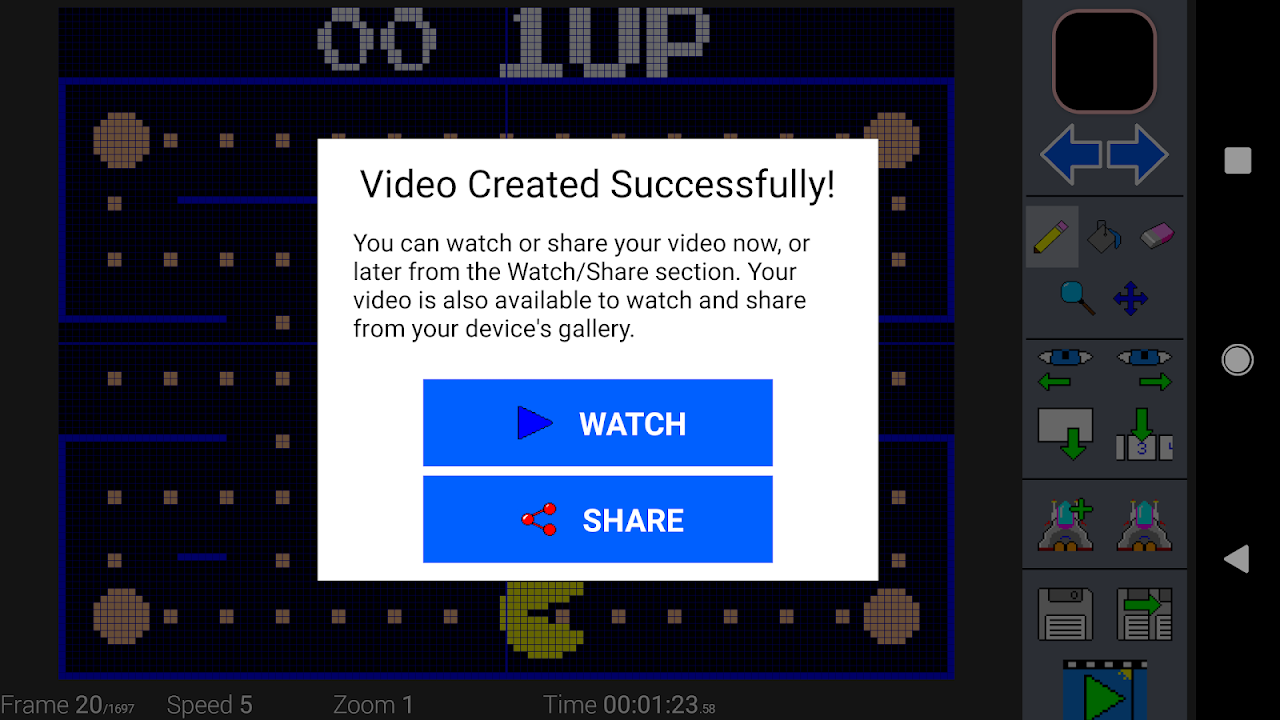
When the animation is done, you can save it as a loopable GIF or an MP4 file. That makes it easy to post to YouTube or other social media sites. The app also lets you add your own MP3 file or use one included in the app, so your animation can have sound too.
Things to know before you install
Pixel Studio is a free app with no ads and no in-app purchases. It is available as an APK file, is 23.3 MB, and needs Android 8.0 or later. The app does not ask for any permissions, and the current version was updated to work correctly with the latest Android release.
- Good for beginners: Two demo projects and sprites are included to help you get started.
- No frame limit: You can keep adding frames as your animation grows.
- Frame timing: Each frame can be adjusted, up to 30 frames per second.
For anyone who wants to make pixel art animations without a complicated setup, this app covers the main steps from drawing to export in one place.
What's new
Version 1.11.0 · Nov 10, 2026
- Updated to work correctly with the latest version of Android and removed some ads.
APK information
- Version
- 1.11.0
- Package
- com.FairWare.PixelStudio
- Category
- Art & Design
- Size
- 23 MB
- Min Android
- 8.0
- Architecture
- universal
Older versions
-
Pixel Studio - Art Animation MP4 GIF 1.11.0Nov 10, 2026Latest downloadAPK
Pixel Studio - Art Animation MP4 GIF FAQ
Does Pixel Studio - Art Animation MP4 GIF add a watermark?expand_more
The app description does not mention any watermark on exported GIFs or MP4s.
Does Pixel Studio - Art Animation MP4 GIF work offline?expand_more
The app description does not say whether it works offline.
Does Pixel Studio - Art Animation MP4 GIF show ads?expand_more
No. The app is listed as having no ads.
What is the difference between the APK and the Play Store version of Pixel Studio - Art Animation MP4 GIF?expand_more
The APK is the app file format for installing on Android. The app listing here is for the same Pixel Studio package, version 1.11.0, with no permissions listed.
Can I import a PNG or sprite sheet?expand_more
Yes. The sprite editor supports importing a PNG file or a sprite sheet.