- 4.3star1,038 reviews
- 100K+Downloads
- 38 MBAPK size
- EveryoneRated for Everyone
- 6.0+Android
check_circleOriginal APK from conedevstudio · Updated Nov 14, 2026
No threats found
0 / — antivirus engines flagged this file
Original signature
First seen — conedevstudio
Unmodified APK
Same file the developer published — no mods
Pixel Unicorn: Color By Number screenshots
8 images · tap to enlarge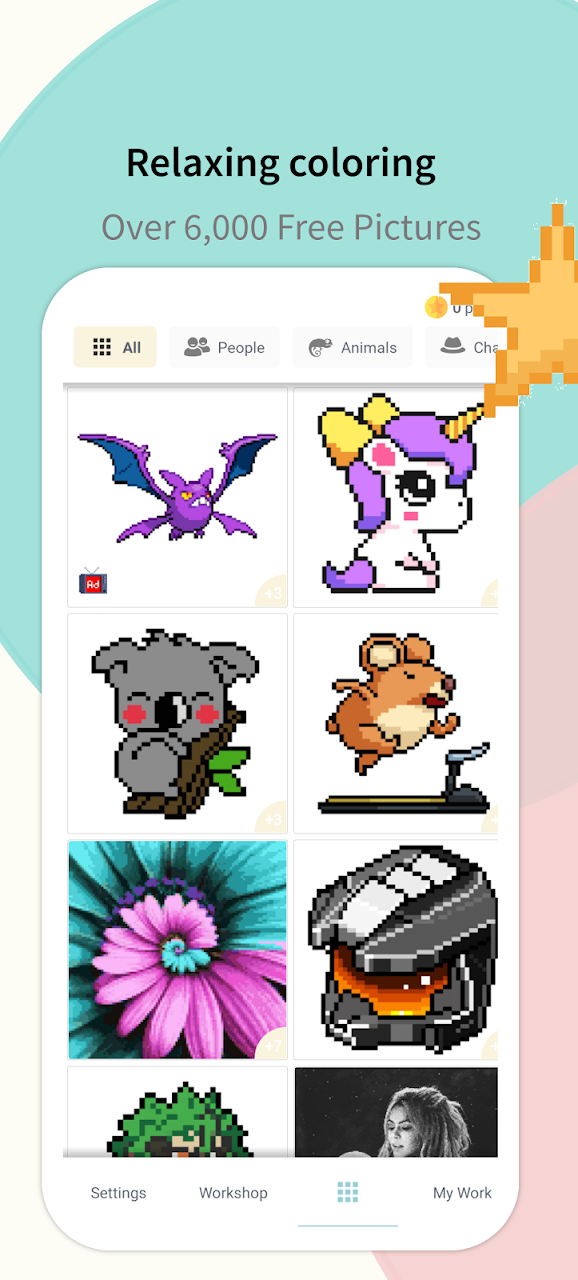
About this app
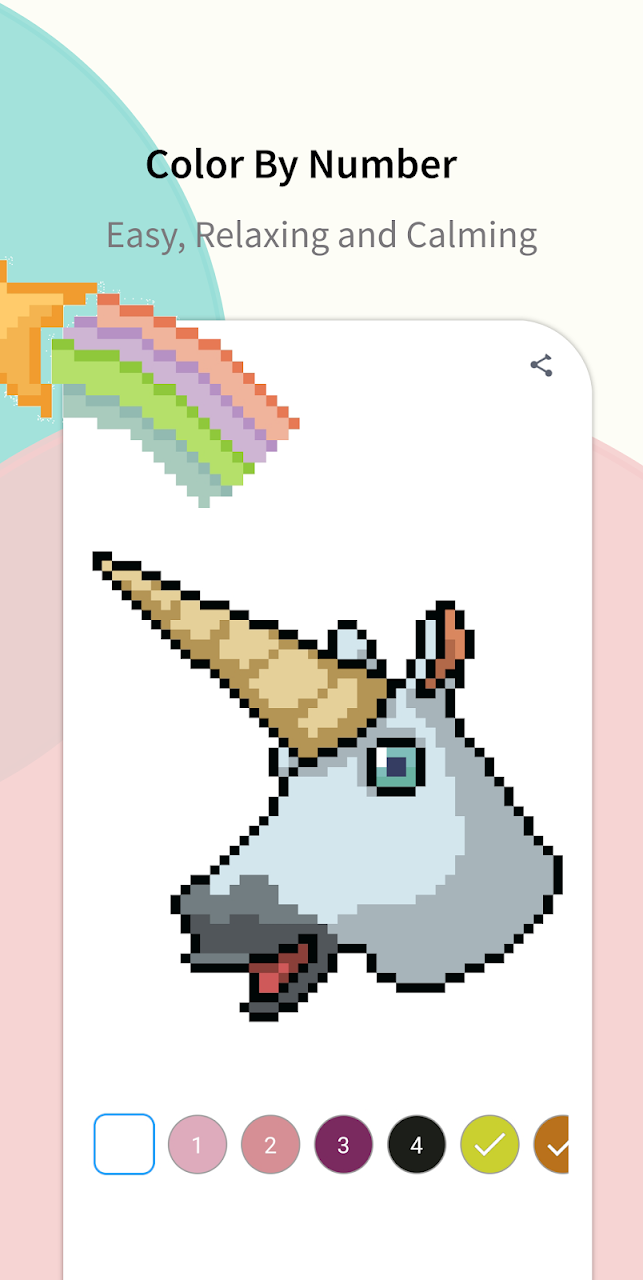
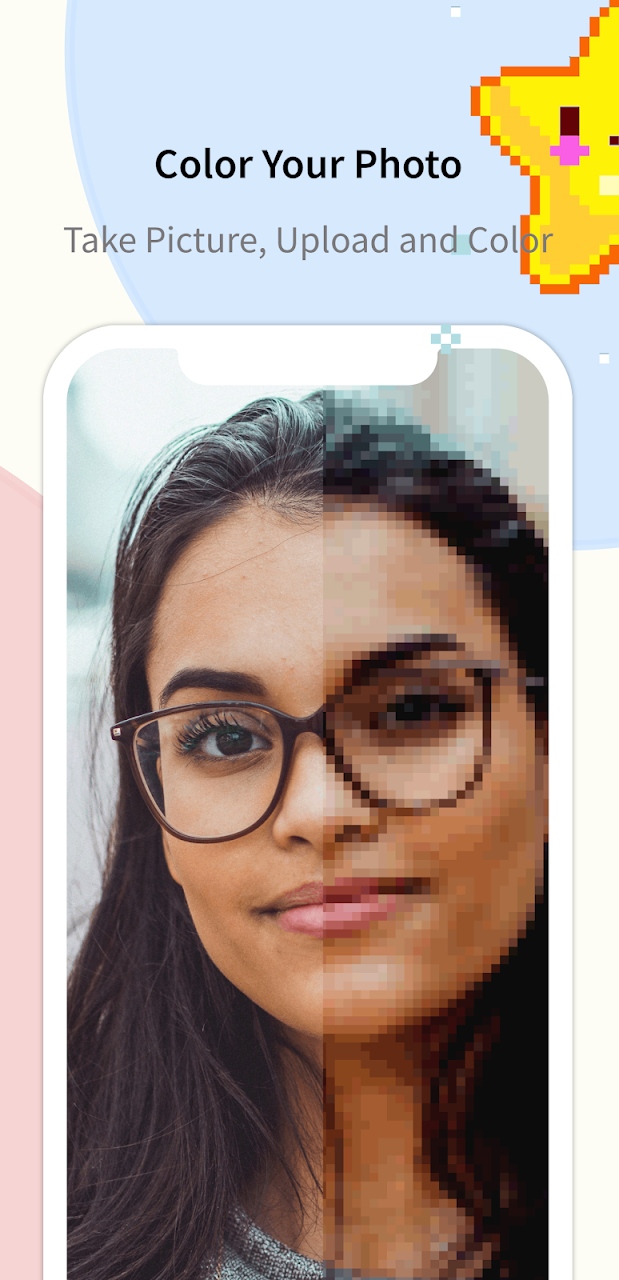
conedevstudio’s Pixel Unicorn: Color By Number is a coloring app for filling pixel art by number on Android. Open it when you want a quick, low-effort creative break: pick an image, tap the matching numbers, and watch the picture build up piece by piece. It also includes a photo-to-pixel feature and daily image updates.
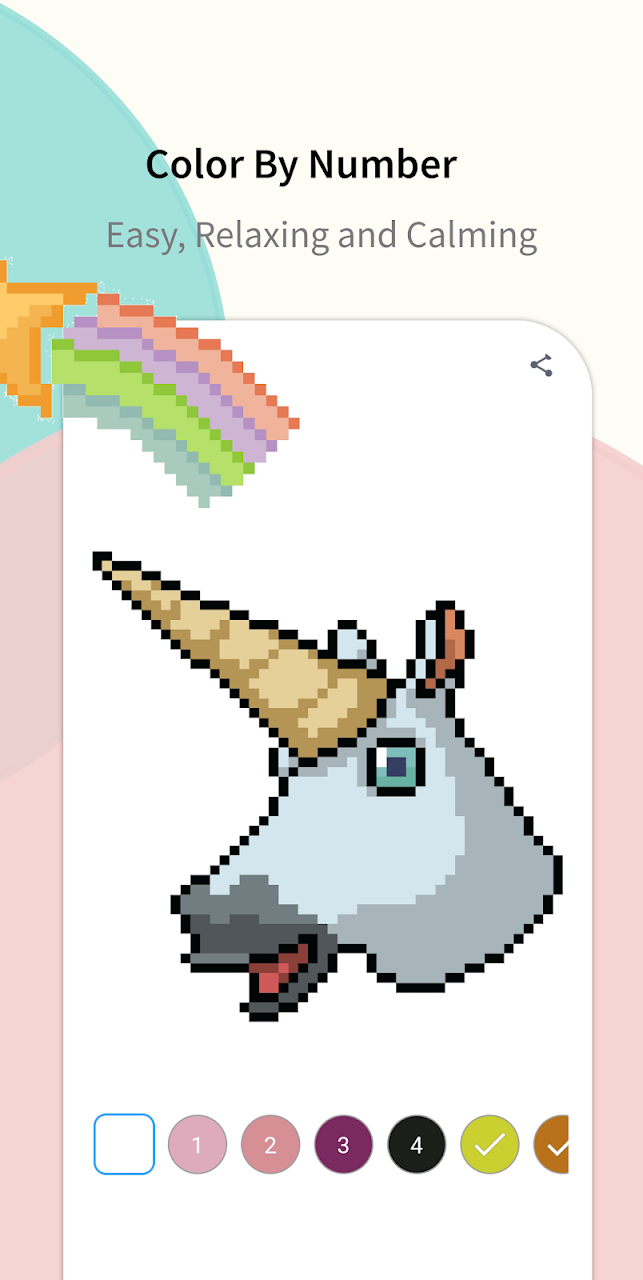
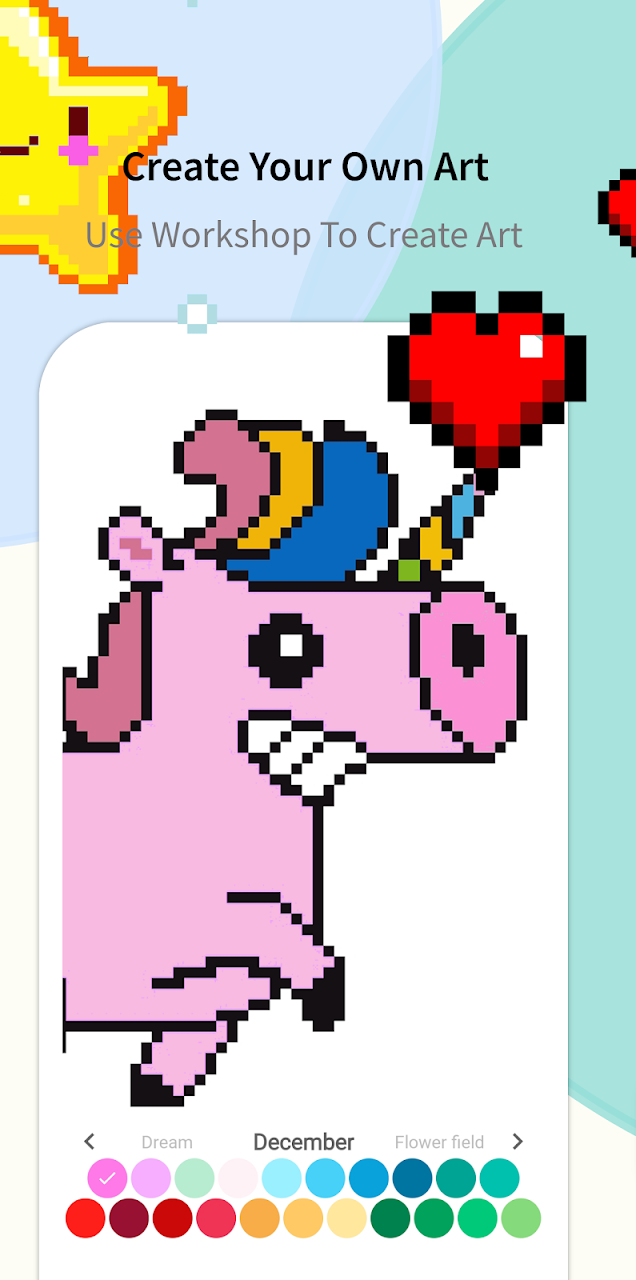
- Tap to color — Choose a picture and fill each numbered space with a simple tap.
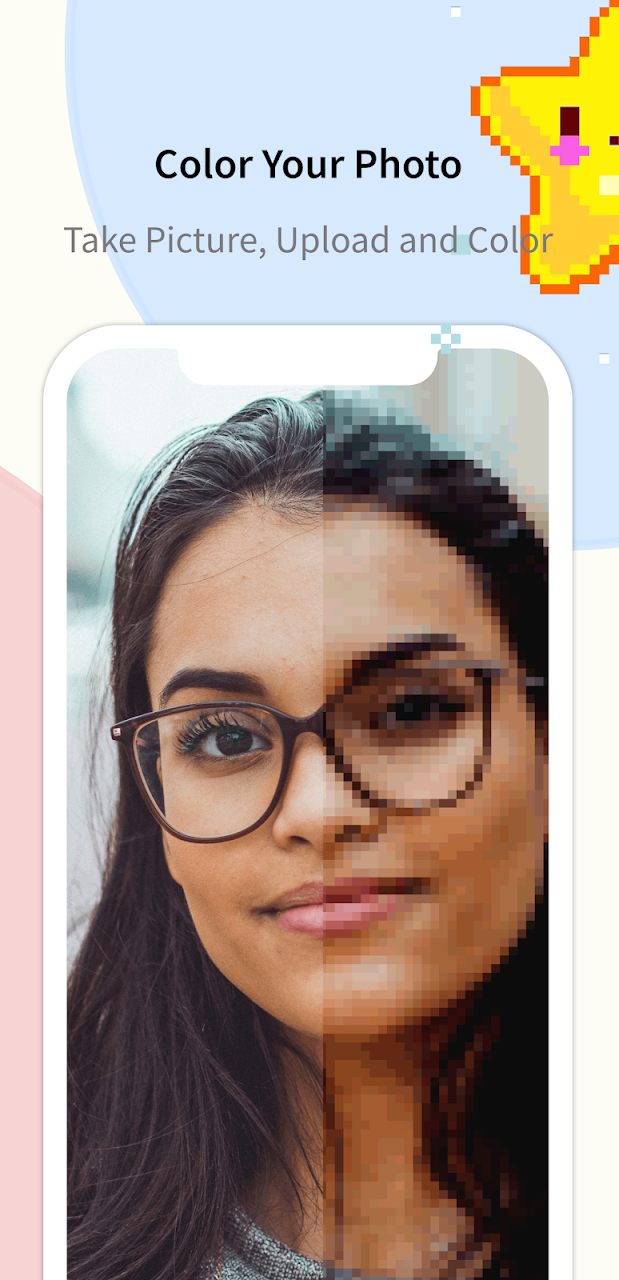
- Photo to pixel — Convert your own photos into color-by-number pixel art.
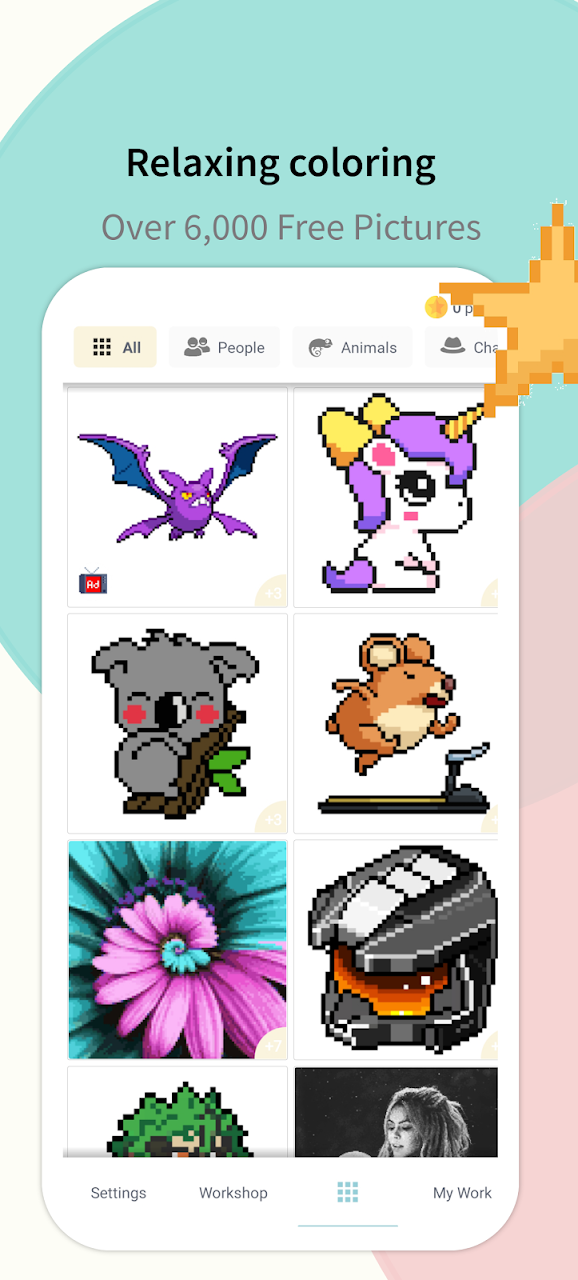
- Large image library — Browse more than 6,000 free pixel art images across different themes.
- Daily new pictures — New images are added regularly so there is always something fresh to color.
- Made for easy use — The app is designed for quick sessions with no complicated setup.
- Free to install — It is free to download, with ads shown inside the app.
First launch: start coloring right away
When you open Pixel Unicorn: Color By Number for the first time, you can go straight into an image and begin tapping numbers to fill the picture. There is no account step listed, so the first-day experience is focused on choosing art and coloring.
Picking a picture and filling it in
The main screen is built around selecting a pixel art image and matching the numbered sections. This is the part you will use most in a normal day: open the app, choose a design, and color a little or a lot whenever you have a few minutes.
The app includes a photo-to-pixel feature, which lets you turn your own photos into color-by-number art. That makes it easy to use your own images instead of only the built-in gallery.
Daily images and easy sessions
There are over 6,000 free pixel art images, and new pictures are added daily. That helps if you like to come back often and keep moving to the next design without hunting for something new.
- Use the gallery for quick, ready-made coloring.
- Try the photo feature when you want a custom image.
- Tap slowly and use the number guide to keep each section organized.
What to expect from ads and storage access
The app is free and contains ads, so you may see advertising while using it. It also asks for storage-related permission, including WRITE_EXTERNAL_STORAGE, which is commonly used for saving or handling images. The download is an APK file, sized at 38.2 MB, and it requires Android 6.0 or newer.
Practical tips for the first day
If you want the easiest start, begin with a simple image before trying a photo conversion. Keep an eye on the numbered areas as you color, and use the daily updates when you finish a picture and want another one ready to go.
You may also notice notifications and network-related permissions, which fit the app’s ad support and online image features.
What's new
Version 16.2.0-g · Nov 14, 2026
- UI improvements.
- Faster replay of completed images.
- Redesigned category selection.
- New reminder panel to continue coloring your last image.
Pixel Unicorn: Color By Number in the news
APK information
- Version
- 16.2.0-g
- Package
- com.conedevstudio.sandbox
- Category
- Art & Design
- Size
- 38 MB
- Min Android
- 6.0
- Architecture
- arm64-v8a, armeabi-v7a, x86, x86_64
Older versions
-
Pixel Unicorn: Color By Number 16.2.0-gNov 14, 2026Latest downloadAPK
Pixel Unicorn: Color By Number FAQ
Can Pixel Unicorn: Color By Number edit RAW photos?expand_more
No RAW photo editing is listed. The app does include a photo-to-pixel feature for turning images into color-by-number art.
Does Pixel Unicorn: Color By Number work offline?expand_more
Offline use is not stated. The app includes daily updates and ad-related network permissions, so some features may need a connection.
How big is the Pixel Unicorn: Color By Number download?expand_more
The APK size is 38.2 MB.
Is Pixel Unicorn: Color By Number available for older phones?expand_more
It requires Android 6.0 or newer, so it works on phones running that version or later.
How many coloring images are included?expand_more
The app lists over 6,000 free pixel art images, with new images added daily.