
- 4.1star2,522 reviews
- 100K+Downloads
- 4 MBAPK size
- EveryoneRated for Everyone
- API 14+Android
check_circleOriginal APK from HAYAS PLAY · Updated Nov 10, 2026
No threats found
0 / — antivirus engines flagged this file
Original signature
First seen — HAYAS PLAY
Unmodified APK
Same file the developer published — no mods
Pixelart paint Pro screenshots
8 images · tap to enlarge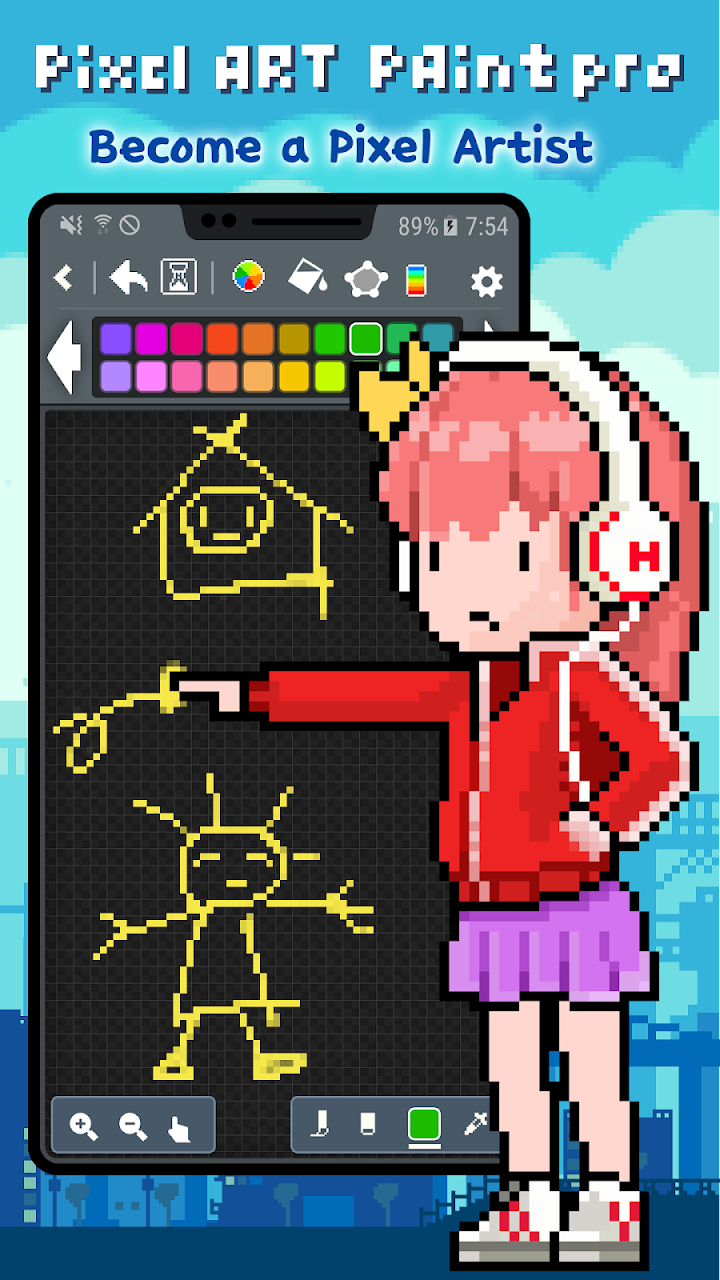
About this app
HAYAS PLAY’s Pixelart paint Pro is a pixel editor for making dot, 8bit, and retro sprite art. It opens into a practical set of drawing tools for quick edits, palette work, and sharing, with optional Pro-pack features for layers, GIF export, and project management.
- Shape drawing — Draw with line, rectangle, ellipse, and other basic shapes.
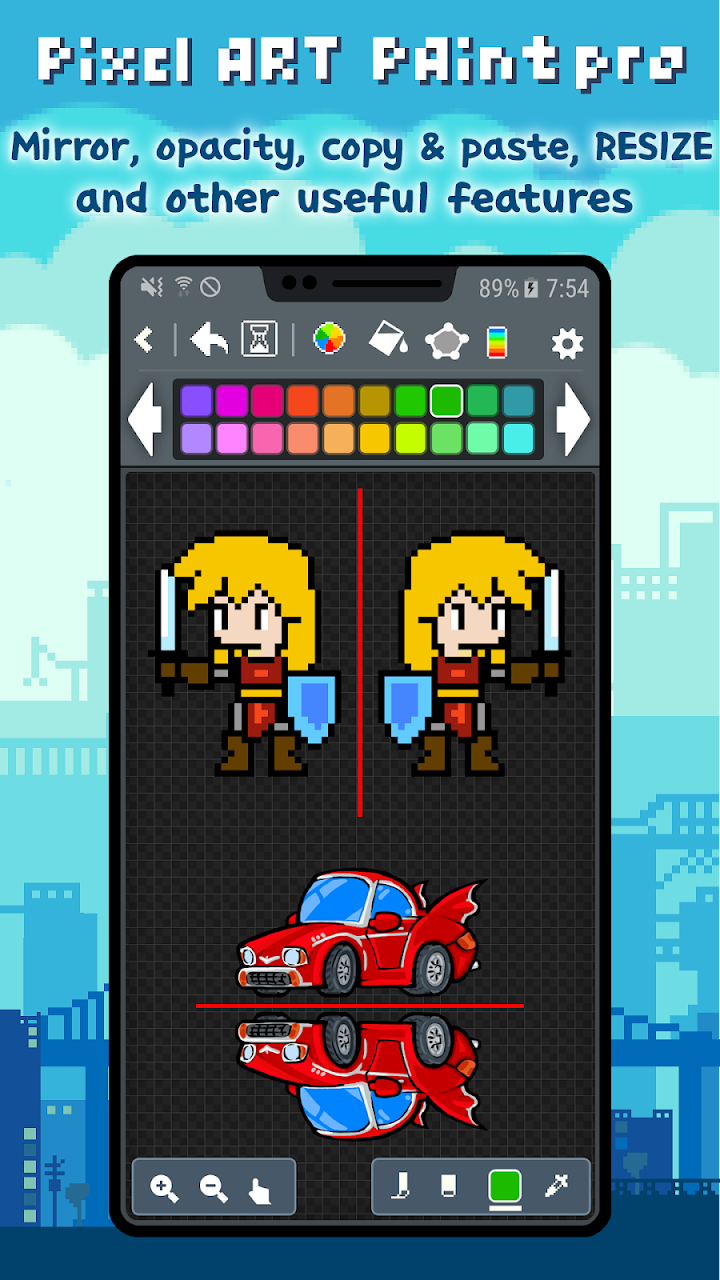
- Pixel tools — Use undo and redo, zoom, brush size, paint bucket, and mirror tools while editing.
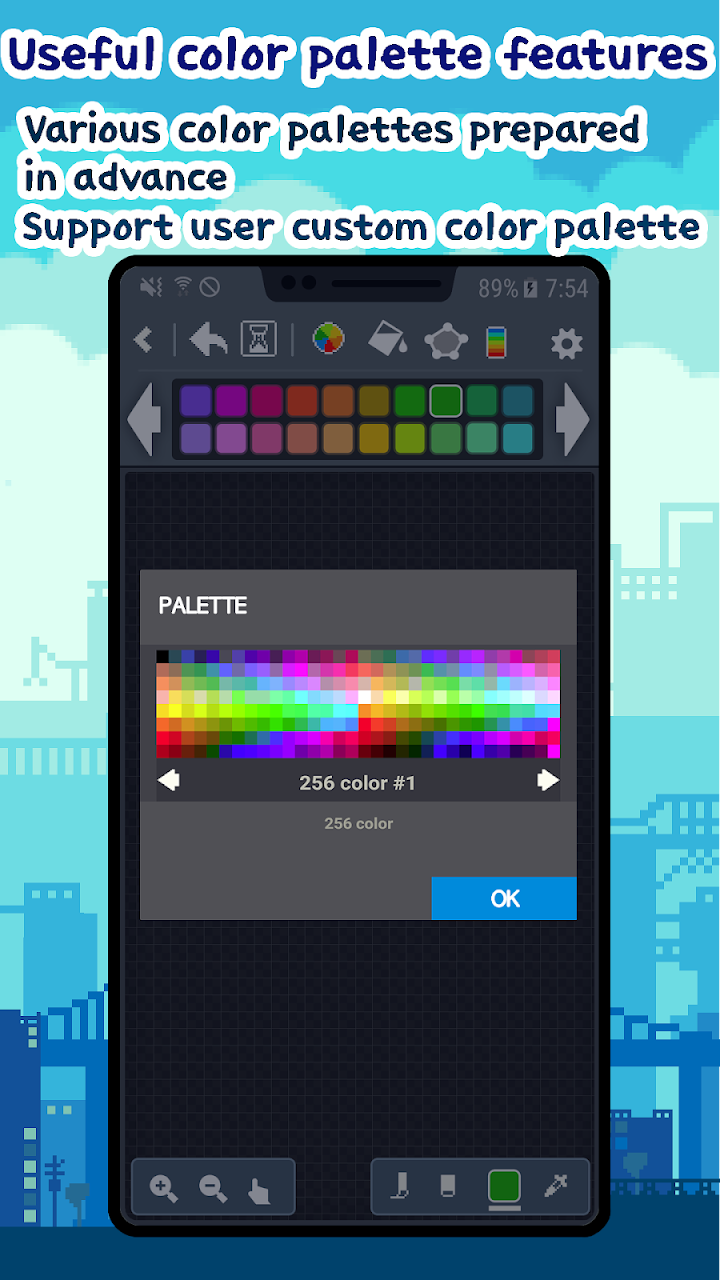
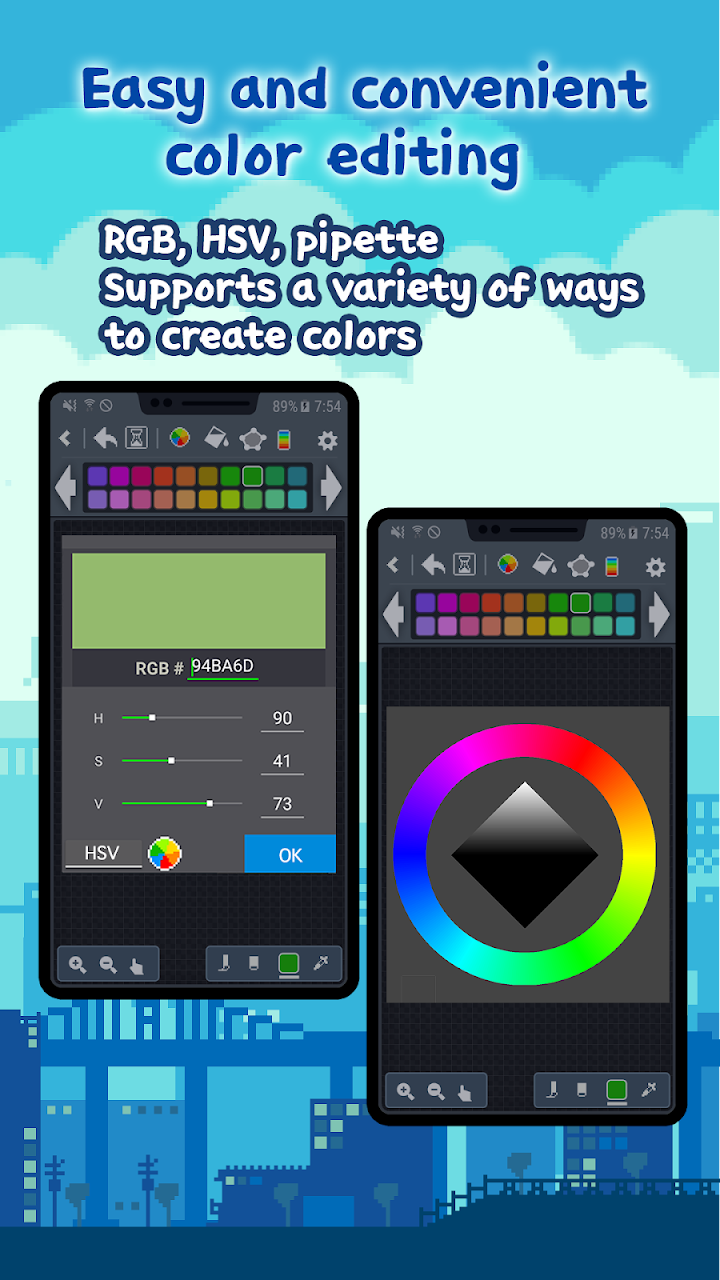
- Palette control — Edit colors with the eyedropper, HSV, RGB, or load a custom palette.
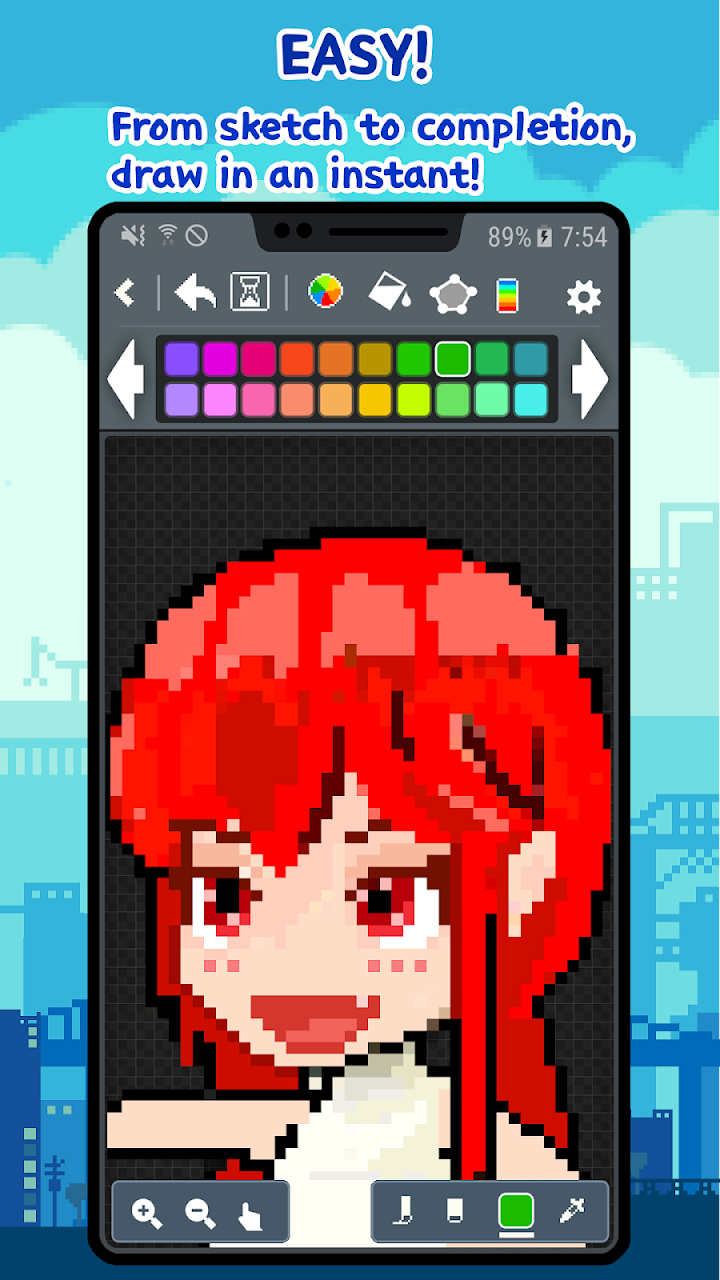
- Import and crop — Bring in images from the gallery, convert them into pixels, and crop as needed.
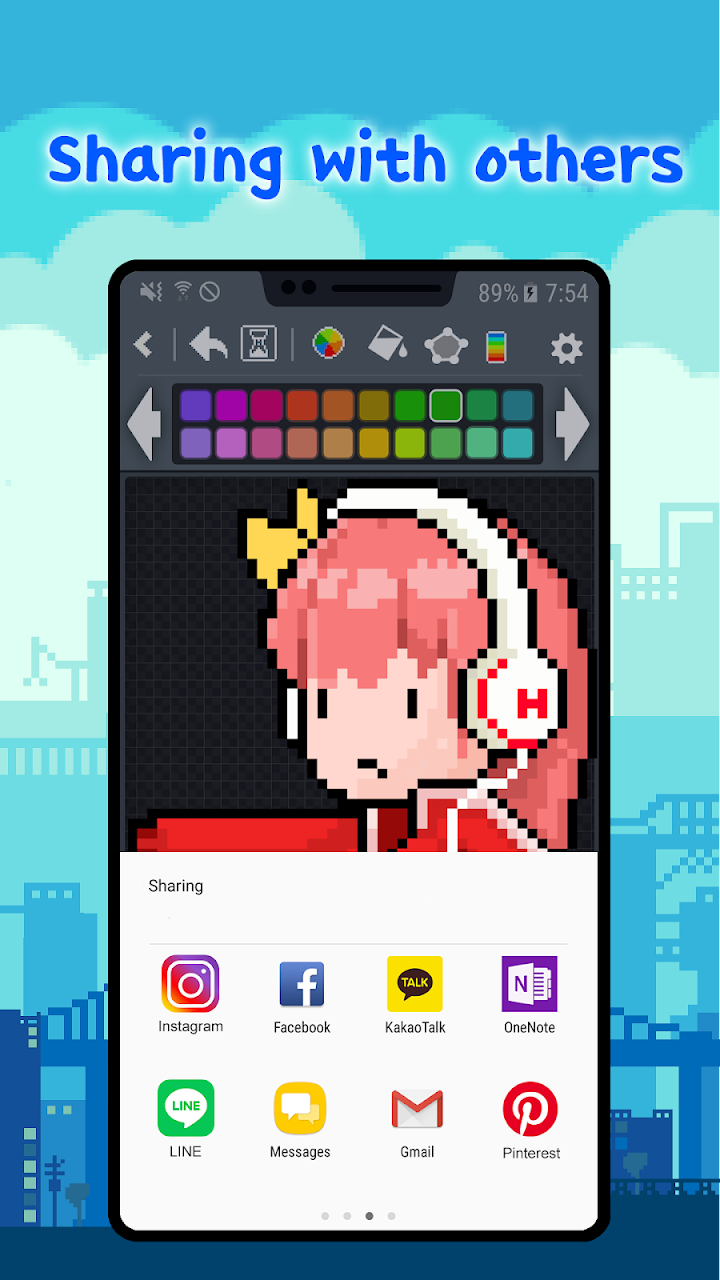
- Export and share — Save PNG sprites and share work through Twitter, Instagram, email, and other apps.
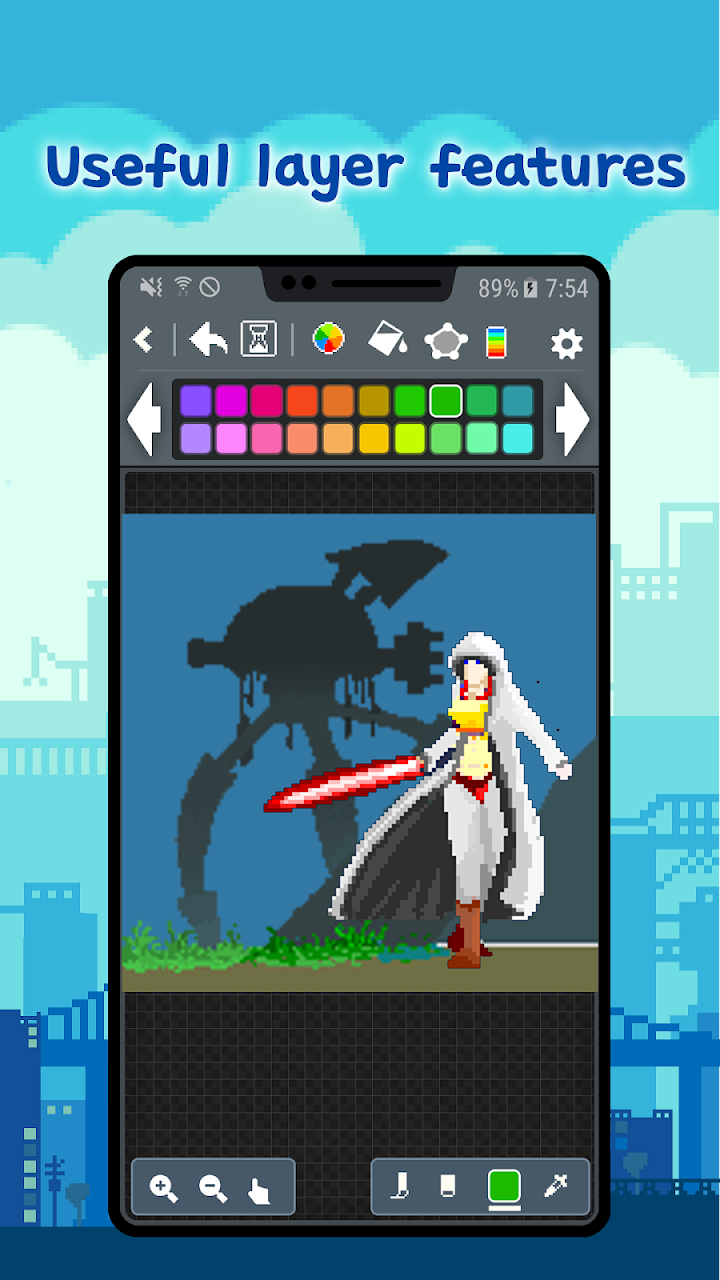
- Pro-pack extras — Upgrade for animation to GIF, layers, resize tools, copy and paste, and no ads.
Drawing sprites on a small canvas
Pixelart paint Pro is built for quick pixel work rather than a full painting workflow. The app supports image sizes from 8 to 600 pixels, with grid controls, zoom in and out, preview, mirror, flip horizontal and vertical, brush size, and a paint bucket for filling areas. It also supports Samsung Galaxy Note S-Pen use. The app is an APK, weighs 4.0 MB, and installs on Android API 14 and up.
Import a photo, then edit it pixel by pixel
A common use case is taking a picture from the gallery and turning it into pixel art. The app includes an import option with a pixel converter, plus crop tools for trimming the working image. That makes it useful for sprites, retro-style icons, and small edits you want to adjust by hand rather than automatically polish.
Palette changes and export choices
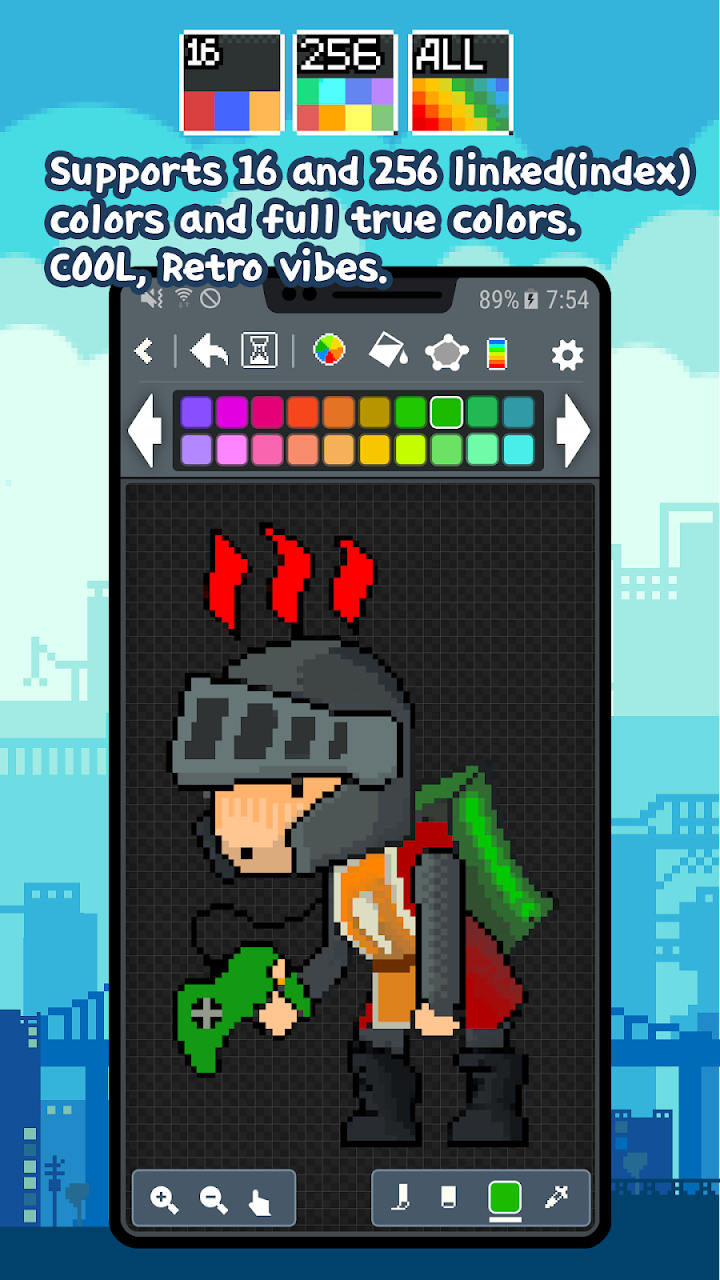
Color control is one of the main screens here. You can use the color wheel, eyedropper, and palette editing tools, including HSV and RGB changes. The app also lets you load a custom palette, and palette changes can update already drawn pixels in 16- and 256-color images. Finished work can be saved as PNG in a PixelArtPaintPro/png folder, with auto-save when you move past the background.
Sharing and the tradeoffs you notice
Sharing is straightforward: the app can send art to Twitter, Instagram, email, and other apps. The free version contains ads, while the Pro-pack removes ads and adds animation export to GIF, layers, project management, save palettes, resize options, and copy and paste. No permissions are listed, so the app does not show any required access here beyond the sharing and import features described in the app itself.
The app has a 4.1 rating from 2,522 ratings and is rated Everyone. It is a focused tool for people who want a simple pixel editor without extra setup.
APK information
- Version
- 2.1.3
- Package
- com.heatonhead.fingerart.pro
- Category
- Art & Design
- Size
- 4 MB
- Min Android
- API 14
- Architecture
- universal
Older versions
-
Pixelart paint Pro 2.1.3Nov 10, 2026Latest downloadAPK
Pixelart paint Pro FAQ
Can Pixelart paint Pro edit RAW photos?expand_more
It is described as a pixel editor with gallery import and a pixel converter, not a RAW editor.
Does Pixelart paint Pro add a watermark?expand_more
No watermark is mentioned in the app description or feature list.
Can I install Pixelart paint Pro without Google Play?expand_more
The app is distributed as an APK, so installation is not limited to Google Play in the details provided.
How big is the Pixelart paint Pro download?expand_more
The APK size is 4.0 MB.
Does Pixelart paint Pro support animation?expand_more
Animation and export to GIF are listed as Pro-pack features.